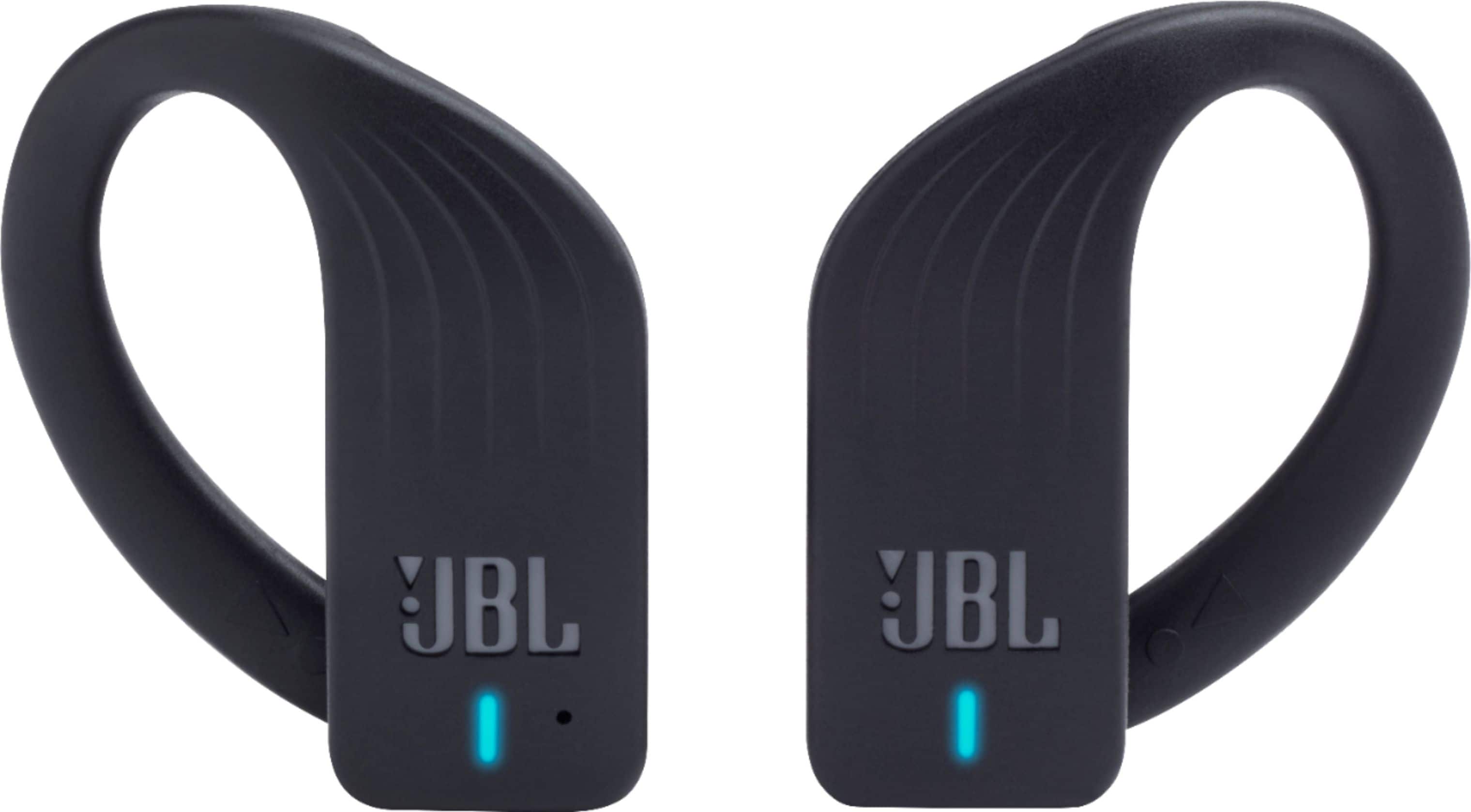
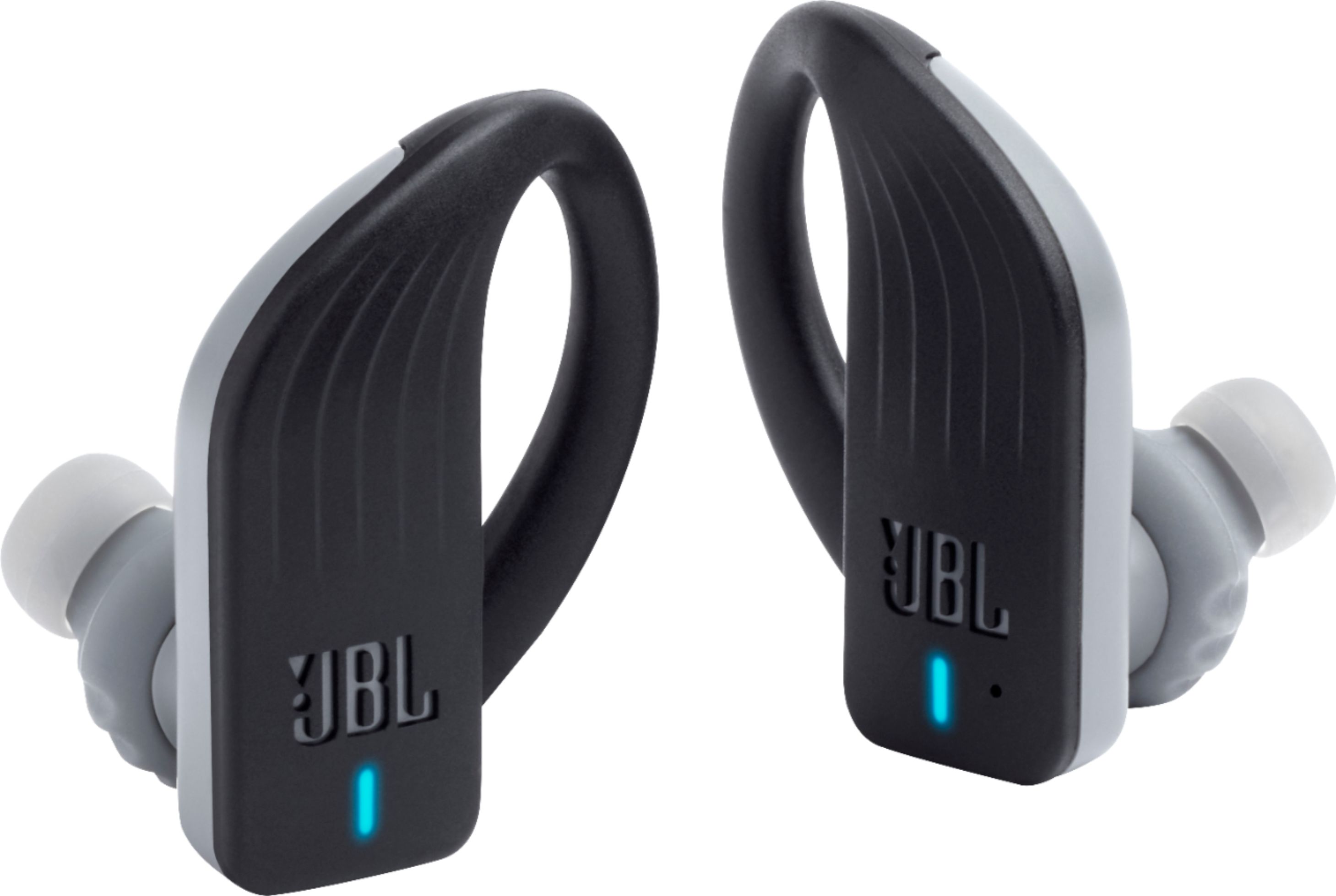
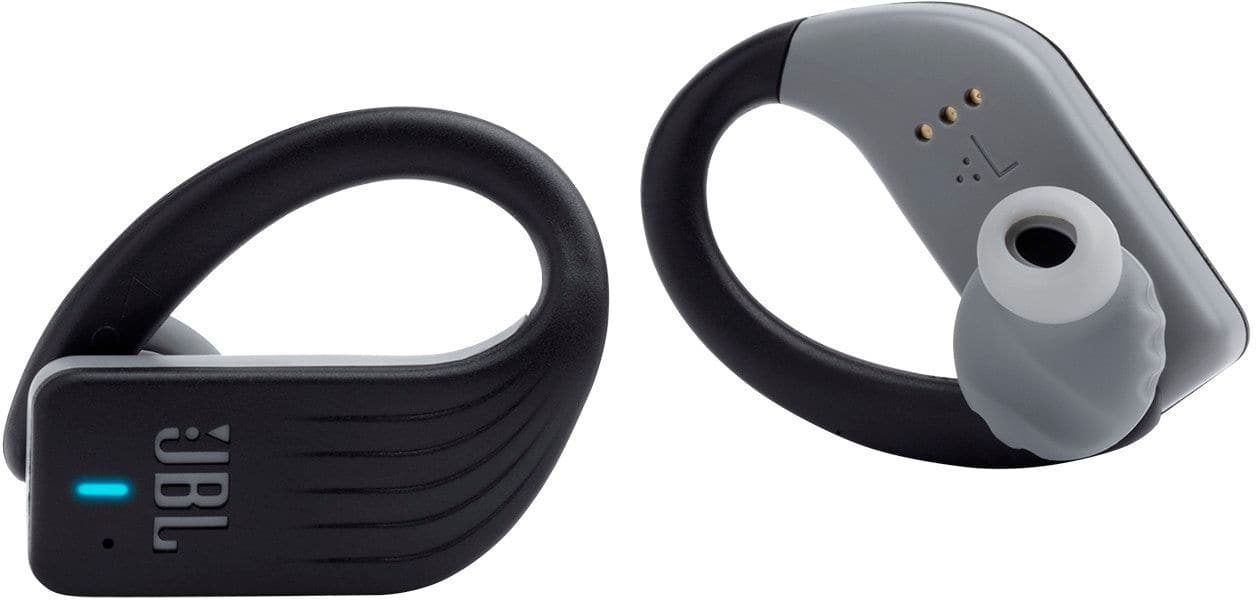
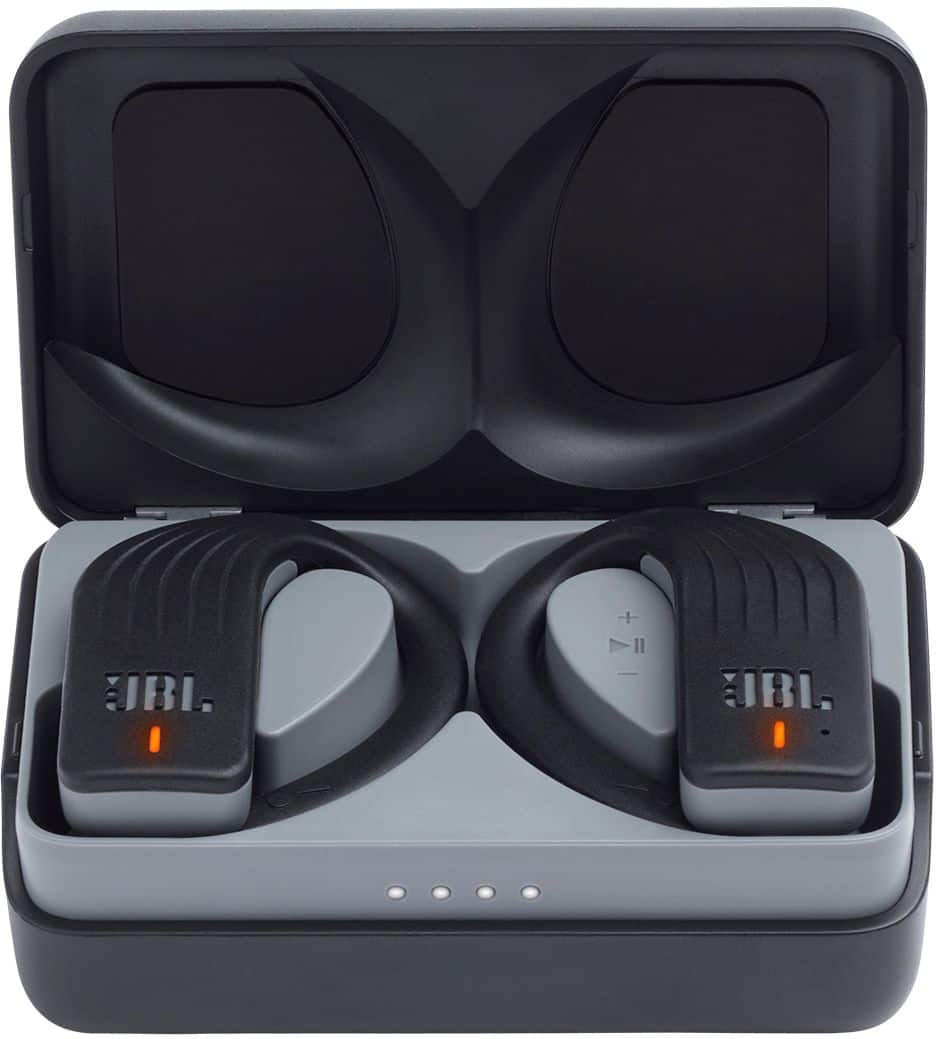
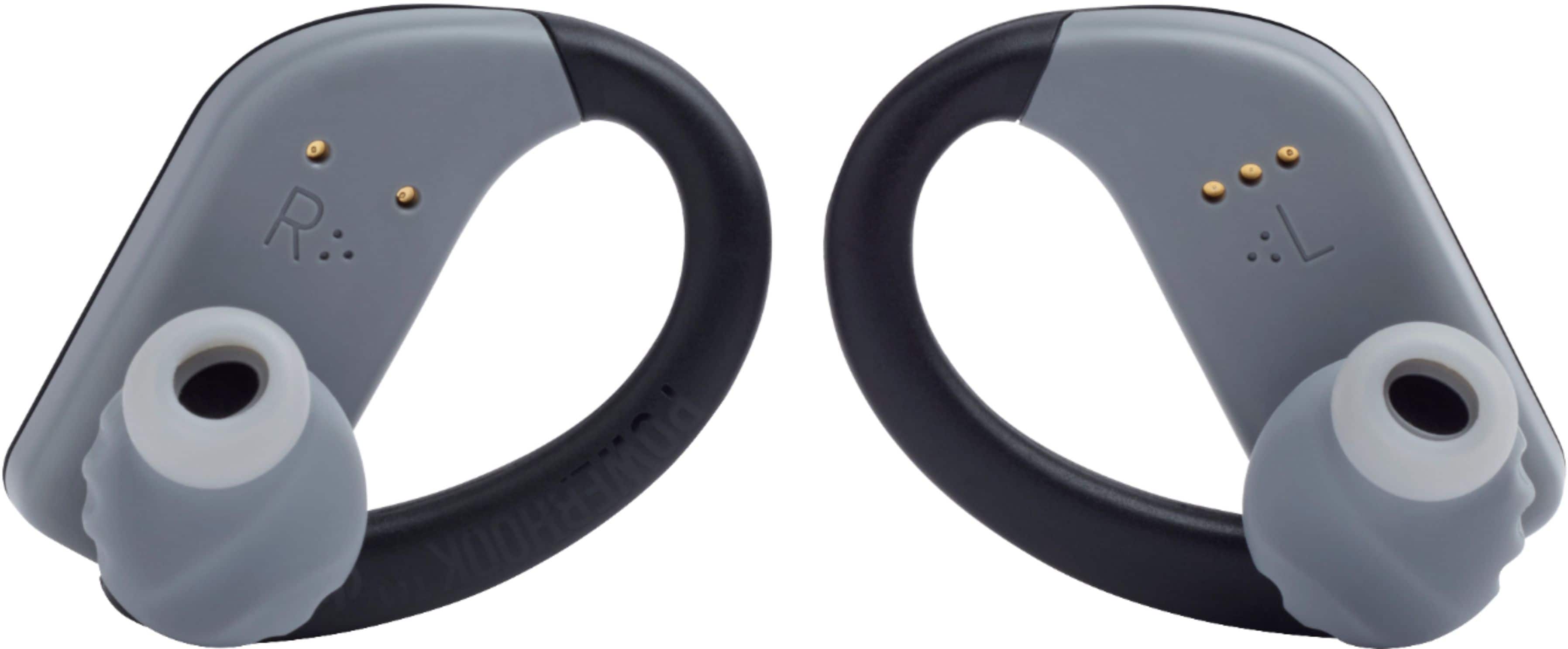
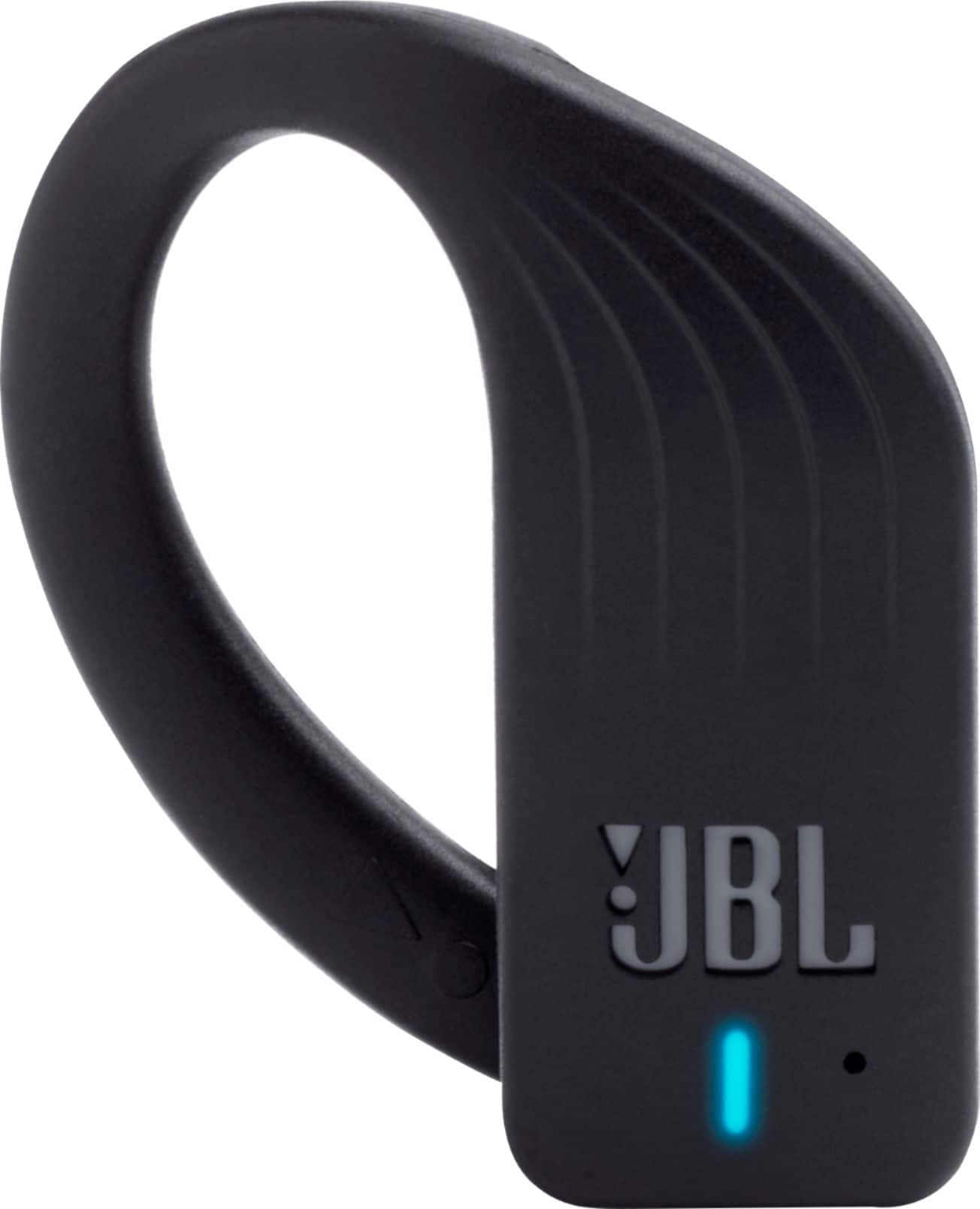
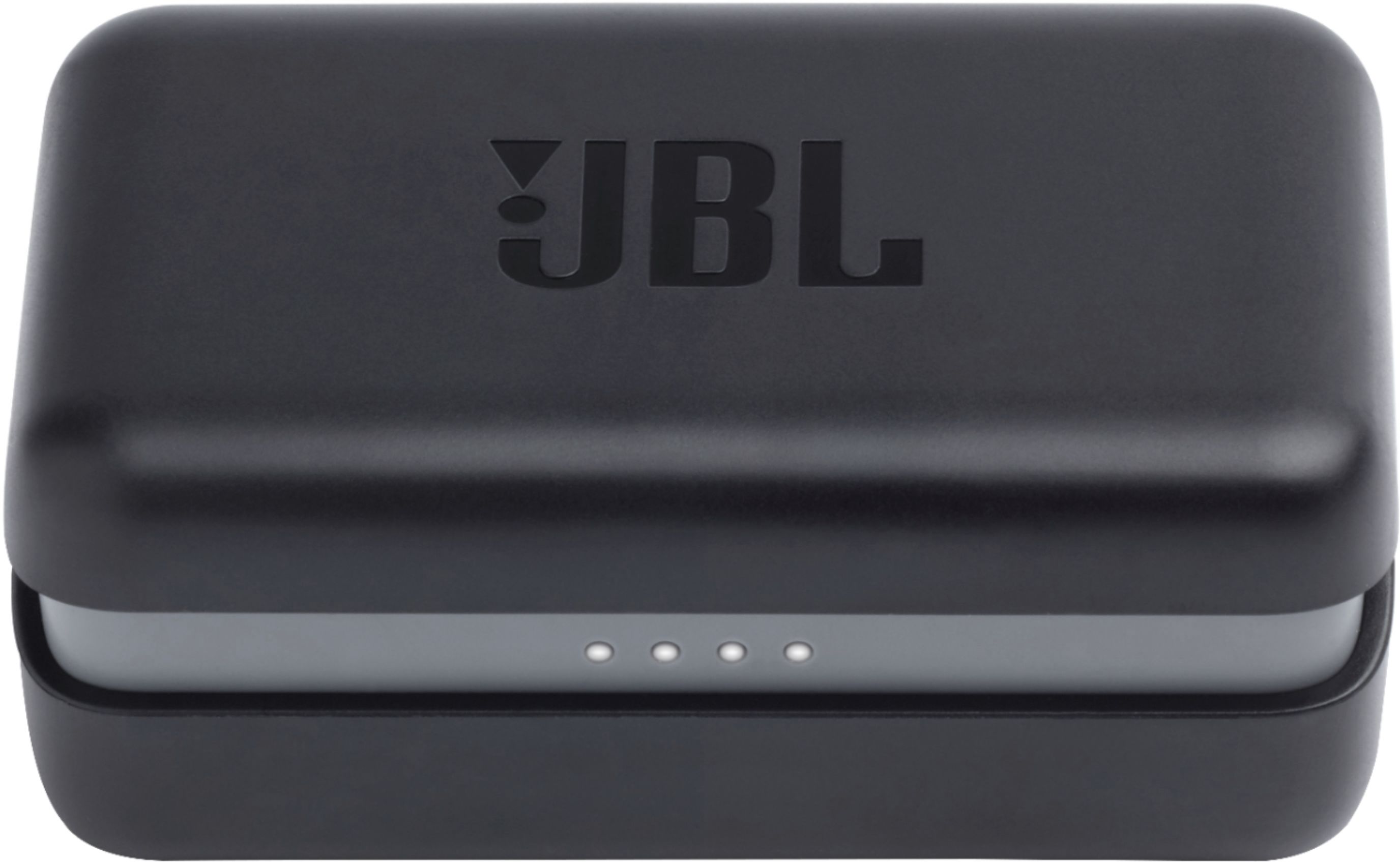
A:Answer We're sorry to hear about what happened. Here are some troubleshooting steps for us to check your JBL Endurance Peak:
- Please try using a different music player and check the audio balance of the music player.
- Try using a different source ex. (phone, tablet) to check if you'll experience the same problem using a different device.
If steps 1-2 didn't work, you can also reset the earphones:
While the earphones are being charged, tap the touchpad on the right earphones, then tap again and hold for 18 seconds, or until the LED blinks.
If the problem persists, please contact our customer support for assistance in checking your options: https://support.jbl.com/us/en/#contact