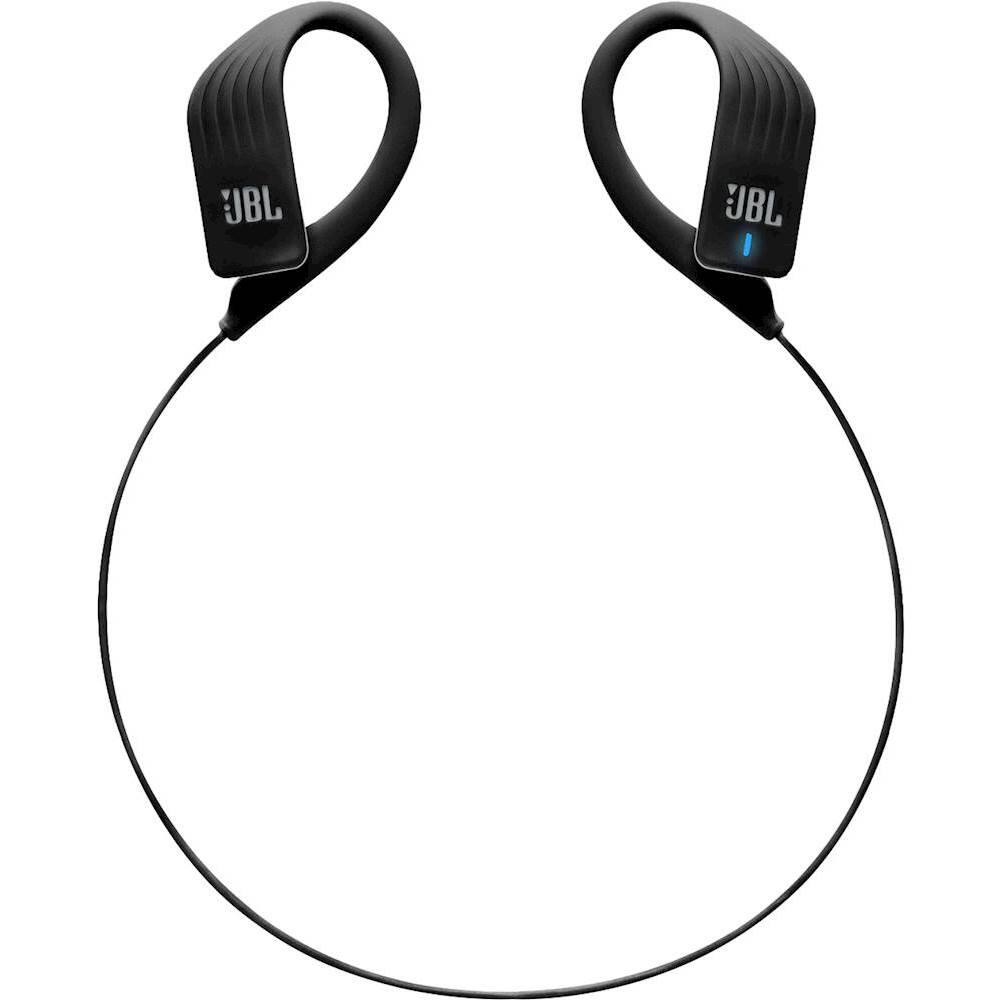
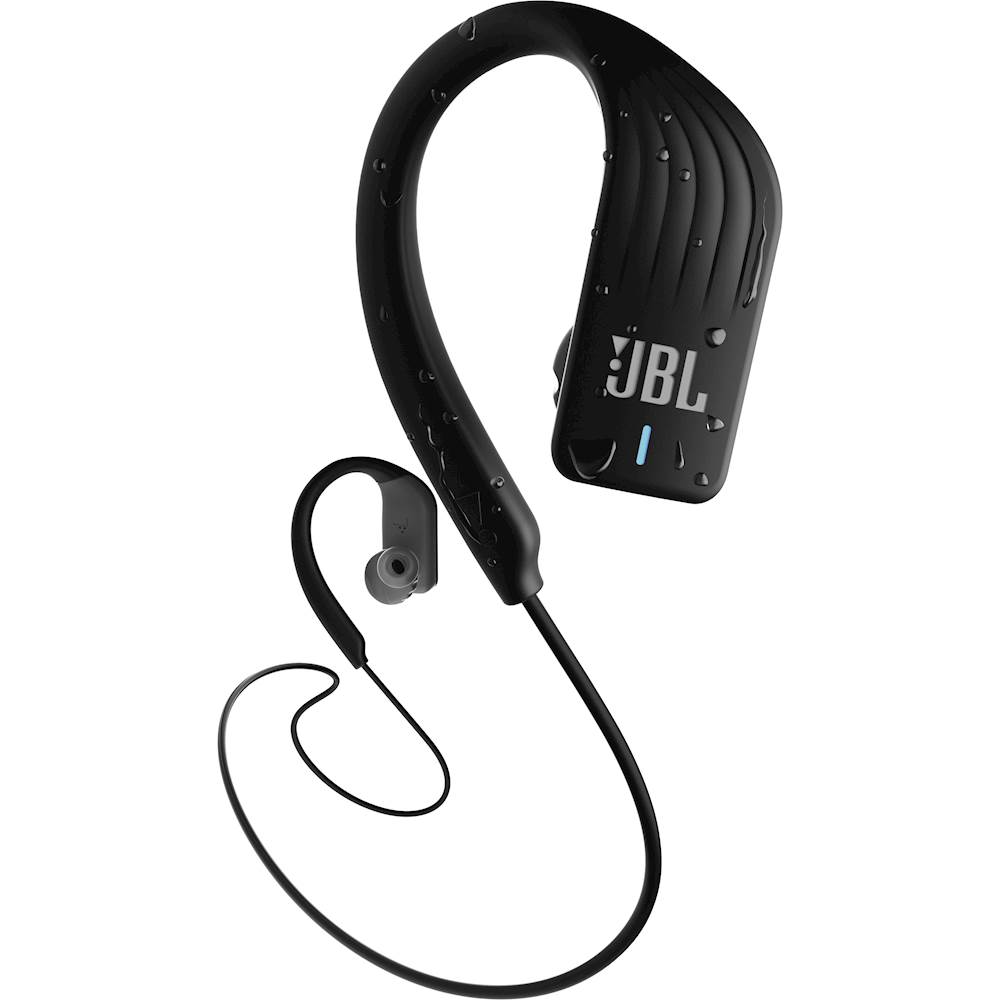
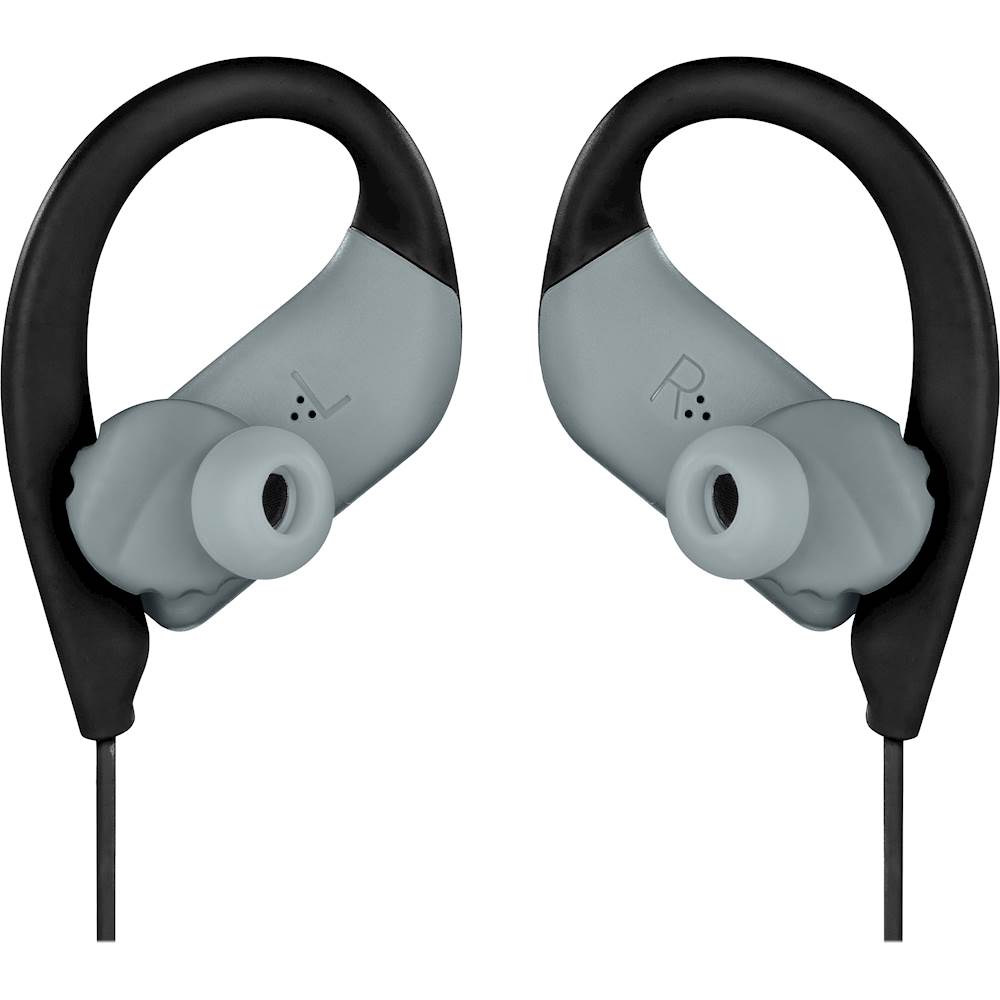
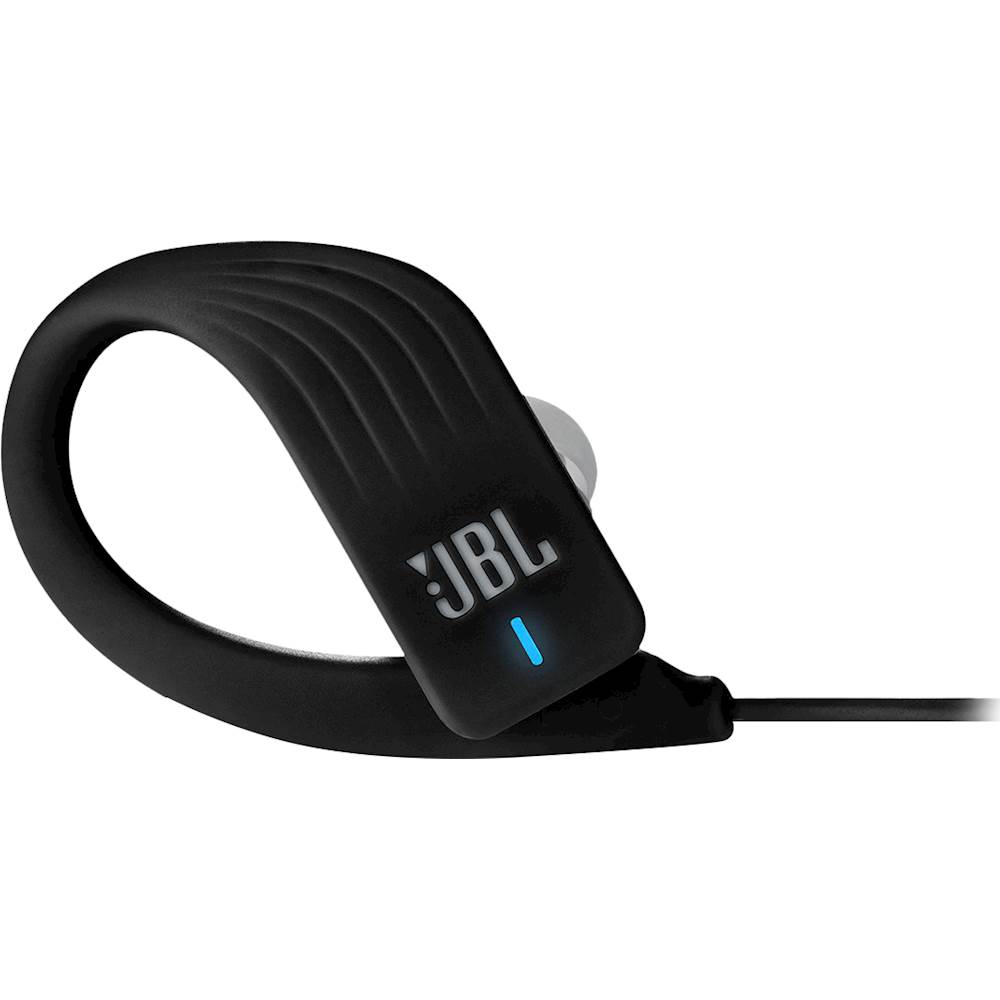
A:AnswerYes. As long as the device is paired to your phone via Bluetooth. JBL Endurance Sprint can be used to listen to any media that's playing on your device.
A:AnswerNo. These headphones are not designed for swimming. We have our JBL Endurance Dive which has an mP3 mode and lock touch controls which allows you to use it underwater.
(Note: Bluetooth cannot travel underwater)
A:AnswerUnfortunately, most of our headphones do not support Skype, or other similar services. We don't mention Skype support anywhere in the manuals or tech sheets, and therefore we do not support it, and any malfunction is a consequence of this type of use not being supported.
If the product/headphones supports the Bluetooth Profile HSP, most likely Skype or other VoiP programs will work. We can however never guarantee this. For more information, please review this support link article: https://bit.ly/2xHKO5a
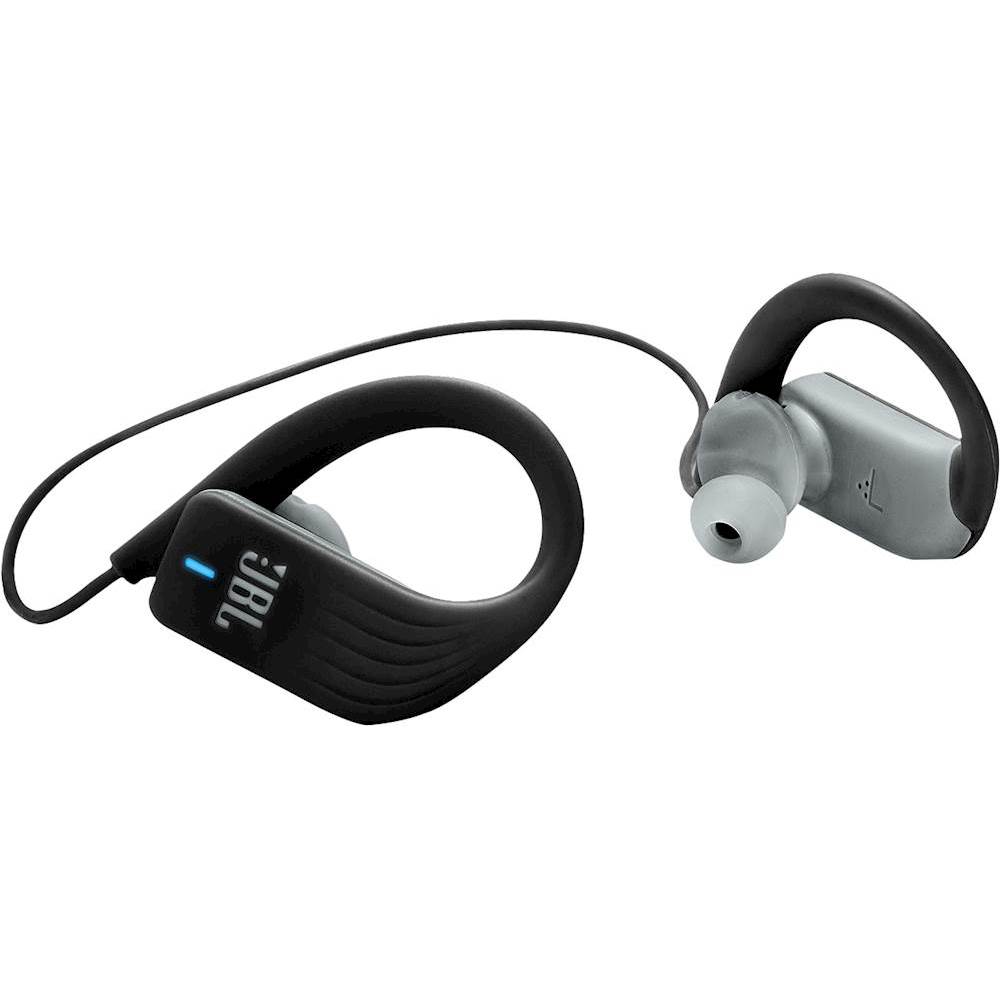
A:AnswerI found I had to charge my Sprint for several hours first before it would successfully be detected by a Windows or Android device's Bluetooth pairing function. Normally, I think, the device goes from LED off (powered off) to blink to steady red when turned on; if it detects a pairing attempt, it blinks blue. Steady blue indicates successful pairing.
A:AnswerI see a lot of split opinions on Sha224's response, but I think to pair you have start with the headphones off, hold down the touch pad to power on, and leave your finger held down on the touchpad until you then hear the idling "pairing" sound effect.