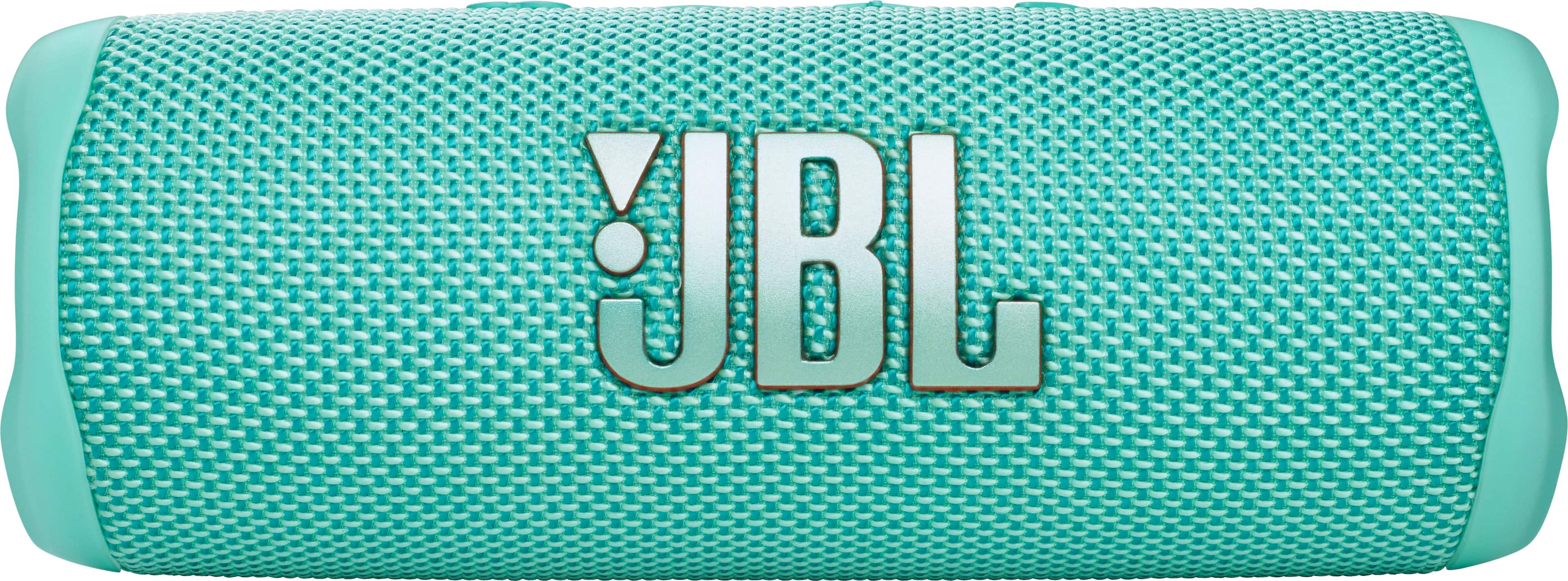
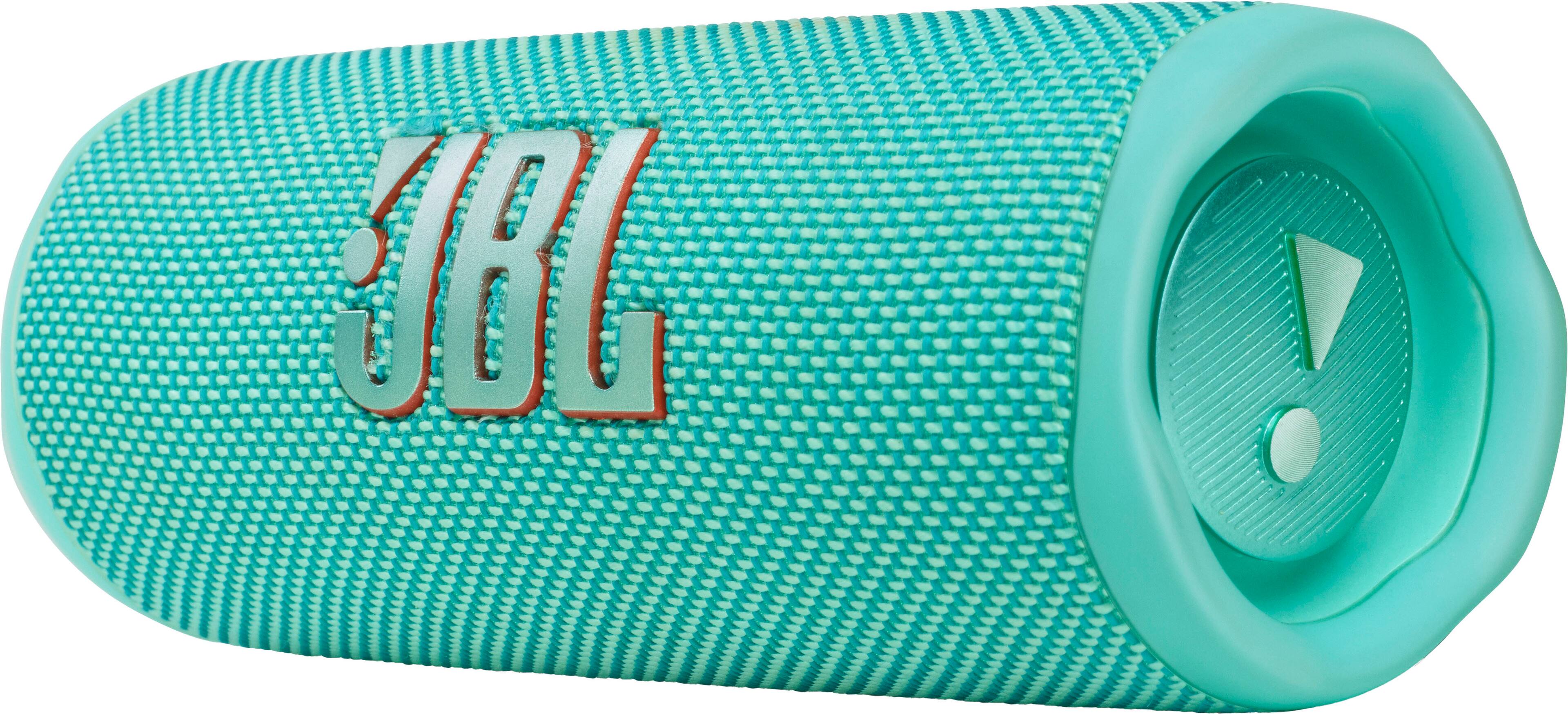
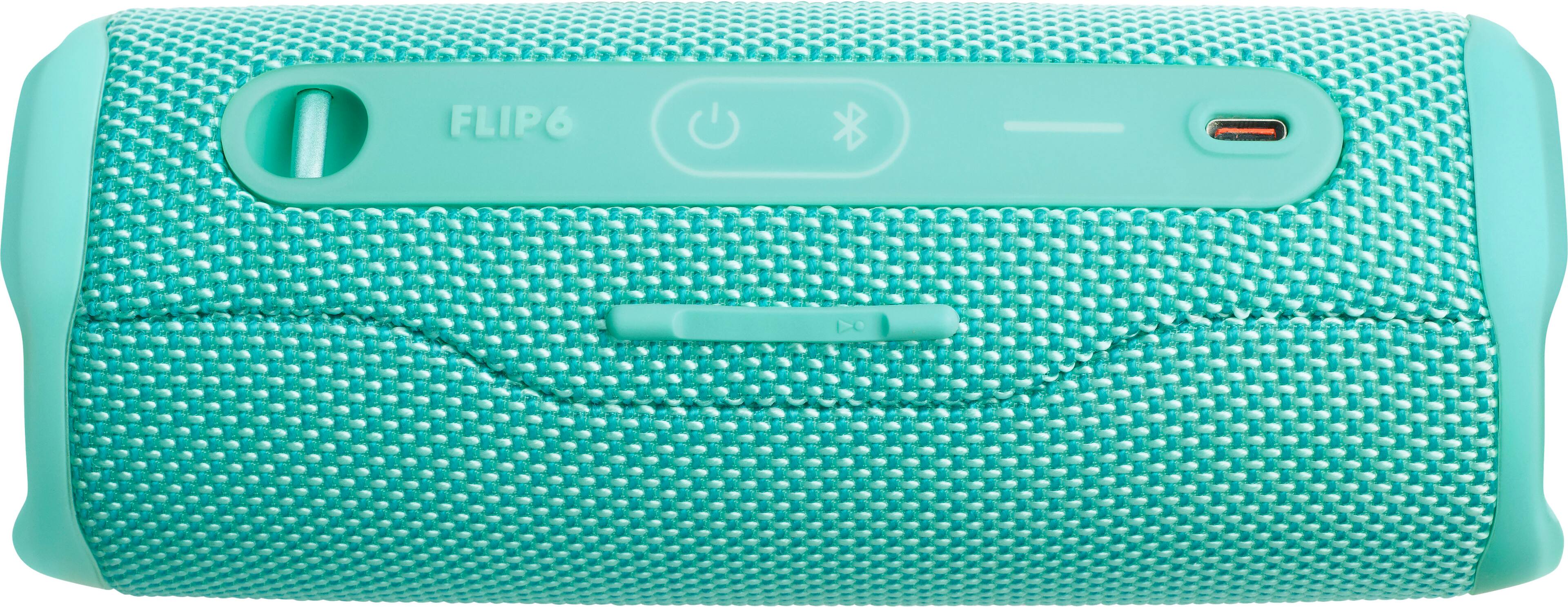
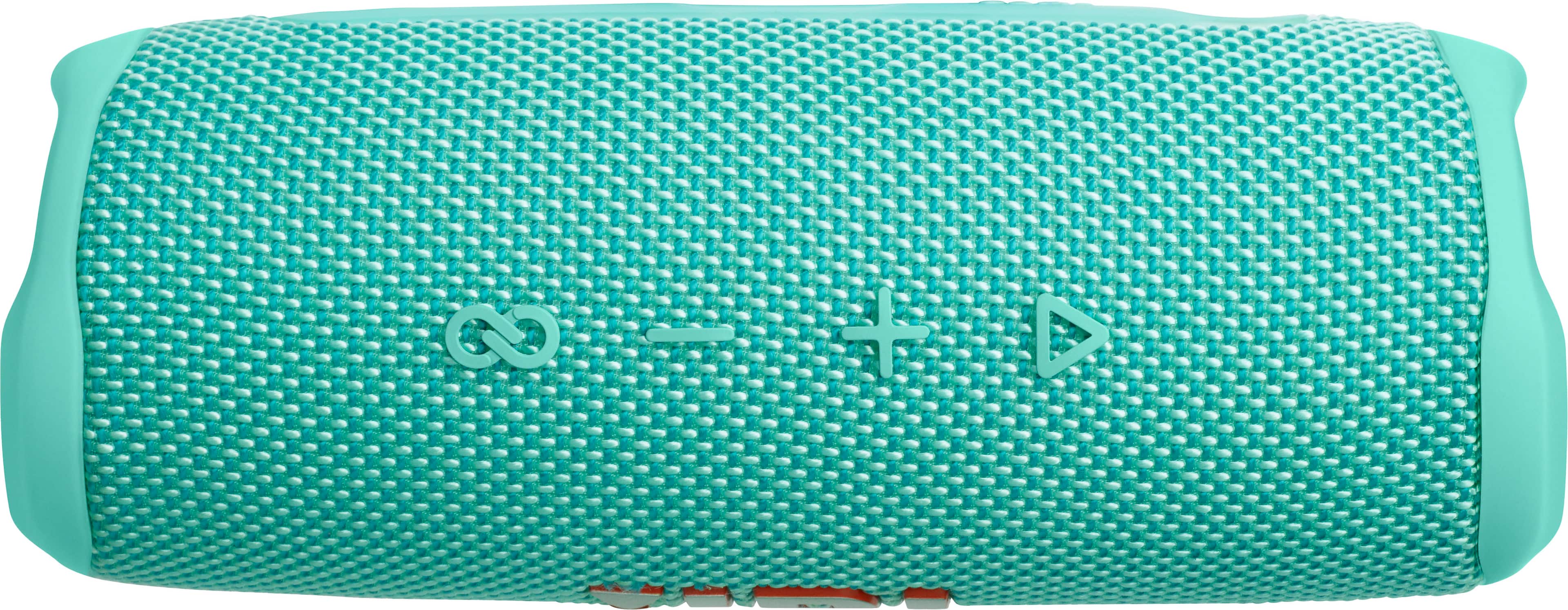
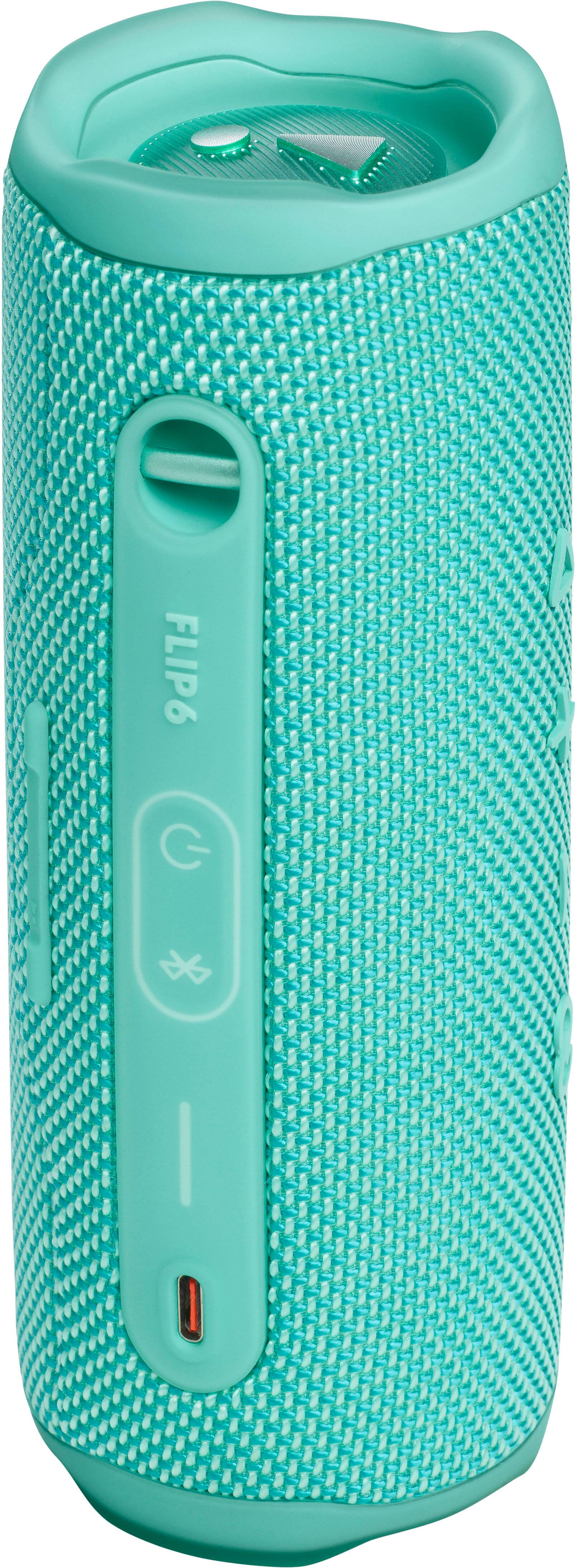
A:AnswerHere is an explanation that should work for any of those Bluetooth speakers. Hope it helps! Check out this video, "how to use jbl 5 speaker. "https://youtu.be/WIZXUHhfD3Q?si=OEUOpO1YxlJSRxZ7
A:AnswerThanks for your question. Bluetooth connectivity issues are likely caused by signal interference with other wireless signals. Please ensure a clear line of sight between the speaker and the source and shut down unused Bluetooth products nearby. Verify if the issue continues across different music applications and devices. If you need more help, please contact our customer support for further assistance.
A:AnswerThank you for reaching out. Our JBL Flip 6 has a charging protection. If the speaker detects water, salt, or any other chemicals, a reminder sound will prompt you to unplug. Ensure that your speaker is completely dry and clean before charging. If you need further assistance with your speaker, please contact our customer support.
A:AnswerThanks for your inquiry, please see the details below of the JBL speakers that has Aux port.
JBL - Partybox Ultimate Wireless Party Speaker
JBL - PartyBox Club 120 Portable Wireless Party Speaker
JBL - PartyBox Stage 320 Portable Wireless Party Speaker
JBL - PartyBox 310 Portable Party Speaker
JBL - Authentics 200 Smart Home Speaker
JBL - Xtreme 2 Portable Bluetooth Speaker
JBL - Authentics 500 Smart Home Speaker
JBL - Flip 4 Portable Bluetooth Speaker
If you need more assistance, please contact our customer support.
A:AnswerI use mine in the bathroom and haven't had any problems so far, but I've only had it a couple of months. Maybe put it down on a tub ledge or something lower.
A:AnswerThanks for your question. Our JBL Flip 6 is not compatible with wireless microphone. It is designed to be used for connecting with mobile phones, tablets, and laptops for streaming audio/music.
A:AnswerThanks for your inquiry. Our JBL Flip 6 does not support playing music directly from a USB flash drive. It is designed primarily for Bluetooth connectivity, allowing you to stream music wirelessly from your devices.
A:AnswerThanks for your inquiry. Our JBL Flip 6 does not support playing music directly from a flash drive. It is designed to connect via Bluetooth 5.1.
A:AnswerThanks for your inquiry. Our JBL Flip 6 speakers can connect multiple speakers together using the PartyBoost feature, which allows you to link an unlimited number of compatible speakers for a more immersive sound experience.