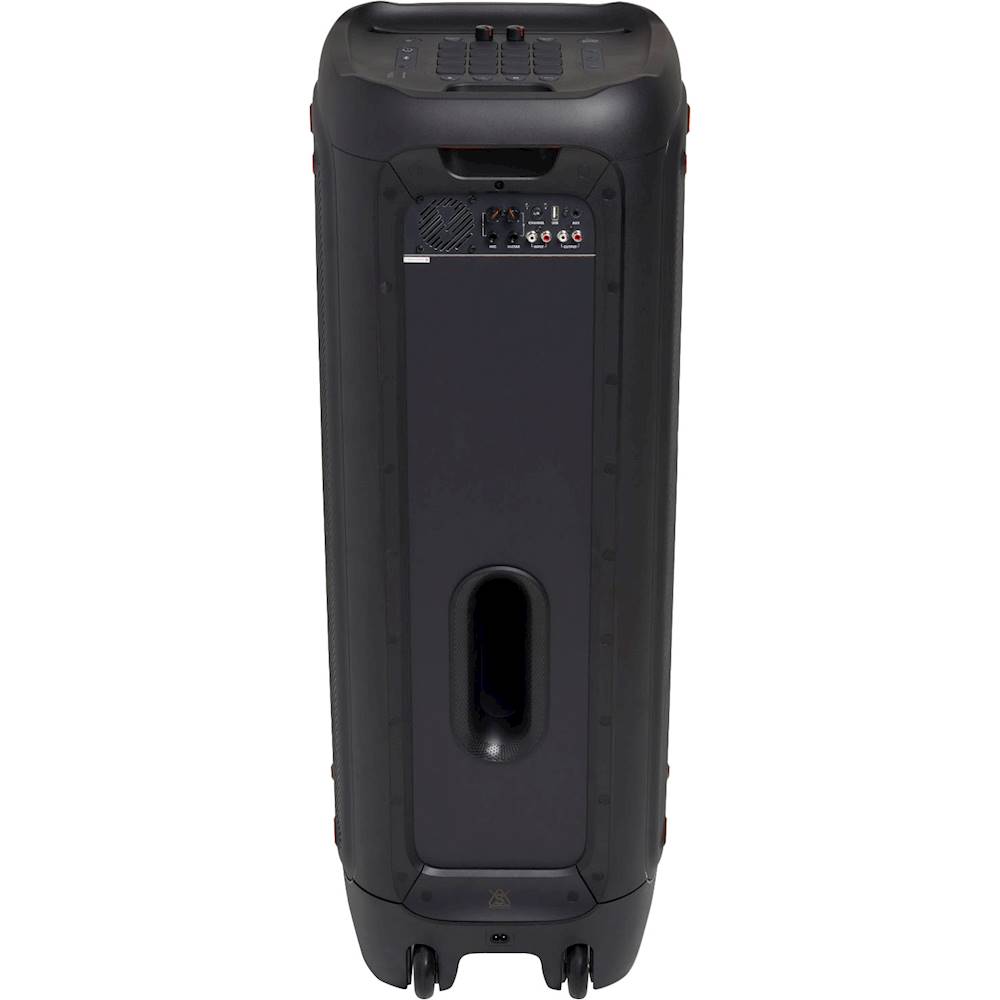
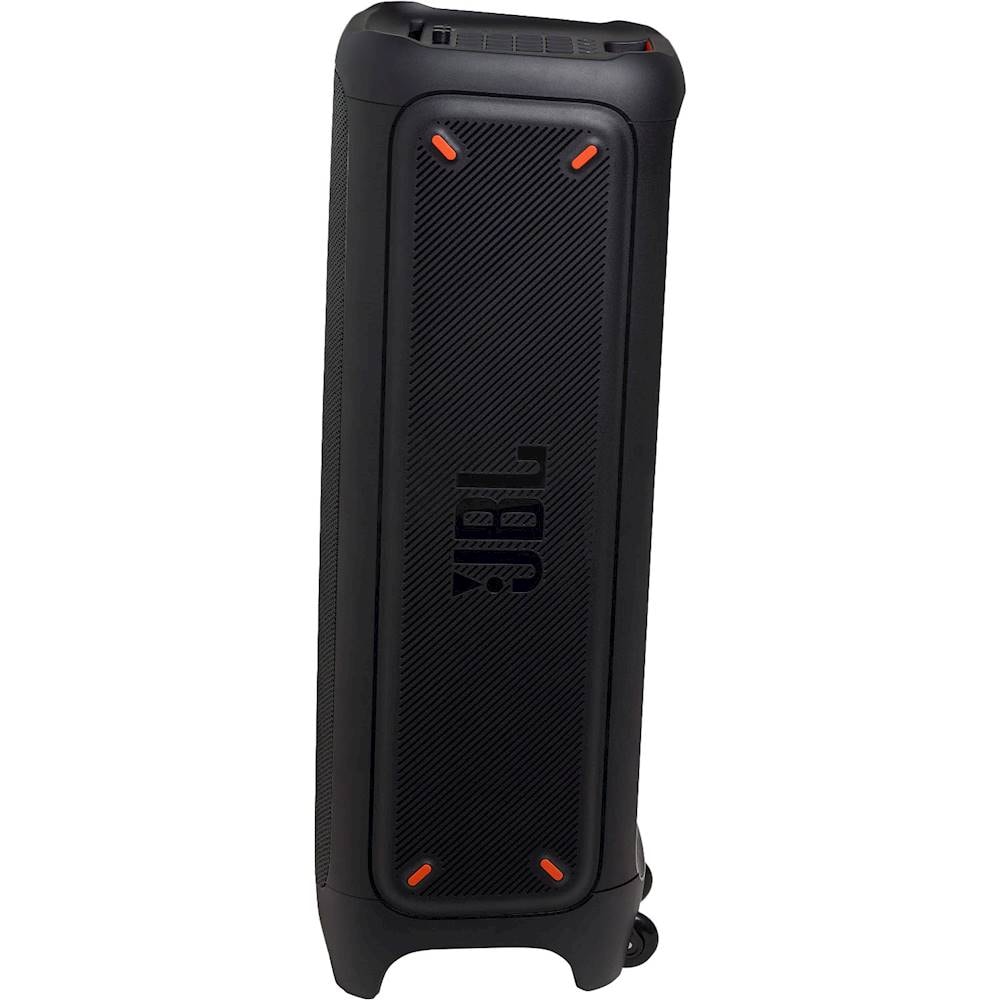
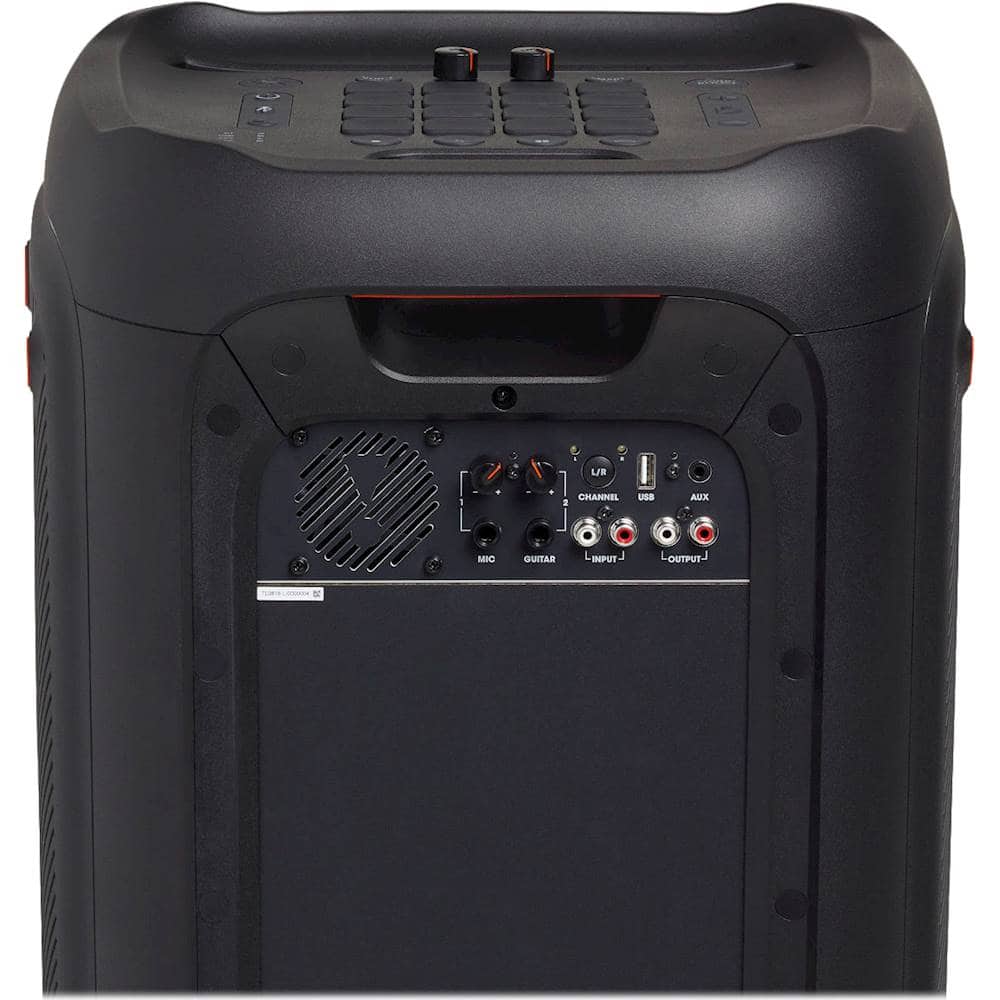
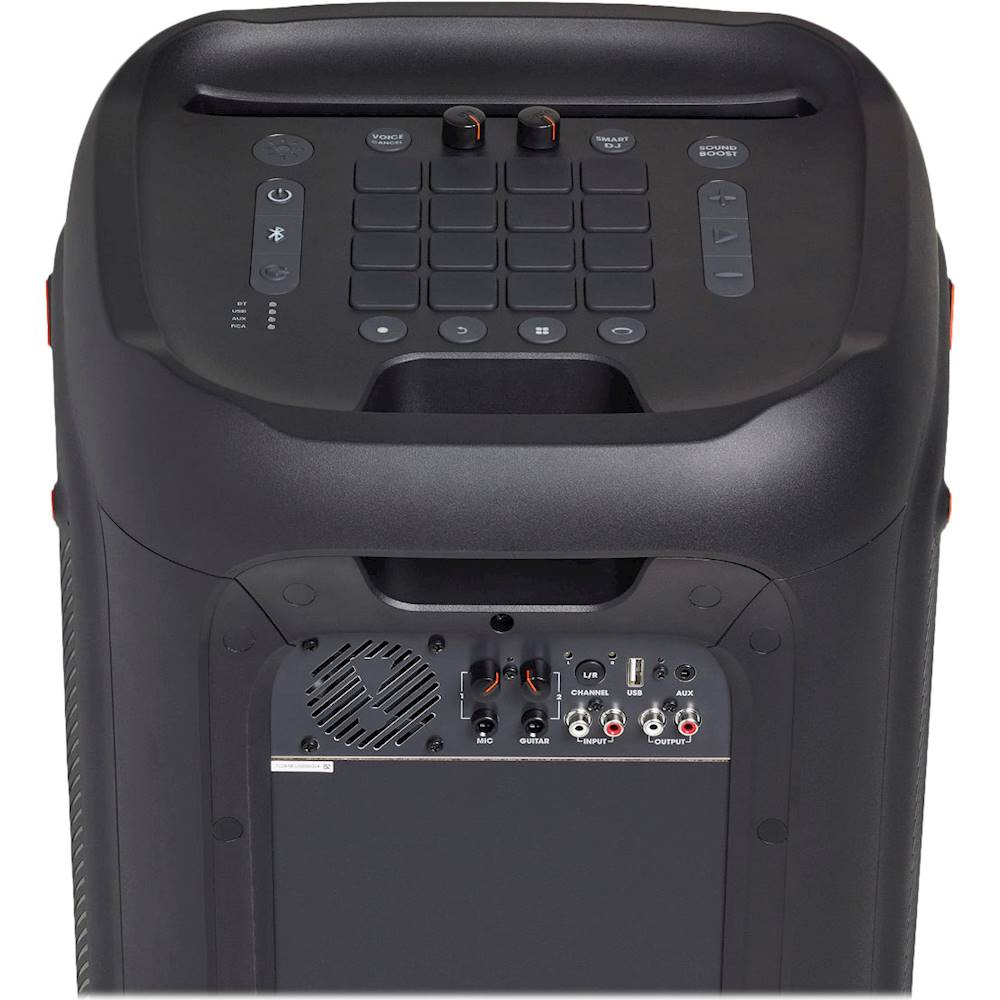
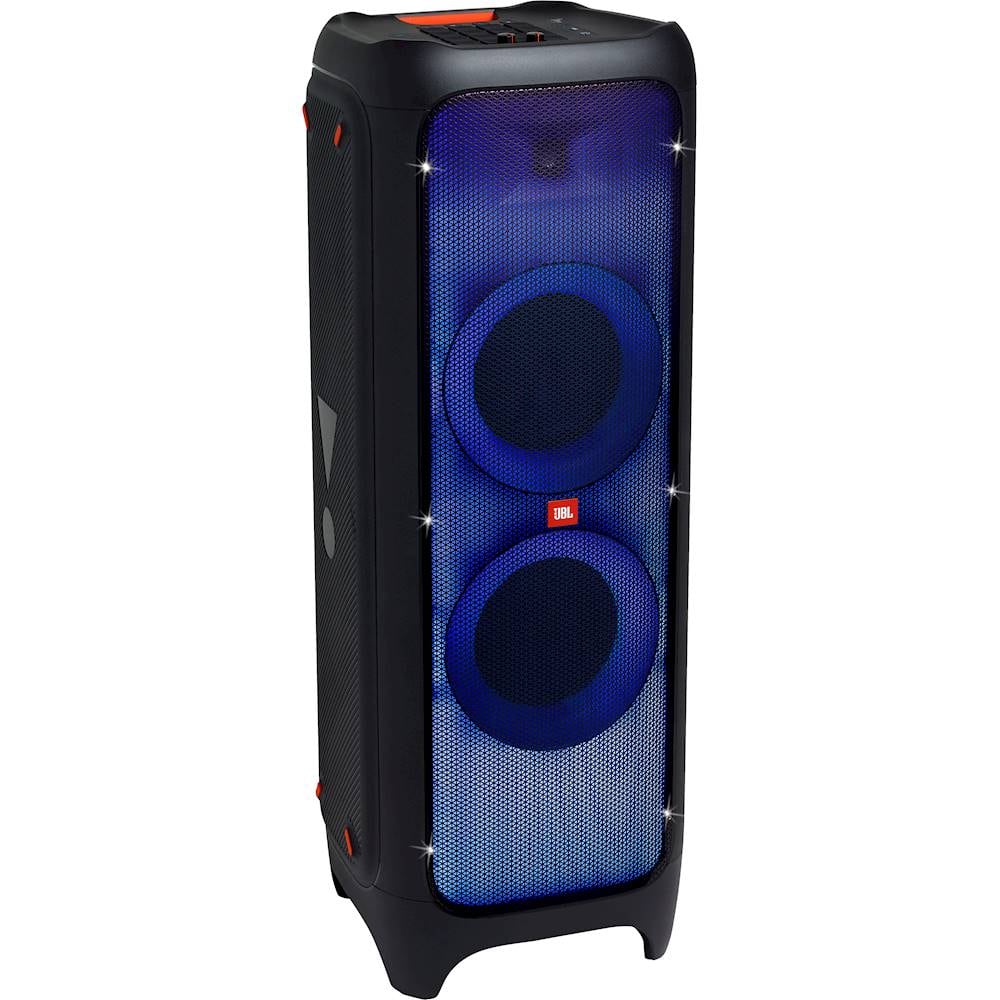
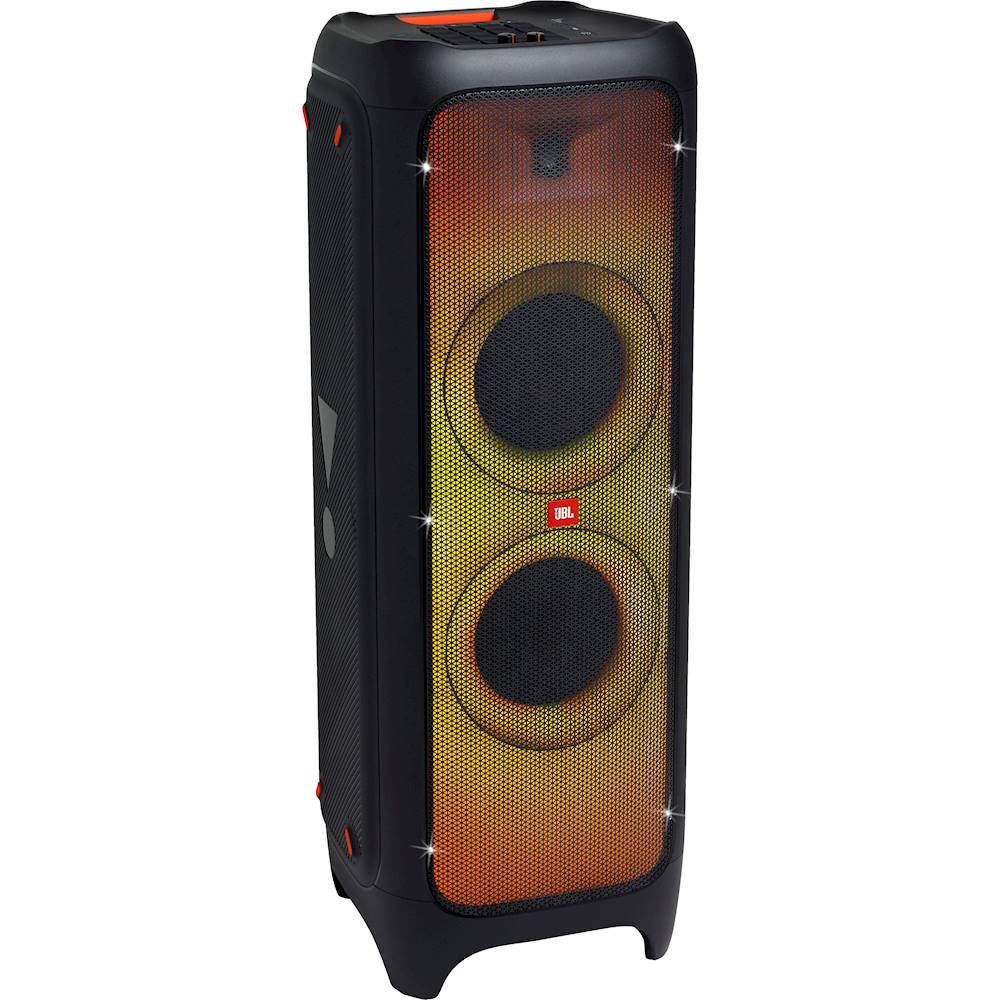
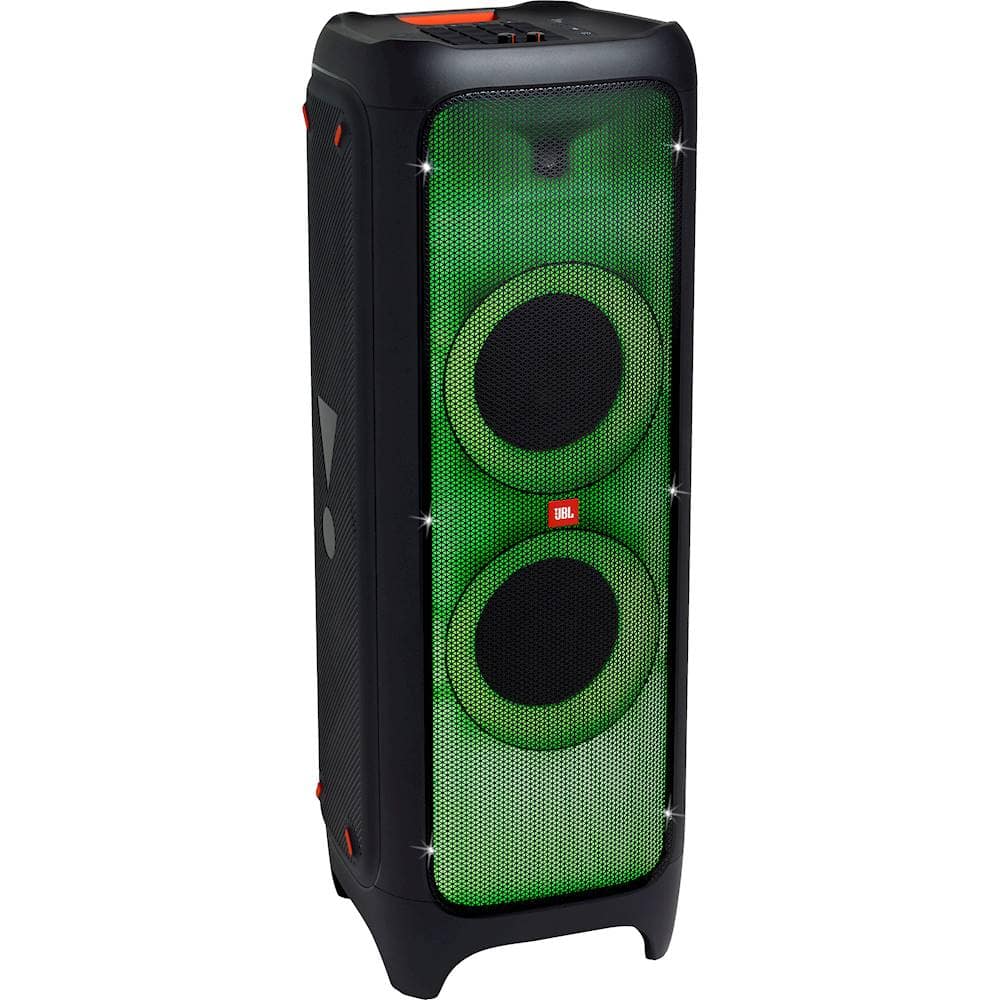
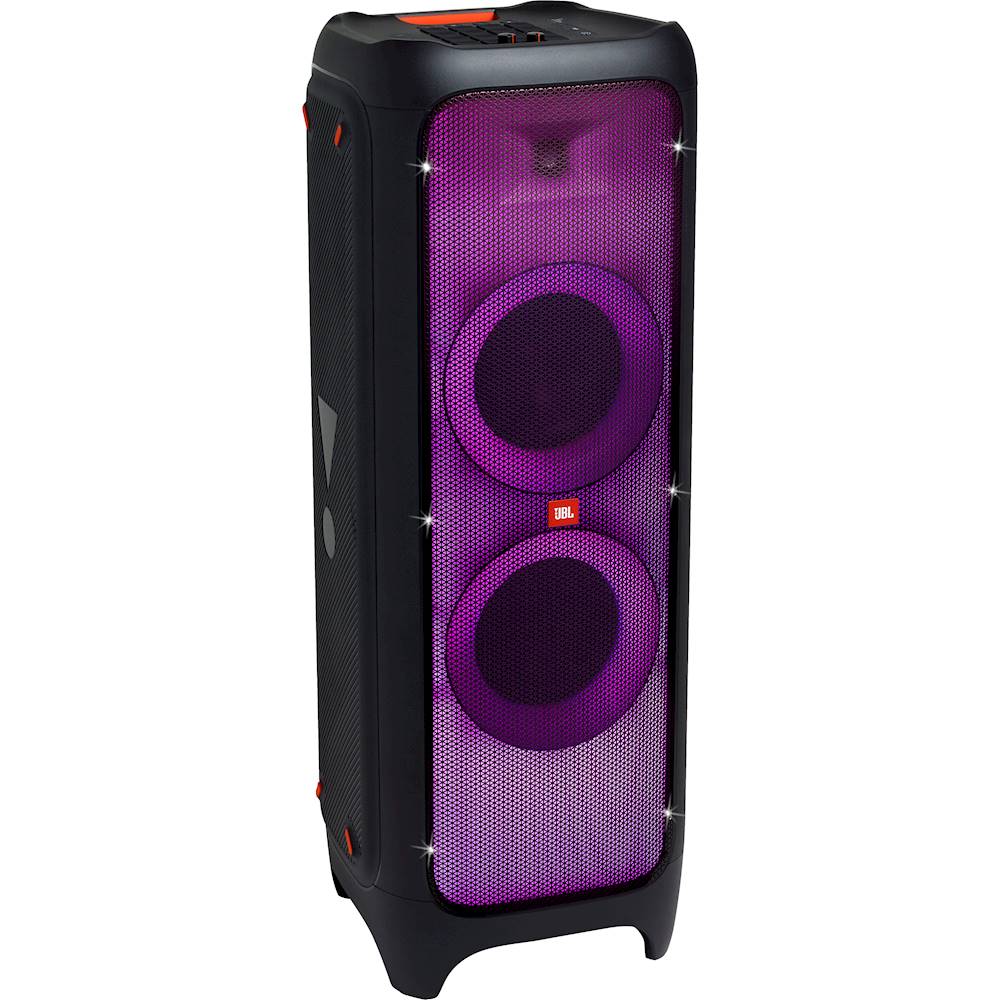
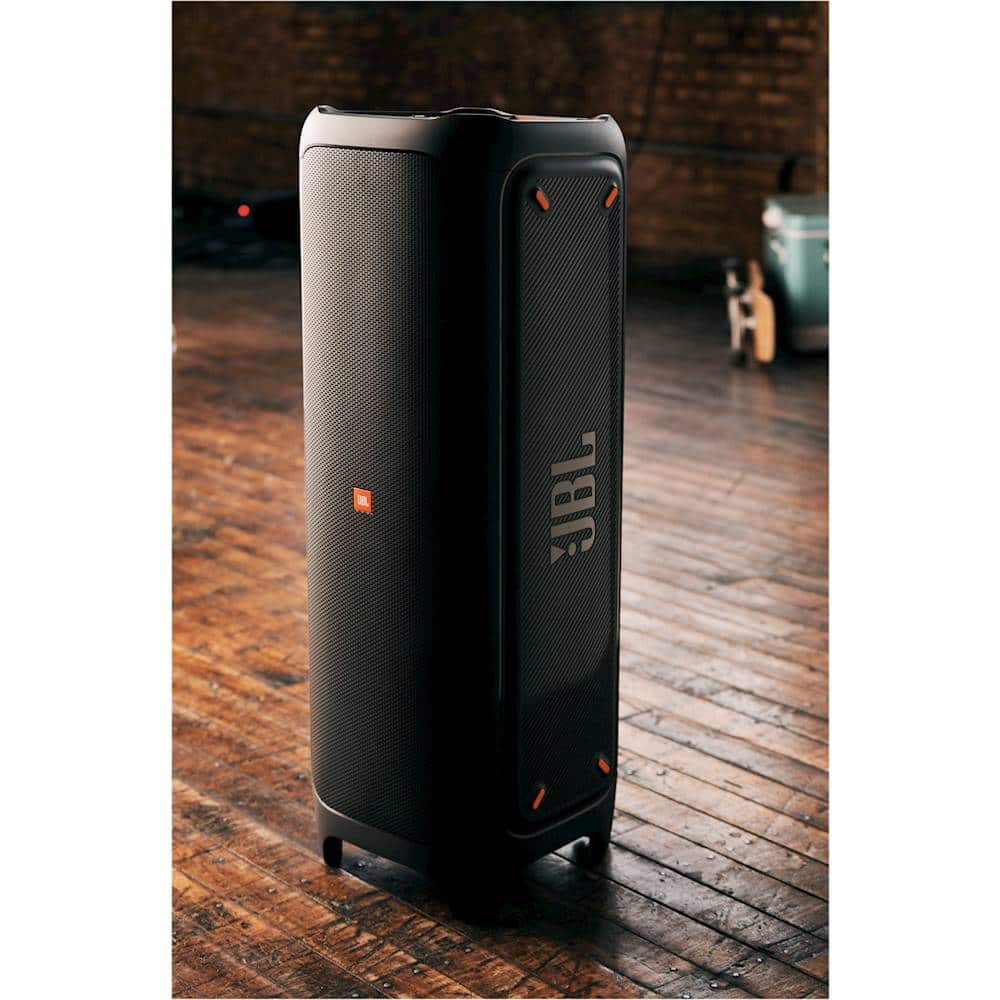
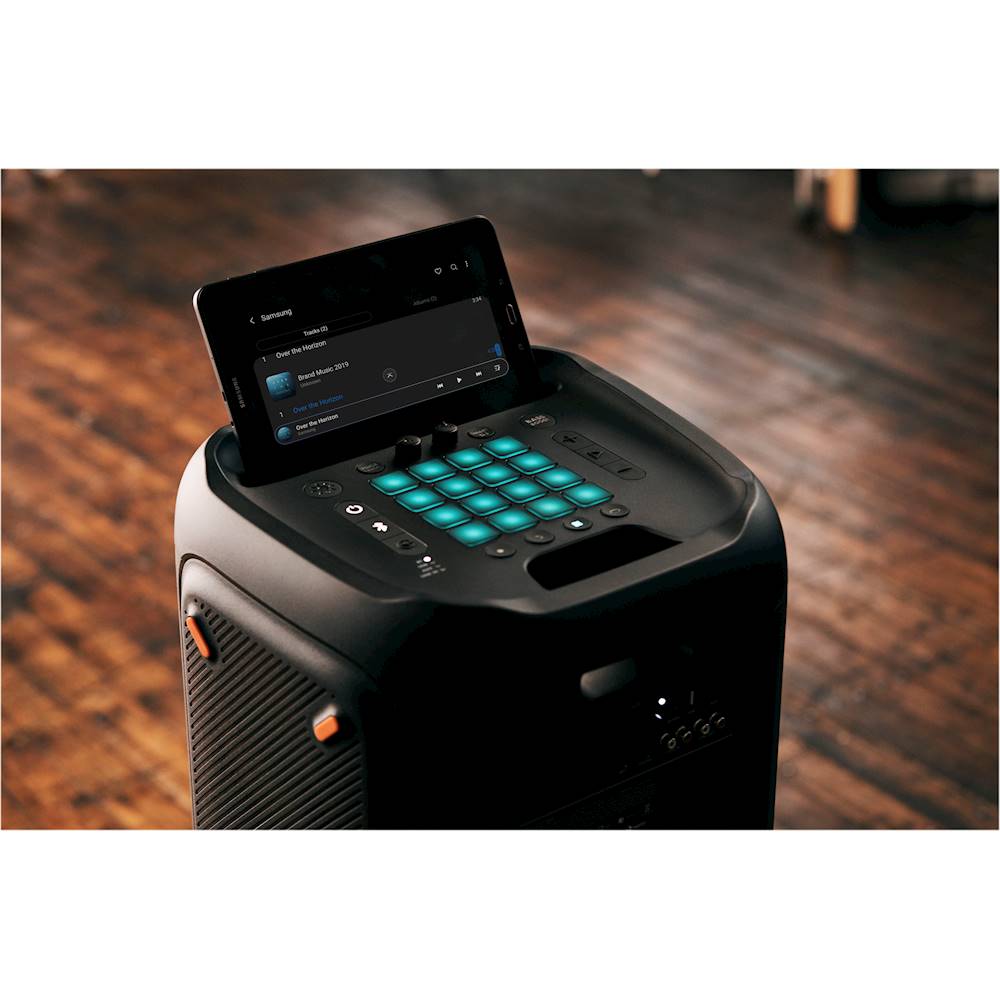
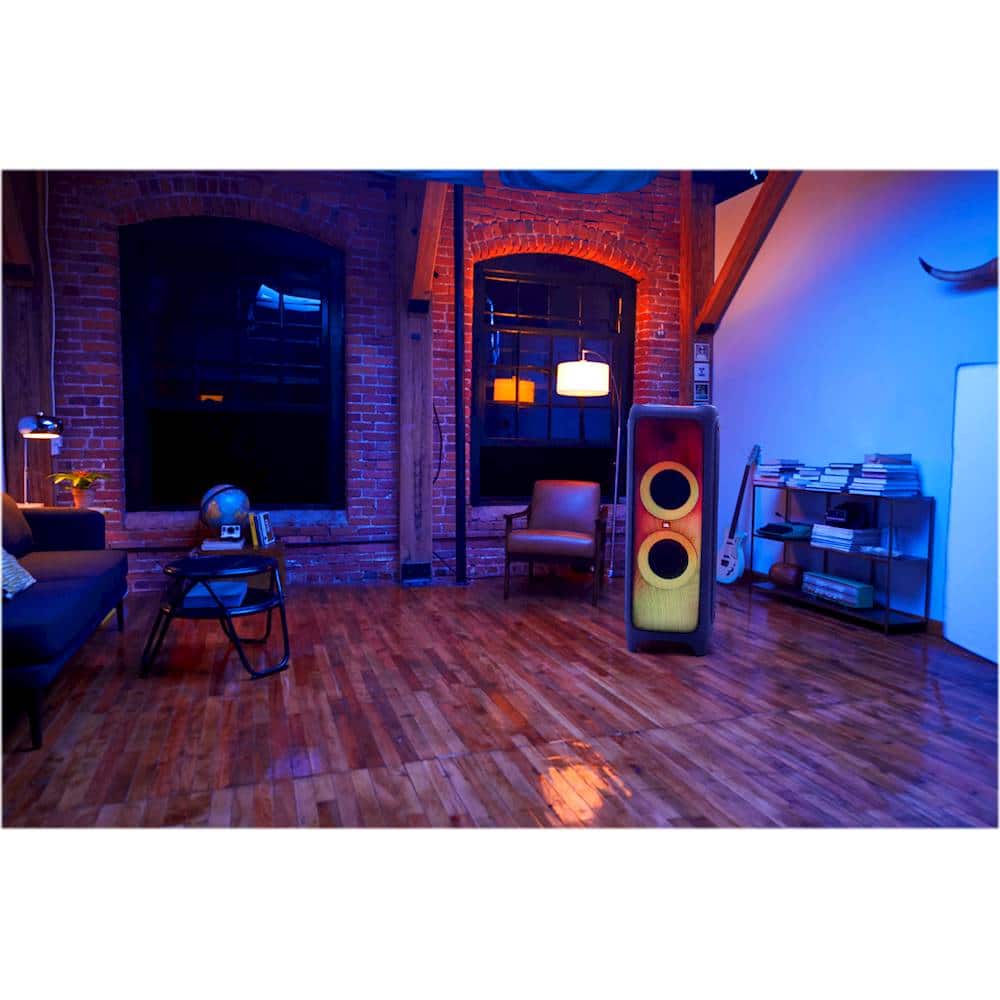
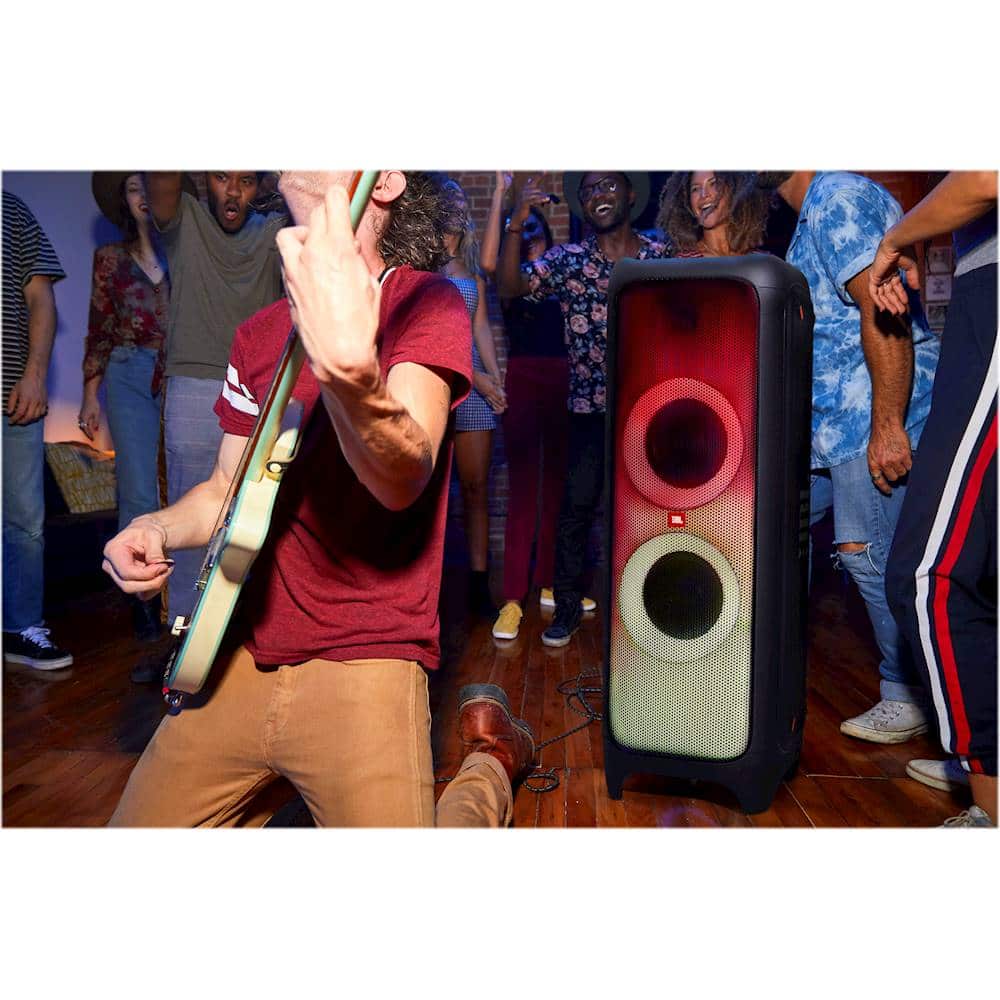
A:AnswerThank you for bringing this to our attention. We'd like to work with you directly and troubleshoot the audio issues you're experiencing with our JBL Partybox 1000. Please contact customer service at. https://bit.ly/2WocMfi
A:AnswerOur JBL PartyBox 1000 is a standalone system. When it comes to the standard L/R Analog connection, a daisy chain or RCA connection is possible but not recommended.
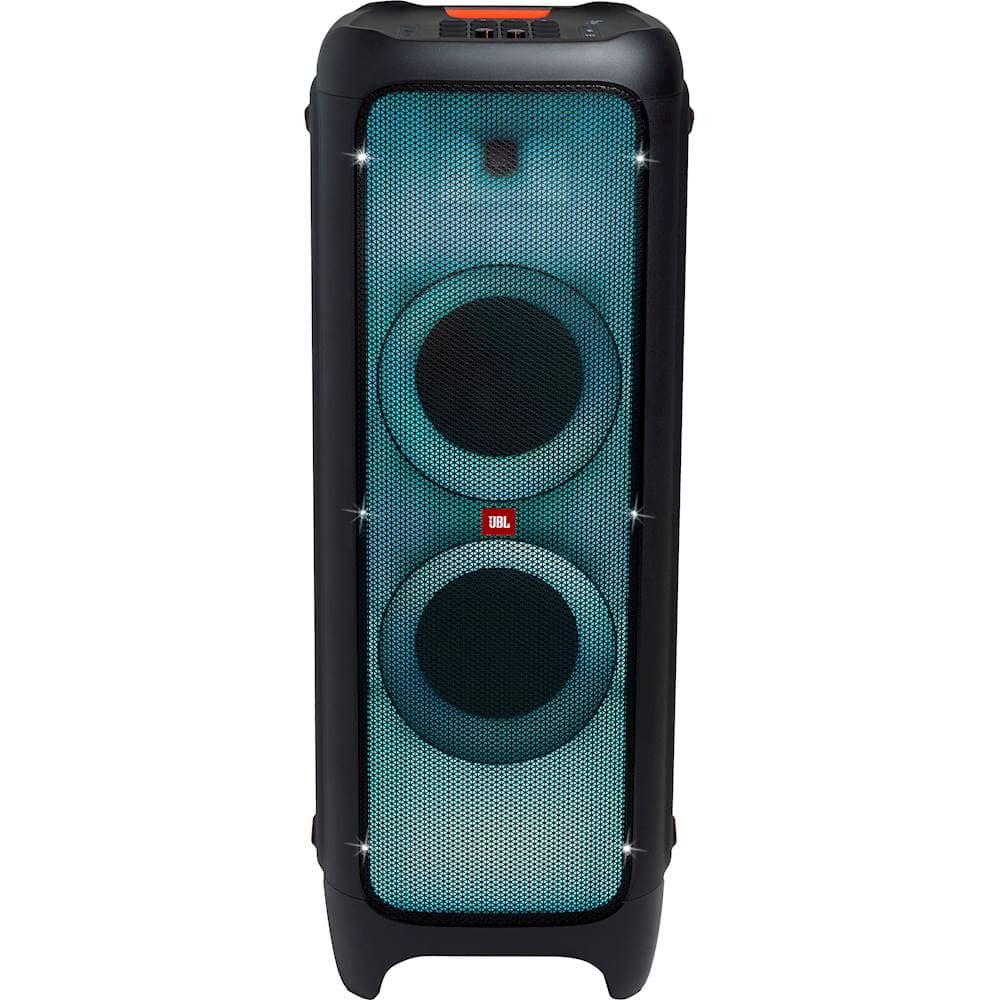
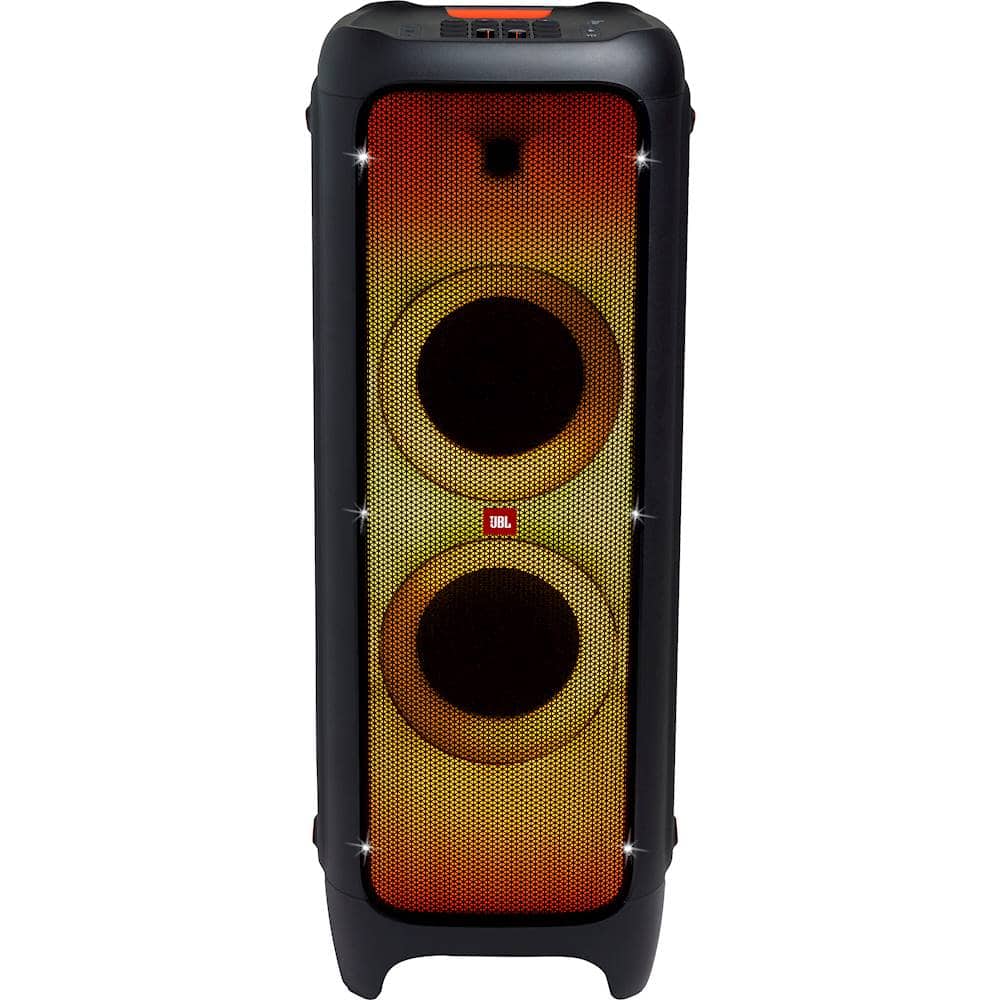
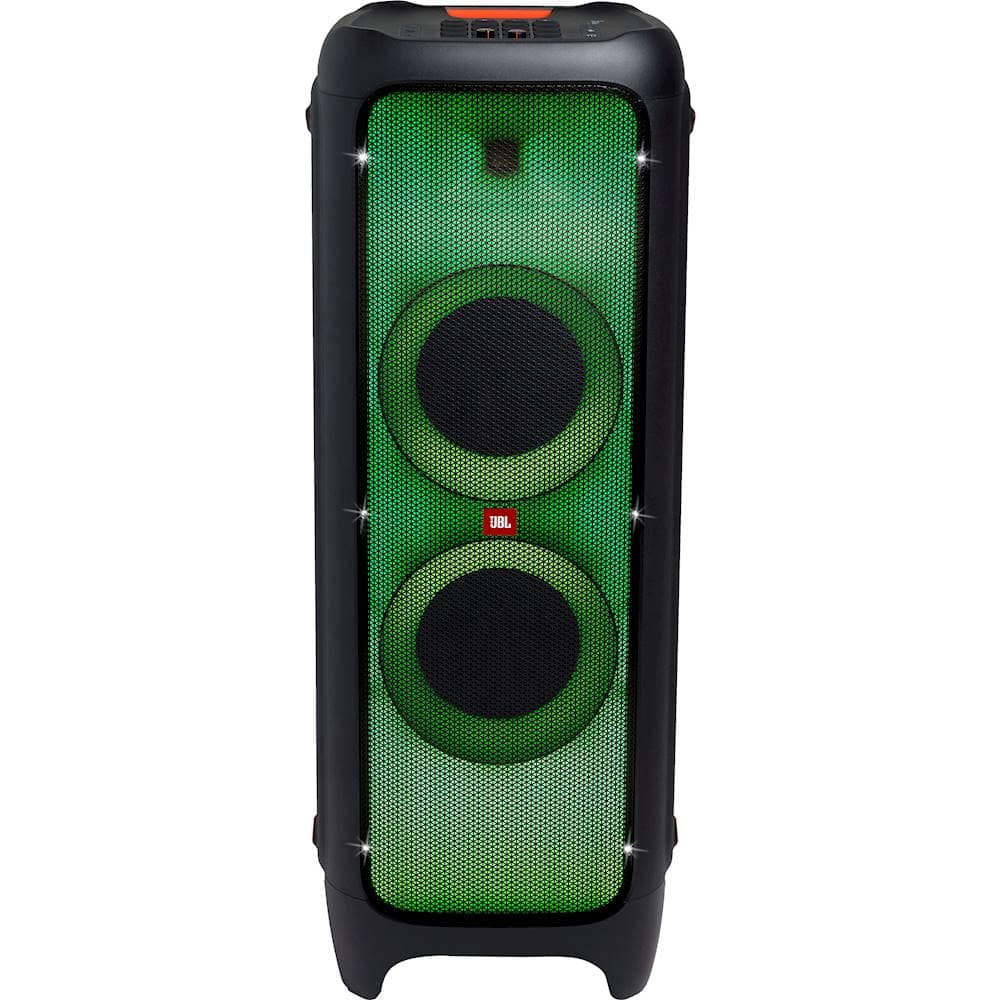
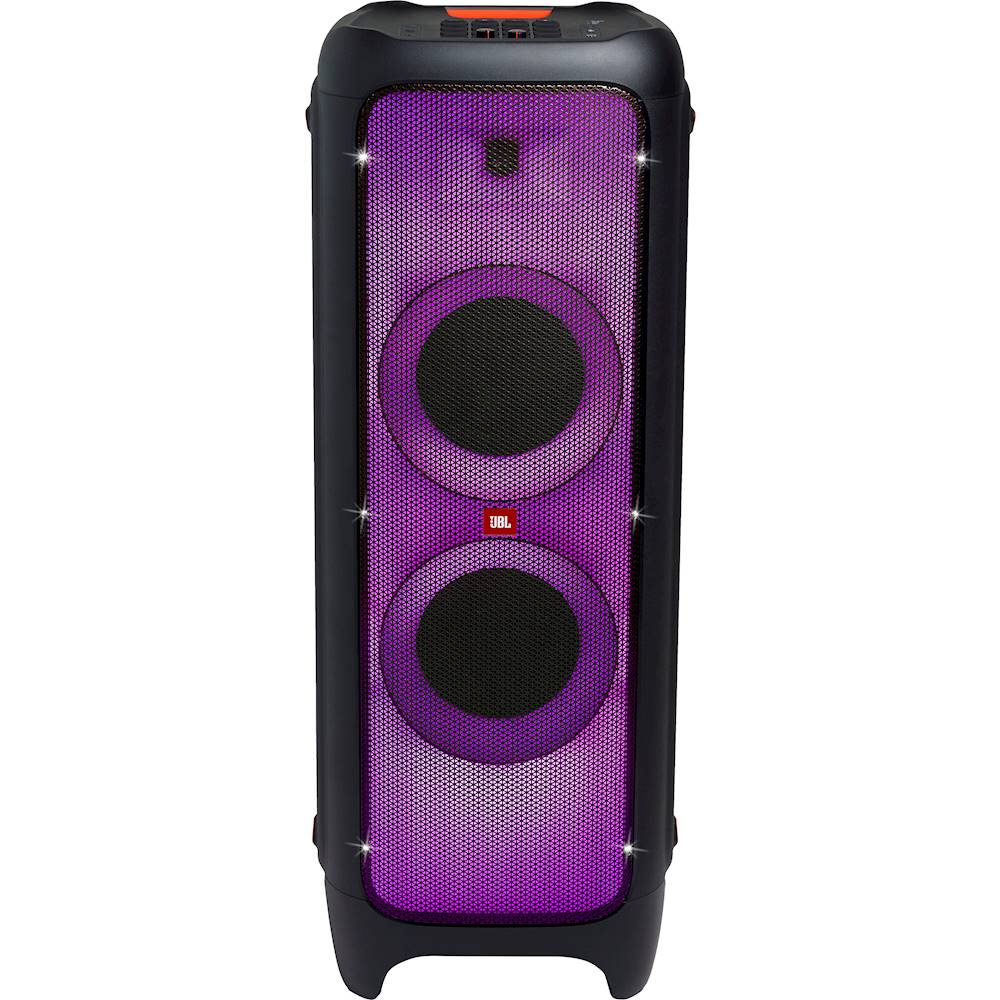
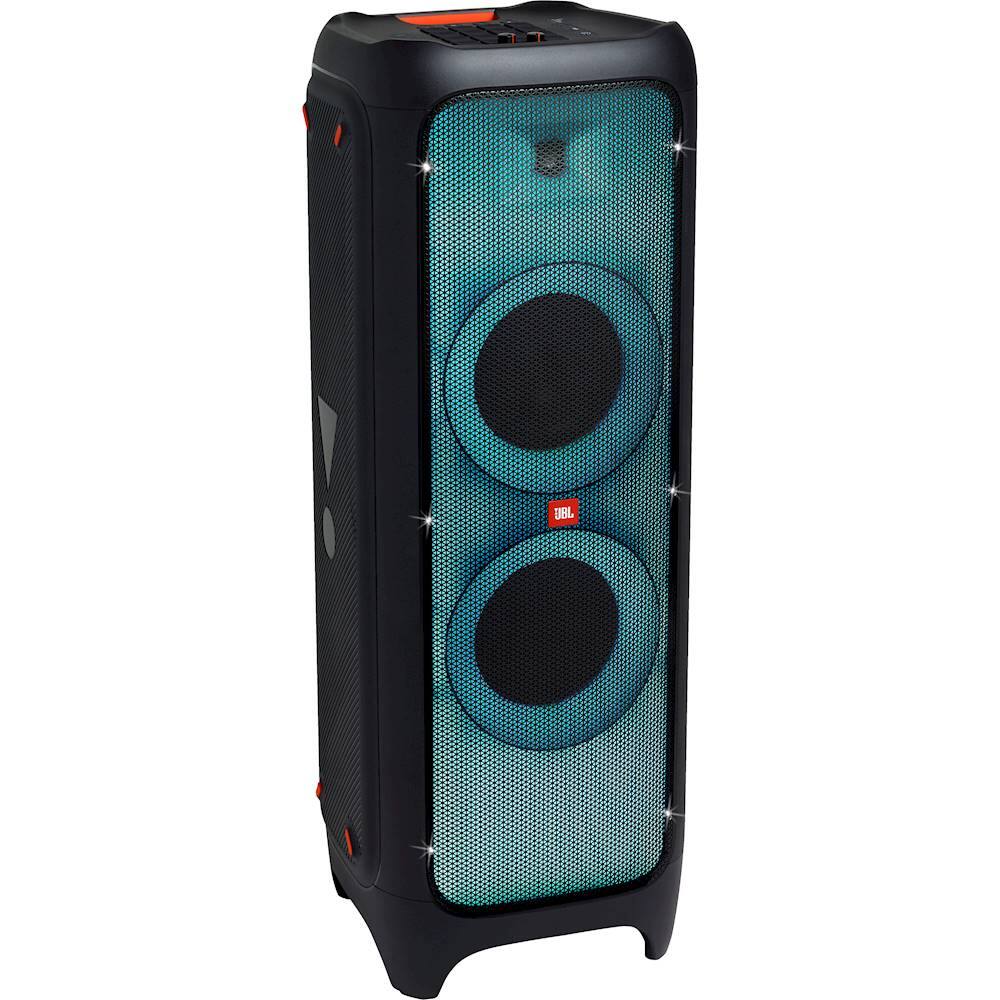
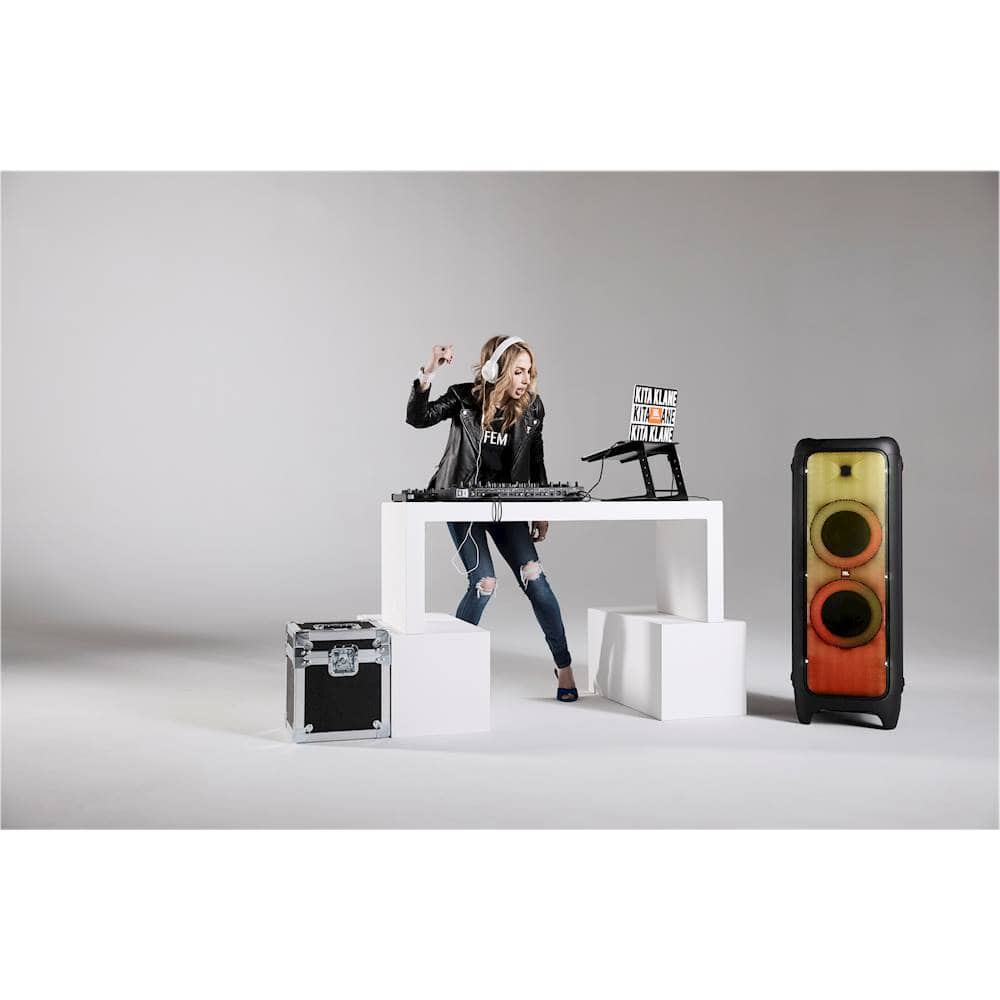
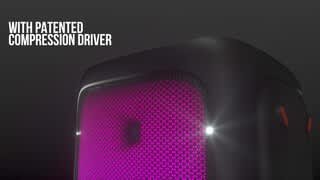
A:AnswerOur JBL Partybox 1000 has a Frequency Response of 30Hz–20kHz (-6dB) which means that the speaker can deliver intense sounds thanks to its subwoofer, sharp mid-tones, and clear, crisp highs. This speaker uses a 3-way design because it has dedicated speakers for reproducing low, mid, and high frequencies.
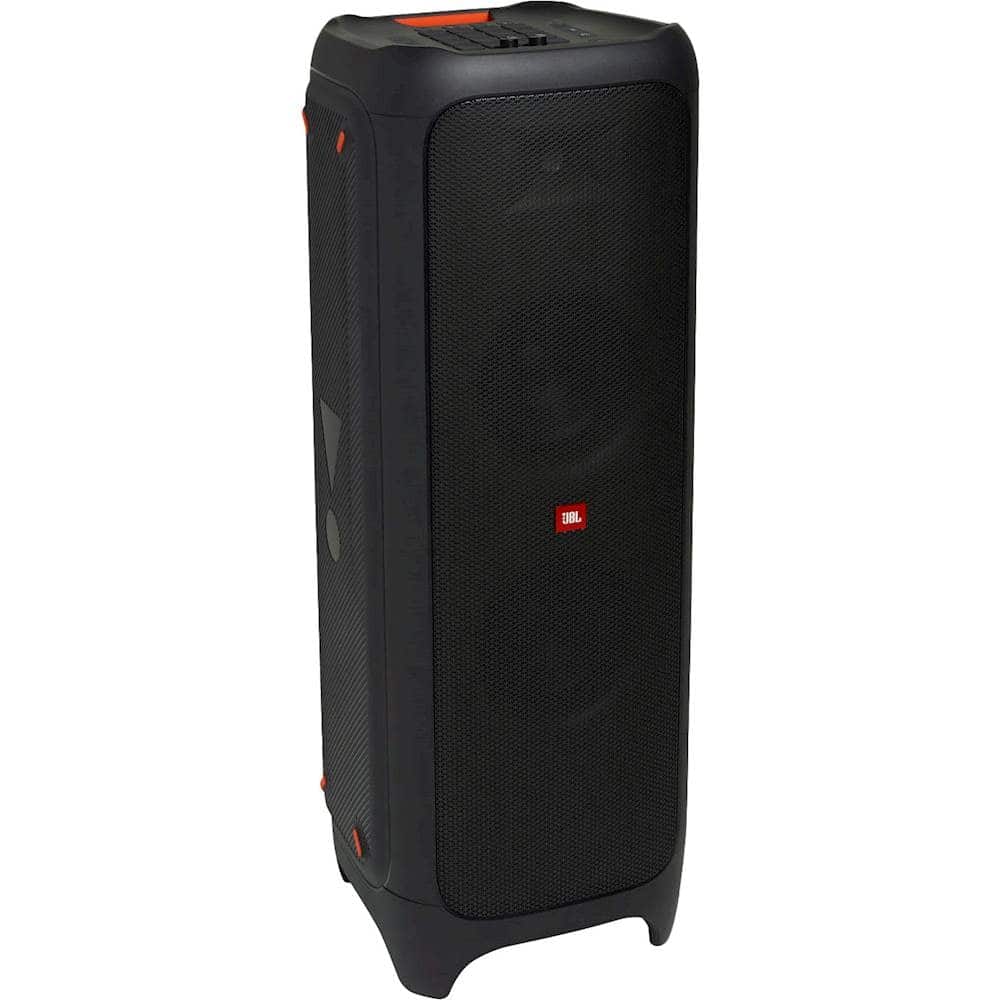
A:AnswerYou have to plug in the power cord into some outlet you could get a car adapter thats a regular outlet but you may want to check wattage cause the 1000 party box uses 1100 watts
A:AnswerWe'd like to work with you directly to try some troubleshooting steps with your JBL PartyBox 1000. Please reach out to our Customer Support. We're here to help.
A:AnswerOur JBL Partybox 1000 has a power output of 1100 W and it doesn't have a battery integrated. We don't recommend running it from a vehicle. Since it needs to be plugged into a power source for it to work.
A:AnswerOur PartyBox 100 comes with:
1 x JBL Party Speaker
1 x Quick-Start Guide
1 x Warranty Card
1 x Safety Sheet
1 x AC Power Code (AC Plug varies by Region)
You can check out more about it here: https://www.jbl.com/party-speakers/JBLPARTYBOX100.html
A:AnswerIf you're planning to play two PartyBox 1000 speakers at the same time, then the answer is yes. Thanks to its True Wireless Stereo (TWS) feature, you can connect two PartBox speakers of the same model wirelessly. Check out more information here: http://bit.ly/2PFWIU7.

A:AnswerThanks for your interest in our products. Powerbanks may not work with our JBL PartyBox 1000. We recommend using the charging cable included and charging through AC voltage.