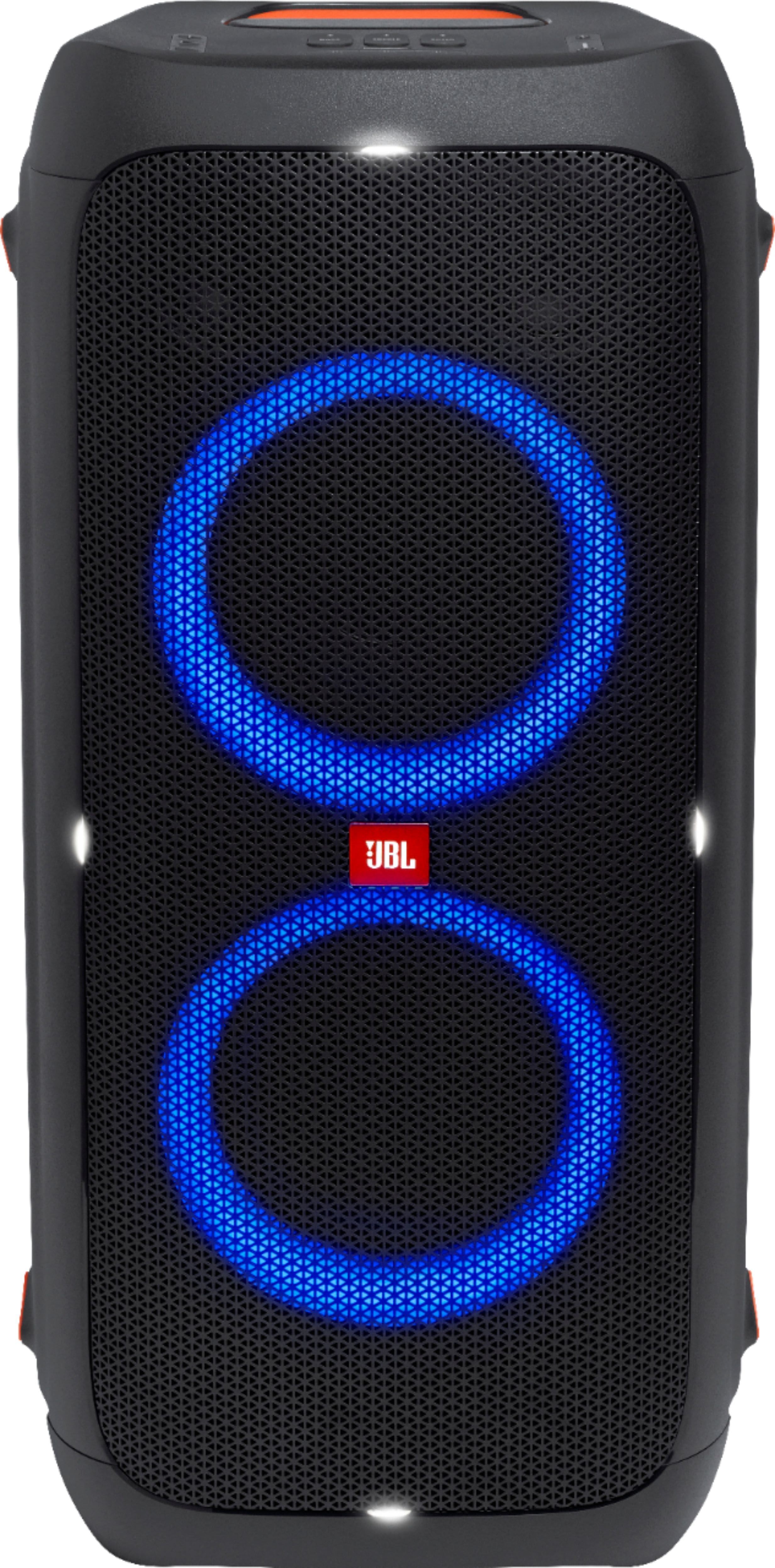
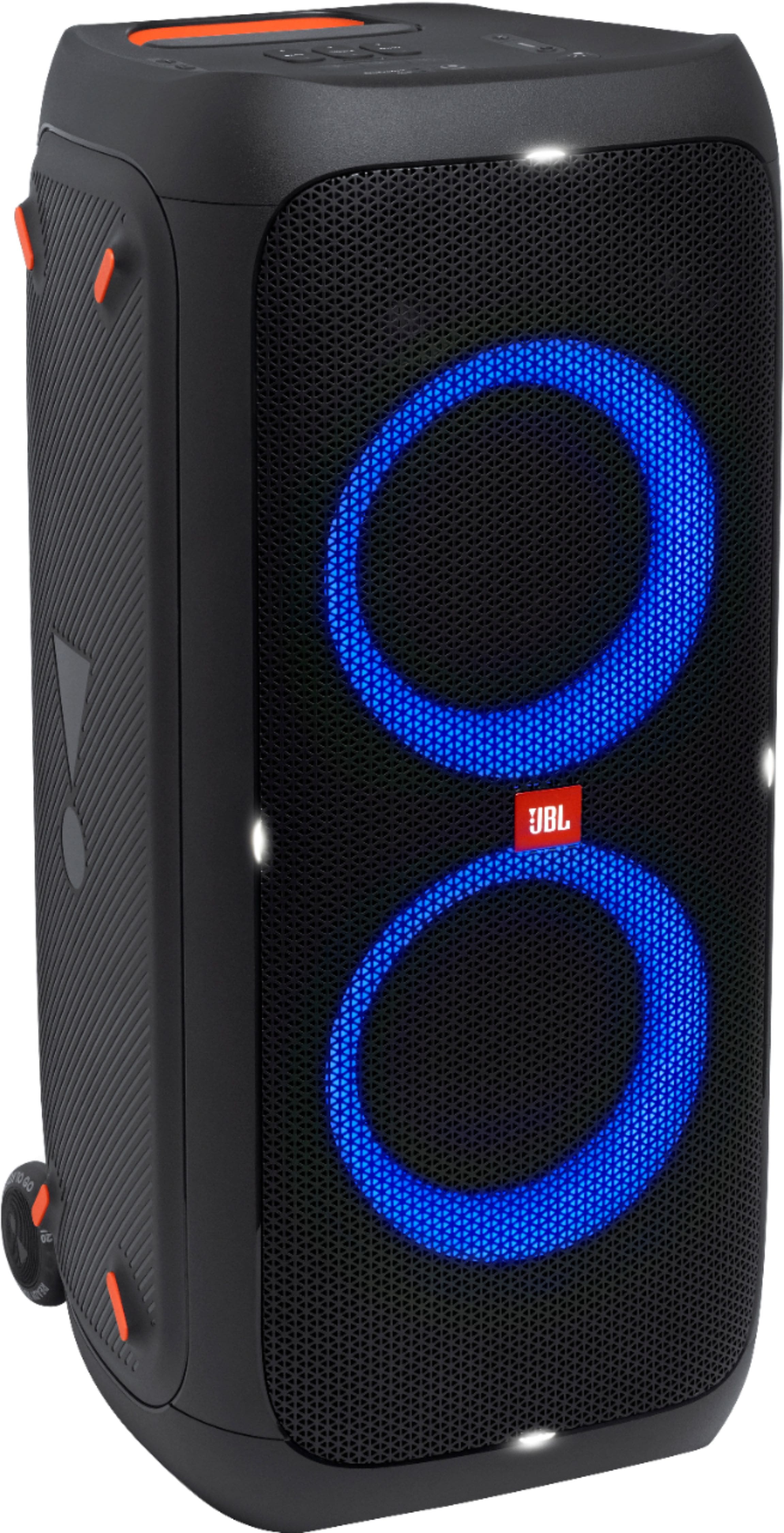
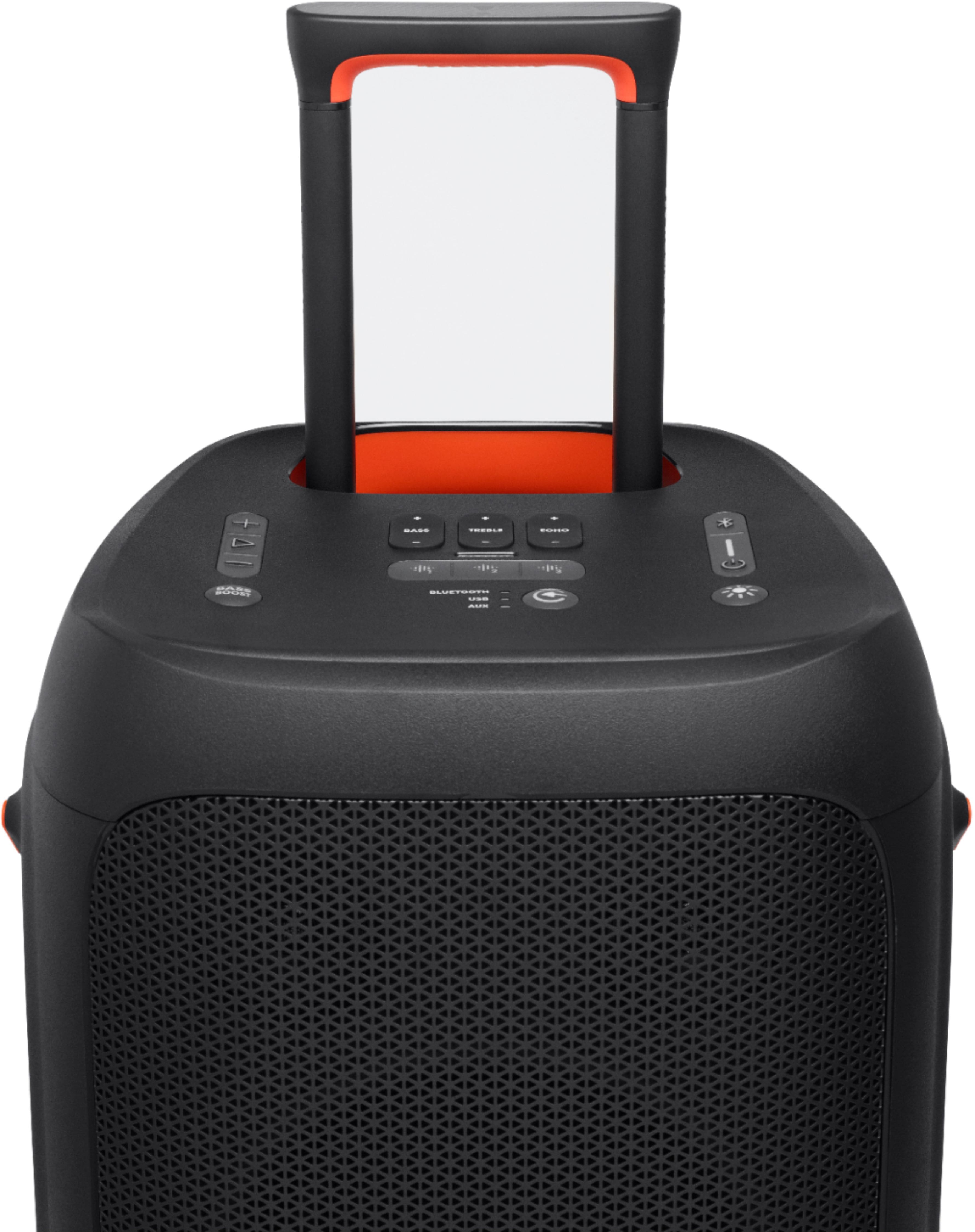
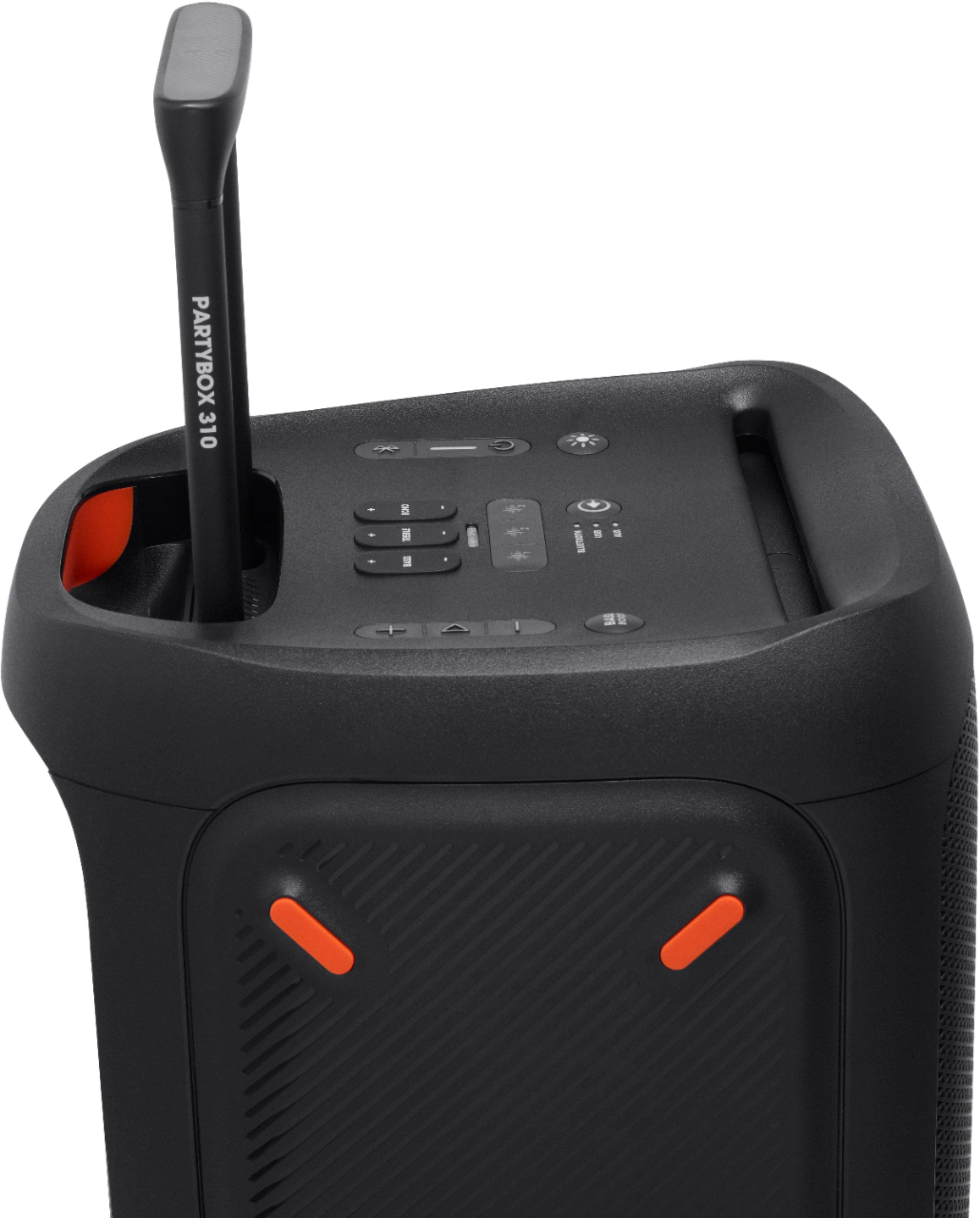
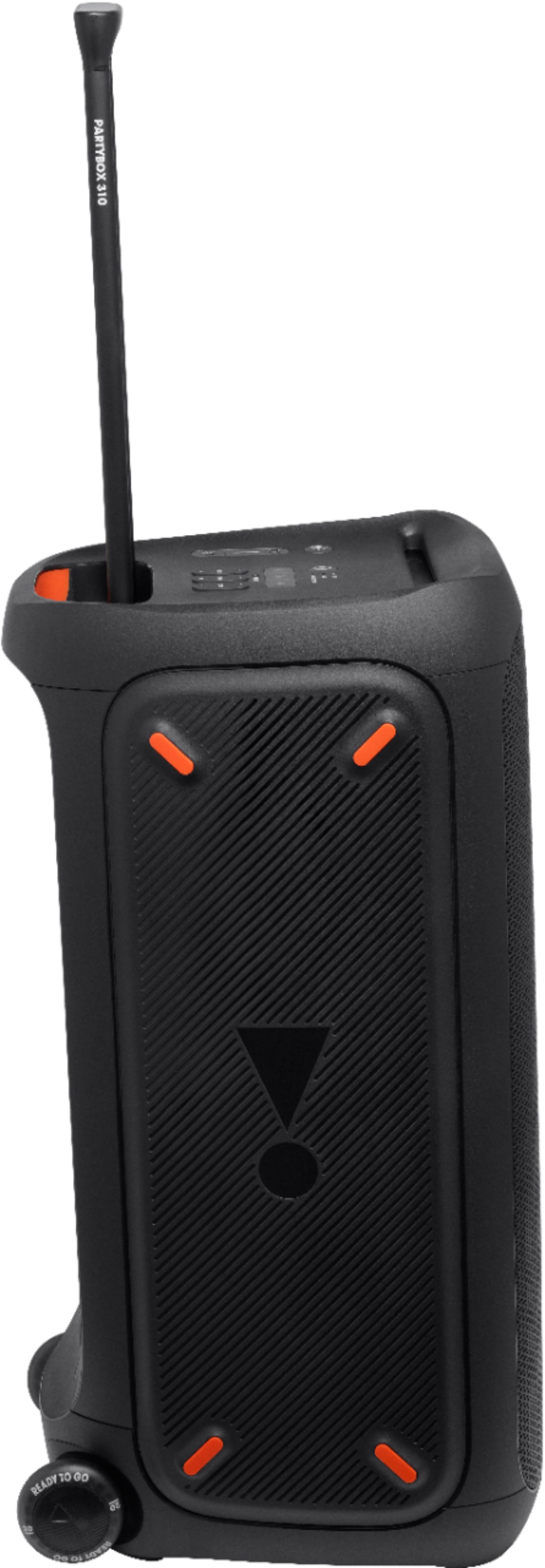
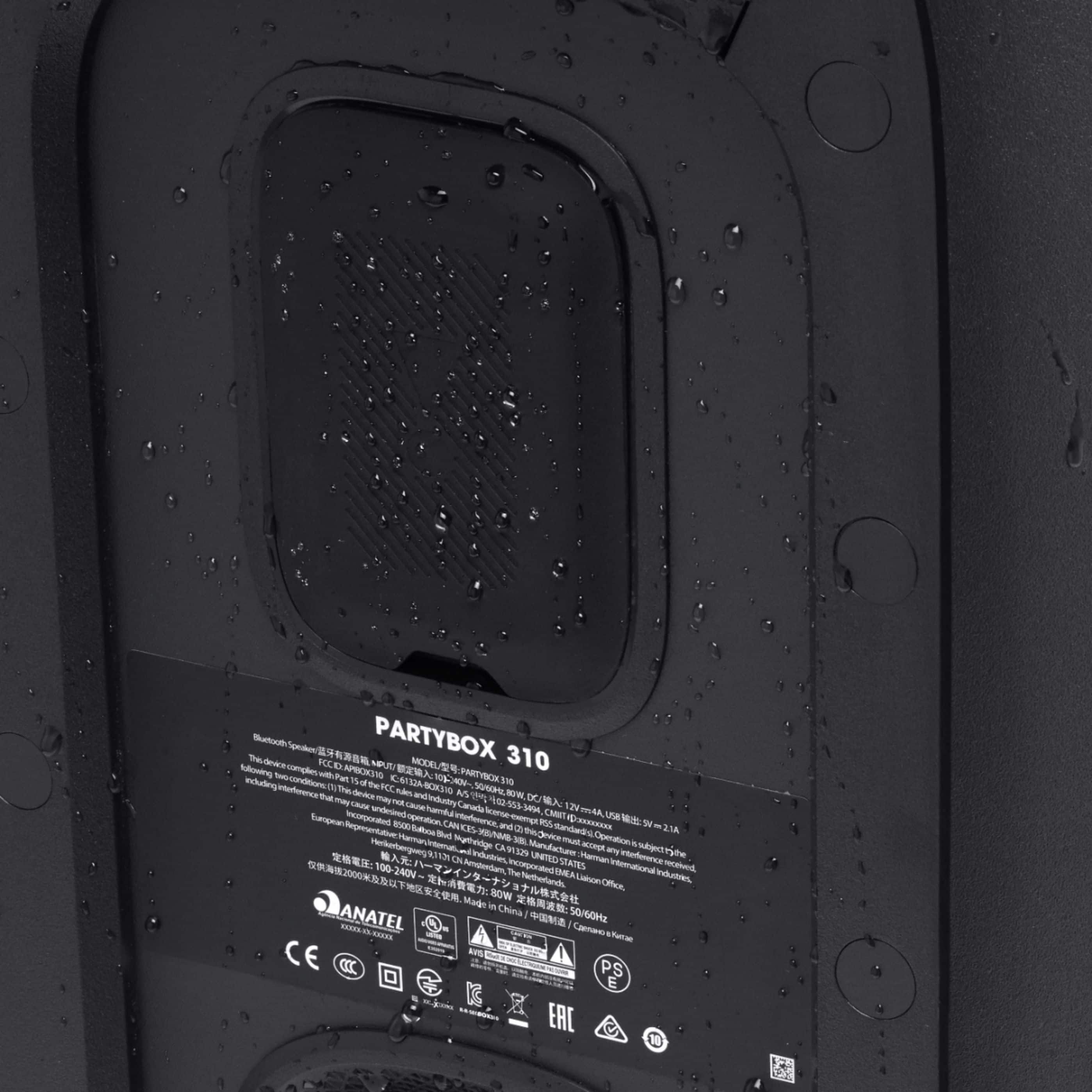
A:AnswerThanks for your question. Our JBL PartyBox 310 can't be integrated with a stereo receiver as it is a standalone portable speaker system with a built-in amplifier.
A:AnswerThanks for your inquiry. If you intend to use our JBL PartyBox 310, 3–4 speakers will be required to cover 1.5 acres of space without overexerting the speakers.
A:AnswerThanks for your inquiry. Our JBL PartyBox 310 can be used while plugged in. There's no harm in using the unit while it is connected to a power source. Our products have PCM circuits that manage the charging of the battery. However, if you'd like to save energy, unplug the speaker.
A:AnswerThanks for reaching out. Please note that our JBL Partybox 310 will go into power-saving mode after 10-15 minutes of inactivity. While the speaker is not in use, it still uses the battery in idle mode. If the speaker drains its battery from a full charge and is on power off mode, we'd like to work with you directly to address the issues you're experiencing. You may contact our customer support via our official website for assistance.
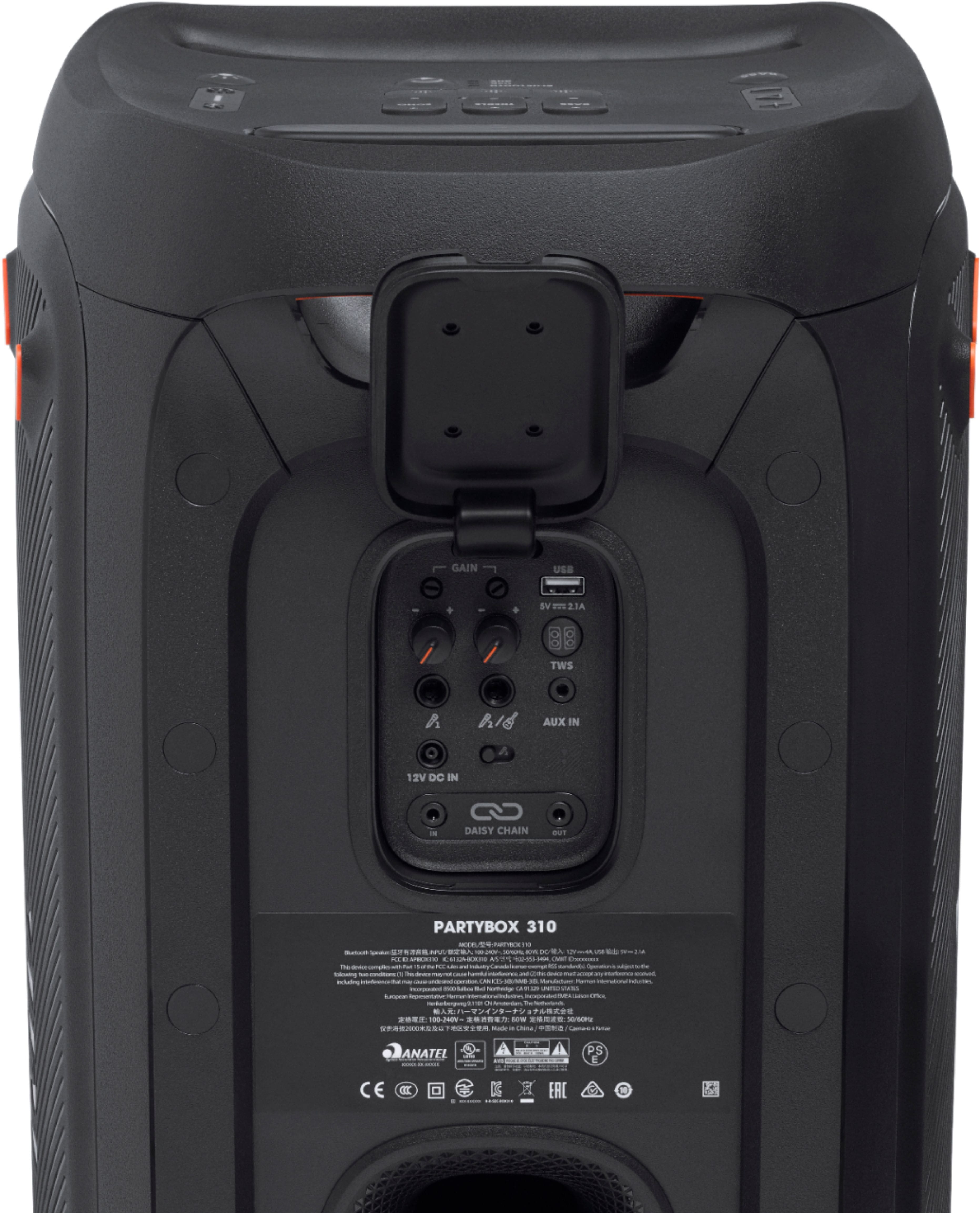
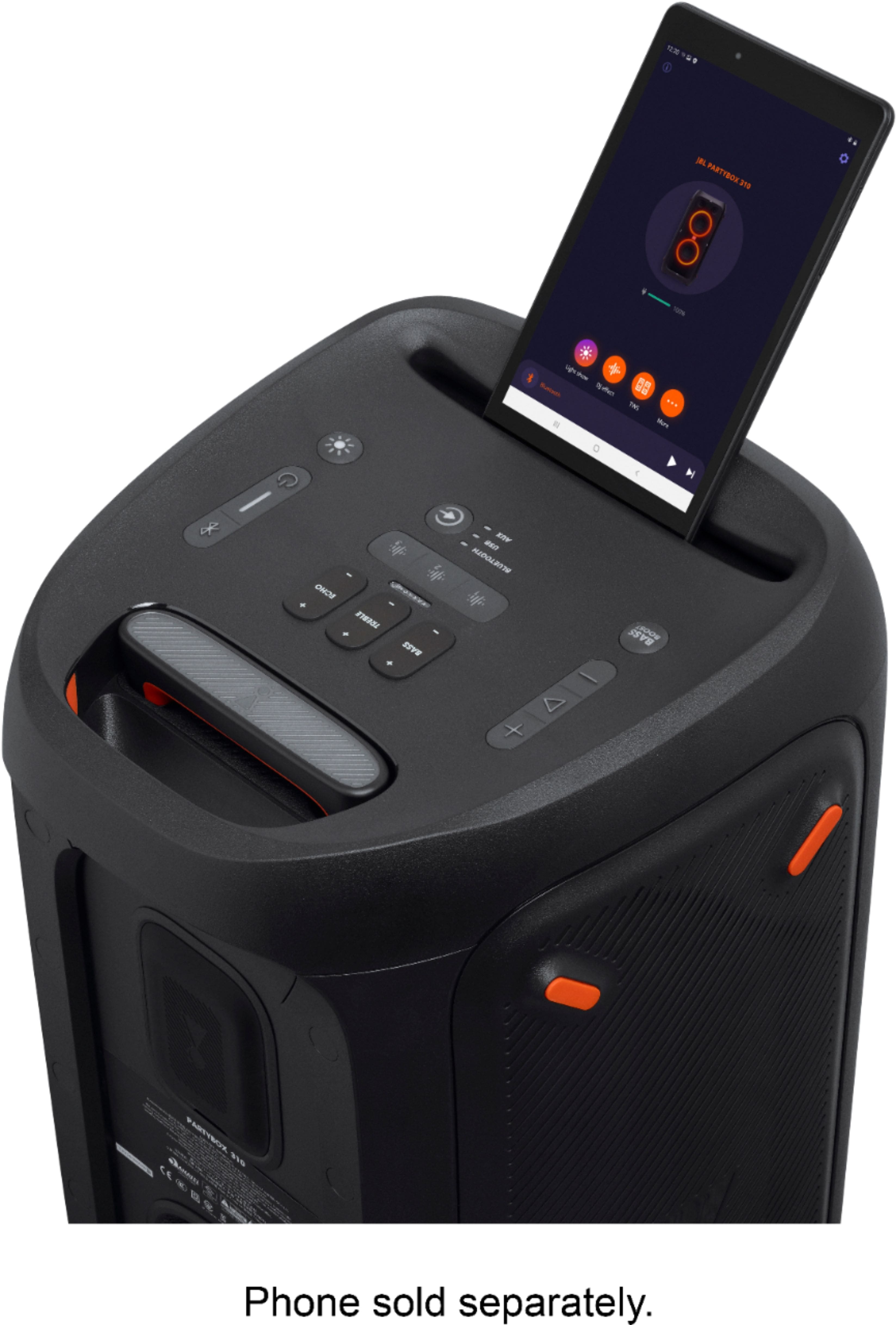
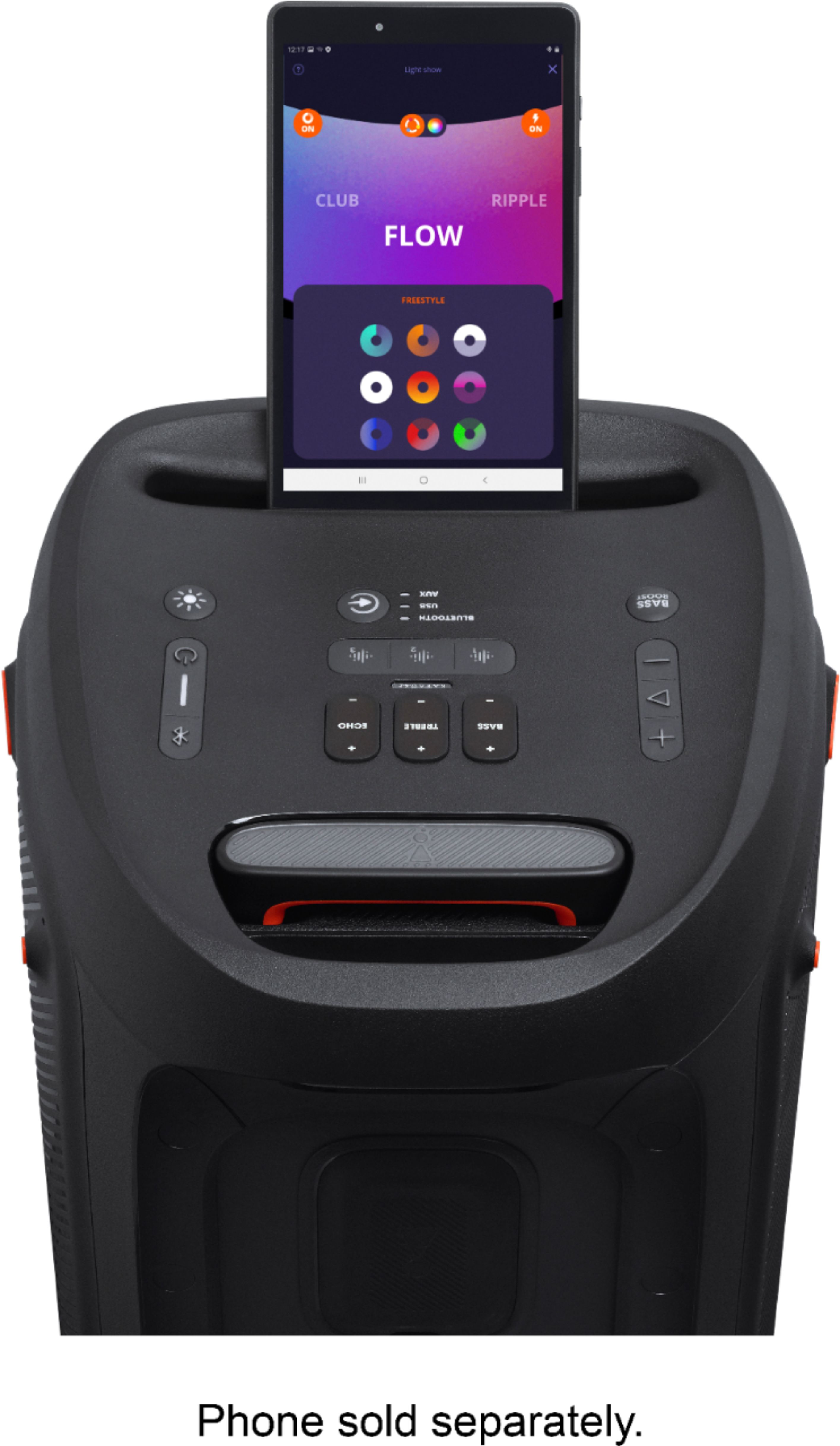
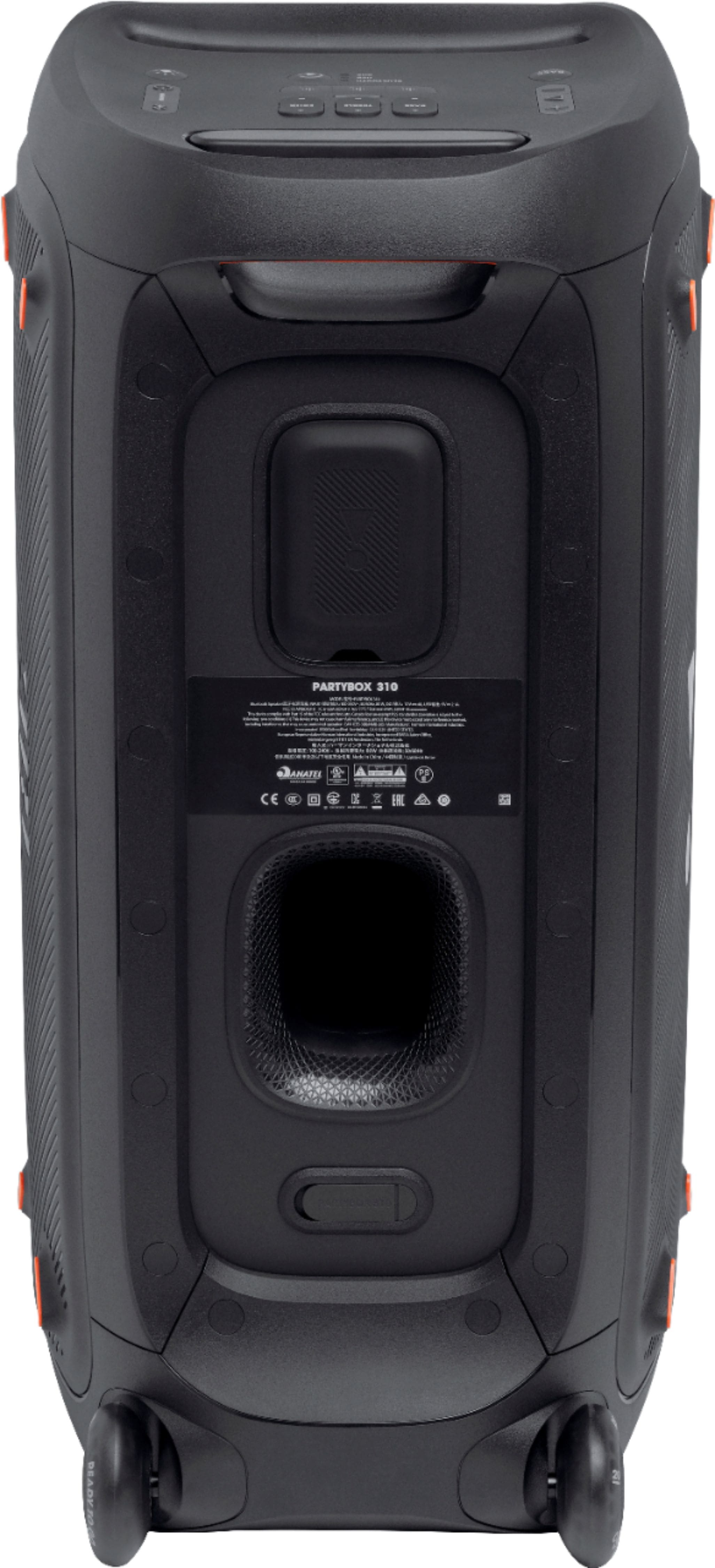
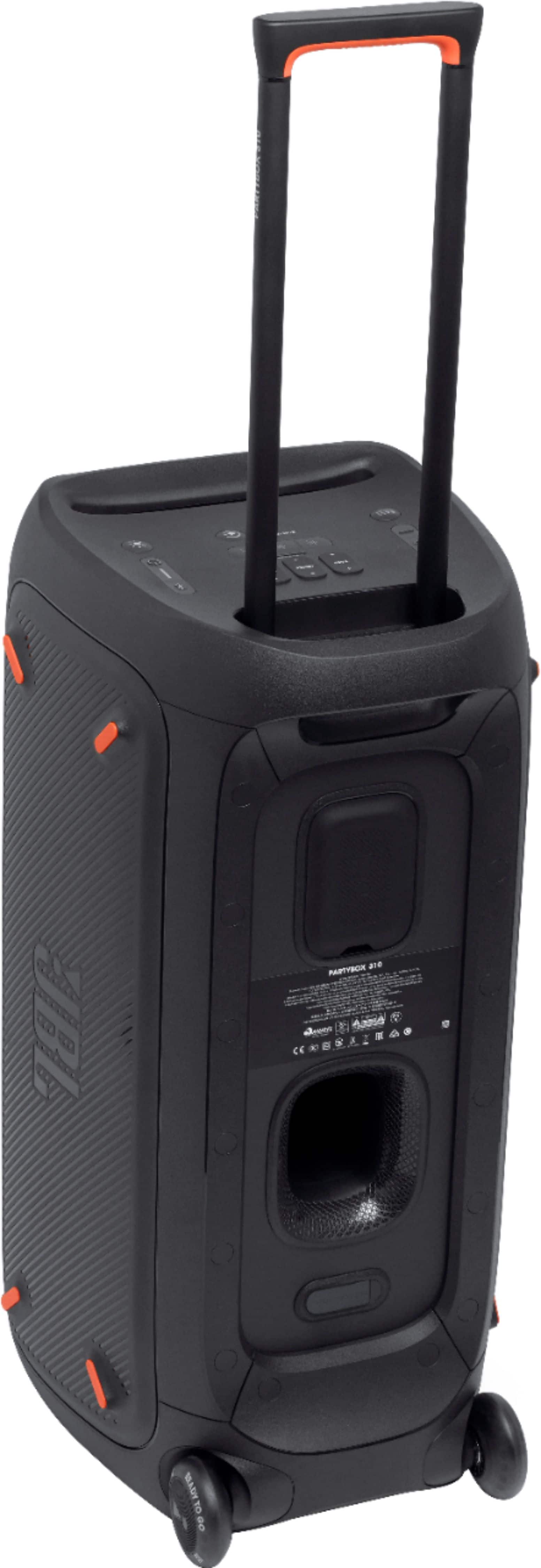
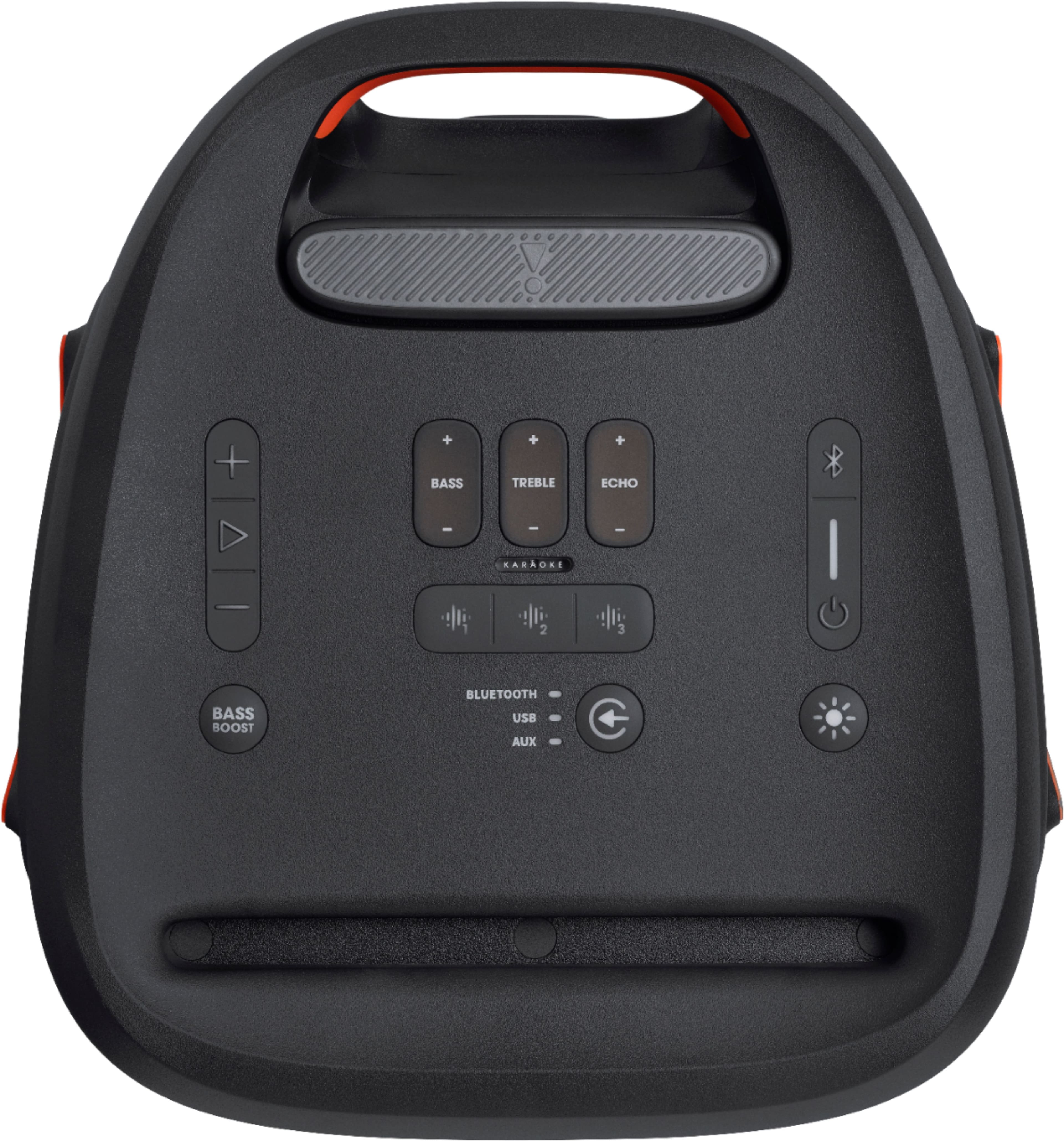
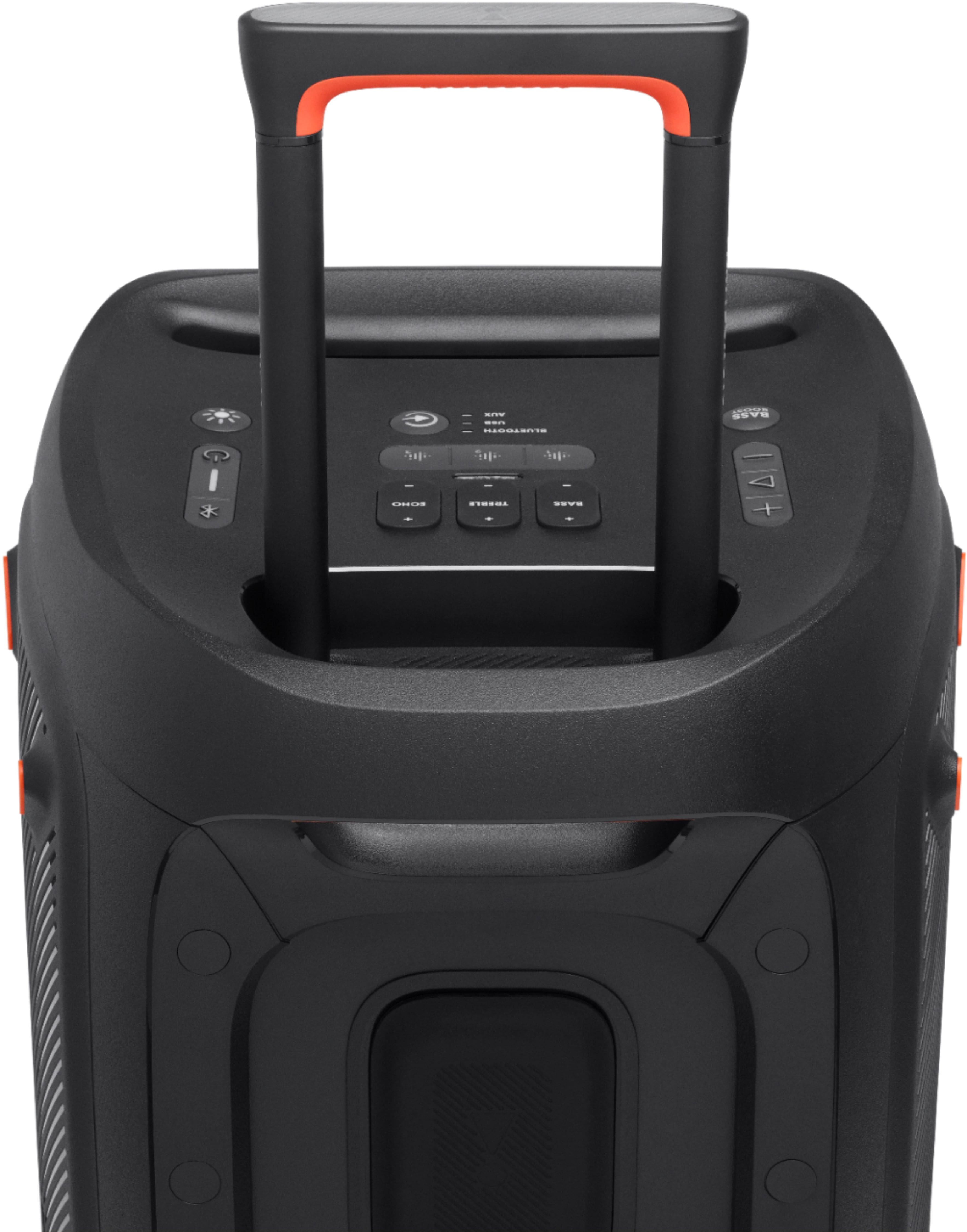
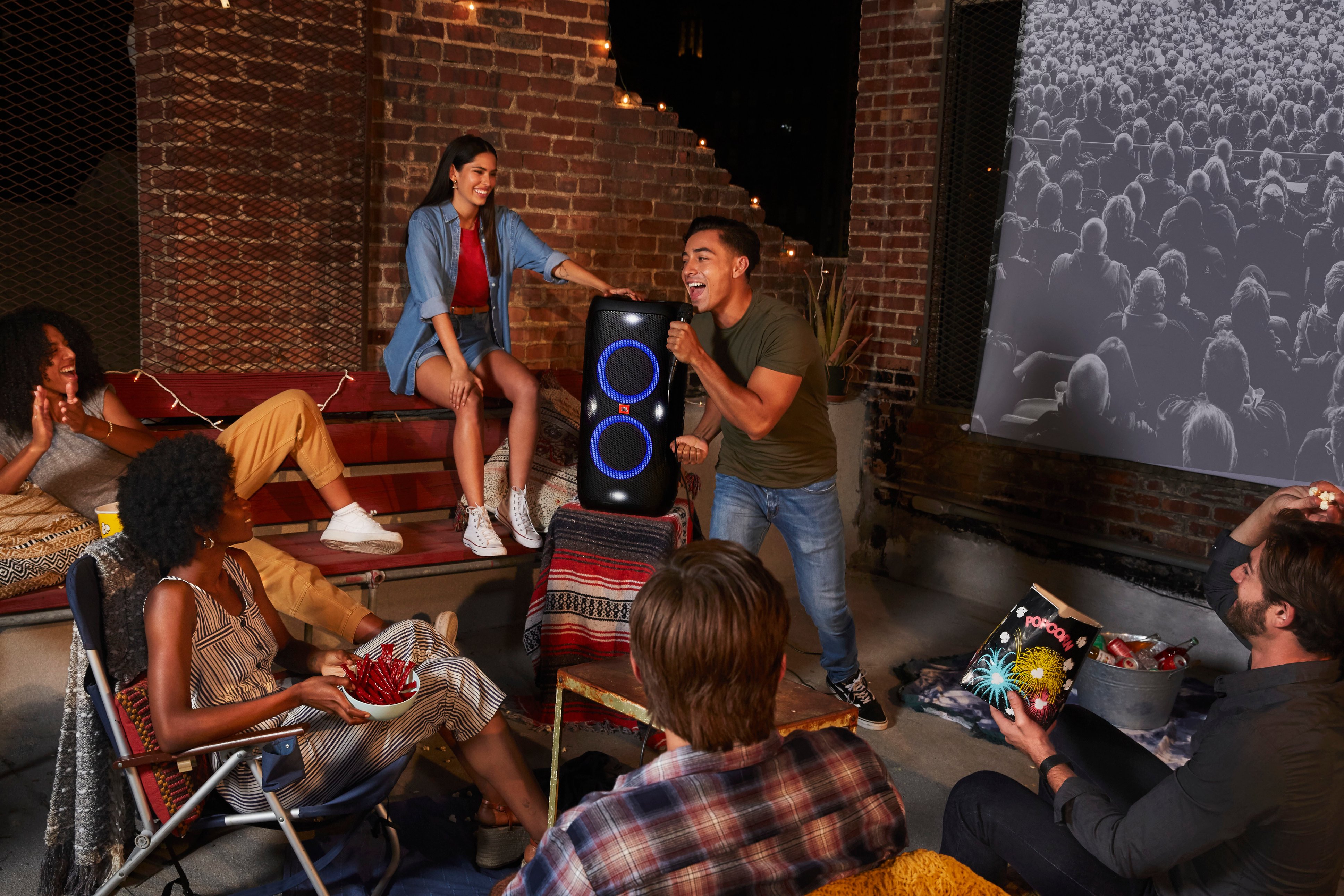
A:AnswerYes it can be used for karaoke and has mic & guitar connections on the back. If you look up the JBL party app on playstore or Apple it will give you more information. See my screenshots of the app.

The sound quality is awesome and the battery lasts about 8 hours.
A:AnswerOur JBL PartyBox 310 isn't suitable for use in a drive-in movie theater. Since our JBL PartyBox310 does not have an FM radio, we recommend purchasing an FM receiver and plugging it into the Aux port to enable FM radio.