Questions & Answers
- Model:
- JBLPBWIRELESSMICAM
- |
- SKU:
- 6579127
Highly rated by customers for: Sound Quality, Battery Life, Connectivity
Page Showing 81-89 of 89 questions
Q: QuestionIs this compatible with the JBL party box 1000?
Asked by Anonymous.
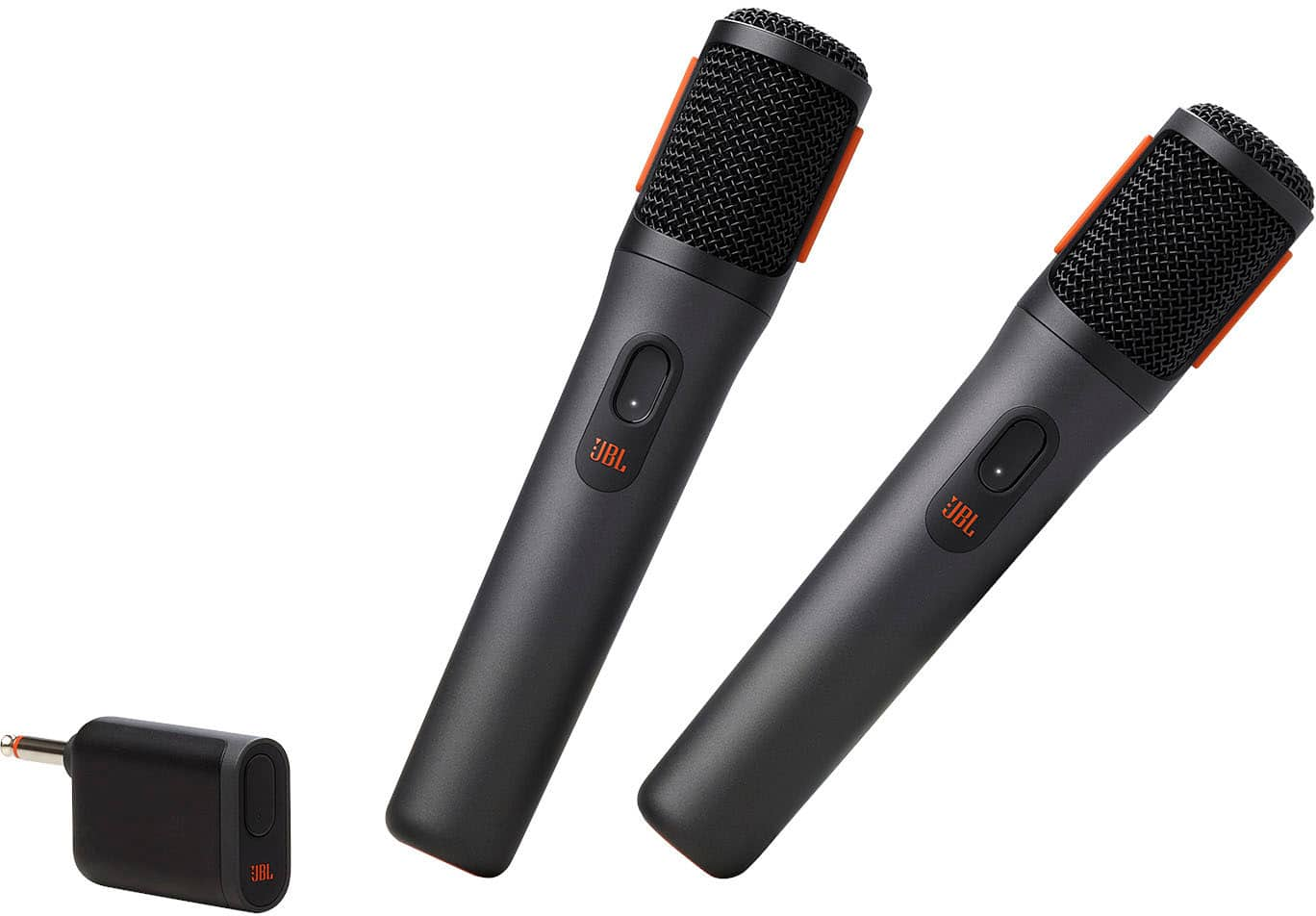
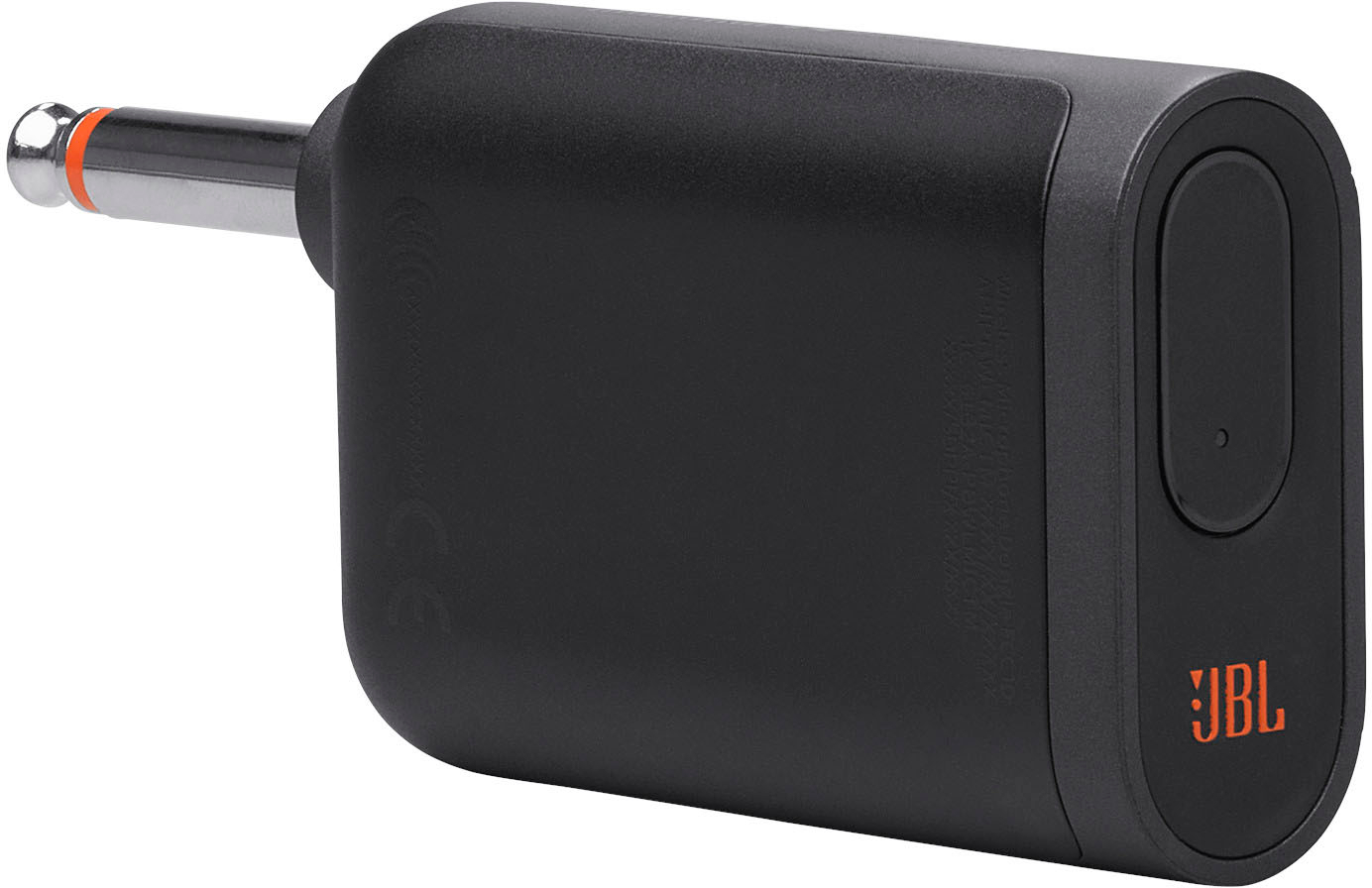
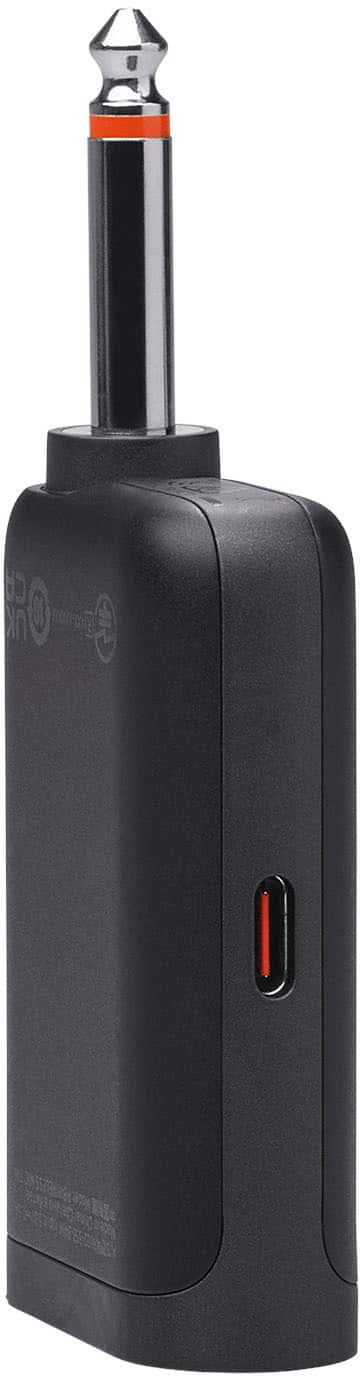
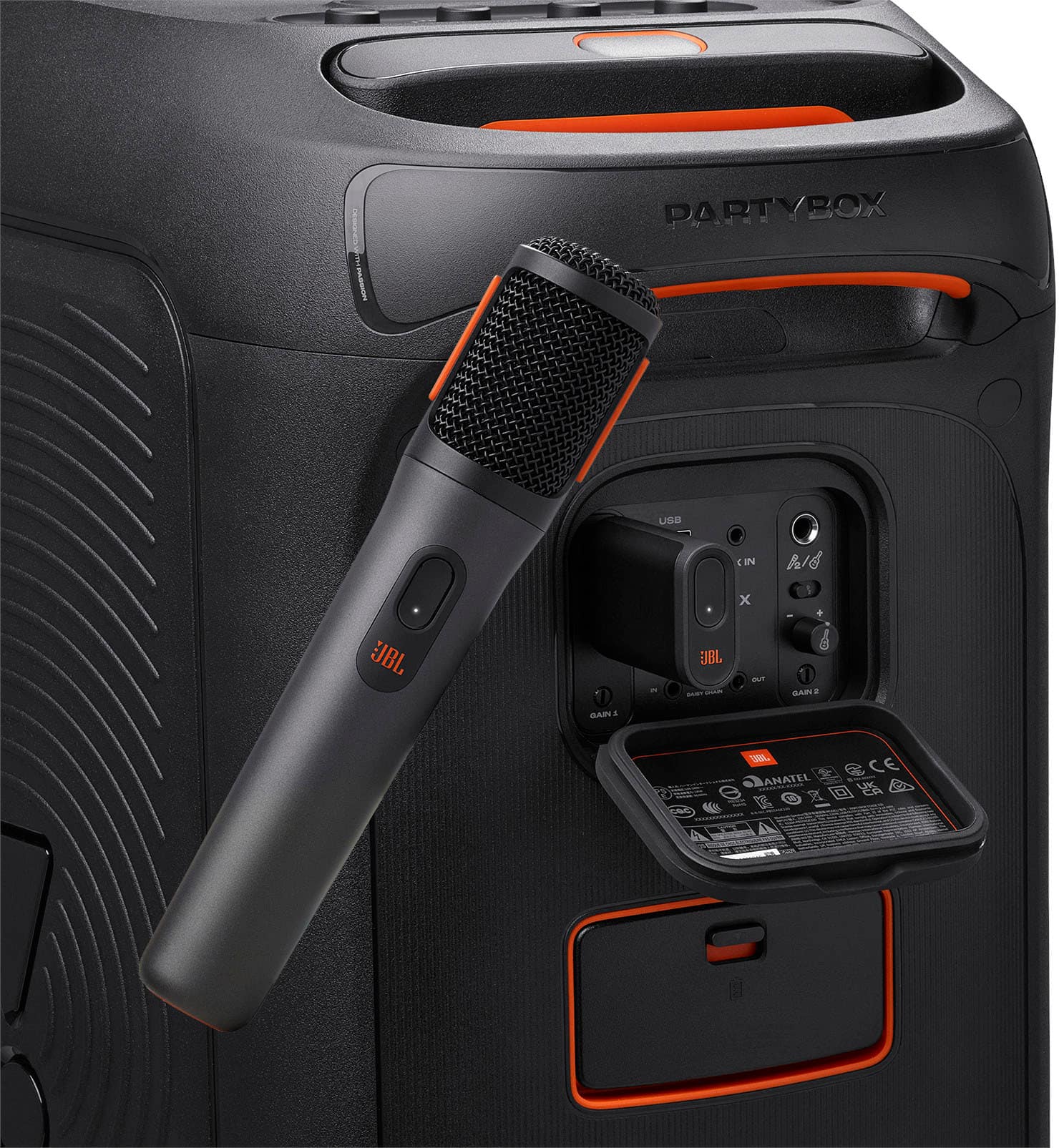
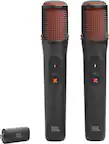
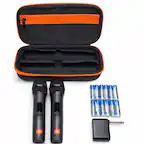
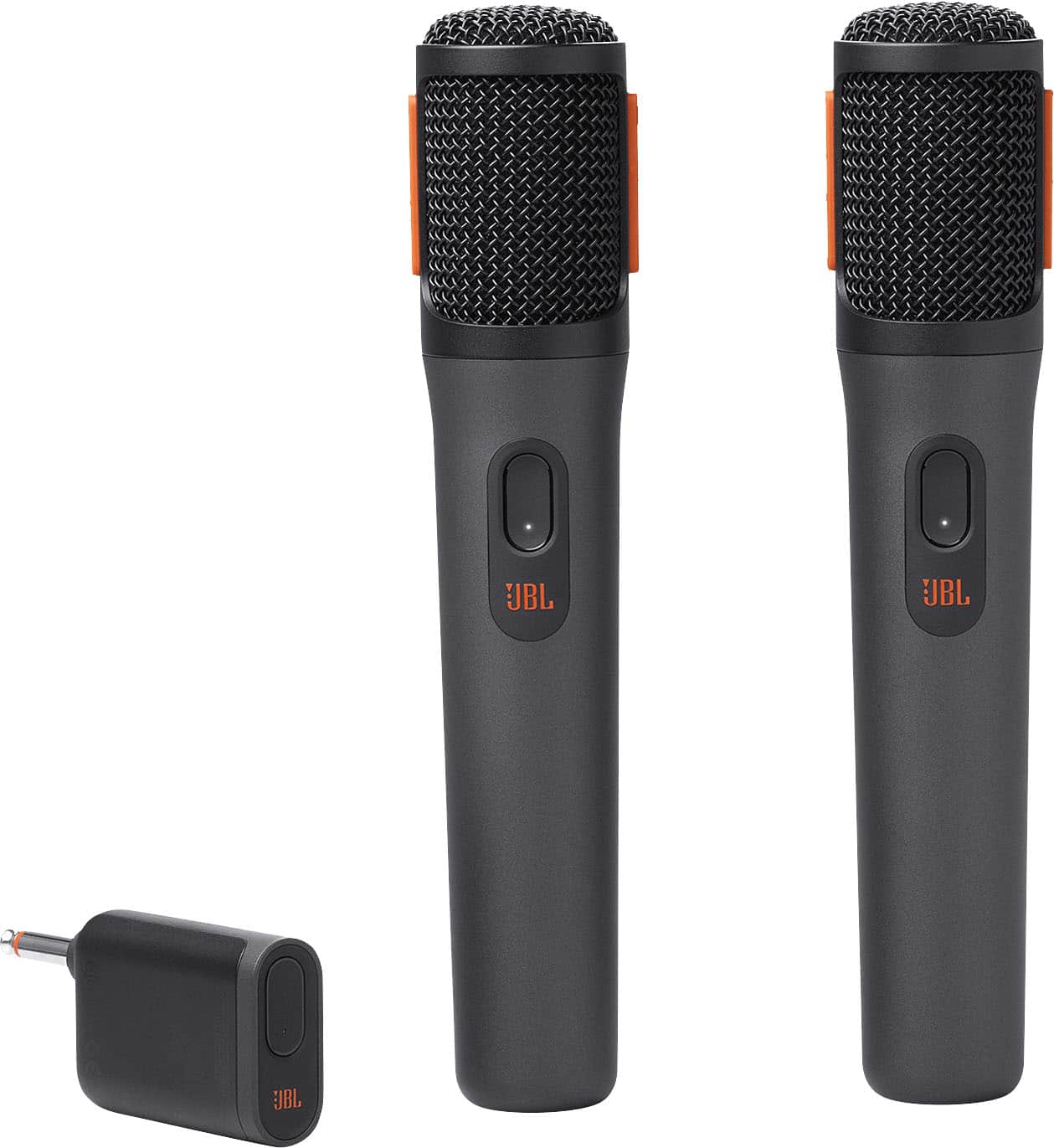
- A:Answer Thanks for your inquiry. Our JBL wireless microphone is compatible with our JBL PartyBox 1000. You can connect up to two wireless microphones to our JBL PartyBox 1000 using the JBL Wireless Microphone Set, which includes a dongle that plugs into the microphone input.
Answered by JBL Support

Q: QuestionDoes it works on " Maxpower" speakers ? Thanks
Asked by Anonymous.
- A:Answer Our JBL wireless microphone can connect to JBL PartyBox speakers as they are designed to be compatible with each other, typically through a dedicated microphone input. For connecting to Maxpower speakers or other non-JBL brands, as long as the speaker has a compatible microphone input and supports the same connection standards as your JBL microphone, it should work.
Answered by JBL Support

Q: QuestionCan I use these mics with the party box 300, and if so how do I make them wireless? ...and what is a dongle?
Asked by Jason.
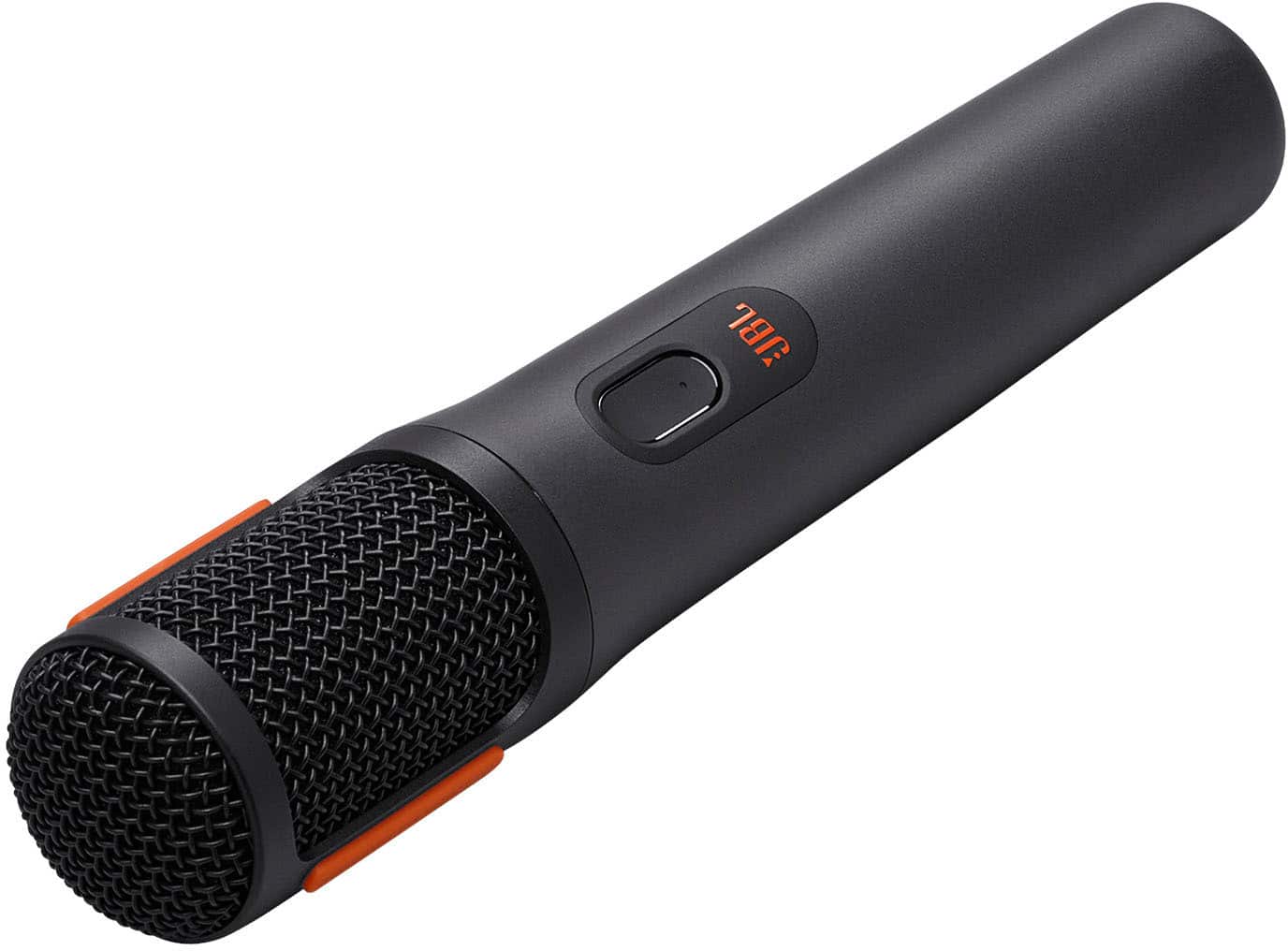
- A:Answer Thanks for your inquiry. Our JBL Wireless Microphone Set is compatible with any JBL PartyBox speakers. Just plug the wireless dual-channel receiver into your speaker and turn on the mics to connect. The dongle acts as the transmitter of the wireless signal between the microphone and speaker that allows you to connect the microphone wirelessly. If you need more help, please contact us.
Answered by JBL Support

Q: QuestionIs this compatible with bose S1 pro
Asked by Alex.
- A:Answer Thank you for your inquiry. Our JBL Wireless Microphone comes with a 1/4-inch dongle to be plugged into a mic input. Please refer to your speaker's manual to see if it has this feature or you may contact them directly.
Answered by JBL Support

Q: QuestionIs the dongle necessary if you are pairing the microphones with the JBL Partybox 320?
Asked by QuestionGuy.
- A:Answer Thanks for your question. Yes, the dongle of our JBL PartyBox Wireless Mic is needed to pair them to our JBL PartyBox Speakers. If you have more questions, you may contact us.
Answered by JBL Support

Q: QuestionCan these microphones be use with any speakers? Perhaps Sony
Asked by Anonymous.
- A:Answer I did use these with Sony Bluetooth Speaker. Works great.
Answered by MarkO
Q: QuestionCan I get two of these and have a total of 4 mics working together?
Asked by edelacruz4k.
- A:Answer Thank you for your question. Using two sets of JBL Wireless Microphones would cause interference since our microphones are only dual channel and the dongle will randomly choose a new channel for the microphones each time they are turned on. Even if the mics all show a different channel number, they will likely end up on the same channel which caused the interference. We recommend using a wired microphone.
Answered by JBL Support

Q: QuestionCan 4 JBL microphones connect to just 1 dongle ? I plan to buy another set of JBL microphone and try to connect to 1 JBL dongle. Reason: I have another set of microphone (other brand) that uses other slot. Sometime 6 people want to sing together :-)
Asked by TiegerEye.
- A:Answer Thanks for your question. Our JBL PartyBox Wireless Microphone Set can connect to one wireless receiver (dongle) at a time, and the dongle typically supports only the two microphones that come with the set.
Answered by JBL Support
Q: QuestionI purchased two JBL Partybox 320. If I connect the JBL wireless microphones to one of the Partybox and pair it with the other, will the mic be heard from both Partybox speakers? If not, will there be a software update to correct this in the future? Thanks
Asked by Fer.
- A:Answer Yes it is from both speakers
Answered by Anonymous