Questions & Answers
- Model:
- JBLQUANTUM100BLKAM
- |
- SKU:
- 11789464
Q: QuestionCan I plug it into my ipod mini
Asked by Barry.
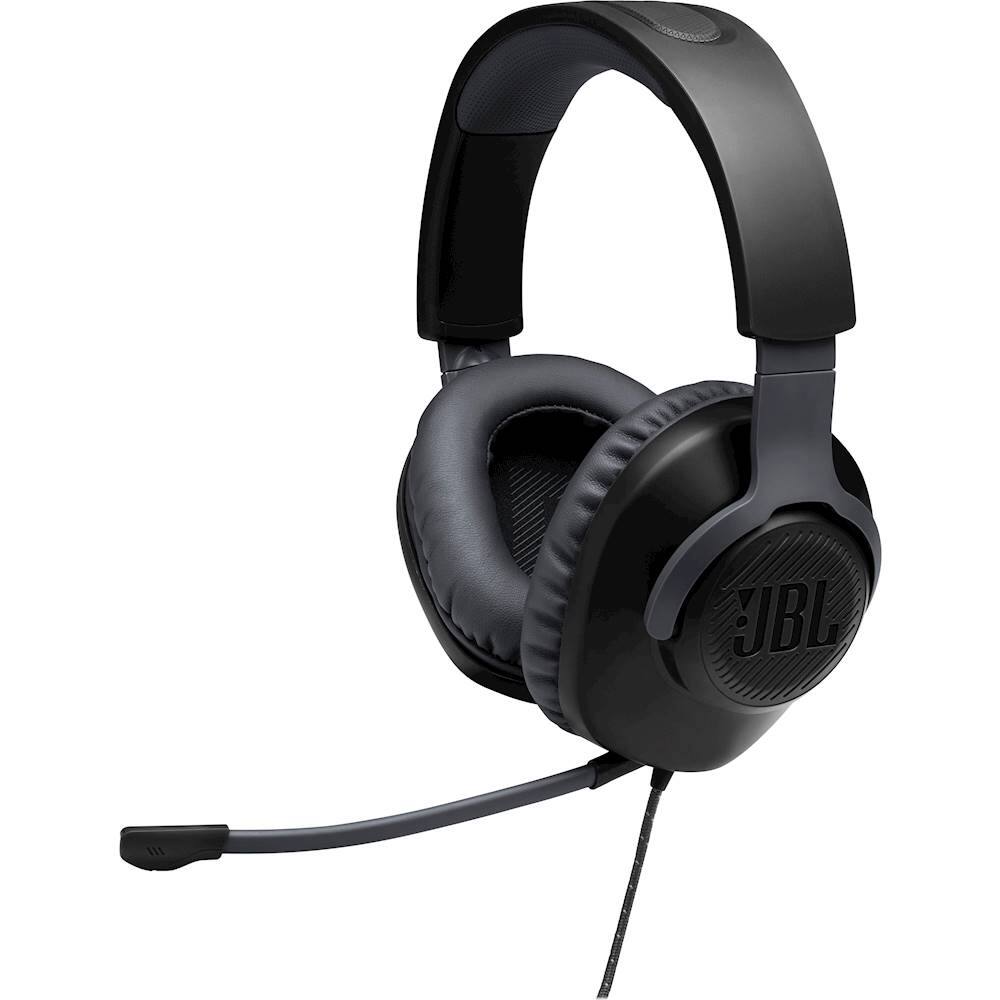
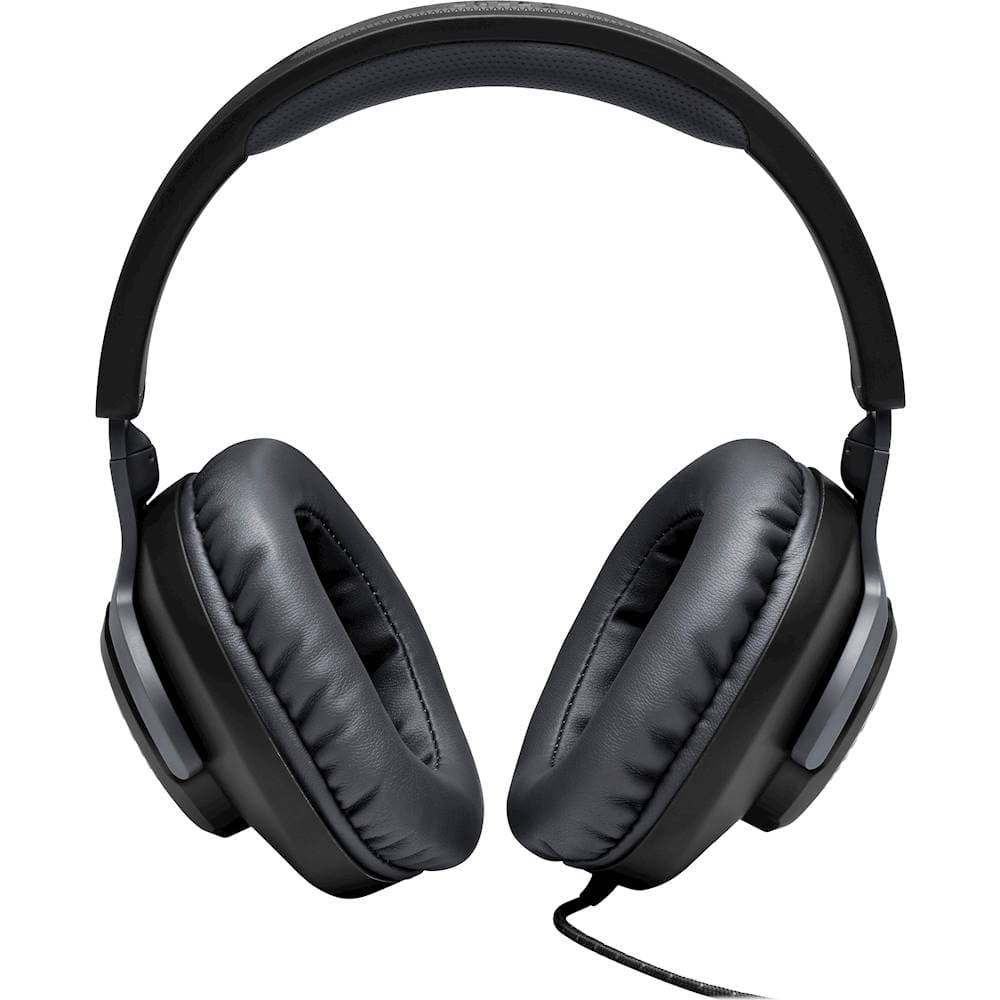
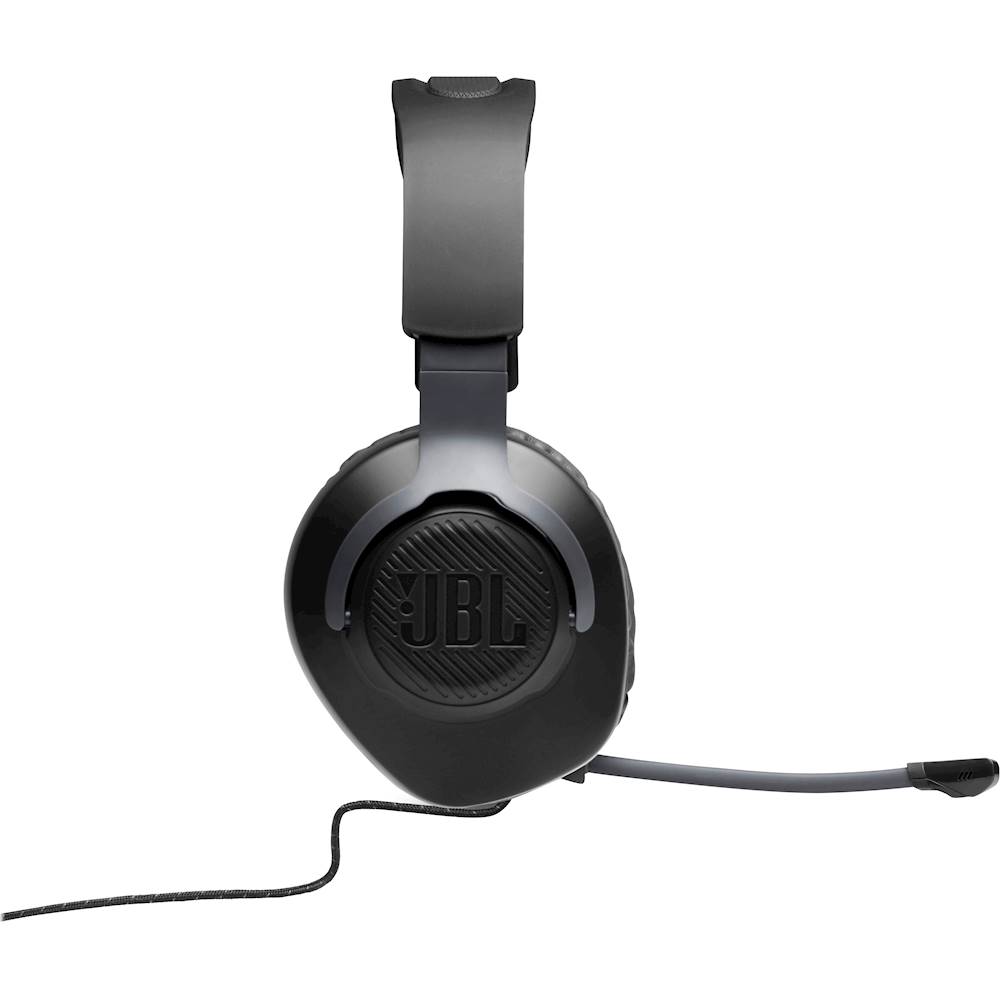
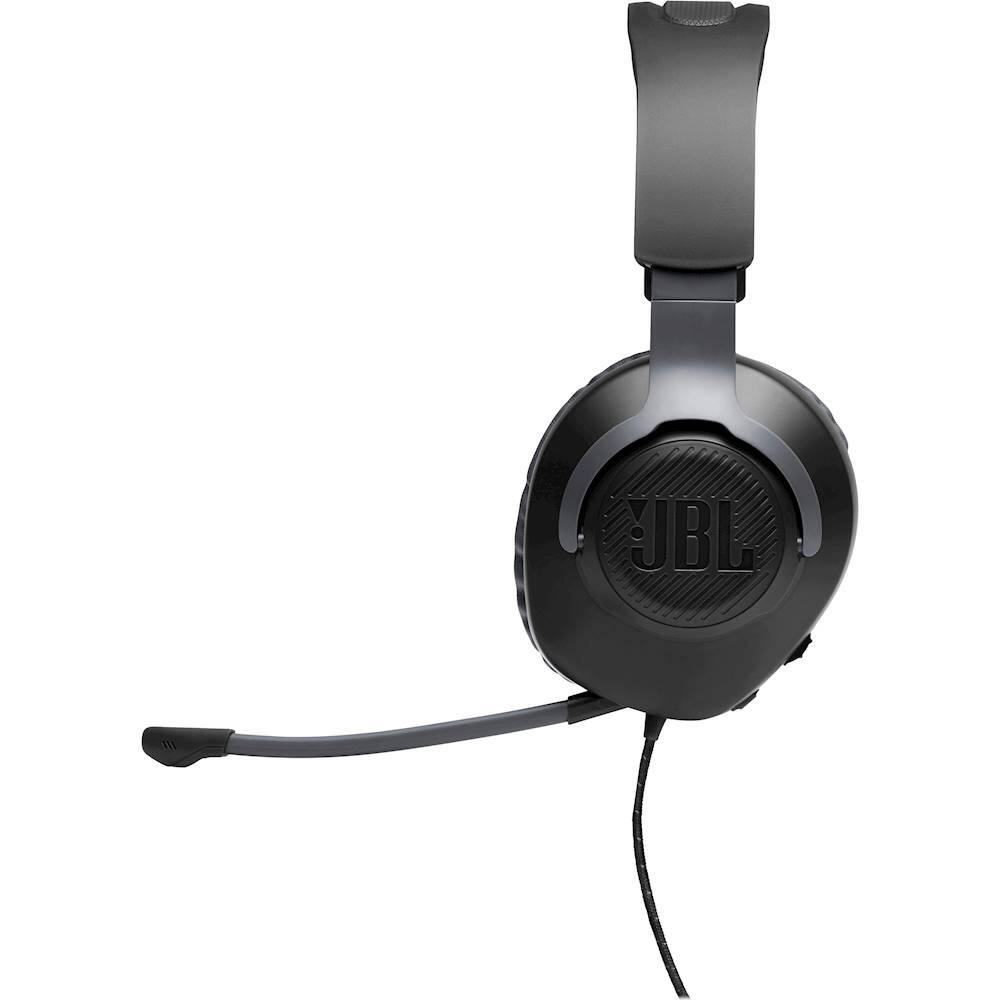
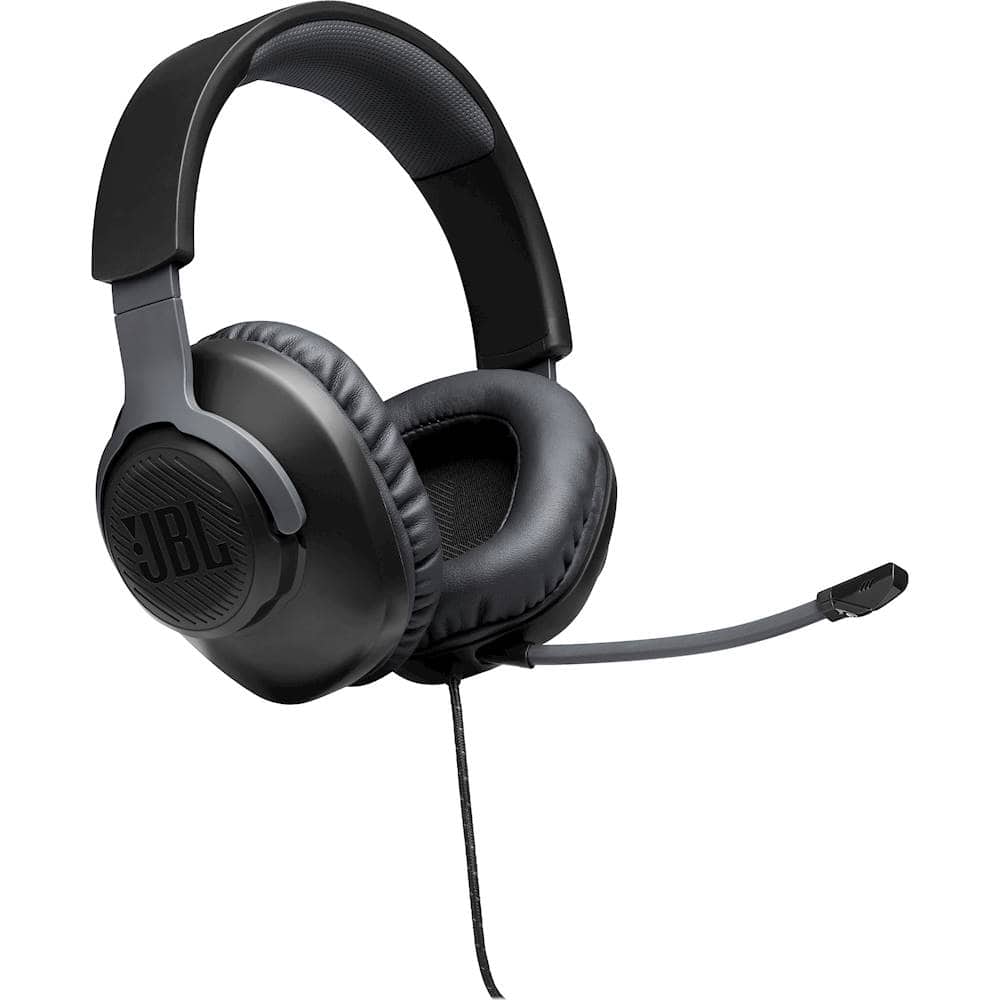
- A:Answer Hi there, our JBL Quantum 100 features a 3.5 mm jack that can be used for gaming devices. If your device has an auxiliary input, it should be fine. You can check out our Quick Start Guide for the complete list of compatible gaming devices: https://bit.ly/304gZaz
Answered by JBL Support

Q: Questiondoes it have a dynamic microphone element that could be used with my Ham radio”?
Asked by jrwilson.
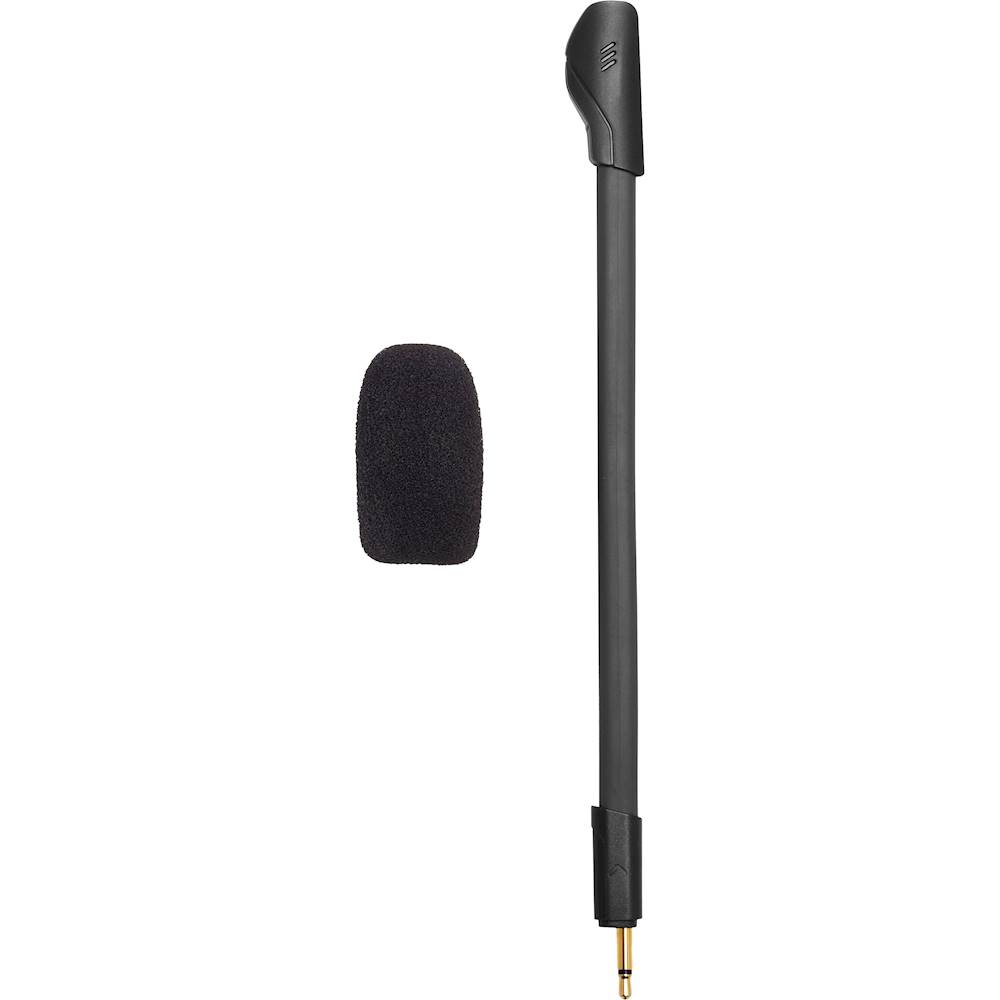
- A:Answer Our JBL Quantum 100 dynamic microphone element is that it has a directional pickup pattern the sensitivity is at -42dBV @ 1kH/Pa.
Answered by JBL Support

Q: Questionheadphones need to be restoked
Asked by cool.
This question was asked about the related product: JBL - Quantum 100 Surround Sound Gaming Headset for PC, PS4, Xbox One, Nintendo Switch, and Mobile Devices - White
Q: QuestionWill this headset work, for working from home ? I need to connect it to a laptop and use it to speak with customers .
Asked by Cdunn.
This question was asked about the related product: JBL - Quantum 100 Surround Sound Gaming Headset for PC, PS4, Xbox One, Nintendo Switch, and Mobile Devices - White
- A:Answer Yes, I used it in my TOEFL exam and I connected it to my laptop and it worked well.
Answered by Jojomart
Q: QuestionIs this headset better or is the Razer - Kraken X Wired Stereo Gaming Headset for PC, PS4, Xbox One, Nintendo Switch and Mobile Devices ??? I do not know which one to get
Asked by Katie.
This question was asked about the related product: JBL - Quantum 100 Surround Sound Gaming Headset for PC, PS4, Xbox One, Nintendo Switch, and Mobile Devices - White
- A:Answer Yes it is overall because the value is much better this is the best headset ever the only thing the other headsets you mentioned are better at is sound quality that’s it but for the price of the job headset it’s the better option
Answered by FGDOM27
Q: QuestionMy head set when I plug it in to my Xbox controller it wont project audio
Asked by Jesse.
- A:Answer Thanks for reaching out. All JBL Quantum headset models work only through a 3.5mm audio jack (aux) connected to the Xbox controller. You cannot connect to any Xbox Series console via Bluetooth. If you're experiencing audio issues when connected to your console via the 3.5mm aux cable then you may reach out to JBL Customer Service for technical support and assistance. https://bit.ly/37kxz94
Answered by JBL Support

Q: QuestionDo you need an adapter to use the microphone on PC?
Asked by Michael.
This question was asked about the related product: JBL - Quantum 100 Surround Sound Gaming Headset for PC, PS4, Xbox One, Nintendo Switch, and Mobile Devices - White
- A:Answer Our JBL Quantum 100 is compatible via 3.5mm jack with PC, PlayStation™, Xbox™, Nintendo Switch™, Mobile, Mac, and VR. There's no need to buy an adapter if your PC has a 3.5 mm input.
Answered by JBL Support

Q: QuestionIs this a true dynamic microphone that could be used with my Ham radio
Asked by jrwilson.
- A:Answer The microphone pickup pattern of our JBL Quantum 100 is directional or unidirectional.
Answered by JBL Support

Q: QuestionDoes the mic and headset work being plugged in to just the headset jack on a windows pc? I’ve had other headsets where the mic doesn’t work in the headphone Jack and the headphones don’t work if it’s plugged into the mic jack
Asked by Anonymous.
- A:Answer Our JBL Quantum 100 is compatible via 3.5mm jack with PC for as long as your computer has a 3.5 mm input.
Answered by JBL Support

Q: QuestionI dont see a spliter included, how does the PC recognize the microphone?
Asked by Kaizar.
- A:Answer Our JBL Quantum 100's microphone can be recognized by going through your sound settings.
Answered by JBL Support

Most-viewed items
- $119.99$119.99The price was $199.99
- $36.49$36.49The price was $59.99
- $37.99$37.99The price was $49.99
- $179.99$179.99The price was $239.99