A:AnswerAbsolutely not,because i have the same issue and these headphones did not solve the problem. However, the Samsung earbuds that come with the wingtip did work great for me; but theyre not sold in store anymore. I think theyre the buds plus
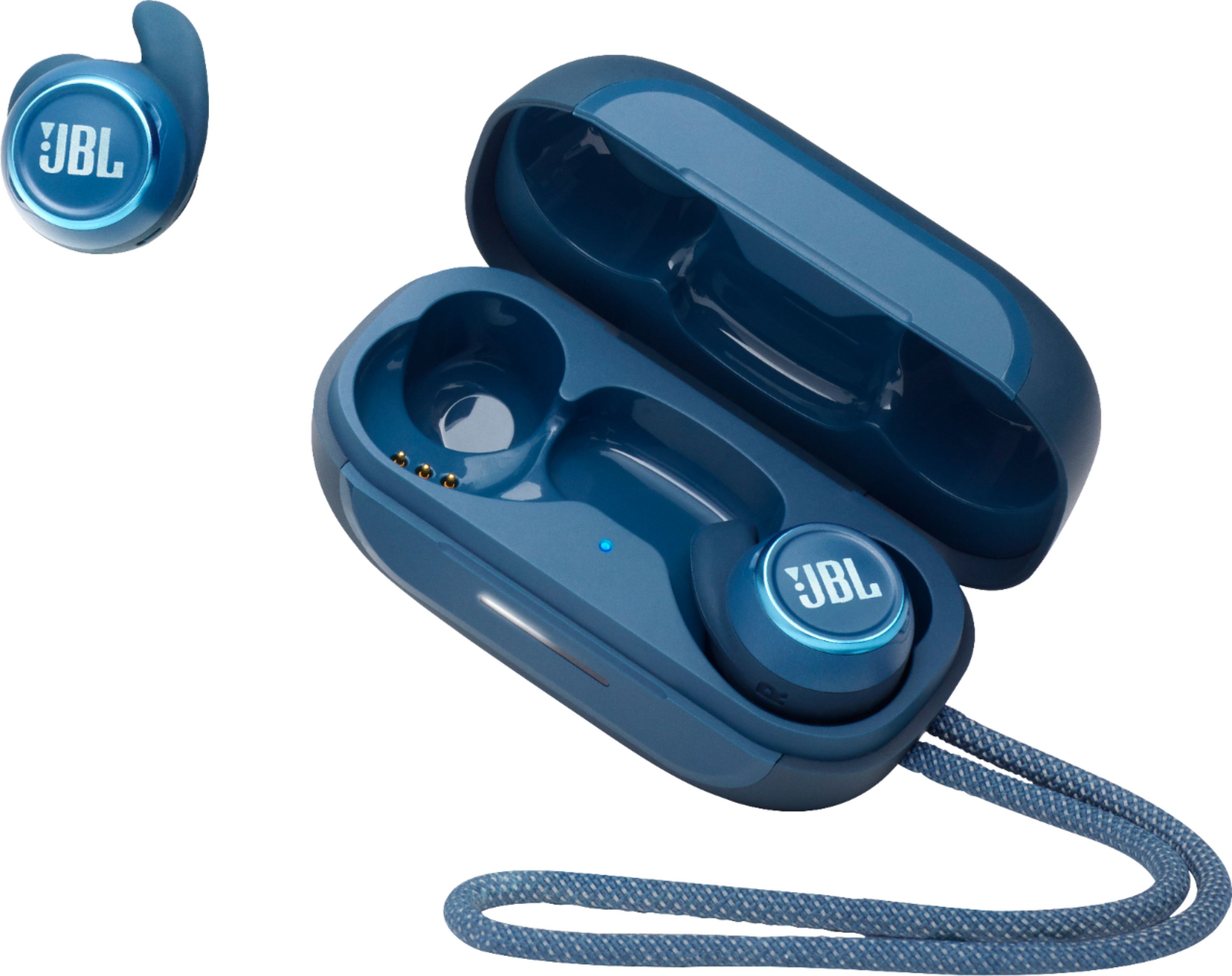
A:AnswerYes, the new case will allow you to charge your Reflect Mini earbuds. Please contact Customer Support for replacement part orders and availability for our JBL Reflect Mini TWS charging case so that we can assist you with your part inquiries. Here is the part number for reference: 1003042075N0009.
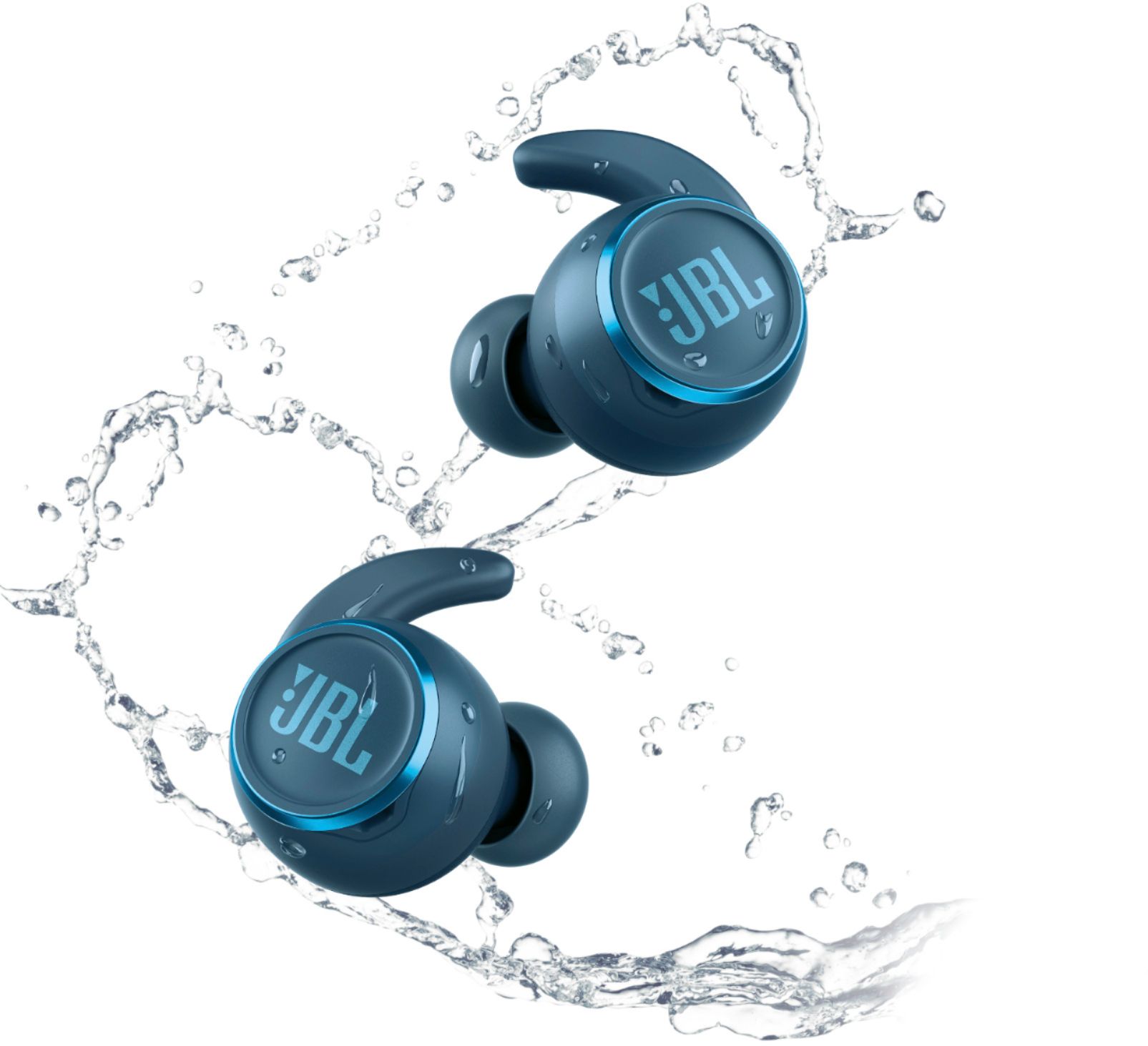
A:AnswerOur JBL Reflect Mini TWS NC has a rating of IPX7 which means that it is waterproof but it is not recommended for swimming since Bluetooth signal doesn't pass through water. We suggest the JBL Endurance Dive for swimming activities as it has an MP3 Function where you can copy music files into it.
A:AnswerThere is a tap and hold sequence for the bud, I think its tap twice( could be tap four times and hold) and hold on the second tap till the bud resets. Rest the case with the buds in it by holding the button on the case for like 6 seconds.
A:AnswerTo use these buds with Alexa on my iPhone (iOS 16.2), I have to:
1) assign one of the buds to Voice Assistant in the JBL Headphones app
2) have the Alexa app open (can be in background)
3) hold the action button of the assigned bud for Alexa to hear the wake word/commands.
A:AnswerThe Ambient Sound Control has two settings to choose from- Ambient Aware and TalkThru. You can switch TalkThru on/off using the JBL Headphones app or by activating a gesture on the bud (double-tap) itself.