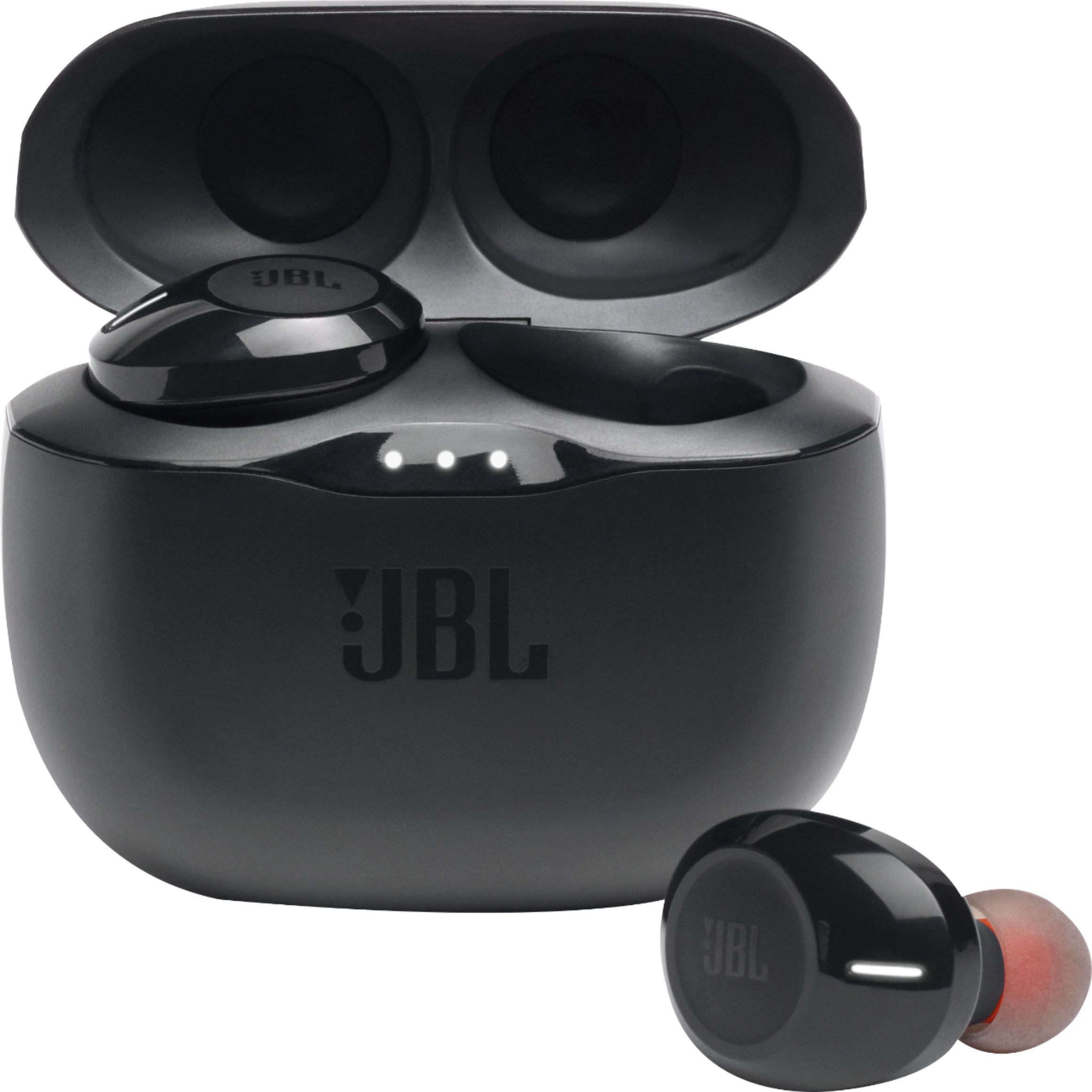
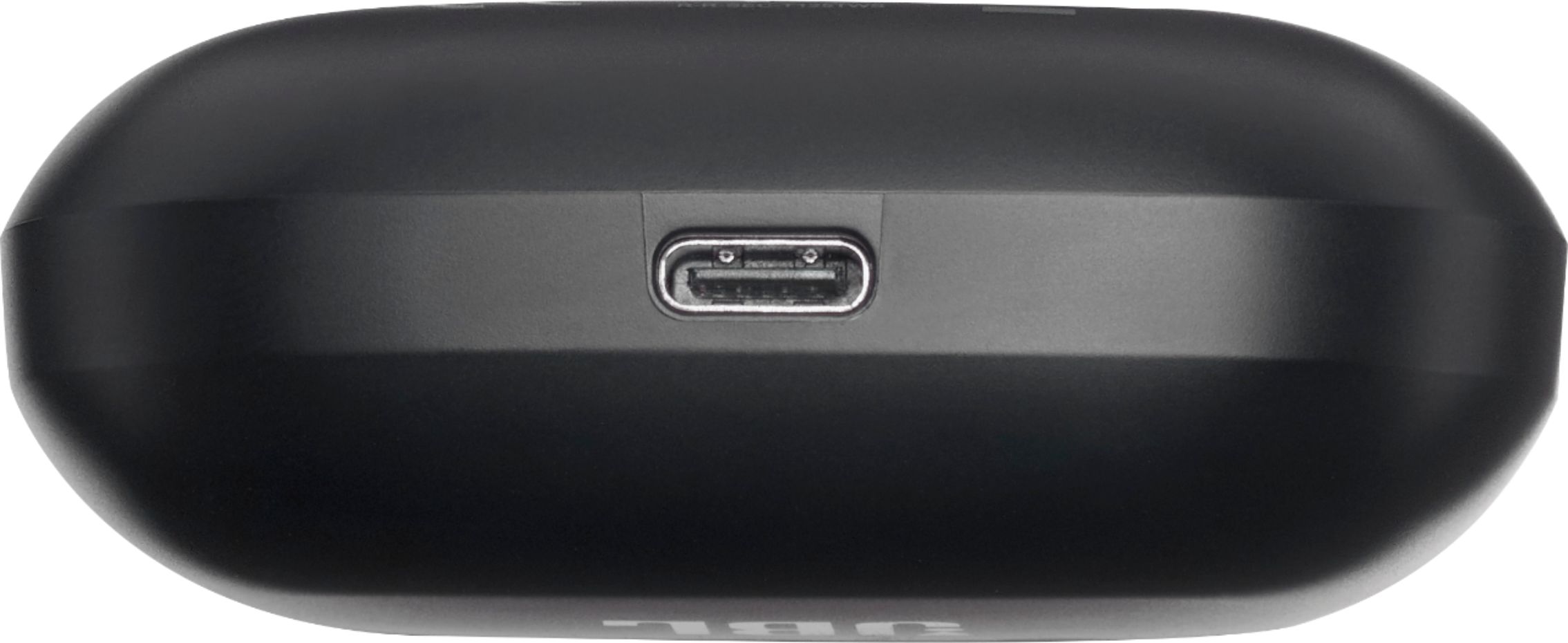
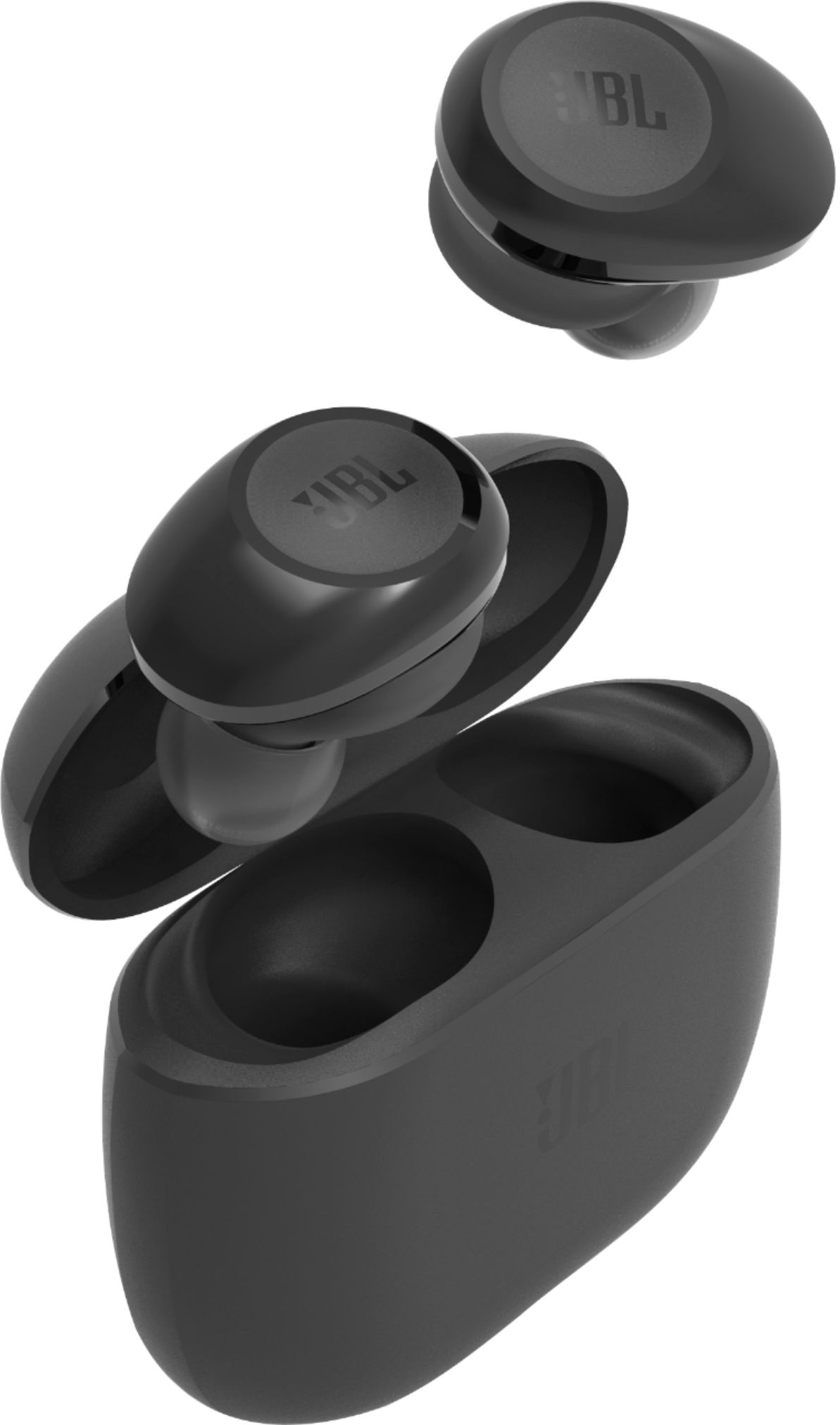
A:AnswerIf you're using your JBL Tune 125TWS mainly as your headphones for calls this is normal. If it's mainly for music, it should last around 5 to 6 hours at max volume. If you need more help, please reach out to our Customer Support to check for your options.
A:AnswerWe'd like to work with you directly and troubleshoot the connectivity issues you're experiencing with our JBL Tune 125 TWS. Please contact customer service at. https://support.jbl.com/us/en/#contact
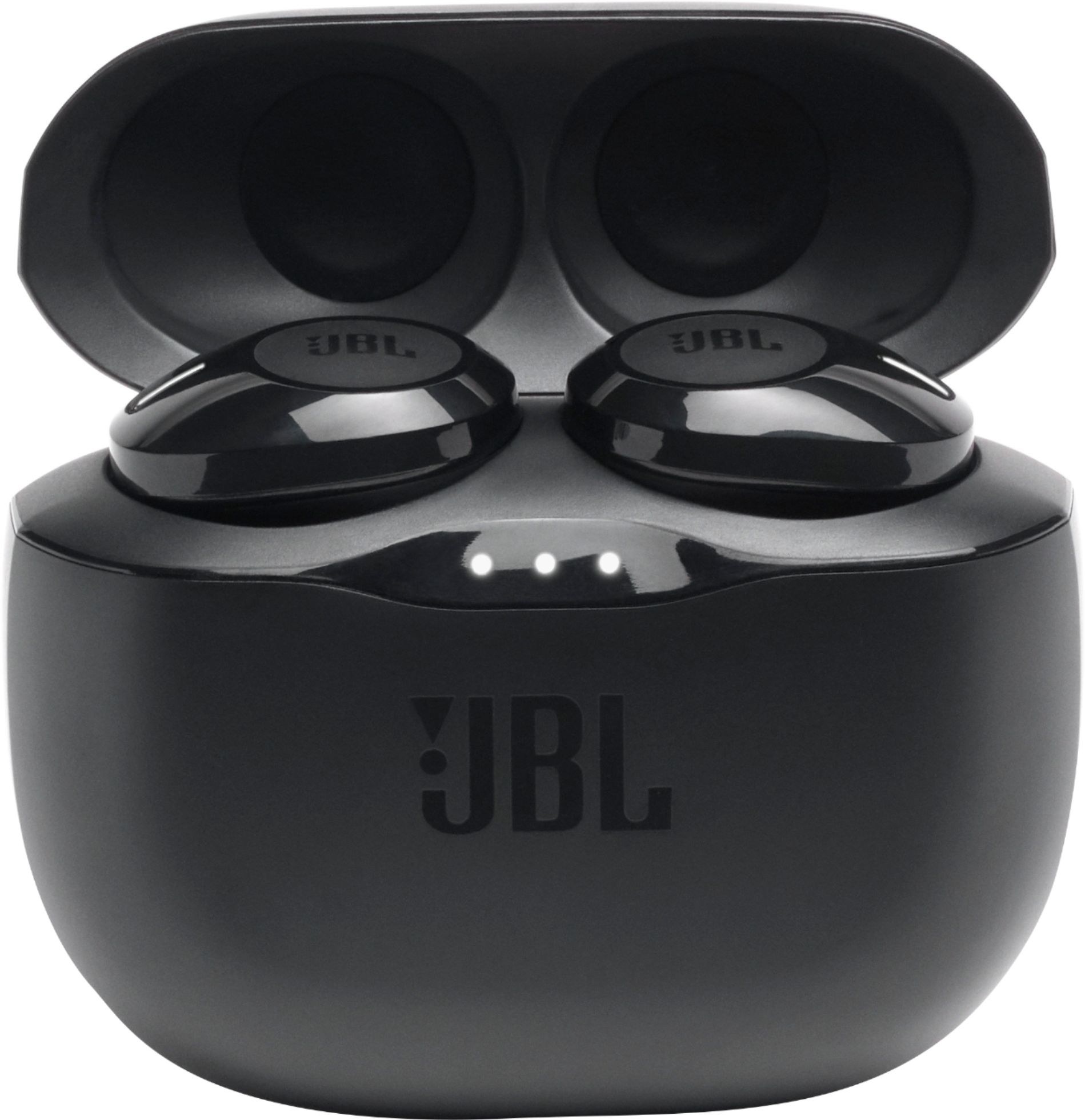
A:AnswerOur JBL tune 125TWS would automatically go in pairing mode once you take the earbuds out of the charging case. Then, go to your settings on your phone and enable Bluetooth. Search for JBLTUNE120TWS then pair and connect. If you need more help, you may reach out to our Customer Support. https://support.jbl.com/us/en/
A:AnswerPlease try to pair and connect with other devices to isolate the issue. If you need more help, please reach out to our Customer Support team at our JBL Support page.
A:AnswerWell I’ve had these for a few month... better than the several options I previously had but these are perfect and I have no complaints whatsoever.
A:AnswerFor Android 6.0 devices, make sure that your audio source's Bluetooth is discoverable then simply tap to pair. The headphones will be tied to your Google account. For other devices, select "JBL TUNE 125TWS" under discoverable Bluetooth devices.
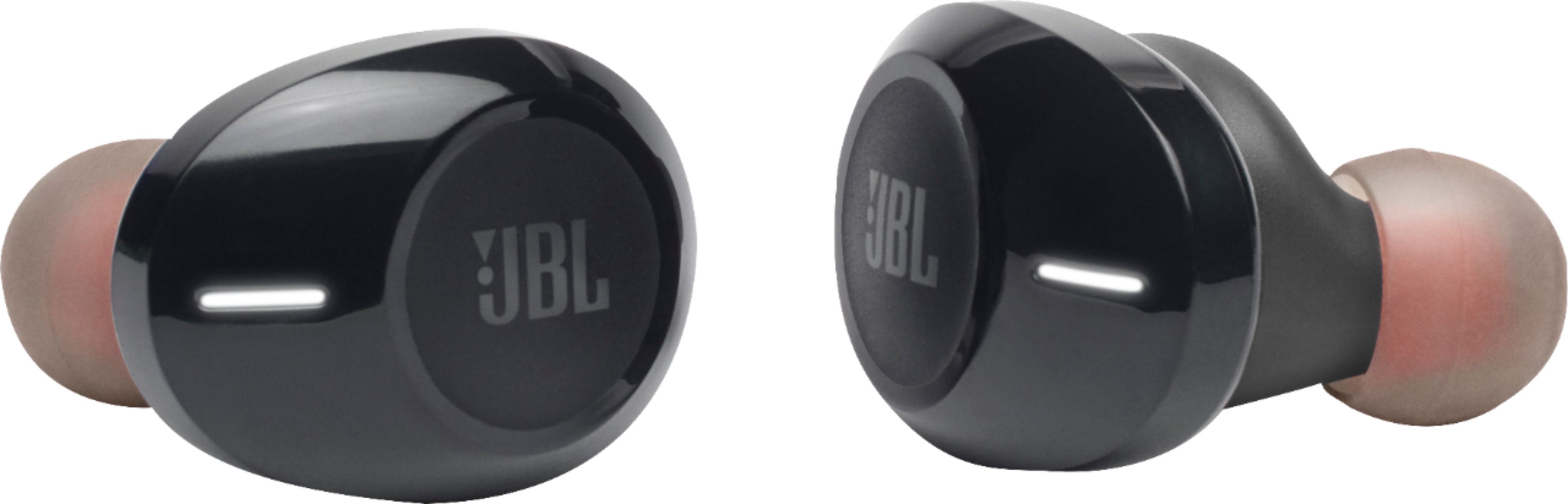
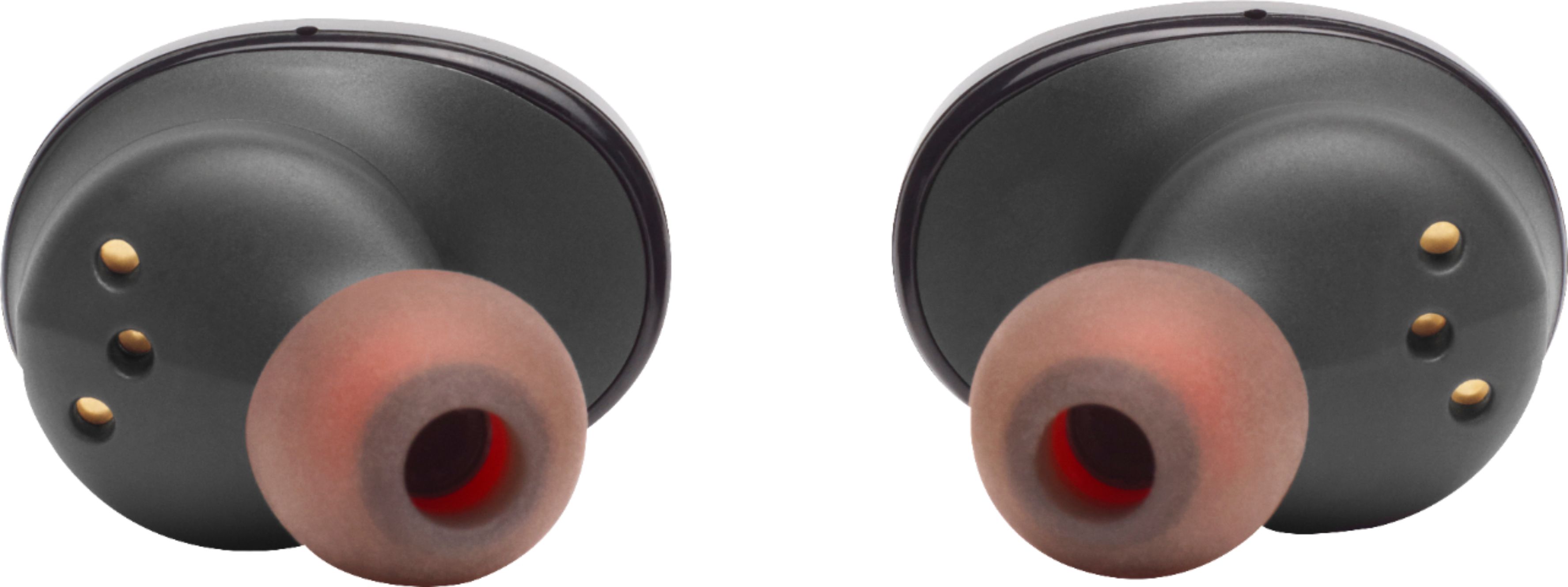
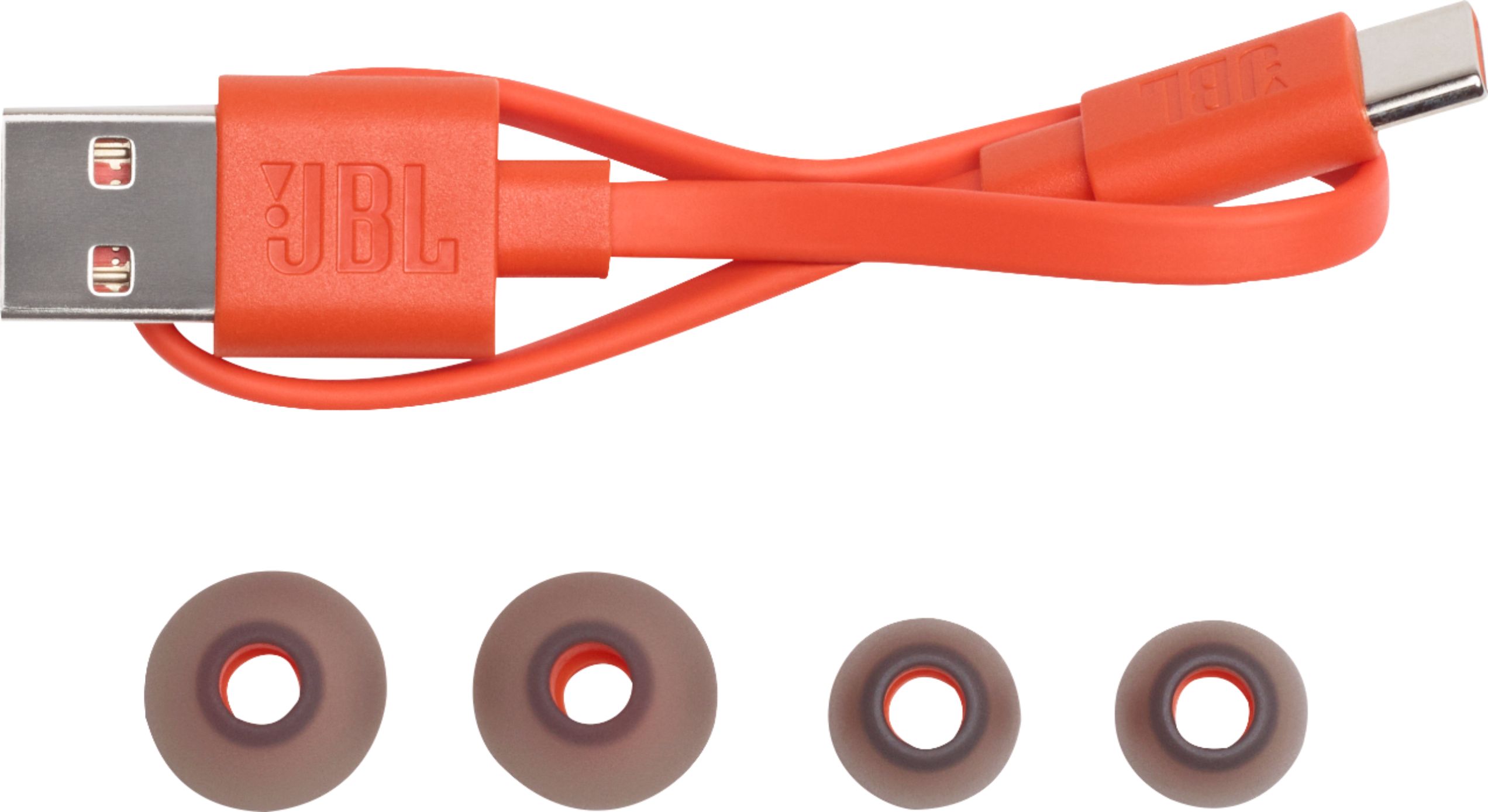
A:AnswerOur JBL Tune 125TWS comes with 3 sizes of eartips (S, M, L). If you have further questions please reach out to our customer support by submitting a form on our website: https://support.jbl.com/us/en/
A:AnswerOur Tune 125TWS is recommended to be used for listening to music using your devices like phones, tablets, and laptops. You may experience audio video delays when using it with your gaming consoles. We would recommend checking our JBL Quantum Gaming headphones. https://www.jbl.com/quantum.html