A:AnswerHey Noooo,
You will need to get a set of dedicated gaming headphones. When you get a sec, please reach out to us either via phone Customer Support VIP Help Line: 1-405-445-7219 or email us at support@jlabaudio.com So that we may provide you with more specifications.
A:AnswerI’ve used the icon’s about 8hrs a day switching from left to right and I’ve never experience either one shutting off with out reason such as they were out of battery
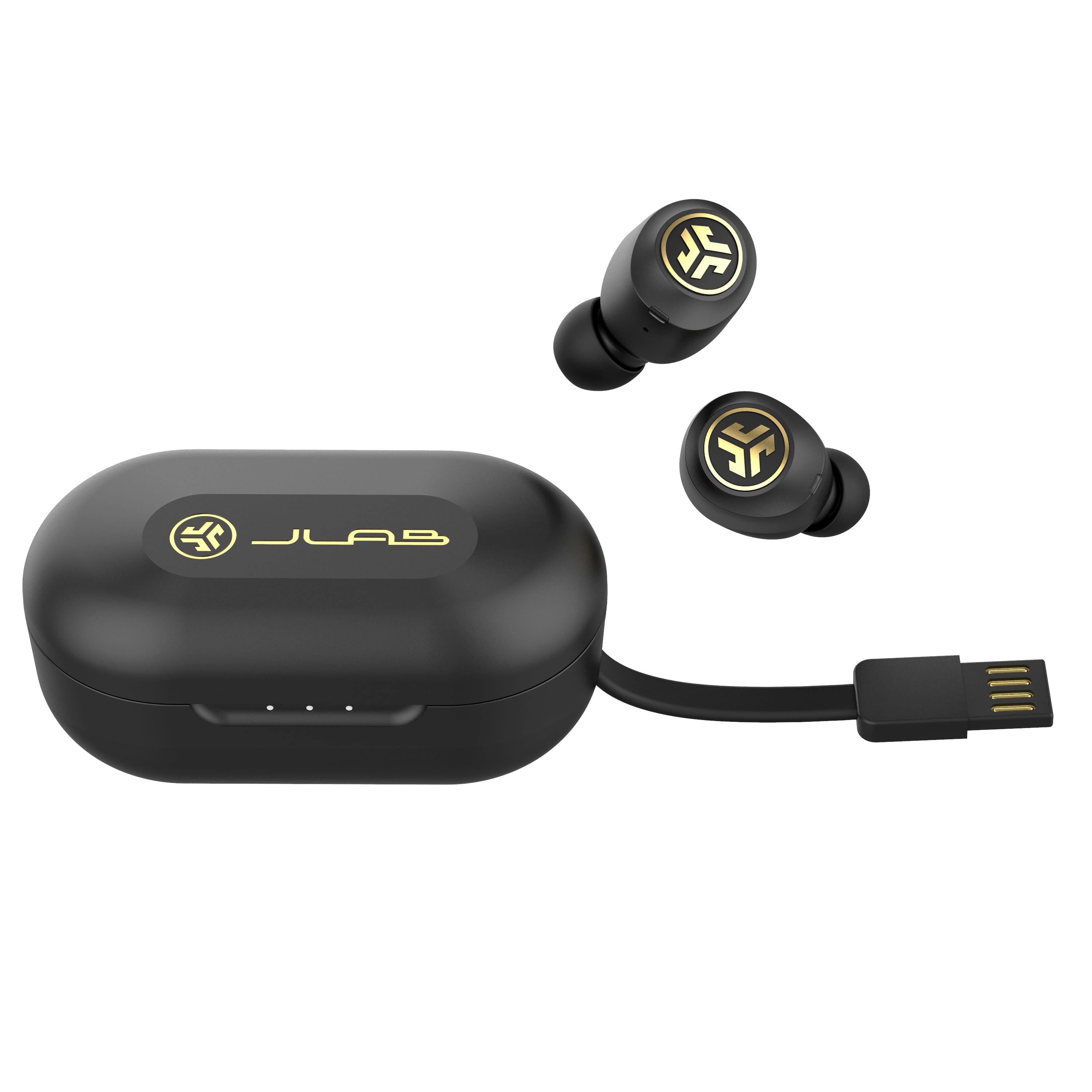
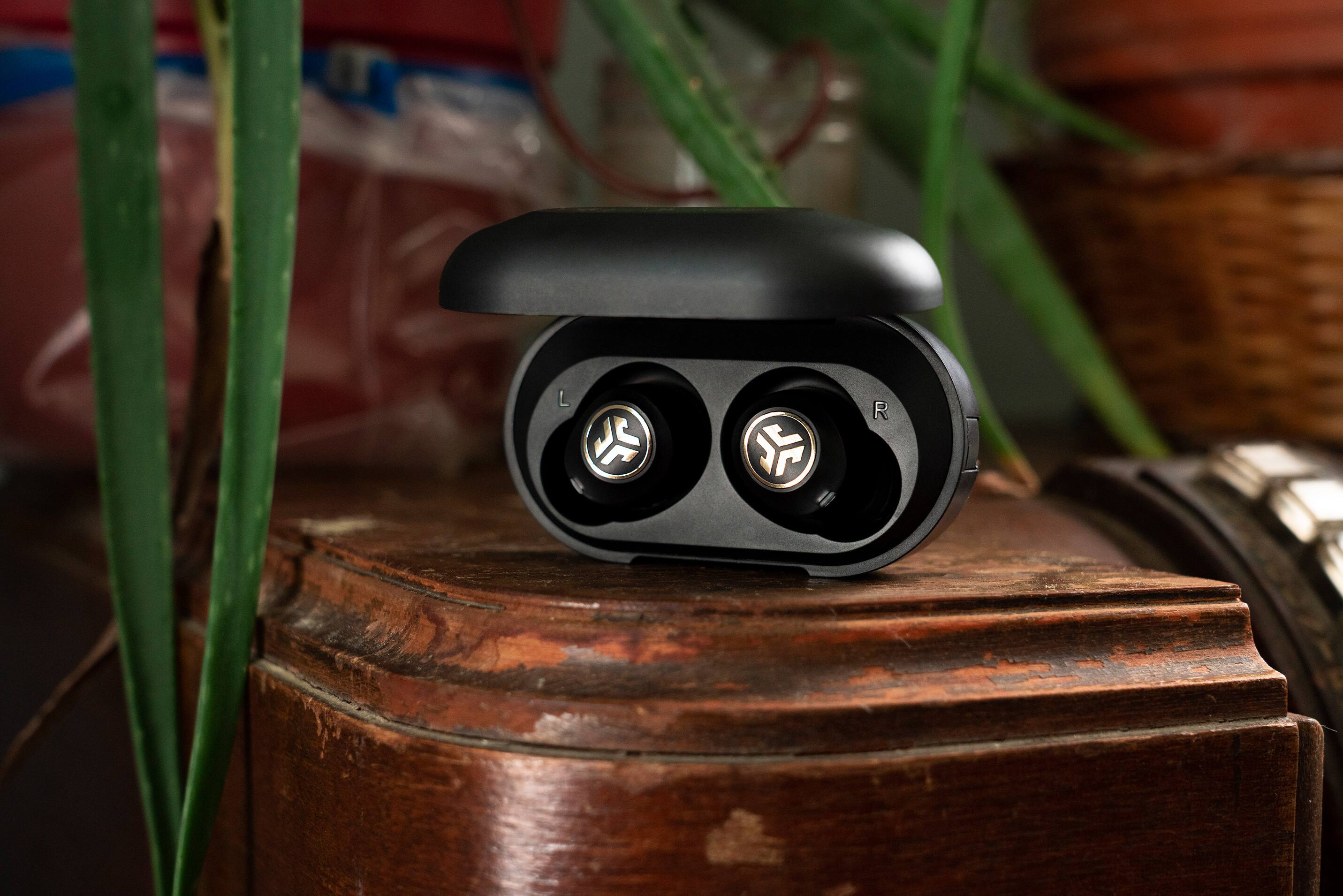
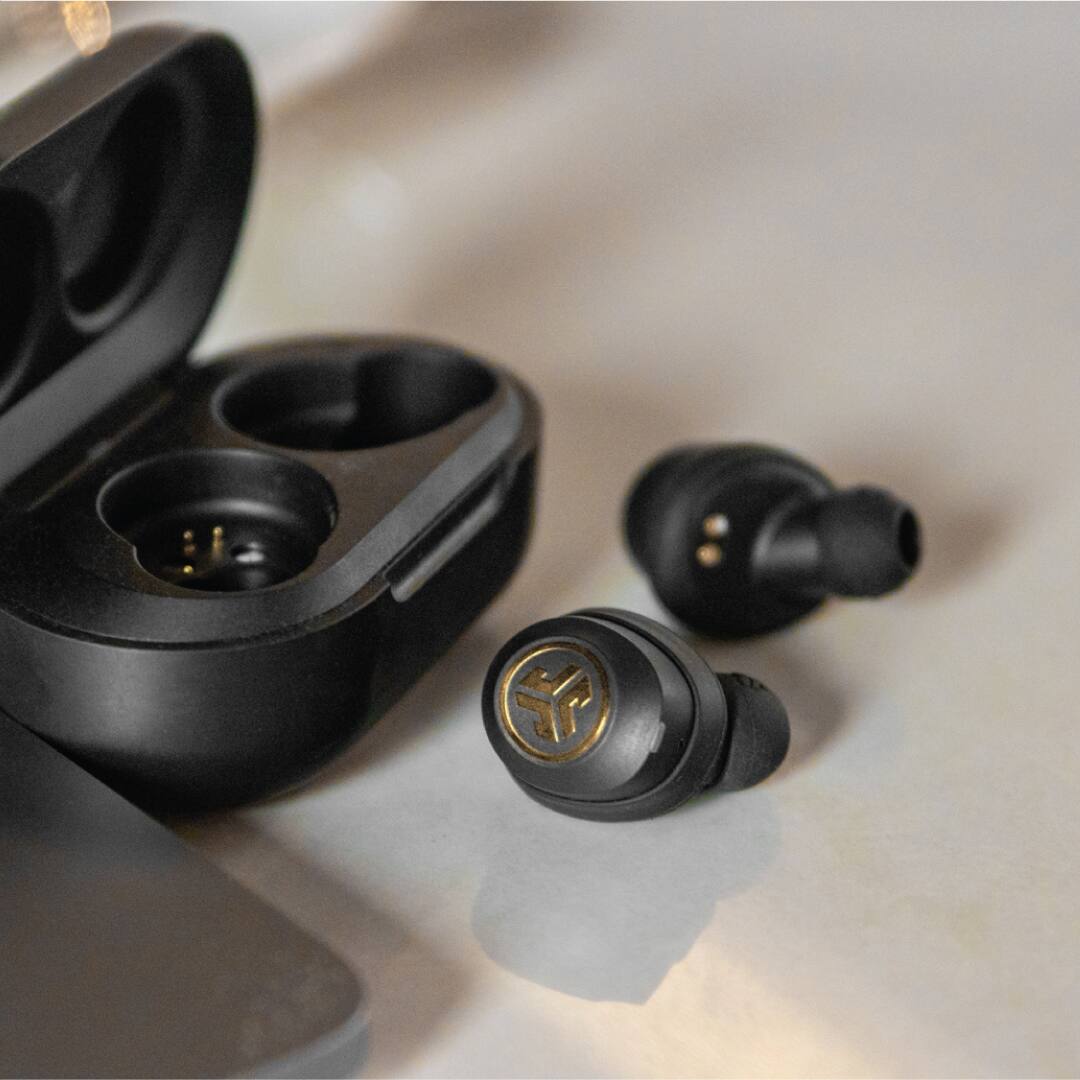
A:AnswerThe case is the charger. It has a built in usb connection, so only thing you’ll need to do is connect to a wall plug that is compatible with usb.
A:AnswerYes, these can work with any phone that has Bluetooth. Just make sure your Bluetooth is turned on on your phone and then follow the instructions provided with the airbuds to connect them.
A:AnswerThe major differences in both is that the jbuds icon (gold) have longer battery life on single use (charging case remains the same) and have the ability to connect both jbuds separately and use individually
A:AnswerMake sure the music tour listening to does not have silenced parts ! I proof-listen to songs all the way through before i purchase! Also make sure not to touch end switch while inserting into ear !
A:AnswerRead the manual on the Best Buy product page. It tells it all.
You tap a certain earbud a specific number of times to adjust volume, answer call, pause, etc.