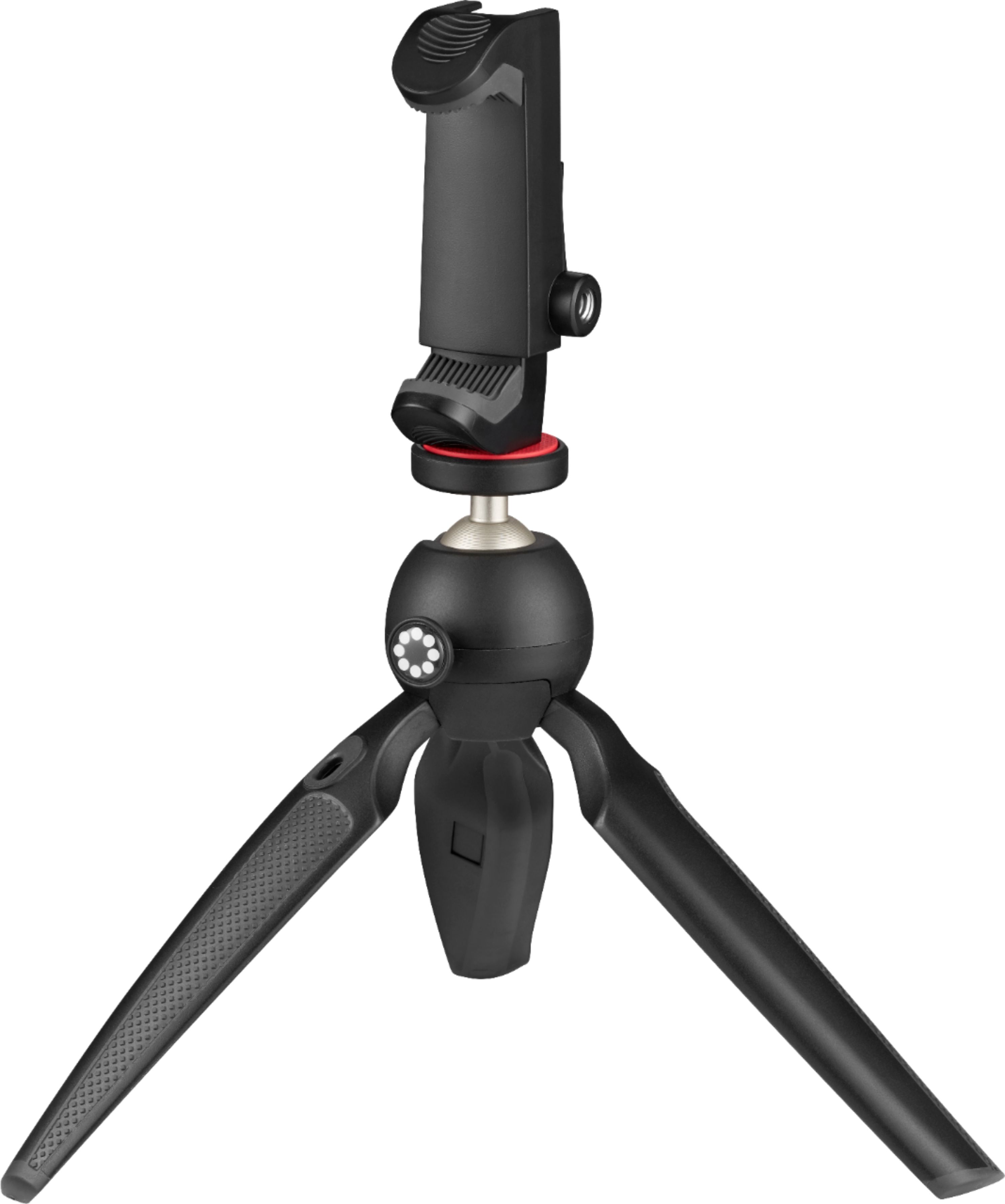
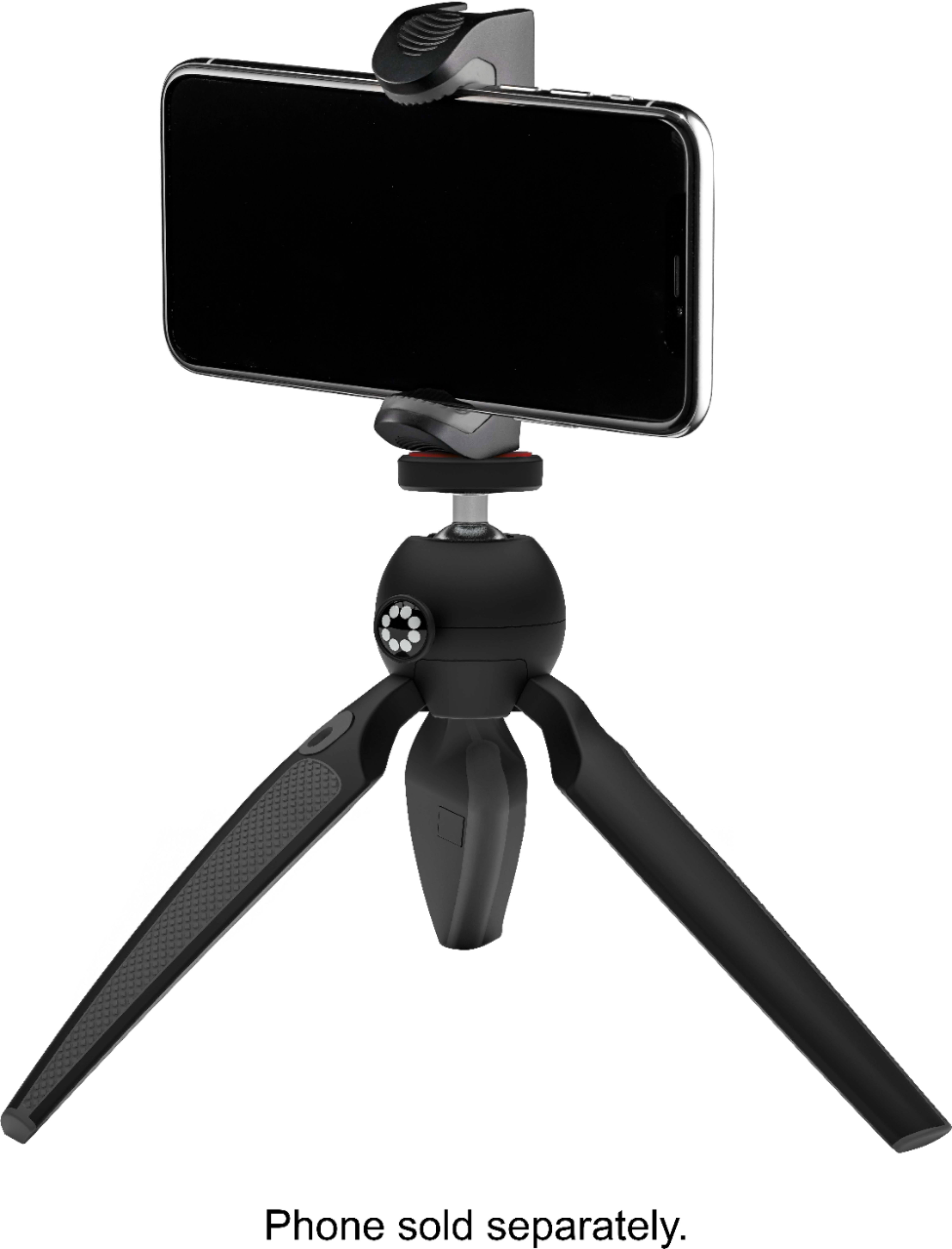
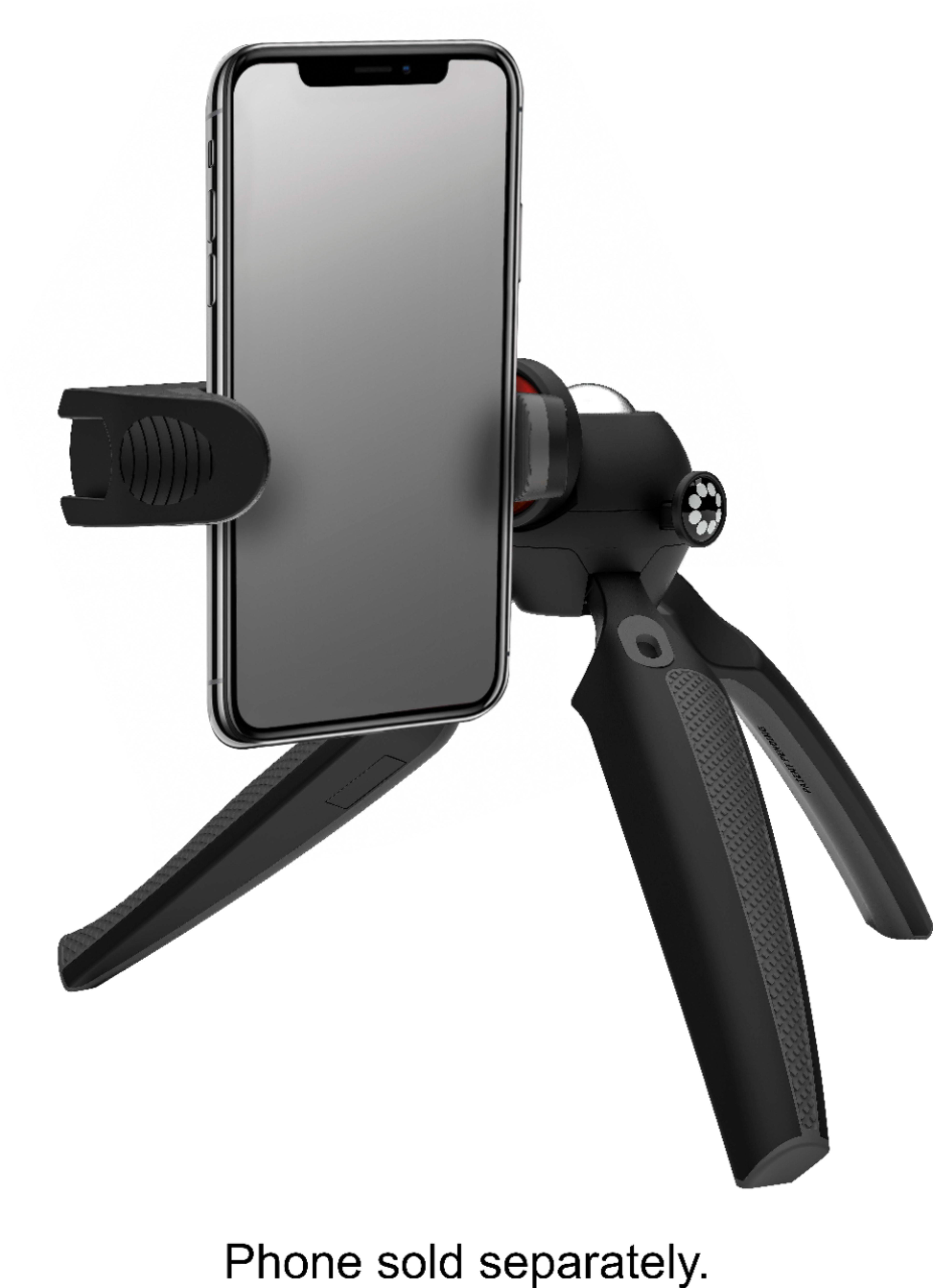
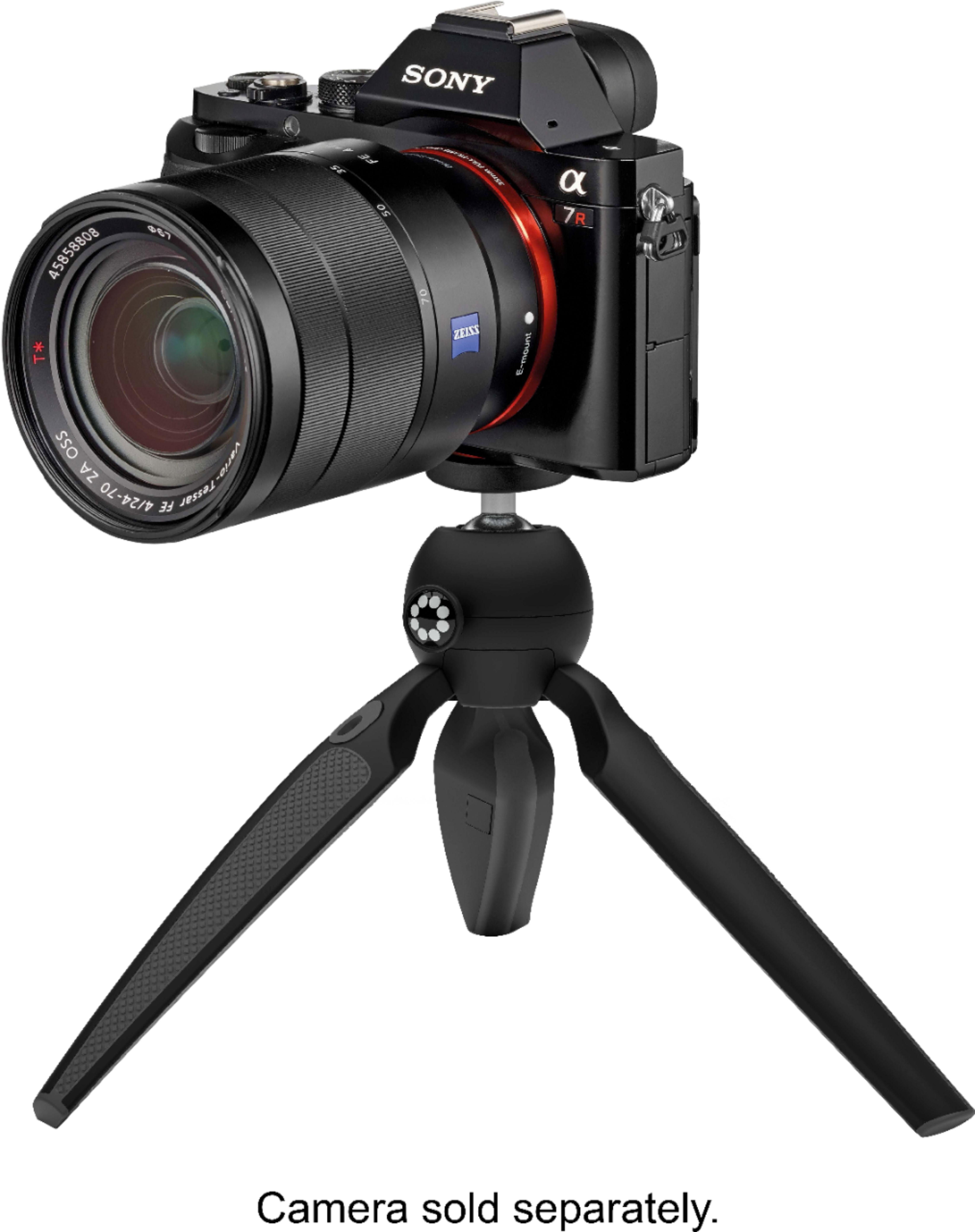
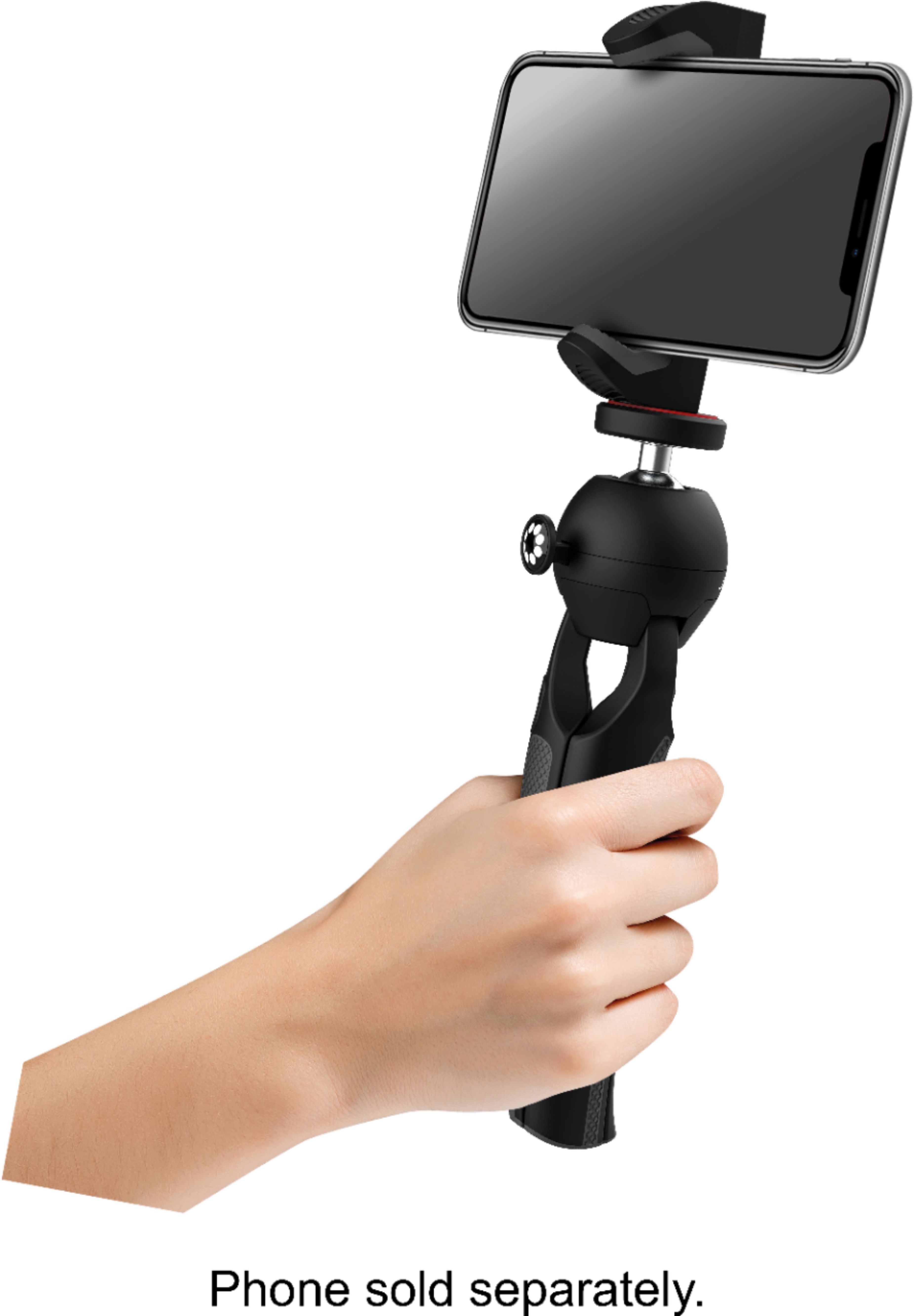
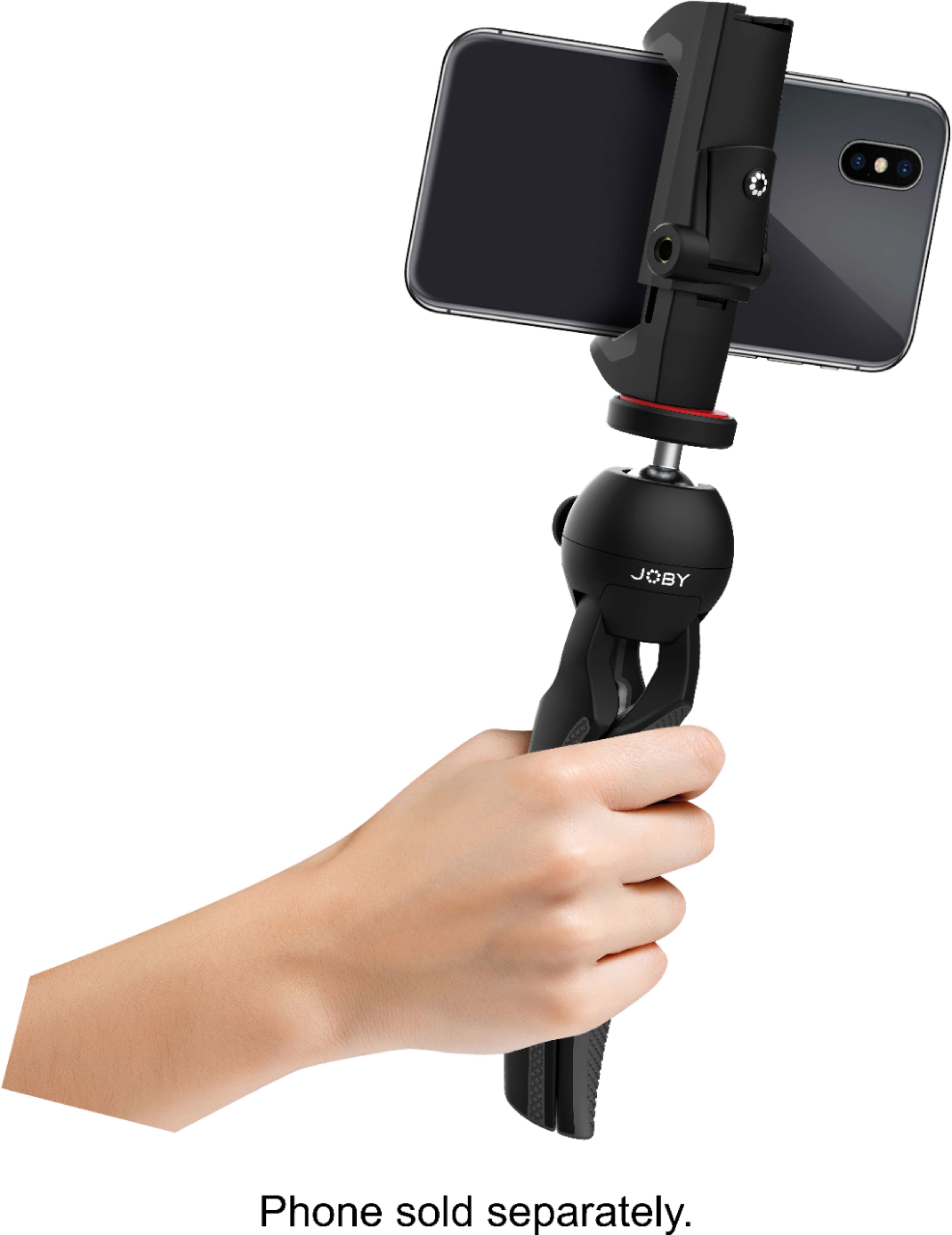
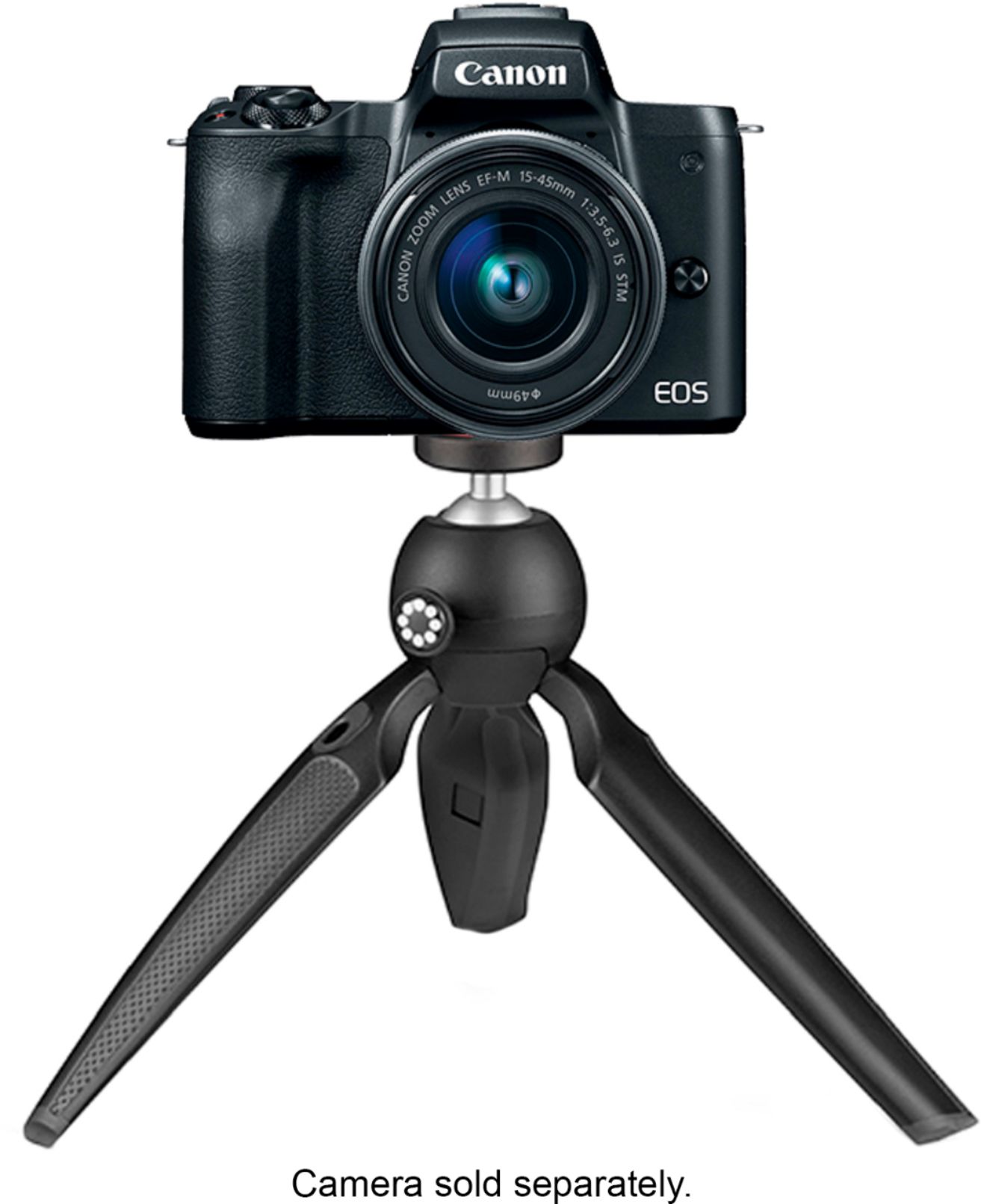
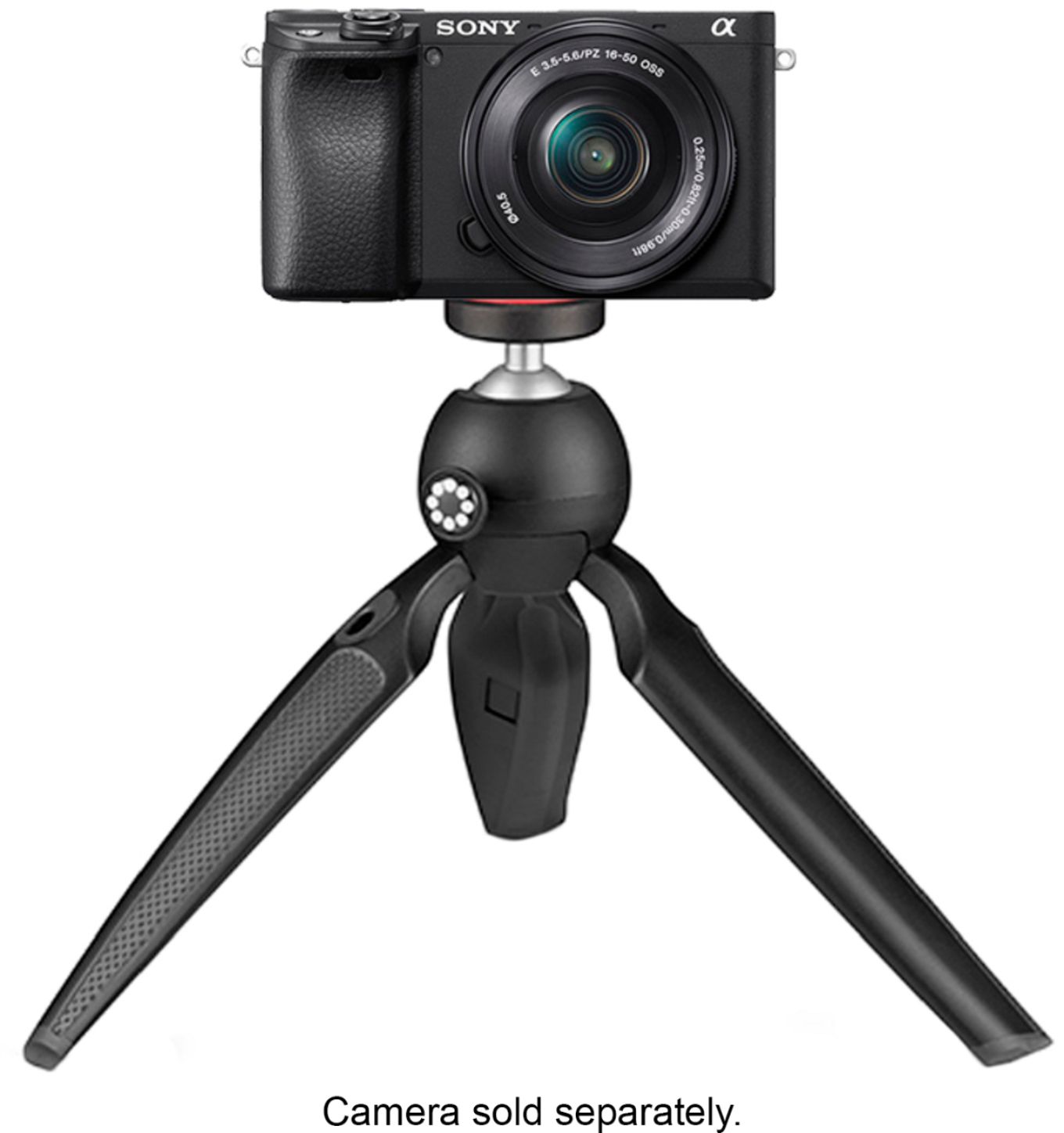
A:AnswerYou can only remove the "clamping" piece that holds the phone. It threads onto a standard tripod screw. It has two screw mouting holes, one vertical, one horizontal.
A:AnswerIt is really hard and i had trouble too! You have to unlock and pull real hard. I was afraid i was going to break my phone. After i got it out i set it so i could slide my phone in but it was still snug. Pretty poor design. I think i will see if another cell phone adapter will fit and not use that one anymore
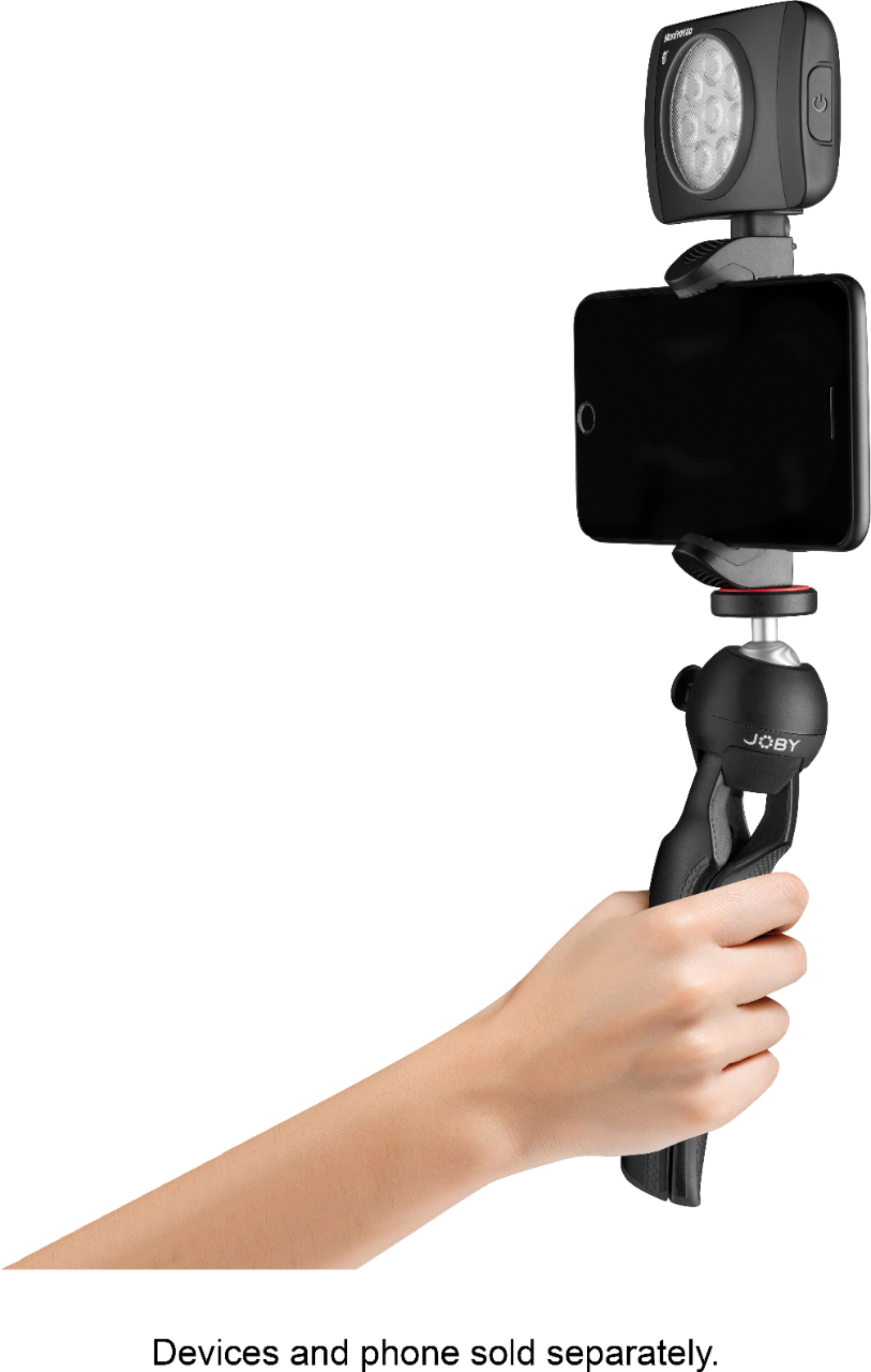

A:AnswerPictures 11 & 12 appear to have a special bracket which can hold an LED Light and/or microphone externally. You can buy brackets separately to accommodate your desired set up.
A:AnswerYes, the phone mount has a cold shoe. If you look at the pictures on the Best Buy website one shows the tripod with a light attached in the cold shoe.
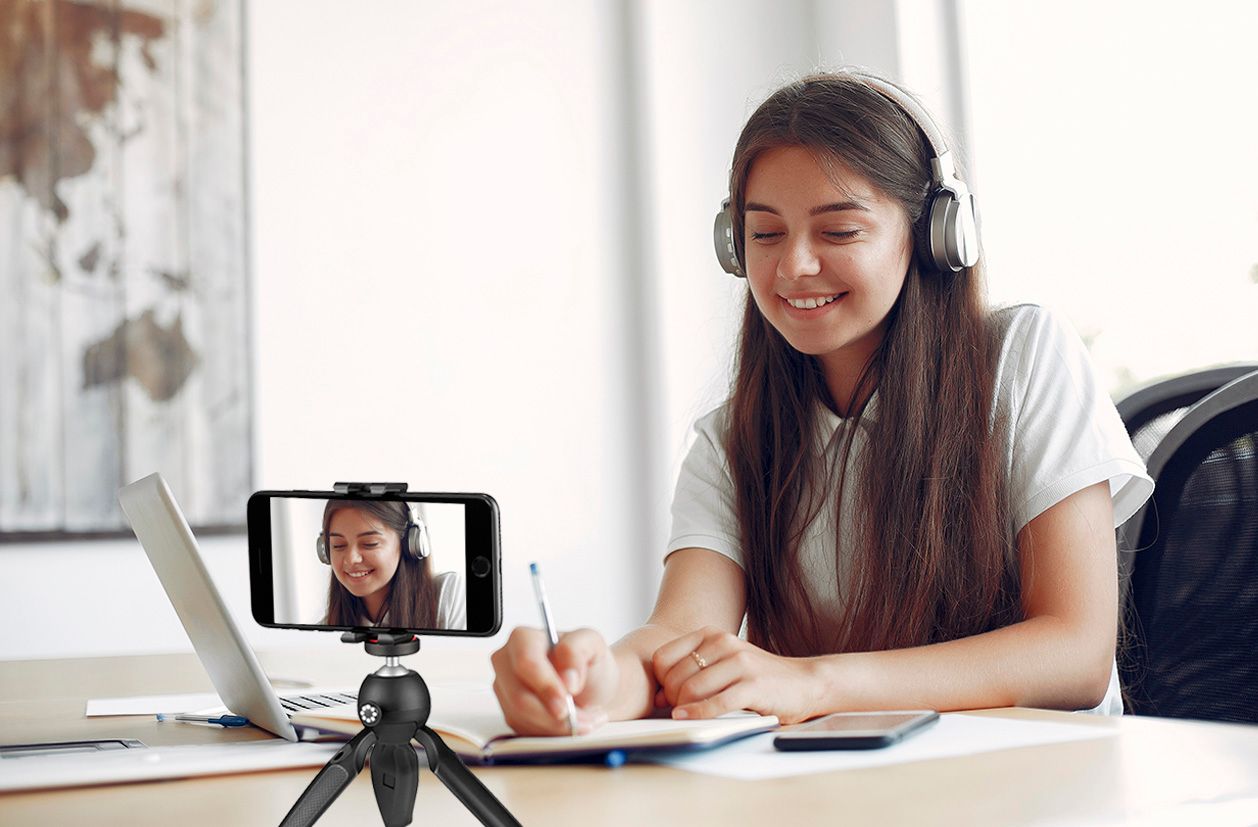
A:AnswerThere’s a little black switch you can flip open to make the sides extendable, then it’s up to you to pull both sides far enough for your phone to fit. My iPhone 13ProMax fits.
A:AnswerFlip the handle up-as shown in the pictures-spread the clamp apart with your hands, it’s spring loaded. The spring supplies the tension for the clamping action.
A:AnswerI use it with a Samsung Galaxy S9+ with an Otterbox case. That's a decently big phone with a bit case. I'm pretty sure it would work with the Moto g power with a case as well.