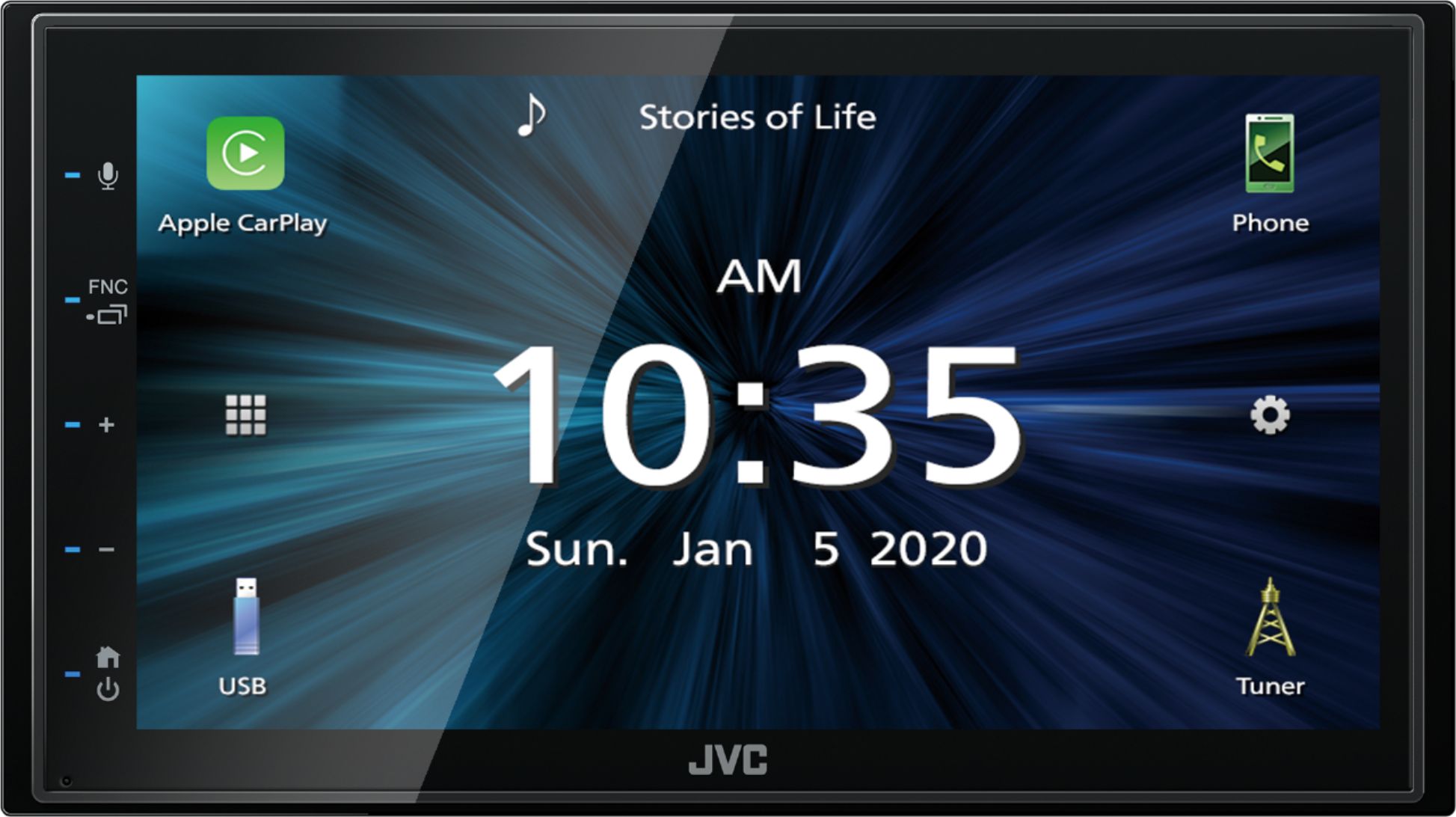
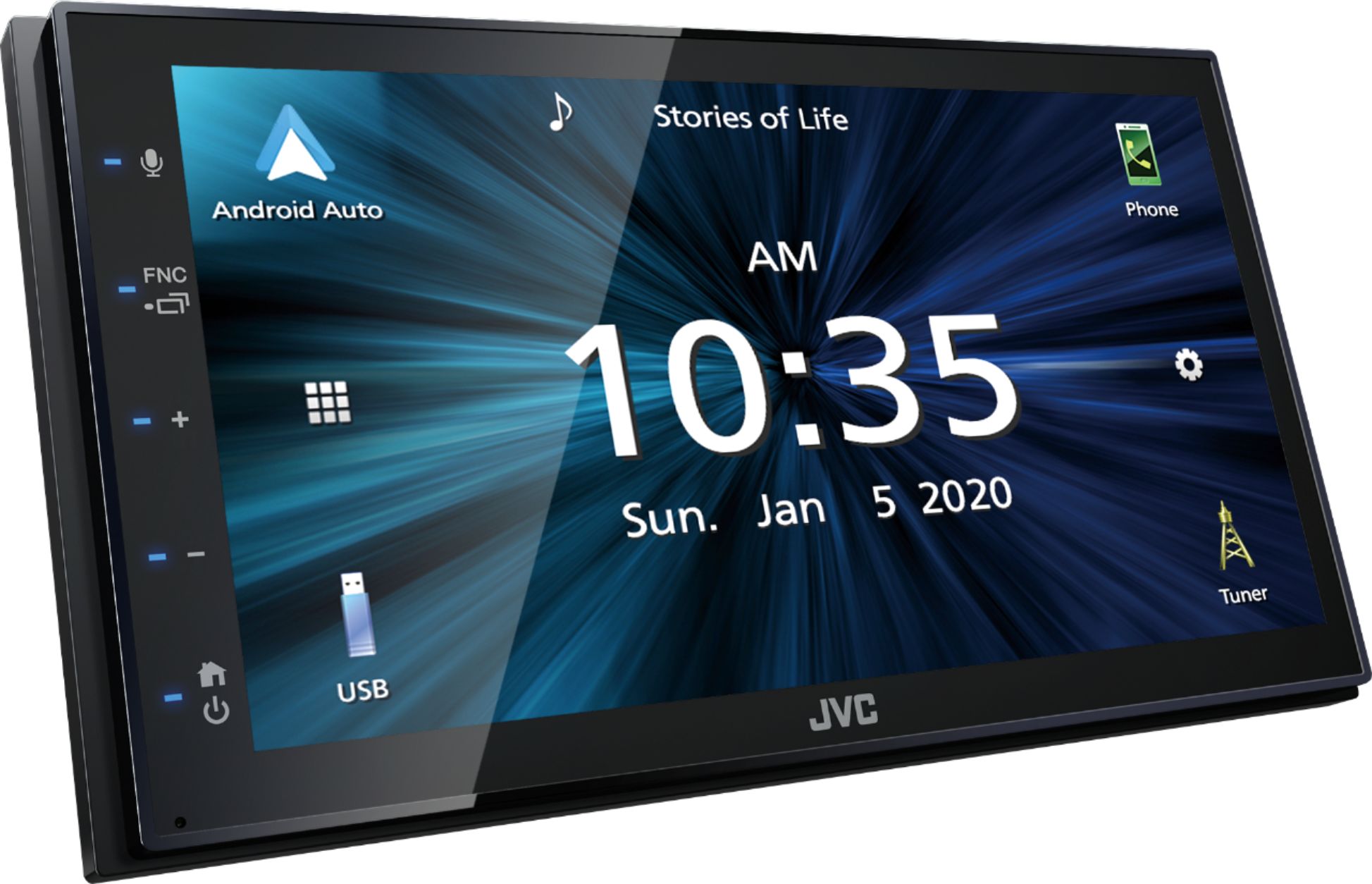
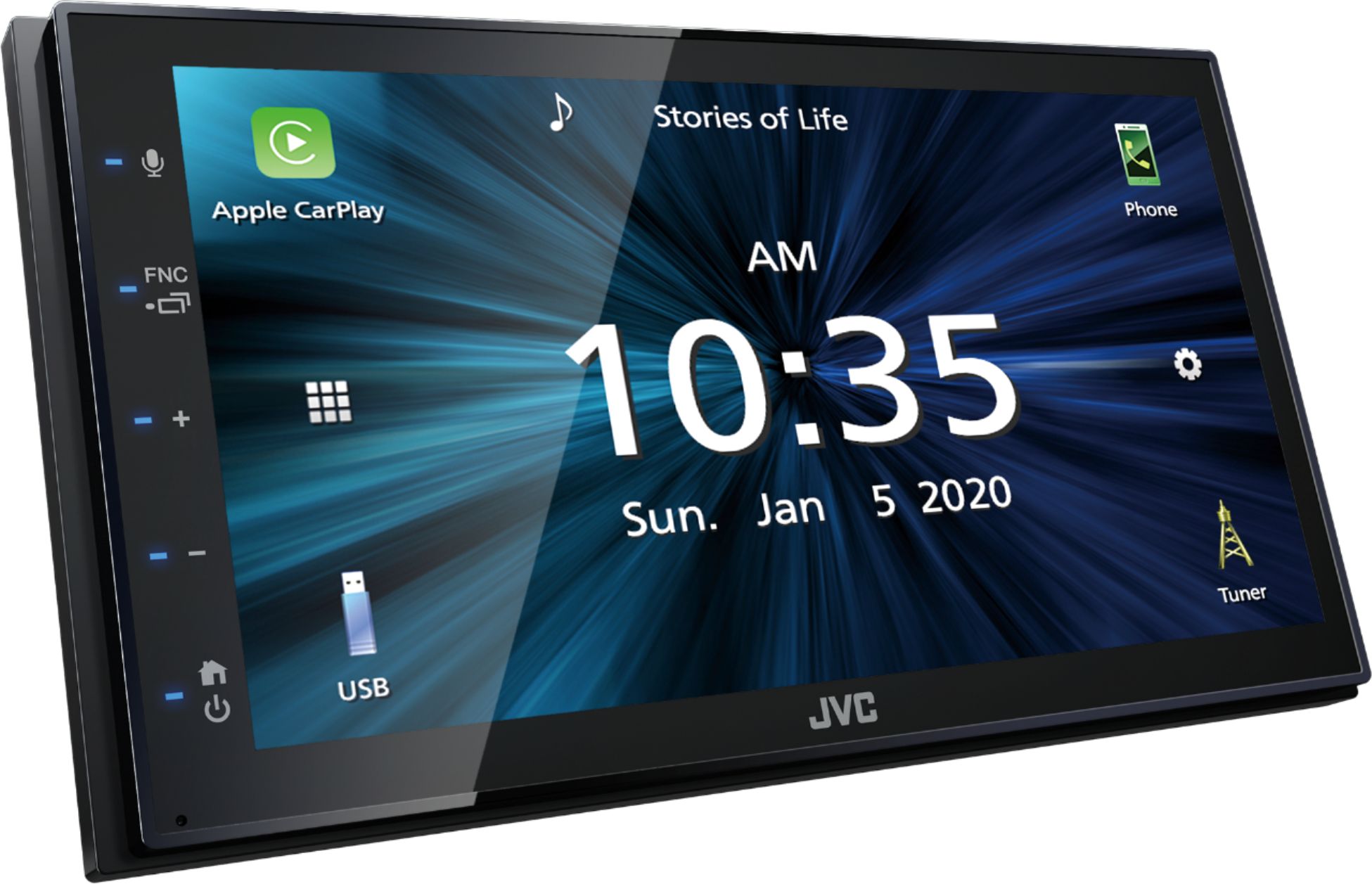
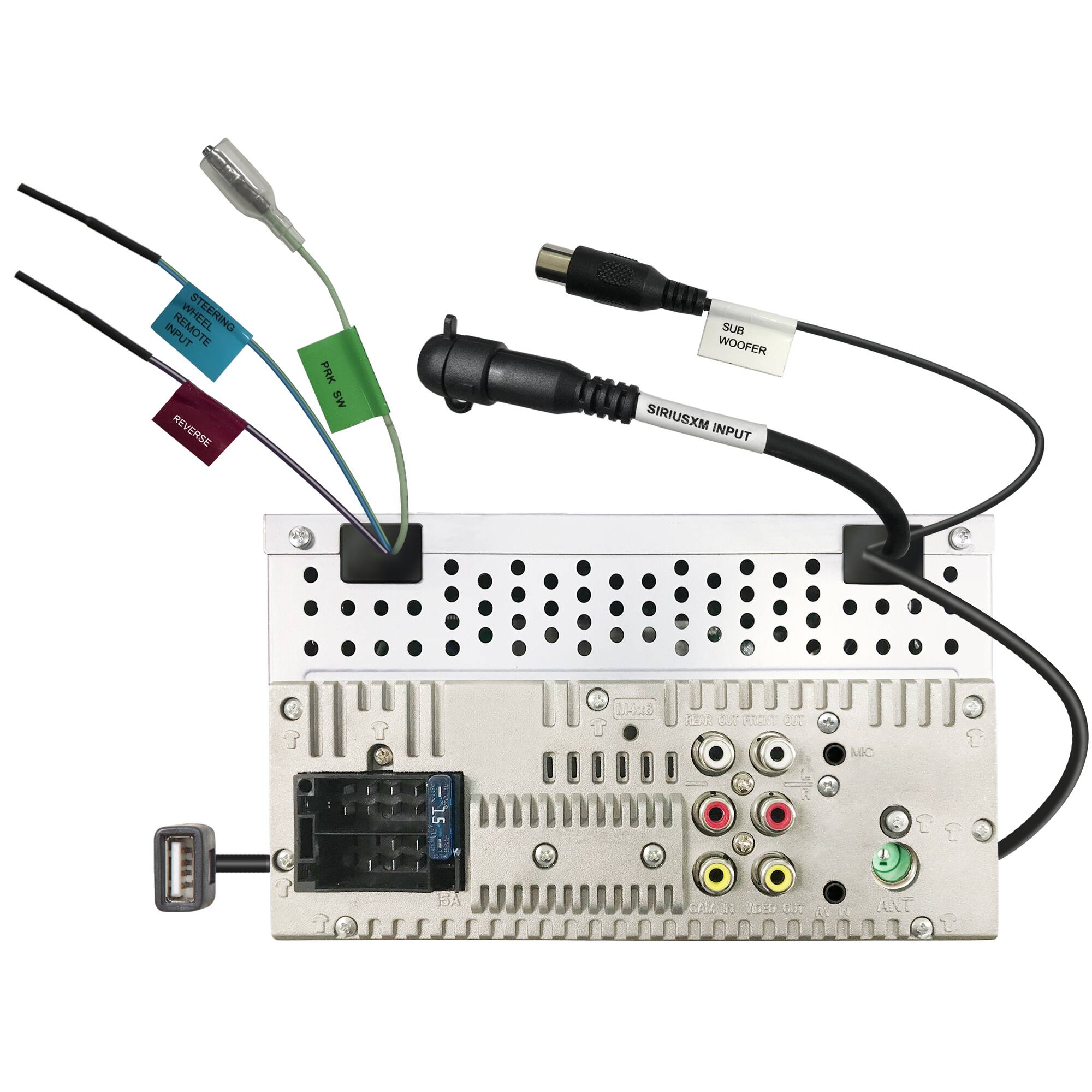
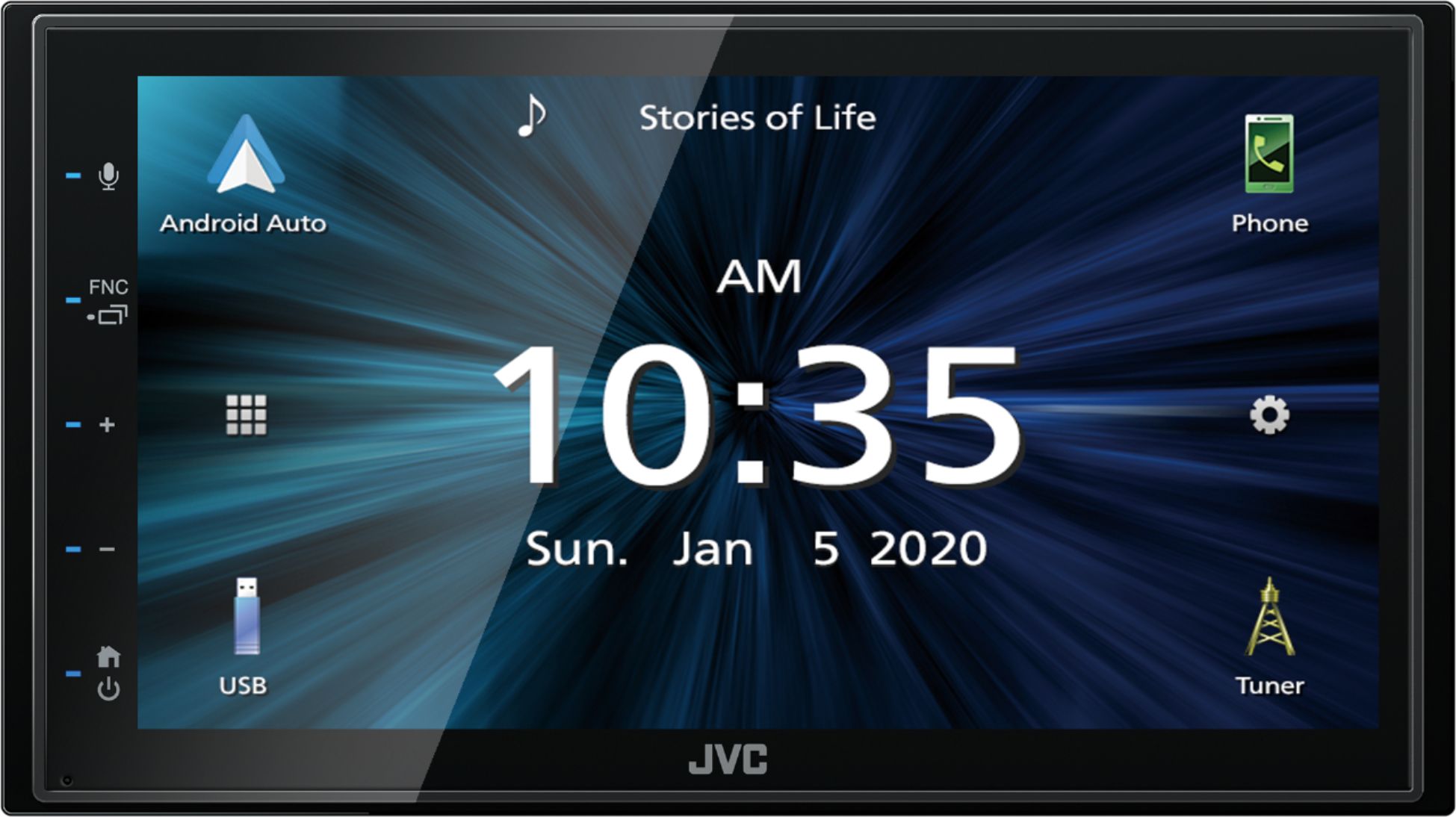
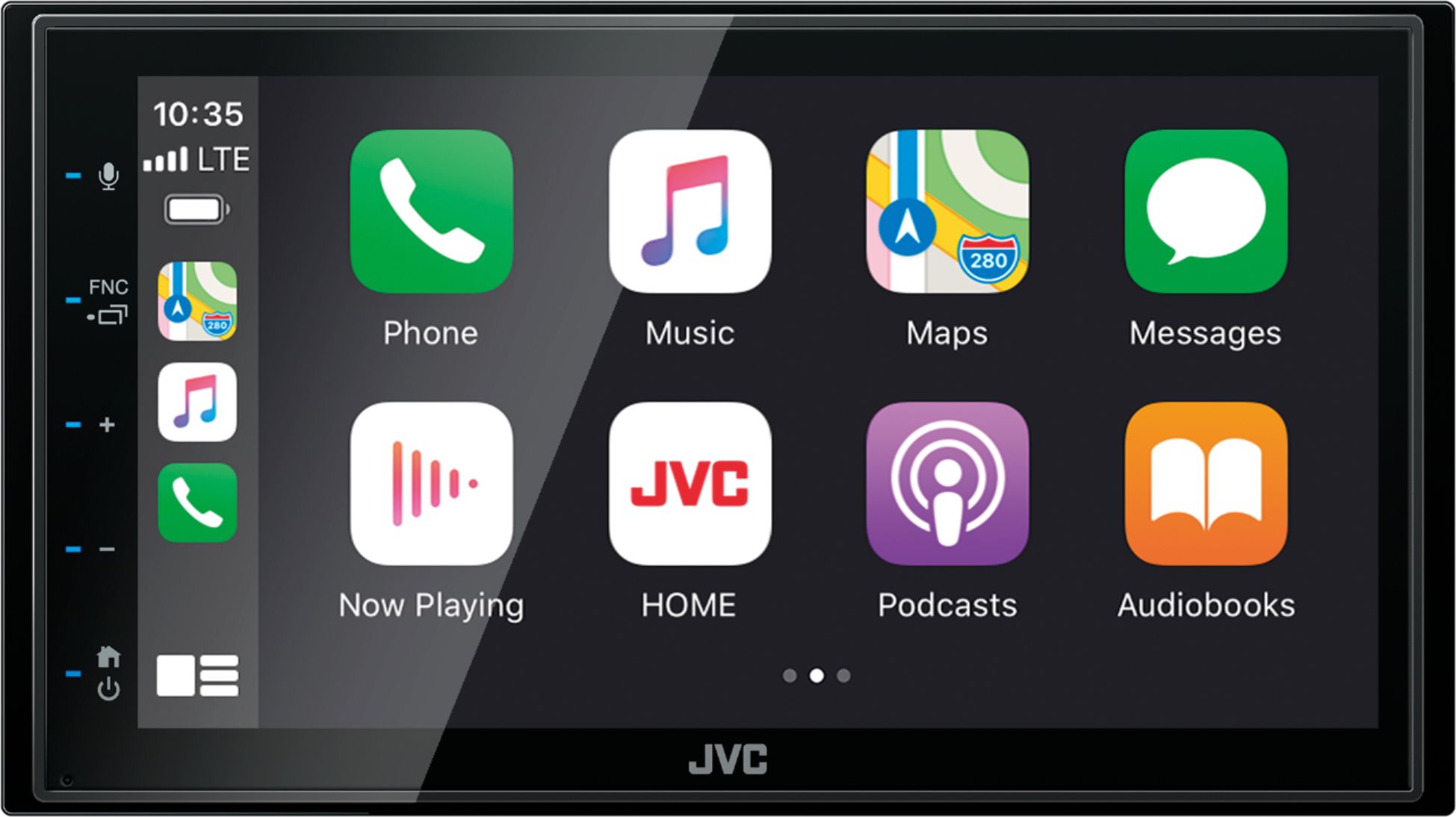
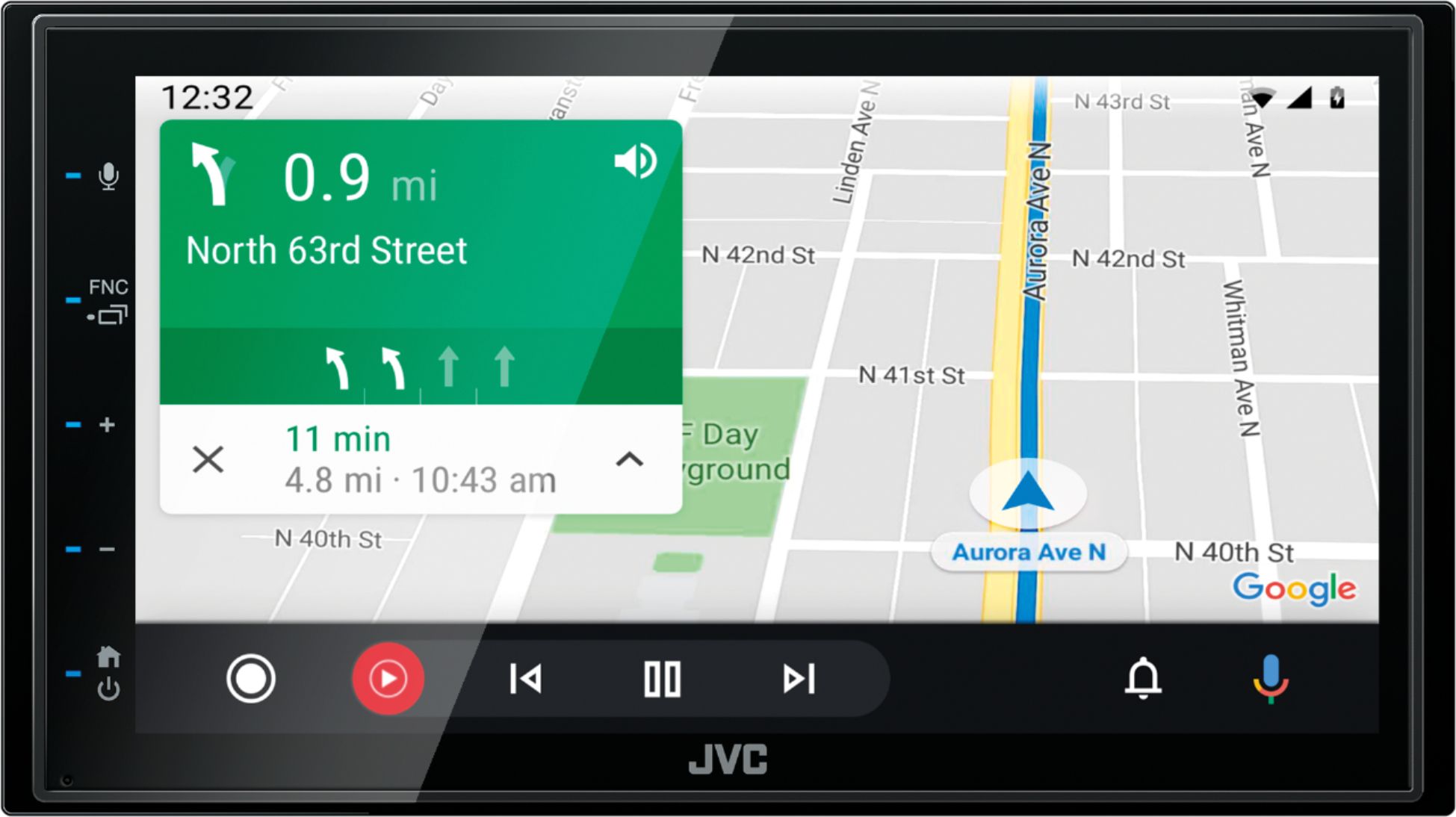
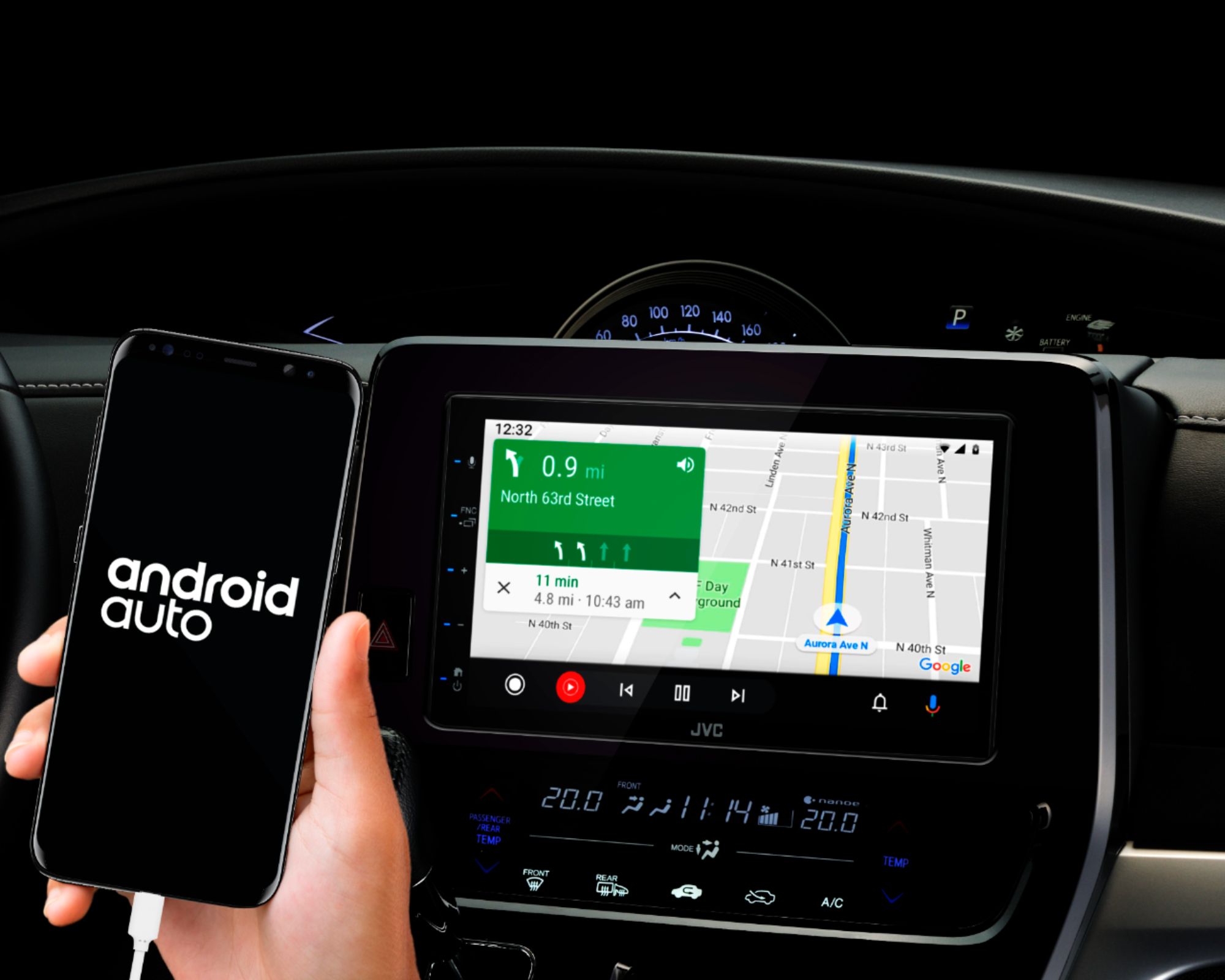
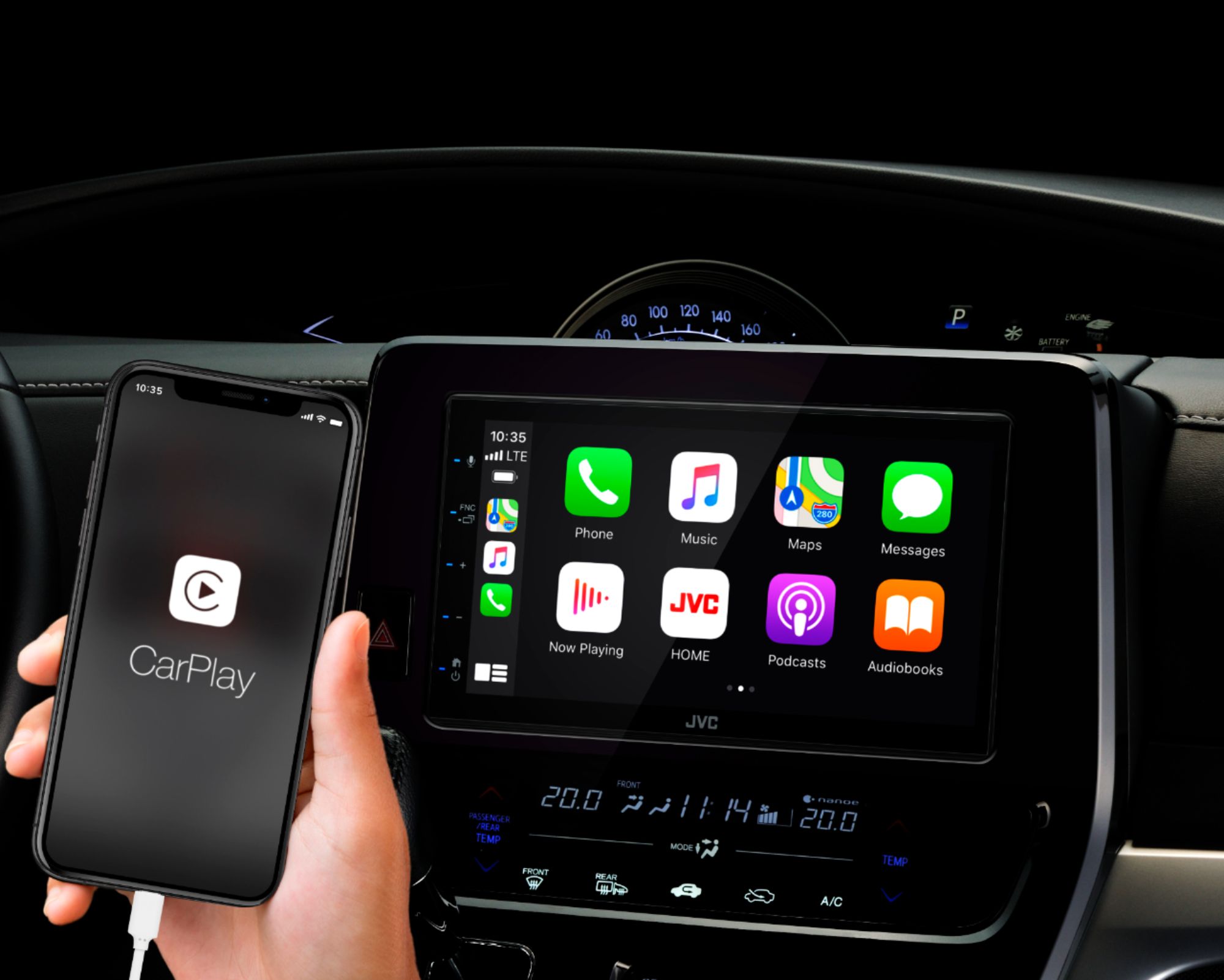
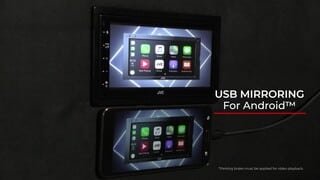
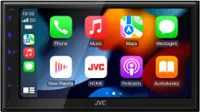
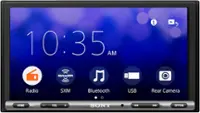
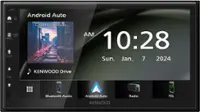
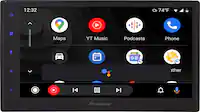
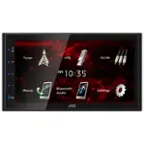
A:AnswerYou may customize short-cut buttons on the home screen. You can also arrange the position of the source icons as you like. If you need further detailed information, please contact JVC Customer Support.
A:AnswerUnfortunately you can only change the color of the background and not the lights on the side where the touch sensitive buttons are, however my car has red lighting and I don’t find the blue lights to be too offensive because of how small they are
A:AnswerThis model radio does fit your vehicle. To check into a harness kit or adapters that is needed to integrate your current setup, it would be best to consult with our Best Buy installation team. They have access on looking up this information.
A:AnswerThis model does fit your installation. To check into a harness kit or adapters that is needed to integrate your current setup, it would be best to consult with our Best Buy installation team. They have access on looking up this information.
A:AnswerTo check on options for video please call JVC directly to let you know what will or what will not work with their radio. Video apps are limited and a lot of them have restrictions.
A:AnswerWhen you are on a source/function the screen is always on. There isn't a way to just black out the screen and leave a function running. If the radio is off then it is completely off.
A:AnswerCall the installer at Best Buy. Most of the time they install free. Even if you do it yourself, the audio installer can order everything you need to fit your car.