Questions & Answers
- Model:
- KW-M590BT
- |
- SKU:
- 11110103
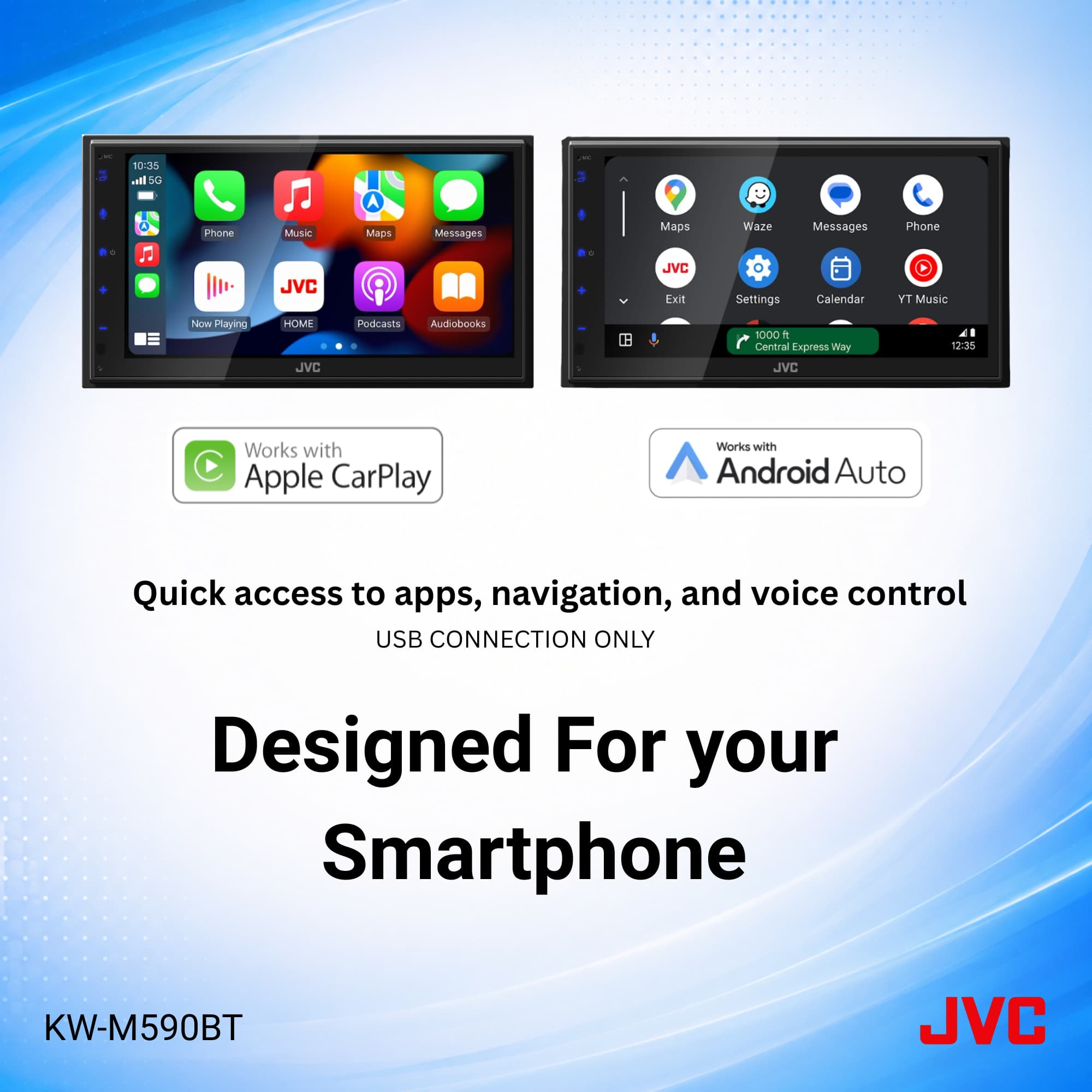
Q: QuestionDoes it offer wireless mirroring?
Asked by Hart.
- A:Answer No, must plug your phone in
Answered by KathyJ
Q: QuestionIs it compatible with 2016 chevy silverado?
Asked by Dave.
- A:Answer Thank you for considering JVC for your car audio needs! Ensuring your product is compatible with your vehicle is essential, and we’re here to help. To check if this JVC receiver fits your Silverado, we recommend using a fit guide, which provides detailed compatibility information. You can find that on the product pages on Bestbuy.com. We also recommend connecting with a Geek Squad install professional at your local Best Buy store, regarding any additional required accessories that might be required for your specific vehicle and/or sold separately. You can also reach out to our team for assistance, we’re happy to verify compatibility or answer any questions. Please contact us at 1-800-252-5722 or email us at customerrelations@jvc.com with your vehicle’s make, model, and year, and we’ll guide you from there. Thank you for choosing JVC, we look forward to helping you upgrade your car audio experience! Best regards, The JVC Customer Relations Team
Answered by JVCKENWOOD USA Team
Q: QuestionHow many usb ports does it have in the back to plug in stuff?
Asked by Anonymous.
- A:Answer One
Answered by TEF1
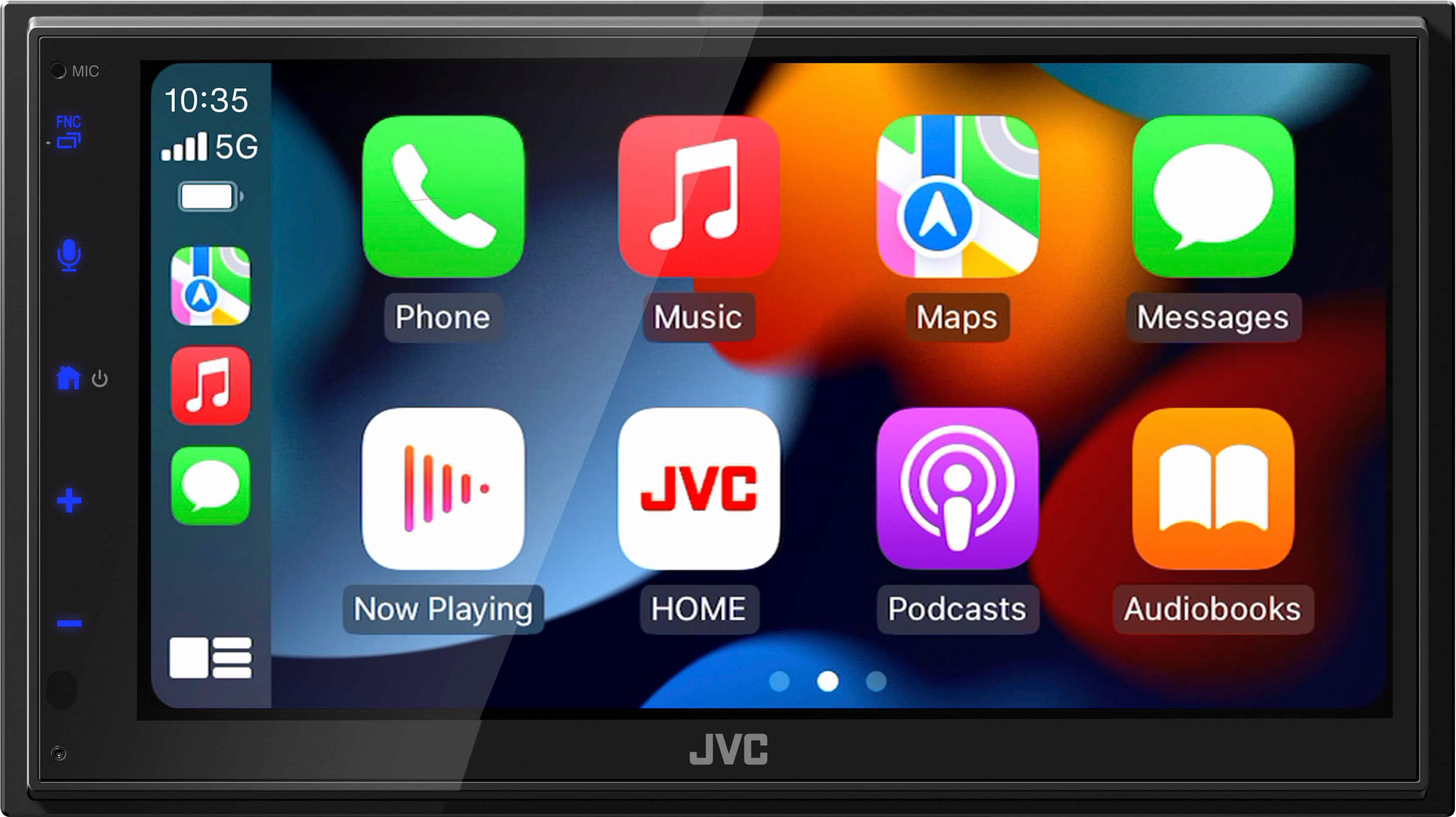
Q: QuestionDoes this offer wireless android auto?
Asked by JCreps.
- A:Answer Thank you for considering JVC for your car audio needs! No, the JVC KW-M590BT does NOT support wireless Android Auto. You will have to look at the JVC KW-M690BW for that functionality, within the Best Buy assortment. You can also reach out to our team for assistance, to answer any questions. Please contact us at 1-800-252-5722 or email us at customerrelations@jvc.com. Thank you for choosing JVC, we look forward to helping you upgrade your car audio experience! Best regards, The JVC Customer Relations Team
Answered by JVCKENWOOD USA Team
Q: Questionmy car radio already has SiriusXM if I change to to this jvc will i still need a tuner.
Asked by Mike22.
- A:Answer Thank you for considering JVC for your car audio needs! In this case it is unlikely that your current factory SiriusXM will work with this KW-M590BT receiver, but that might be specific to your year/make/model of your vehicle. We recommend you connect with a Geek Squad install pro at your local Best Buy store location to verify the options for your specific vehicle. You can also reach out to our team for assistance, to answer any questions. Please contact us at 1-800-252-5722 or email us at customerrelations@jvc.com. Thank you for choosing JVC, we look forward to helping you upgrade your car audio experience! Best regards, The JVC Customer Relations Team
Answered by JVCKENWOOD USA Team
Q: QuestionDos it have Sirius xm radio?
Asked by Jessd.
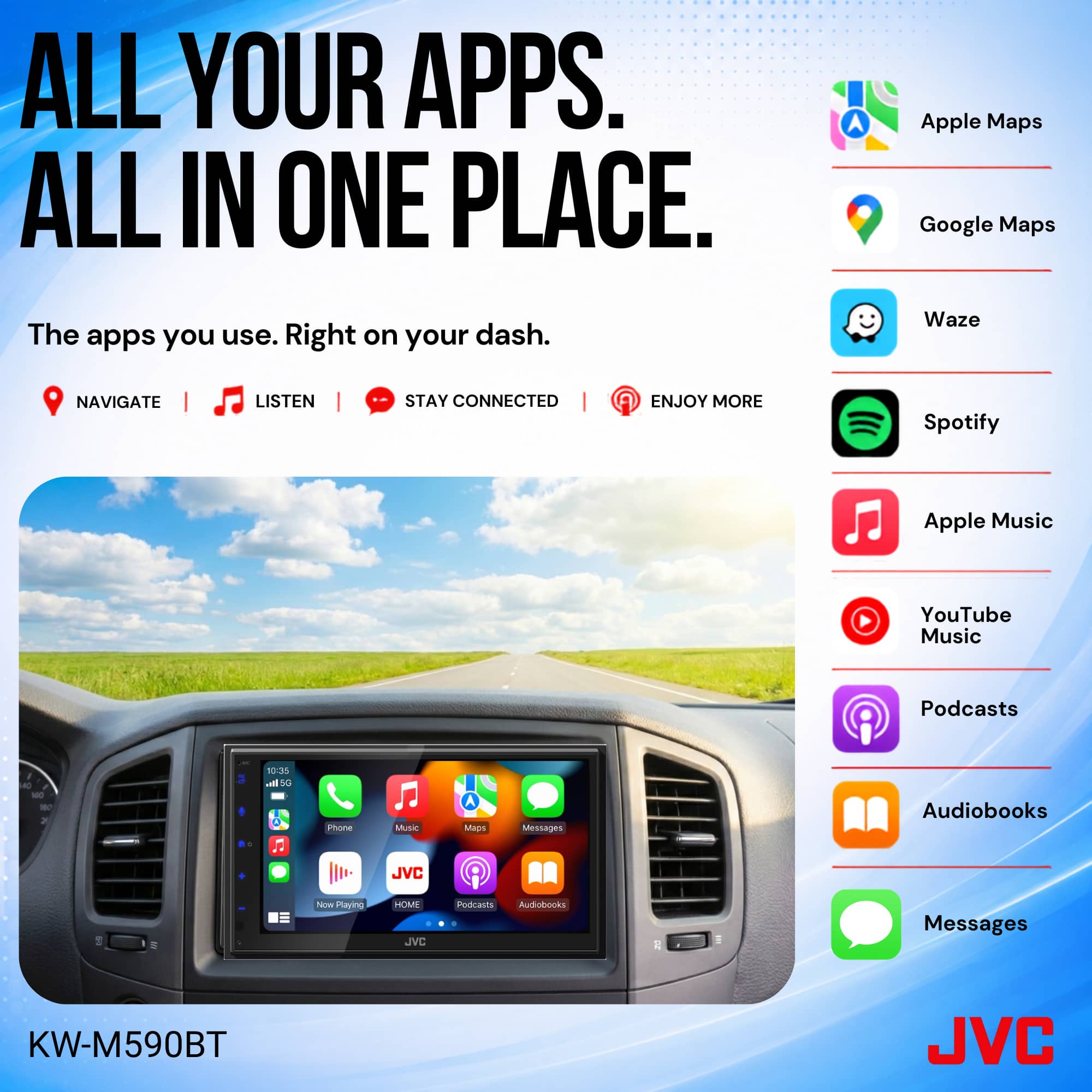
- A:Answer Thank you for considering JVC for your car audio needs! No, the JVC KW-M590BT does not include SiriusXM radio built in, but it is SiriusXM READY. This means you can add a satellite radio tuner, (sold separately) for that functionality. You could also use the SiriusXM app and stream it through the Apple CarPlay feature on this receiver. You can also reach out to our team for assistance, to answer any questions. Please contact us at 1-800-252-5722 or email us at customerrelations@jvc.com. Thank you for choosing JVC, we look forward to helping you upgrade your car audio experience! Best regards, The JVC Customer Relations Team
Answered by JVCKENWOOD USA Team
Q: QuestionSiriusXM compatible
Asked by mike.
- A:Answer Thank you for considering JVC for your car audio needs! The JVC KW-M590BT receiver does not include SiriusXM built in, but it is SiriusXM-ready, meaning: You can add an external SiriusXM tuner and control SiriusXM through the receiver. You can also reach out to our team for assistance, to answer any questions. Please contact us at 1-800-252-5722 or email us at customerrelations@jvc.com. Thank you for choosing JVC, we look forward to helping you upgrade your car audio experience! Best regards, The JVC Customer Relations Team
Answered by JVCKENWOOD USA Team
Q: QuestionIs this compatible with siriusxm
Asked by Anonymous.
- A:Answer Thank you for considering JVC for your car audio needs! The JVC KW-M590BT receiver is SiriusXM READY, which means you will also have to purchase a SiriusXM receiver (sold separately) and connect it as a source. You can also reach out to our team for assistance, to answer any questions. Please contact us at 1-800-252-5722 or email us at customerrelations@jvc.com. Thank you for choosing JVC, we look forward to helping you upgrade your car audio experience! Best regards, The JVC Customer Relations Team
Answered by JVCKENWOOD USA Team
Q: QuestionThis device is compatible with the 2006 Toyota Corolla.
Asked by CarlosalbertoC.
- A:Answer Thank you for considering JVC for your car audio needs! Ensuring your product is compatible with your vehicle is essential, and we’re here to help. To check if this JVC receiver fits your Corolla, we recommend using a fit guide, which provides detailed compatibility information. You can find that on the product pages on Bestbuy.com. We also recommend connecting with a Geek Squad install professional at your local Best Buy store, regarding any additional required accessories that might be required for your specific vehicle and/or sold separately. You can also reach out to our team for assistance, we’re happy to verify compatibility or answer any questions. Please contact us at 1-800-252-5722 or email us at customerrelations@jvc.com with your vehicle’s make, model, and year, and we’ll guide you from there. Thank you for choosing JVC, we look forward to helping you upgrade your car audio experience! Best regards, The JVC Customer Relations Team
Answered by JVCKENWOOD USA Team
Q: QuestionWill this fit a 2008 chevy hhr
Asked by Jim.
- A:Answer Thank you for considering JVC for your car audio needs! Ensuring your product is compatible with your vehicle is essential, and we’re here to help. To check if this JVC receiver fits your Chevy, we recommend using a fit guide, which provides detailed compatibility information. You can find that on the product pages on Bestbuy.com. We also recommend connecting with a Geek Squad install professional at your local Best Buy store, regarding any additional required accessories that might be required for your specific vehicle and/or sold separately. You can also reach out to our team for assistance, we’re happy to verify compatibility or answer any questions. Please contact us at 1-800-252-5722 or email us at customerrelations@jvc.com with your vehicle’s make, model, and year, and we’ll guide you from there. Thank you for choosing JVC, we look forward to helping you upgrade your car audio experience! Best regards, The JVC Customer Relations Team
Answered by JVCKENWOOD USA Team
Q: QuestionWhat is the warranty if installed at Best buy
Asked by Theo.
- A:Answer Thank you for considering JVC for your car audio needs! The KW-M590BT receiver comes with a 1-year limited manufacturer’s warranty covering parts and labor for defects in materials and workmanship. You will have to check with the Best Buy install team on what they offer for the warranty on their installation work. You can also reach out to our team for assistance, to answer any questions. Please contact us at 1-800-252-5722 or email us at customerrelations@jvc.com. Thank you for choosing JVC, we look forward to helping you upgrade your car audio experience! Best regards, The JVC Customer Relations Team
Answered by JVCKENWOOD USA Team
Q: QuestionCan this screen fit a 2010 nissan maxima
Asked by Tristan.
- A:Answer Thank you for considering JVC for your car audio needs! Ensuring your product is compatible with your vehicle is essential, and we’re here to help. To check if this JVC KW-M590BT receiver fits your Maxima, we recommend using a fit guide, which provides detailed compatibility information. You can find that on the product pages on Bestbuy.com. We also recommend connecting with a Geek Squad install professional at your local Best Buy store, regarding any additional required accessories that might be required for your specific vehicle and/or sold separately. You can also reach out to our team for assistance, we’re happy to verify compatibility or answer any questions. Please contact us at 1-800-252-5722 or email us at customerrelations@jvc.com with your vehicle’s make, model, and year, and we’ll guide you from there. Thank you for choosing JVC, we look forward to helping you upgrade your car audio experience! Best regards, The JVC Customer Relations Team
Answered by JVCKENWOOD USA Team
Q: QuestionCan this unit be used in a 2013 Hyundai ELANTRA
Asked by Laci.
- A:Answer Thank you for considering JVC for your car audio needs! Ensuring your product is compatible with your vehicle is essential, and we’re here to help. To check if this JVC receiver fits your Hyundai, we recommend using a fit guide, which provides detailed compatibility information. You can find that on the product pages on Bestbuy.com. We also recommend connecting with a Geek Squad install professional at your local Best Buy store, regarding any additional required accessories that might be required for your specific vehicle and/or sold separately. You can also reach out to our team for assistance, we’re happy to verify compatibility or answer any questions. Please contact us at 1-800-252-5722 or email us at customerrelations@jvc.com with your vehicle’s make, model, and year, and we’ll guide you from there. Thank you for choosing JVC, we look forward to helping you upgrade your car audio experience! Best regards, The JVC Customer Relations Team
Answered by JVCKENWOOD USA Team
Q: QuestionWould this device be compatible with a first gen rav4
Asked by Rogue.
- A:Answer Thank you for considering JVC for your car audio needs! Ensuring your product is compatible with your vehicle is essential, and we’re here to help. To check if this JVC receiver fits your RAV4, we recommend using a fit guide, which provides detailed compatibility information. You can find that on the product pages on Bestbuy.com. We also recommend connecting with a Geek Squad install professional at your local Best Buy store, regarding any additional required accessories that might be required for your specific vehicle and/or sold separately. You can also reach out to our team for assistance, we’re happy to verify compatibility or answer any questions. Please contact us at 1-800-252-5722 or email us at customerrelations@jvc.com with your vehicle’s make, model, and year, and we’ll guide you from there. Thank you for choosing JVC, we look forward to helping you upgrade your car audio experience! Best regards, The JVC Customer Relations Team
Answered by JVCKENWOOD USA Team
Q: QuestionDoes this CarPlay work for 2011 Buick lacrosse cxl?
Asked by Noel.
- A:Answer Thank you for considering JVC for your car audio needs! Ensuring your product is compatible with your vehicle is essential, and we’re here to help. To check if this JVC receiver fits your Buick, we recommend using a fit guide, which provides detailed compatibility information. You can find that on the product pages on Bestbuy.com. We also recommend connecting with a Geek Squad install professional at your local Best Buy store, regarding any additional required accessories that might be required for your specific vehicle and/or sold separately. You can also reach out to our team for assistance, we’re happy to verify compatibility or answer any questions. Please contact us at 1-800-252-5722 or email us at customerrelations@jvc.com with your vehicle’s make, model, and year, and we’ll guide you from there. Thank you for choosing JVC, we look forward to helping you upgrade your car audio experience! Best regards, The JVC Customer Relations Team
Answered by JVCKENWOOD USA Team
Q: QuestionDoes this connect to steering wheel controls
Asked by April.
- A:Answer Thank you for considering JVC for your car audio needs! Ensuring your product is compatible with your vehicle is essential, and we’re here to help. To check if this JVC receiver fits your specific vehicle, we recommend using a fit guide, which provides detailed compatibility information. You can find that on the product pages on Bestbuy.com. We also recommend connecting with a Geek Squad install professional at your local Best Buy store, regarding any additional required accessories that might be required for your specific vehicle and/or sold separately. This unit would require additional accessories (sold separately) to integrate your steering wheel controls. You can also reach out to our team for assistance, we’re happy to verify compatibility or answer any questions. Please contact us at 1-800-252-5722 or email us at customerrelations@jvc.com with your vehicle’s make, model, and year, and we’ll guide you from there. Thank you for choosing JVC, we look forward to helping you upgrade your car audio experience! Best regards, The JVC Customer Relations Team
Answered by JVCKENWOOD USA Team
Q: QuestionIf I buy a stereo and back up camera from you guys, would you be willing to install a car alarm that I have already purchased? It is a prestige alarm aps787zz.
Asked by Scott.
- A:Answer Thank you for considering JVC for your car audio needs! Best Buy manages all the installation questions, so please connect with a Best Buy Geek Squad installation pro at the closest Best Buy location, to verify ability, cost, timing, etc. You can also reach out to our team for assistance, to answer any questions. Please contact us at 1-800-252-5722 or email us at customerrelations@jvc.com. Thank you for choosing JVC, we look forward to helping you upgrade your car audio experience! Best regards, The JVC Customer Relations Team
Answered by JVCKENWOOD USA Team
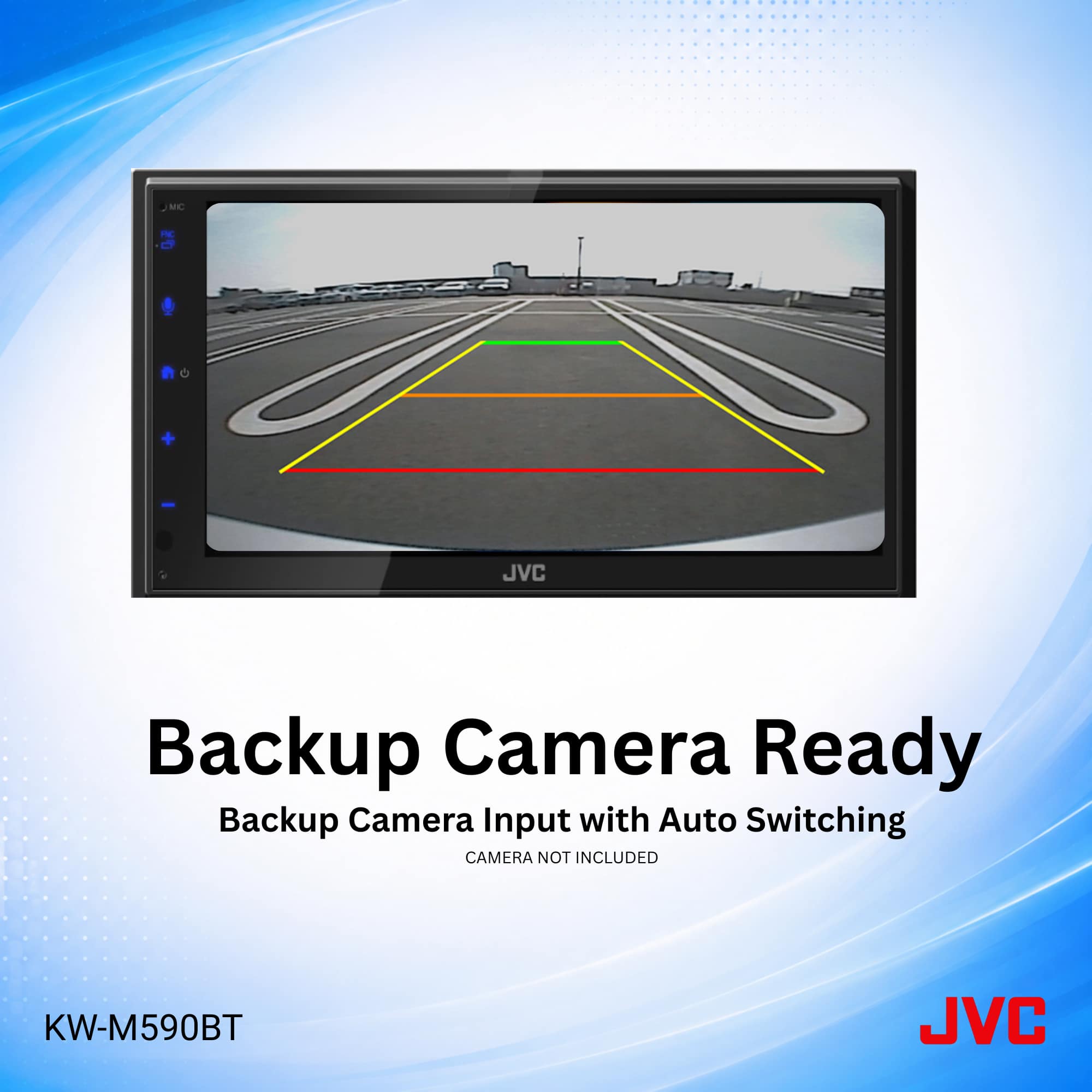
Q: QuestionIs the back up camera wireless?
Asked by Mikey.
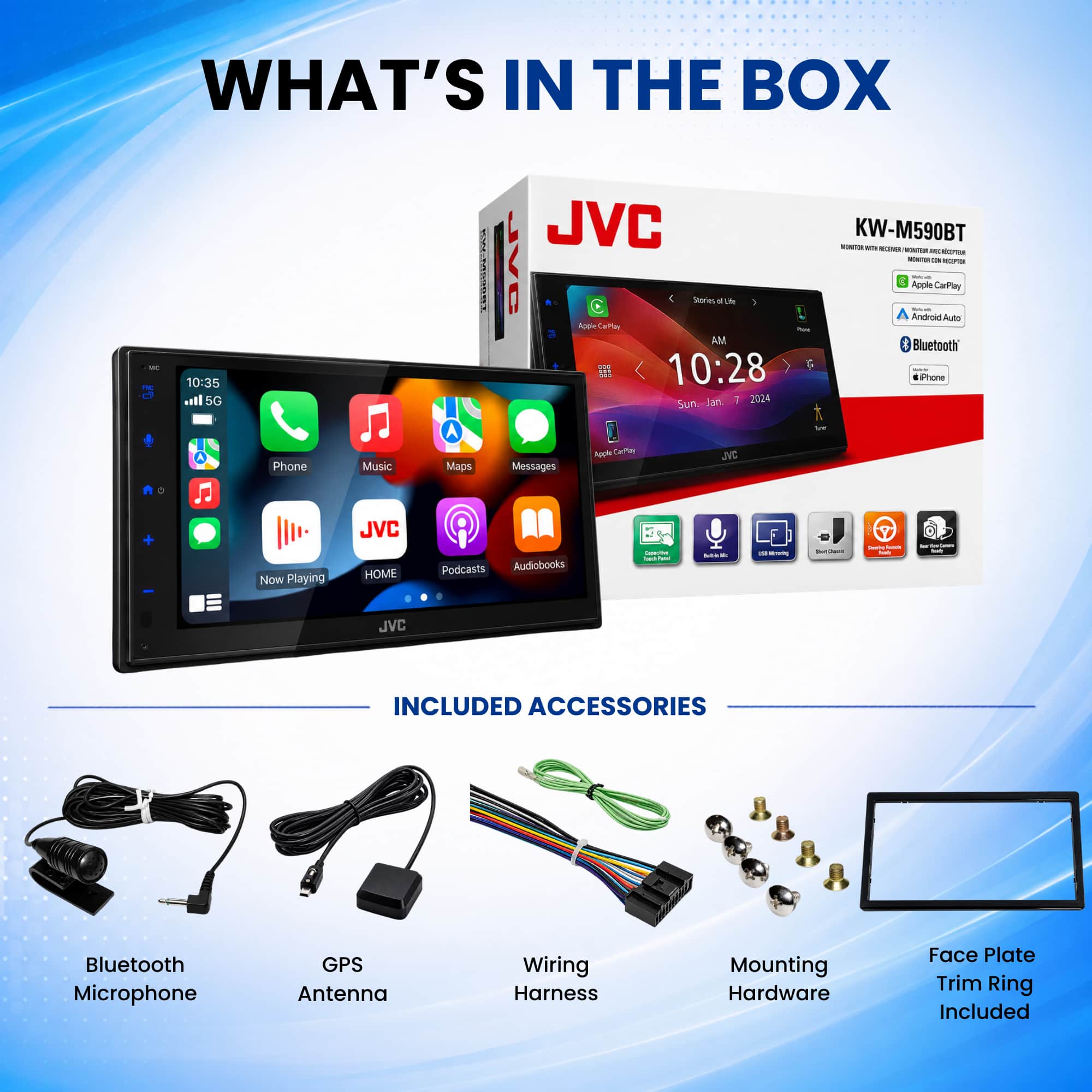
- A:Answer Thank you for considering JVC for your car audio needs! This JVC KW-M590BT receiver does not include a back-up camera in the box, as that would be sold separately. It does have a backup camera input that is wired, not wireless. You can also reach out to our team for assistance, to answer any questions. Please contact us at 1-800-252-5722 or email us at customerrelations@jvc.com. Thank you for choosing JVC, we look forward to helping you upgrade your car audio experience! Best regards, The JVC Customer Relations Team
Answered by JVCKENWOOD USA Team
Q: QuestionDid this replace the 560?
Asked by Anonymous.
- A:Answer Thank you for considering JVC for your car audio needs! The JVC KW‑M590BT isn't necessarily a direct replacement for the 560, but it is a newer model within the same family. You can also reach out to our team for assistance, to answer any questions. Please contact us at 1-800-252-5722 or email us at customerrelations@jvc.com. Thank you for choosing JVC, we look forward to helping you upgrade your car audio experience! Best regards, The JVC Customer Relations Team
Answered by JVCKENWOOD USA Team
Q: QuestionHow do I find if this fits my car?
Asked by John.
- A:Answer Call the person how saleing it
Answered by Teamfifty

Most-viewed items
- $299.99$299.99The price was $399.99
- $249.99$249.99The price was $299.99
- $374.99$374.99The price was $419.99