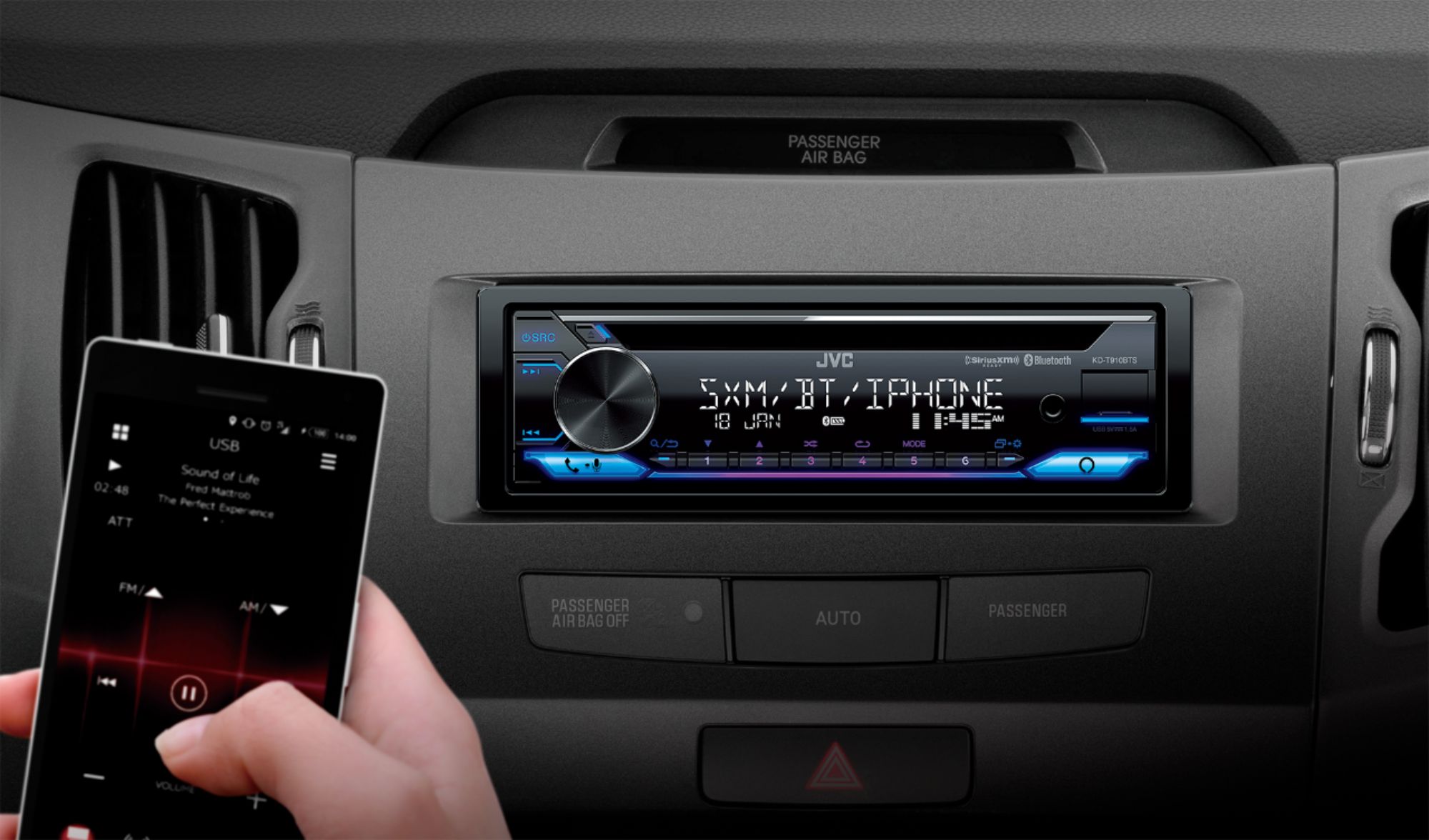
A:AnswerThis model radio does fit your vehicle. To check into a harness kit or adapters that is needed to integrate your current setup, it would be best to consult with our Best Buy installation team. They have access on looking up this information.
A:AnswerThis radio does fit your vehicle. To check into a harness kit or adapters that is needed to integrate your current setup, it would be best to consult with our Best Buy installation team. They have access on looking up this information.
A:AnswerThis model isn't listed as fitting your vehicle. I would advise to consult with our Best Buy installation team to see which model radios will fit in your vehicle.
A:AnswerTo get pricing information you do need to either call your local Best Buy store or visit them locally. I apologize that our question support doesn't have access to that information.
A:AnswerIt would be best to contact JVC on troubleshooting unless the issue is the wiring that might need to be checked. Please call JVC first to see if anything over the phone can be done.
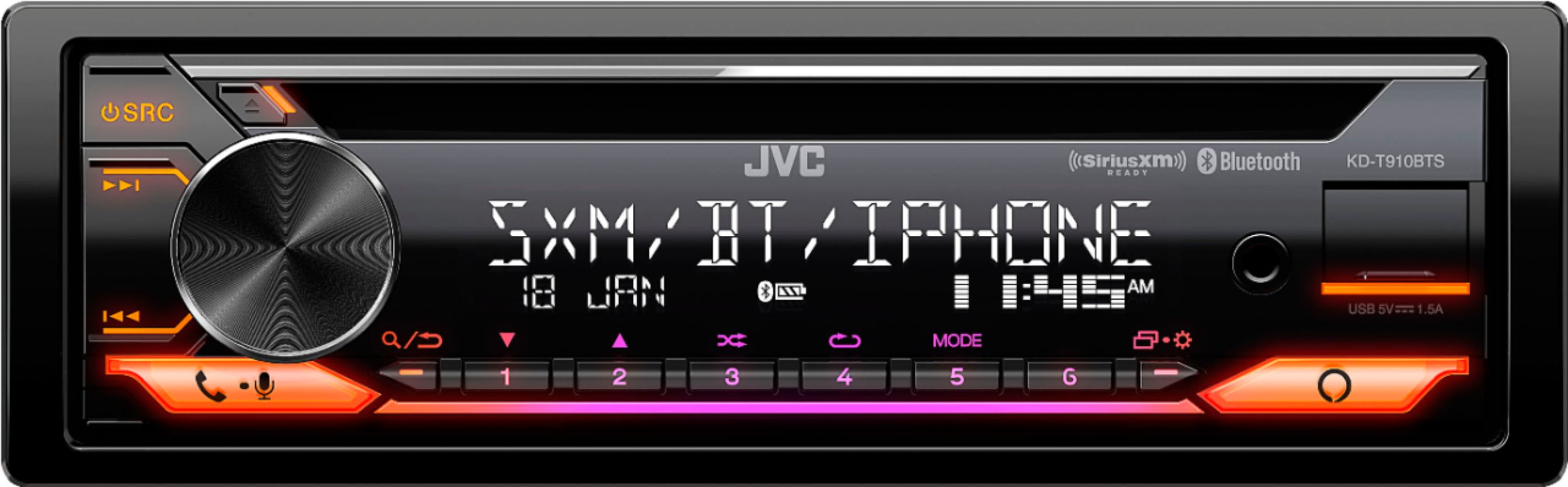
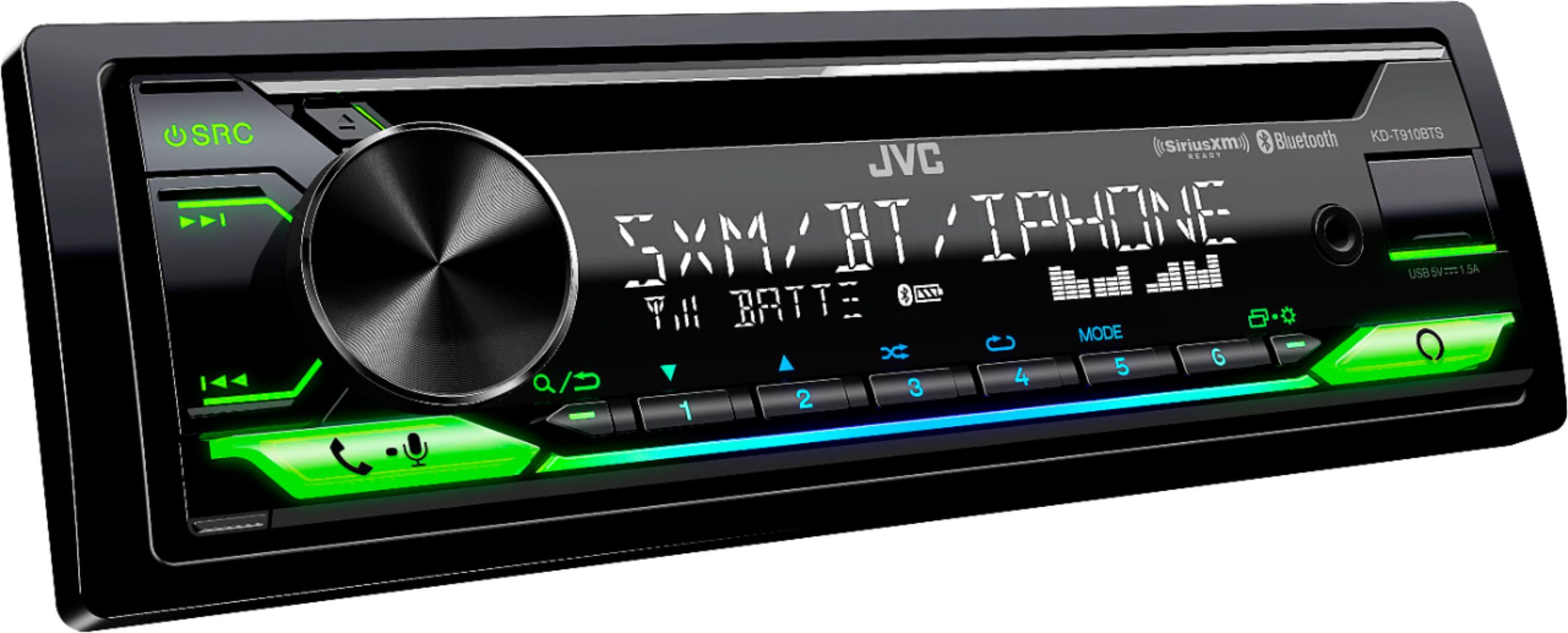
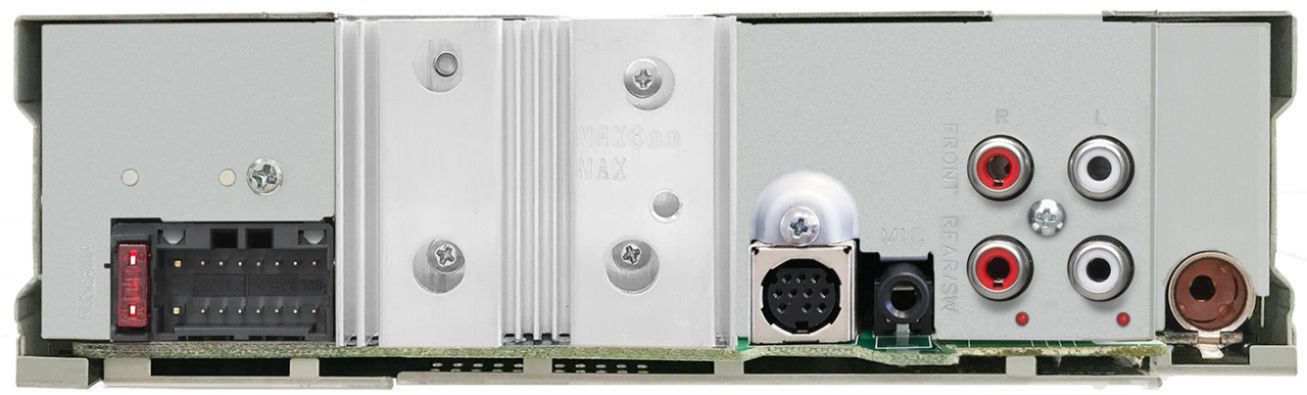
A:AnswerThe new model which is the KD-T910BTS does not use the same harness at your older 2016 mode KD-R670. If getting the new radio you would need to use the new power harness that comes with that radio.
A:AnswerFor a carrying case you can always check with JVC directly or check their website for the parts department or you can always just get a universal one.
A:AnswerLooking at the model this does fit your vehicle. To check into a harness kit or adapters that is needed to integrate your current setup, it would be best to consult with our Best Buy installation team. They have access on looking up this information.
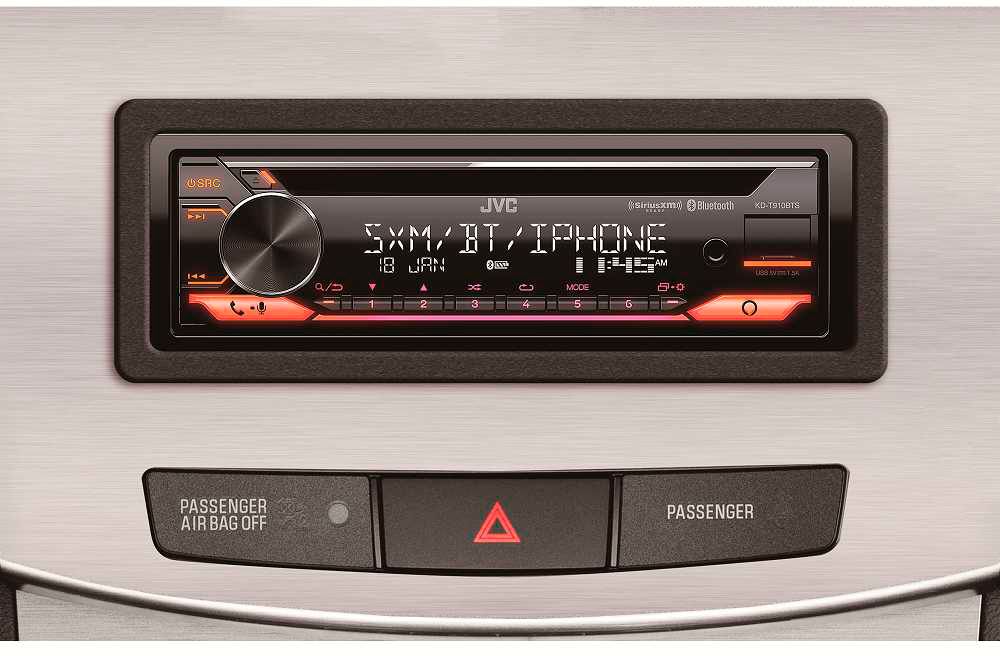
A:AnswerI’m sure you can I put it in my 72 Pontiac lemans the dash was already cut for a single din radio. You’ll have to cut your open for the size. It came with a sleeve to put in the dash. As for water proof in a boat no idea on that
A:AnswerYes this model will fit your vehicle. To check into a harness kit or adapters that is needed for your installation it would be best to consult with our Best Buy installation team. They have access on looking up this information.
A:AnswerWith inventory being so scarce its best to place an order on the radio as products are released periodically. It would be best to call our Best Buy in store customer care to see what options are available to place an order and if they have a time frame on availability.
A:AnswerIf you have an older JVC radio more than 2yrs old the power harness is not the same. You would need to use the new power harness that comes with the new radio. You may want to contact JVC directly to confirm the age of the radio you currently have.
A:AnswerIf there is popping the audio portion of the installation needs to be double checked. There isn't a setting on the radio to fix that. Have your installer to check that.
A:AnswerI'm sorry to say that none of the current models support CD changers anymore. All radios now offer the USB connection where you can load all your music onto that instead.
A:AnswerTo check into the details of the features it would be best to consult with JVC directly. They have access to the features and track information options that are available. There are different models of radios and they will be able to recommend options depending on the features you want. Please call them directly.