Last-Minute SavingsLimited quantities.Shop now

Skip to content
Gift Ideas
Main Content

Questions & Answers

Your price for this item is $254.99
Clearance
The comparable value price is $299.99
Page Showing 61-80 of 141 questions
  • QuestionCan it run Roblox?

    Asked by GS.

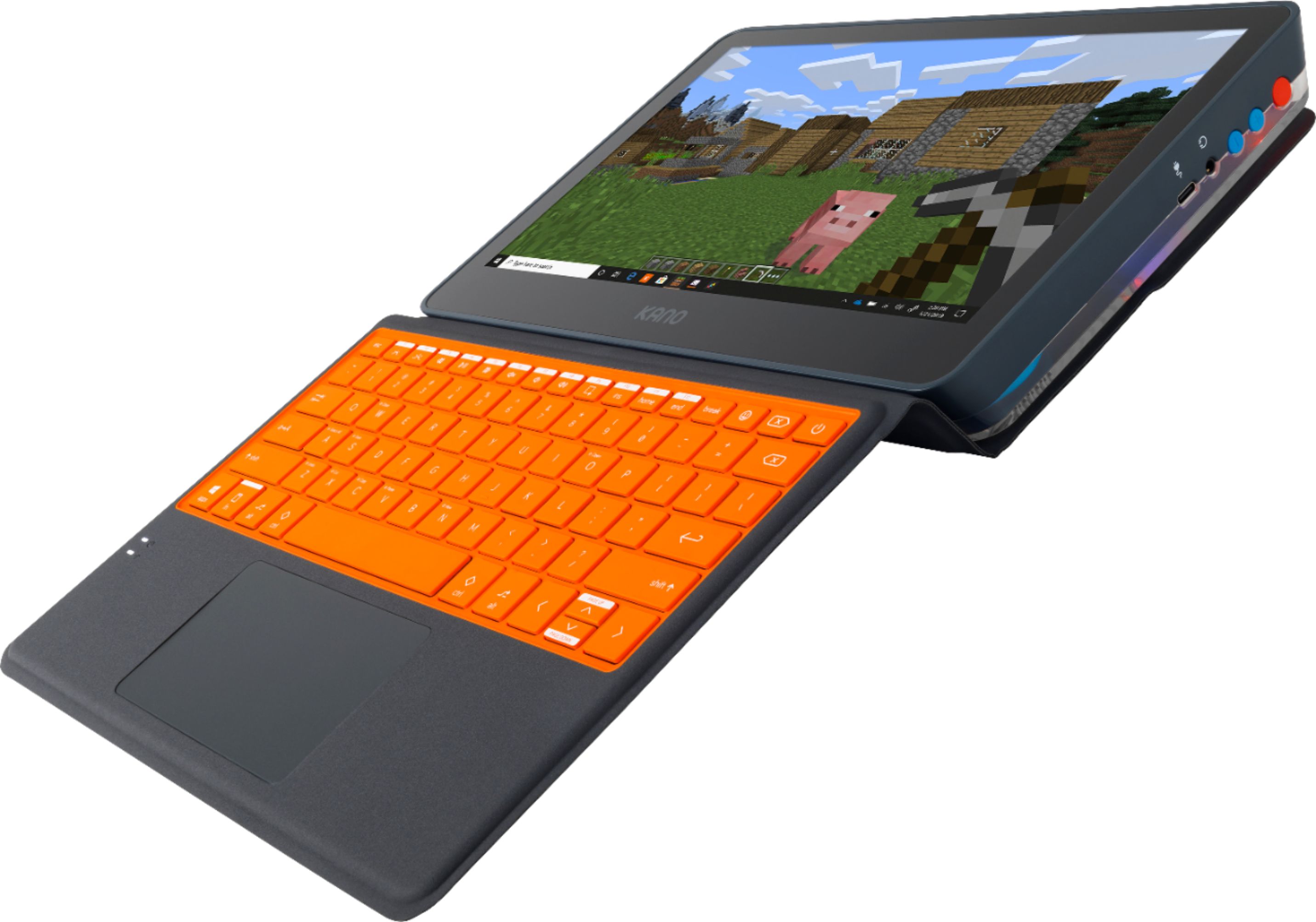
    • Answer My son tried and I think it's pretty laggy. Minecraft is no better.

      Answered by notblib

  • QuestionIs this device can serve the web email and has Ms excel and word like regular laptop? Thanks

    Asked by Julia.

    • Answer It has Windows 10, which comes with an email program. You can also use a web-based email program, like Gmail, Yahoo, etc. As far as Excel goes: 1) Microsoft provides a free, stripped-down version of all Office applications. like Excel. They can be found at office.com. 2) You can add a full-blown version of any Office program, either through Office 365 (a subscription service). 3) You can buy the Office suite, which comes in several configurations. I recommend the basic one, which has Word, Excel, and PowerPoint, known as Office Home & Student. 4) There is another, more expensive version of Office which includes Outlook. 5) Still another, still more expensive version with 6 or 7 parts, including Access, etc. 5) There are a number of free Office programs from other sources: LibreOffice, WPS Office, etc.

      Answered by luislast

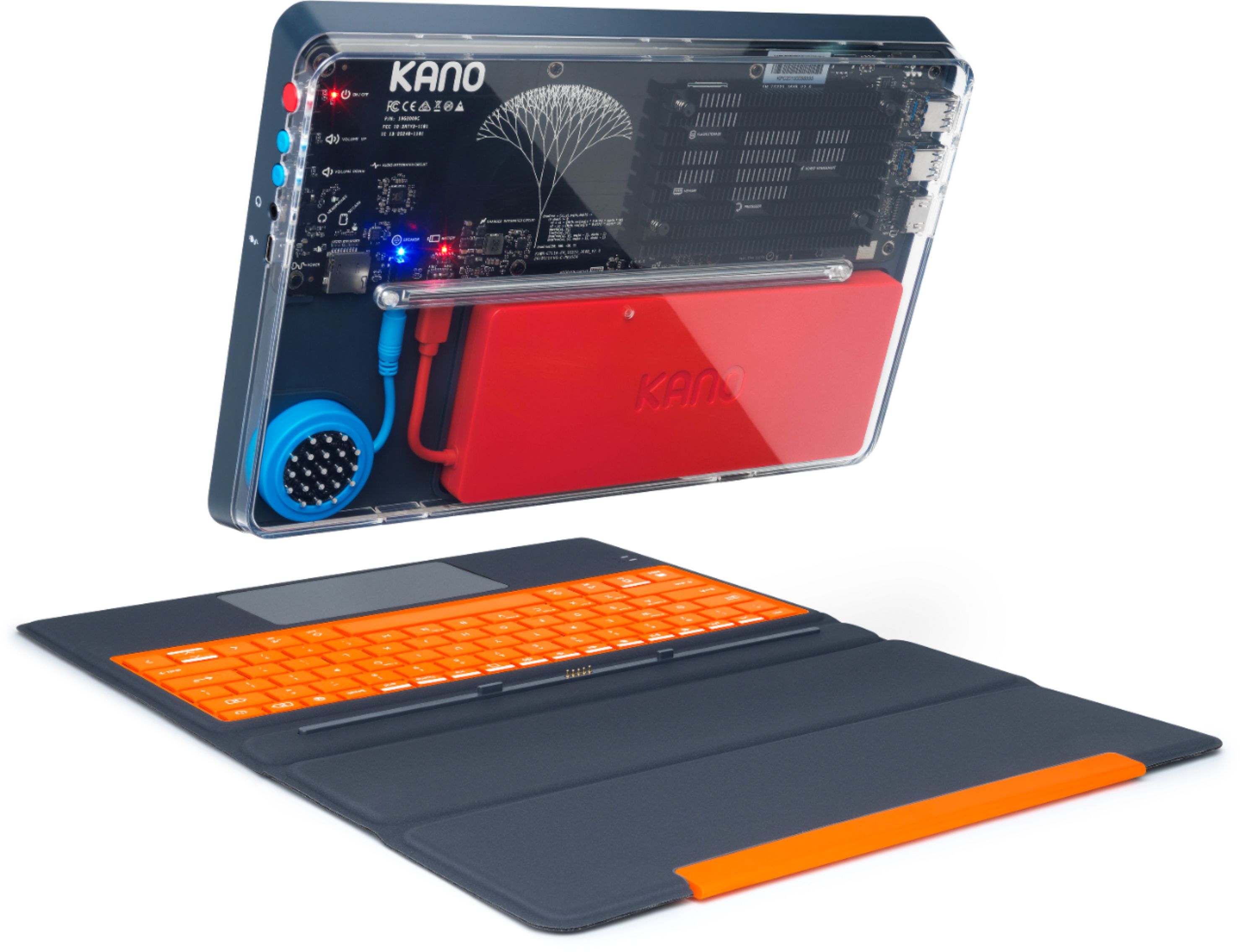
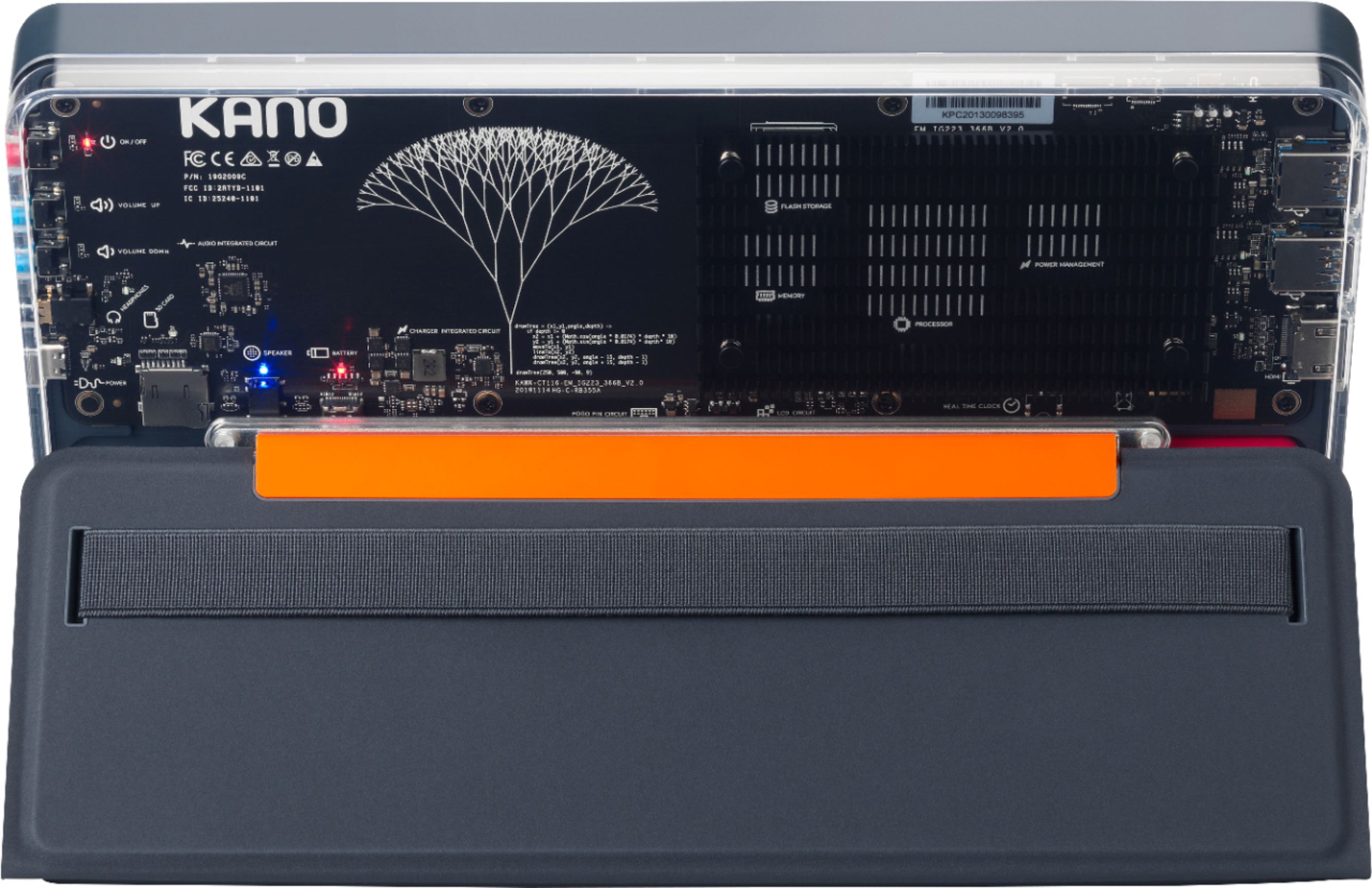
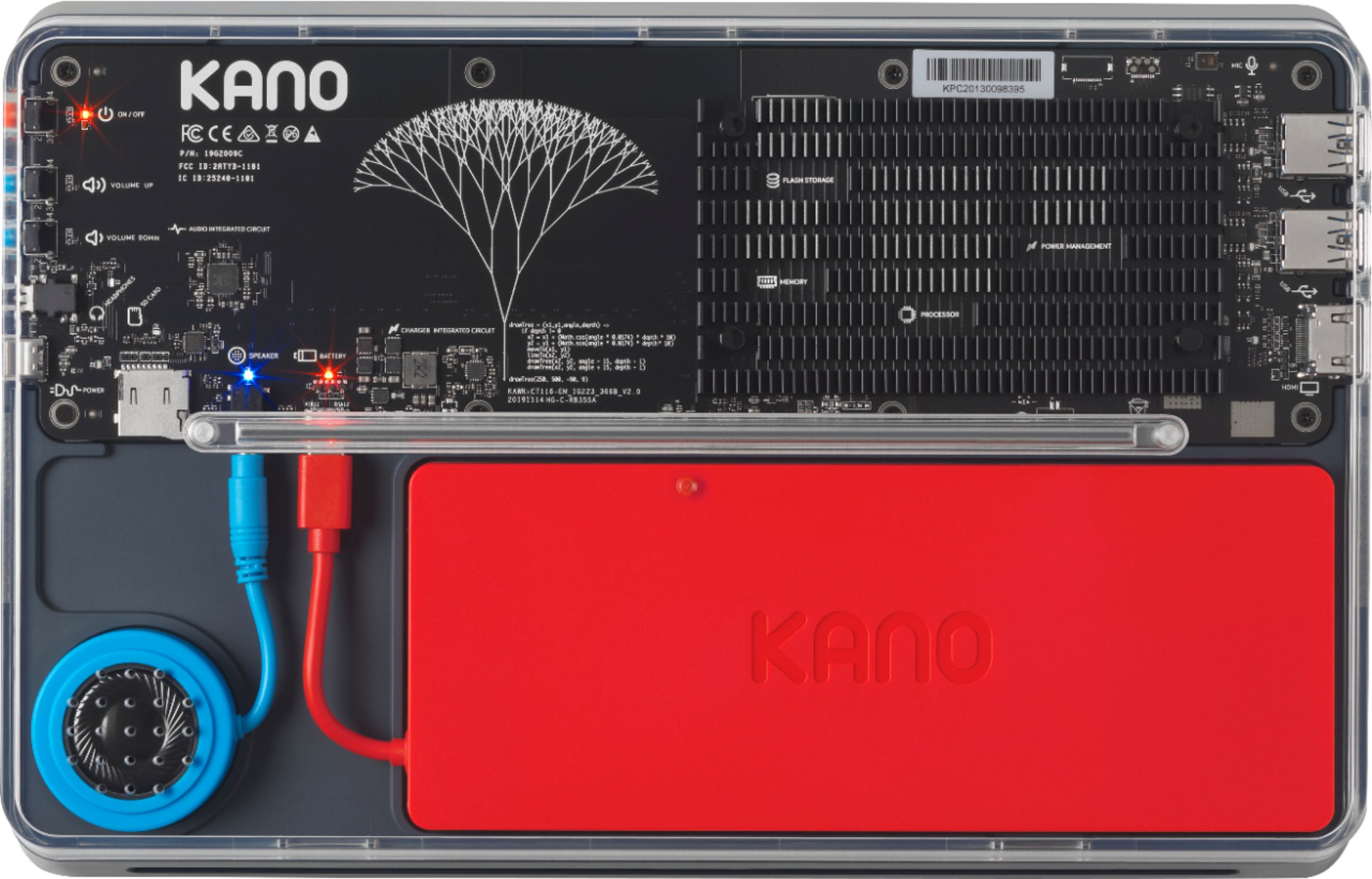
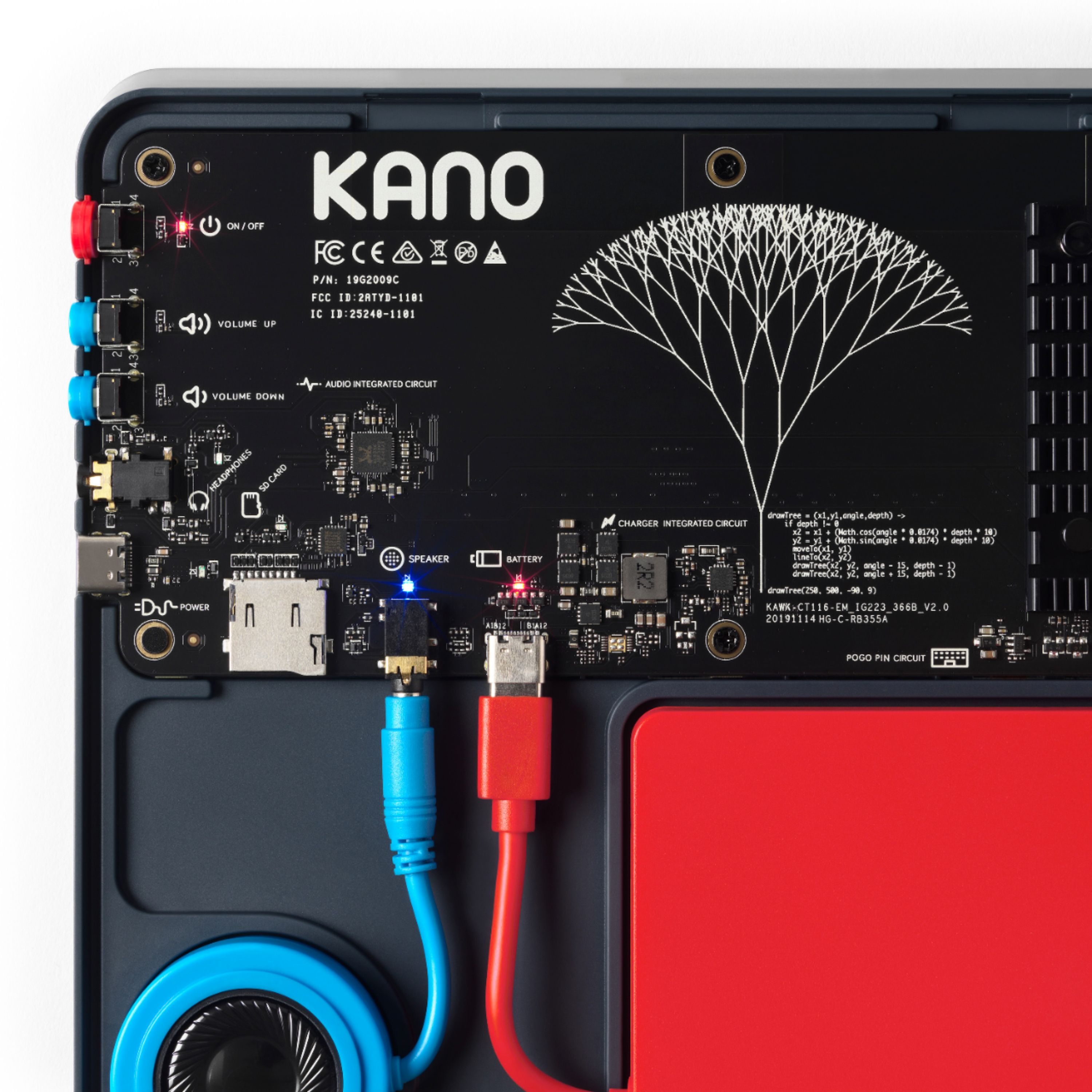
  • QuestionCan i open the transparent cover to check the speaker if it is properly fixed?

    Asked by Bea.

    • Answer Yes, you are able to open the transparent casing at any time to ensure that all of your connections are secure. Hope this helps!

      Answered by Team Kano

  • QuestionHow many GB of ram does this computer have and can it run an editing system?

    Asked by BZZL.

    • Answer The Kano PC has 4GB of RAM. We advise checking the system requirements of any program that you are interested in running on the Kano PC to see if the requirements of the program are compatible with the specs of the Kano PC (https://kano.me/store/products/kano-pc/tech-specs).

      Answered by Team Kano

  • QuestionWould i be able to download steam on this?

    Asked by Denver.

    • Answer Yes, you can download Steam onto the Kano PC.

      Answered by Team Kano

  • QuestionDoes it have a good microphone for Zoom conversations

    Asked by tazewell.

    • Answer The microphone is fine but be advised that it does not have a camera.

      Answered by Bess

  • QuestionIf I dont have internet or wi fi in my house how do I get internet with it.

    Asked by Coach.

    • Answer Most public libraries have Wi-Fi streaming for free, as does McDonalds and most other fat food eateries. Librarians are also extremely helpful.

      Answered by Marys

  • QuestionCan a flash drive be used with this computer (to save data, such as Microsoft Word files)?

    Asked by RJCjr.

    • Answer Hi RJCjr, Thank you for your great question! You can absolutely use a flash drive with the Kano PC. Kind regards, Team Kano

      Answered by Team Kano

  • QuestionCan a mouse be used with this

    Asked by Pete.

    • Answer Yes u can add a mouse

      Answered by Dasia

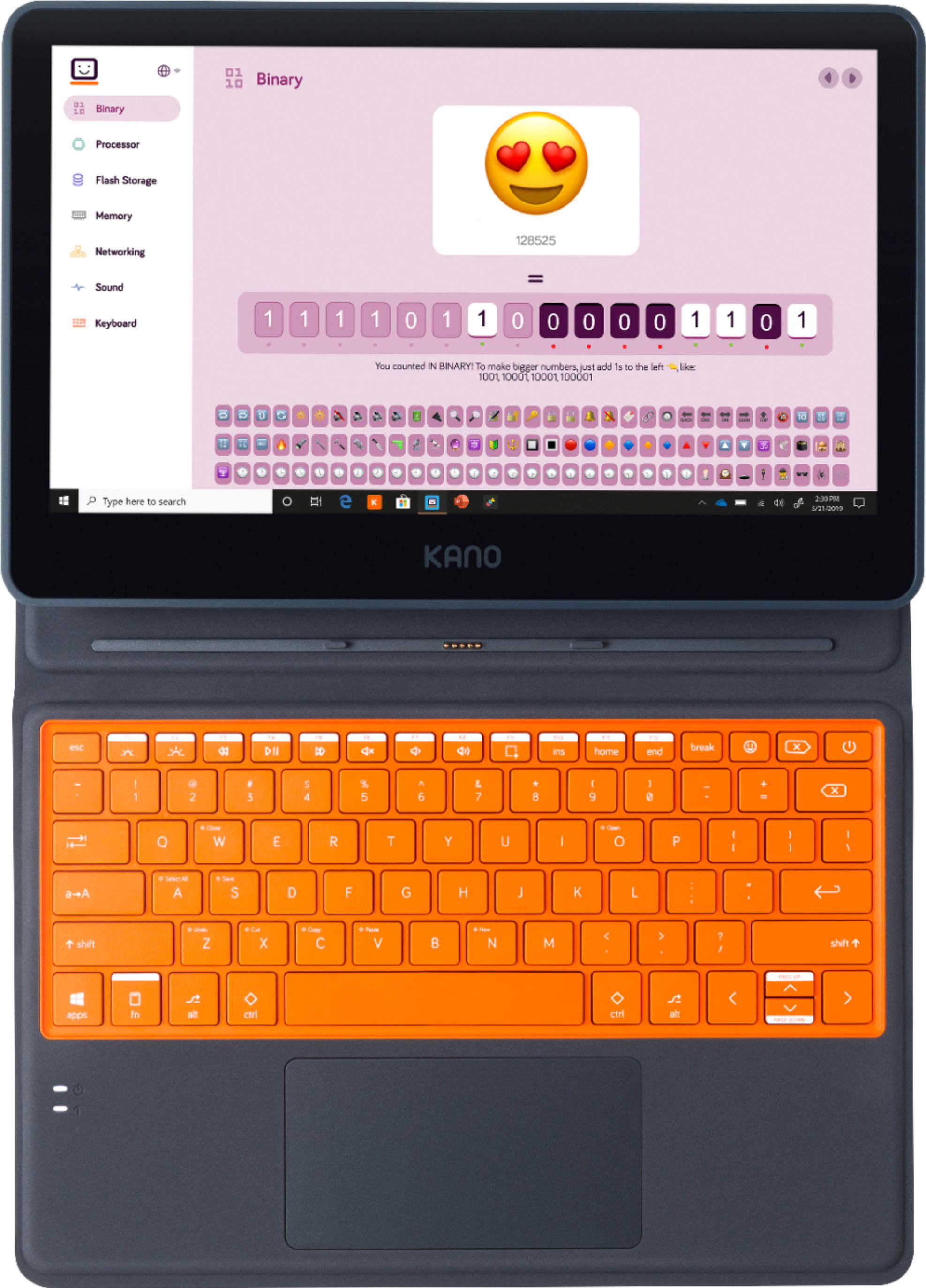
  • QuestionDoes it come with the keyboard?

    Asked by Anonymous.

    • Answer Yes, it comes with a keyboard included

      Answered by Pedro

  • Questionis this a new computer?

    Asked by Anonymous.

    • Answer Yes, the Kano PC is new and launched this year!

      Answered by Team Kano

  • QuestionWhat is the spec of the USB-C port located on the side of the devices? (USB 3.1, USB OTG 2.0, USB 3.2, ect.)

    Asked by Alex.

    • Answer The USB-C port on the side of the Kano PC is just a charging port and does not allow for the transfer of data.

      Answered by Team Kano

  • QuestionI have multiple questions. Does this have a UEFI BIOS, does it support booting to different operating systems via SD card, and is it possible to flash the EMMC with a different operating system?

    Asked by Alex.

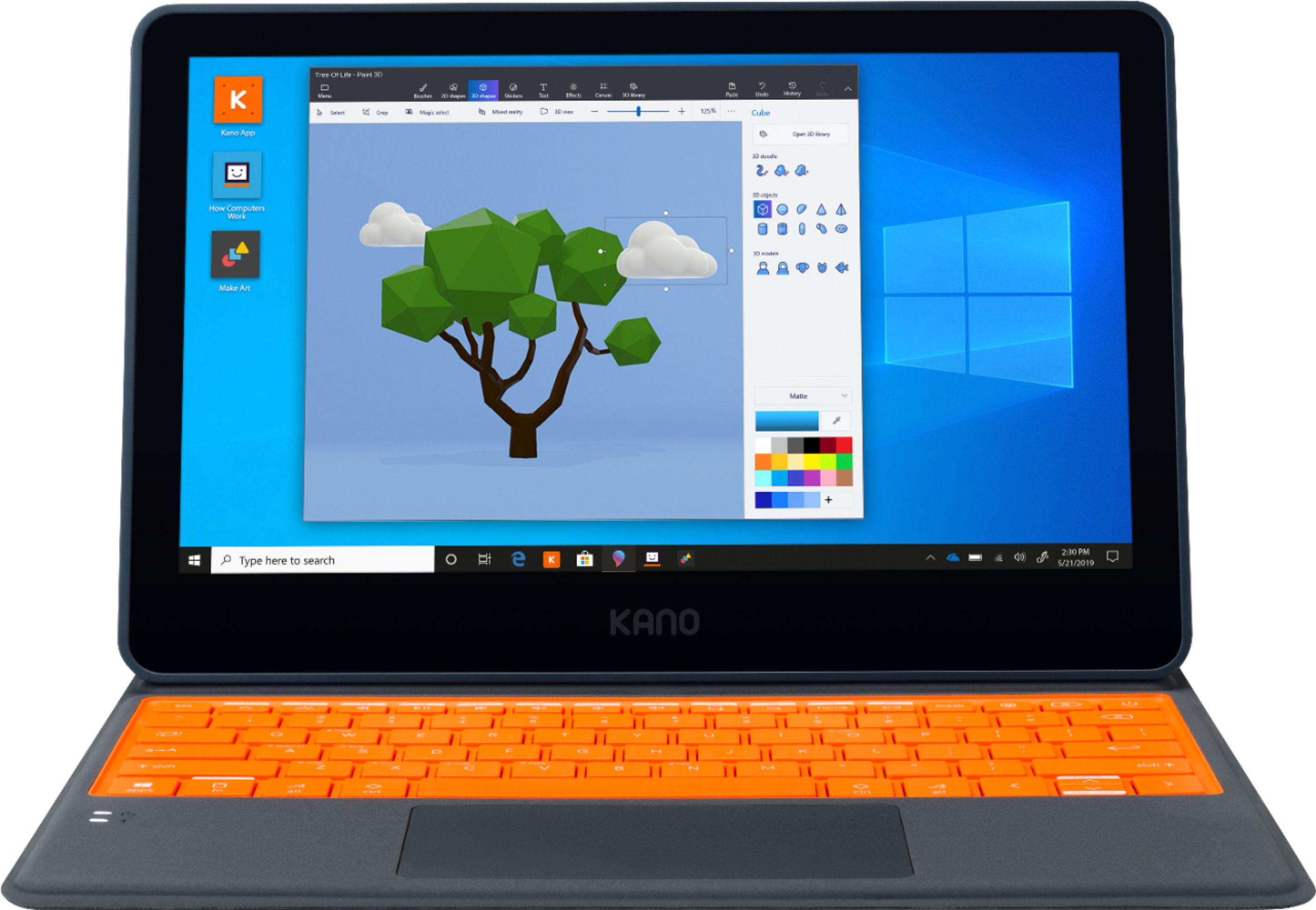
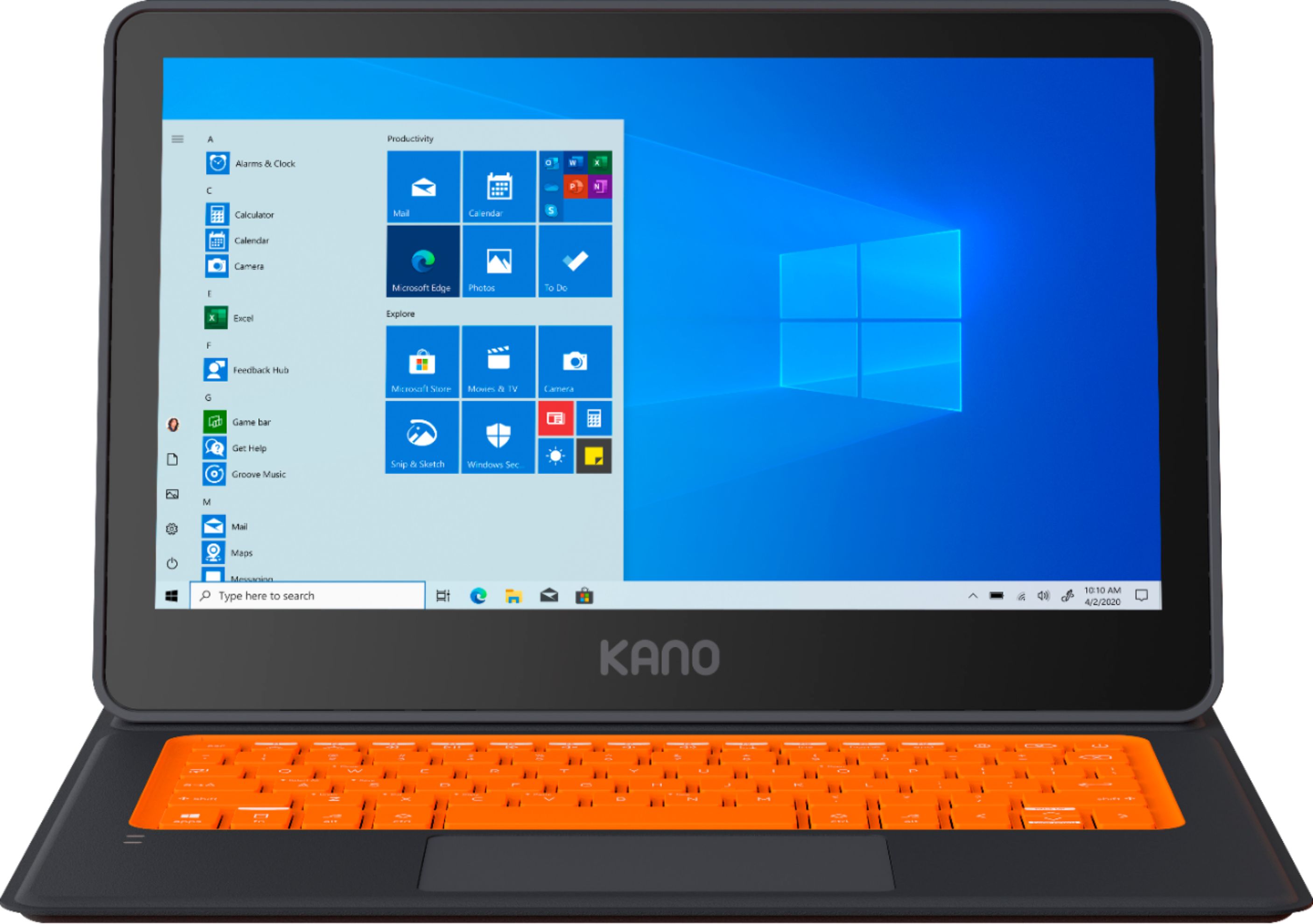
    • Answer Yes it is UEFI. I just got the Kano PC last week, and promptly installed Linux Mint on it from a USB stick onto the internal eMMC "hard drive". The trick is to press and hold the Alt+F7 keys at just the right moment at power-on to choose the USB stick for booting. Or, the easier way if your reflexes are not quick enough, is to just let Windows start up, then go to Settings - Update & Security - Recovery - Advanced startup/ Restart now - Use a device - select boot device of the USB stick. Most modern Linux distros work with UEFI installations, such as Mint and its source, Ubuntu, and probably Fedora, SUSE, Debian, and their derivatives. Keep in mind that you don't have a lot of space on the eMMC drive for having dual operating systems installed. I used gparted to reduce the main Windows "C:" drive to about 38 GB, then compressed all I could with the file manager, and set up about 16 GB for Mint, and 1 GB for its swap partition. Leave the other Windows recovery and UEFI partitions alone if you might ever want to fully restore the original Windows setup (i.e. if you want to give/sell it to someone not interested in Linux). Get a high capacity internal micro SD card for offloading all the software and data you can - probably should split it between NTFS for Windows, and Ext4 for Linux partitions. Installing Portable Apps on the NTFS partition will let you add a lot of useful Windows software (Open Office, Firefox, Chrome, games, utilities, etc) without impacting the C: drive space much at all (good idea for even Windows-only setups, too!).
      Answered by ROBB

  • Questionhow hot does computer get?

    Asked by Anonymous.

    • Answer We cannot provide specific temperature numbers, but the Kano PC has built-in heat sinks to prevent any overheating.

      Answered by Team Kano

  • QuestionHi there! 1)Does the Kano use 32 bit operating system or 64 bit? 2)How hot does the computer get? 3)Can you upgrade to Microsoft Pro for additional features and security? Thank you!

    Asked by FullSteamAhead.

    • Answer 1) The Kano PC runs on a 64-bit processor. 2) We cannot provide specific temperature numbers, but the Kano PC has built-in heat sinks to prevent any overheating. 3) The Kano PC can definitely run Windows 10 Pro, but you will need a Windows 10 Pro key to activate your own copy.

      Answered by Team Kano

  • QuestionDoes it have a USB

    Asked by Roni.

    • Answer The Kano PC has 2 USB 3.0 Type A ports.

      Answered by Team Kano

  • QuestionDoes this operating system include Spanish?

    Asked by James.

    • Answer Assuming that the OS hasn't been eviscerated, just Google something like "select language out of the box windows 10" or "change the language on a pc." It's pretty easy.

      Answered by luislast

  • Questioncan it run scratch?

    Asked by sussybaka.

    • Answer Yes, the Kano PC can run Scratch.

      Answered by Team Kano

  • Questiondo I build it or is it prebuilt?

    Asked by someone.

    • Answer You build it , my 8 years grandson built it in 2 1/2 hrs. I gave him last week. The children need parents password . He likes it very much

      Answered by Star

  • QuestionIs the C-port USB as well, or charge-only?

    Asked by Qasar.

    • Answer The Kano PC's USB-C port is for charging only.

      Answered by Team Kano