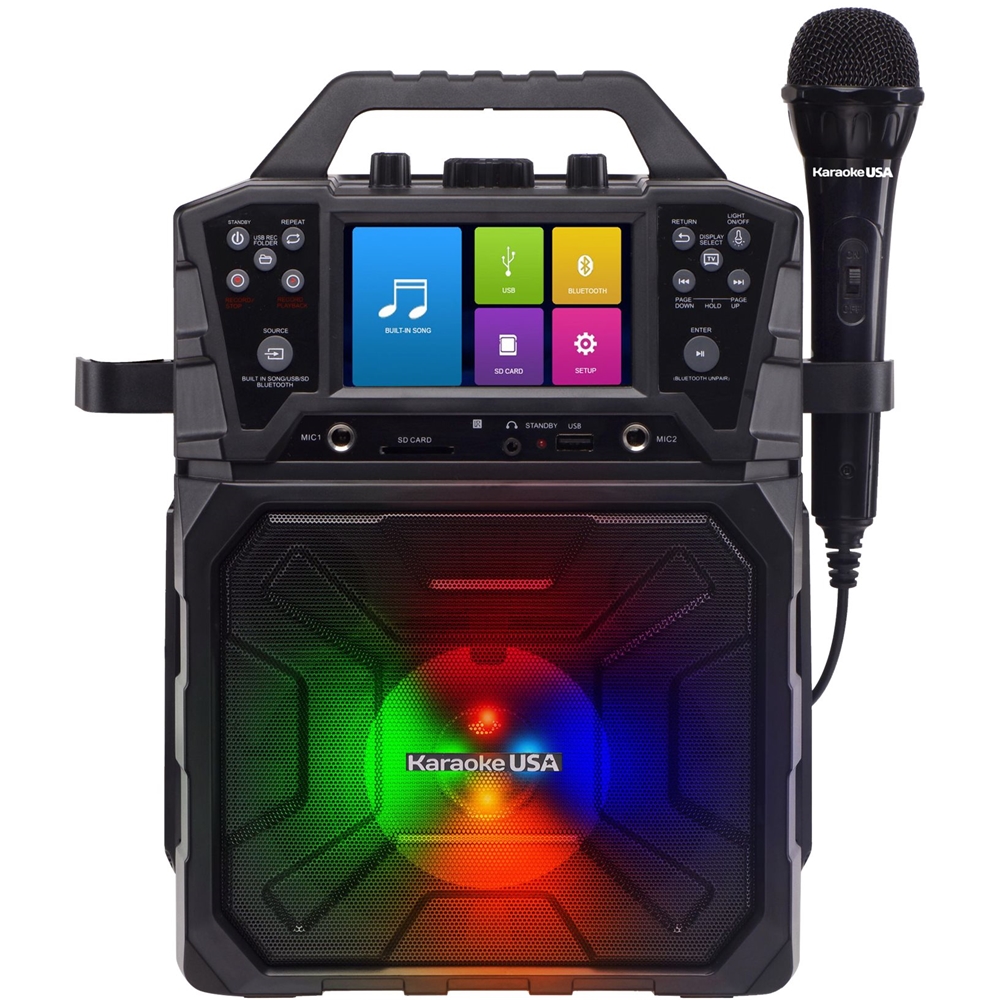
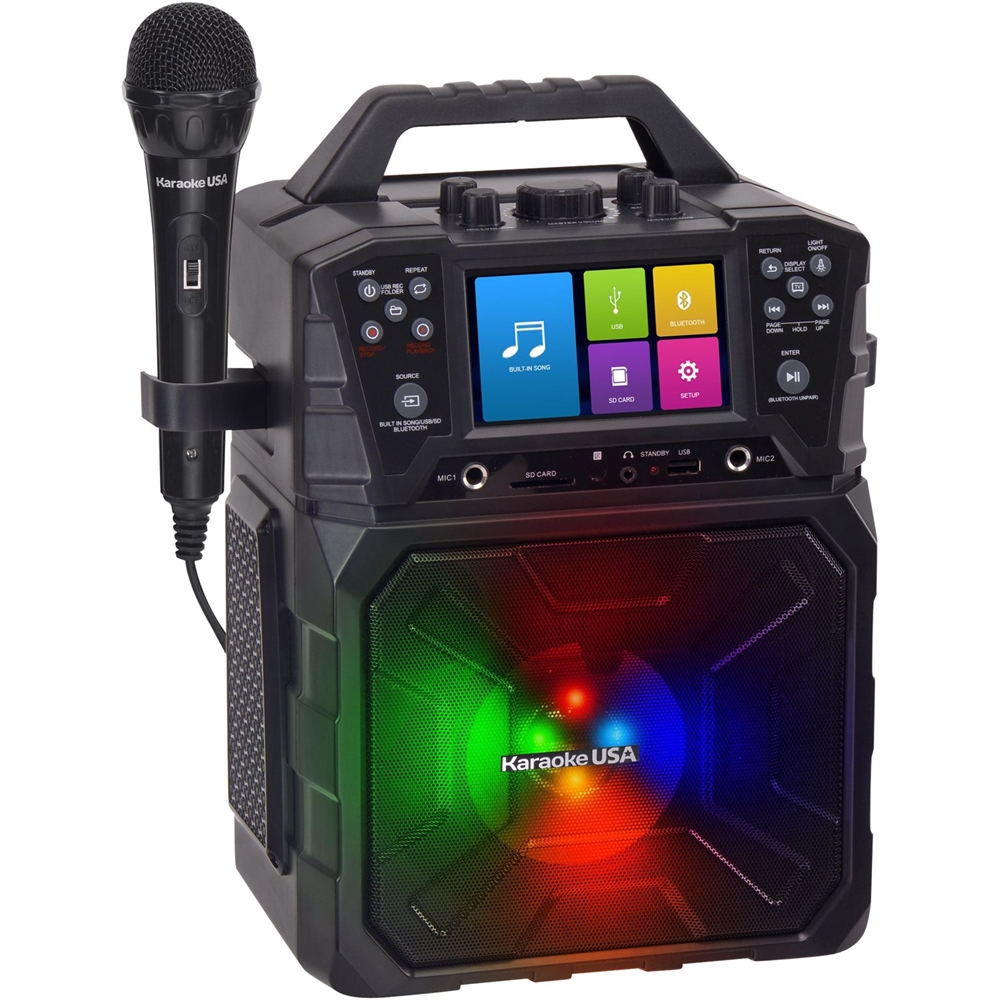
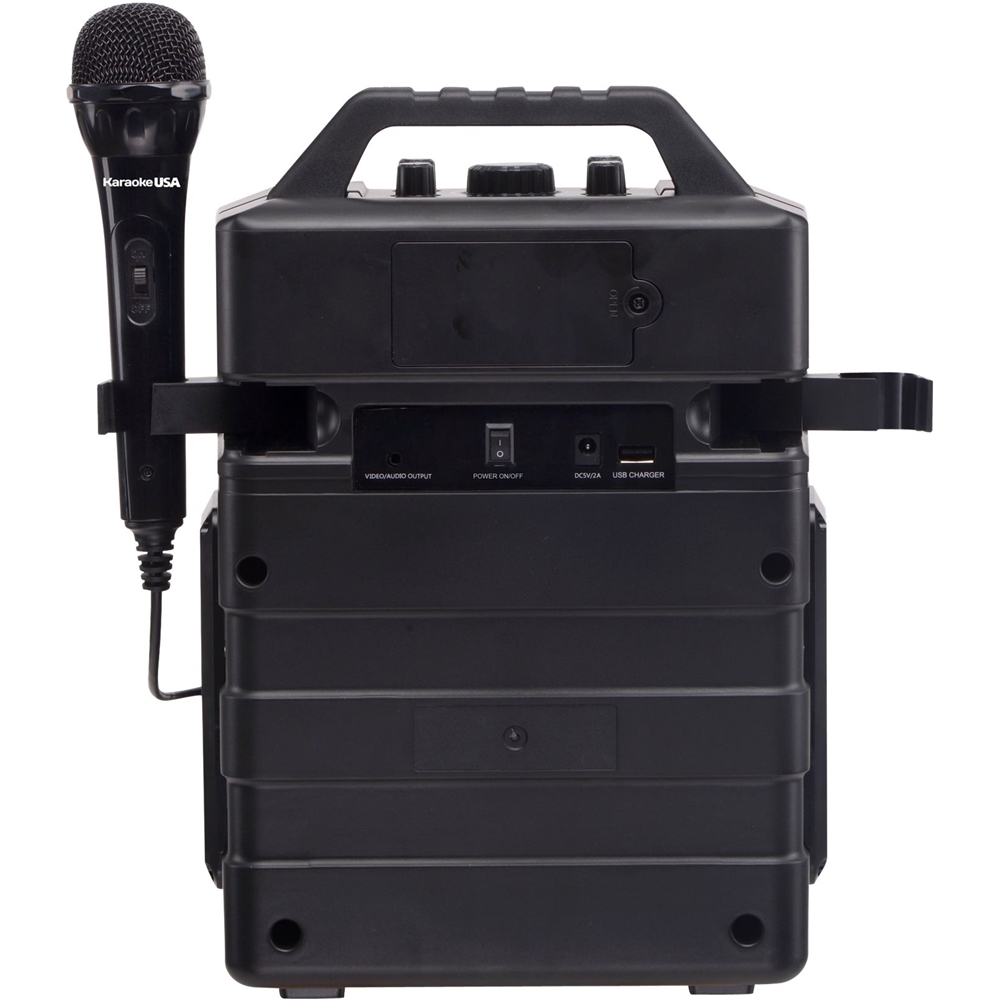
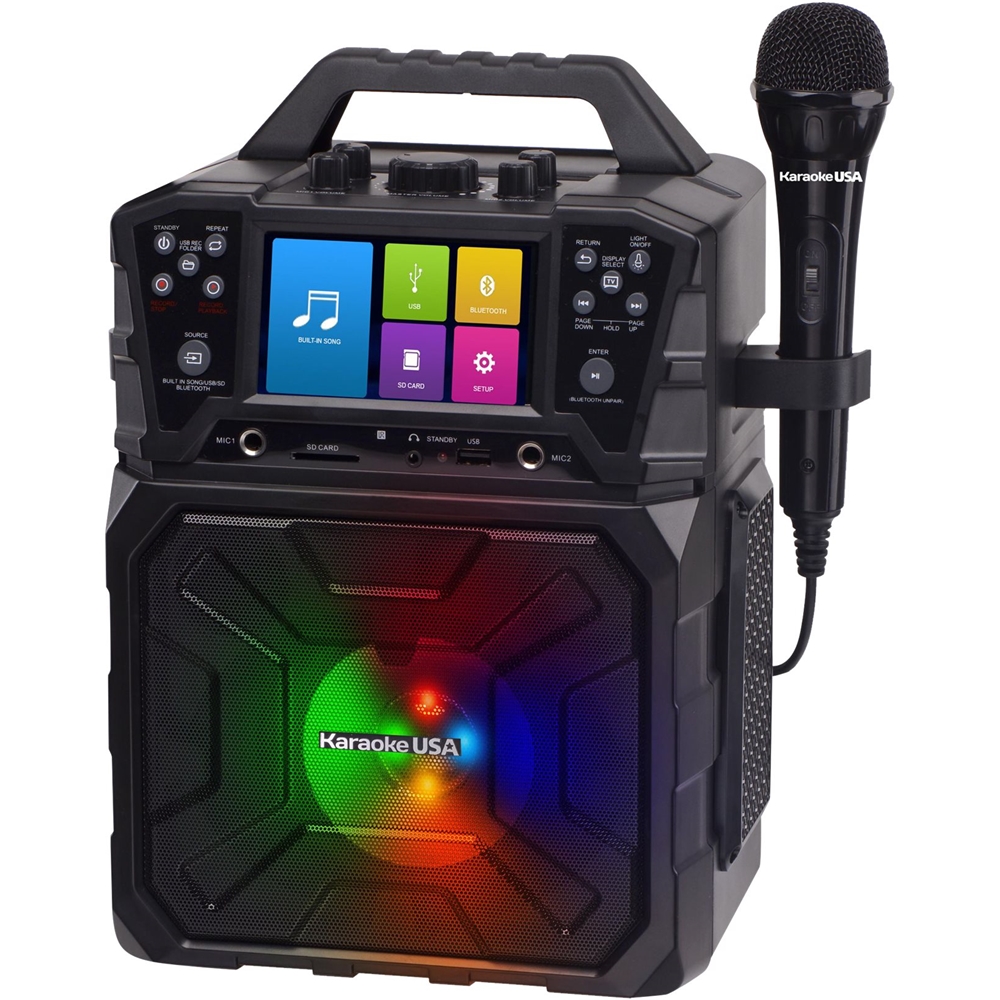
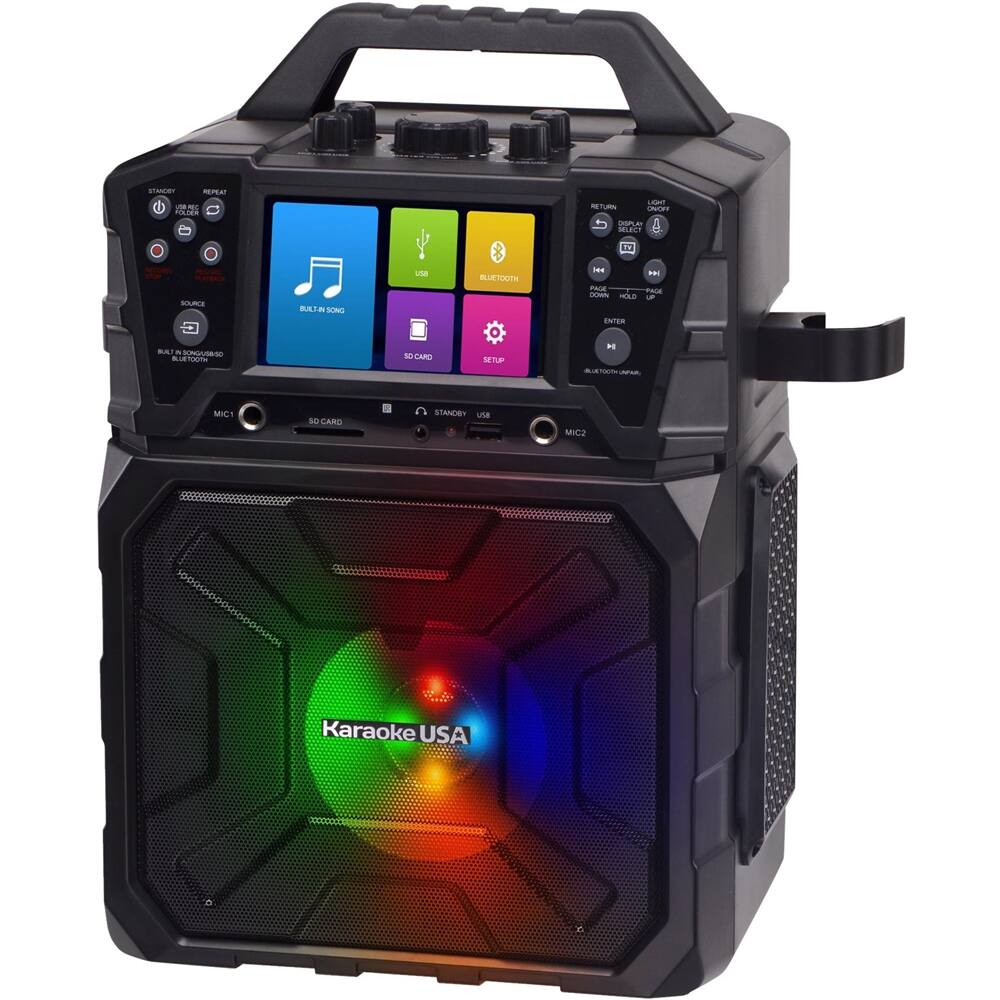
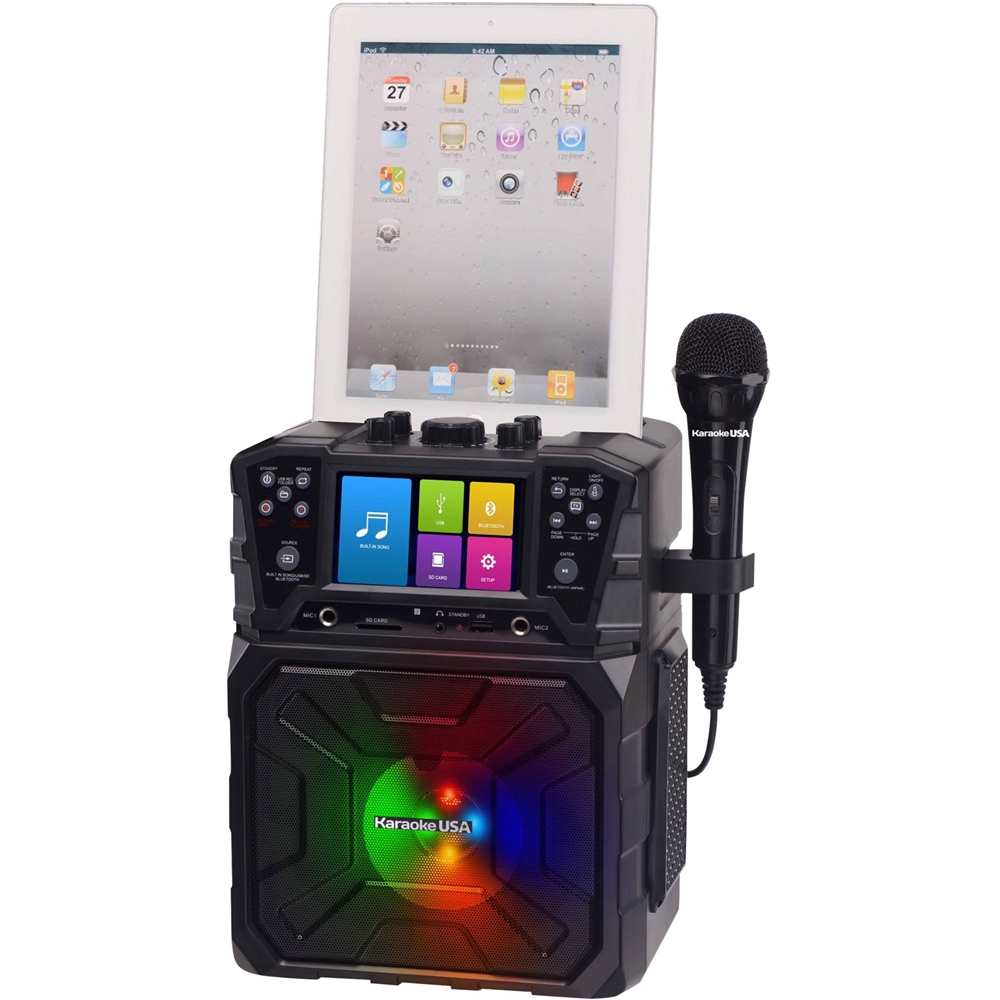
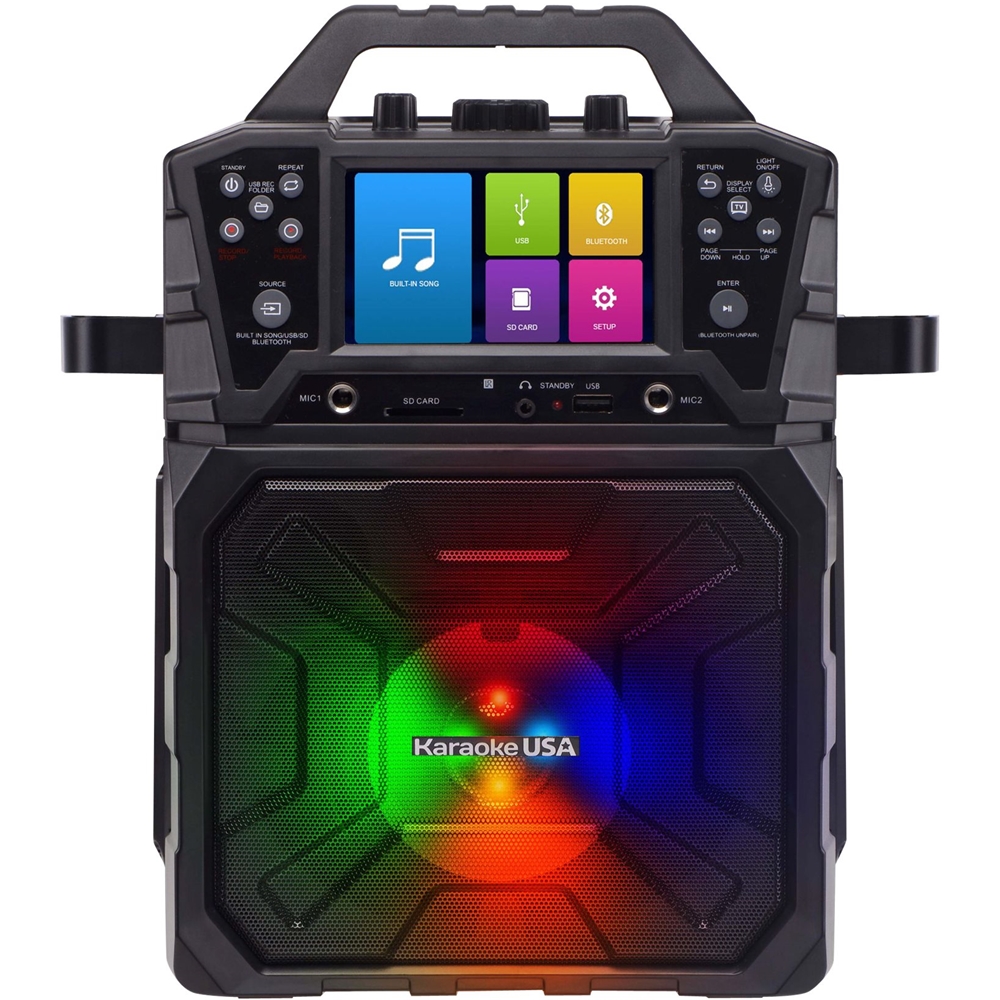
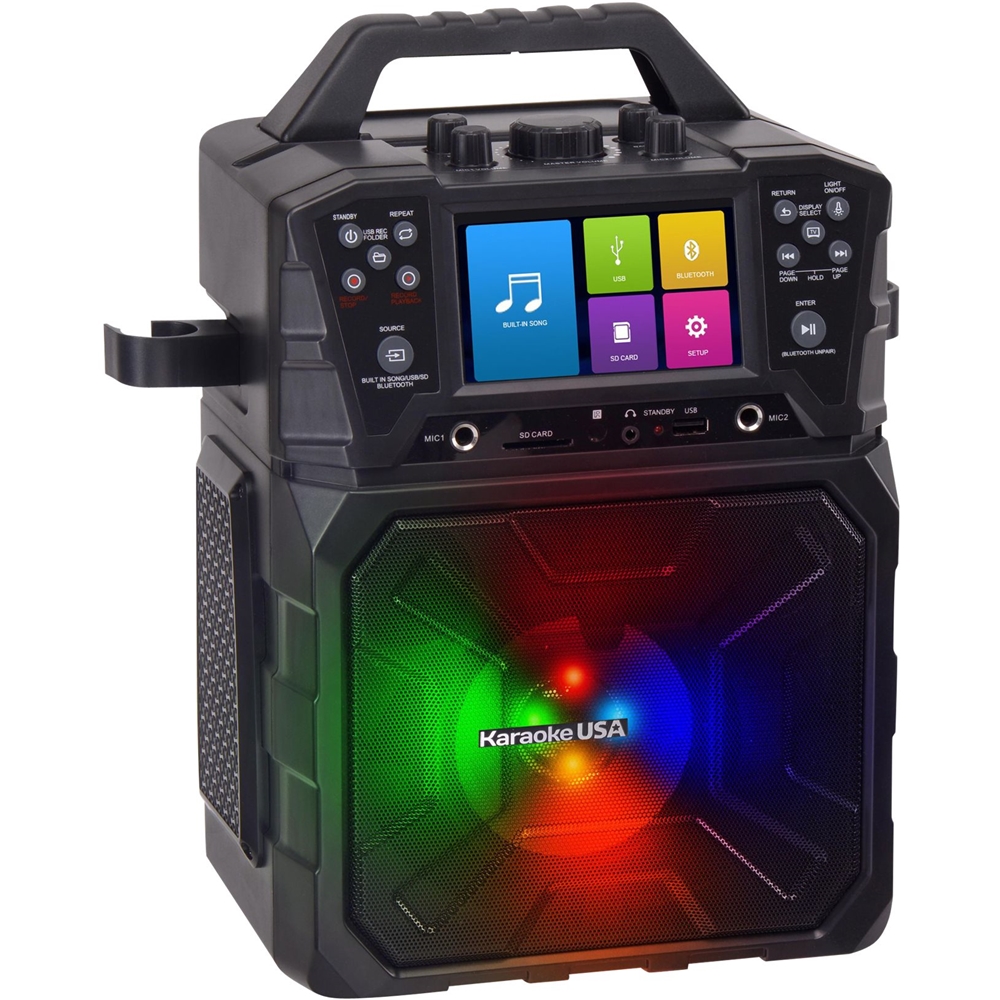
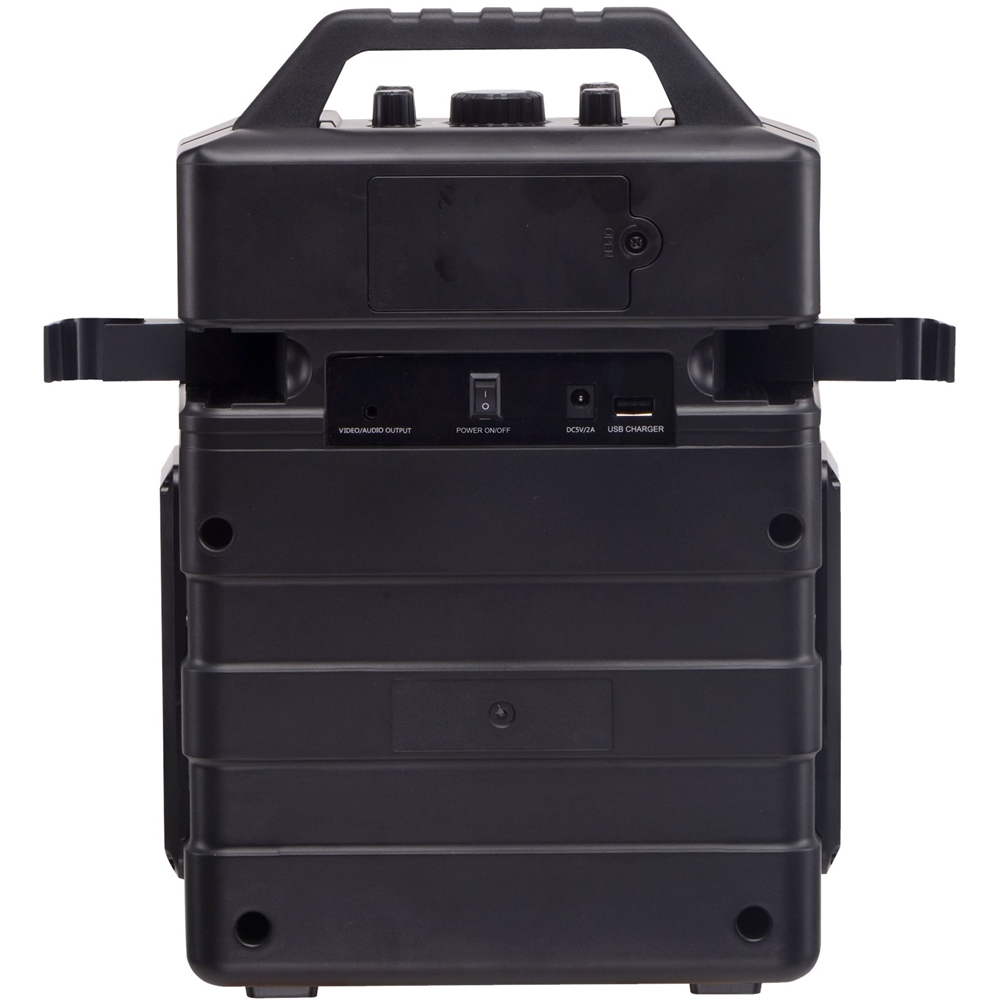
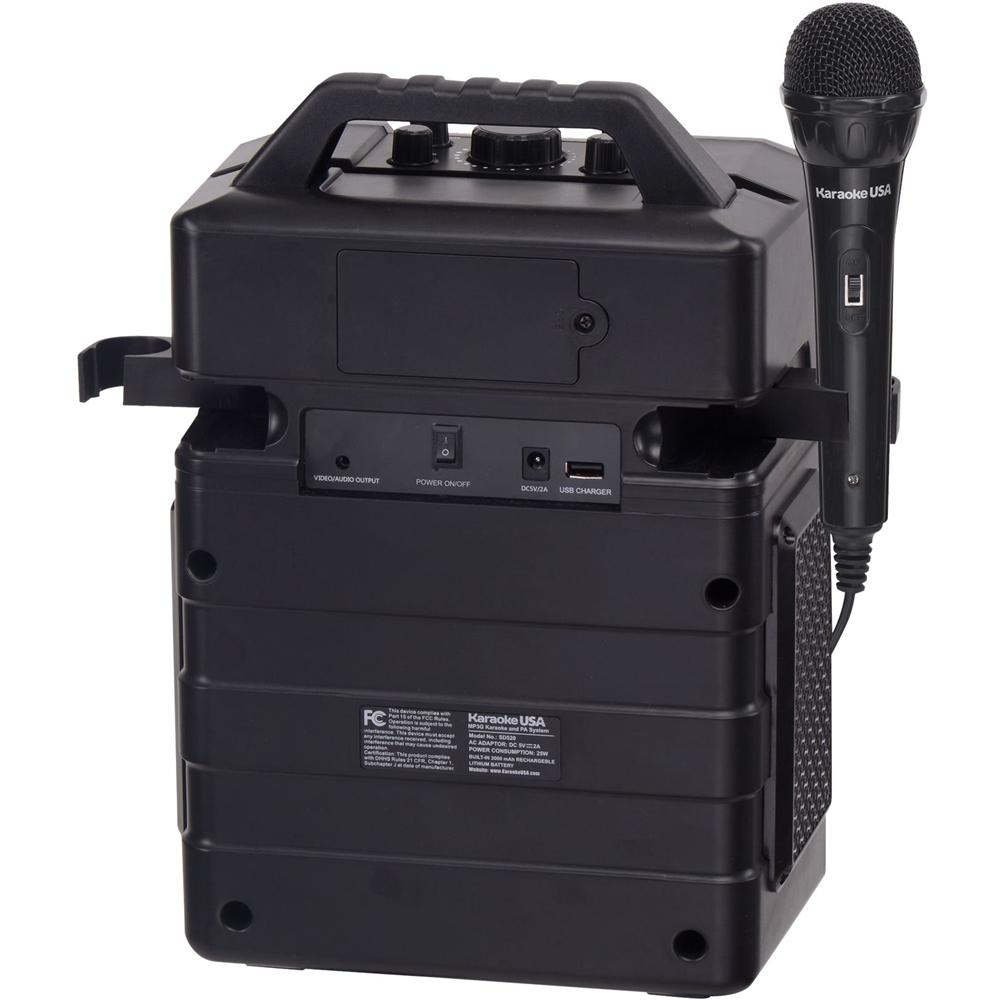
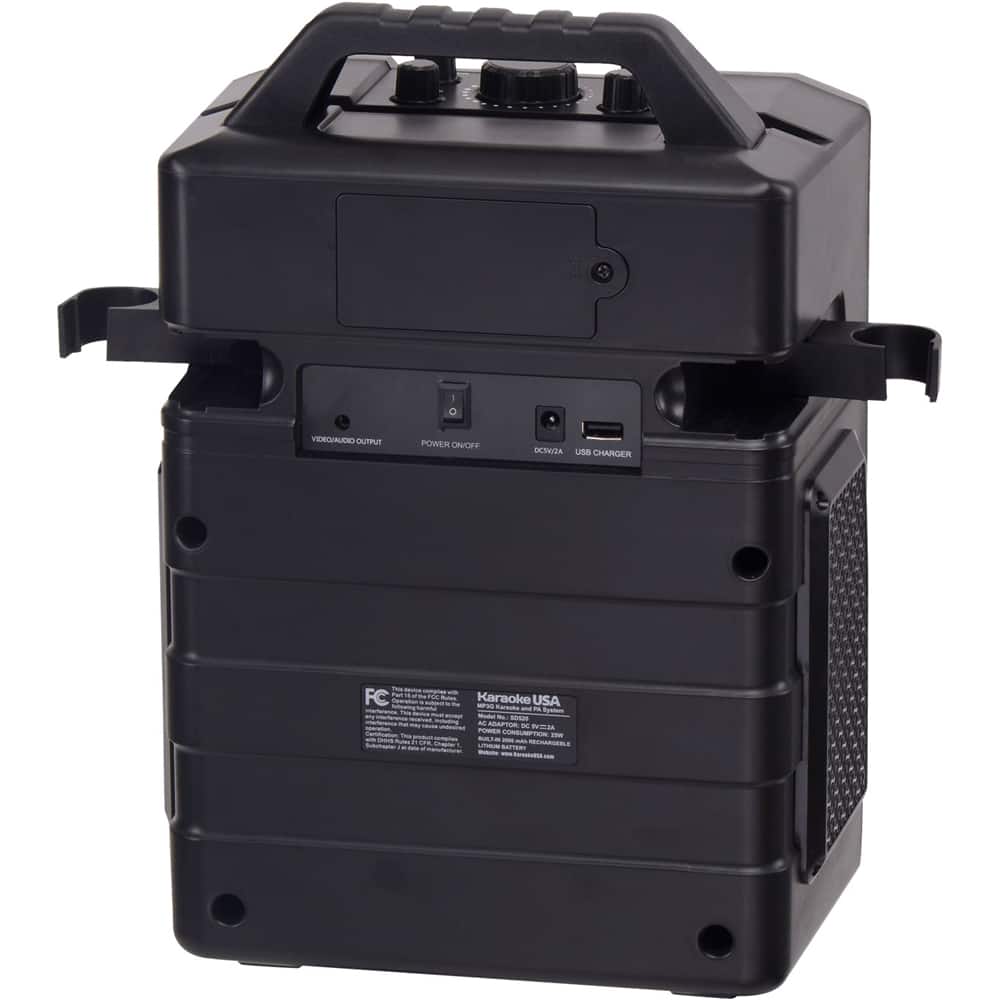
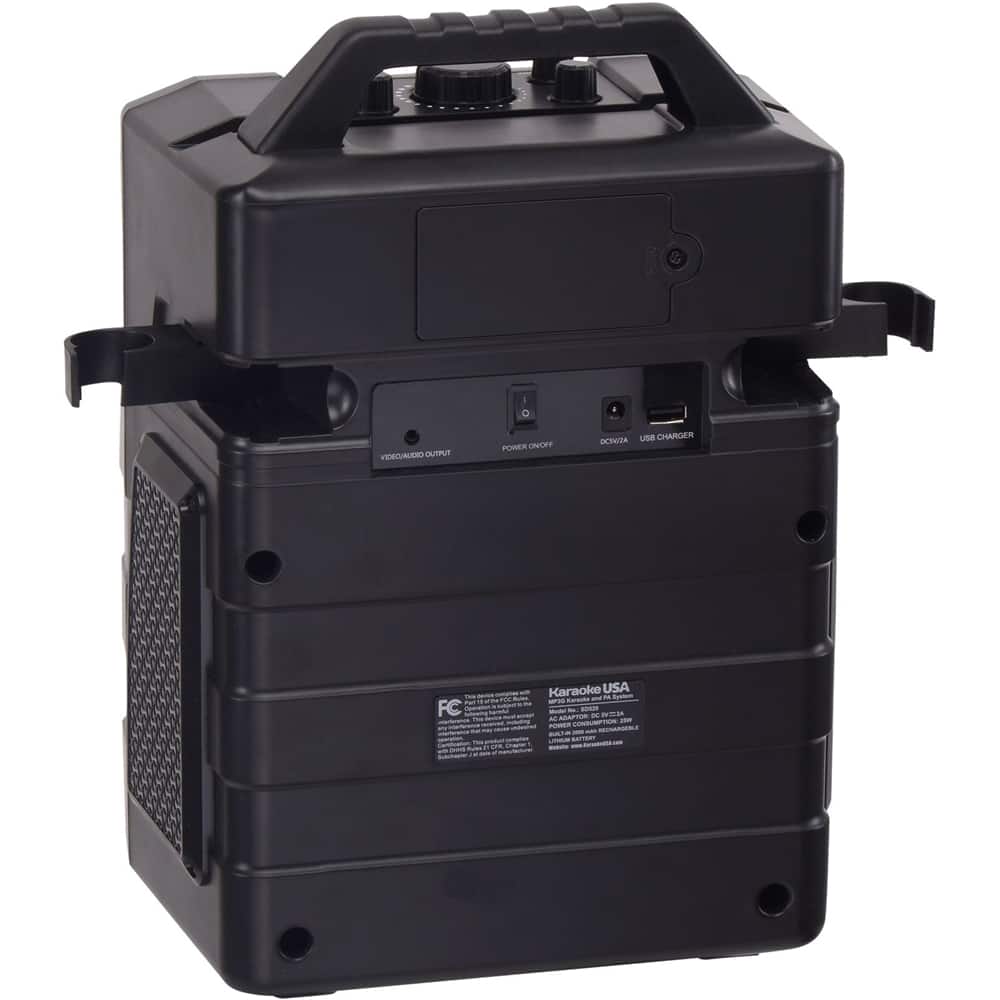
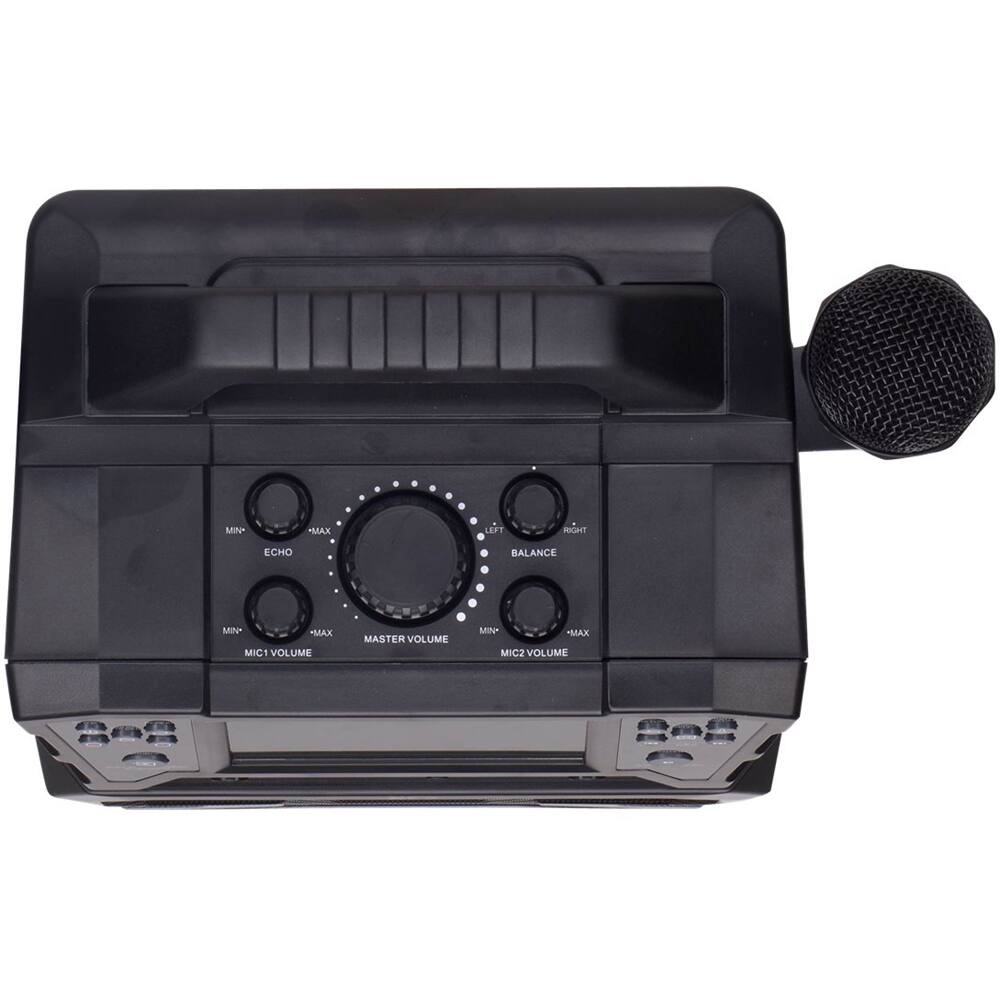
A:AnswerYes. You connect your smart device's headphone jack to the SD520 aux-in jack. Your smart device's audio will play on the SD520 speaker. If there are any lyrics to be displayed on your song, you would view them on your smart device.
A:AnswerThe SD520 does not stream YouTube. It does connect to your TV to play music and view lyrics on your TV screen. When playing YouTube, you can connect your smart device headphone jack to the SD520 AUX-in jack. You would hear the audio on the SD520 and view lyrics or video on your smart device.
A:AnswerYes. The SD520 will record your voice only, or your voice and music onto your USB Stick or SD Card. Storage is limited to the USB Stick or SD Card you choose.