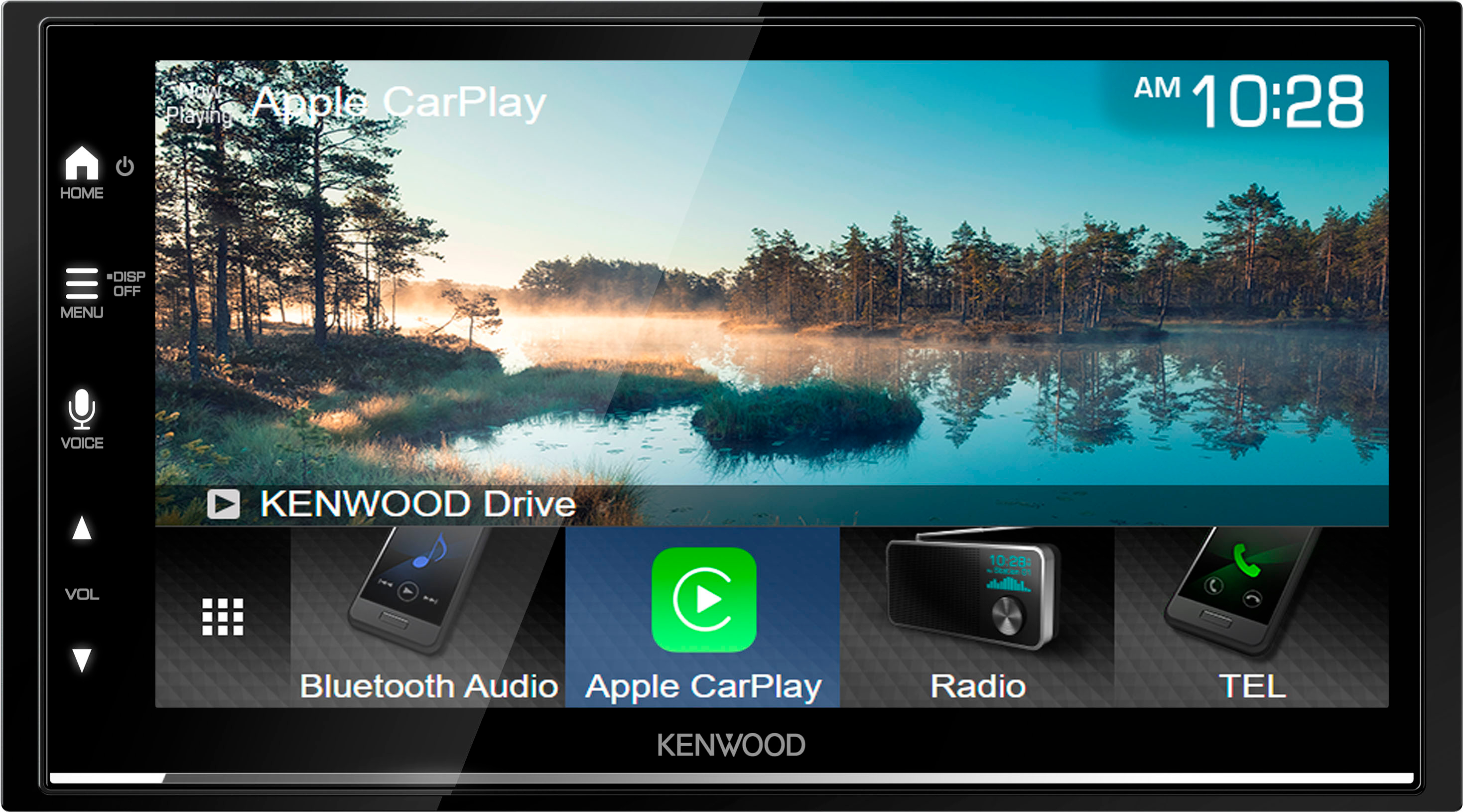
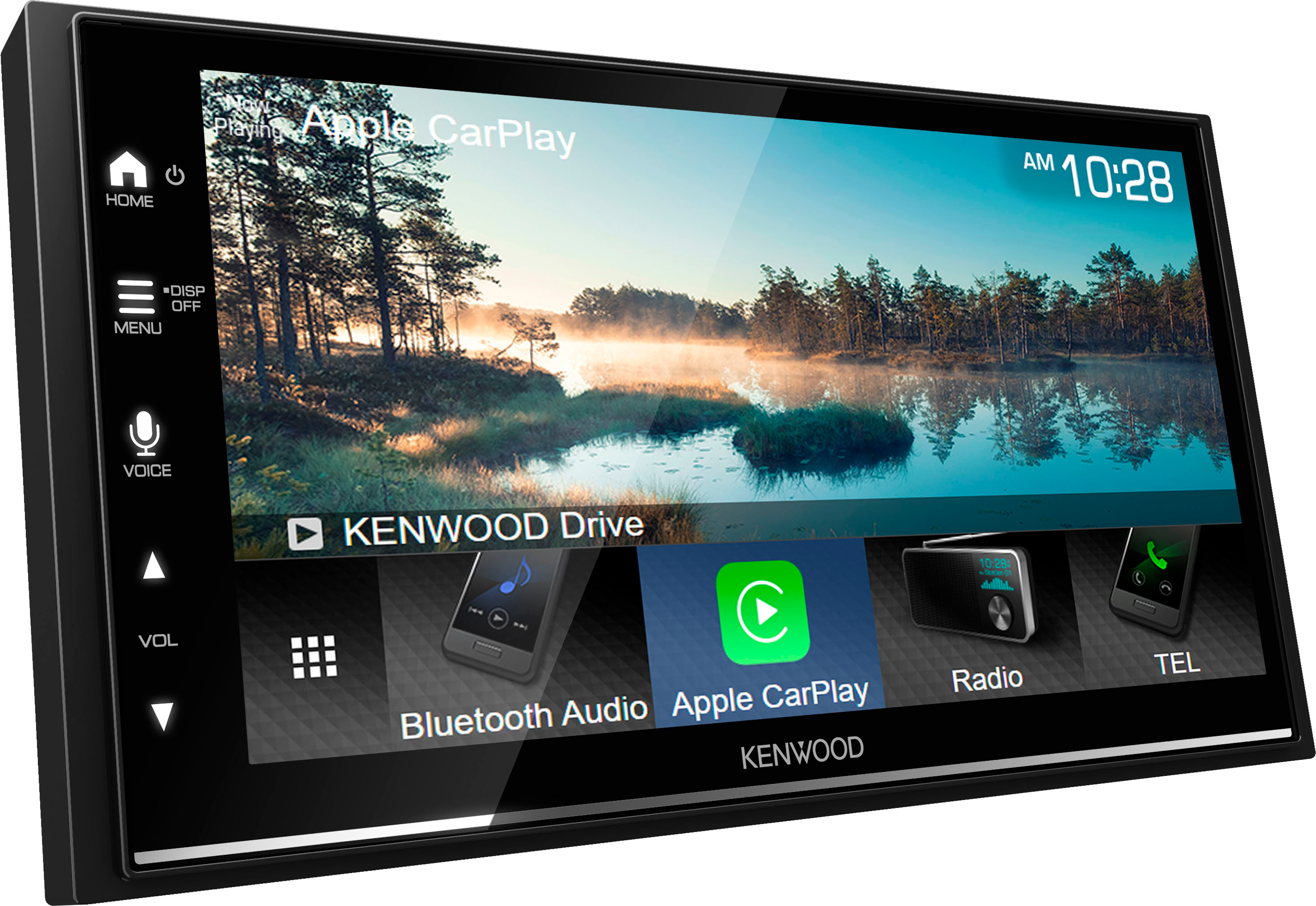
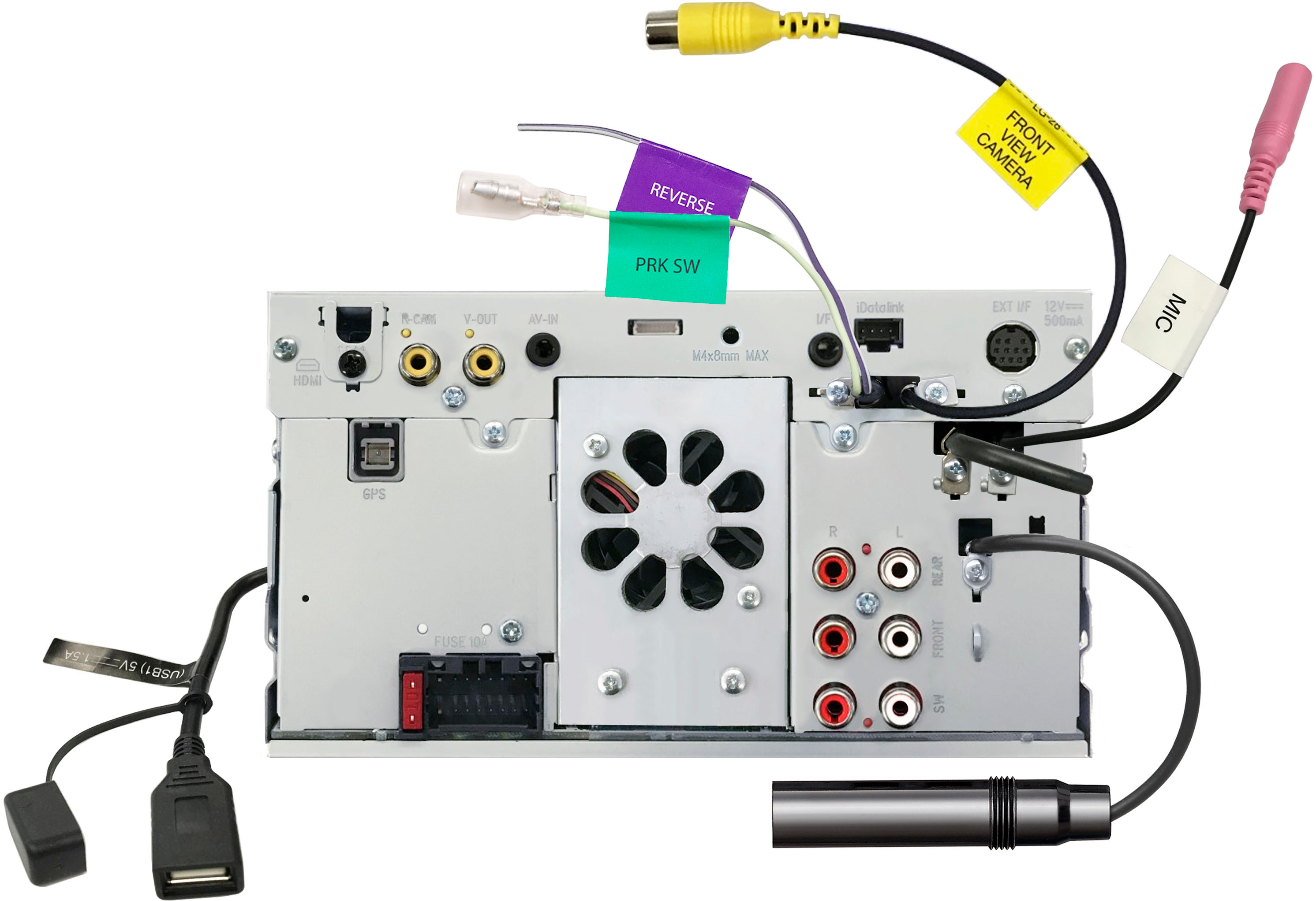
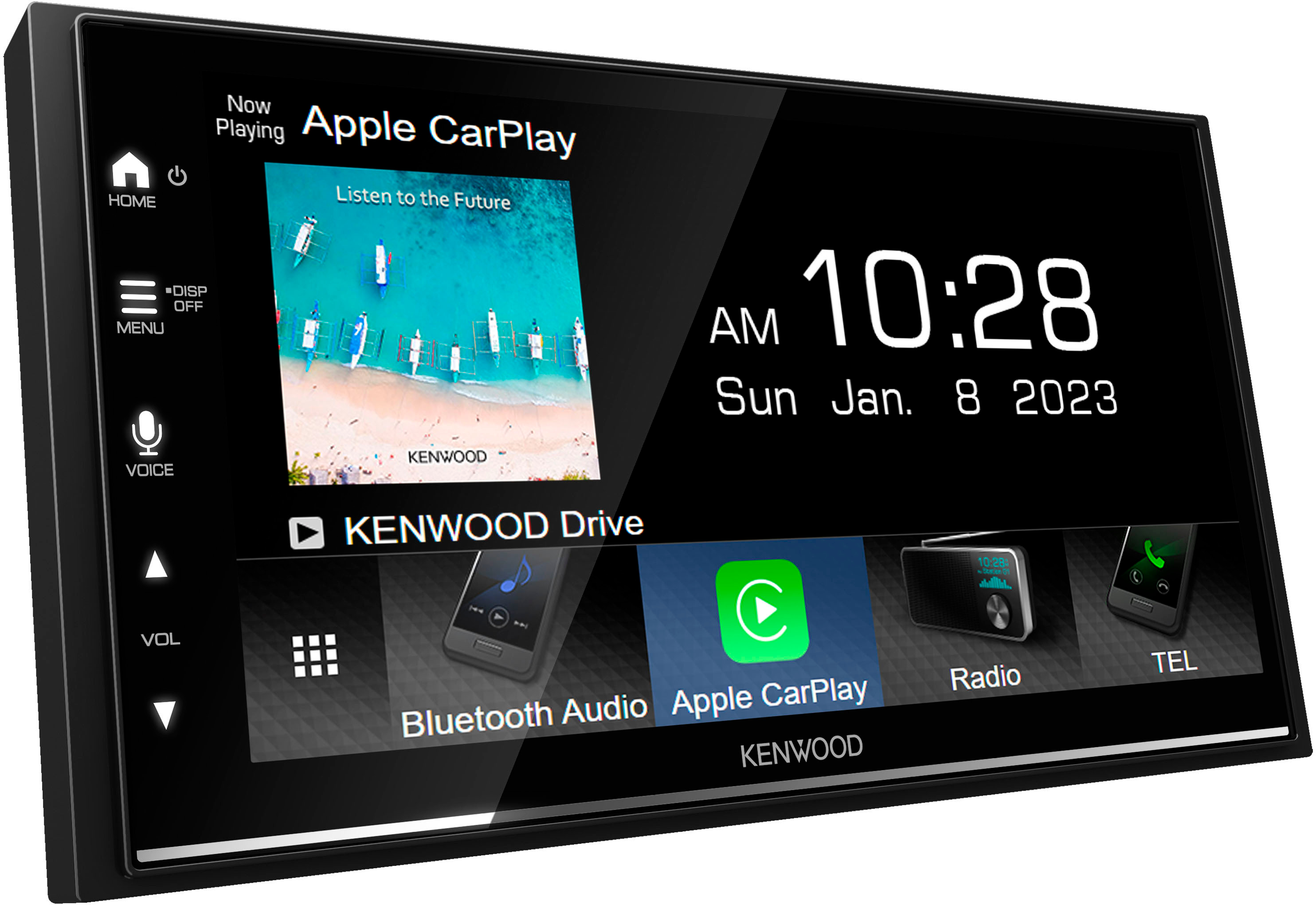
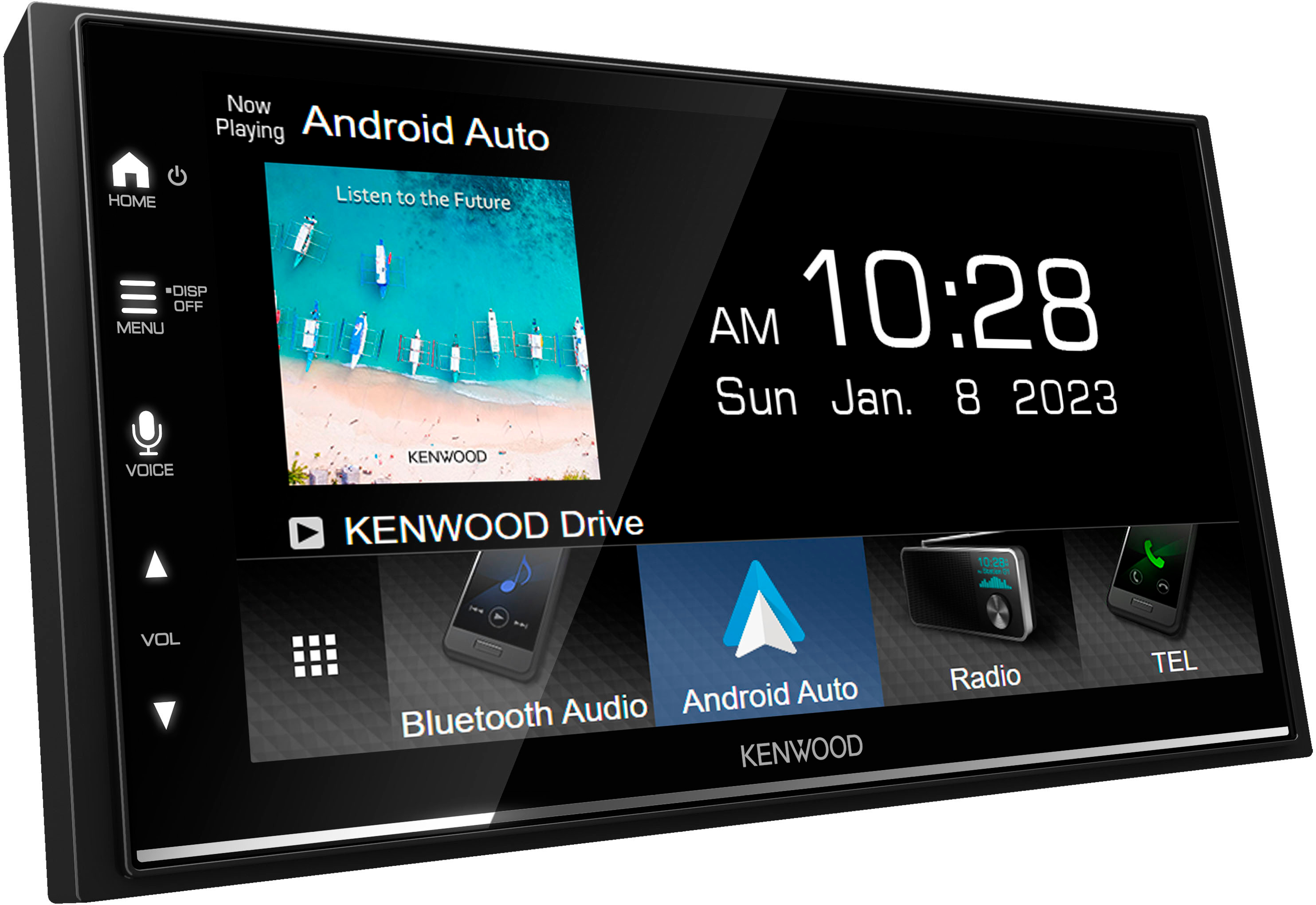
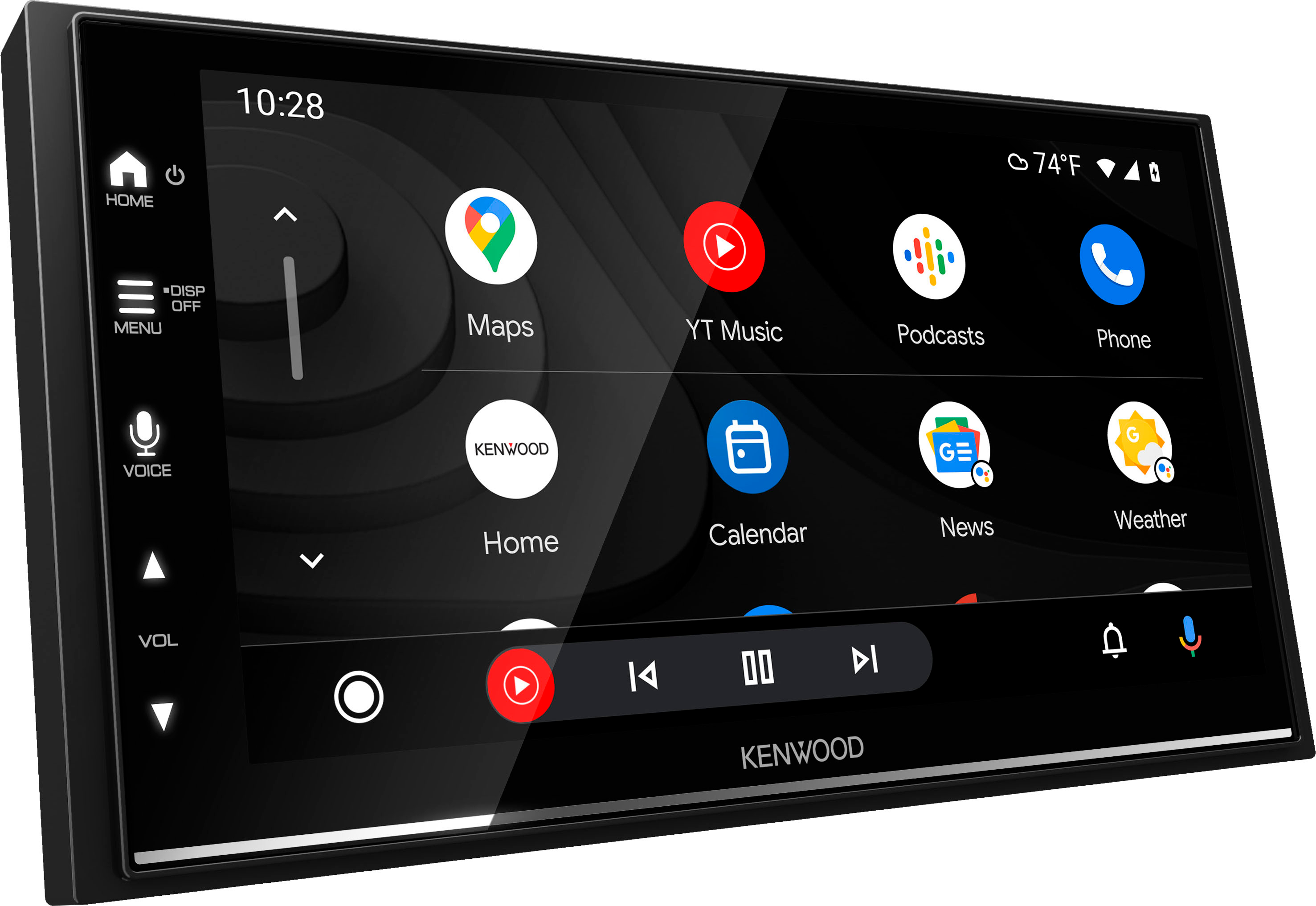
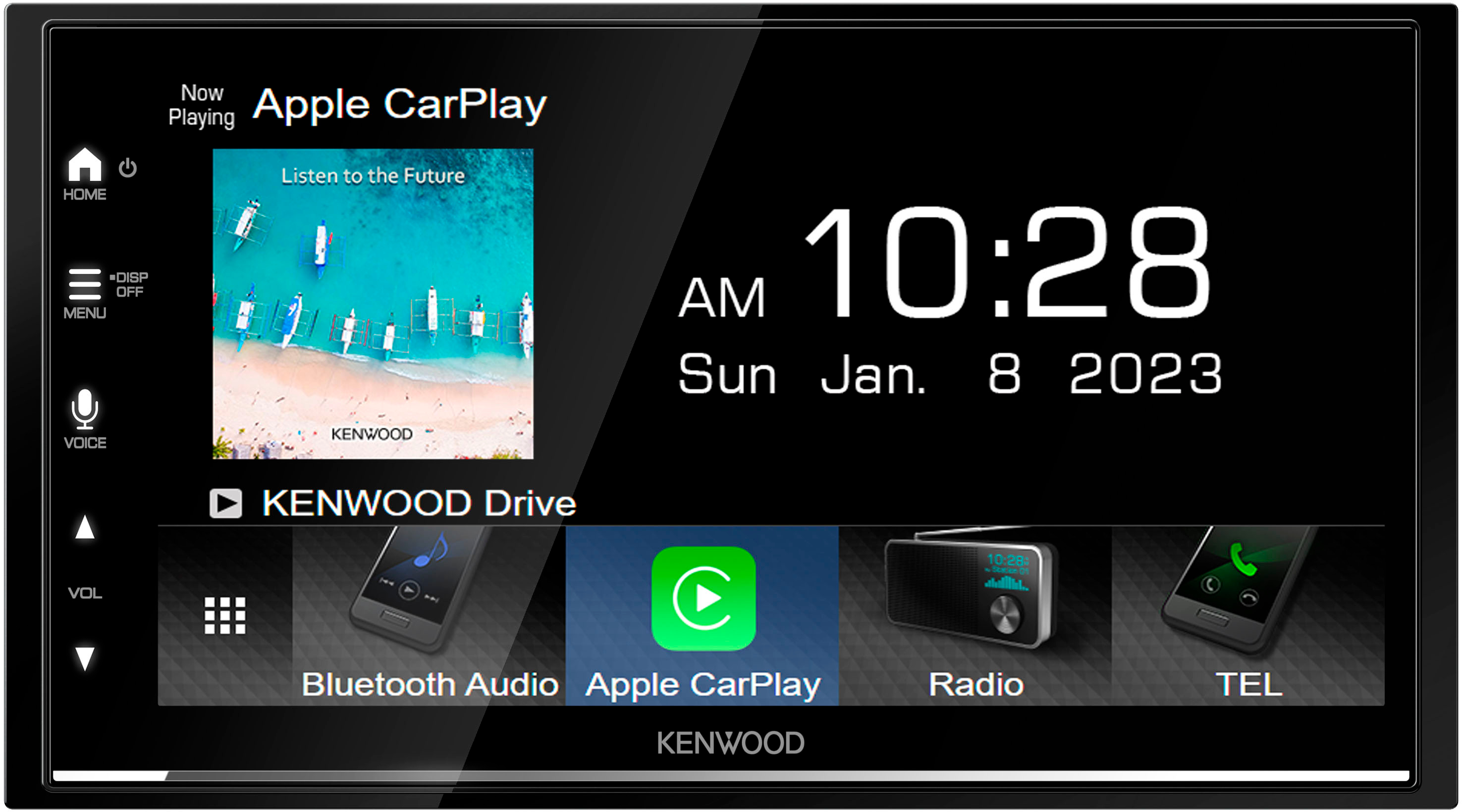
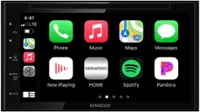
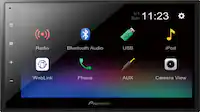
A:AnswerHello Valued Customer, thank you for sharing your question! The Kenwood DMX7709S receiver package typically includes the following items: Digital multimedia receiver with a fixed 6.75" touchscreen monitor (10A fuse), Mounting sleeve (attached), Trim ring, Parking brake wire (6.5' light green), External microphone with bracket (attached 10' cable terminated by a right-angle mono 3.5mm connector), GPS antenna (attached 11.5' cable terminated by a proprietary connector), Self-adhesive pad, Two radio removal tools, Six pan-head ISO-mount screws (M5x8mm), Six flat-head ISO-mount screws (M5x8mm), and a Quick Start Guide.
Please note that the exact contents may vary depending on the retailer or specific package purchased. Also note that additional parts may be required for your specific vehicle, so please consult with a GeekSquad professional installer at your local Best Buy store. If you have any additional questions, you can contact us at KENWOOD directly at 800-536-9663 or email us at [email protected]. Thank you for choosing KENWOOD!
A:AnswerHello Valued Customer, thank you for sharing your question! To check if the KENWOOD DMX7709S fits your car, we recommend using a fit guide, which provides detailed compatibility information. You can find that on the product pages on Bestbuy.com. We also recommend connecting with a Geek Squad install professional at your local Best Buy store. If you have any additional questions regarding compatibility you may reach out to 800-536-9663 or email us at [email protected]. Thank you for choosing KENWOOD!
A:AnswerHello Valued Customer, thank you for sharing your question! To check if this product fits your car, we recommend using a fit guide, which provides detailed compatibility information. You can check the one on the Best Buy product page, or you can consult a Geek Squad professional installer, in your local store. If you have any additional questions regarding compatibility you may reach out to 800-536-9663 or email us at [email protected]. Thank you for choosing KENWOOD!
A:AnswerNo but with the DMX709S Excelon Version you can.
"Kenwood DMX7709S vs Kenwood Excelon DMX709S What's the difference?"
https://www.youtube.com/watch?v=MBMsoNdE5-8
A:AnswerIt has to be set to resume AA automatically, which works well on this unit. My installer did the setting, so I can't tell you exactly how to find it.
A:AnswerThe additional kit to integrate car functions that were originally integrated to a car display being replaced can be very expensive. The one for my 2011 Infiniti G37 was quoted at about $450 extra beyond the standard car harness and double-din faceplate, turning this into a $1K head unit. I sold the car and bought a new Mazda.
A:AnswerThis model should be compatible with your specified referenced vehicle. Please contact your local Best Buy installation team for information on dash kits, harnesses, adapters etc. that are needed to complete your installation.