A:AnswerIf it says “free install” on the page, then Best Buy will install for free IN MOST SITUATIONS. Make sure to consult the install tech first, because that free installation covers 1 hr of labor. Therefore, if you have a vehicle with complicated or complex wiring or build that makes it take longer than an hour, you will still be coming out of pocket for some install fees.
For your second question, the costs do not include the dash kit, so you will have to buy that as well (from Best Buy or on your own). Additionally, your specific vehicle may also require other equipment, such as a steering wheel interface module and antenna adapter. This is where your costs start to pile up. For my install this extra equipment was over $400. Again, this will be specific to your vehicle, so it may come out to far less. I’d advise you to speak with a Best Buy rep. They can plug in your car info and tell you exactly what everything will cost.
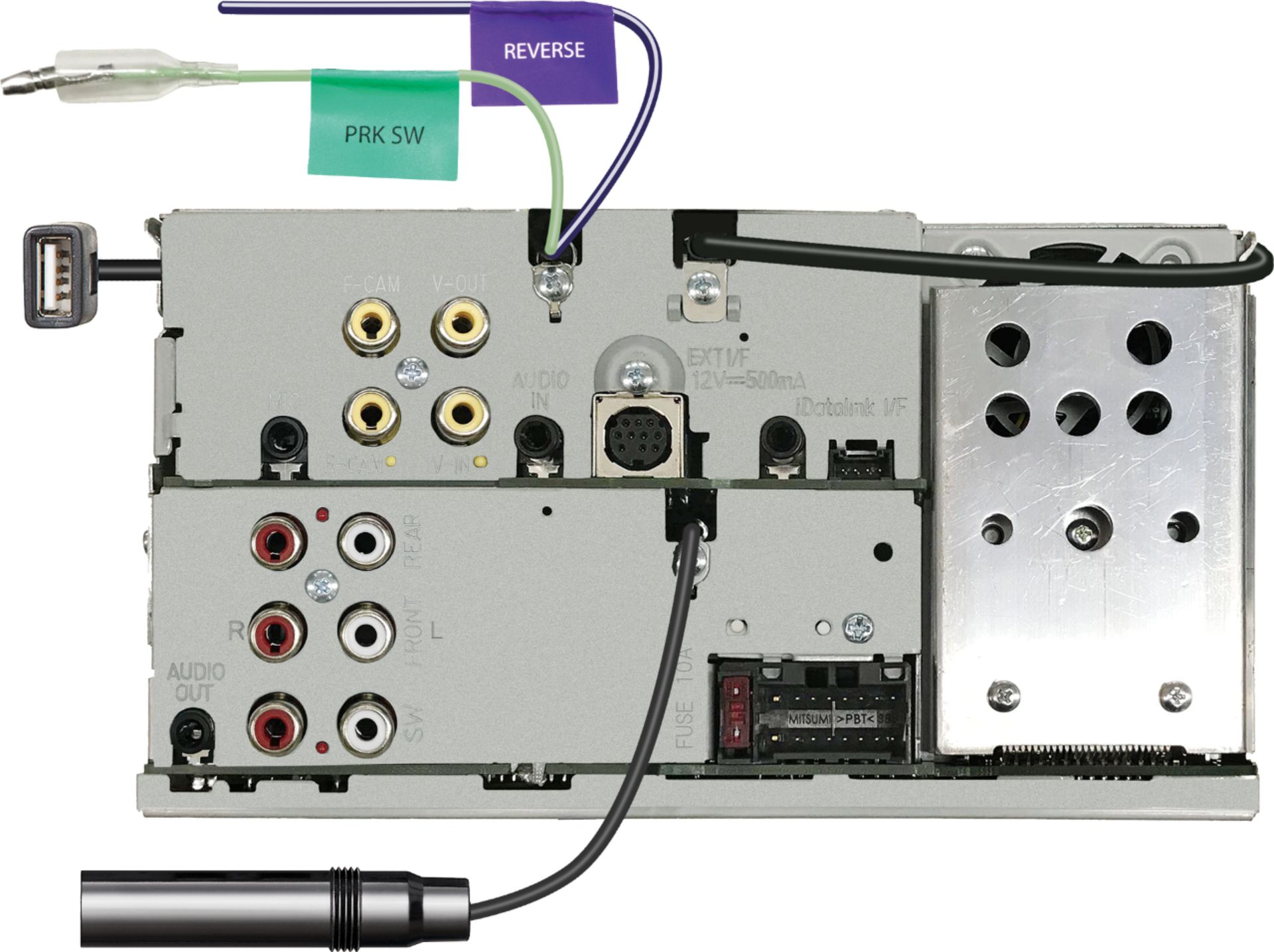
A:AnswerIf your vehicle has a backup camera it will allow it to be reconnected through the maestro adapter. My backup camera was factory in my rear view mirror. It does not have an independent camera to install with the unit.
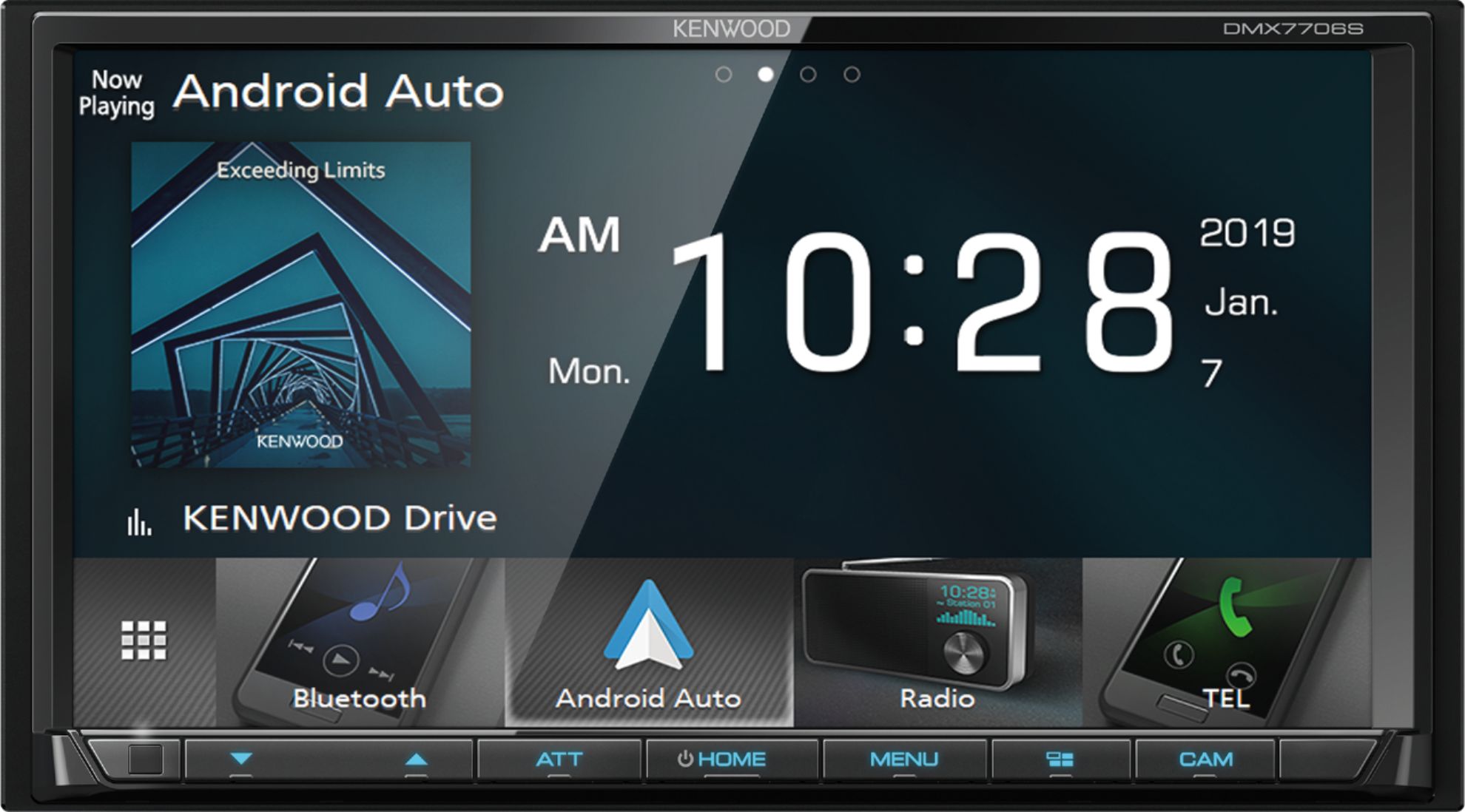
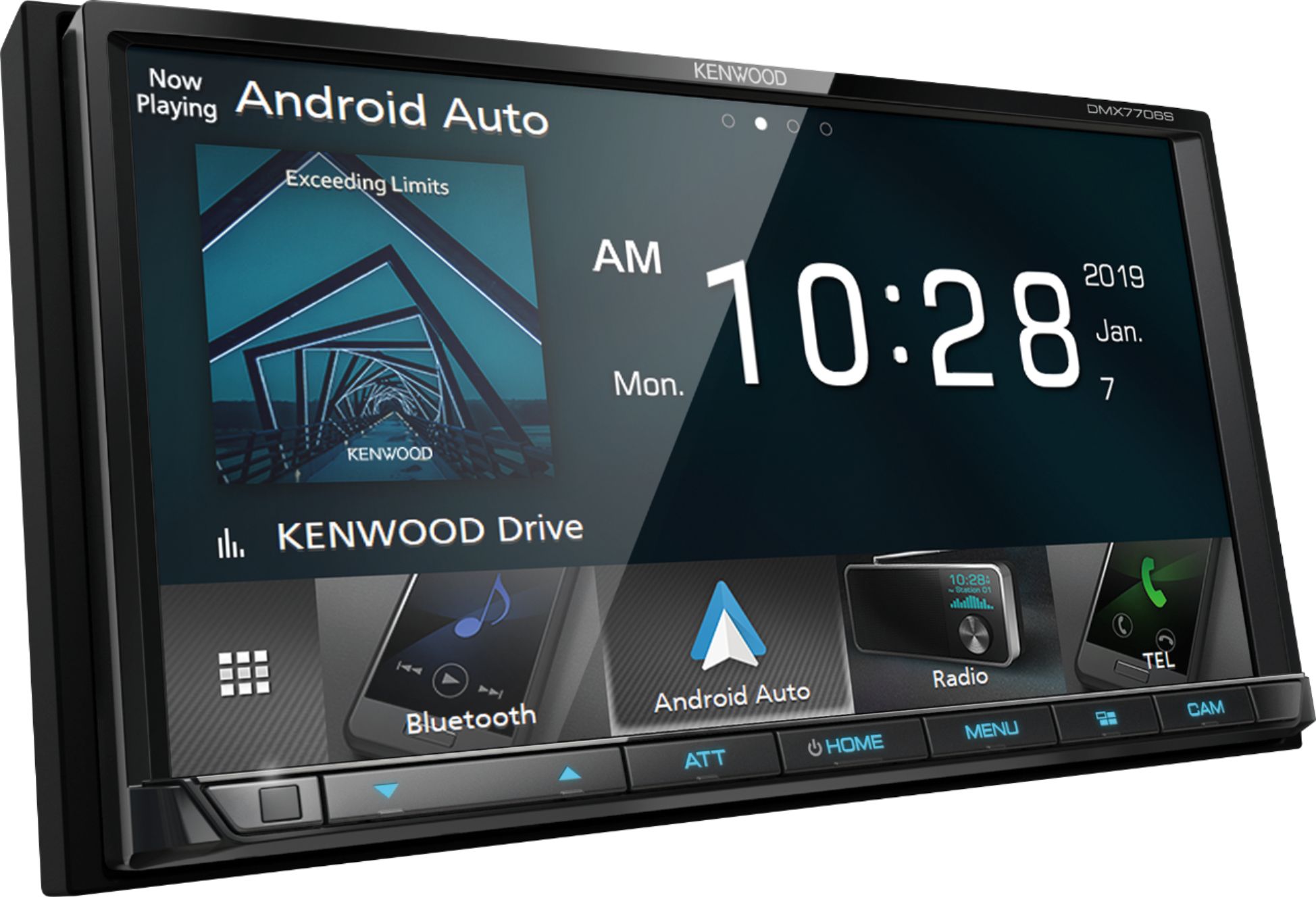
A:AnswerAndroid Auto on this fine receiver requires a usb to whichever port cable your phone has in order to work. Google assistant allows some hands free tasks which are limited. I had the usb cable installed in my glove box. I connect the phone and close the glove box and I'm good to go for mapping software, music streaming (Pandora/Skype), phone calls, etc. While this is not a wireless receiver, at this price point, it's a good deal. You can still go bluetooth for music, etc if you wish. Also, I use Waze for mapping and subscribe to Pandora Premium. It's a breeze to connect your phone and both apps are already loaded and ready on the touch screen before I commute. Inbound text messages and other notifications alert you on screen. You can have the text read to you and reply hands-free. I'm still new to this and there may be more, but I love this receiver. Has a built-in adjustable EQ which will enhance the sound of your music compared to a standard manufacturer's receiver. At the end of the day, I have no cables present on my dashboard and I appreciate the clean look combined with all the features I expect.
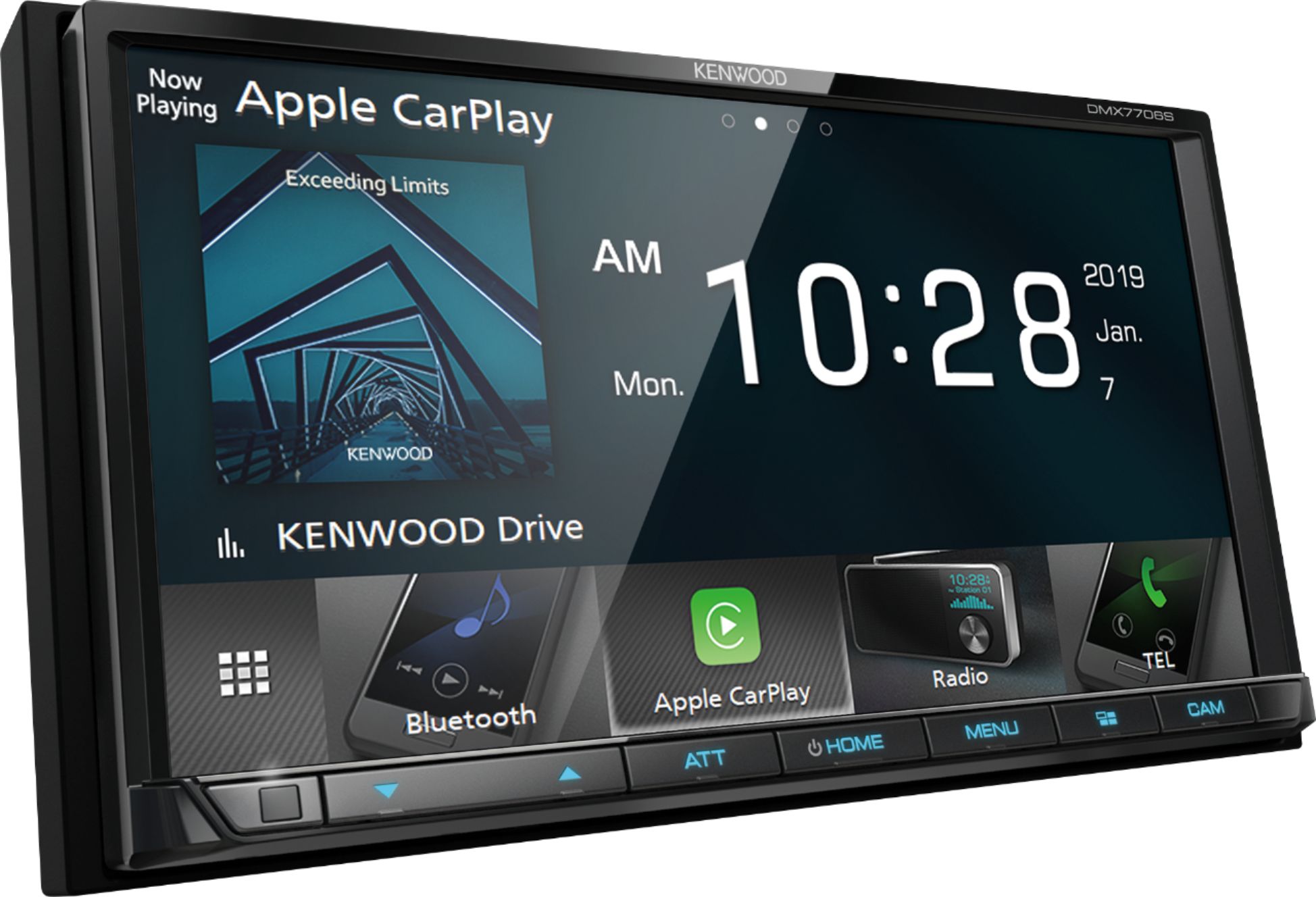
A:AnswerIt’s misleading... this unit does not have a built in GPS, but if you’re using Apple CarPlay or Android Auto, their GPS/maps feature can be be used on the touchscreen.
A:AnswerIt can, but you have to use the correct wiring harness to allow that to happen. The connection from the factory installed USB port to the factory radio is not a typical USB cable. It will be a cable with a small plastic connector on one end that goes into the back of the factory radio. The other end leads to your factory USB connection. Assuming you are installing it yourself, what you will need to do when removing the factory radio and all the plugs behind the stereo is to determine which cord is that USB connection. You will be able to easily determine this when you attach your new USB connection harness (that you will need to purchase separately) to that plug/connection. This new harness will then plug into the Kenwood's USB cable which runs from the back of that radio. Metra makes this for several car manufacturers including my Toyota Tacoma. Best Buy will either have this connection in stock or they can order it for you. If Best Buy is installing the stereo for you. you will need to tell them that you wish to use the factory USB, or they may just run the Kenwood's USB cable to your glove box, permanently disabling that factory USB port in your car. This harness is an inexpensive part, typically around 10-12 dollars and the installation of it should be included in the labor of a Best Buy-installed stereo, because in most instances this takes about 30 seconds to complete. One word of caution - this is my second Kenwood car stereo. In 2017, I purchased a Kenwood deck and had some issues with this USB harness, as it would not allow enough power to be drawn from the phone to allow Android Auto to work . It was a known issue by Google. Fast forward to 2019, I used this same connector and I have not had the same issue - though I have heard some inconsistencies still remain, depending on the car. You will get the most consistent performance plugging your phone directly into the Kenwood's supplied USB connection, but for 10-12 dollars, in my opinion, its worth a shot to see if you can maintain your factory USB port.
A:AnswerOn Kenwood's website it states that the model DMX9707s has both wired and wireless options for Apple car play.
https://www.kenwood.com/usa/car/navigation_multimedia/dmx9707s/
A:AnswerNo, this does not have a built in navigation system, only that available from Apple Car Play or Android Auto. I have built in nav systems in multiple vehicles as well as stand alone GPS systems. In my opinion, the Apple car play solution is far superior. The built in nav systems all require paid updates to keep maps current, and all are difficult to work with. The stand alone systems have lifetime map updates, but you still have to periodically do it. None of them are really good at finding stuff if you don't have the actual address. Also, even if you do have the actual address, often the built in systems won't find it because they are very picky about having the exact correct road nomenclature. I often have to find something via Google maps, then transfer the info to the GPS. Why not just use Google maps via Carplay in the first place? There are also stand alone phone apps where all the maps are downloaded where no cell service is needed such as TomTom Go. This app also works with Carplay.
Good luck
A:AnswerNo, because of safety reasons, but there is hacks to do so. It uses Android auto. If you're an apple person.. I don't know! Here is a link to do it with Android Auto. https://turbogadgetreviews.com/android-auto-netflix-hack/#:~:text=Despite%20Netflix%20and%20other%20video,and%20going%20through%20some%20stages.&text=Also%2C%20bear%20in%20mind%20this,an%20Android%20device%20with%20Root.