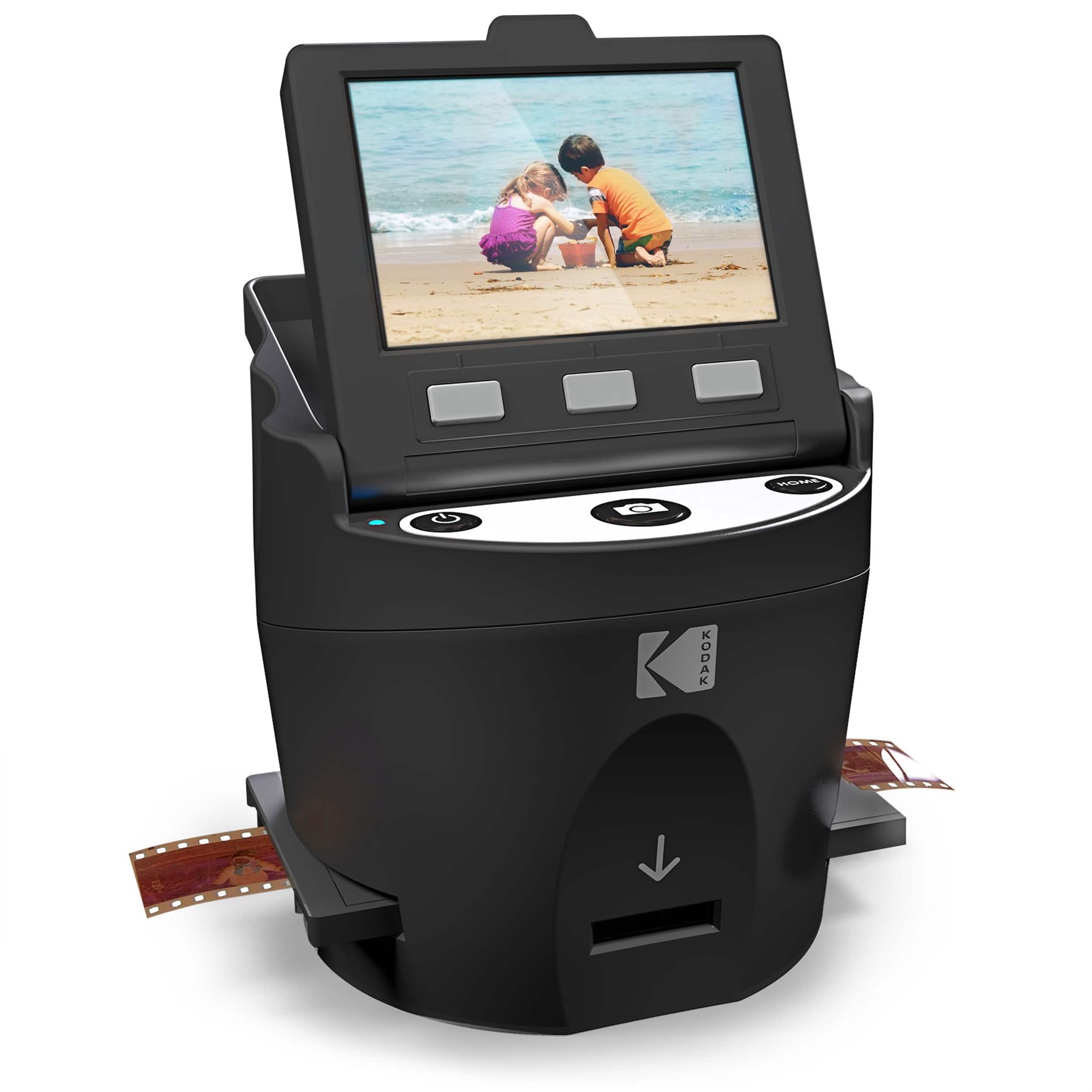
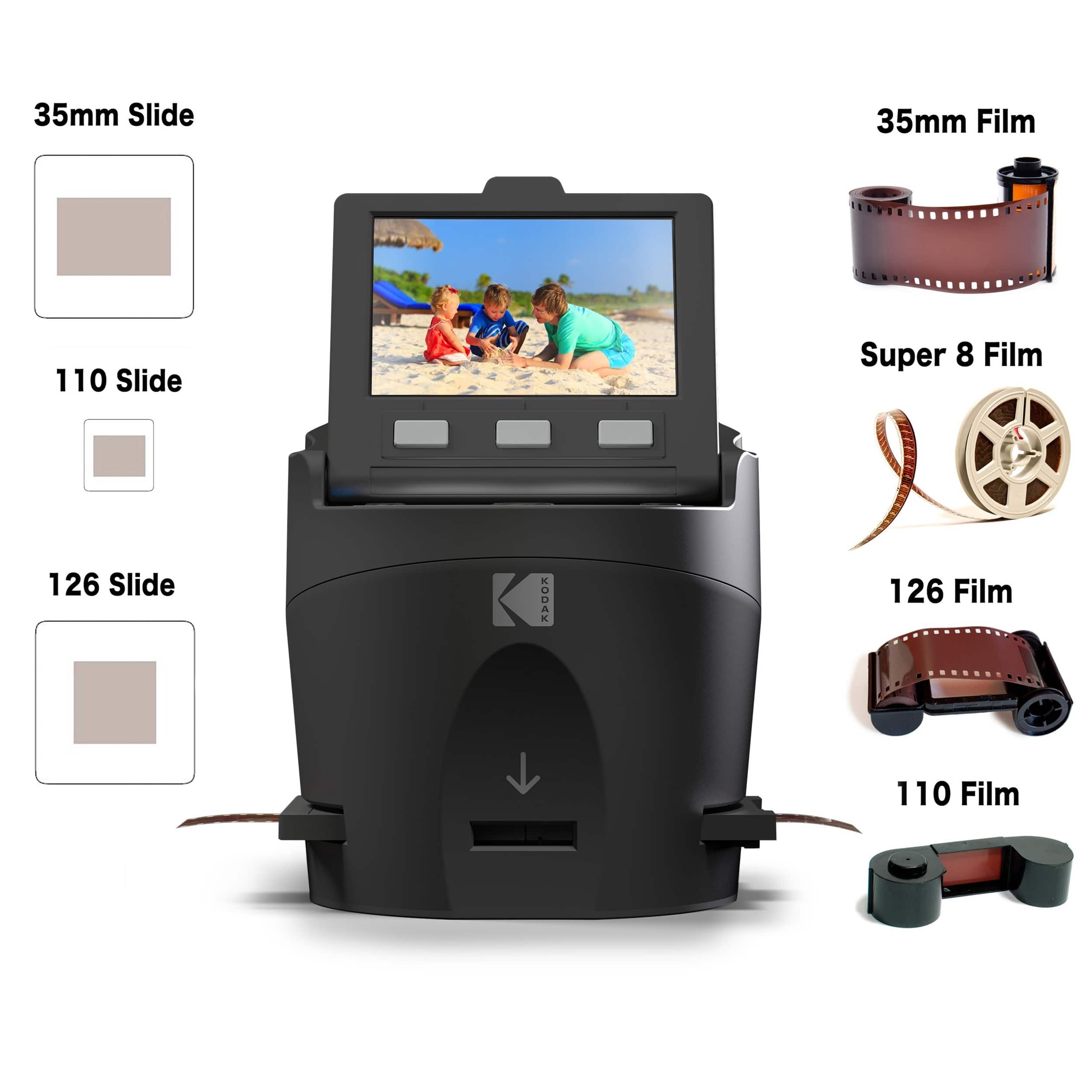
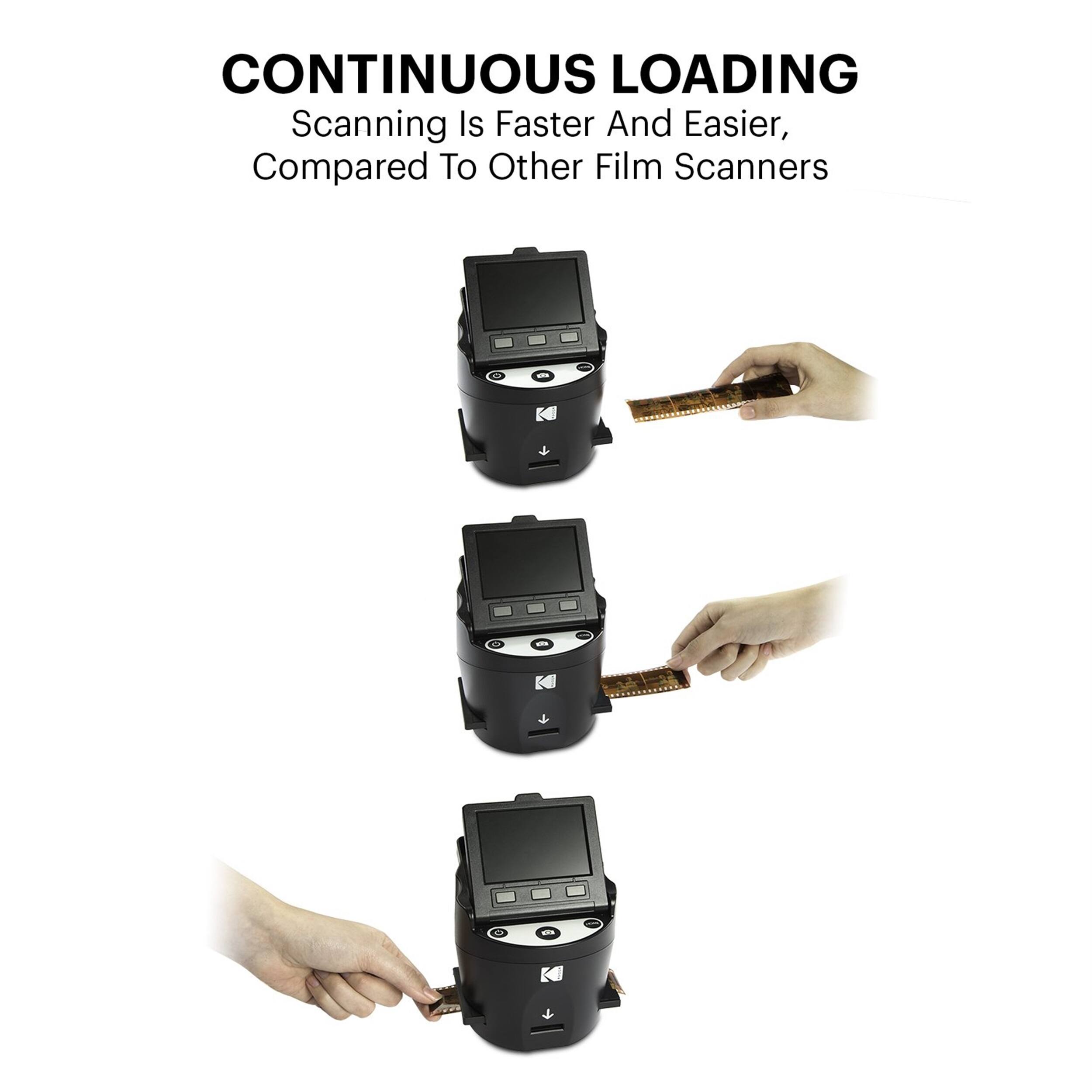
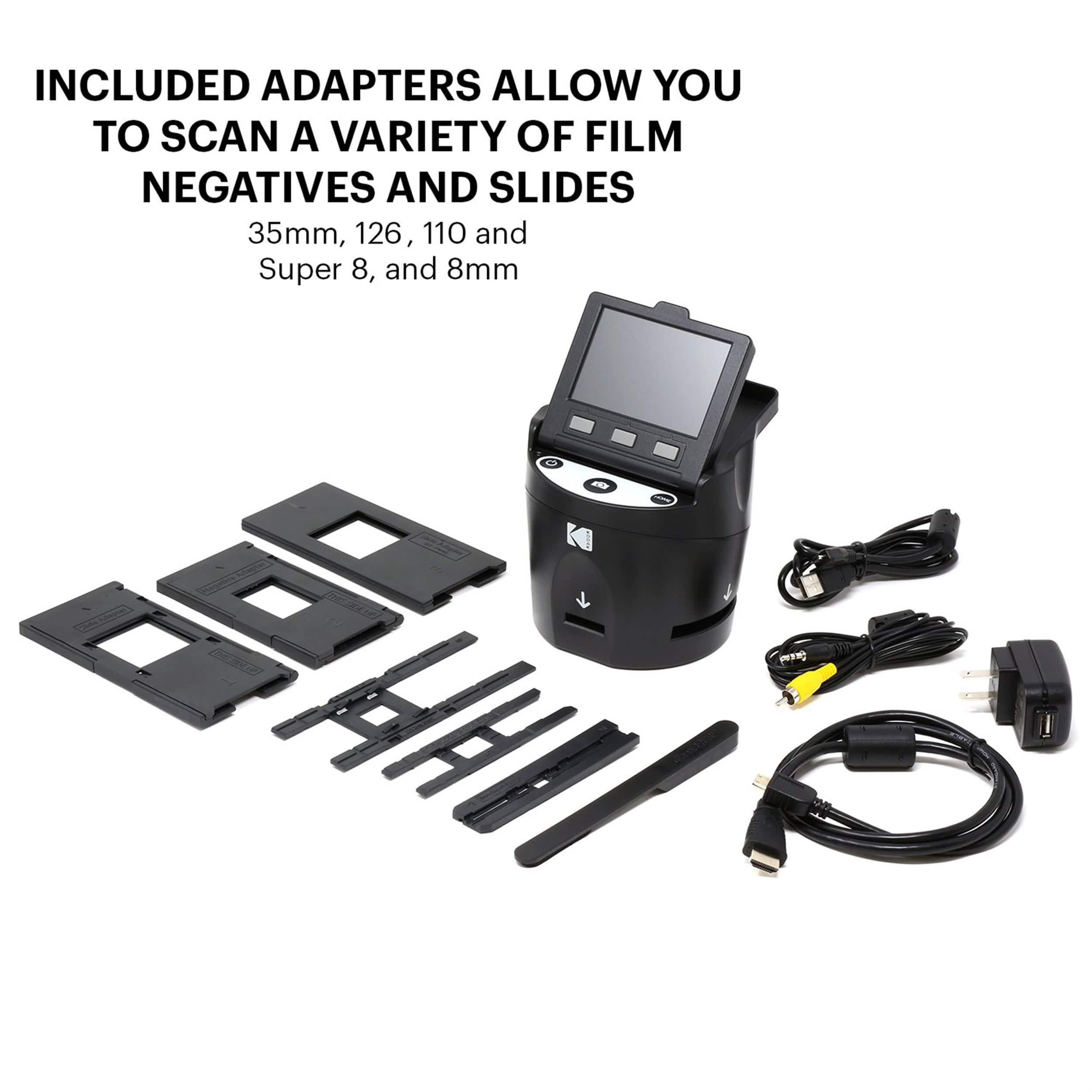
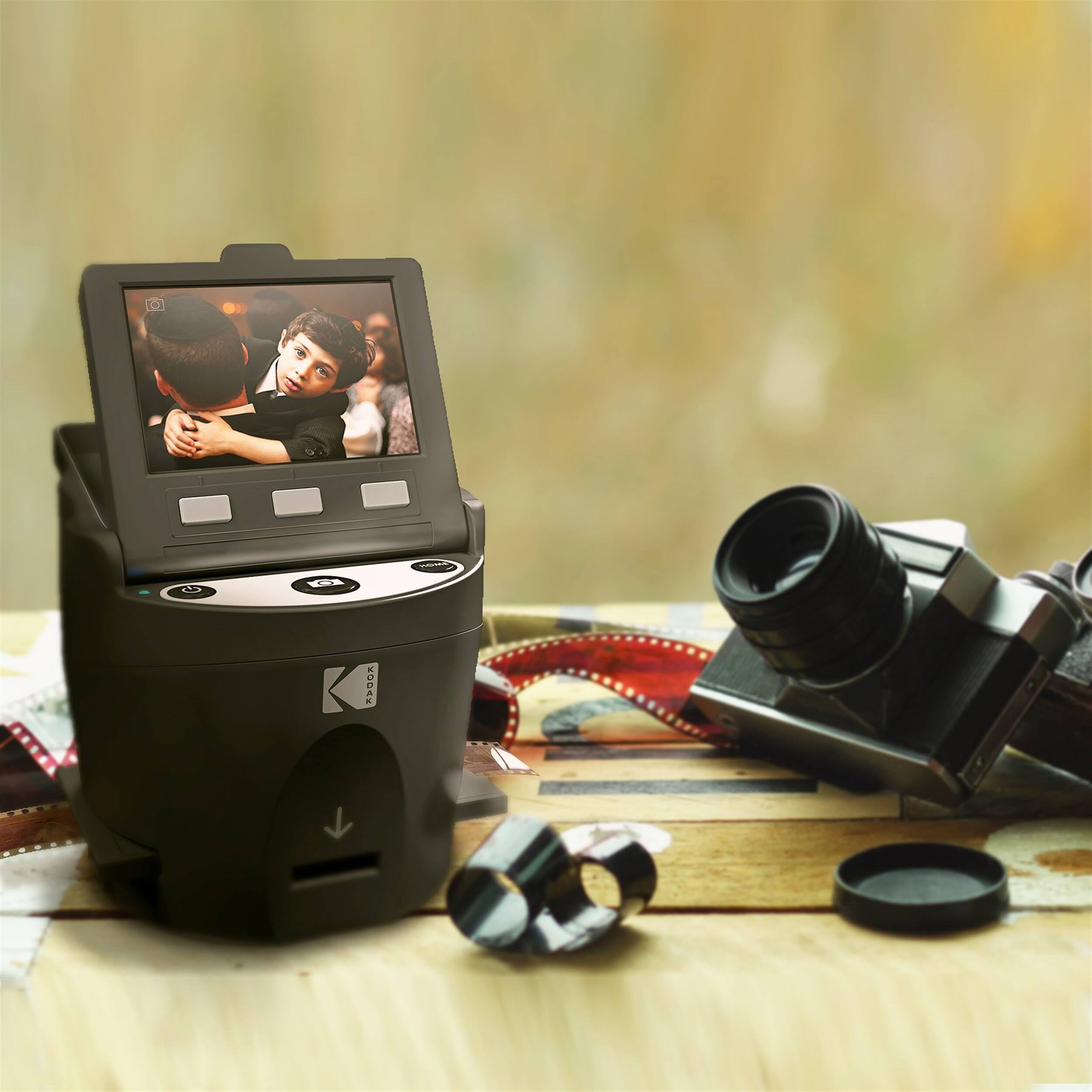
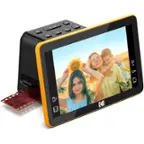
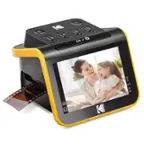
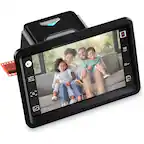
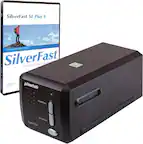
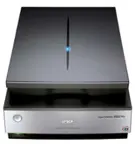
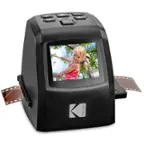
A:Answer Yes. It's like a little mini viewer that shows you what you've inserted, then lets you adjust colors and things and save as many times as you want. I just scanned a few hundred of my mom's old slides from the 60s and 70s. I saved the original version, then fiddled with colors and saved several different versions of color adjustments. I was able to bring out images I thought were ruined because half the slide was a red blob, but with the adjusting options, it made a huge difference! The whole thing took me a couple of hours and that's including adjusting colors and switching trays for the different slide sizes. If I didn't have two different slide thicknesses, it would have been quicker because you can just feed one after another without pulling the tray out to switch slides. I haven't tried film yet, so I'm not sure how that works. I added a images with the original and an adjusted one for comparison, and the slide that was impossible to see until I adjusted the color in the scanner. I guess I didn't bother saving the original, since it was basically half an image. I highly recommend this and I'm so glad I bought it!