Questions & Answers
- Model:
- 99250-201
- |
- SKU:
- 5595802
Highly rated by customers for: Ease of use, Installation, Security
Page Showing 41-48 of 48 questions
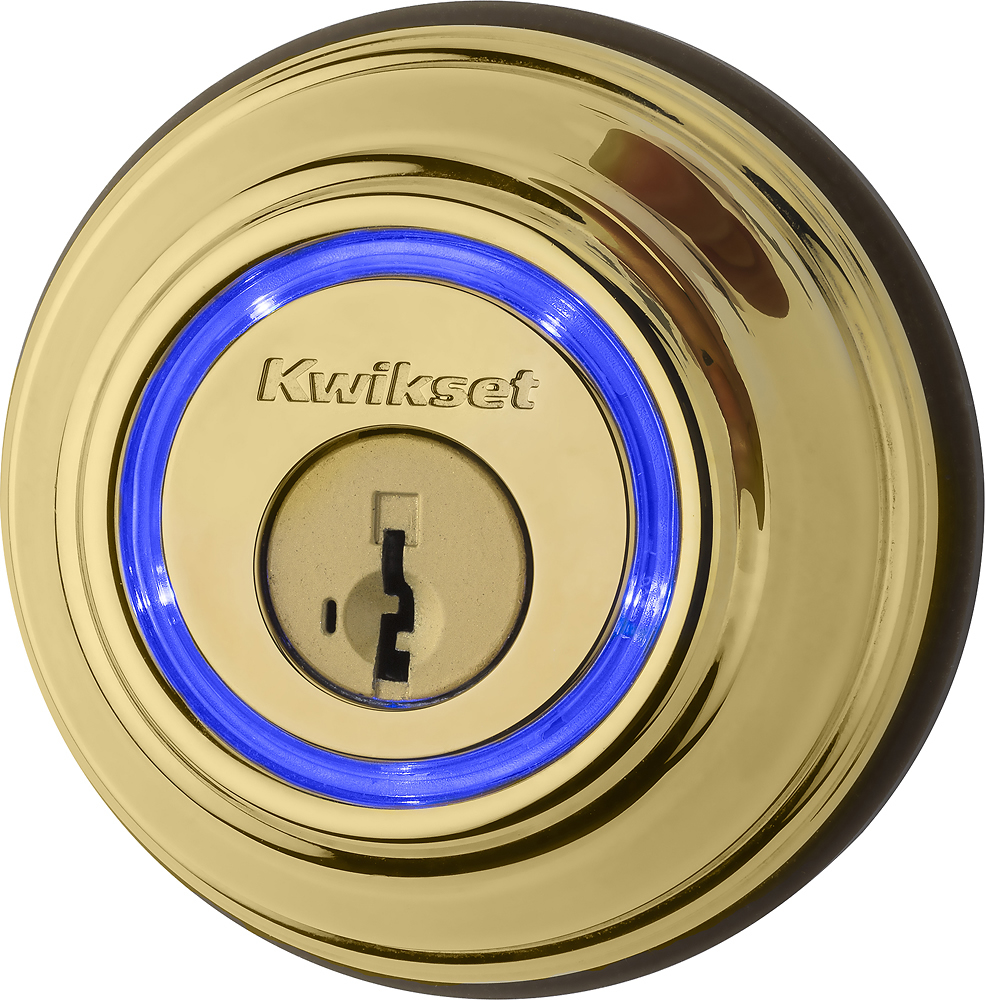
Q: QuestionKwikset - Kevo Touch-to-Open Bluetooth Key and Electronic Smart Door Lock - Polished brass. Lock without the Touch-to-Open technology list the lock mechanism as 'Deadbolt'. This lock lists it as 'Other'. How does it lock if not with a deadbolt.
Asked by Walter.
- A:Answer Keys are used for locking this mechanism.
Answered by CommunityAnswer
Q: QuestionHow do you lock from the inside?
Asked by Mjeff.
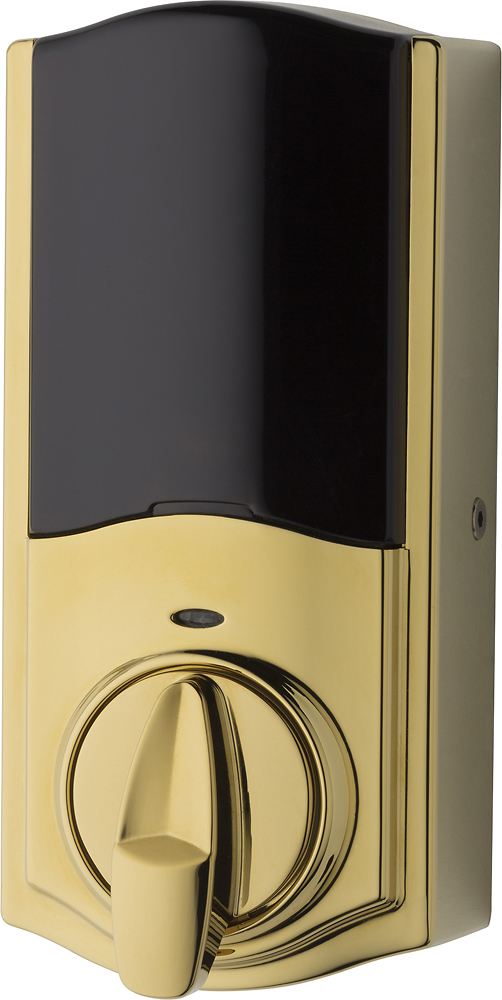
- A:Answer Kwikset Model: 99250-201 can be locked with the turn piece on the interior side. Please contact or visit your local Best Buy special order counter for available options, pricing, and shipping.
Answered by Kwikset
Q: QuestionI have a smart garage door module that lets me see open/closed status AND let's me open/close the door from out of state-connected to my home WiFi network. Does this lock do the same or do I have to buy an additional accessory to do this?
Asked by Jdotbird.
- A:Answer Remote access is automatically enabled when you set up the Kevo Plus Gateway, as long as the network you are using has an Internet connection. With remote access enabled, you can control your Kevo Smart Lock from anywhere your iOS or Android device has an Internet connection. This includes other Wi-Fi networks or your mobile connection. When the Kevo App is launched outside your home, the App contacts the Kevo cloud, where it redirects the phone's request to the appropriate Kevo lock, and then you can see and control your Kevo Smart Lock. Please contact or visit your local Best Buy special order counter for available options, pricing, and shipping.
Answered by Kwikset
Q: QuestionWill it lock without a phone or a key near?
Asked by Qmet.
This question was asked about the related product: Kwikset - Kevo Touch-to-Open Bluetooth Key and Electronic Smart Door Lock (2nd Gen)
- A:Answer You can set the lock to automatically lock after being open for 30 seconds. No phone or key required. You have to change one of the pins when you install the lock. I believe it is the 4th pin. If it is down, then move it up, or vise versa. I googled the question and had the answer and did the change in about 1 minute. Hope this helps.
Answered by Eileen
Q: QuestionOnce the lock is set up does it need WiFi and and internet connection to function? My understanding is that it works with Bluetooth to sense your near the outside of the door.
Asked by Kade.
- A:Answer No it does not need wifi. There is an extra module that you can buy that makes it work with wifi and remotely
Answered by Rick
Q: QuestionI have a breezeway it has two doors. one from the garage one to the house. Can I put one of these on each door and use the same app and key fob?
Asked by Cobra.
- A:Answer Yes, you can pair multiple locks with the same Bluetooth device.
Answered by CommunityAnswer
Q: QuestionDoes geek squad install this product?? If so what is price range ?
Asked by Clayton.
- A:Answer $100
Answered by Lems36
Q: Questioncan you remotely open a door for a guest without them having an app on their phone? my grandfather does not have a smartphone, so would i be able to remotely open the door for him when i am away?
Asked by evc2311.
- A:Answer Yes you can but you need Kevo Plus. http://www.kwikset.com/kevo/order
Answered by foxelunico
Page 3, Showing 41-48 of 48 questions
Most-viewed items
- Tech Fest Deal$59.00
- Tech Fest Deal$99.99