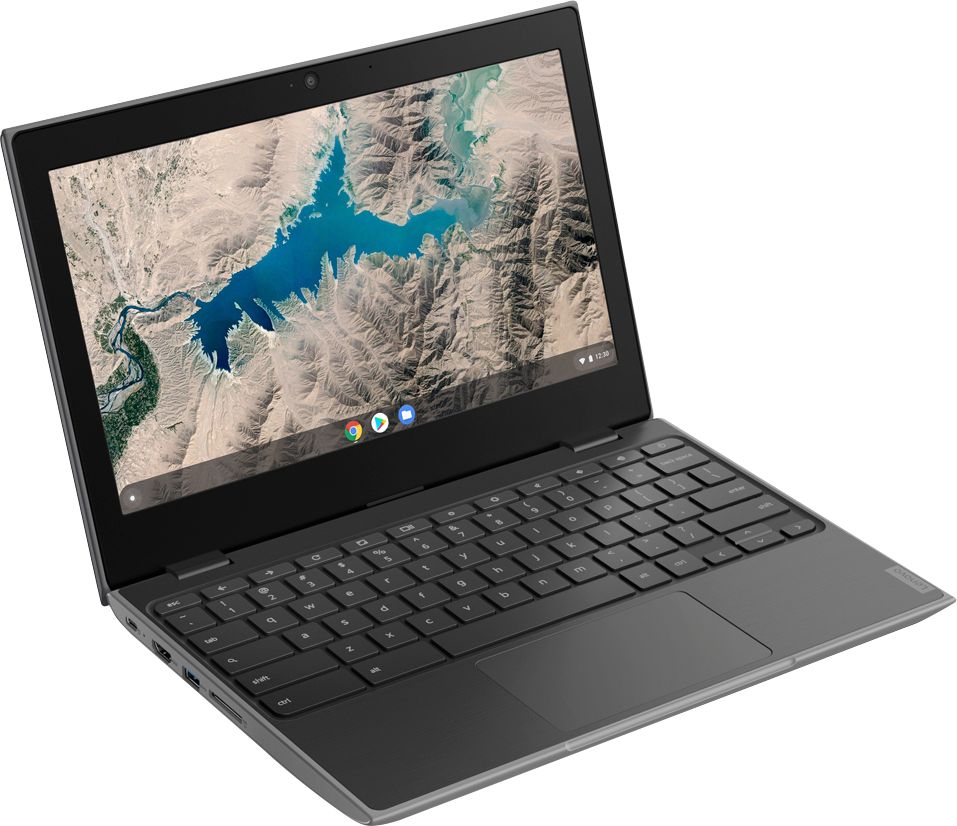
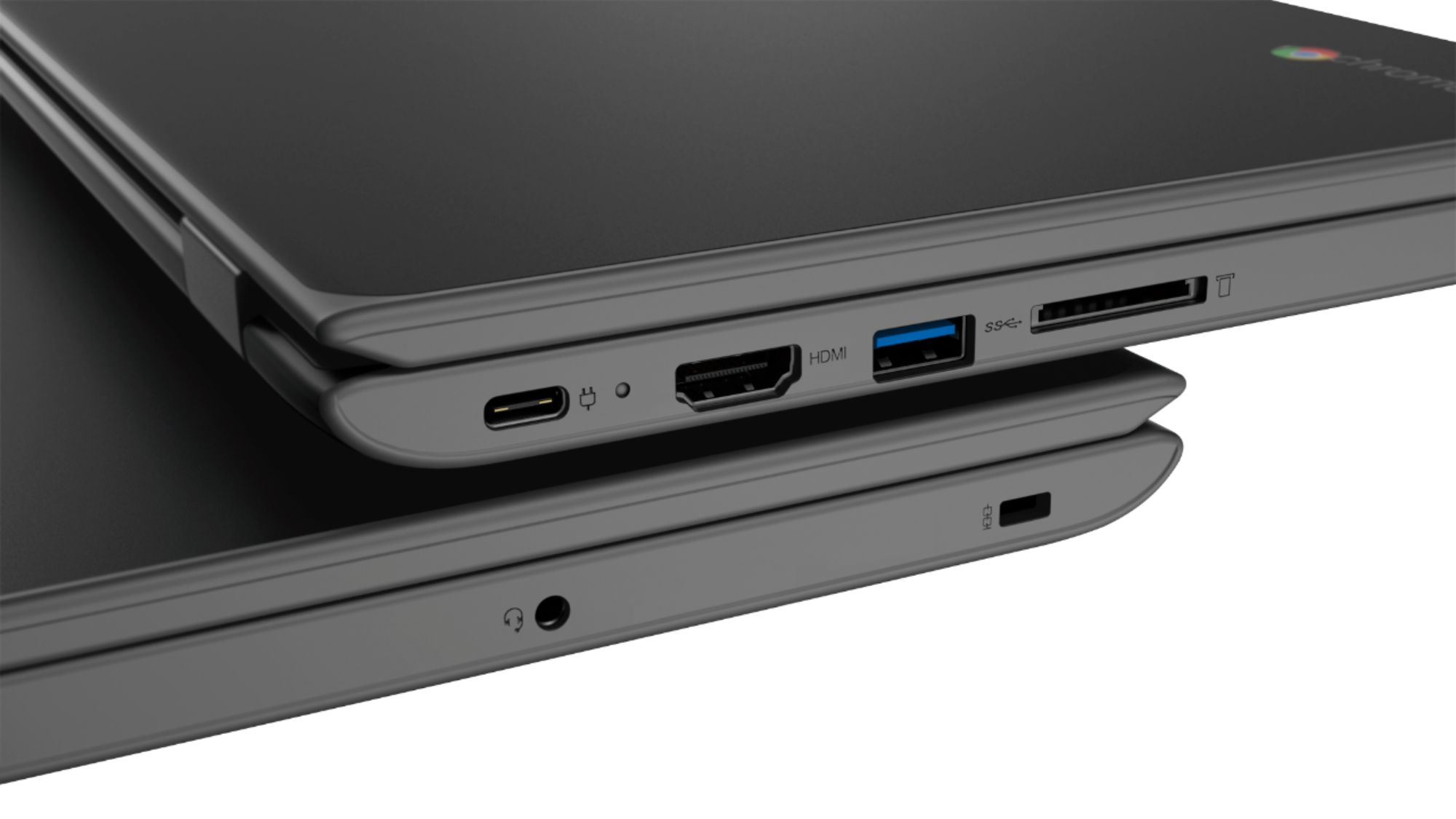
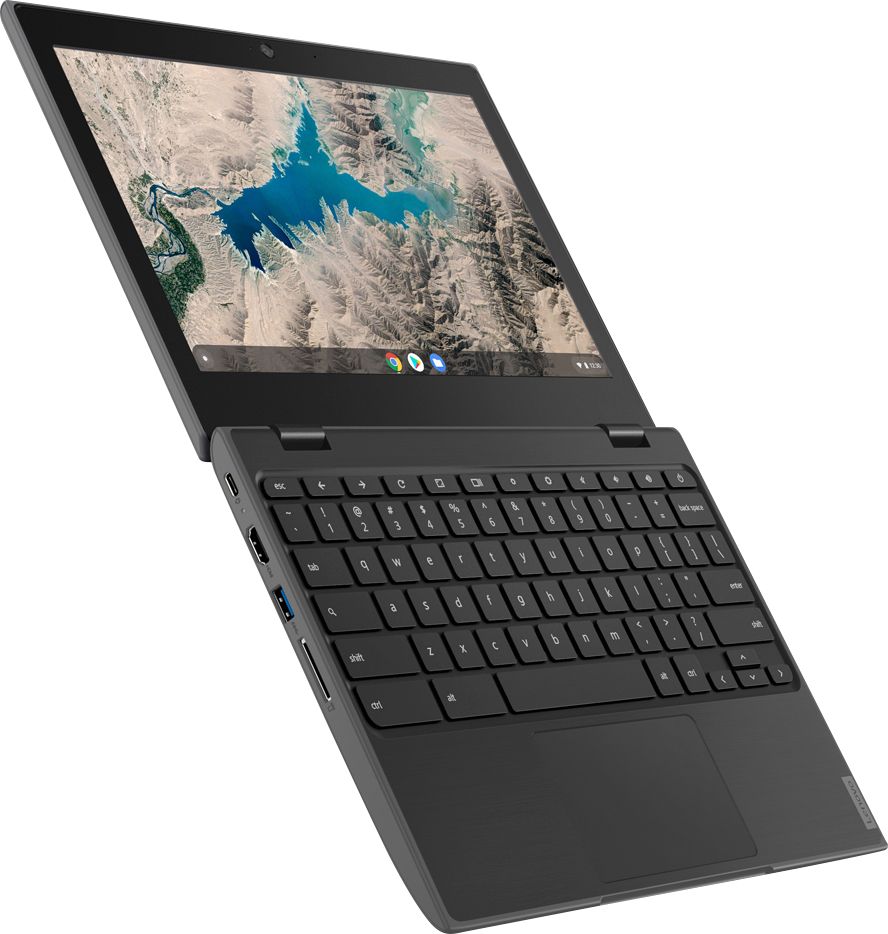
A:AnswerThe one that we bought does not (Lenovo 100e Chromebook; 2nd Gen) but with the USB and HDMI inputs I'm sure you could hook up an external DVD drive.
A:AnswerThis is a Chromebook. It uses Google Docs for office type programs. Google Docs is completely compatible with Microsoft Office Programs and this is a free service through the Google Server. If you must have the actual Microsoft Office Programs, you can purchase Microsoft Office 365 for this Chromebook at the Google Play Store.
A:AnswerThis is a Chromebook. It uses the Chrome Operating System. We recommend you check with the school to confirm the APPs they require are compatible with the Chrome Operating System.
A:AnswerThat will depend on the requirements and compatibility of the specific games and streaming services. The Lenovo 100e Chromebook is compatible with the Google Play Store APPs. We recommend you check with both the streaming service and the game's software publisher's web sites for their compatibility with the Chrome operating system and the minimum/recommended hardware requirements (Is a Graphics card required, the processor speed and the minimum required system RAM and the minimum available hard drive space) to run their program, then compare those requirements to this system's configuration.
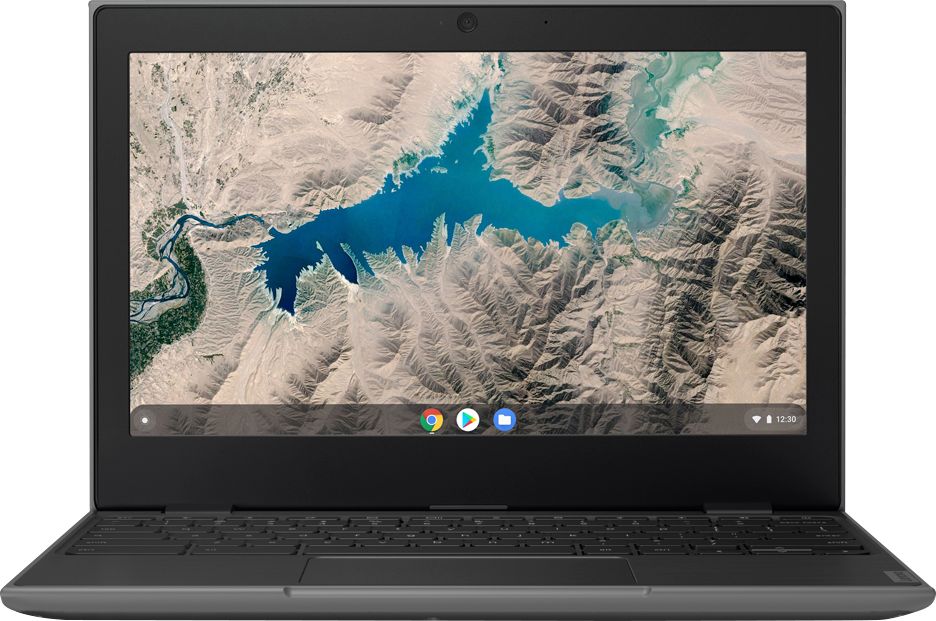
A:AnswerThe Lenovo 100e Chromebook ships with a TN, LCD w/LED Backlight (Anti-glare) screen, with a resolution of 1366 X 768 (HD) and a brightness level of 250 nits.
A:AnswerThat will depend on the requirements and compatibility of the specific software. The Lenovo 100e Chromebook is compatible with the Google Play Store APPs. We recommend you check with the software publisher's web site for their compatibility with the Chrome operating system and the minimum/recommended hardware requirements (Is a Graphics card required, the processor speed and the minimum required system RAM and the minimum available hard drive space) to run their program, then compare those requirements to this system's configuration.
A:AnswerShe should be able to watch YouTube no problem as YouTube is a google product (so is Chrome and the operating system used by all Chromebooks). She will be able to download games from the google play store. FaceTime however is an Apple product not compatible with chromebooks. She should however be able to use other video chat apps like Facebook messenger video, Skype or google hangouts if the laptop has a video camera.