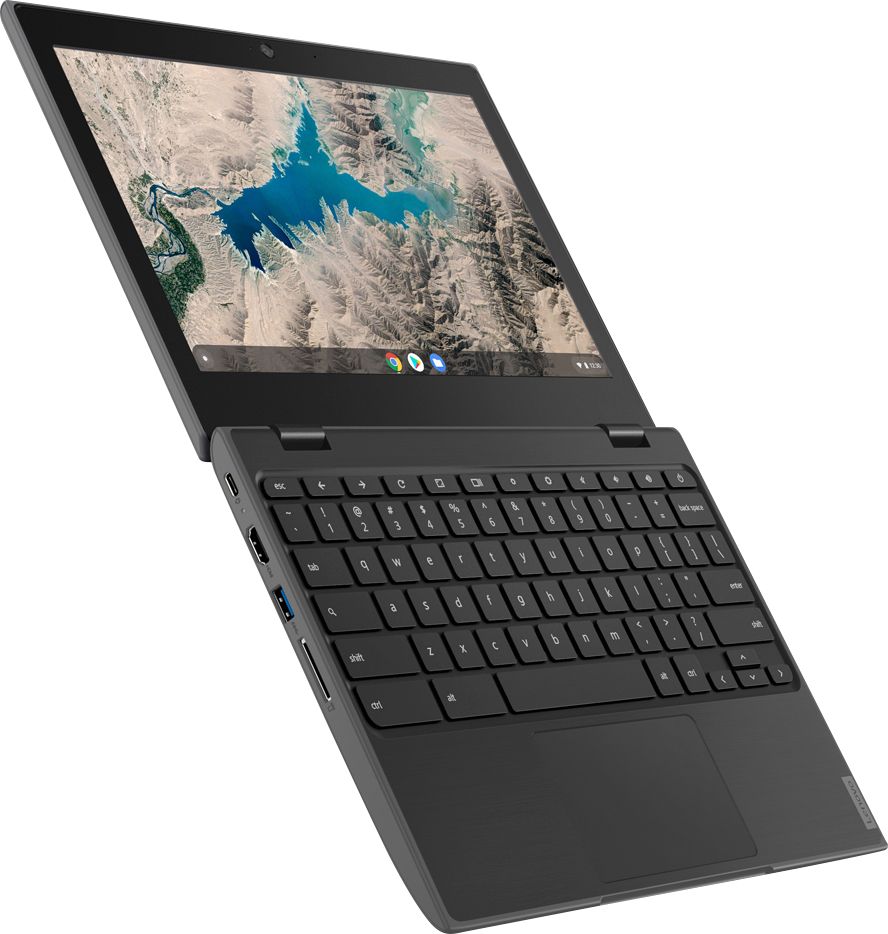
A:AnswerThat will depend on the requirements and compatibility of the software. The Lenovo 100e Chromebook is compatible with Google Play Store APPs. We recommend you check with the software publisher's web site for their compatibility with the Chrome operating system and the minimum/recommended hardware requirements (Is a Graphics card required, the processor speed and the minimum required system RAM and the minimum available hard drive space) to run their program, then compare those requirements to this system's configuration.
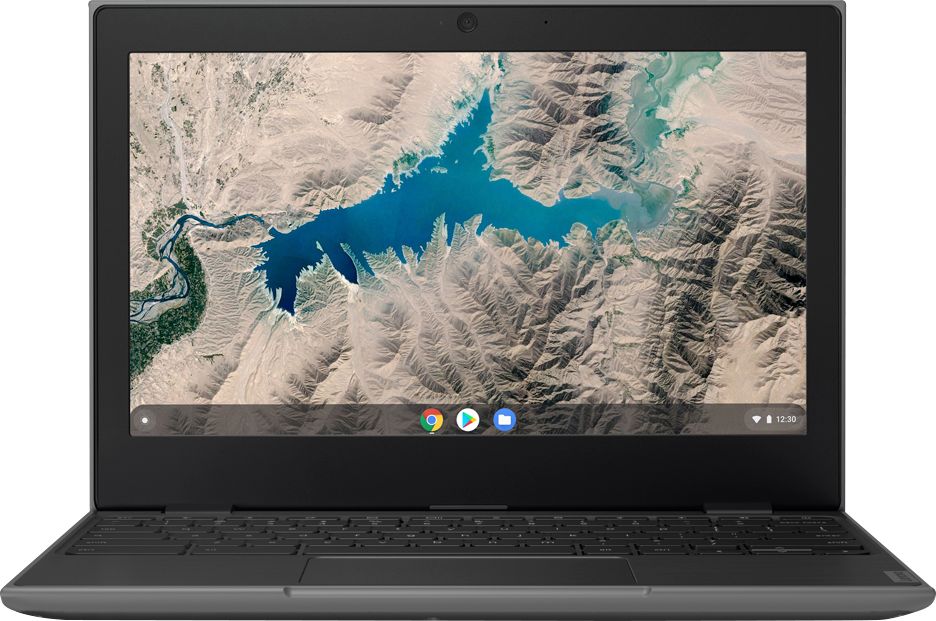
A:AnswerTina, I am a member of the geek squad I ask them everything I have 4 computers from there and no
nothing about them LOL they do everything for me, great kids sorry
A:AnswerThis is a Chromebook. It uses Google Docs for office type programs. Google Docs is completely compatible with Microsoft Office Programs and this is a free service through the Google Server. If you must have the actual Microsoft Office Programs, you can purchase Microsoft Office 365 for this Chromebook at the Google Play Store.
A:AnswerThat will depend on the requirements and compatibility of the hardware and software you will be using. We recommend you check with the hardware manufacturer's web site for their compatibility with the Chrome Operating System operating system and the minimum/recommended hardware requirements (Is a Graphics card required, the processor speed and the minimum required system RAM and the minimum available hard drive space) to run their program, then compare those requirements to this system's configuration.
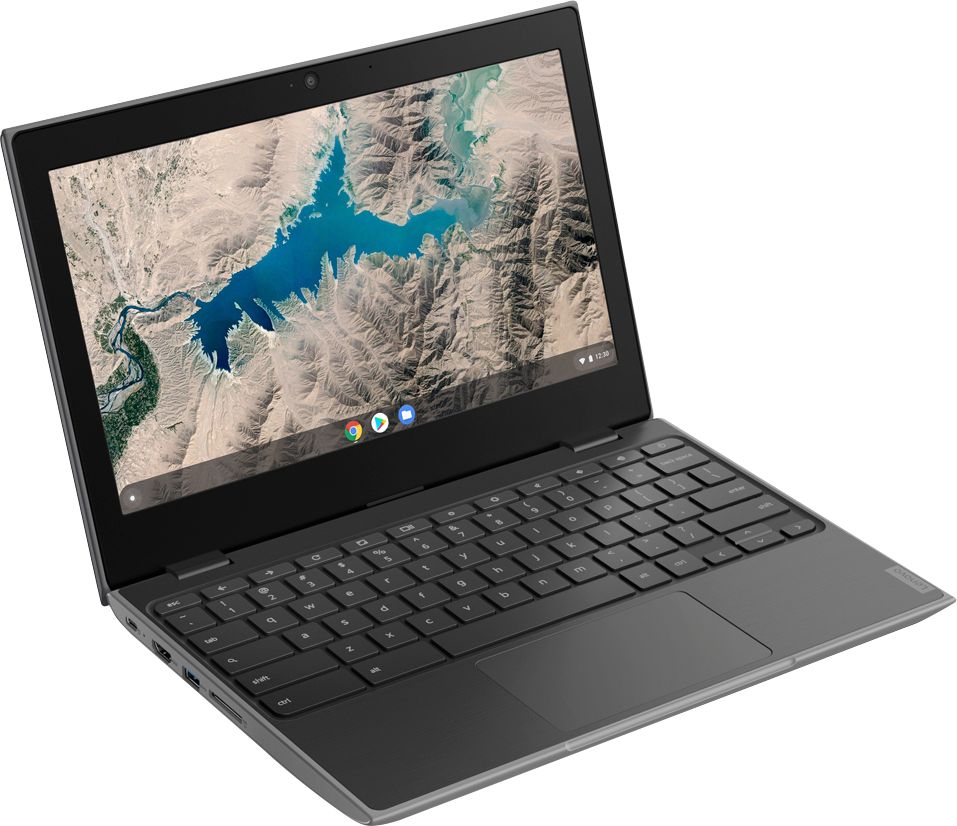
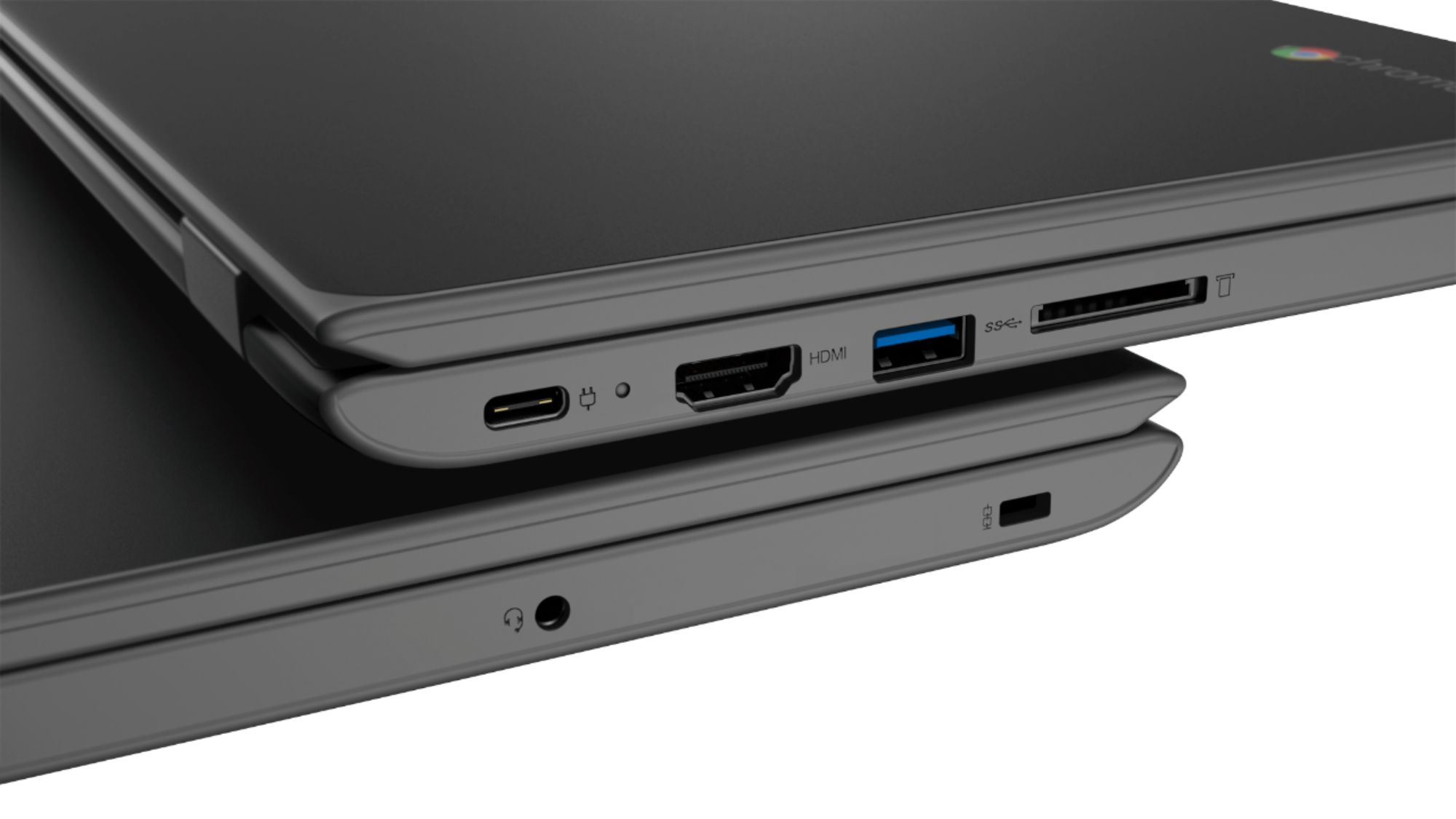
A:AnswerYes. The Lenovo 100e Chromebook has an HDMI-Out port to connect an external monitor. You can also use an external keyboard and mouse with this Chromebook.
A:AnswerThat really depends on the software you will need to use for your courses and its requirements and compatibility of that software. The 100e Chromebook uses the Chrome Operating System and is compatible with Google Play Store APPs. We recommend you check first with your online college for their recommendations for the computer operating system the college is compatible with - Is Chrome one of them? Then with the software publisher's web sites of the specific software you will need to use, for their compatibility with the Chrome operating system and the minimum/recommended hardware requirements (Is a Graphics card required, the processor speed and the minimum required system RAM and the minimum available hard drive space) to run their program, then compare those requirements to this system's configuration.
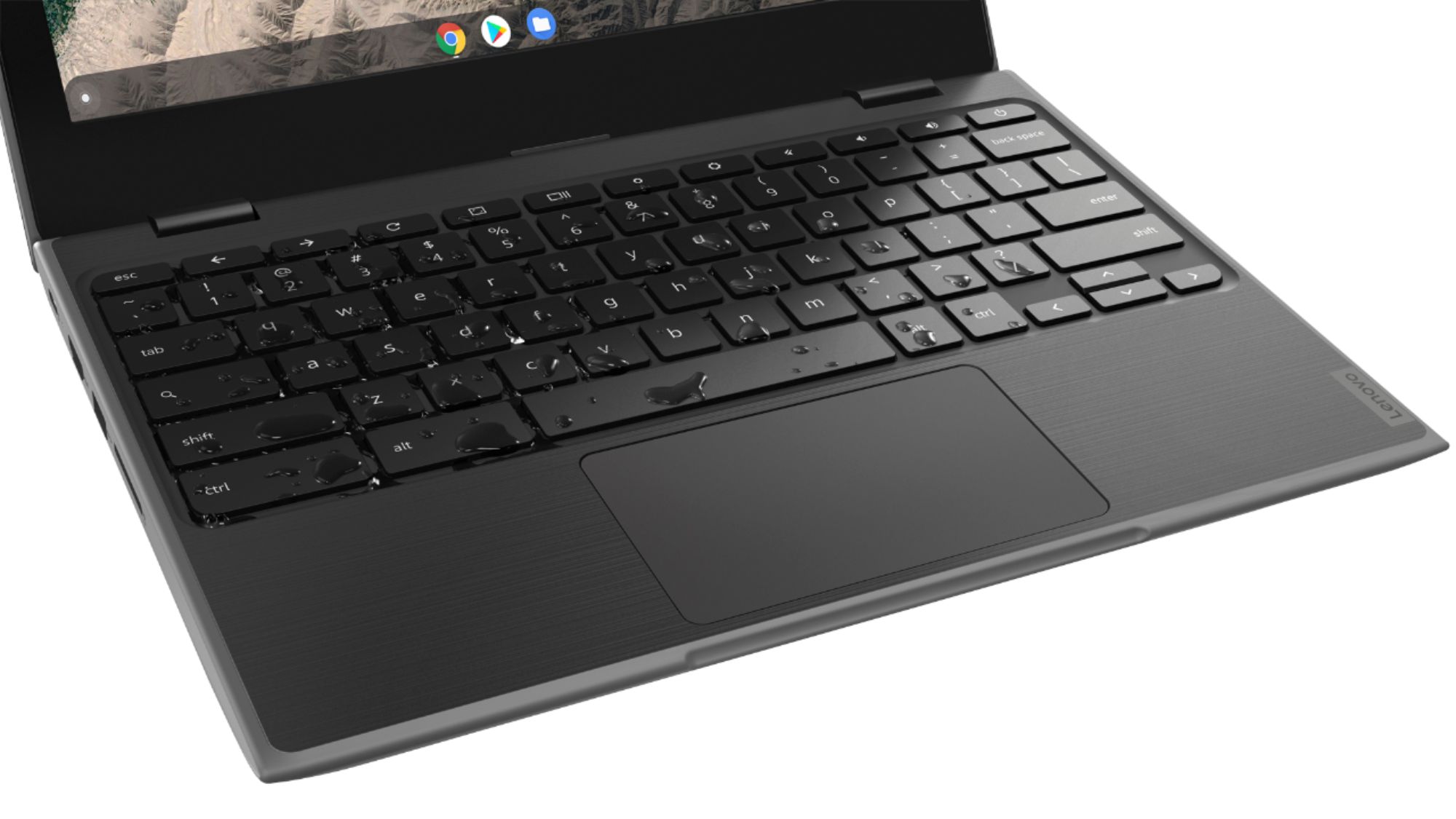
A:AnswerThe Lenovo 100e Chromebook uses Google Docs for office type programs. Google Docs is completely compatible with Microsoft Office Programs and this is a free service through the Google Server. If you must have the actual Microsoft Office Programs, you can purchase Microsoft Office 365 for this Chromebook at the Google Play Store.
A:AnswerChrome Operating system can read MP4 files, but not from an external USB drive. Here is a link to more information: https://www.starryhope.com/chromebooks/tutorials/vlc-for-chromeos/
A:AnswerThis is a Chromebook. It uses Google Docs for office type programs. Google Docs is completely compatible with Microsoft Office Programs and this is a free service through the Google Server. If you must have the actual Microsoft Office Programs, you can purchase Microsoft Office 365 for this Chromebook at the Google Play Store.