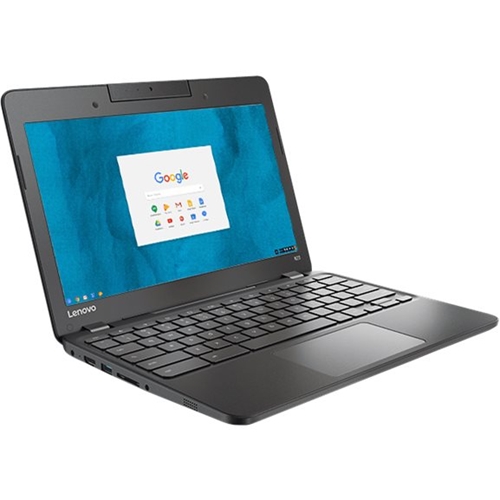
A:AnswerYes, Chromebook can use CD, DVD or Blu-Ray disk without any drivers. ... If you want to use Chromebook with your external DVD drive or Blue-Ray player then you may simply plug a USB or HDMI cable from your drive or player into appropriate Chromebook port.
A:AnswerThere is no CD/DVD drive within this system. Check to see if the game you want to play is compatible with the Chrome operating system on this Chromebook.
A:AnswerYes. Chromebooks come with a version of Flash pre-installed. There is no need to download or install anything in order to view Adobe Flash content on a Chromebook. Here is a link to the article this information came from: https://www.starryhope.com/chromebooks/faq/chromebook-adobe-flash/