Questions & Answers
- Model:
- IDEAPAD 110 - 80T7000HUS
- |
- SKU:
- 5091163
Q: QuestionCan you make customized audio CDs? ( burn CDs)
Asked by Anonymous.
- A:Answer Yes, the laptop does have ability to rewrite/burn CD's.
Answered by CommunityAnswer
Q: QuestionWhich Software/ comes with this - Windows?
Asked by Anonymous.
- A:Answer Window 10 Home is pre-installed on this device. There are also trial versions of software on this device.
Answered by Lenovo Product Expert

Q: QuestionDoes it have a CD drive?
Asked by Amanda.
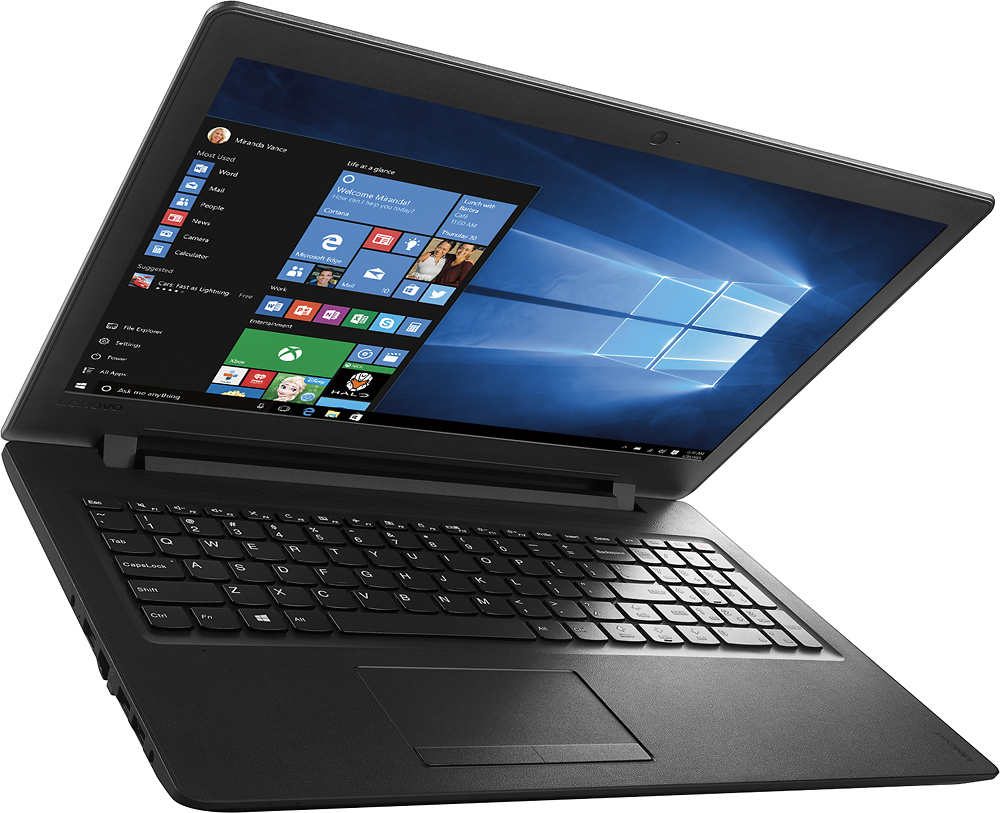
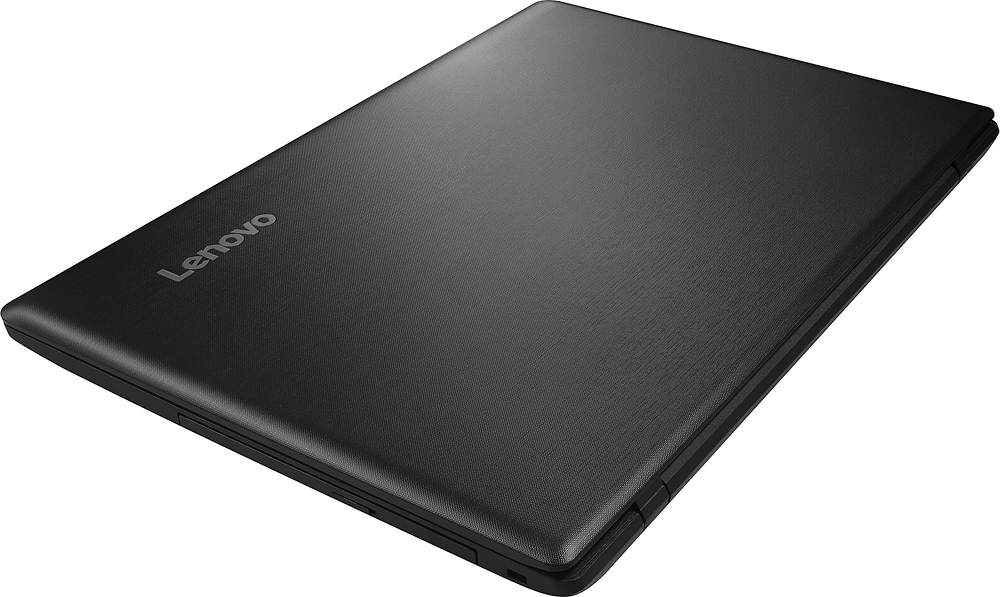
- A:Answer Yes, this system has a CD/DVD read-write drive.
Answered by Lenovo Product Expert

Q: Questioncan skype on this laptop? thanks!
Asked by Anonymous.
- A:Answer No. The audio settings control themselves. You can't set them yourselves. The mic will turn down/off at its own will and ruins calls.
Answered by Erica
Q: QuestionHow much RAM can be added 8gb or just 4gb
Asked by JJKyle.
- A:Answer The maximum RAM for this system is 4GB.
Answered by Lenovo Product Expert

Q: QuestionIs there expandable RAM
Asked by KingMacc.
- A:Answer The RAM is expandable.
Answered by CommunityAnswer
Q: QuestionCan you download pictures and videos from your phone on this laptop?
Asked by Anonymous.
- A:Answer Yes, there is an Micro-SD Card reader where you could take a memory card out of your phone and put it in your system to copy phones. This system also has Bluetooth for wireless transfer as well as WiFi compatibility. Additionally you could connect your phone via a USB port on this device.
Answered by Lenovo Product Expert

Q: QuestionWhat is the actual Model Number for this laptop? The Model Number provided on this website [ 80T7000HUS ] doesn't match anything Lenovo has on their website. Why is that?
Asked by DeltaNovemberVictor.
- A:Answer The model number shown at the Best Buy web site is correct for this model. This model in the configuration available at Best Buy, is currently not available for sale on the Lenovo.com web site.
Answered by Lenovo Product Expert

Q: QuestionIn the past week, I have purchased two of these laptops; one from open box (which I returned) and one brand new. I couldn't get either one to connect to wifi, not my secured one or an open one. Is there a trick to this laptop to connect to the wifi?
Asked by Anonymous.
- A:Answer During set up of Windows you can connect to a WiFi signal. After initial set up, there is an icon that looks like 5 bars in the lower right hand corner. Click on that and you should see all of the WiFi signals your system is within range of. Select the WiFi signal you want to connect to. If you are not seeing any WiFi signals, take a look at this tips/tricks article by following the link below. Be sure to create a restore point on your system before you make any changes or download new software. Hope this helps: http://www.drivethelife.com/windows-10/fix-no-wifi-available-after-windows-10-update.html
Answered by Lenovo Product Expert

Q: QuestionIs there anything like an eco-mode that can make the battery last longer? Also, is there anything that can turn the blue light emitted by the screen off?
Asked by Wondering.
- A:Answer You can open your "Control Panel", in the search window of the Control Panel, search on "Power". Under "Power Options" select "Choose Power Plan". In there you can adjust you power usage settings to conserve battery life. For the screen color, go back to the "Control Panel", this time search for "Display". Under display select "Calibrate Display Color".
Answered by Lenovo Product Expert

Q: QuestionCan't get nothing aftermy pass word
Asked by Anonymous.
- A:Answer This system is equipped with OneKey Recovery System. There is a small pin hole right near the plug for the power cord on the left side of the device. You will need a pin of some type to push the reset button. This will boot your system to a screen that will let you choose to boot to the desktop or restore to factory default. You may want to boot normally to desktop first to see if you can fix the issue. If you can't fix the issue you can always shut down the system and restart using the OneKey Recovery System again and restore to factory defaults. This wipes everything off the hard drive except the operating system and other software originally installed, so you will want backup any files before you do this.
Answered by Lenovo Product Expert

Q: QuestionCan you use a printer with this laptop
Asked by Lizzy.
- A:Answer Yes, you can either plug in a printer into one of this device's USB ports or you can print wirelessly using a WiFi Network.
Answered by Lenovo Product Expert

Q: Questionwhat is the size of the viewing screen
Asked by snookers122.
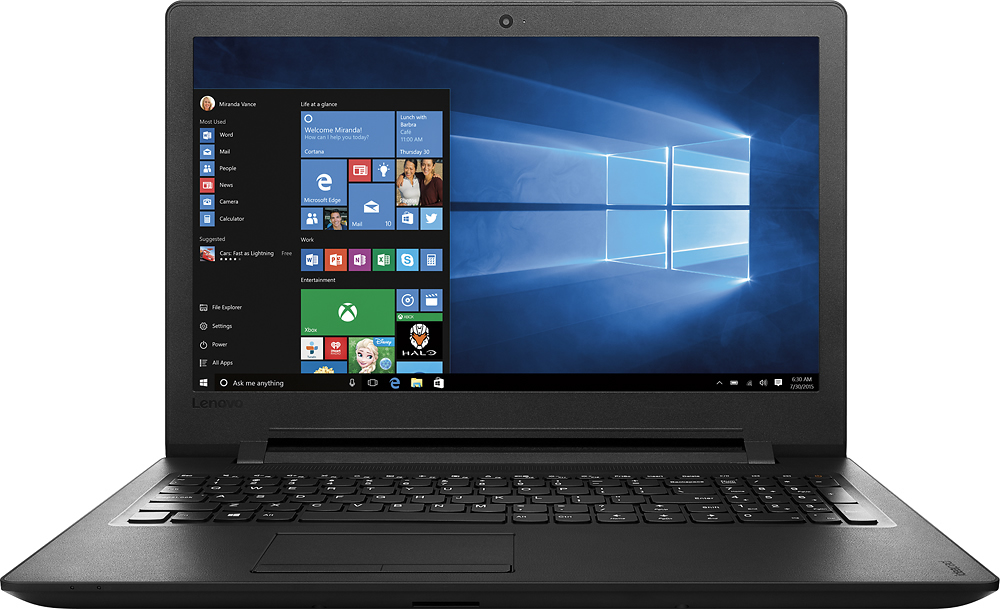
- A:Answer The screen is 15.6", diagonal viewing width.
Answered by Lenovo Product Expert

Q: QuestionAre you able to use mouse with this? If so, how?
Asked by PAUL.
- A:Answer I recently bought a wireless mouse from Best Buy for $9.99 and it works wonderfully. Just install AA battery (included) and plug the thumb drive (also included) into USB port and you're ready to go! Helpful tip: a regular size mouse pad is too big for laptop so I cut it with scissors to fit. I've also used mouse with wire but the cord kept getting in the way of my typing and I was constantly having to adjust it. Get the wireless - a lot less headaches!
Answered by Marti
Q: QuestionDoes this have a camera and is it compatible with face time?
Asked by BHF.
- A:Answer This system does have a front-facing video camera. Face Time is not compatible with Windows 10, it is an Apple product.
Answered by Lenovo Product Expert

Q: QuestionIn specs, speaker type: it doesn't say sonic master or concert series..how is sound overall?
Asked by Anonymous.
- A:Answer This system comes with stereo speakers with Dolby Sound Enhancement.
Answered by Lenovo Product Expert

Q: QuestionThe sound(speaker) is very low, even at 100%. Any advise?
Asked by shelley.
- A:Answer You might try these tips/tricks at the link below. Be sure to create a restore point on your device before you make any changes, then create another one once the issue is fixed: http://www.tomshardware.com/answers/id-1764541/volume-low-settings-maxed.html Also, you may want to follow this next link to Lenovo.com support-drivers and look for audio driver updates for your specific system. Once again, be sure to create a restore point before you make changes, then create a new one once the issue is fixed. Here's the link: http://support.lenovo.com/us/en/products/Laptops-and-netbooks/100-series/110-15IBR/80T7/000HUS?linkTrack=GPS%253ABody_Search%2BProducts&tabName=downloads&beta=false
Answered by Lenovo Product Expert

Q: QuestionDoes this have an SD or micro SD card slot?
Asked by Anon.
- A:Answer The laptop has a micro SD card slot.
Answered by CommunityAnswer
Q: QuestionAmerican appliances run on 110 volts, while European appliances are 220 volts. Will this laptop run in Europe ?
Asked by CrazyHorse.
- A:Answer You will need a step down European Adapter to power this system in Europe. This system can not handle the 220 volt power in Europe.
Answered by Lenovo Product Expert

Q: QuestionDoes this have 802.11n wifi capability? If not what does it have?
Asked by Llorien.
- A:Answer Yes, the laptop does have 802.11n Wifi capability.
Answered by CommunityAnswer
Most-viewed items
- $329.99$329.99The price was $469.99
- $149.00$149.00The price was $399.00
- $122.00$122.00The price was $129.99
- $159.99$159.99The price was $179.99
- $1,149.00$1,149.00The price was $1,299.00
- $449.99$449.99The price was $649.99