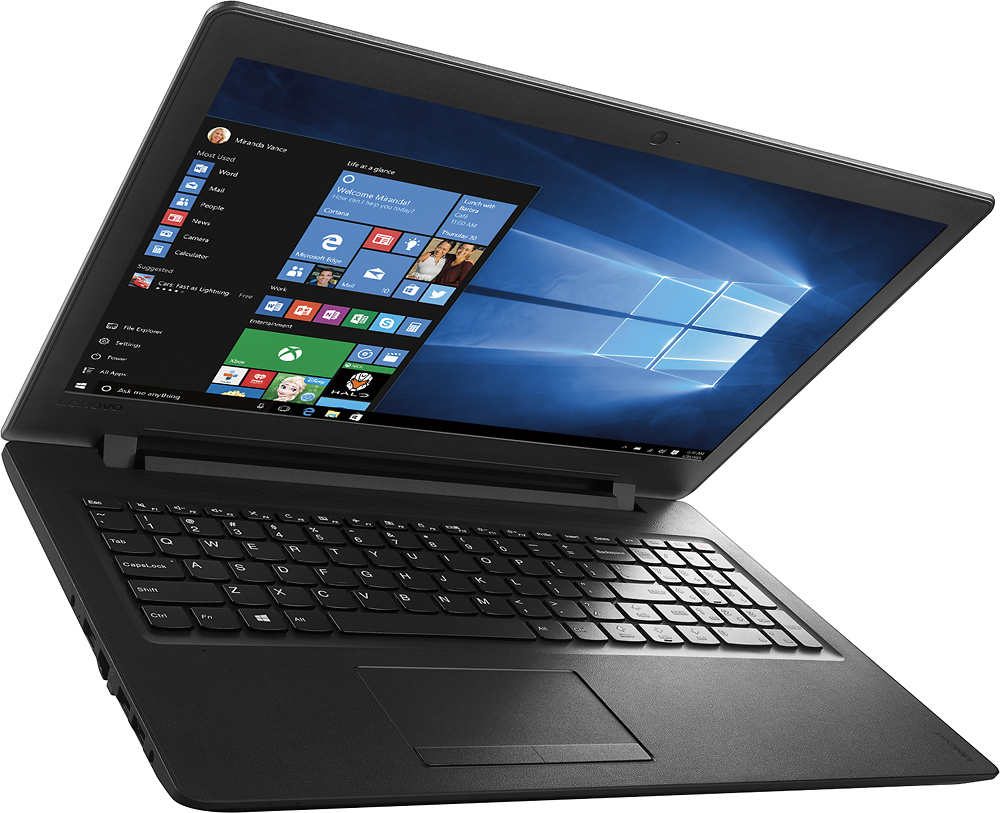
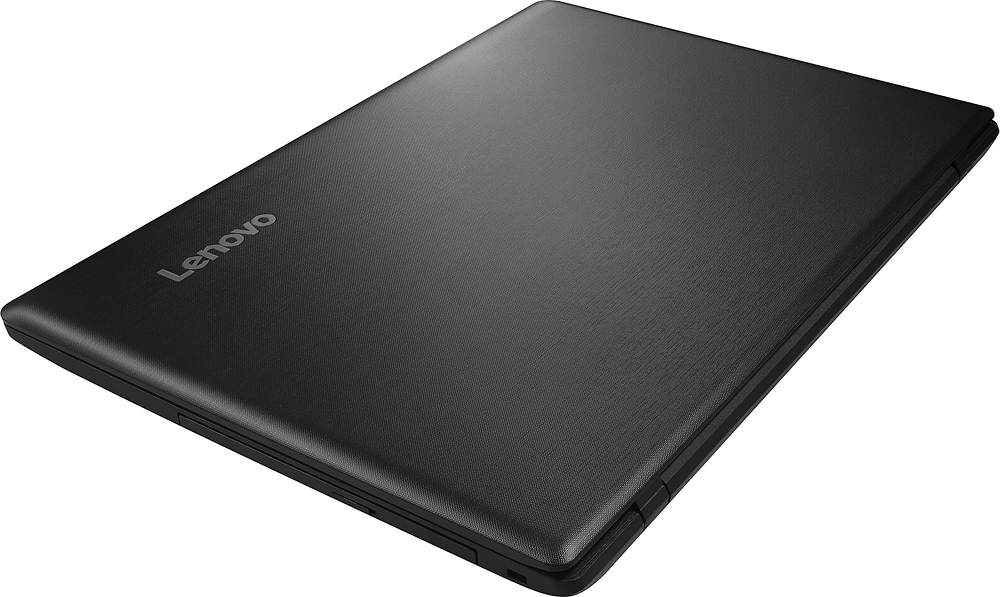
A:AnswerI asked the same question to the online support team and was told that most new computers are 64-bit. Unless it specifically says 32-bit, we can assume it's 64-bit.
A:AnswerI was going to buy Office 365 specifically for Microsoft Word so I could type letters, make lists, etc. I didn't need the other programs such as Powerpoint, Excel, etc. So if all you're interested in is Word, there's a feature called Notepad that's included for free on this computer. I use it to do the same things I did on MS Word. To access Notepad, click on the four white squares in the lower left corner and open the option "All apps". Scroll down to "Windows Accessories", click on that and choose the option "Notepad." It works exactly the same way as MS Word does, without having to buy the entire Office 365 software.
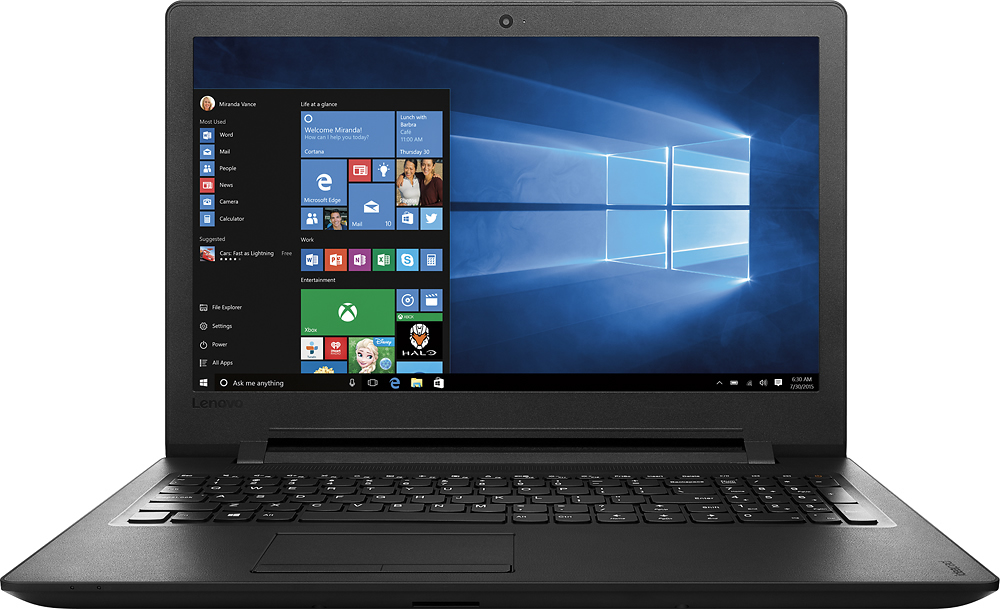
A:AnswerThis laptop has a one year warranty. For a list of approved Service Providers and their phone numbers, go to http://www.lenovo.com/support/phone.
A:AnswerAtom and Celeron family devices contain "System on a chip" fingernail-size motherboard with all ports, one "SuperSpeed" version 3.1 USB. Insert any USB hub to the socket with blue plastic in the center. 4.5 or 11 watts guaranteed, so power enough for any device.
Get the USB 3, since there's hardly any price premium anymore compared to vintage "High Speed" USB 2
A:AnswerThe maximum FRS of the Intel® Celeron® processor N3060 is 32 FRS. Check with the game software publisher for this processor's capabilities for each game. This will vary depending on the demands of the game and intensity of the graphics.
A:AnswerIf you cannot find someone to upgrade the memory to 8 gb and install an ssd instead of that mechanical drive I would probly buy something better. It is cheap but a lot of newer laptops are coming with ssd hard drives. Minimum for most people 8 gb ram and 240 gb SSD. Just my opinion. Processor doesn't matter unless you are a heavy user.