A:AnswerThat depends on the compatibility of the software with the Chrome Operating system. We recommend you check with the software publisher's web site for their compatibility with Chrome operating system and the minimum/recommended hardware requirements (Is a Graphics card required, the processor speed and the minimum required system RAM and the minimum available hard drive space) to run their program, then compare those requirements to this system's configuration.
A:AnswerYou should be able to download the printer driver software directly from the internet. Check the manufacturer website for downloads and compatibility.
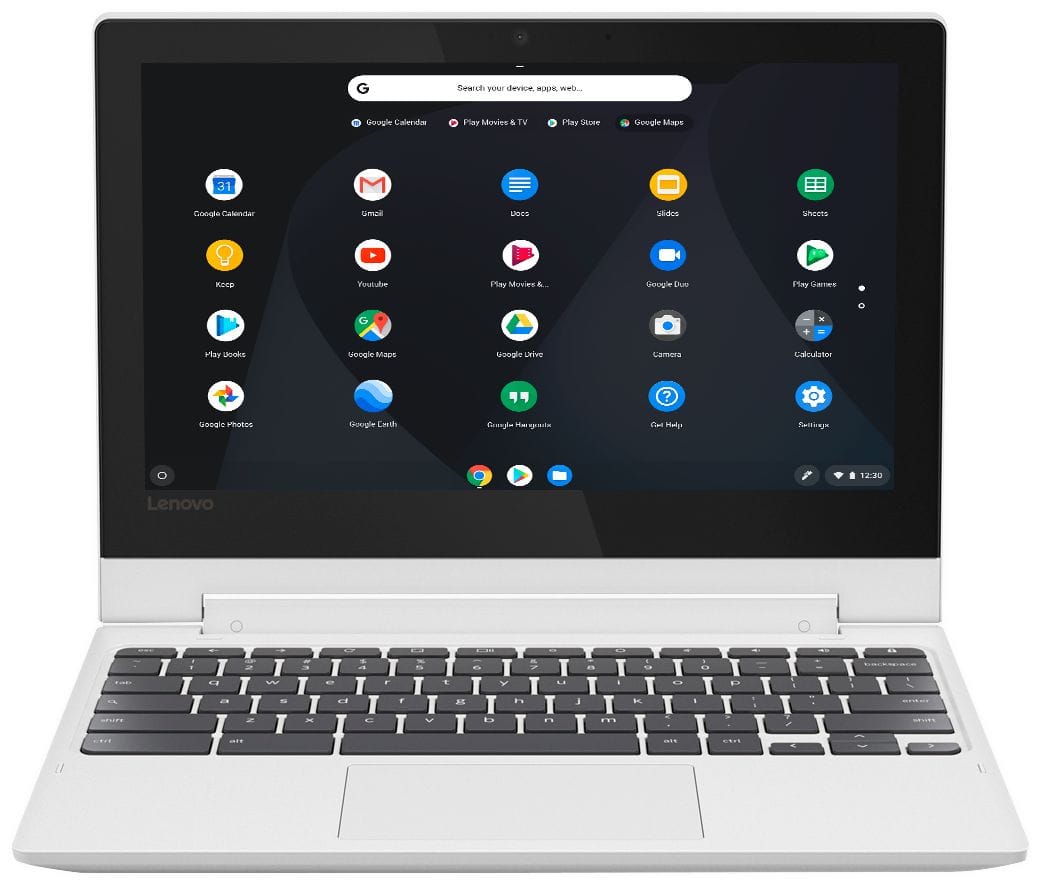
A:AnswerThis is a Chromebook. It uses Google Docs through the Google Server. Google Docs is completely compatible with Microsoft Office Programs. If you must have the Microsoft Office Programs, you can purchase Microsoft Office 365 for this Chromebook through the Google Play Store.
A:AnswerNo. Not that I know of. The trackpad isn’t sealed and I doubt this chrome book would be spill protectant. But it’s nothing a case and/or keyboard cover can’t fix.
A:AnswerIt has 32 GB flash memory. You should be able to store a lot of pictures and other files. If you need more storage, you can connect a USB flash drive.
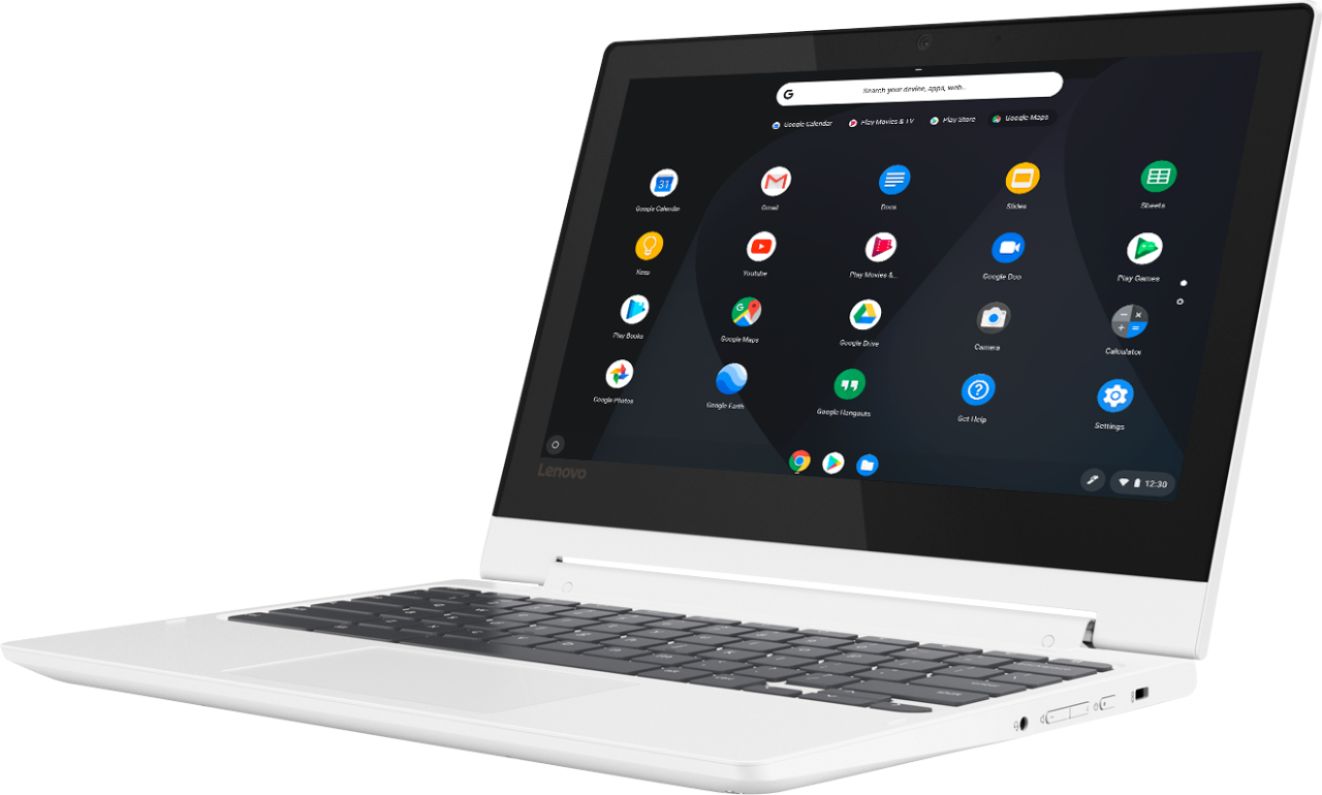
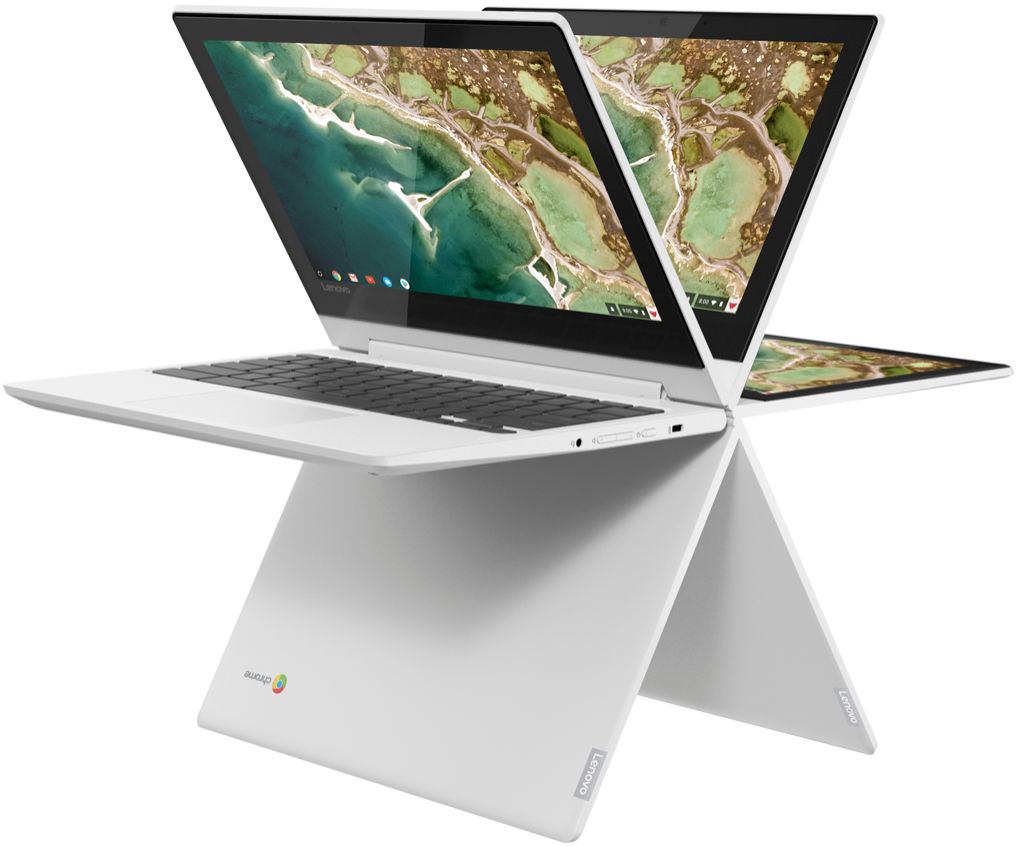
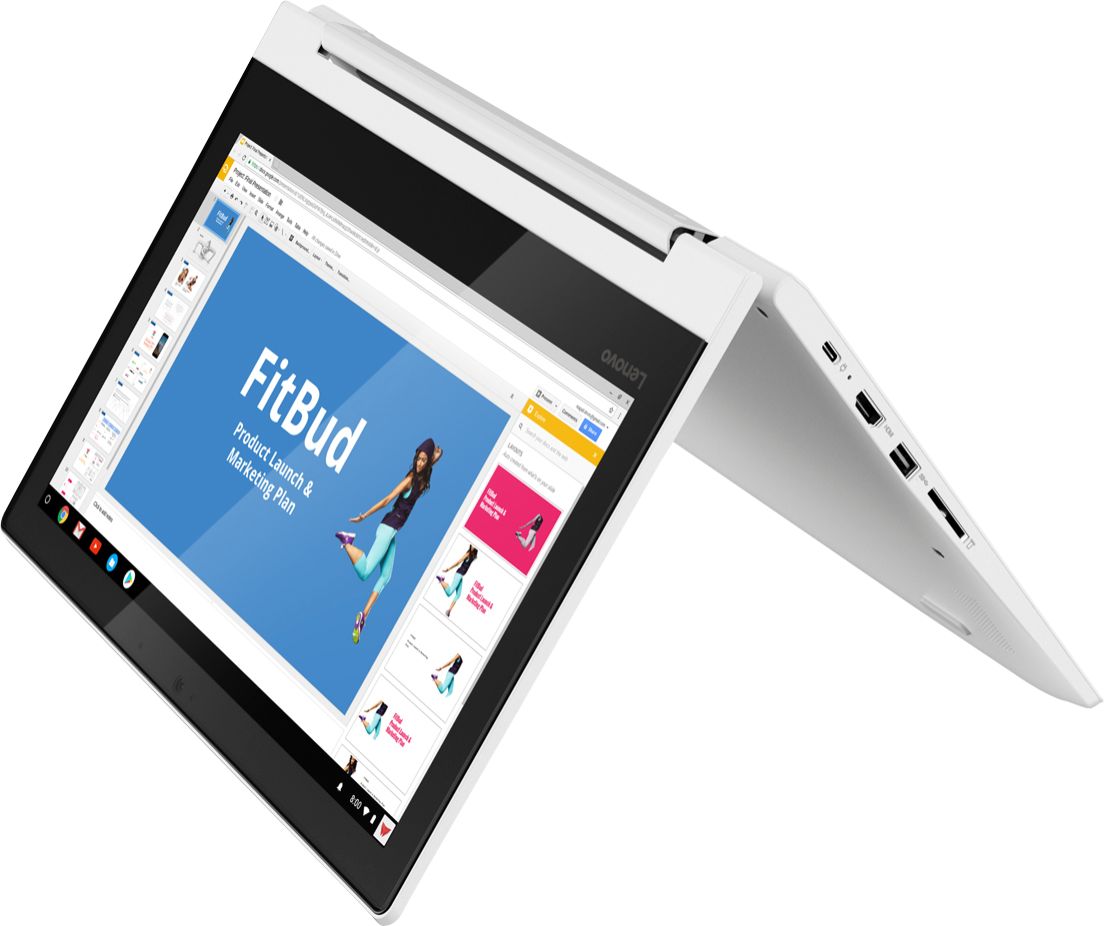
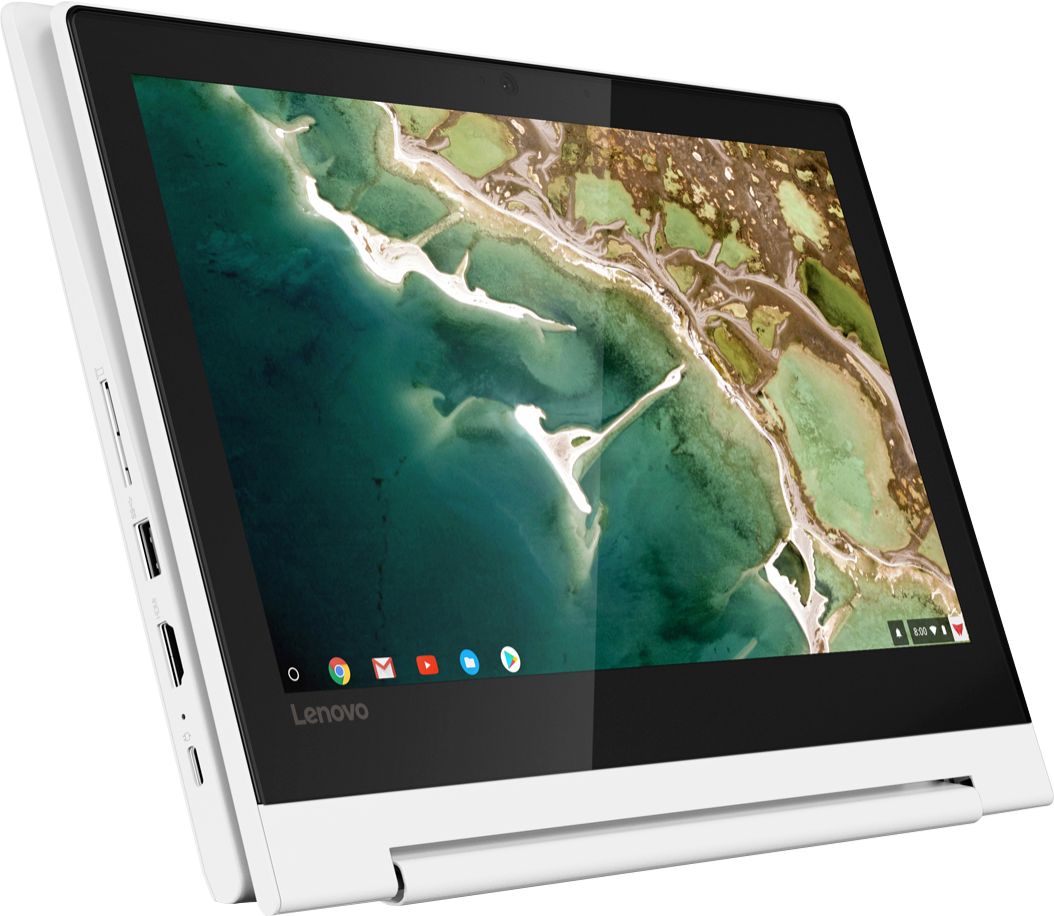
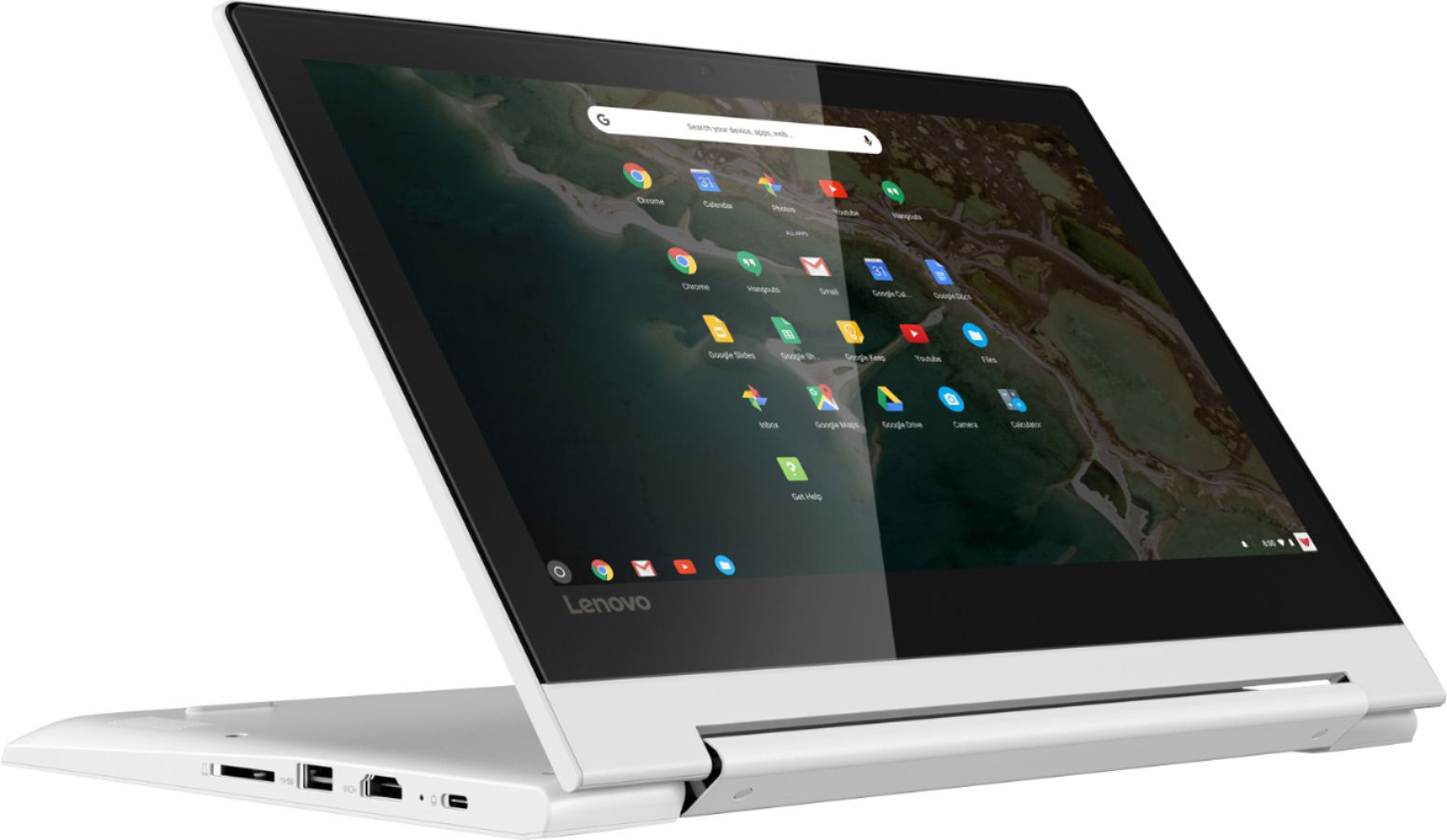
A:AnswerJust open up the Chromebook so the top and bottom backside halves fold against each other and rotate the Chromebook 90 degrees so you are looking at it like a book.
A:AnswerGraphics processing within the Lenovo C330 Chromebook is integrated within the Quad-Core MediaTek MT8173C processor. It is the PowerVR GX6250 version and it can produce 1366 X 768 (HD) graphics on the laptop screen. For external monitors, the maximum display resolution is 2560 x 1600 pixels.
A:AnswerUsing Google Print services, it should work. Mine auto-detected my HP printer on my network and I can print to it from any Chrome or Andriod App.