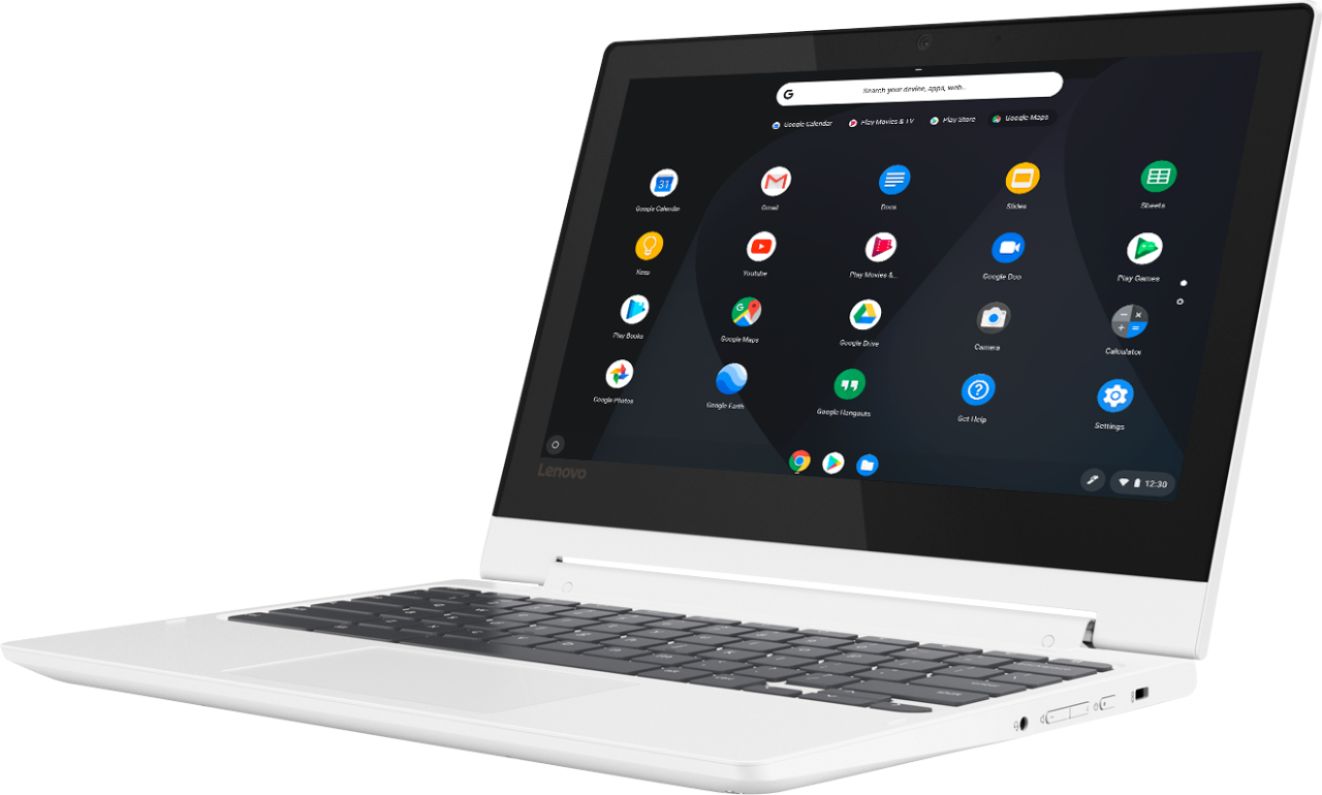
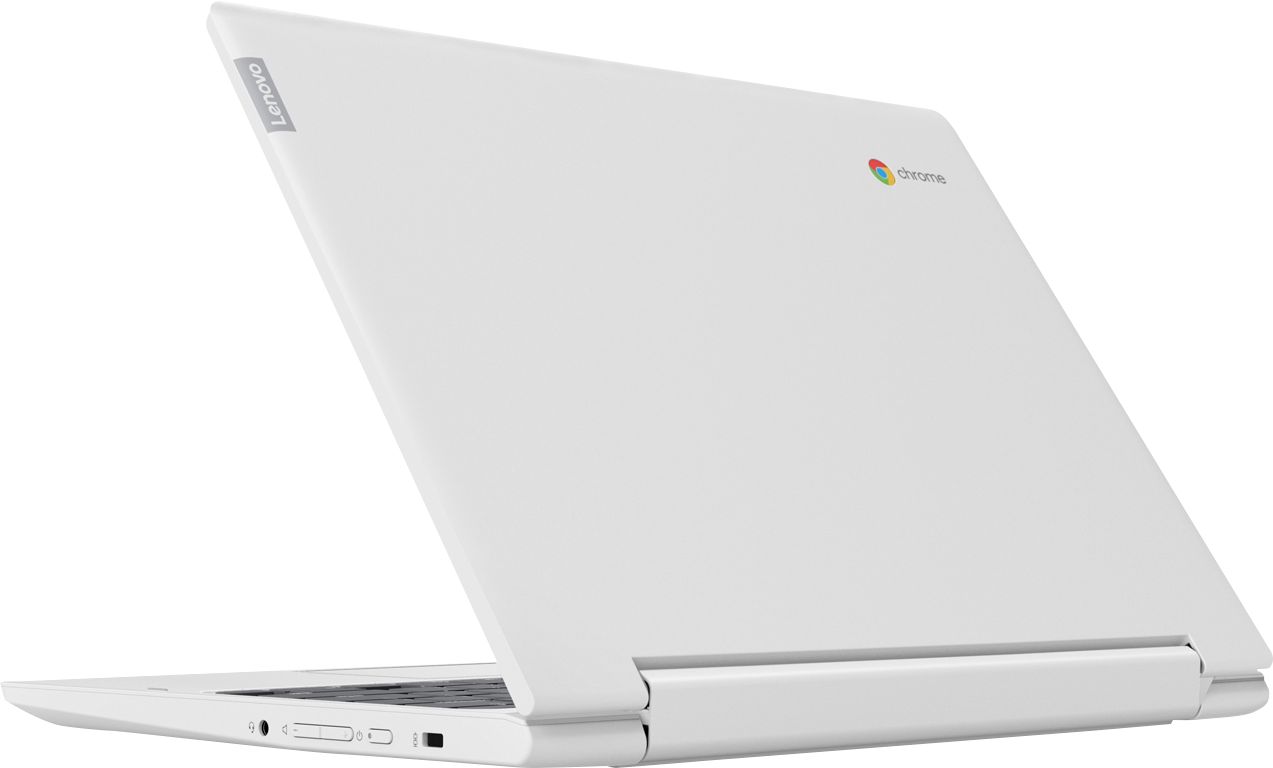
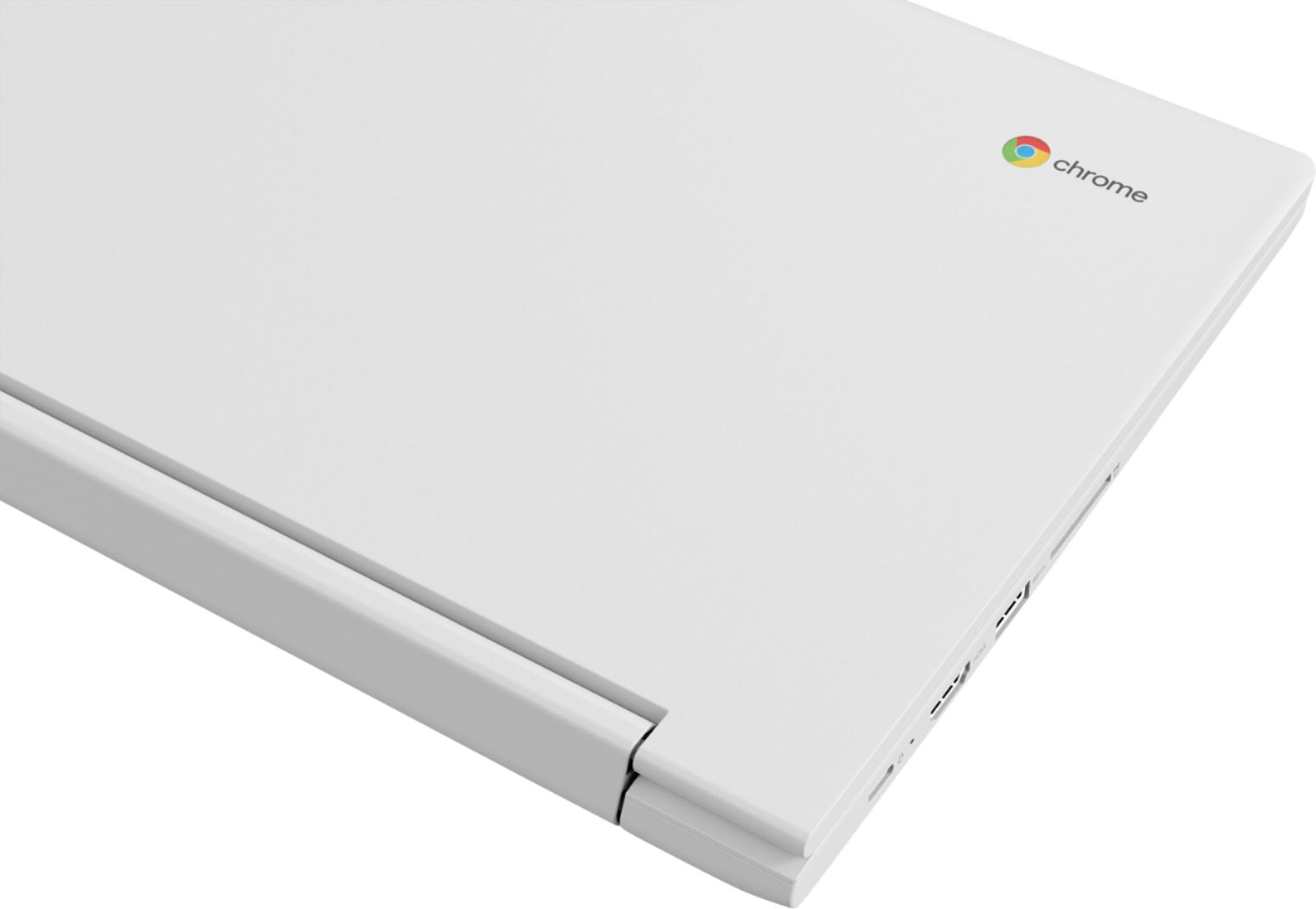
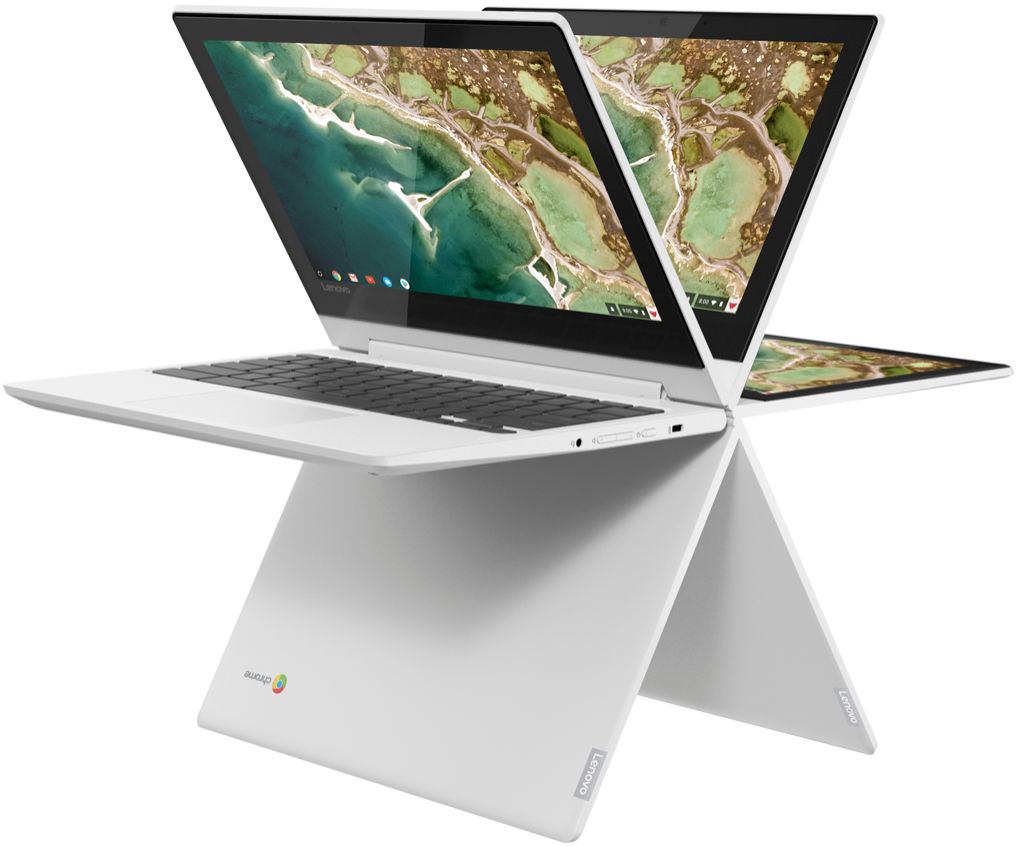
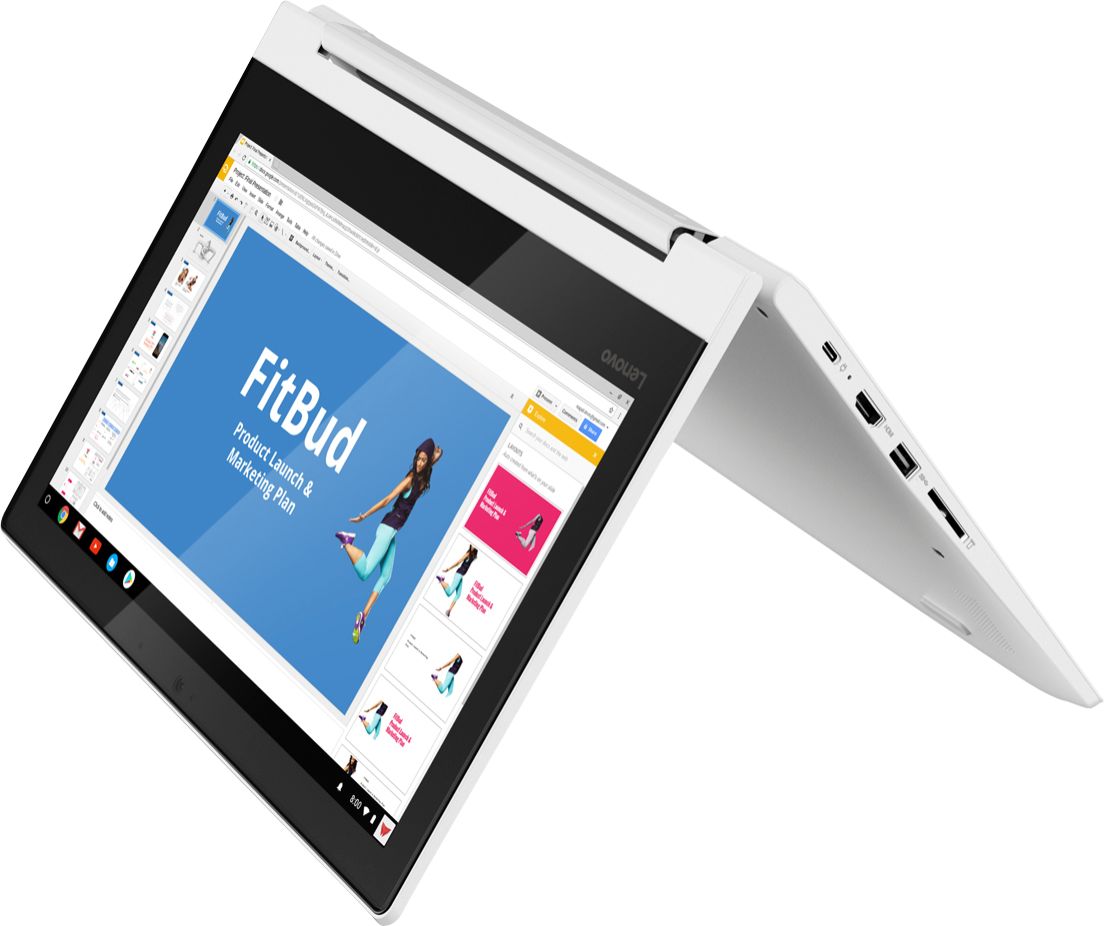
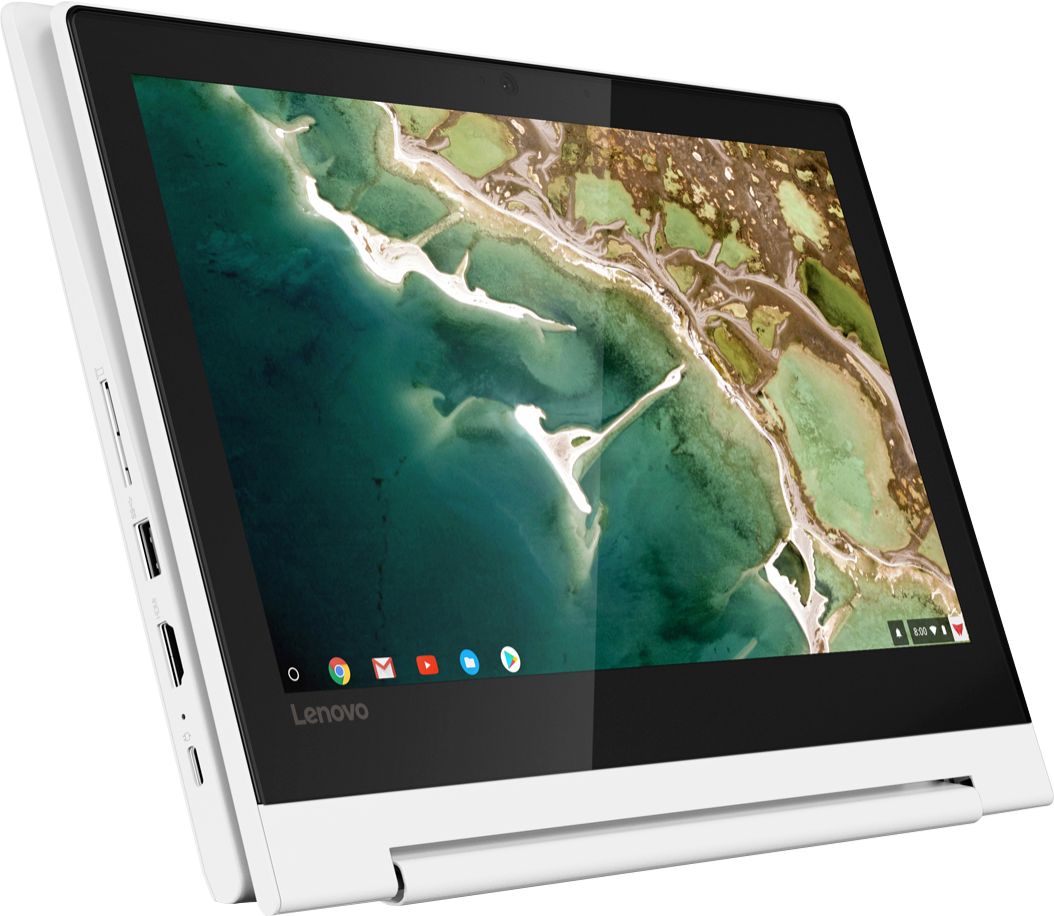
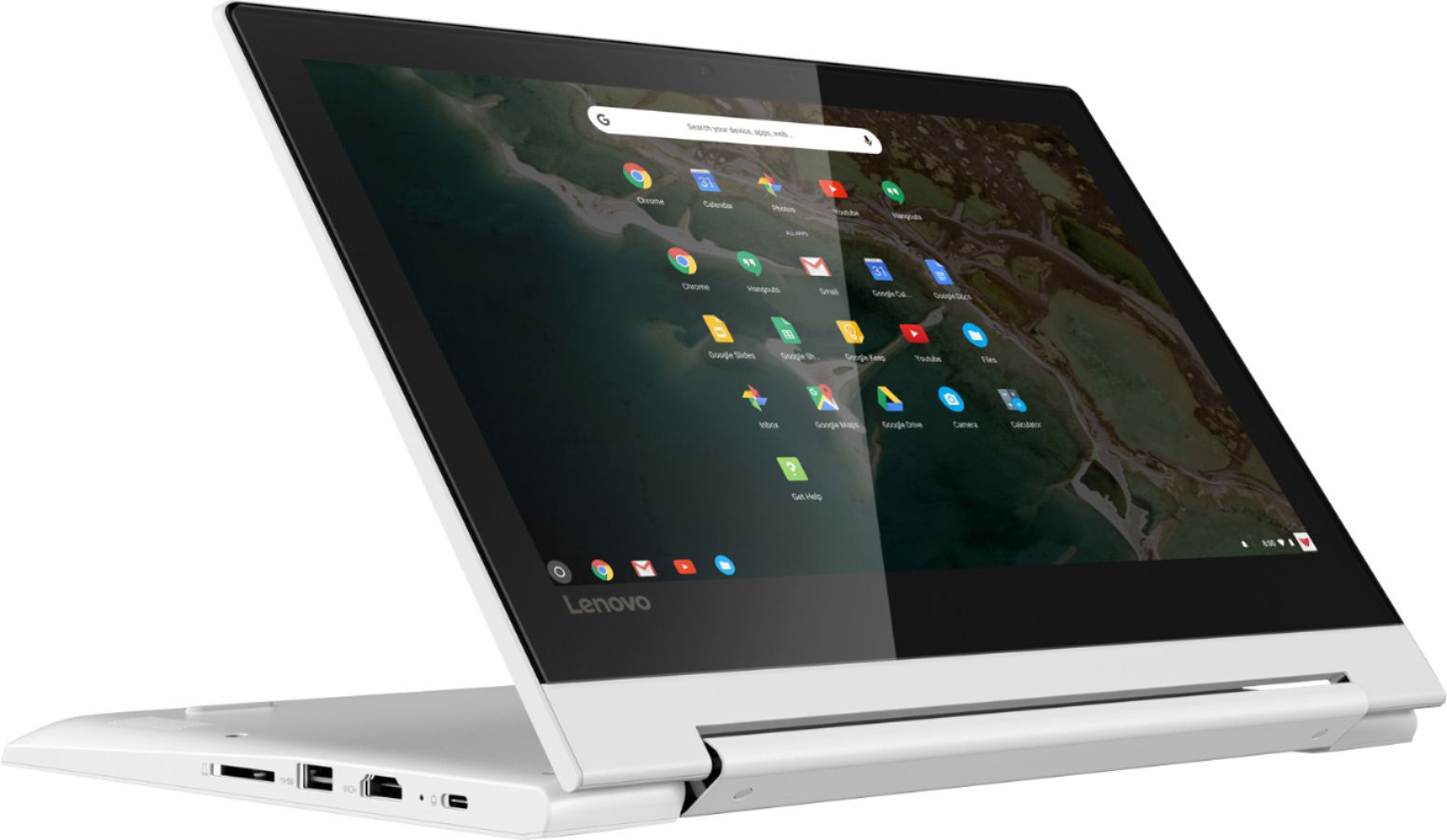
A:AnswerThis is a Chromebook. It uses the Chrome Operating System. A Chromebook is a laptop of a different breed. Instead of Windows 10 or mac-OS, Chromebooks run Google's Chrome OS. These machines are designed to be used primarily while connected to the Internet, with most applications and documents living in the cloud. Here is a link to more information about choosing a Chromebook: https://www.laptopmag.com/articles/chromebook-buying-advice
A:AnswerThat will depend on the requirements and compatibility of the game. We recommend you check with the specific game's software publisher's web site for their compatibility with the Chrome operating system and the minimum/recommended hardware requirements (Is a Graphics card required, the processor speed and the minimum required system RAM and the minimum available hard drive space) to run their program, then compare those requirements to this system's configuration.
A:AnswerYes and no, if its a app you can download onto your phone you can download it onto this, however a lot of mobile games aren't supported in tablets which this thinks it is when it comes to it, but you can buy roblocks and minecraft just be warned you would probably want to play it in tablet mode over laptop mode unless you attached a external mouse.
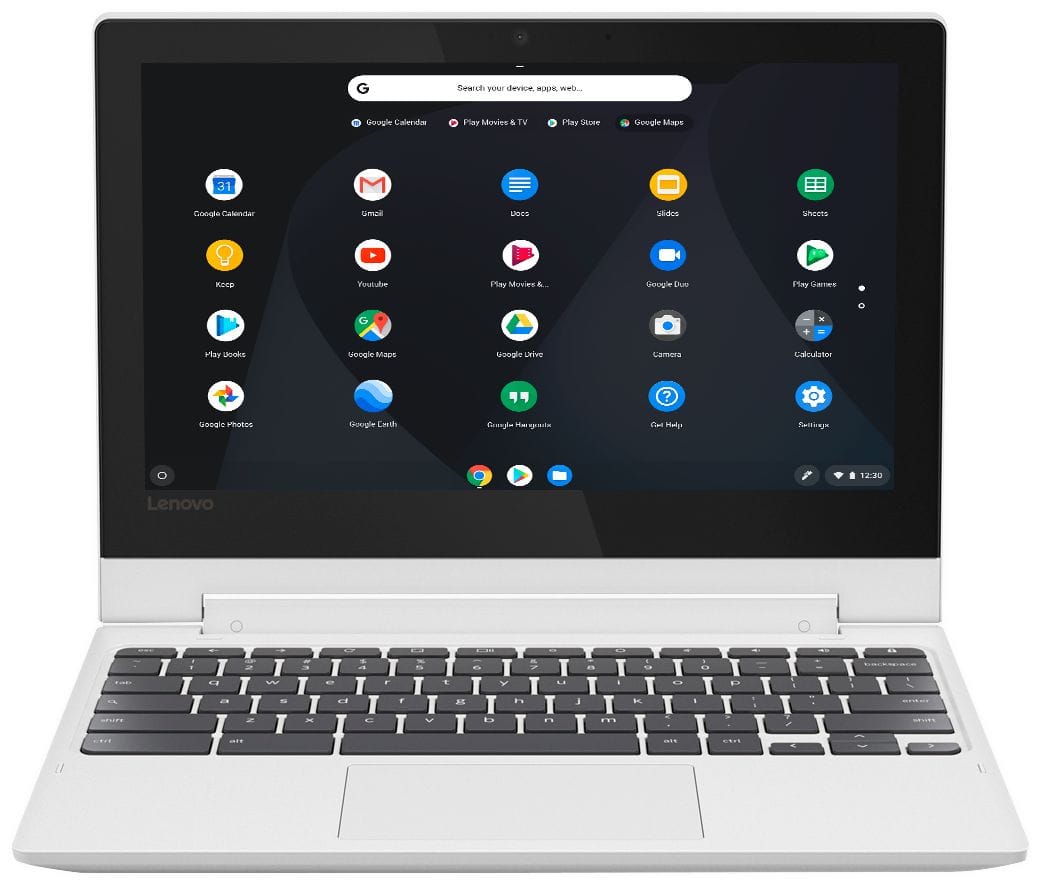
A:AnswerYou should. I have an HP Officejet 4630 that is at least 5 years old, and it works great. You will have to download an HP plug-in for printing.
A:AnswerThis system uses a 3.5mm combo audio port. With regard to compatibility with a specific software, that will depend on the requirements and compatibility of the software. We recommend you check with the game's software publisher's web site for their compatibility with the Chrome operating system and the minimum/recommended hardware requirements (Is a Graphics card required, the processor speed and the minimum required system RAM and the minimum available hard drive space) to run their program, then compare those requirements to this system's configuration.
A:AnswerWon't quit working just will no longer automatically update but not sure if you will be able to update manually. Hey, by then you will have up graded to an even better model.
A:AnswerThat will depend on the requirements and compatibility of the games. We recommend you check with the game's software publisher's web site for their compatibility with the Chrome operating system and the minimum/recommended hardware requirements (Is a Graphics card required, the processor speed and the minimum required system RAM and the minimum available hard drive space) to run their program, then compare those requirements to this system's configuration.
A:AnswerThat will depend on the requirements and compatibility of the program. We recommend you check with the streaming service web site for their compatibility with the Chrome operating system and the minimum/recommended hardware requirements (Is a Graphics card required, the processor speed and the minimum required system RAM and the minimum available hard drive space) to run their streaming service, then compare those requirements to this system's configuration.
A:AnswerNot sure. About crome operating system but I had a Lenovo laptop and Lenovo support is terrible sad to say. Good luck Better off with HP or Asus brand. Good luck.
A:AnswerThat will depend on the requirements and compatibility of the software you will be using. We recommend you check with the software publisher's web site for their compatibility with the Chrome operating system and the minimum/recommended hardware requirements (Is a Graphics card required, the processor speed and the minimum required system RAM and the minimum available hard drive space) to run their program, then compare those requirements to this system's configuration.