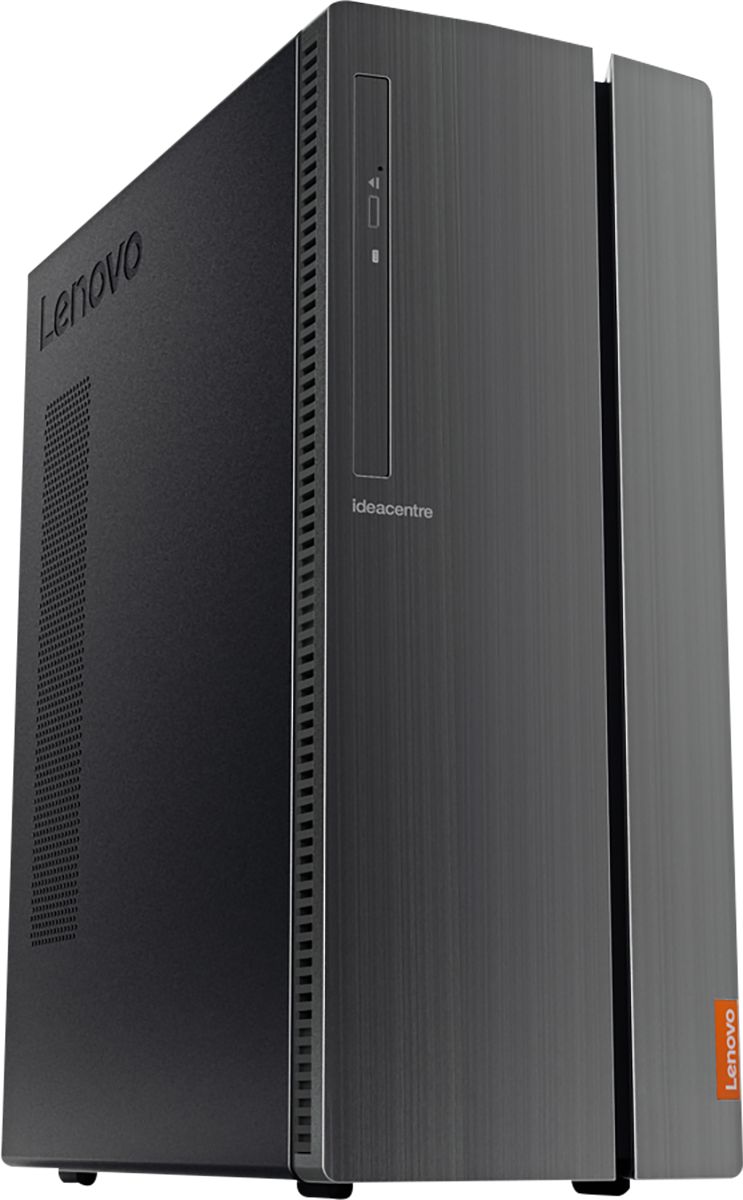
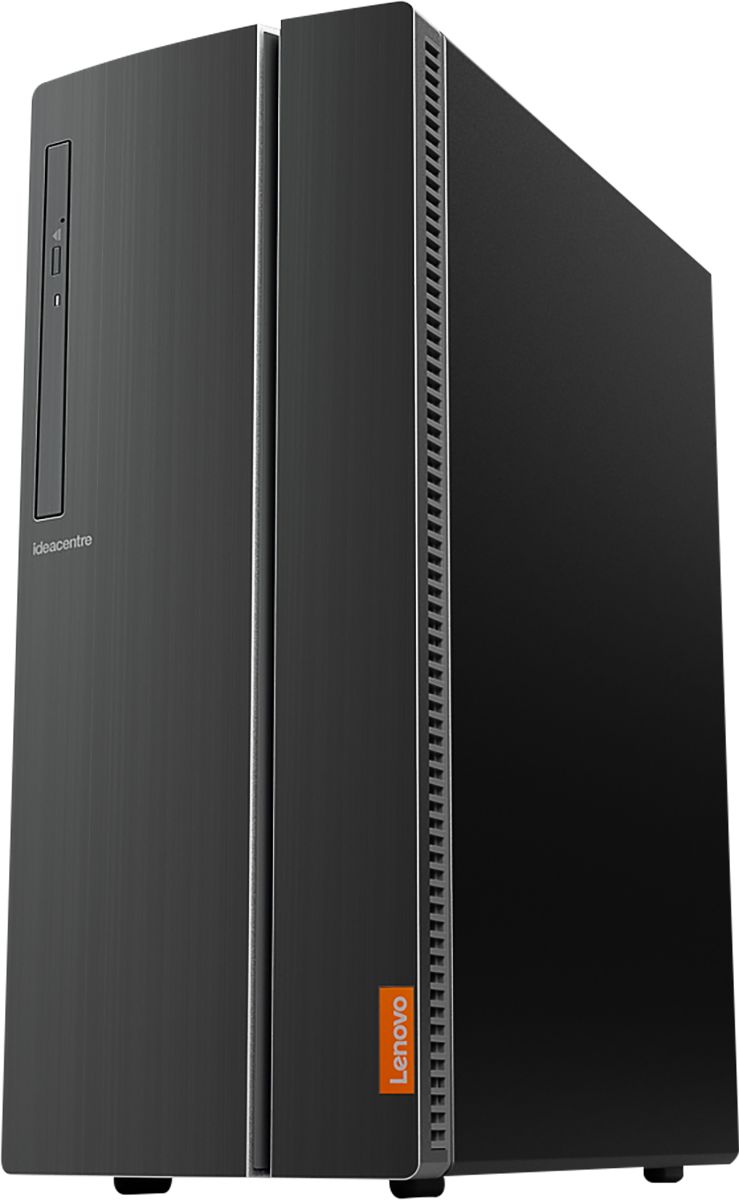
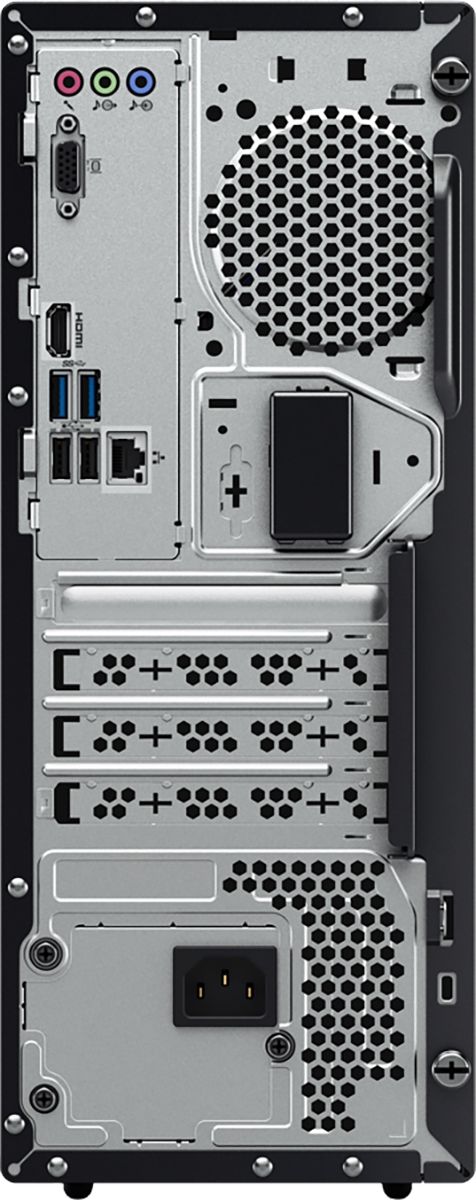
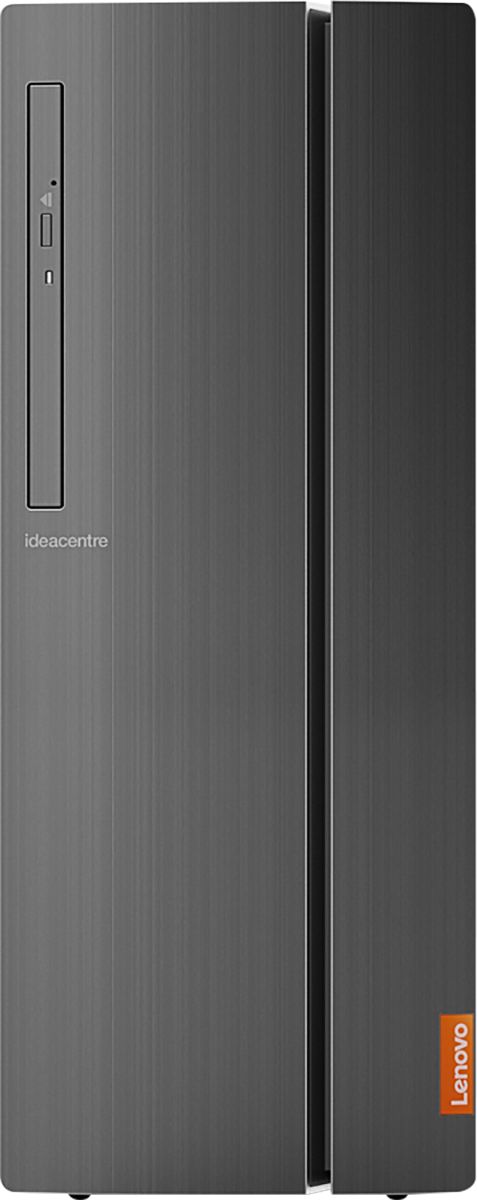
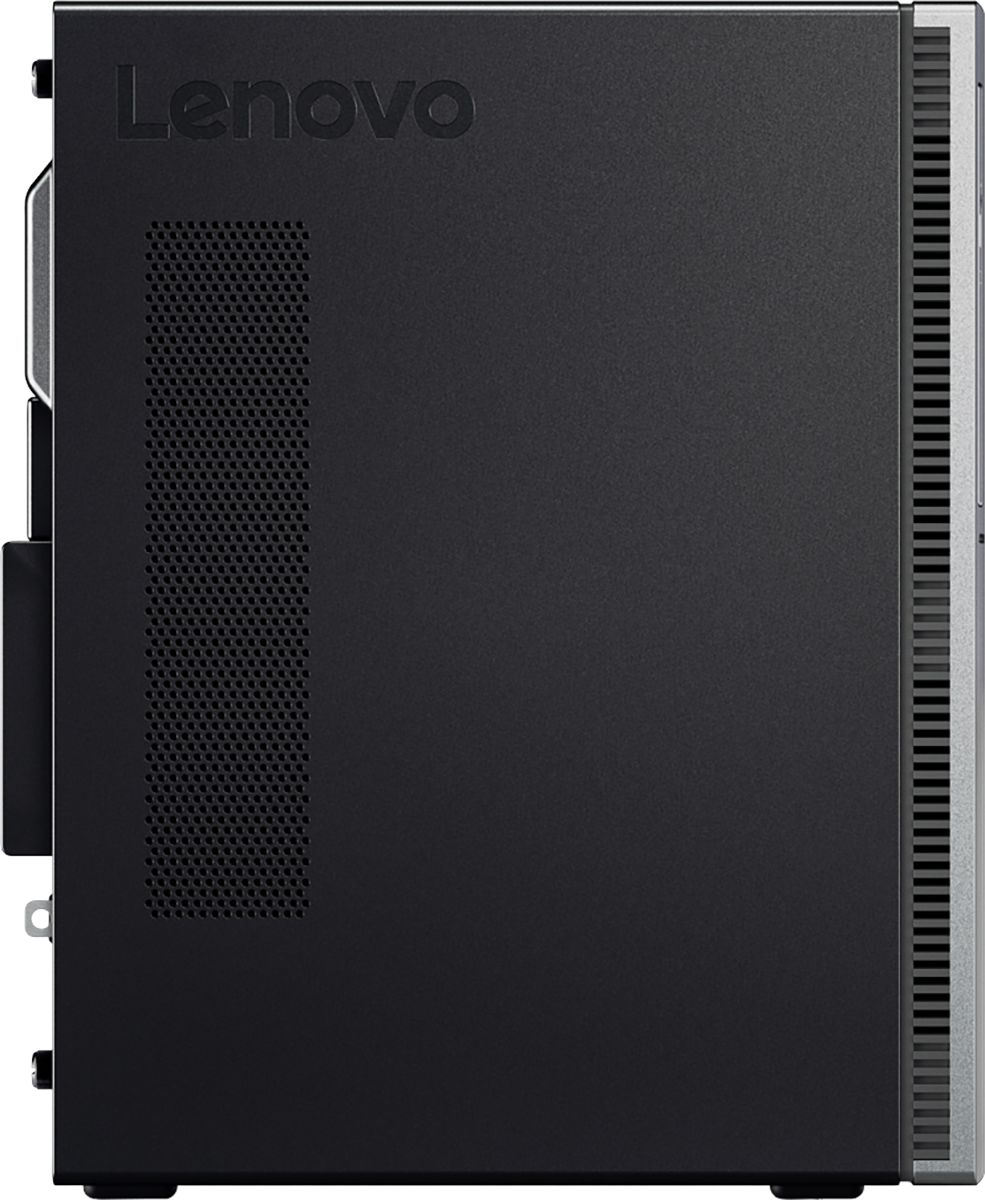
A:AnswerNo. There are not internal speakers within this Lenovo IdeaCentre 510A Desktop computer. You can add external speakers by using the 3.5 mm headphone jack with compatible speakers.
A:AnswerYes. The Lenovo IdeaCentre 510A Desktop, model number 90HV001MUS, ships with Windows 10 Home 64-bit Operating System which uses the Microsoft Edge Browser.
A:AnswerThe Lenovo IdeaCentre 510A Desktop, model number 90HV001MUS, has an additional 3.5-inch bay and an additional 2.5-inch bay. This model ships with an external 180W power supply.
A:AnswerThe Lenovo IdeaCentre 510A Desktop ships with a WiFi receiver built in. You will need a wireless router providing a WiFi signal for the computer's WiFi receiver to connect to.
A:AnswerI have the system and looked at the device information. It has a Intel (R) UHD Graphics 360. BTW, we bought two of these pcs and they are great for us but we do not use it for gaming.
A:AnswerThat will depend on the compatibility of the printer with Windows 10. We recommend you check with the printer manufacturer for your printer's compatibility with Windows 10.
A:AnswerThe Lenovo IdeaCentre 510A desktop ships in many configurations. This particular configuration model number 90HV001MUS is a new configuration, first available March, 2019.
A:AnswerI do a lot more than that on my new Lenova. I am working from home so all of those files are on it, as well as personal emails, Facebook, etc. This new computer has worked out very well. It was affordable and does the job.