A:AnswerThat will depend on the requirements and compatibility of the specific games. We recommend you check with the game's software publisher's web site for their compatibility with Windows 10 Home 64-bit operating system and the minimum/recommended hardware requirements (Is a Graphics card required, the processor speed and the minimum required system RAM and the minimum available hard drive space) to run their program, then compare those requirements to this system's configuration.
A:AnswerGo to the Lenovo Website and look for drivers. Once there let Lenovo automatically detect your computer and it will search what needs updated. I would recommend signing up at the Lenovo website. If you are dropping the WiFi connection you should check into also resetting your modem and router. If they are all-in-one or separate it is simple. Just unplug the power cable and the LAN Ethernet cable. Leave them unplugged for 30-45 seconds. Plug them back in and wait on the system to restart. This will give you a new IP address and a new connection.
A:AnswerYou can buy any SD or MicroSD card to the machine. You can use a USB Thumb Drive as well. With the SD card you will just have to buy the one for what you want to use it for. There are a few different kinds that are better than others for certain things. Some are better for videos, some for photos, some for other stuff. Just search for the difference in SD cards.
You can also hook up an external HDD or SSD drive as well.
A:AnswerThese are the specs you need...
DDR4 8GB (1x8GB) UDIMM Frequency: 2400MHz (PC4-19200) 1. 2 Volt
or
2.4GHz DDR4 Desktop
Google Memory for this Model # and several sites will pop up I went to the crucial website just because they are trusted. I got the specs and then searched for it elsewhere as you can get it cheaper than at the manufacturer website.
A:AnswerThat will depend on the specific requirements and compatibility of the software. We recommend you check with the software publisher's web site for their compatibility with Windows 10 Home 64-bit operating system and the minimum/recommended hardware requirements (Is a Graphics card required, the processor speed and the minimum required system RAM and the minimum available hard drive space) to run their program, then compare those requirements to this system's configuration.
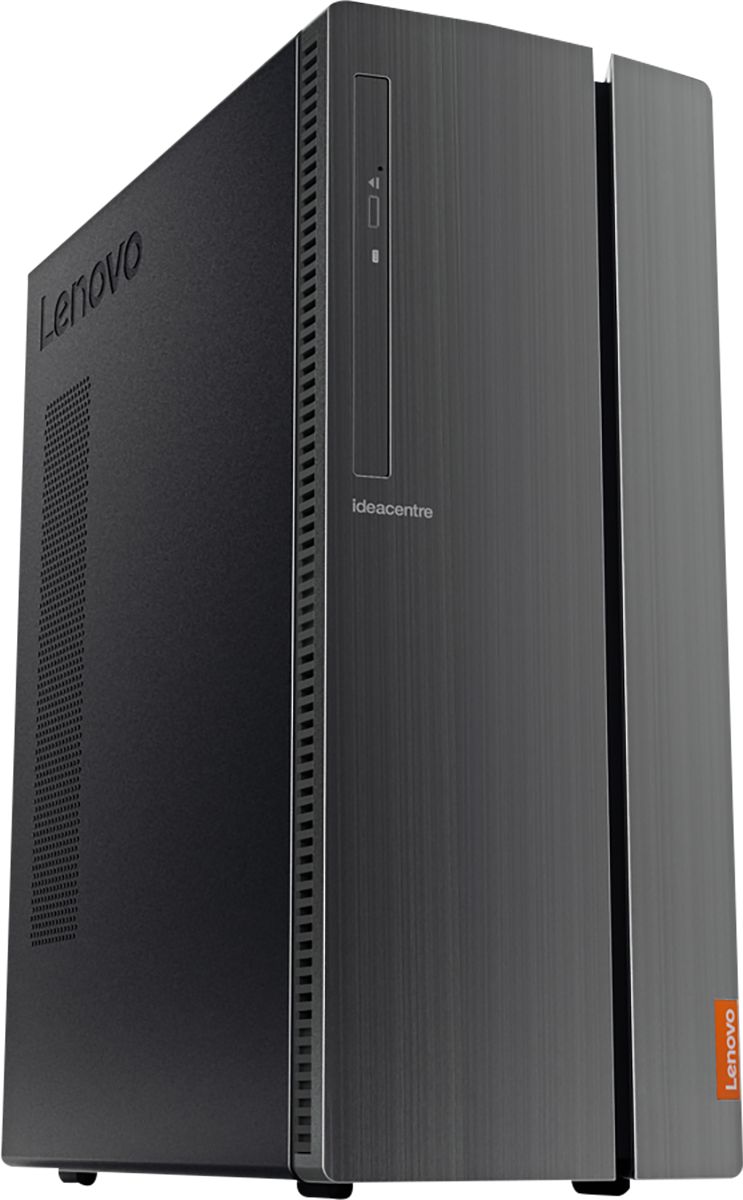
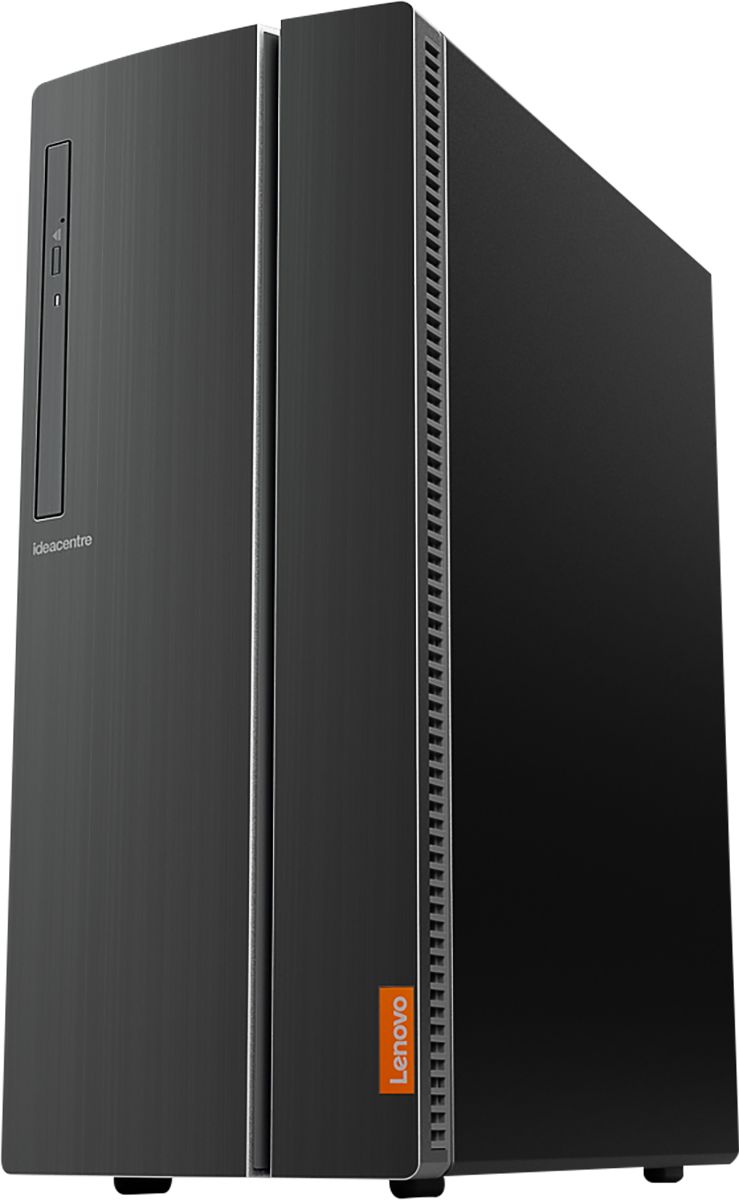
A:AnswerThere are two 2.5-inch bays within this configuration and two 3.5-inch bays. This model has a 180W external power supply, so your upgrades will depend on the requirements and compatibility of the components you will be using.
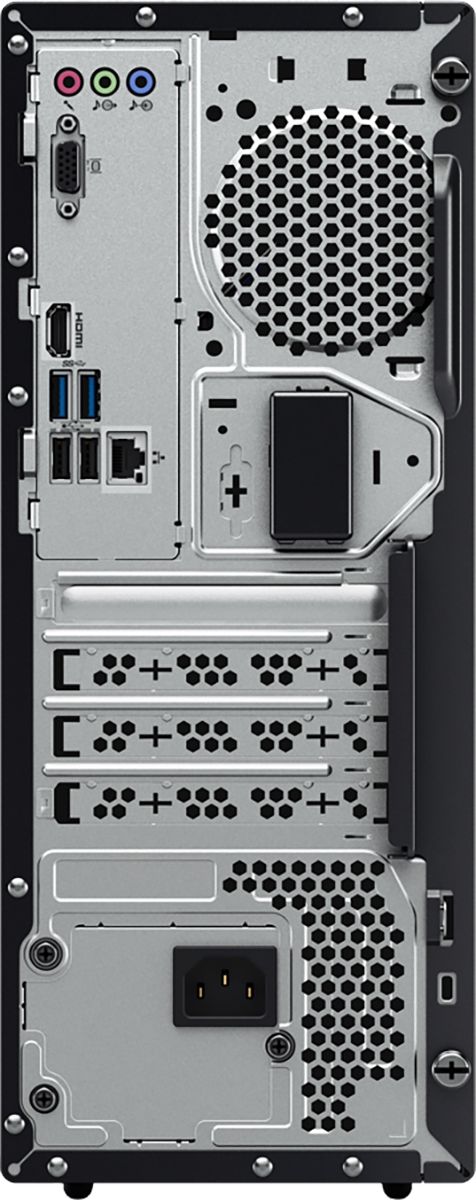
A:AnswerYes, the Lenovo IdeaCentre 510A Desktop, model number 90HV001MUS ships with an ethernet port with 10/100/1000 speed compatibility. There is also the latest 5G, 802.11AC frequency WiFi capability built in to this model too.
A:AnswerThis system comes with the latest version od Windows 10 at the time of manufacture. Upon initial activation of the computer, Windows 10 will automatically update to the current latest version of Windows 10.