A:AnswerIt came with windows 10, you can always install whatever os you want, except ios of course but that might void any warranty. It is a 64 bit system. By the way.
A:AnswerThe fan will run based on the workload the computer is currently under and the heat generated by that workload. If the fan is constantly running, be sure you have the latest version of Windows 10 on the computer, then update all of the BIOS files and drivers up to that latest version of Windows 10. You can easily accomplish this by scanning the computer with the Lenovo Utility software available on this computer. This system has Lenovo utilities installed to help maintain the health of the device and keep the operating system software up to date. Type "Lenovo Vantage" in the Cortana Search window (if Lenovo Vantage is not installed on your device, you can download the APP and install it now). Select Lenovo Vantage from the list. In the window that opens, click on "Health and Support". In the expanded menu, select "Hardware Scan" In the window that opens, select "Run Quick Tests". This will scan your entire system for errors. Follow any directions that may pop up. If the problem continues after this scan, now click on "System Update". First select Windows update from the menu. Scan your system to be sure you have the latest version of Windows 10. Once that scan is complete, select "Additional Updates". This will scan your device to be sure there are no new BIOS/Driver updates needed. Follow any instructions that may pop up. If the operating system software is up to date but the fan continues to run, be sure any software you installed is compatible with Windows 10. There is no need to install Microsoft Office software. The software is already part of the operating system, you just need to activate the software with a purchased product key. If you have installed a copy of Microsoft Office, this is conflicting with the existing copy on the system and this will slow your system down. If you have installed a 3rd party anti-virus program, be sure that Windows Defender is turned off and that the trial version of McAfee Anti-Virus software is uninstalled. There can only be one anti-virus program on the system. You may need to restore your system to original factory default settings if any of the programming errors have occurred. You can do that by typing "restore" in the Cortana search window. Just click on the magnifying glass icon at the bottom left of your Windows 10 Desktop. Click on "Reset This PC" Then click on "Get Started" and follow the on screen directions to restore to factory defaults. If the problem persists, we recommend you contact Lenovo Tech Support at: 877-453-6686.
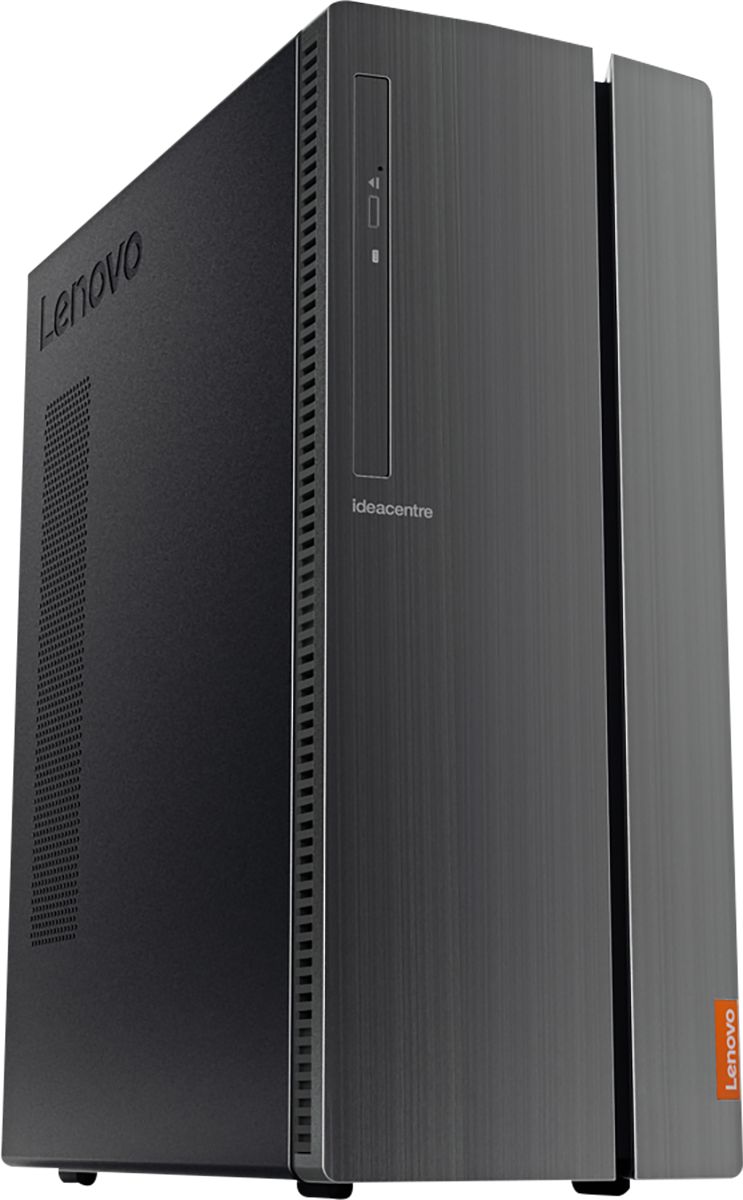
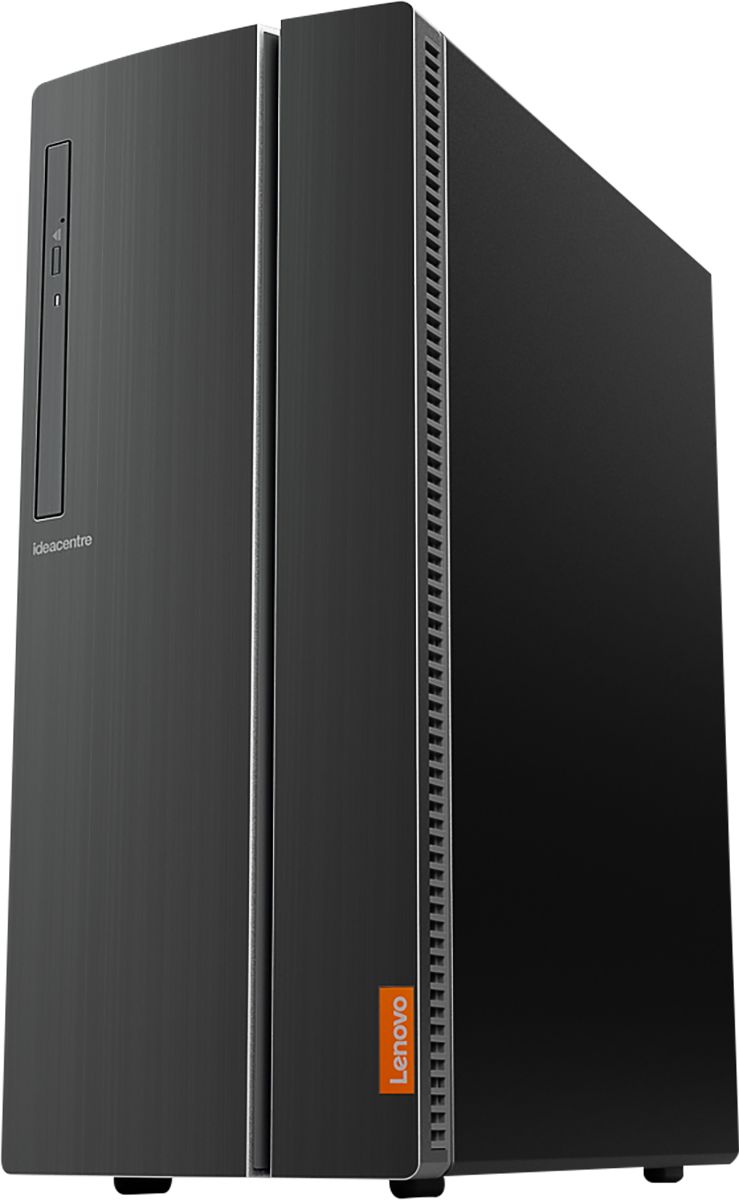
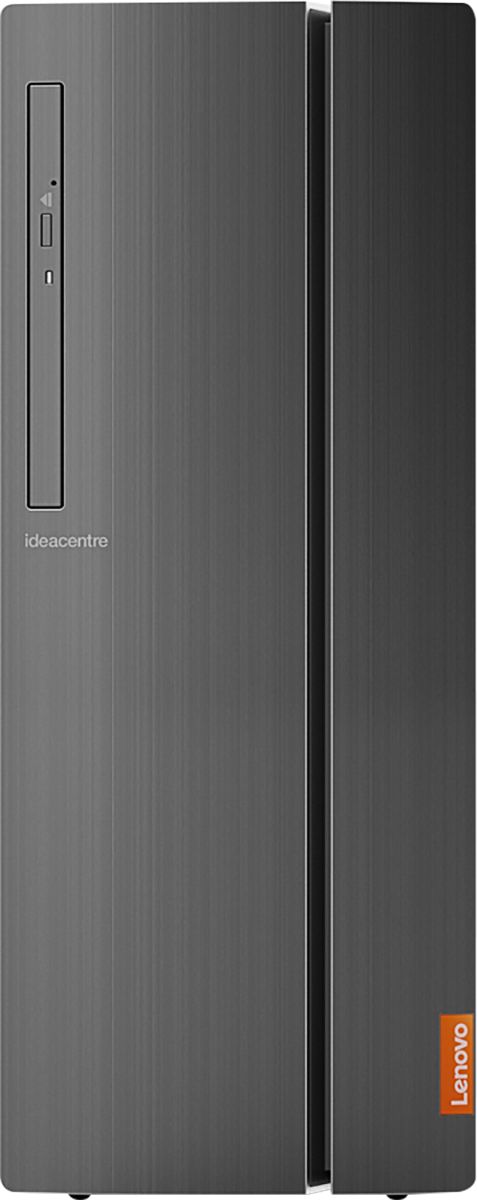
A:AnswerWe are sorry to hear that you are having issues with your Lenovo IdeaCentre 510A Desktop, model number 90HV001MUS. Check your settings for Sleep Mode within Windows 10. Here is a link to adjusting the Sleep and Power Management Modes within Windows 10 for your computer: https://support.microsoft.com/en-us/help/4027067/windows-10-how-to-adjust-power-and-sleep-settings. If the issue continues, we recommend you call Lenovo Tech Support at: 877-453-6686.
A:AnswerThere is a 30-day trial of Microsoft Office 365 included as part of the Windows 10 operating system. In order to keep the program active after the trial period, you will need to purchase a product key. You will not need to download any additional software.
A:AnswerThat will depend on the requirements and compatibility of the specific games you want to play. The Lenovo IdeaCentre 510A Desktop, model number 90HV001MUS, ships with Windows 10 Home 64-bit Operating System. We recommend you check with the game's software publisher's web site for their compatibility with Windows 10 Home 64-bit operating system and the minimum/recommended hardware requirements (Is a Graphics card required, the processor speed and the minimum required system RAM and the minimum available hard drive space) to run their program, then compare those requirements to this system's configuration.
A:AnswerNo. The power supply cannot be upgraded. The included power supply should be more than satisfactory even when upgrading the memory to the maximum (16gb) supported and with the addition of a second hard drive.
A:AnswerThat will depend on the requirements and compatibility of the software you want to use. We recommend you check with the specific software publisher's web sites for their compatibility with Windows 10 Home 64-bit operating system and the minimum/recommended hardware requirements (Is a Graphics card required, the processor speed and the minimum required system RAM and the minimum available hard drive space) to run their program, then compare those requirements to this system's configuration.
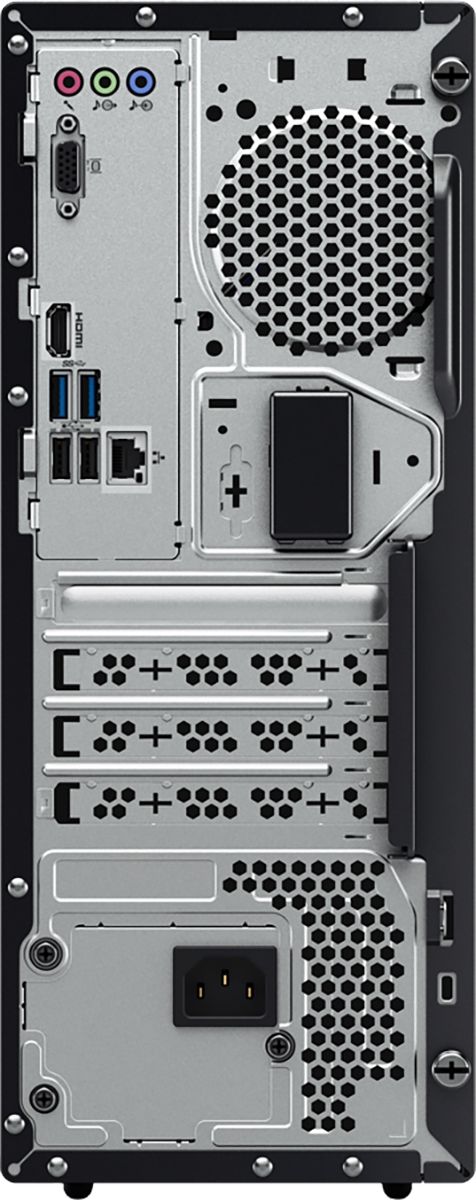
A:AnswerThis is the best computer I've had. It has plenty of USB ports front and back and its operating system is ideal. This computer is an excellent buy. It connects to your in-house WIFI in a blink too.
A:AnswerThat will depend on the requirements and compatibility of the specific game. We recommend you check with the game's software publisher's web site for their compatibility with Windows 10 Home 64-bit operating system and the minimum/recommended hardware requirements (Is a Graphics card required, the processor speed and the minimum required system RAM and the minimum available hard drive space) to run their program, then compare those requirements to this system's configuration.
A:AnswerThat really will depend on the requirements and compatibility of the specific games. We recommend you check with the game's software publisher's web sites for their compatibility with Windows 10 Home 64-bit operating system and the minimum/recommended hardware requirements (Is a Graphics card required, the processor speed and the minimum required system RAM and the minimum available hard drive space) to run their program, then compare those requirements to this system's configuration.
A:AnswerNo. There are no internal speakers. Nor is there a webcam or microphone for video conferencing. Those accessories will need to be purchased separately.
A:AnswerNo. The Lenovo IdeaCentre 510A Desktop, model number 90HV001MUS, ships with integrated graphics processing within the Intel Core i3-8100 processor. It is the integrated Intel UHD Graphics 630 version.
A:AnswerThat will depend on the requirements and compatibility of the specific game. We recommend you check with the game's software publisher's web site for their compatibility with Windows 10 Home 64-bit operating system and the minimum/recommended hardware requirements (Is a Graphics card required, the processor speed and the minimum required system RAM and the minimum available hard drive space) to run their program, then compare those requirements to this system's configuration.