A:AnswerYes. You will just not receive Operating System and security updates any longer. But there could be a time when such updates will be required for the Chromebook to continue functioning.
A:AnswerI have purchased the McAfee. It has been very helpful with ID login and Bank protection I recommend it they have a family option so you can use up to five devices including cell phones
A:AnswerThe Lenovo Chromebook 3 14 model number 82KN0001US, ships with the 64-bit MediaTek MT8183 Processor and 4GB Soldered LPDDR4X-1866MHz RAM. The 32 bit Chrome OS uses less RAM than the 64 bit Chrome OS so the performance is better with the processor/RAM configuration this model has. Battery life also improves thanks to lower system power consumption.
A:AnswerMake sure the APP you are trying to use is compatible with the Chrome Operating System. We recommend you check with the APPs software publisher's web site for the APPs compatibility with the Chrome Operating System. Try uninstalling then reinstalling the APP on to this Lenovo Chromebook 3 14. Try changing the screen resolution on the Chromebook 3 14 from FHD (1920x1080), to HD (1280 x 720). If the issue continues, we recommend you contact Lenovo Tech Support for Chromebooks at: 800-426-7378.
A:AnswerThe Lenovo Chromebook 3 14 is a 110V device. It does ship with a Dual Voltage AC adapter/charger, with a USA compatible wall side plug. To use this Chromebook 3 14 outside the USA, you will need to add a compatible wall side plug adapter, compatible with the country where this Chromebook will be used. This wall side adapter is sold separately.
A:AnswerThat really will depend on the requirements and compatibility of the drawing tablet you want connect to this Lenovo Chromebook 3 14. The Chromebook 3 14 ships with the Chrome Operating System and is compatible with Google Play Store APPs. We recommend you check with the specific drawing tablet's manufacturer's web site for their compatibility with the Chrome operating system and the minimum/recommended hardware requirements (Is a Graphics card required, the processor speed and the minimum required system RAM and the minimum available hard drive space) to run their program, then compare those requirements to this system's configuration.
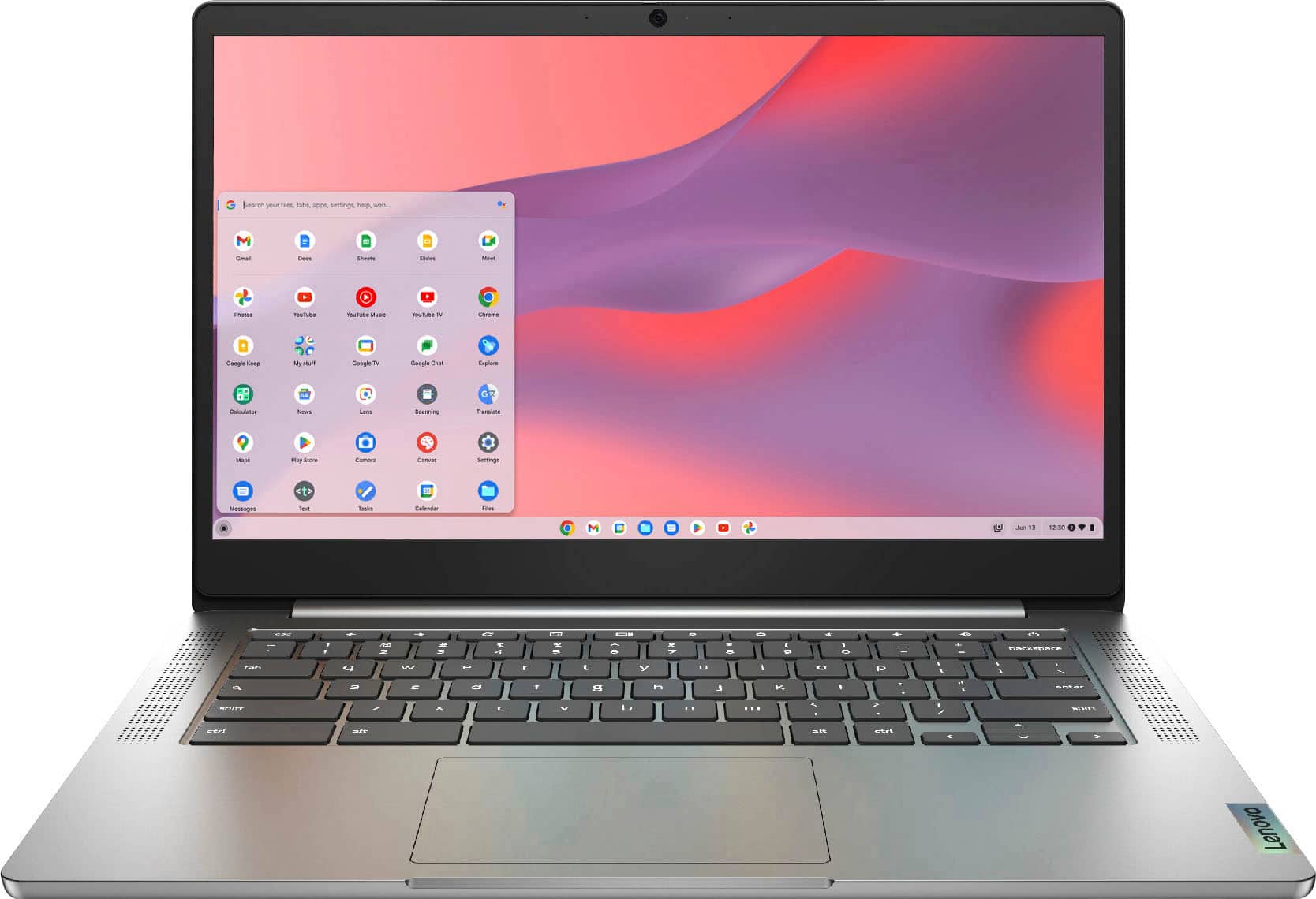
A:AnswerThat will depend on the compatibility and requirements of the scanner you will be using. The Lenovo Chromebook 3 14 is compatible with any multi-function printer/scanner/copier that is compatible with the Chrome Operating System. We recommend you check with the manufacturer of your multi-function scanner/printer/copier for the compatibility of your specific model. To read a PDF for mat document you will need a compatible APP. The Lenovo Chromebook 3 14 is compatible with Google Play Store APPs. We recommend you check with the specific PDF APP software publisher's web site, of the specific PDF APP you want to use, for their compatibility with the Chrome operating system and the minimum/recommended hardware requirements (Is a Graphics card required, the processor speed and the minimum required system RAM and the minimum available hard drive space) to run their program, then compare those requirements to this system's configuration.
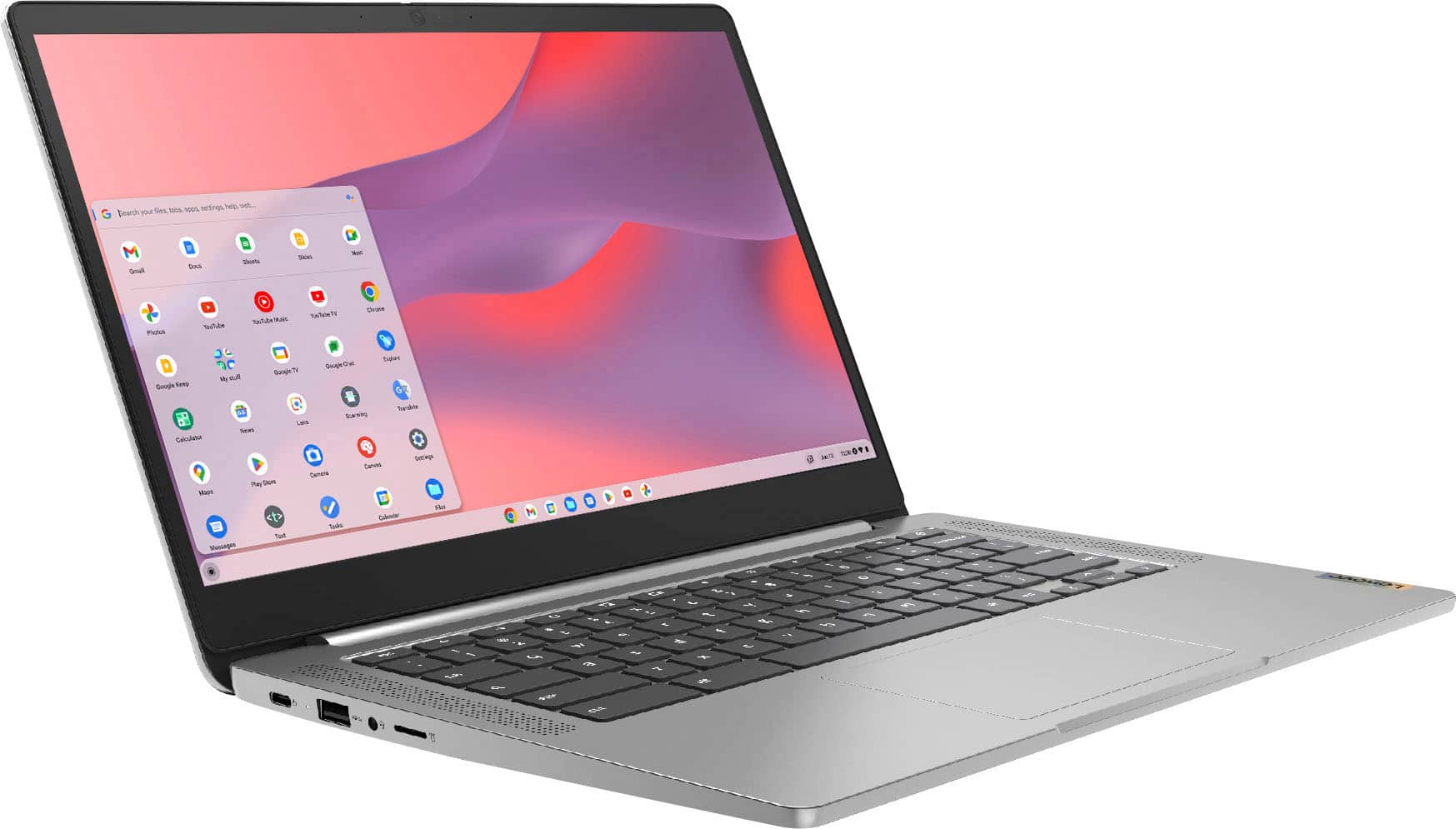
A:AnswerDarn tootin yes you can! And I dare you to! Show everyone that you can!
When my wife left me things were dark, then an angel sent me a little hug in the form of an AOL disk. It took some time and some beer, my language wasn’t always Christian. But I got that installed and now I’m meeting local milfs in my area! Lemme know if you need a referral, if I do my next Disc counts double!
A:AnswerThe Lenovo Chromebook 3 14 does not have a built in CD/DVD drive and there are some major limitations to using a Chromebook external DVD or CD drive. External devices are limited as to storage of readable files, and music files are not, without drivers, which cannot be installed on a Chromebook. ChromeOS users may best best off using an SD Card or External Hard drive. Here is a link to more information about using an external optical drive with a Chromebook: https://cbookreviewguide.com/chromebook-reviews/external-dvd-drive-for-chromebook/
A:AnswerThat will depend on the requirements and compatibility of the specific game APPs you want to play. This Lenovo Chromebook 3 14 ships with the Chrome Operating System and is compatible with Google Play Store APPs. We recommend you check with the specific game's software publisher's web sites, of the game APPs you want to play, for their compatibility with the Chrome operating system and the minimum/recommended hardware requirements (Is a Graphics card required, the processor speed and the minimum required system RAM and the minimum available hard drive space) to run their program, then compare those requirements to this system's configuration.
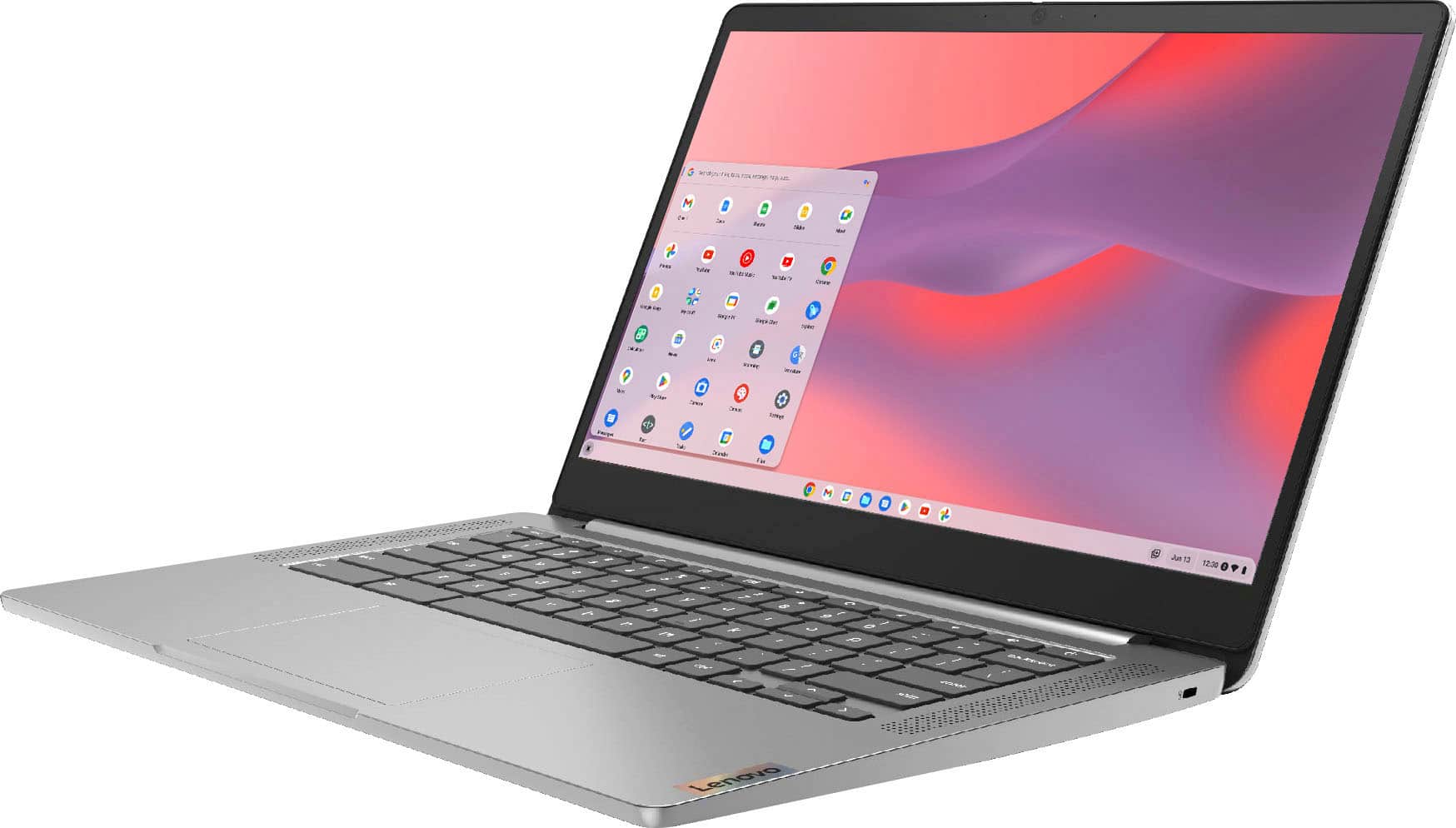
A:AnswerYou can set up Parental Controls on a Chromebook so that: Children can't browse in private.
You can manage which websites children can visit and limit their ability to grant permissions to websites. Here is a link to more information about setting up parental controls on a Chromebook: https://support.google.com/chromebook/answer/7680868?hl=en
A:AnswerThe Lenovo Chromebook 3 14 model number 82KN0001US, is not compatible with any active digital pen. You can use a capacitive touch stylus on the touch screen as a finger replacement, like this one: https://www.bestbuy.com/site/insignia-stylus-silver/3695185.p?skuId=3695185
A:AnswerYou can also wirelessly mirror your Chromebook's entire screen–or just one browser tab–to an external display. That external display just needs a Chromecast or another device that supports Google Cast.
A:AnswerThat will depend on the requirements and compatibility of the specific game you want to play. The Lenovo Chromebook 3 14 ships with the Chrome Operating System and is compatible with Google Play Store APPs. We recommend you check with the specific game's software publisher's web site for their compatibility with the Chrome operating system and the minimum/recommended hardware requirements (Is a Graphics card required, the processor speed and the minimum required system RAM and the minimum available hard drive space) to run their program, then compare those requirements to this system's configuration.
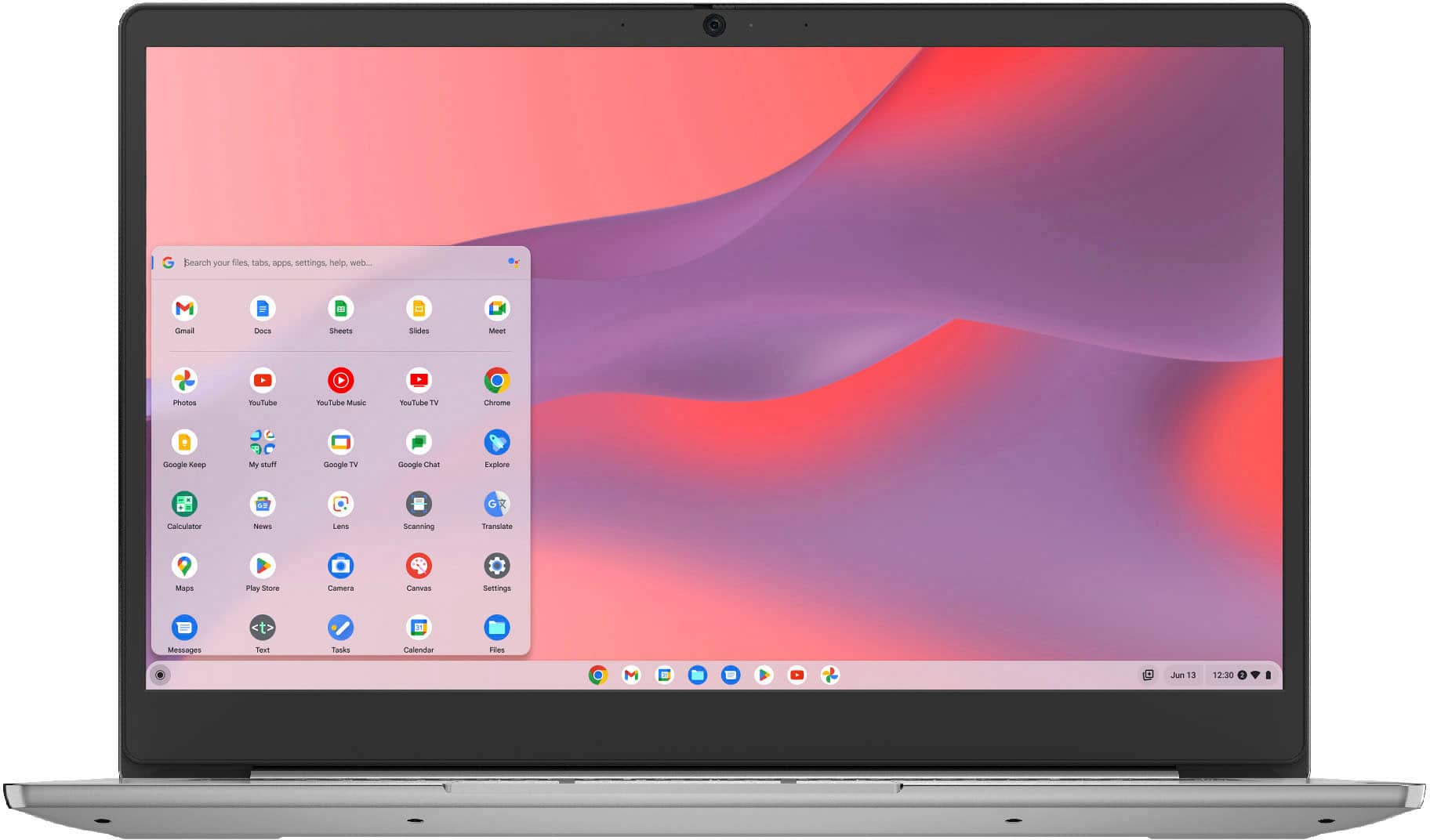
A:AnswerYes. The Lenovo Chromebook 3 14 model number 82KN0001US, ships with an HD (720p) webcam with Privacy Shutter and Dual Array Microphones, built in.
A:AnswerThat will depend on the requirements and compatibility of the specific game you want to play. This Lenovo Chromebook 3 14 ships with the Chrome Operating System and is compatible with Google Play Store APPs. We recommend you check with the specific game's software publisher's web site for their compatibility with the Chrome operating system and the minimum/recommended hardware requirements (Is a Graphics card required, the processor speed and the minimum required system RAM and the minimum available hard drive space) to run their program, then compare those requirements to this system's configuration.