Questions & Answers
- Model:
- 83LN0004US
- |
- SKU:
- 6640898
Highly rated by customers for: Ease of Use
$579.00Your price for this item is $579.00
Page Showing 1-15 of 15 questions
Q: QuestionCan Android games be played on this Chromebook?
Asked by AndrewHG.
- A:Answer Hey AndrewHG, Certain games can be played that are offered via the Google Play Store. Please feel free to reach out to us with any other questions!
Answered by Lenovo Product Expert
Q: QuestionI purchased this lap top 2 days ago and I am trying to reach some "REAL" support. I beleive it was supposed to come with the green help book included. .Also, usually they come with a soft carry cover. Can you please send them to me. T/Y M.McCracken
Asked by holly.
- A:Answer Hey holly, We're sorry to hear that you're having trouble with your system and that there's some confusion with what the system ships with. In the box, there's little documentation to help reduce paper use and this configuration of the Chromebook Plus is not bundled with a sleeve. Should you wish to speak with someone for assistance, feel free to contact your local Best Buy ang Geek Squad or Lenovo Support at this number: 877-453-6686, and we'd be happy to help. Please feel free to reach out to us with any other questions!
Answered by Lenovo Product Expert
Q: QuestionDoes this come with a free year of GeForce now?
Asked by Steve.
- A:Answer Hey Steve, Based on the Chromebook Perk terms for the NVIDIA GeForce NOW offer, you should be able to claim this Perk after system setup at this link: https://www.google.com/chromebook/perks/ | Please feel free to reach out to us with any other questions!
Answered by Lenovo Product Expert
Q: QuestionIs it compatible with USI stylus?
Asked by Steve.
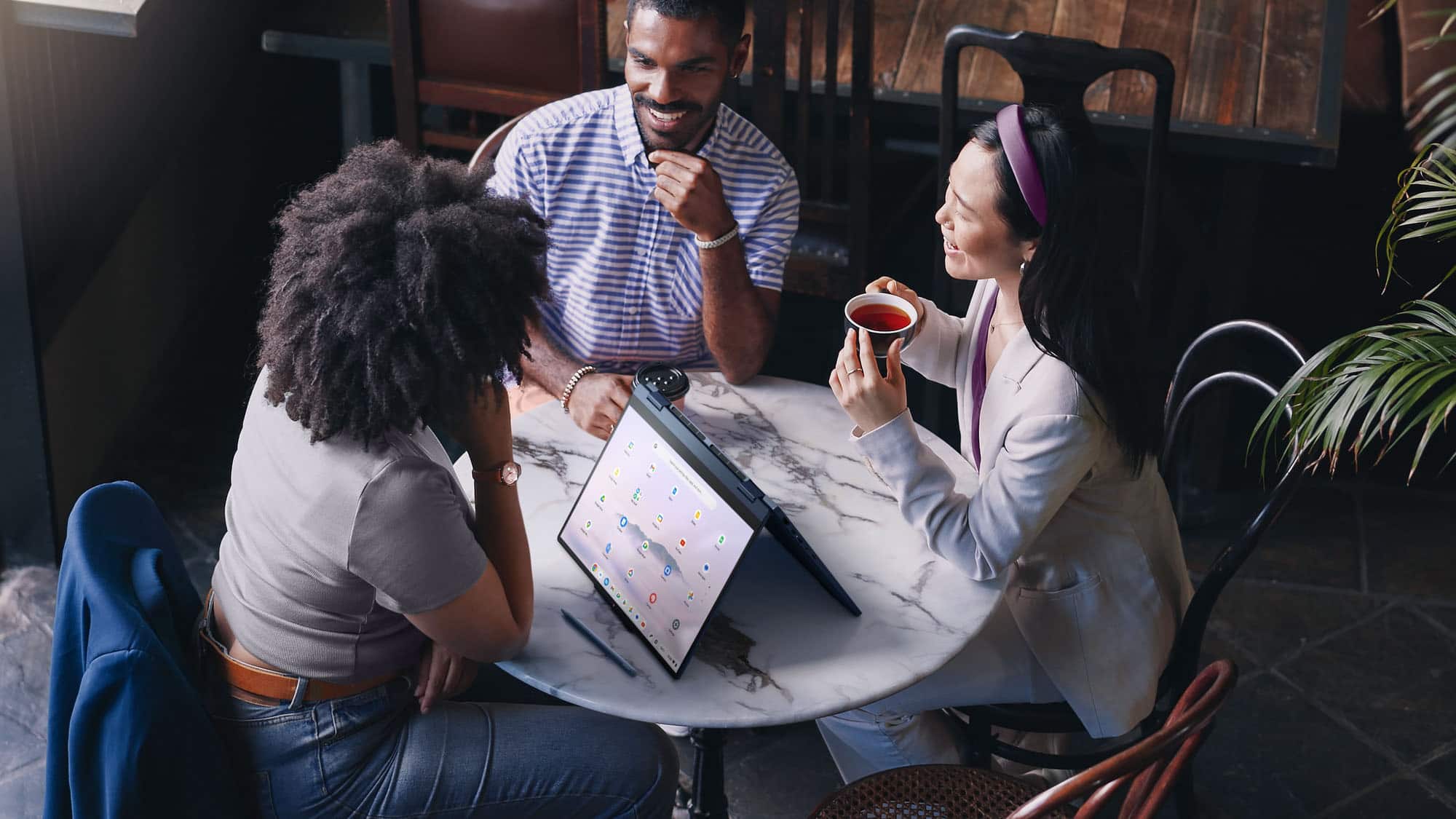
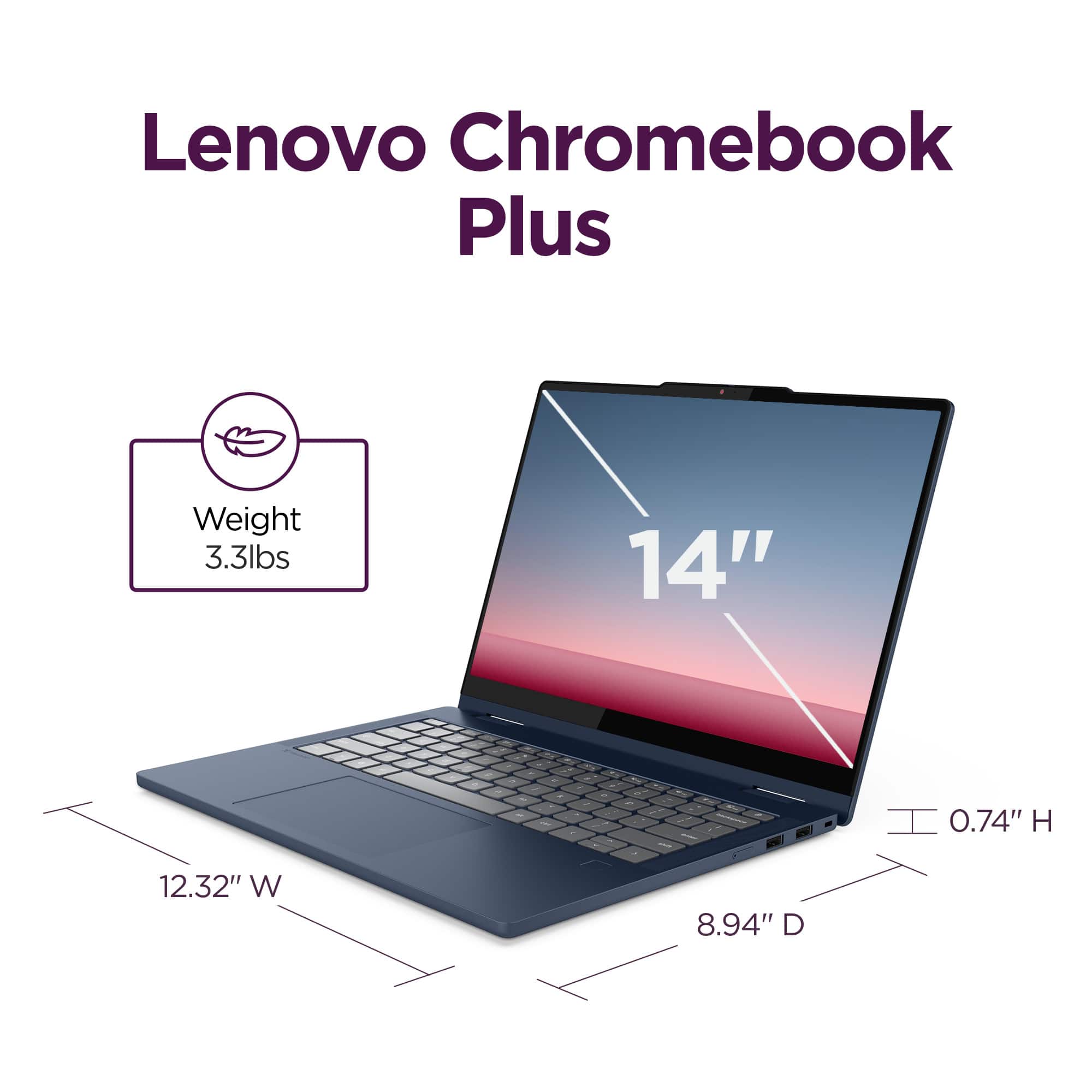
- A:Answer Hey Steve, Yes, you can use a USI Stylus / Pen with this Chromebook, like the Lenovo USI Stylus Pen 2 that's currently offered at Best Buy. Please feel free to reach out to us with any other questions!
Answered by Lenovo Product Expert
Q: QuestionDoes this have a backlit keyboard?
Asked by Liz.
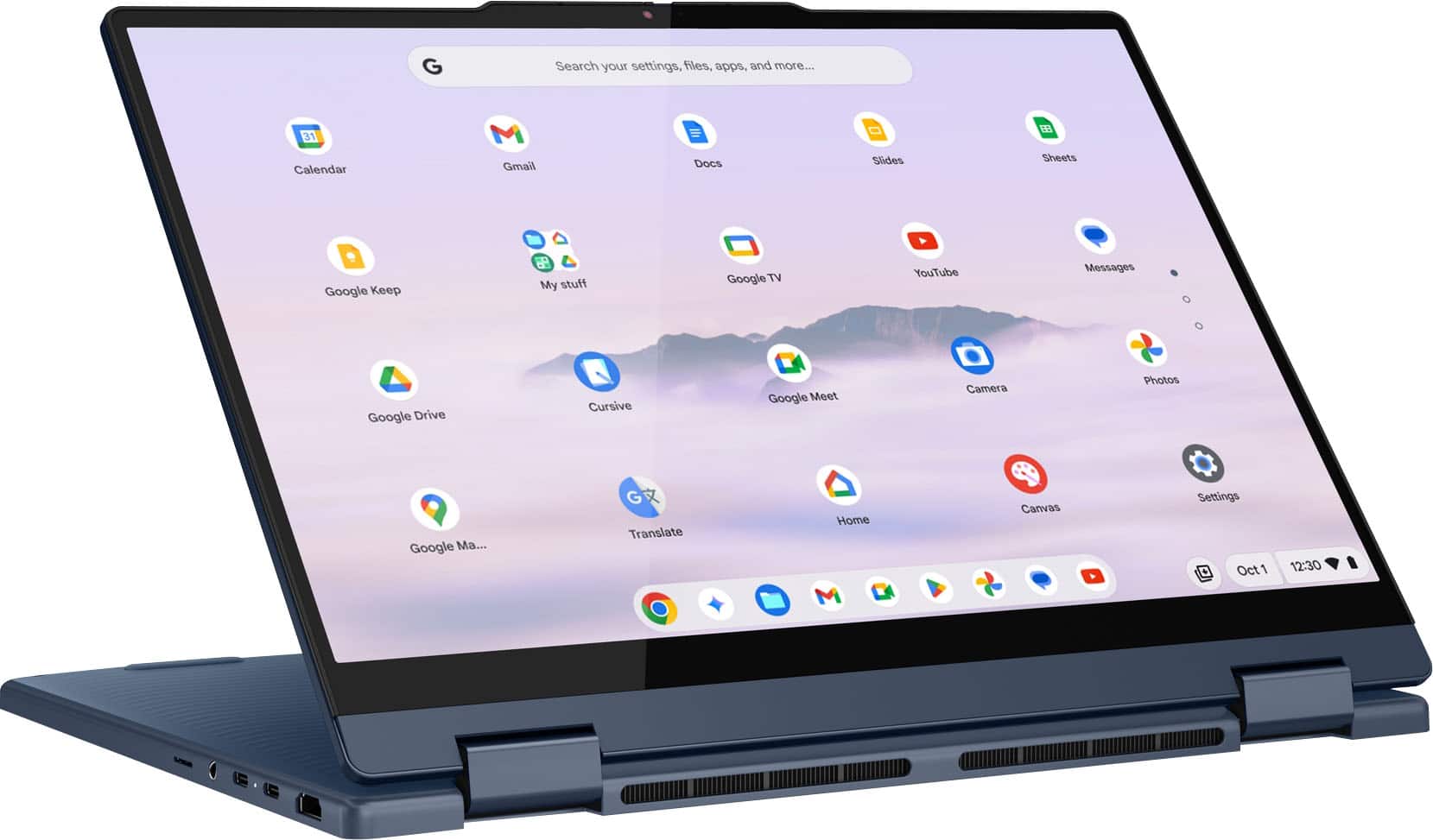
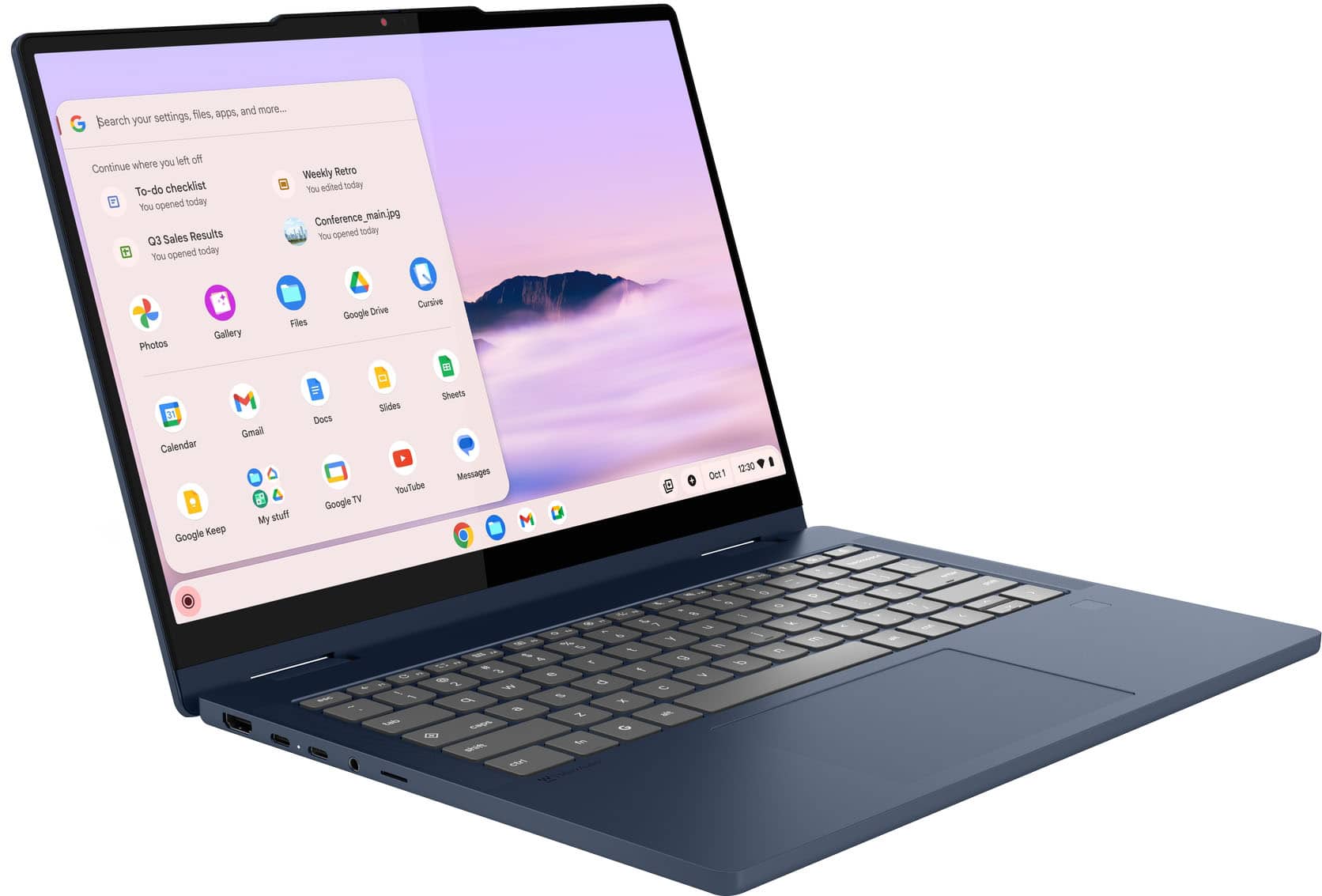
- A:Answer Hey Liz, Yes, this Chromebook Plus 2-in-1 14" does feature a backlit keyboard. Please feel free to reach out to us with any other questions!
Answered by Lenovo Product Expert
Q: QuestionDoes it have a SSD (solid State Drive)
Asked by JohnT.
- A:Answer Hey JohnT, This Chromebook Plus 2-in-1 does not feature an SSD, but rather UFS storage. While the drive in this system may perform somewhat slower than a traditional SSD, it still provides high speed data transfer, write/rewrite speeds while conserving more power. Please feel free to reach out to us with any other questions!
Answered by Lenovo Product Expert
Q: QuestionDoes this Chromebook have a finger print scanner
Asked by Xavier.
- A:Answer Hey Xavier, Yes, the Chromebook Plus 2-in-1 14" does feature a touch style fingerprint reader on the palm rest. Please feel free to reach out to us with any other questions!
Answered by Lenovo Product Expert
Q: QuestionHow long will this chromebook receive chrome updates?
Asked by BJ.
- A:Answer Hey BJ, The Chromebook Plus 2-in-1 (14", 10) is currently scheduled to receive automatic updates until June 2033. Please feel free to reach out to us with any other questions!
Answered by Lenovo Product Expert
Q: QuestionDoes this Chromebook have a fingerprint reader on it?
Asked by Morycua.
- A:Answer Yes it does, I have it and it is great!
Answered by Mikeyt1818
Q: QuestionIs this Chromebook made out of good material? Aluminum
Asked by Hollywood.
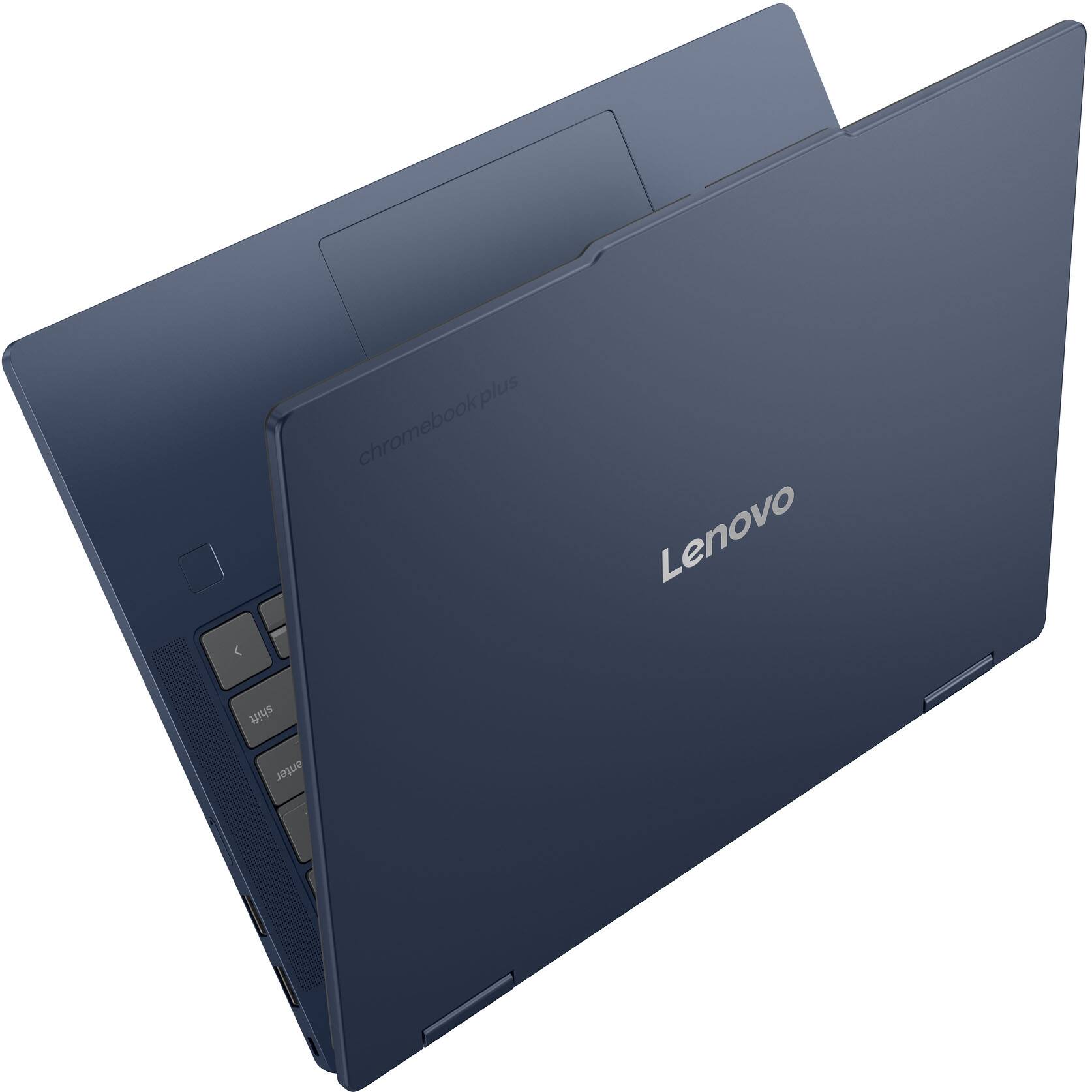
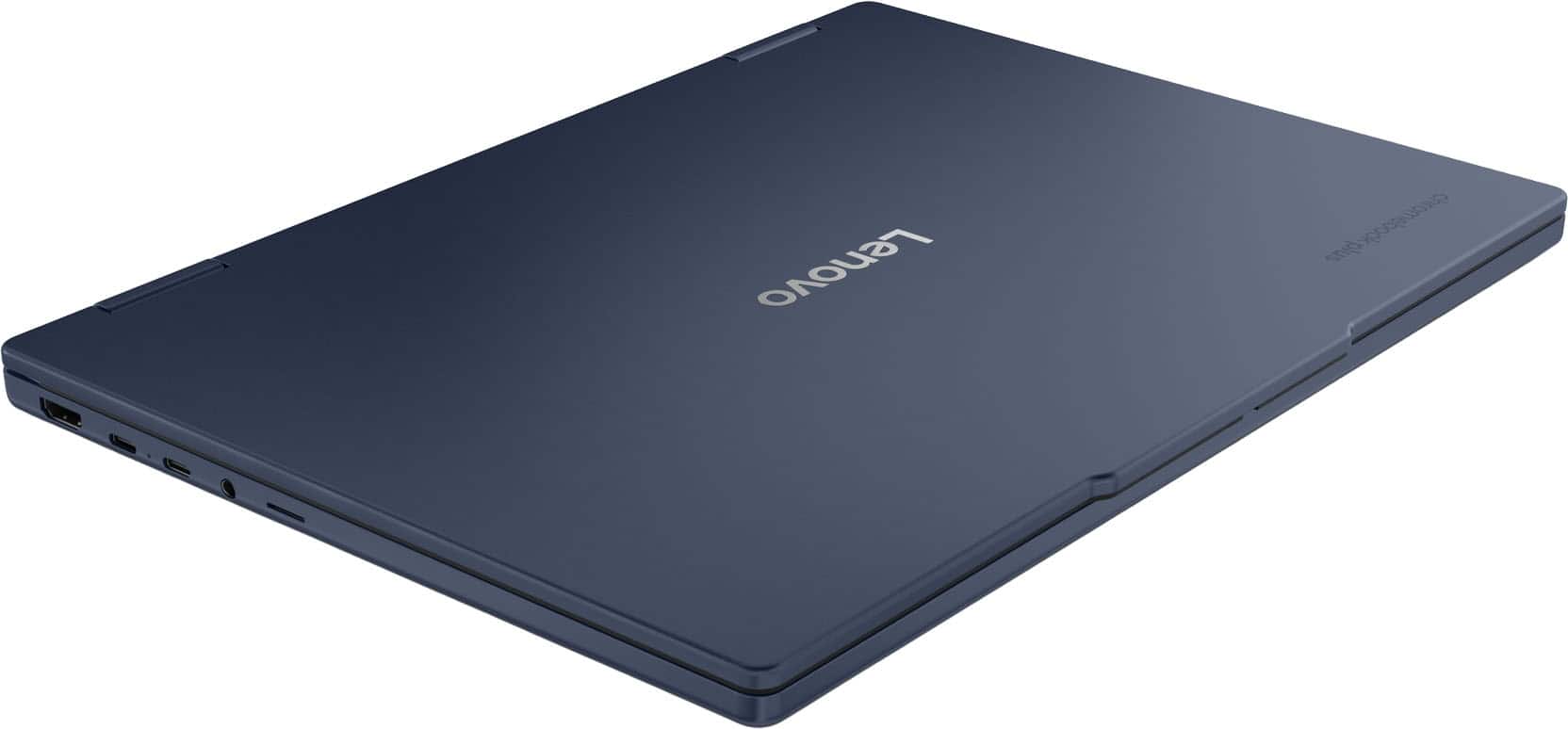
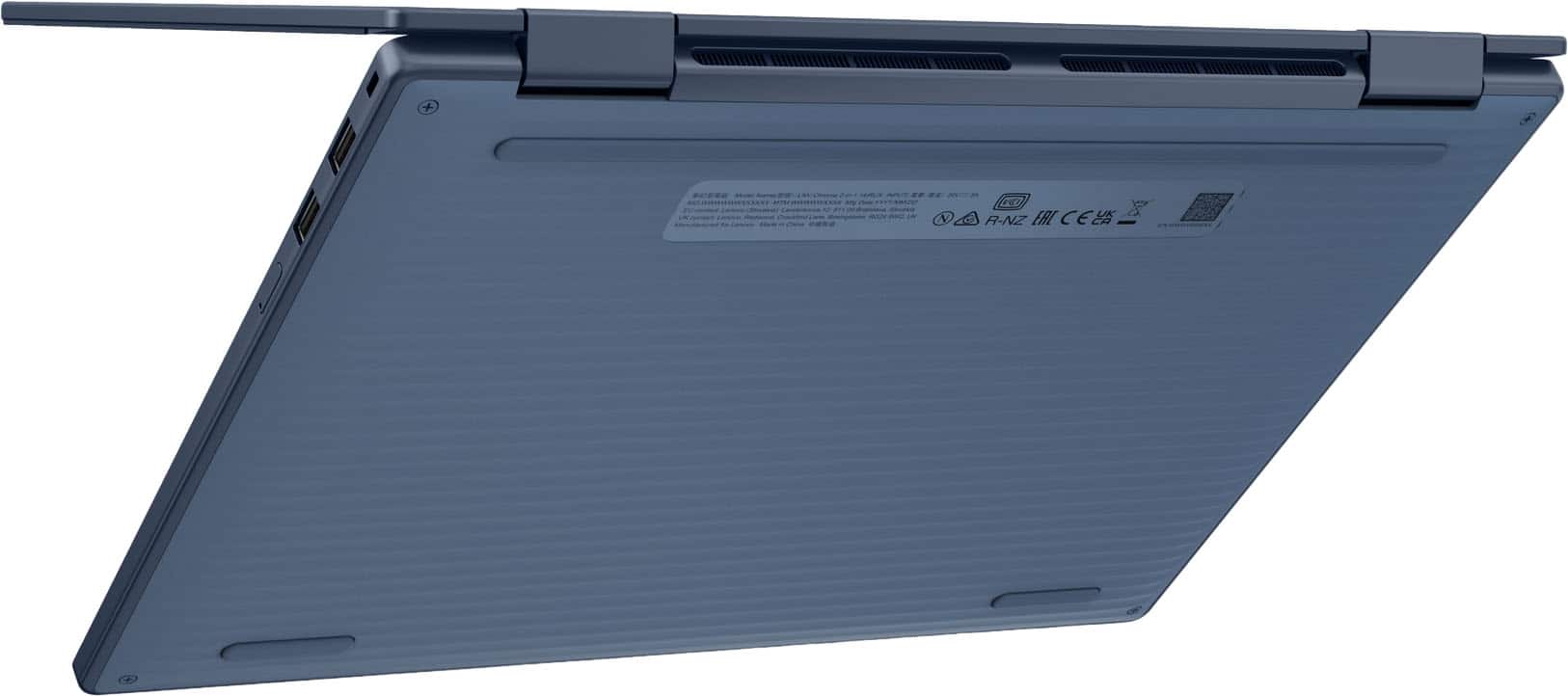
- A:Answer Yes, a very nice feel to the aluminium build.
Answered by Mikeyt1818
Q: QuestionCan this lenovo chromebook plus internal storage be upgraded to a higher ufs storage?
Asked by SaulC94.
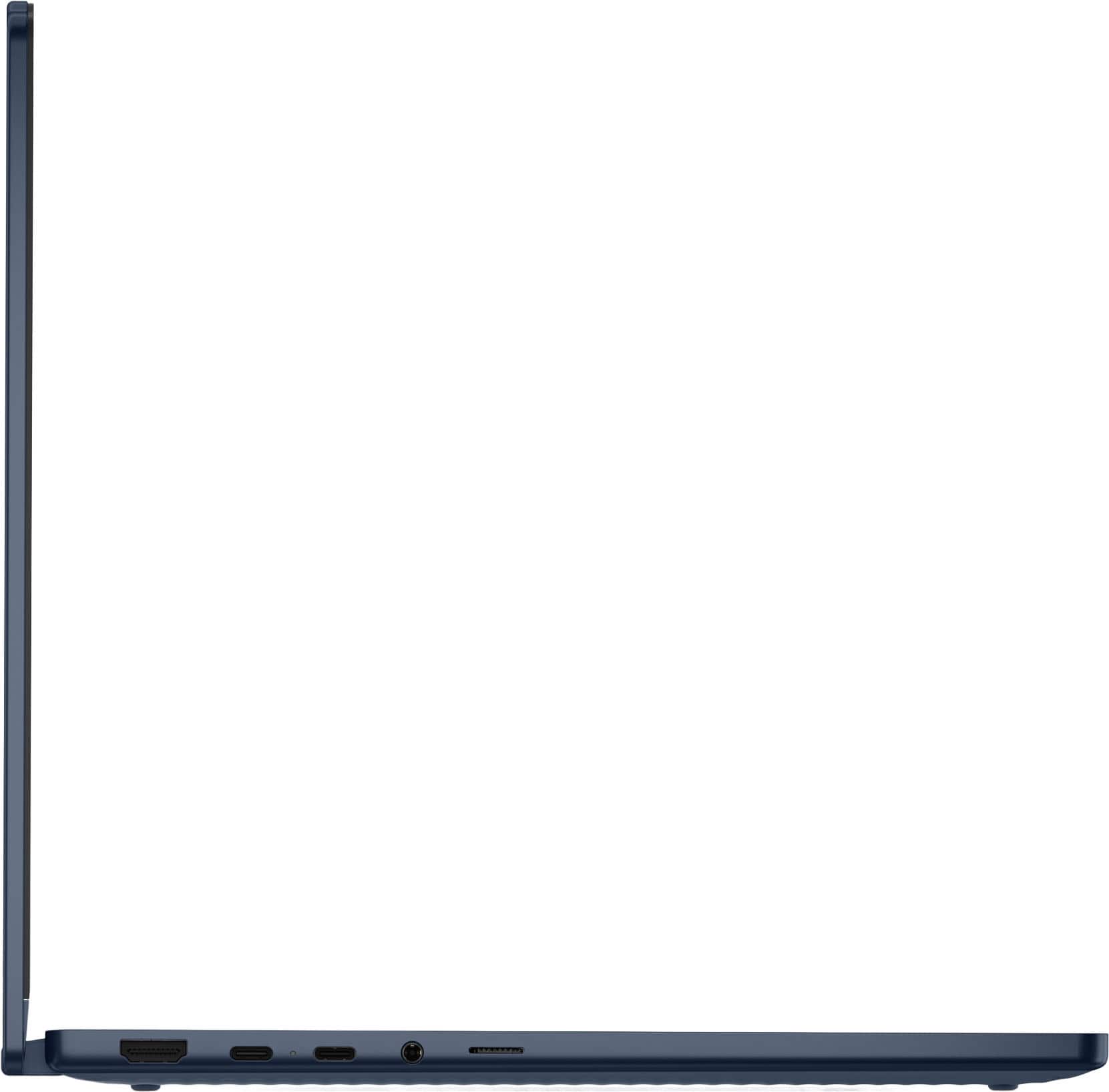
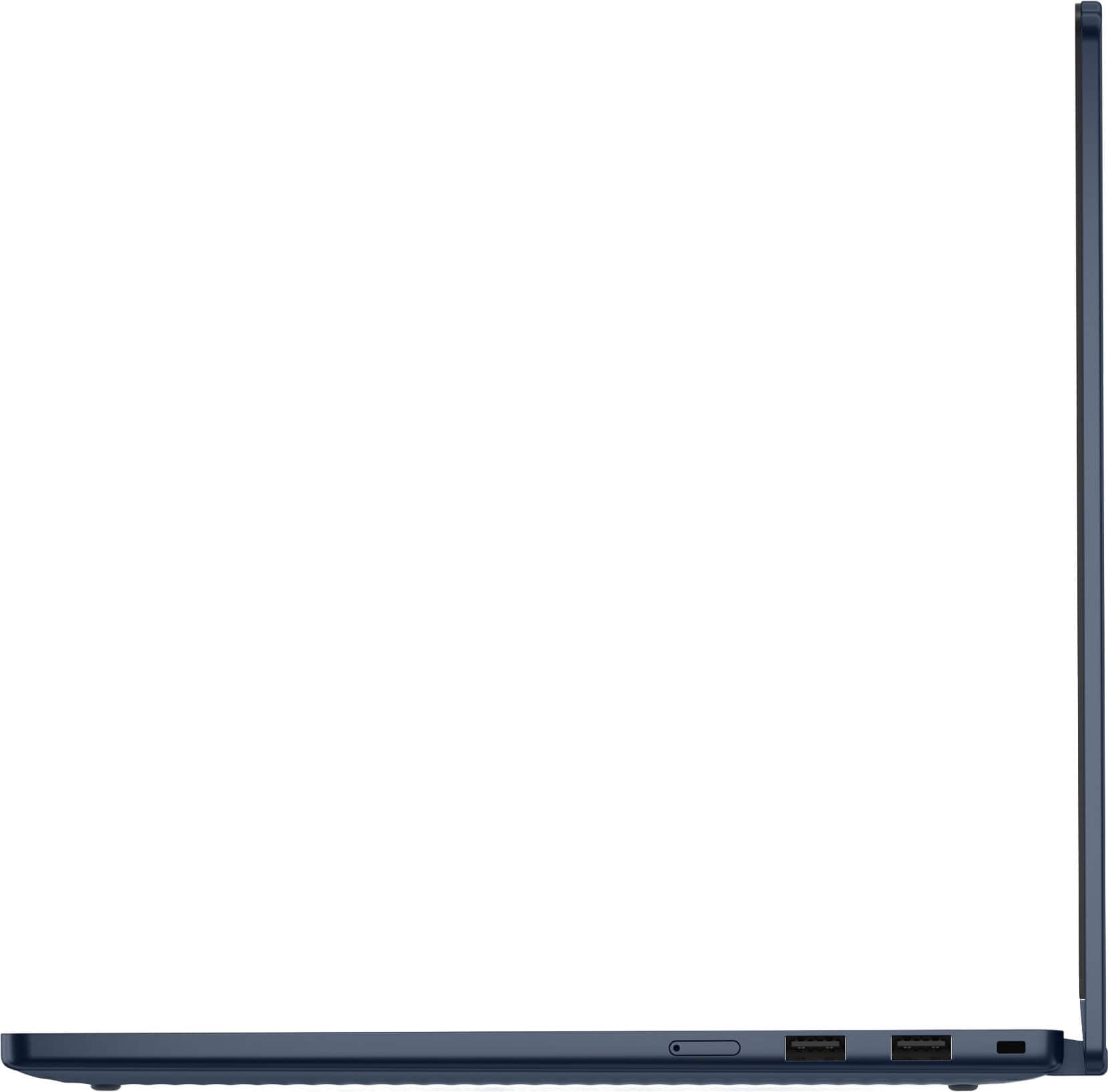
- A:Answer Hey SaulC94, While you cannot expand internal storage due to it being UFS storage that's installed on the systemboard, you can use a microSD card more storage space. Please feel free to reach out to us with any other questions!
Answered by Lenovo Product Expert
Q: QuestionCan this computer use a USI pen ?
Asked by Pierluigi.
- A:Answer Hey Pierluigi, Yes, you can use a USI Stylus / Pen with this Chromebook, like the Lenovo USI Stylus Pen 2 that's currently offered at Best Buy. Please feel free to reach out to us with any other questions!
Answered by Lenovo Product Expert
Page 1, Showing 1-15 of 15 questions
Top Rated
- $189.00Your price for this item is $189.00$399.00The comparable value for this item is $399.00
- $199.00Your price for this item is $199.00$429.00The comparable value for this item is $429.00
- $284.00Your price for this item is $284.00$479.00The comparable value for this item is $479.00
- $399.00Your price for this item is $399.00$629.00The comparable value for this item is $629.00
- $679.00Your price for this item is $679.00$749.00The comparable value for this item is $749.00
- $399.00Your price for this item is $399.00$599.00The comparable value for this item is $599.00
- $449.00Your price for this item is $449.00
- $549.00Your price for this item is $549.00$599.00The comparable value for this item is $599.00
- $250.00Your price for this item is $250.00$269.00The comparable value for this item is $269.00
- $349.00Your price for this item is $349.00$499.00The comparable value for this item is $499.00


![Sure, here is the corrected and grouped text from the image:
---
**Top Row:**
- esc
- F1
- F2
- F3
- F4
- F5
- F6
- F7
- F8
- F9
- F10
- F11
- F12
- backspace
**Second Row:**
- tab
- q
- w
- e
- r
- t
- y
- u
- i
- o
- p
- [
- ]
- \
- enter
**Third Row:**
- shift
- z
- x
- c
- v
- b
- n
- m
- ,
- .
- /
- shift
**Fourth Row:**
- ctrl
- fn
- G
- alt
- spacebar
- alt
- ctrl
**Function Keys:**
- esc
- F1
- F2
- F3
- F4
- F5
- F6
- F7
- F8
- F9
- F10
- F11
- F12
- backspace
**Top Row:](https://pisces.bbystatic.com/image2/BestBuy_US/images/products/040d1830-b2a2-4cbd-9dd2-b9cfb48ecfff.jpg;maxHeight=54;maxWidth=54;format=webp)


![Search your settings, files, apps, and more...
Photos
Adobe Photoshop
Files
Google Drive
Spotify
Calendar
Gmail
Docs
Slides
Sheets
LumaFusion
My stuff
Adobe Express
YouTube
Messages
Google Drive
Cursive
Google Meet
Camera
Photos
Google Maps
Google
Google Play
YouTube
esc
tab
q
w
e
r
t
y
u
i
o
p
caps
a
s
d
f
g
h
j
k
l
shift
z
x
c
v
b
n
m
shift
ctrl
fn
alt
backspace
enter
backspace
tab
caps
shift
ctrl
alt
fn
ctrl
alt
esc
1
2
3
4
5
6
7
8
9
0
-
=
backspace
tab
q
w
e
r
t
y
u
i
o
p
[
]
\
enter
shift
a
s
d
f
g
h
j
k
l
;
'
"
shift
z
x](https://pisces.bbystatic.com/image2/BestBuy_US/images/products/e9f83daa-37cc-49cc-b2df-a24a705c741b.jpg;maxHeight=54;maxWidth=54;format=webp)