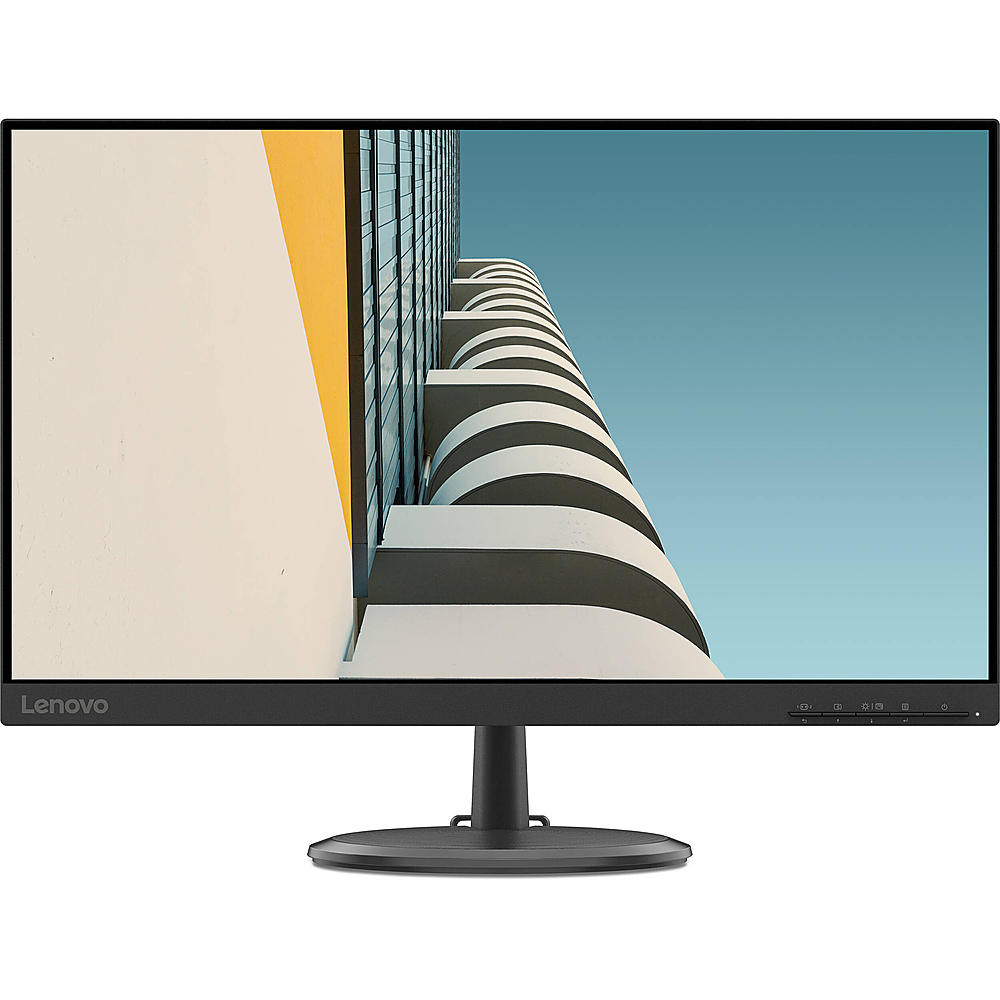
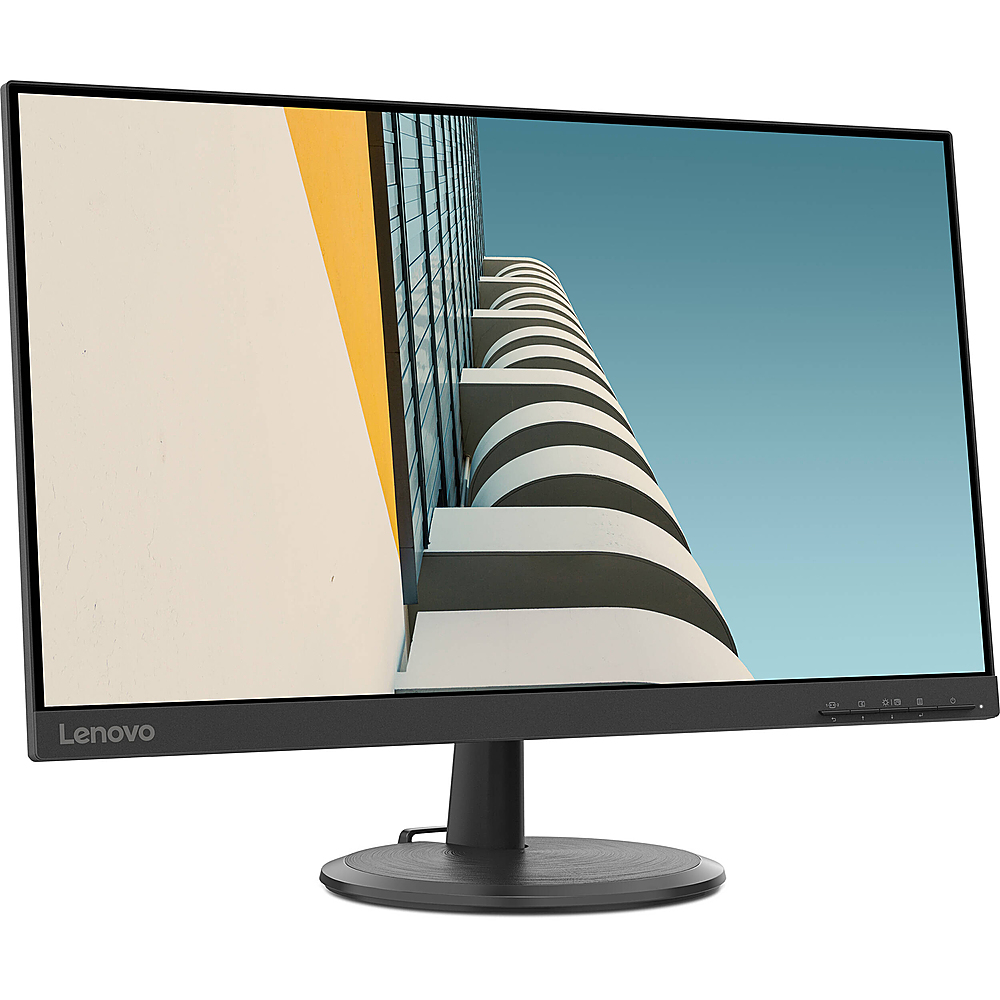
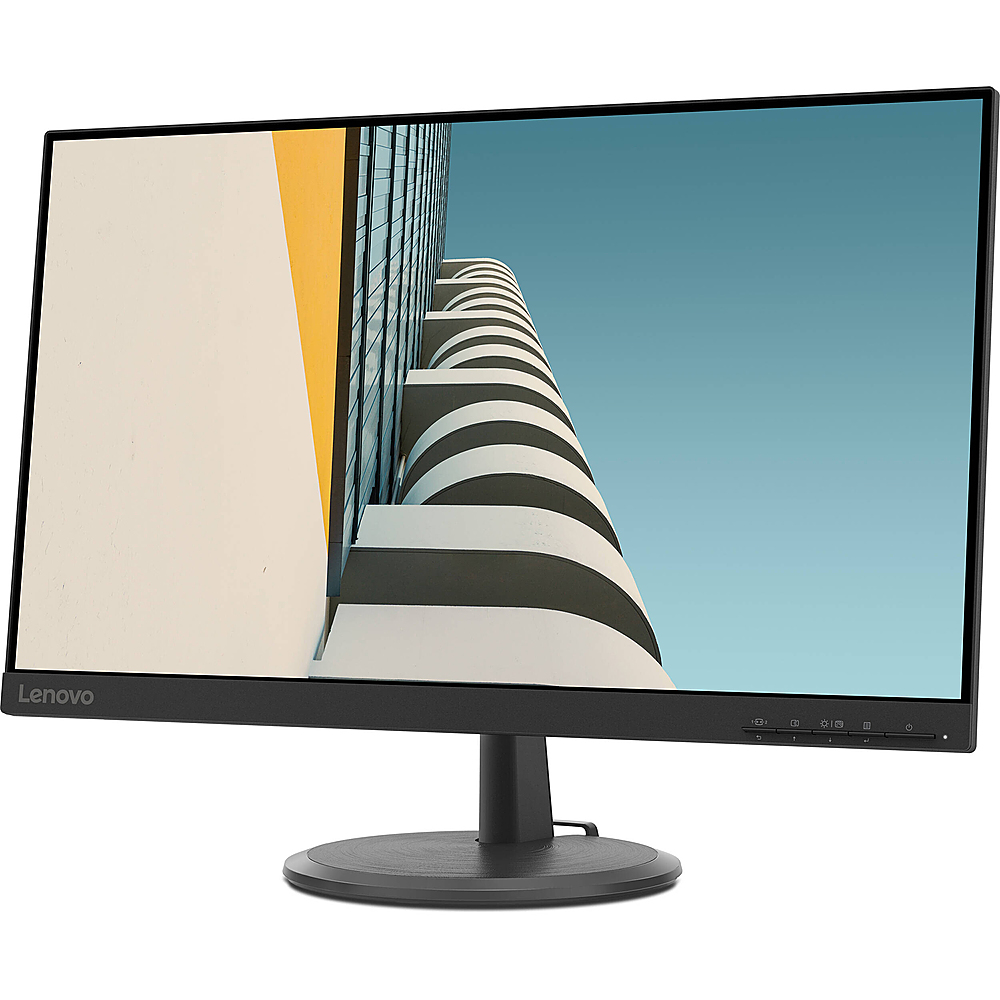
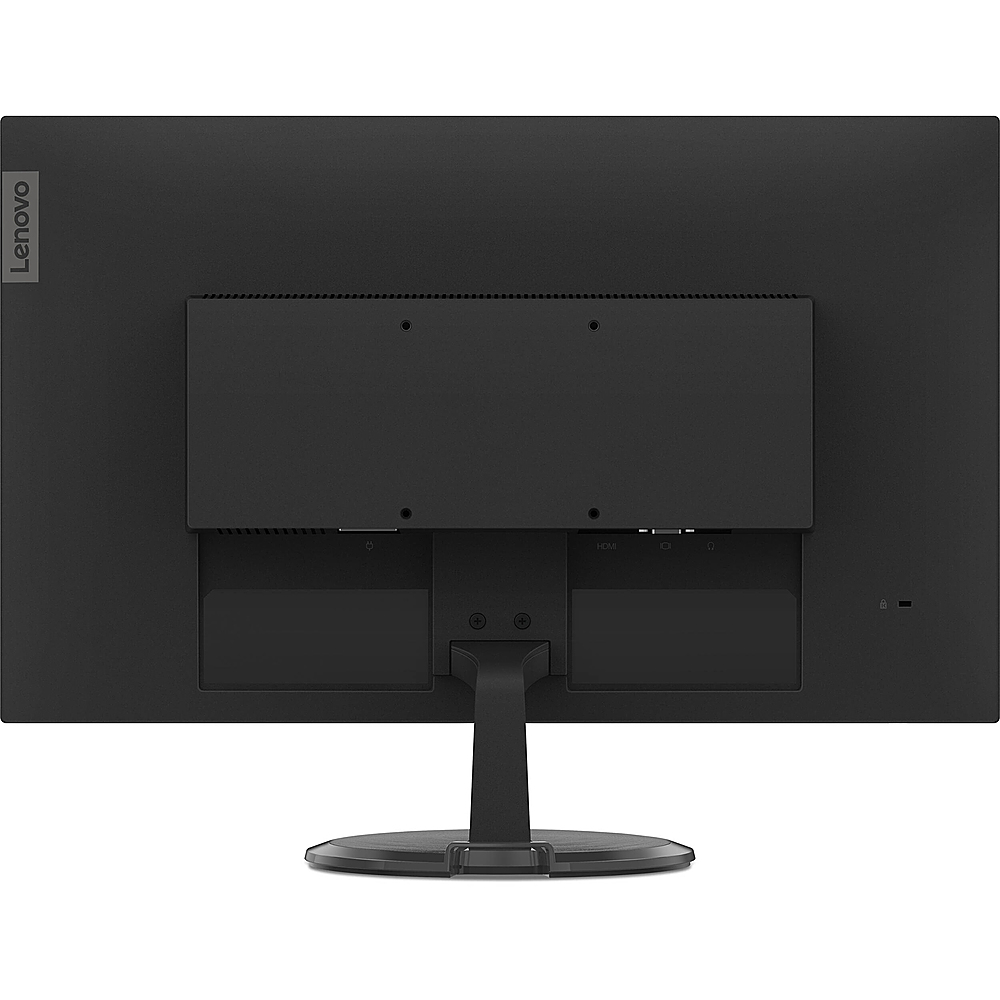
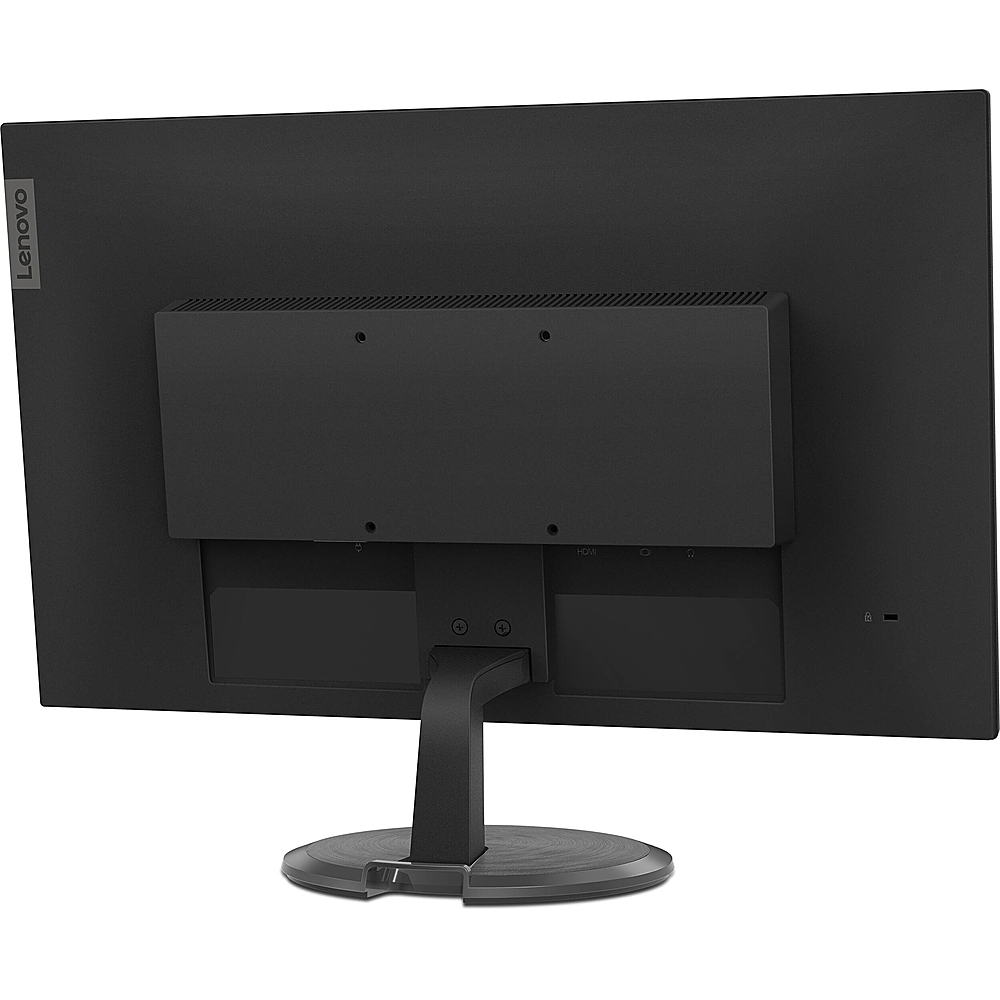
A:AnswerThis Lenovo D24-20 Monitor, model number 66AEKCC1US, ships with WHAT’S IN THE BOX -
Monitor with stand, 1 x Power cable (1.8 m), 1 x HDMI cable (1.8 m), Quick setup guide.
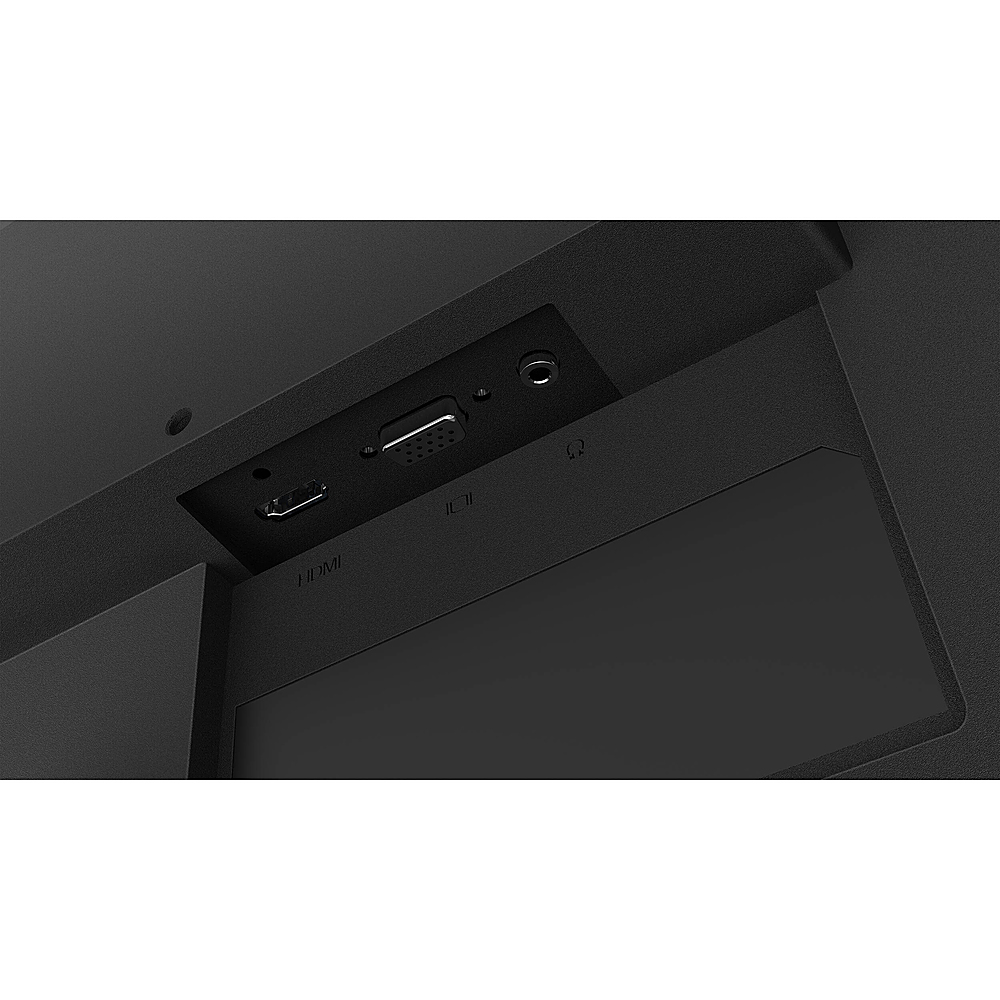
A:AnswerThe Lenovo D24-20 Monitor ships with an HDMI cable. To connect to a VGA compatible computer, you will need a VGA to HDMI adapter like this one, plus a standard VGA cable: https://www.bestbuy.com/site/insignia-hdmi-to-vga-adapter-black/1577417.p?skuId=1577417
A:AnswerThe screen will tilt when you manually adjust it, forward to a plus 5-Degrees or backward to a minus 22-Degrees. Here is a link to the user guide for this monitor with illustrations of the screen movement: https://download.lenovo.com/consumer/monitor/d24_20_ug_en.pdf