Deals Worth GiftingShop now

Main Content

Questions & Answers

Your price for this item is $113.99
Clearance
The comparable value price is $189.00
Page Showing 1-20 of 74 questions
  • QuestionWhat is the ChromeOS Auto Update Ending date?

    Asked by Dennis.

    • Answer I bought this device and checked the AUE date in settings and it is actually June 2027. Five years out is excellent but it is NOT 2028.

      Answered by Dennis

  • QuestionI'm 76 years old I'm having Geek Squad come and set up this computer and transfer all our pictures from our old computer to this computer. This is all we are going to us it for will this be a good computer for our pictures?

    Asked by barb.

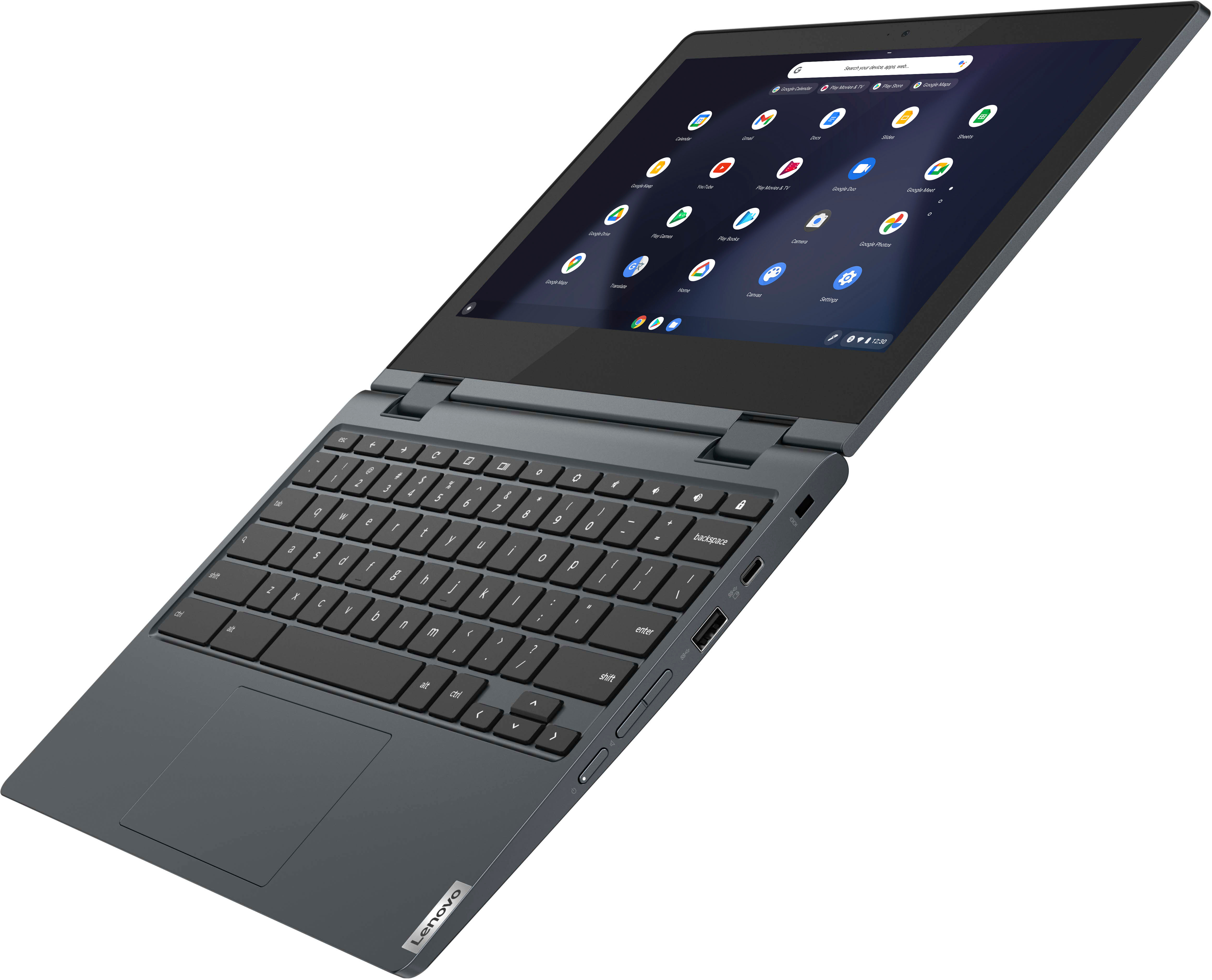
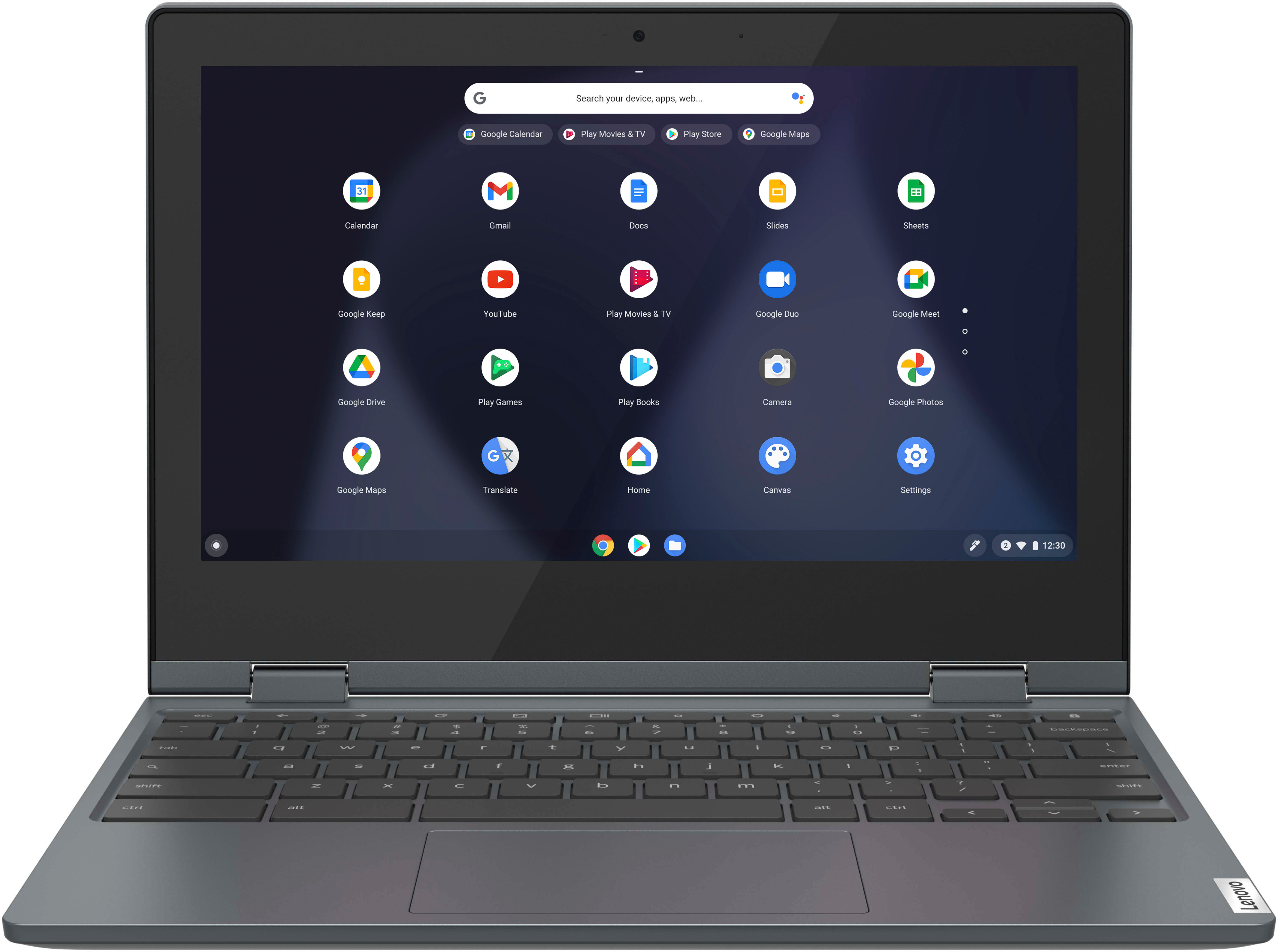
    • Answer This Lenovo Flex 3 11 Chromebook, model number 82BB000AUS, ships with a 64GB eMMC 5.1 solid state hard drive, soldered on the systemboard and is not upgradeable. The average size of digital images shot in 12MP resolution works out to about 5.2MB. Using that figure, 64GB of storage space will be able to hold about 12,600 JPEG images. So depending on how many photos you have, you can estimate how much of the available hard drive space on this Lenovo Flex 3 11 Chromebook you will need to use. You should always leave approximately 20 Percent of the available hard drive space open. Some other things to consider: This Lenovo Flex 3 11 Chromebook also has a MicroSD Card Slot that can be used with a MicroSD Card to expand your total storage space. The MicroSD Card is sold separately, if you choose to use one. Finally, this Lenovo Flex 3 11 Chromebook uses the Chrome Operating System and is compatible with these formats of media/Image files: Media: .3gp, .avi, .mov, .mp4, .m4v, .m4a, .mp3, .mkv, .ogv, .ogm, .ogg, .oga, .webm, .wav. Images: .bmp, .gif, .jpg, .jpeg, .png, .webp.
      Answered by Lenovo Product Expert

  • QuestionIs there an HDMI input?

    Asked by RobbMitchie.

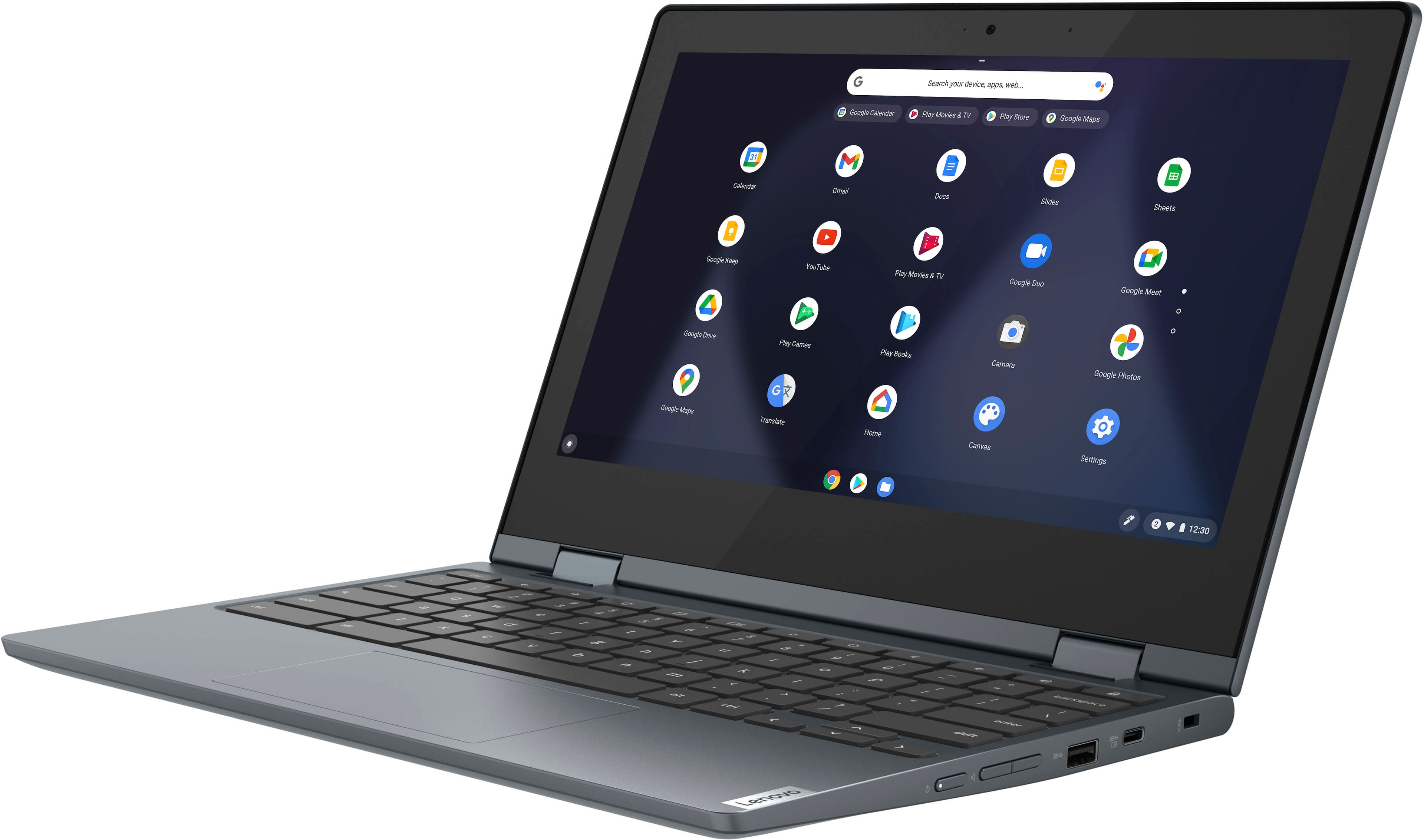
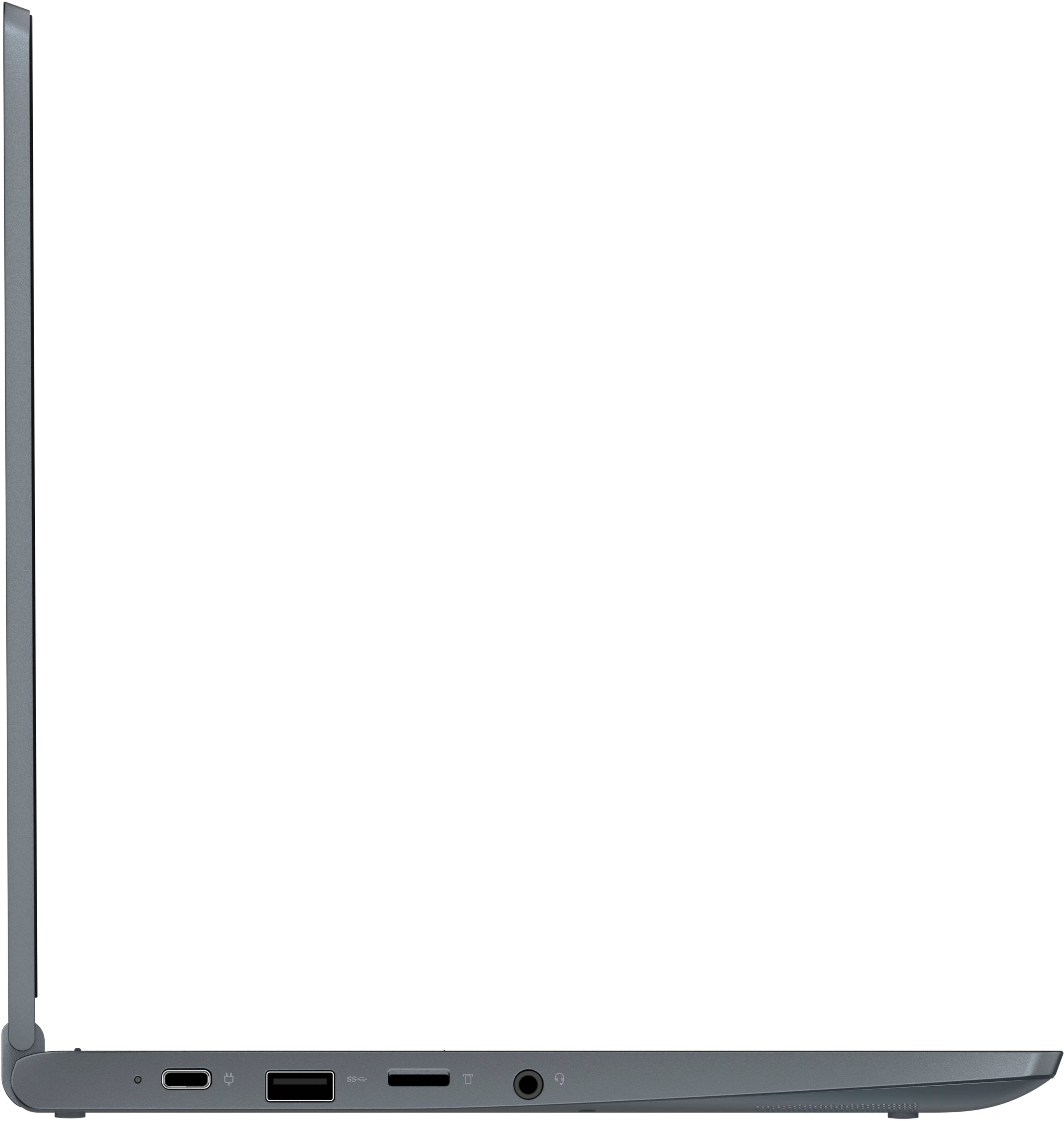
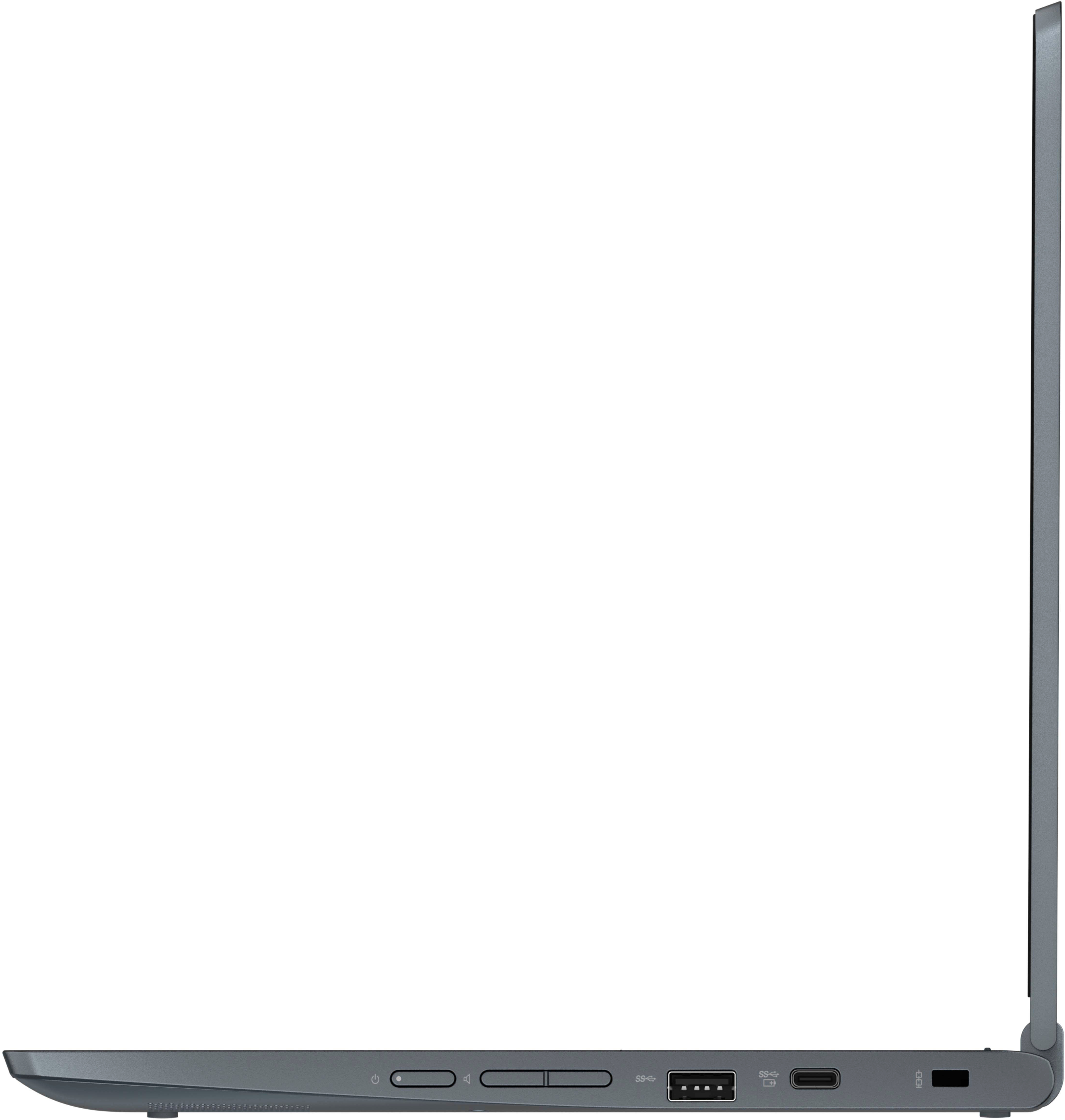
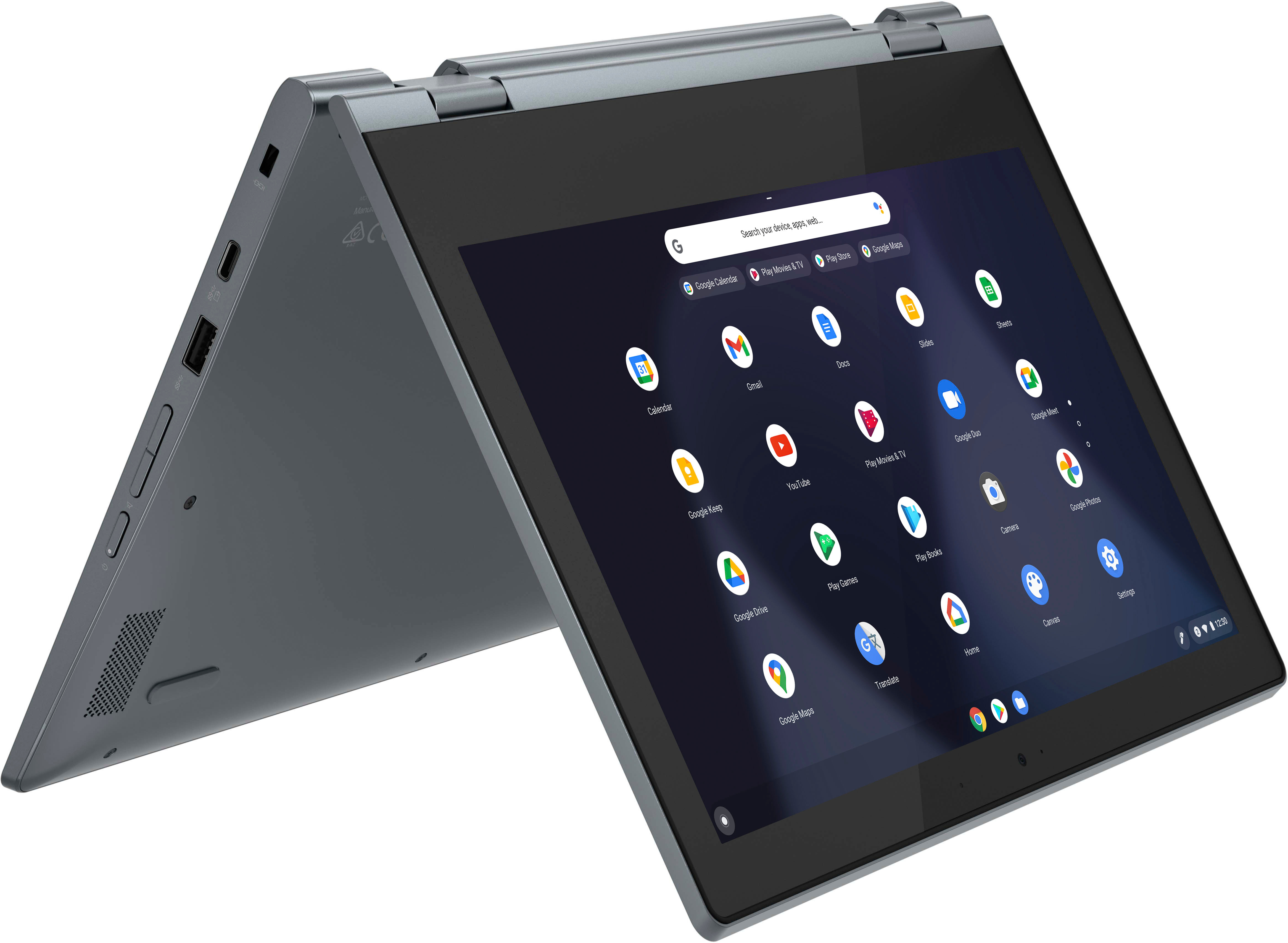
    • Answer No. This Lenovo Flex 3 11 Chromebook, model number 82BB000AUS, ships with these ports: 2x USB 3.2 Gen 1, 2x USB-C 3.2 Gen 1 (support data transfer, Power Delivery, and DisplayPort 1.1a) with video out, 1x Card reader, 1x Headphone / microphone combo jack (3.5mm) and supports up to 3 independent displays (native display and 2 external monitors via USB-C). USB-C supports up to 4096x2160@60Hz. You can connect an HDMI monitor to this Flex 3 11 Chromebook by using a USB-c to HDMI adapter, like this one: https://www.bestbuy.com/site/insignia-usb-c-to-hdmi-adapter-black/6473497.p?skuId=6473497

      Answered by Lenovo Product Expert

  • QuestionHow bright does the screen get? Is it IPS or TN?

    Asked by Anonymous.

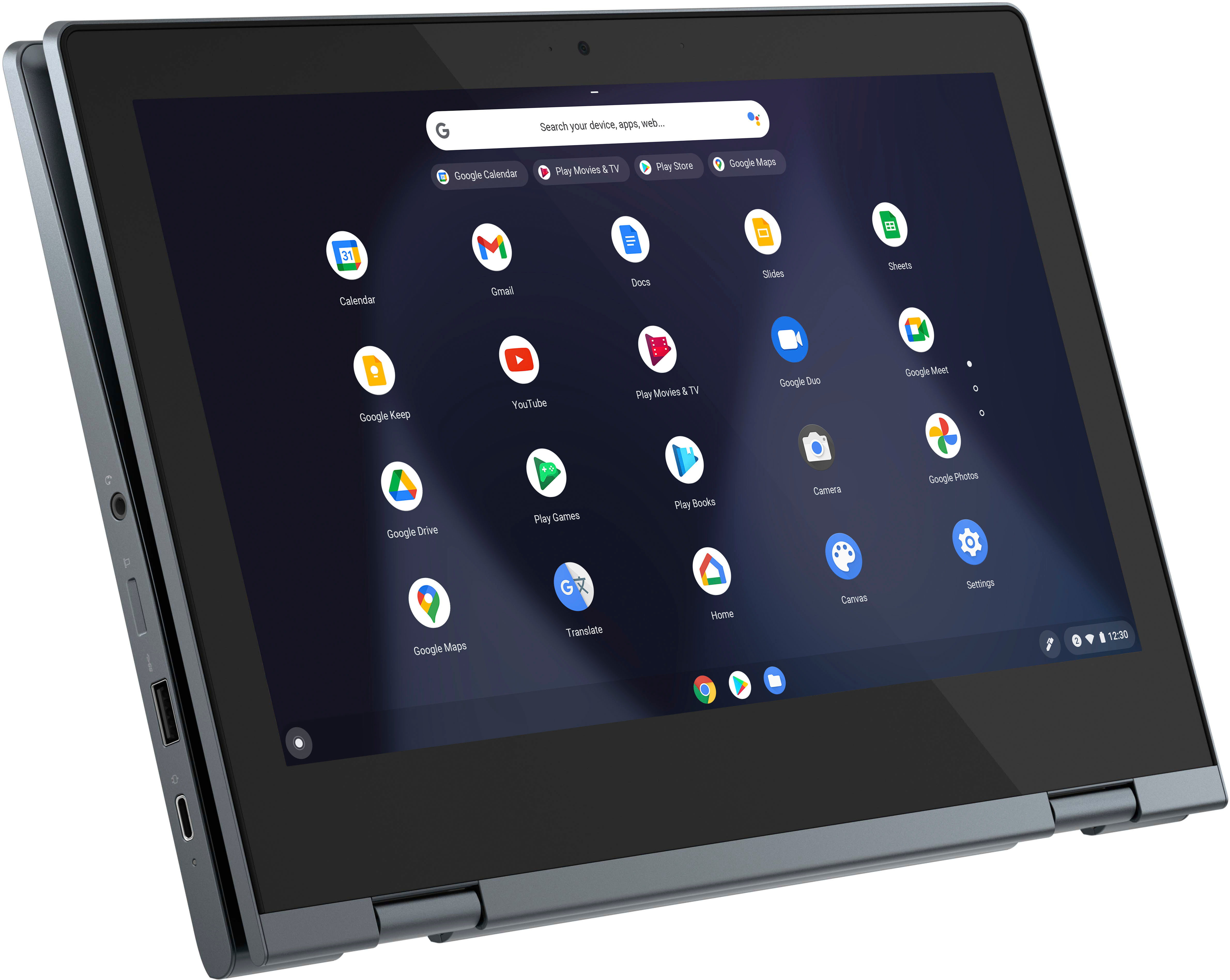
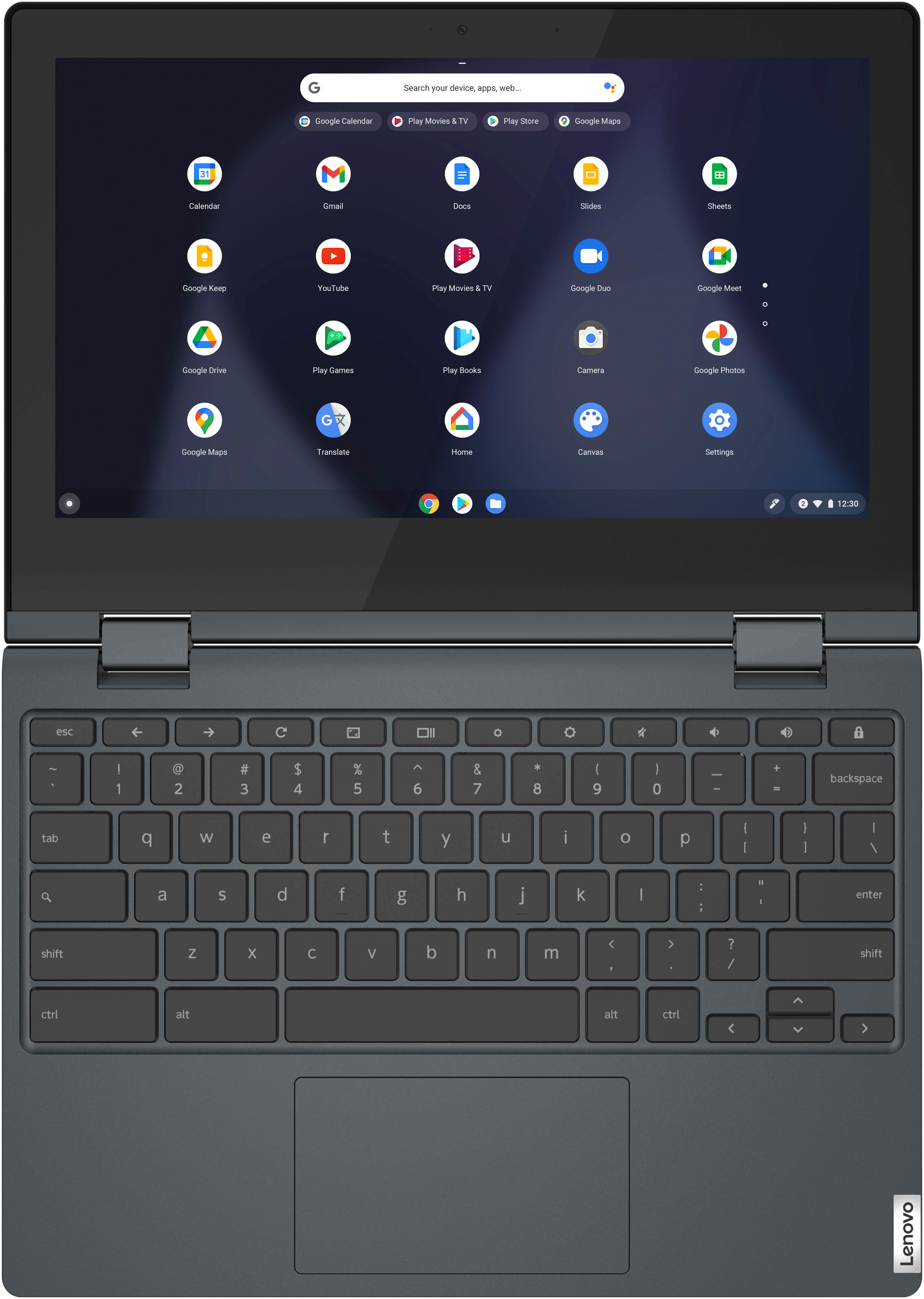
    • Answer This Lenovo Flex 3 11 Chromebook, model number 82BB000AUS, ships with a 11.6 inch (screen size measured diagonally) IPS - HD (1366x768) 10-point Multi-touch screen, with a brightness level of 250 nits, and has a Glossy Finish.

      Answered by Lenovo Product Expert

  • QuestionWhat printer is this computer compatible with?

    Asked by Dee.

    • Answer I hava a HP all in one Printer it works great

      Answered by Anonymous

  • QuestionIs Google chat compatible with this ?

    Asked by Anonymous.

    • Answer Yes, and pretty much any google service you can think of from google sheets to google chat.

      Answered by Anonymous

  • QuestionDoes this chromebook work with a stylus?

    Asked by Anonymous.

    • Answer My daughter found one that says it will work on her’s and it wasn’t expensive but she is still using a regular pen with the stylus tip on it. If she tries the stylus like the iPad had i will respond again with the new info.

      Answered by IloveScooby

  • QuestionCan I use Zoom on this computer? Does it have a camera?

    Asked by RobKen.

    • Answer Yes

      Answered by JD2021

  • QuestionDoes this chromebook work with a stylus pen?

    Asked by Chelle2325.

    • Answer This Lenovo Flex 3 11 Chromebook, model number 82BB000AUS, is not compatible with any active/digital pen. You can use a capacitive touch stylus on the 10-point Multi-touch screen, as a finger replacement, like this one: https://www.bestbuy.com/site/insignia-slim-stylus-maroon/4400306.p?skuId=4400306

      Answered by Lenovo Product Expert

  • QuestionDoes this tablet computer have NFC?

    Asked by nfci.

    • Answer No. This Lenovo Flex 3 11 Chromebook, model number 82BB000AUS, does not have Near Field Communication (NFC) capability, built in. This Flex 3 11 Chromebook uses Bluetooth 4.2 Version for short-range, wireless communication with compatible peripheral devices.

      Answered by Lenovo Product Expert

  • Questionis sims 4 good on this computer?

    Asked by darling225.

    • Answer Smooth Small Light wight Fast Not expensive

      Answered by Moh15310

  • QuestionCan I hook up a printer?

    Asked by Anonymous.

    • Answer I print documents on a Brother wireless printer using it.

      Answered by ChrisS

  • QuestionDo you have replacement screen available for this chromebook?

    Asked by DSTD.

    • Answer If you have issues with your devices screen we recommend bringing your device into your local Best Buy's Geek Squad, or contacting Lenovo Tech Support at: 877-453-6686

      Answered by Lenovo Product Expert

  • Questionwhen does the apdutes expire?

    Asked by sofi.

    • Answer Not yet

      Answered by Moh15310

  • QuestionDoes Chromebook has a camera? Can ZOOM be downloaded for online class?

    Asked by DeniseH.

    • Answer This Lenovo Flex 3 11 Chromebook, model number 82BB000AUS, ships with a HD 720p webcam with microphone built in. Whether this Lenovo Flex 3 11 Chromebook is compatible with a specific video conferencing APP will depend on the requirements and compatibility of the specific APP. This Flex 3 11 Chromebook ships with the Chrome Operating System installed and is compatible with Google Play Store APPs. Not all Google Play Store APPs are optimized for the Chrome OS. We recommend you check with the specific APPs software publisher's web site, of the specific video conferencing APP you want to use, for their compatibility with the Chrome operating system and the minimum/recommended hardware requirements (Is a Graphics card required, the processor speed and the minimum required system RAM and the minimum available hard drive space) to run their program, then compare those requirements to this Chromebook's configuration.

      Answered by Lenovo Product Expert

  • QuestionWhat accessories go with this computer & do I need a mouse?

    Asked by Anonymous.

    • Answer Hello, and thank you for your question! There are lots of accessories that can be utilized with your Flex 3 11 Chromebook. While there is not a need for a mouse with this Flex 3 having a touchpad for mouse function, if you would prefer, a separate mouse can be used.

      Answered by Lenovo Product Expert

  • QuestionIs this Lenovo Chromebook compatible with an Epson WF-3640 printer?

    Asked by GolferCarol.

    • Answer yes

      Answered by CharlesR

  • QuestionOk so I’m looking for a mini laptop just to write with and for travel because it’s compact . What does it come with( ie programs and accessories such as word processing - Microsoft, Windows etc)

    Asked by Nely.

    • Answer It only runs web version of MS office. Best for the google office suit.

      Answered by AndrewI

  • QuestionDoes it run Minecraft Java edition?

    Asked by Anonymous.

    • Answer We where not able to download Minecraft for our kids on these.

      Answered by JessicaG