Black Friday is hereShop new DoorbustersShop now

Main Content

Questions & Answers

Your price for this item is $204.99
Clearance
The comparable value price is $379.00
Page Showing 1-20 of 104 questions
  • QuestionWhen does this expire? What is the nit rating for the screen? Can the SD card be used to store apps? What is the maximum size SD card that can be used?

    Asked by Questioning.

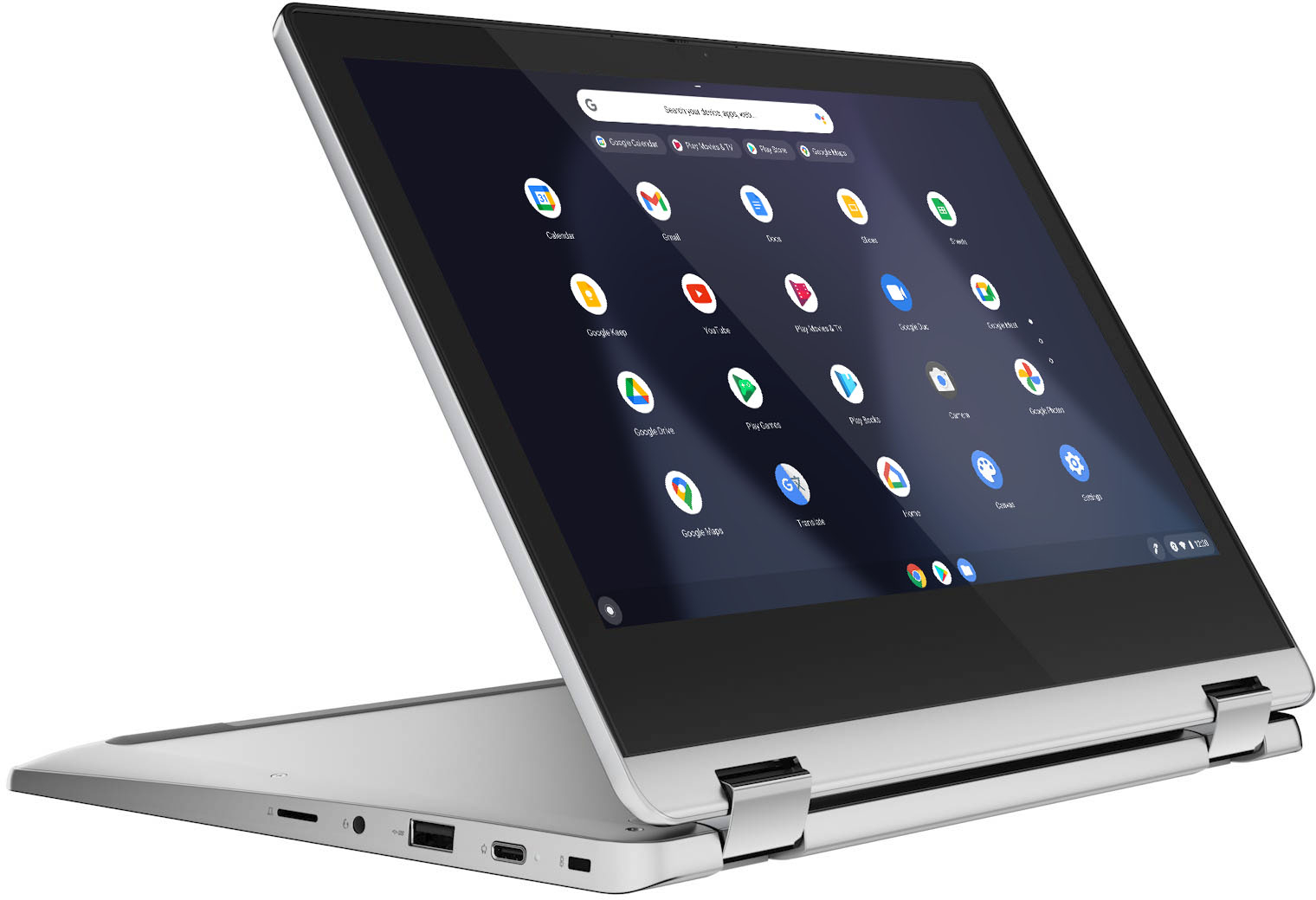
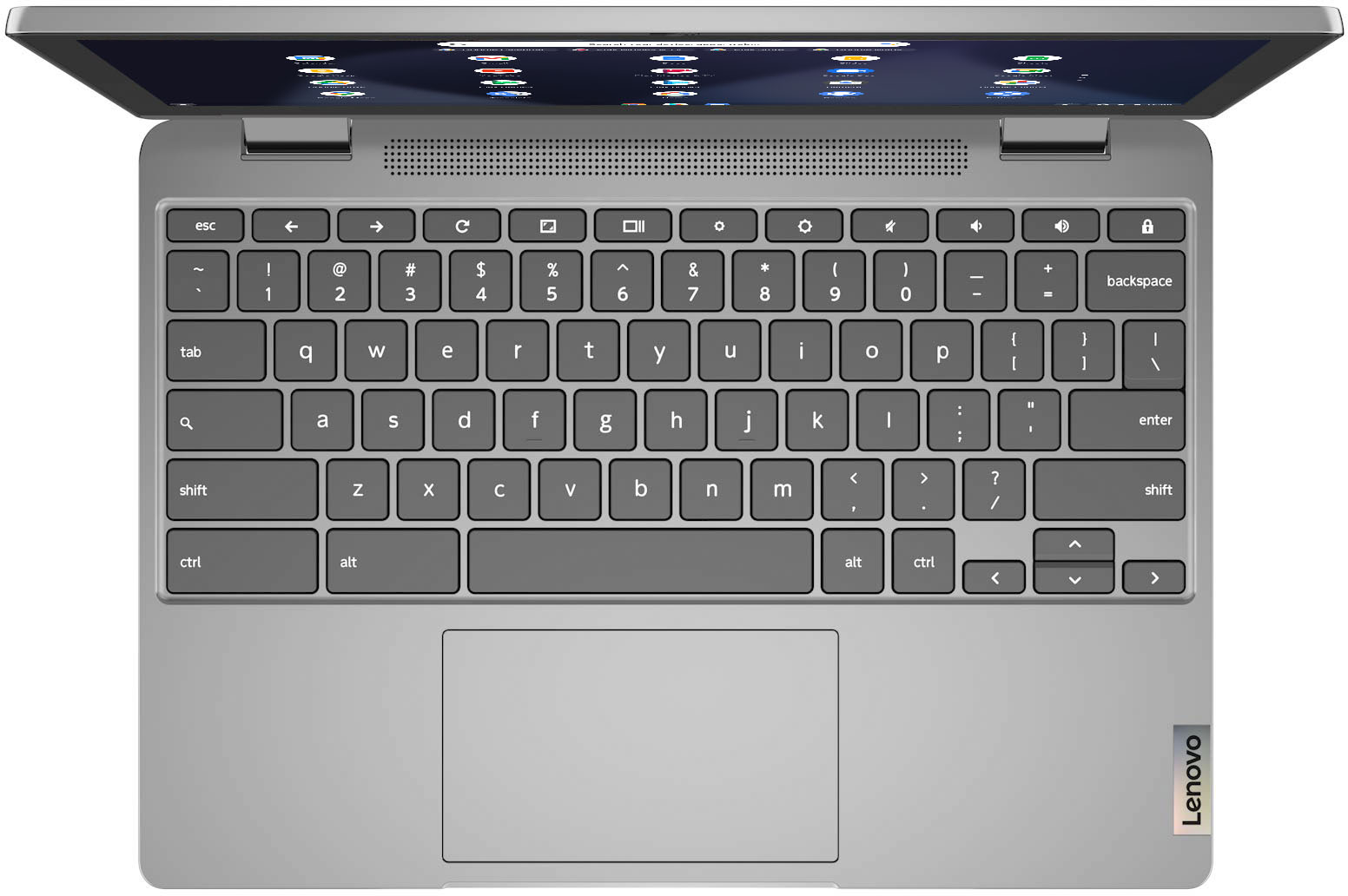
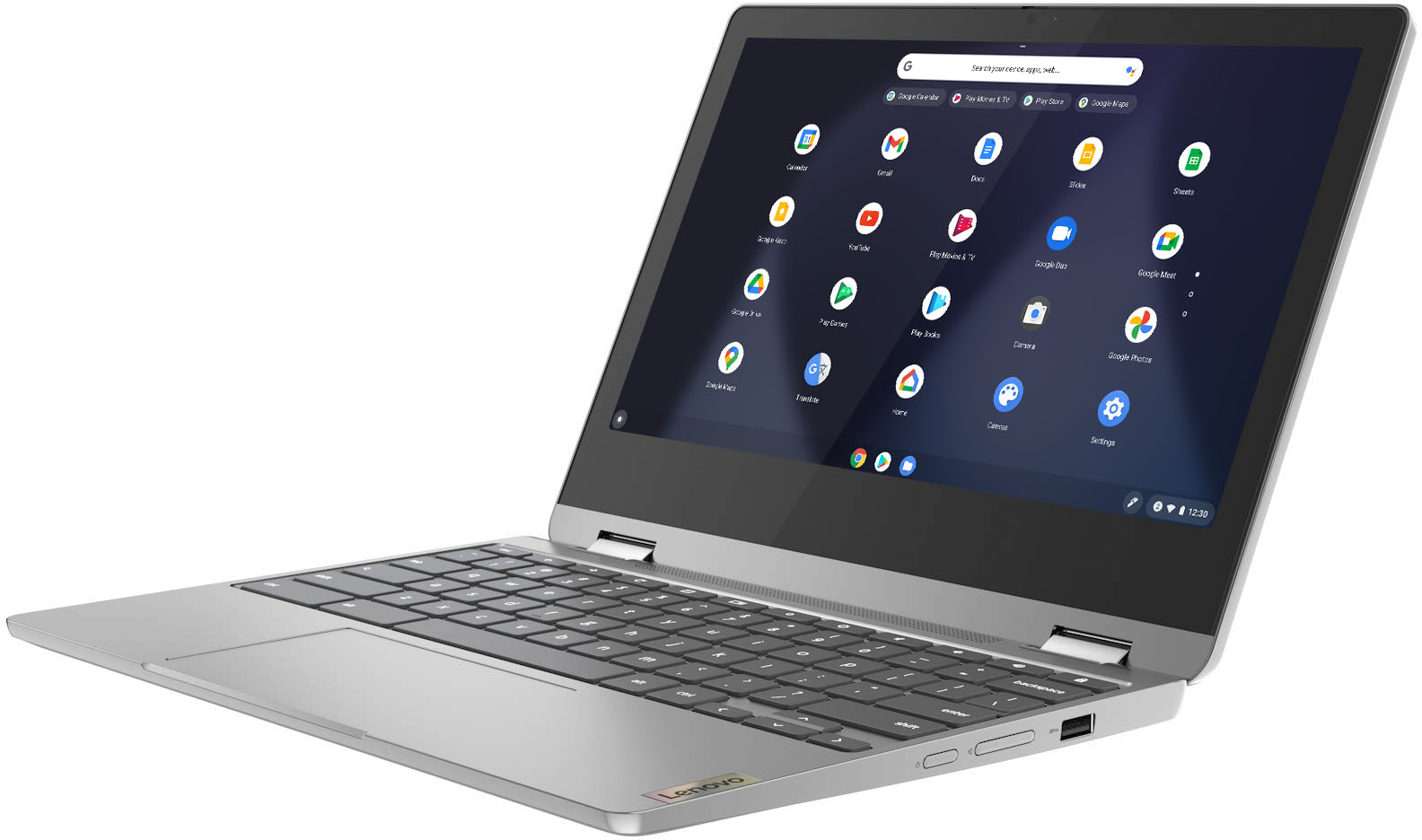
    • Answer The Lenovo Chromebook Flex 3 11 model number 82KM0002US, will continue to receive Google Updates through June 2028. This model ships with a 11.6 inch (screen size measured diagonally) IPS - HD (1366x768) 10-point Multi-touch screen, with a brightness level of 250 nits, has a Glossy finish. This Chromebook Flex 3 11 ships with a MicroSD Card slot. Whether you can store specific APPs on the MicroSD card will depend on the Copyright Protection the APP publisher has put on the specific APP. We recommend you check with the specific APPs publisher's website for any Copyright restrictions. This Chromebook Flex 3 11 can use any capacity MicroSD Card that is compatible with the Chrome Operating System.

      Answered by Lenovo Product Expert

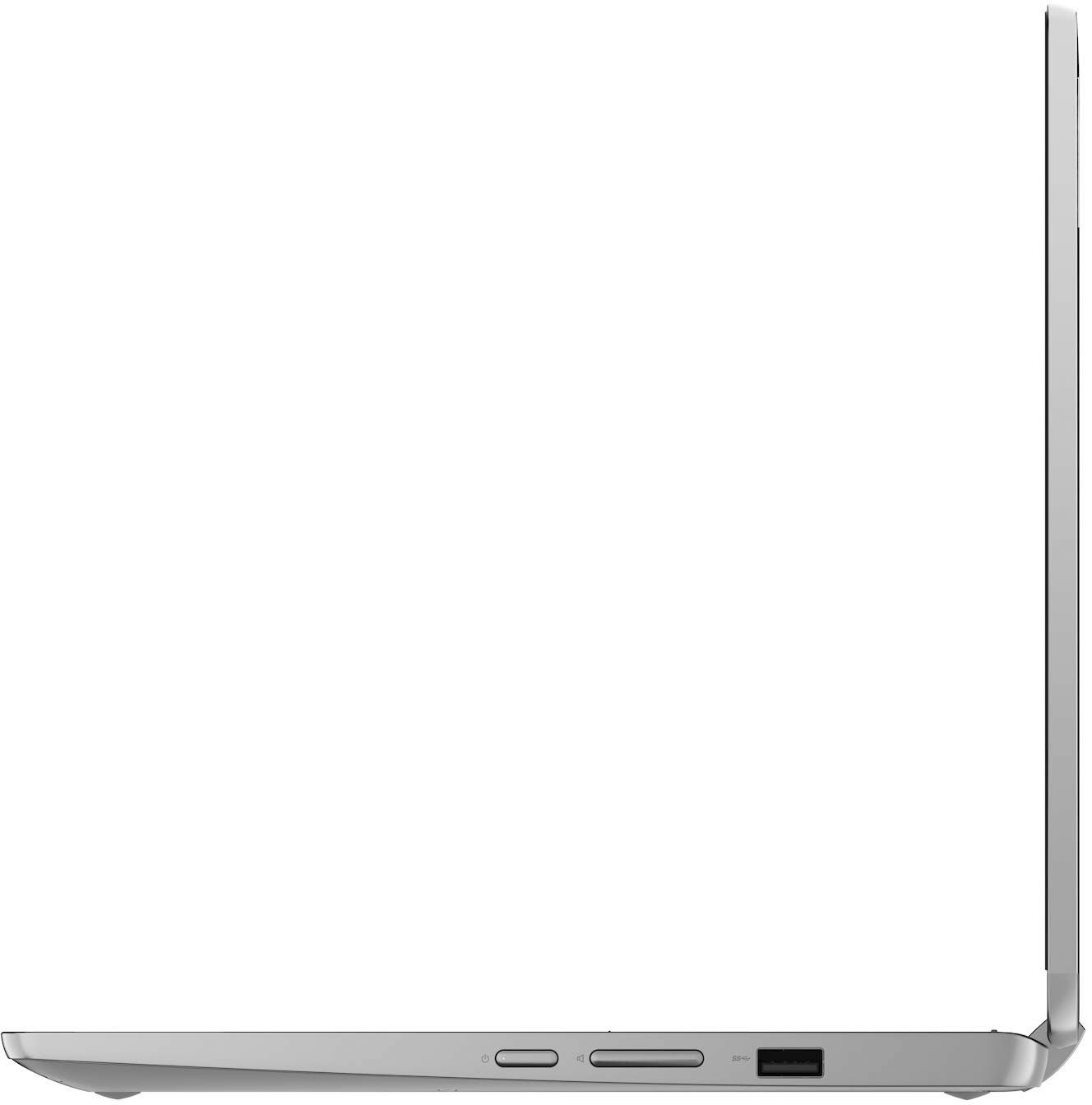
  • QuestionDoes this have an HDMI port? The description says it does but I couldn't find one on the sides in the pictures. Thanks

    Asked by Mike.

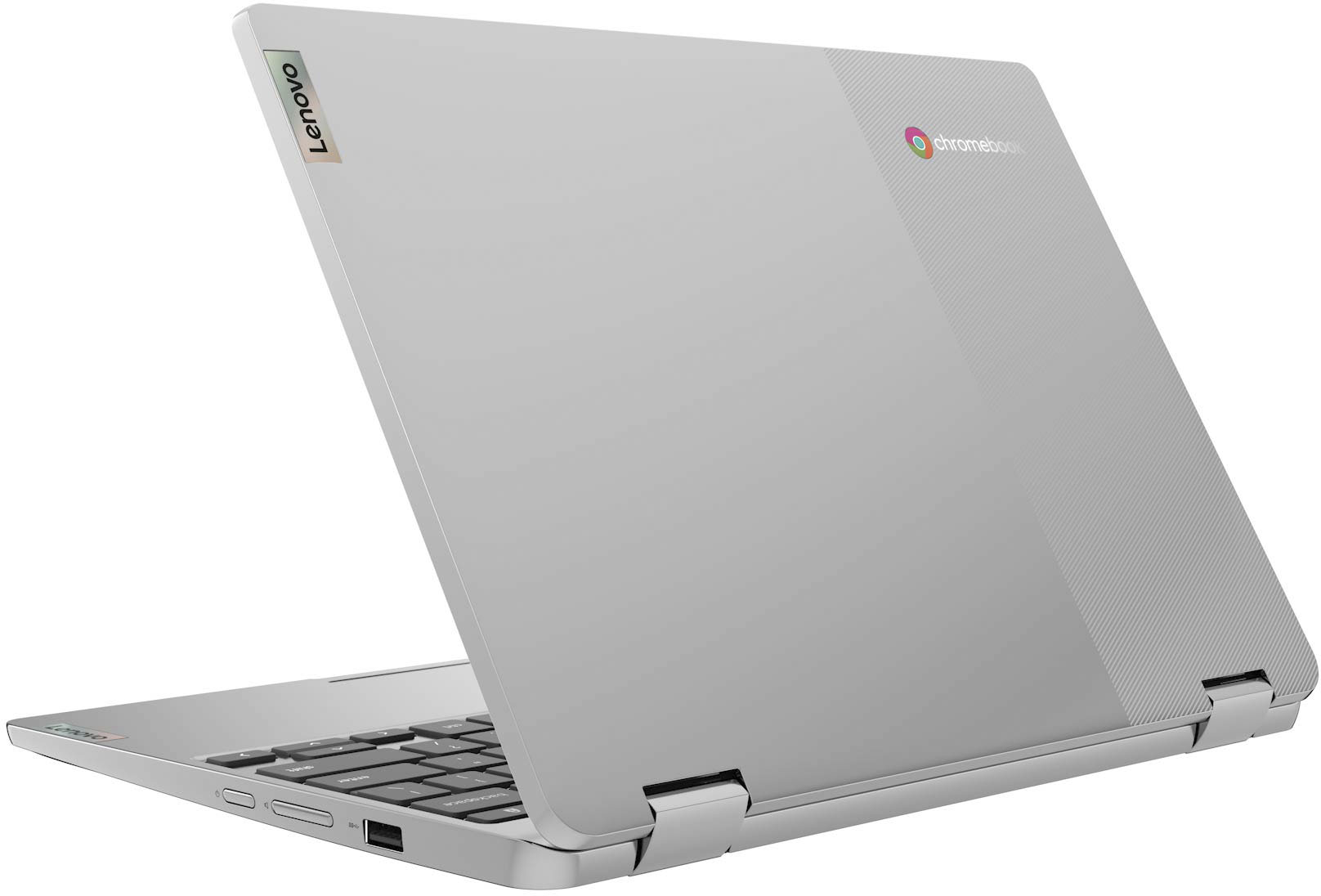
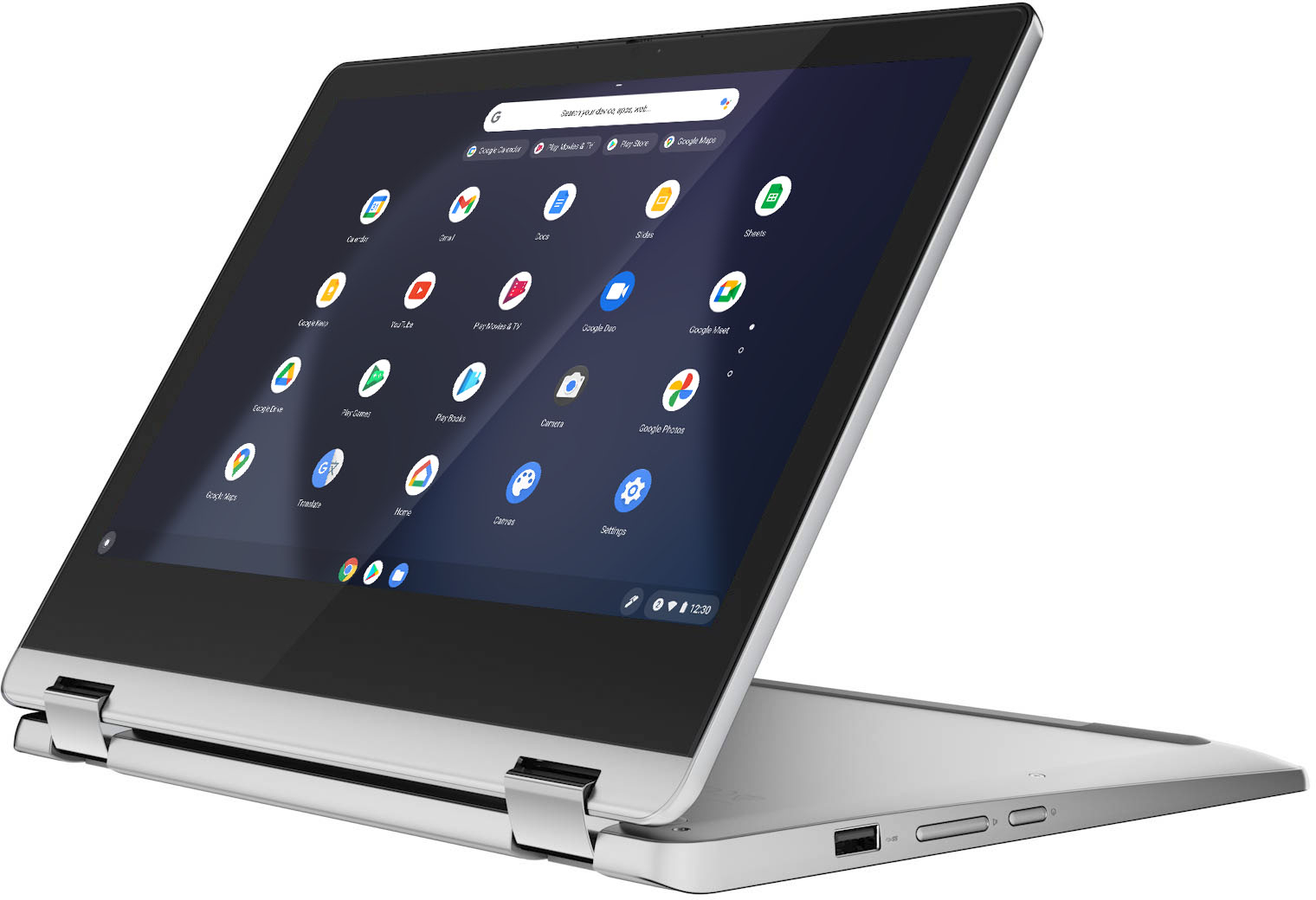
    • Answer No. The Lenovo Flex 3 11 Chromebook model number 82KM0002US, ships with 1x USB-C 2.0 (support data transfer, Power Delivery 2.0 and DisplayPort 1.1a) port for video out to an external monitor. You can connect directly to a USB-c compatible external monitor or if you are connecting to an HDMI monitor you will need to use a USB-c to HDMI adapter, like this one: https://www.bestbuy.com/site/insignia-usb-c-to-hdmi-adapter-white/6424886.p?skuId=6424886

      Answered by Lenovo Product Expert

  • QuestionSaw elsewhere that as soon as the OS updated, people lost touch screen ability. Can anyone confirm or deny this, as wanted this one for the OS update support thru 2028.

    Asked by EKinAZ.

    • Answer i have been using this device for about a week and have not had this problem. I have performed 1 update without any problems.

      Answered by Kotor

  • QuestionIs this chrome book touchscreen

    Asked by Padams.

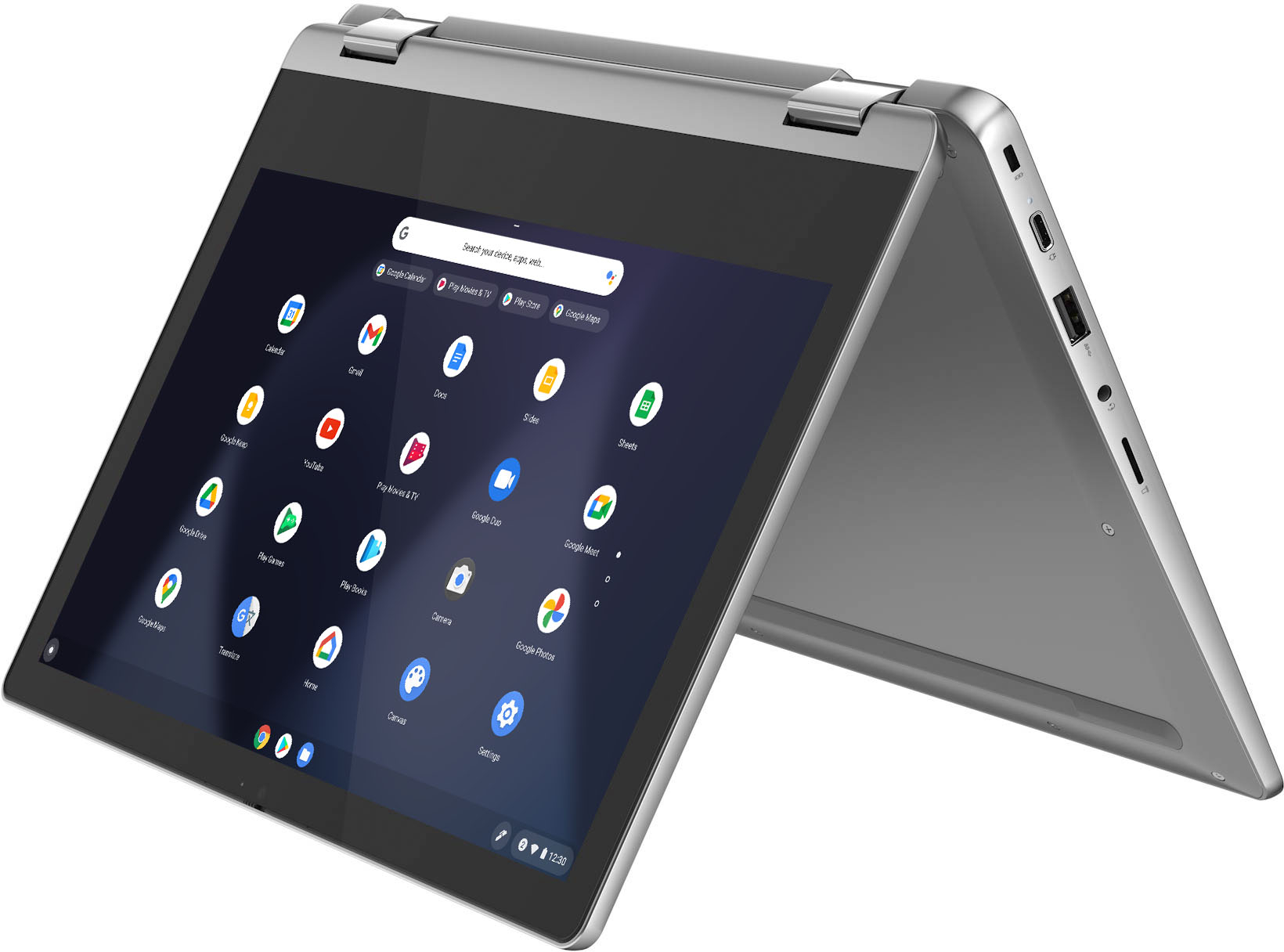
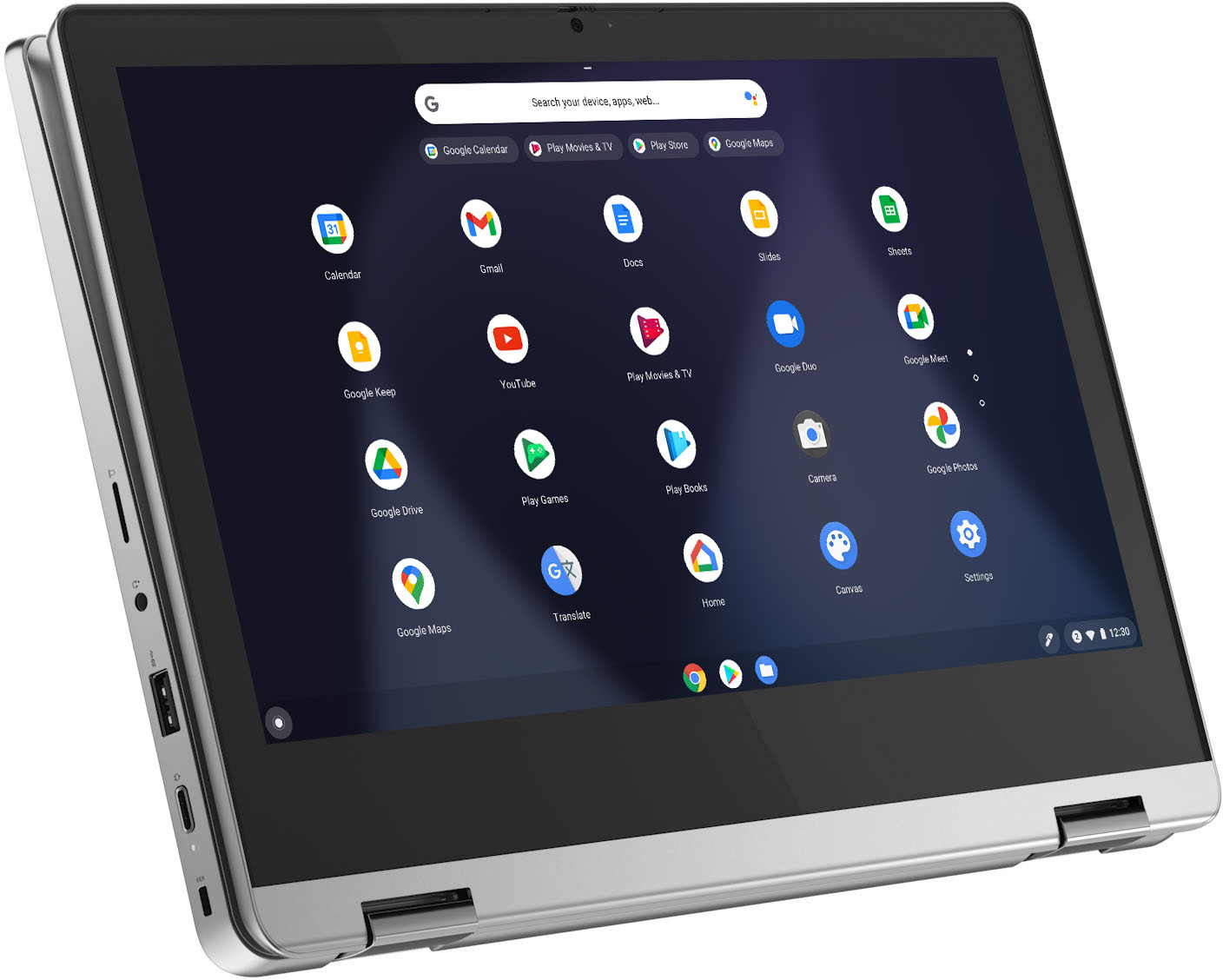
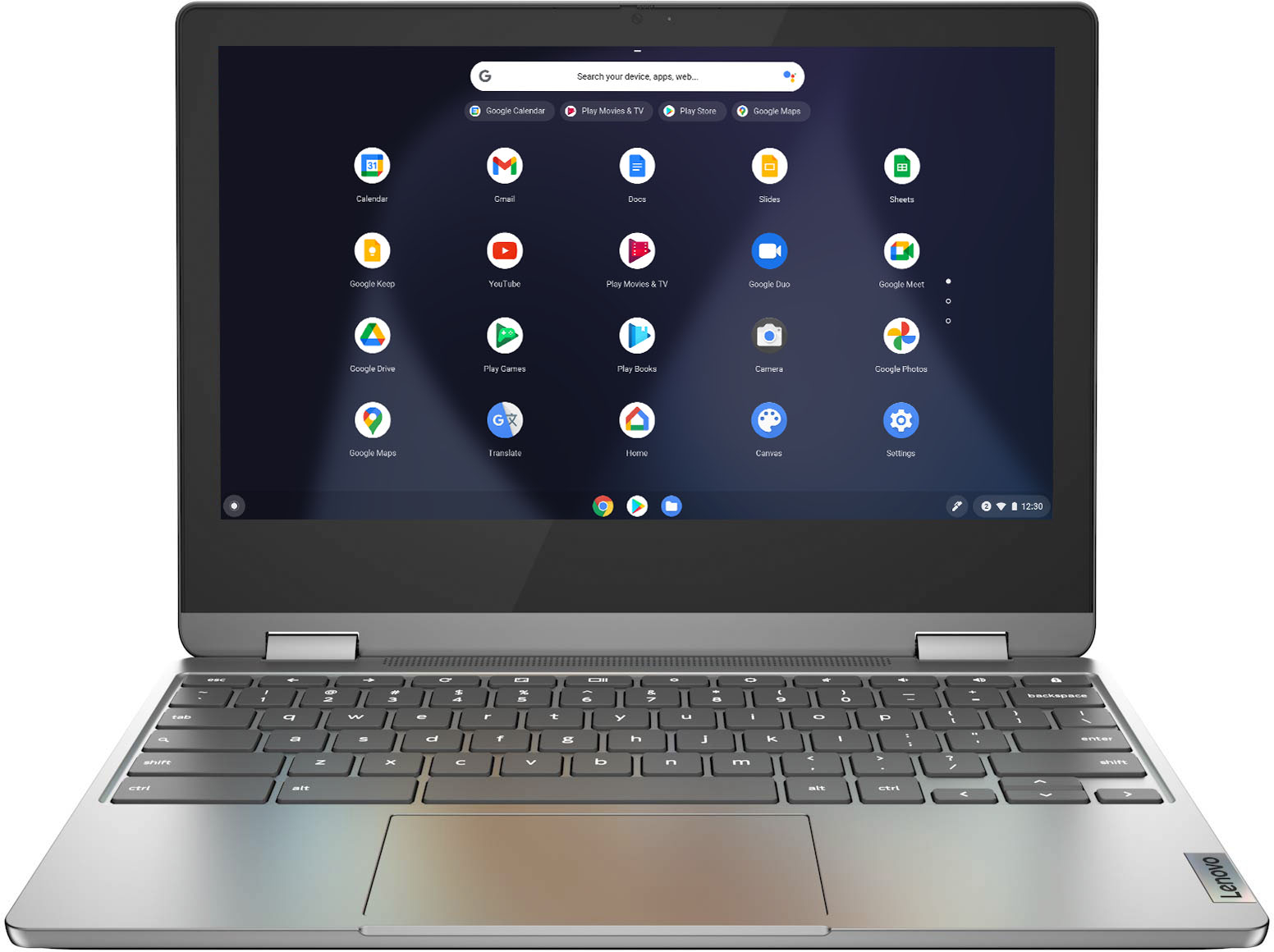
    • Answer Yes. The Lenovo Flex 3 11 Chromebook, model number 82KM0002US, ships with a 11.6 inch (screen size measured diagonally) IPS - HD (1366x768) 10-point Multi-touch screen, with a brightness level of 250 nits and has a Glossy finish.

      Answered by Lenovo Product Expert

  • QuestionDoes this have expandable memory?

    Asked by Punkorchid.

    • Answer The Lenovo Chromebook Flex 3 11 model number 82KM0002US, ships with both the 4GB Soldered LPDDR4X-1866 RAM and the 32GB eMMC 5.1 soldered on the systemboard and are not upgradeable. You can use the built in MicroSD Card slot, an external USB-based, Chrome Operating System compatible hard drive and/or a Cloud Storage Account to expand your storage memory.

      Answered by Lenovo Product Expert

  • QuestionCan I install MS Word, Excel & PowerPoint

    Asked by Goose.

    • Answer The Lenovo Flex 3 11 Chromebook uses Google Docs for office type programs. Google Docs is completely compatible with Microsoft Office Programs and this is a free service through the Google Server. If you must have the actual Microsoft Office Programs, you can purchase Microsoft Office 365 for this Chromebook at the Google Play Store.

      Answered by Lenovo Product Expert

  • QuestionCan you install and play games from Steam (program) on this device? Nothing demanding, but my wife likes to play Nancy drew games.

    Asked by J4SB3RG.

    • Answer That really will depend on the requirements and compatibility of the specific games your wife wants to play on this Lenovo Flex 3 11 Chromebook, model number 82KM0002US. This Chromebook ships with the Chrome Operating System installed and is compatible with Google Play Store APPs. We recommend you check with the specific game's software publisher's web sites for their compatibility with the Chrome operating system and the minimum/recommended hardware requirements (Is a Graphics card required, the processor speed and the minimum required system RAM and the minimum available hard drive space) to run their program, then compare those requirements to this system's configuration.
      Answered by Lenovo Product Expert

  • QuestionWhat is expiration date on this model

    Asked by John.

    • Answer The Lenovo IdeaPad Flex 3 11 model number 82KM0002US, will continue to receive Google Auto Updates through June 2028.

      Answered by Lenovo Product Expert

  • QuestionMy delivery just got here I realized there is a no charger in the box. Does a charger need to be purchased separate?

    Asked by Patrii.

    • Answer The Lenovo Flex 3 11 Chromebook ships with a AC adapter/charger included in the box, if you purchased a new product, in a factory sealed box. We recommend you check with either your online order information or the local store you ordered from.

      Answered by Lenovo Product Expert

  • QuestionCan I print from this device

    Asked by Printing.

    • Answer Yes. You can print from the Lenovo Flex 3 11 Chromebook to any printer that is compatible with the Chrome Operating System. We recommend you check with your printer manufacturer's web site for the compatibility of your specific model printer. Here is a link to instructions for printing from a compatible printer from a Chromebook: https://support.google.com/chromebook/answer/7225252?hl=en

      Answered by Lenovo Product Expert

  • QuestionDoes it support any type of pen to write notes?

    Asked by bib.

    • Answer The Lenovo Flex 3 11 Chromebook is not compatible with any active/digital pen. You can use a capacitive touch stylus as a finger replacement on the Chromebook's touchscreen, like this one: https://www.bestbuy.com/site/insignia-stylus-silver/3695185.p?skuId=3695185

      Answered by Lenovo Product Expert

  • QuestionWhat kind of wireless mouses work with this model? I have tried 2 USB wireless mouses from Logitech that did not work with this model. Please share manufacturer makes and models of wirelsss mouses please, thank you.

    Asked by Bre.

    • Answer Be sure the wireless mouse you are trying to use with this Lenovo Flex 3 11 Chromebook is compatible with the Chrome Operating System. We recommend you check with the mouse manufacturer's web site for the compatibility of the specific model mouse you are using. This Lenovo Flex 3 11 Chromebook is compatible with any wireless mouse (WiFi 2.4GHz with included USB Chromebook-side Receiver installed) that is compatible with the Chrome Operating System. This Flex 3 11 Chromebook also ships with Bluetooth 4.2 capability built in and can support a compatible Bluetooth 4.2 mouse that is also compatible with the Chrome Operating System. We recommend you check with the mouse manufacturer's web site for compatibility.

      Answered by Lenovo Product Expert

  • QuestionIs this Chromebook refurbished?

    Asked by Weezie.

    • Answer No. This Lenovo Flex 3 11 Chromebook is new.

      Answered by Lenovo Product Expert

  • QuestionDoes this computer come with the camera and microphone already pre enabled?

    Asked by Allie278.

    • Answer Yes. The Lenovo Flex 3 11 Chromebook model number 82KM0002US, ships with a HD (720p) webcam with Privacy Shutter and Dual Array Microphones built in.

      Answered by Lenovo Product Expert

  • QuestionCan it be used in Europe ?

    Asked by Lori.

    • Answer The Lenovo Flex 3 11 Chromebook is a 110V device. It does ships with a Dual Voltage AC adapter/Charger with a USA compatible wall side plug. To use outside the USA you will need to add a compatible wall side plug adapter, compatible with the country the Chromebook will be used in. This wall side adapter is sold separately.

      Answered by Lenovo Product Expert

  • QuestionWould you be able to play games on the device

    Asked by Amir.

    • Answer That really will depend on which games you want to play. The Lenovo Flex 3 11 Chromebook ships with the Chrome Operating System and is compatible with Google Play Store APPs. We recommend you check with the specific game's software publisher's web sites, of the games you want to play, for their compatibility with the Chrome operating system and the minimum/recommended hardware requirements (Is a Graphics card required, the processor speed and the minimum required system RAM and the minimum available hard drive space) to run their program, then compare those requirements to this system's configuration.
      Answered by Lenovo Product Expert

  • QuestionWill this chromebook work offline or do you have to be online for this machine to function?

    Asked by DonnaR.

    • Answer You can use a Chromebook offline. Here is a link to more information about using your Chromebook offline: https://support.google.com/chromebook/answer/3214688?hl=en

      Answered by Lenovo Product Expert

  • QuestionDoes this come with windows 10 or 11. Don't know much about chromebook.

    Asked by Laney8312.

    • Answer The Lenovo Flex 3 11 Chromebook ships with the Chrome Operating System and is compatible with Google Play Store APPs. It is not compatible with the Windows Operating System.

      Answered by Lenovo Product Expert

  • QuestionWill I be able to watch Amazon Prime content on this device? Thanks!

    Asked by YonkersBoy.

    • Answer Yes.

      Answered by Mario

  • QuestionWould this device be capable of connecting to a portable projector via hdmi adapter?

    Asked by Projector.

    • Answer The Lenovo Flex 3 11 Chromebook, model number 82KM0002US, ships with 1x USB-C 2.0 (support data transfer, Power Delivery 2.0 and DisplayPort 1.1a) port with video out to an external video device. You can connect an HDMI video device to this Flex 3 11 Chromebook by using a USB-c to HDMI adapter, like this one: https://www.bestbuy.com/site/insignia-usb-c-to-hdmi-adapter-white/6424886.p?skuId=6424886. Whether this Flex 3 11 Chromebook is compatible with a portable HDMI projector will depend on the requirements and compatibility of that projector. The Flex 3 11 Chromebook ships with the Chrome Operating System. We recommend you check with the projector manufacturer's web site for their compatibility with the Chrome operating system and the minimum/recommended hardware requirements (Is a Graphics card required, the processor speed and the minimum required system RAM and the minimum available hard drive space) to run their program, then compare those requirements to this system's configuration.
      Answered by Lenovo Product Expert