A:AnswerHey MrMetokur,
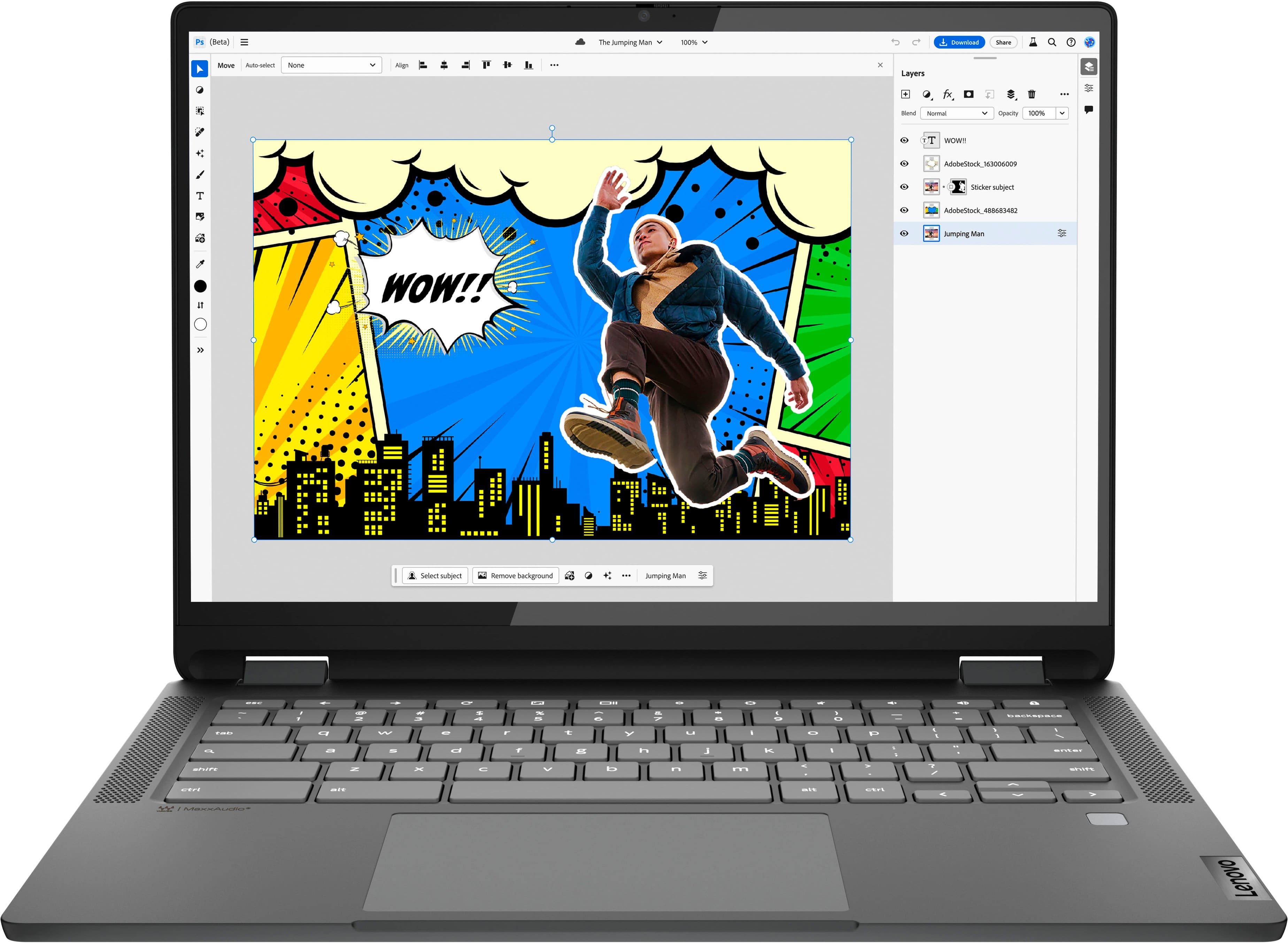
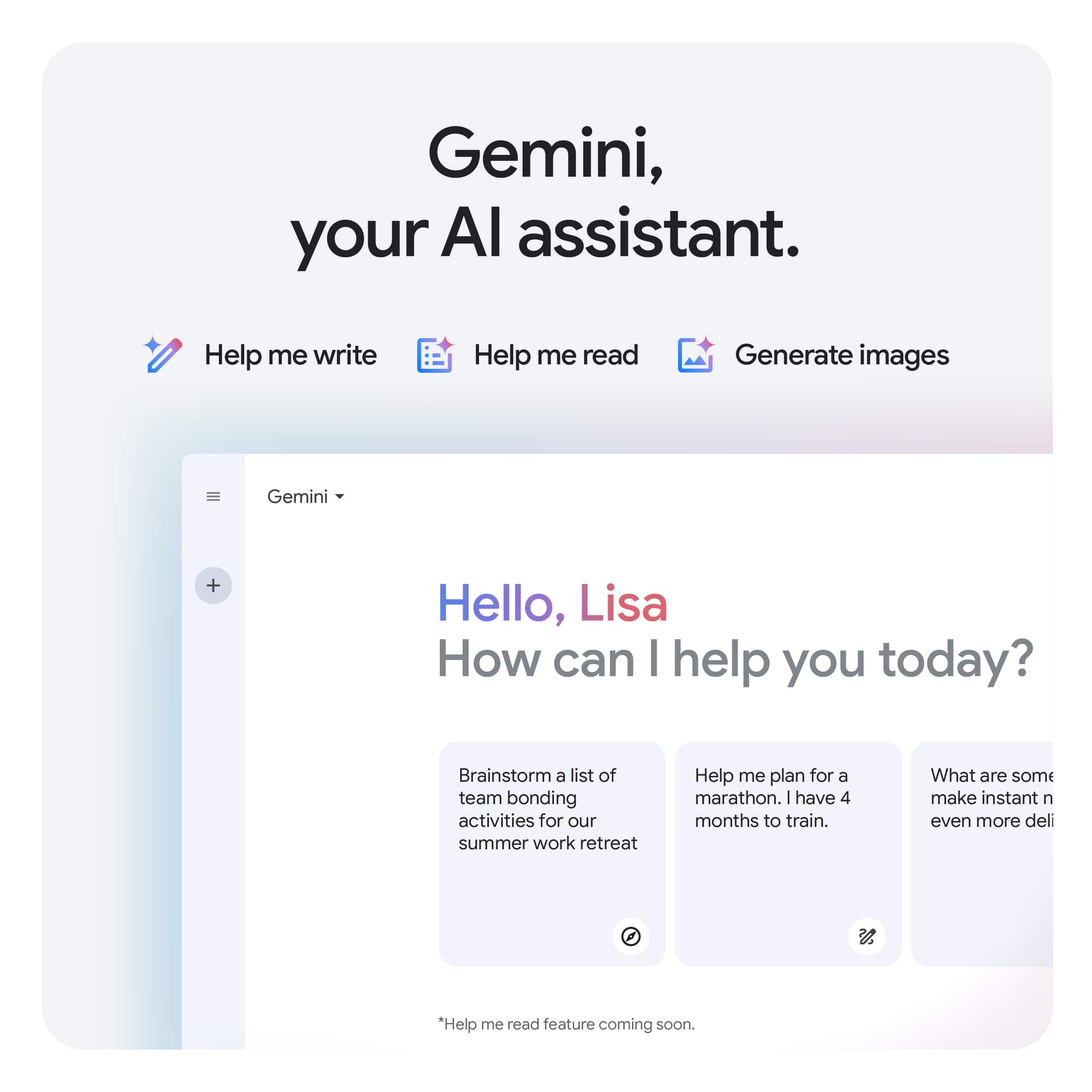
To disable Gemini on the Flex 5i Chromebook Plus 2-in-1, open Settings > Apps > Default apps > Assist & voice input, and then select None for the Digital Assistant App. If Gemini is a separate app, you can also uninstall it through the Launcher by right clicking the app icon and selecting Uninstall.
Please feel free to reach out to us with any other questions!
A:AnswerHey HPan,
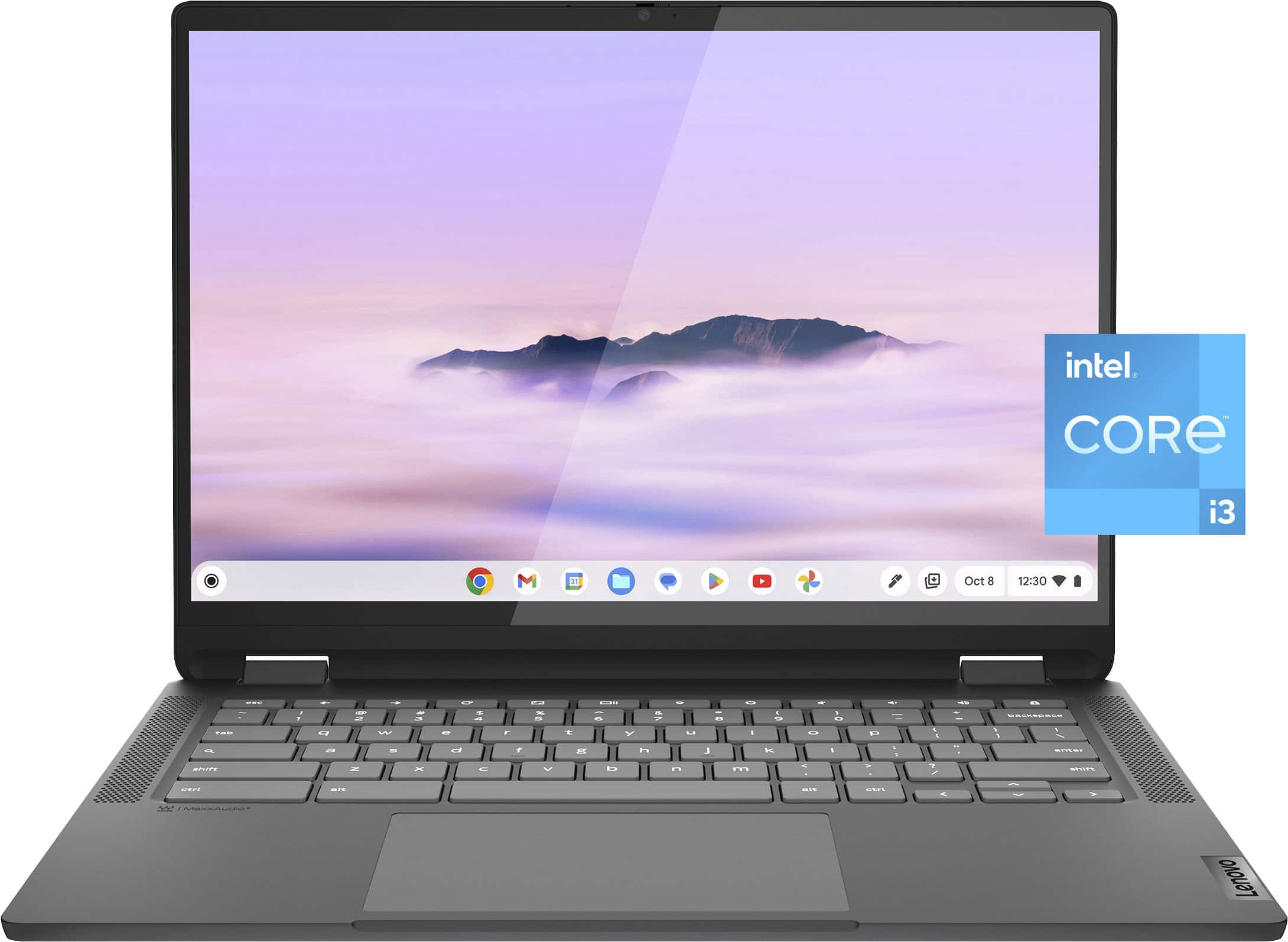
Lenovo does not offer a cover or case option for the Flex 5i Chromebook Plus 2-in-1.
Please feel free to reach out to us with any other questions!
A:AnswerHi Cheo,
Storage could be upgraded if you remove the preinstalled storage and add a 1TB M.2 2242 SSD.
Please feel free to reach out to us with any other questions!
A:AnswerHey KG, we're sorry to hear that you ran into this issue with your Chromebook. To try to resolve this, try doing a hardware reset (visit the following link to learn how to do so: https://support.google.com/chromebook/answer/3227606?hl=en&sjid=11168473644130281663-NA), which reboots the embedded controller that manages your touchpad. If this doesn't resolve your issue, you may need to factory reset your Chromebook, which you can learn more about towards the bottom of the webpage tied to the previously embedded link.
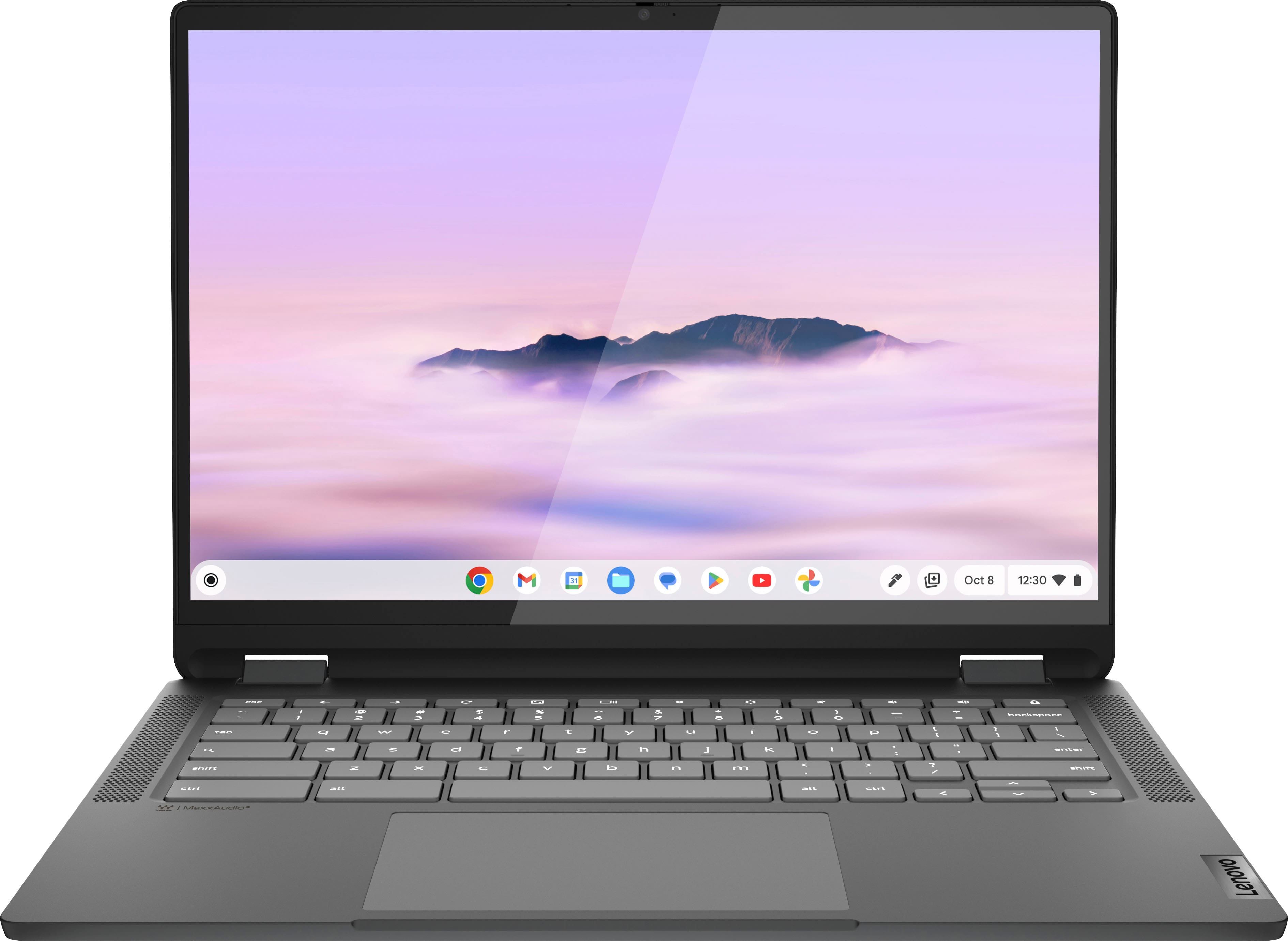
A:AnswerHi, Jamiegirl. The Flex 5i Chromebook Plus was first launched in late 2023, but the month and year of the specific laptop you would receive will vary since this model continues to be manufactured.

A:AnswerHey, Ed. In short, no. The Chromebook devices use USI pens, and the current selection of Lenovo USI pens are strictly powered by AAAA batteries.
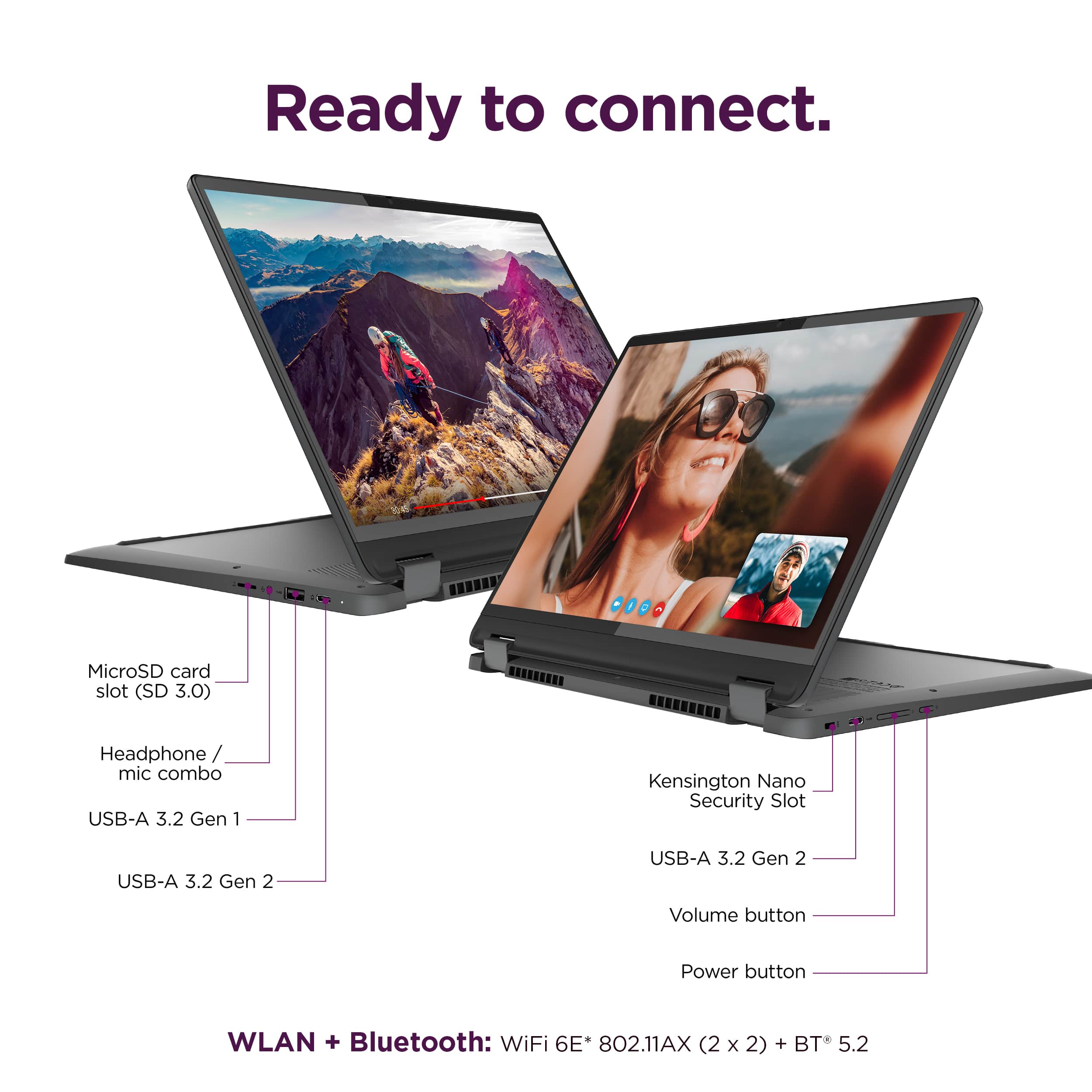
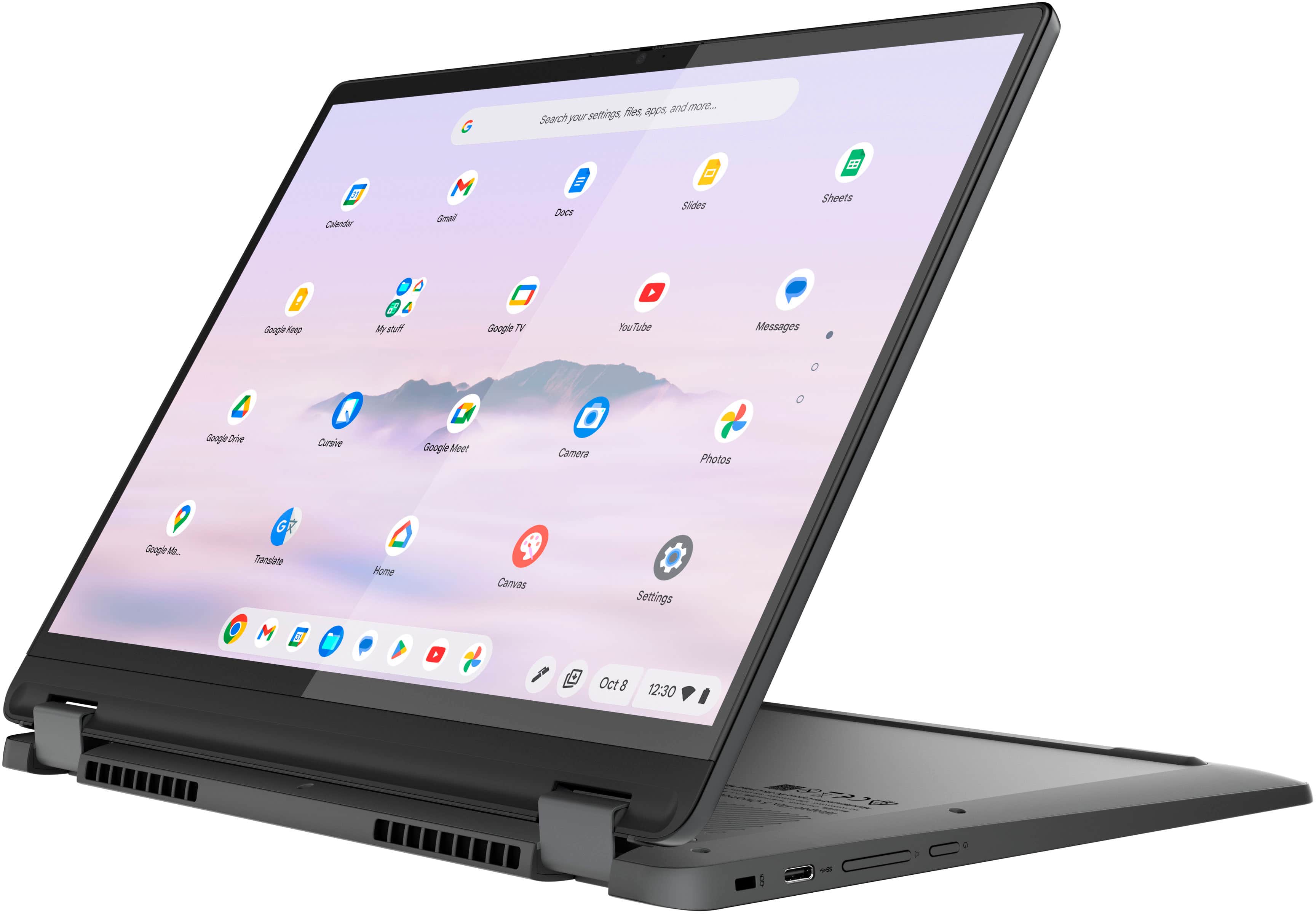
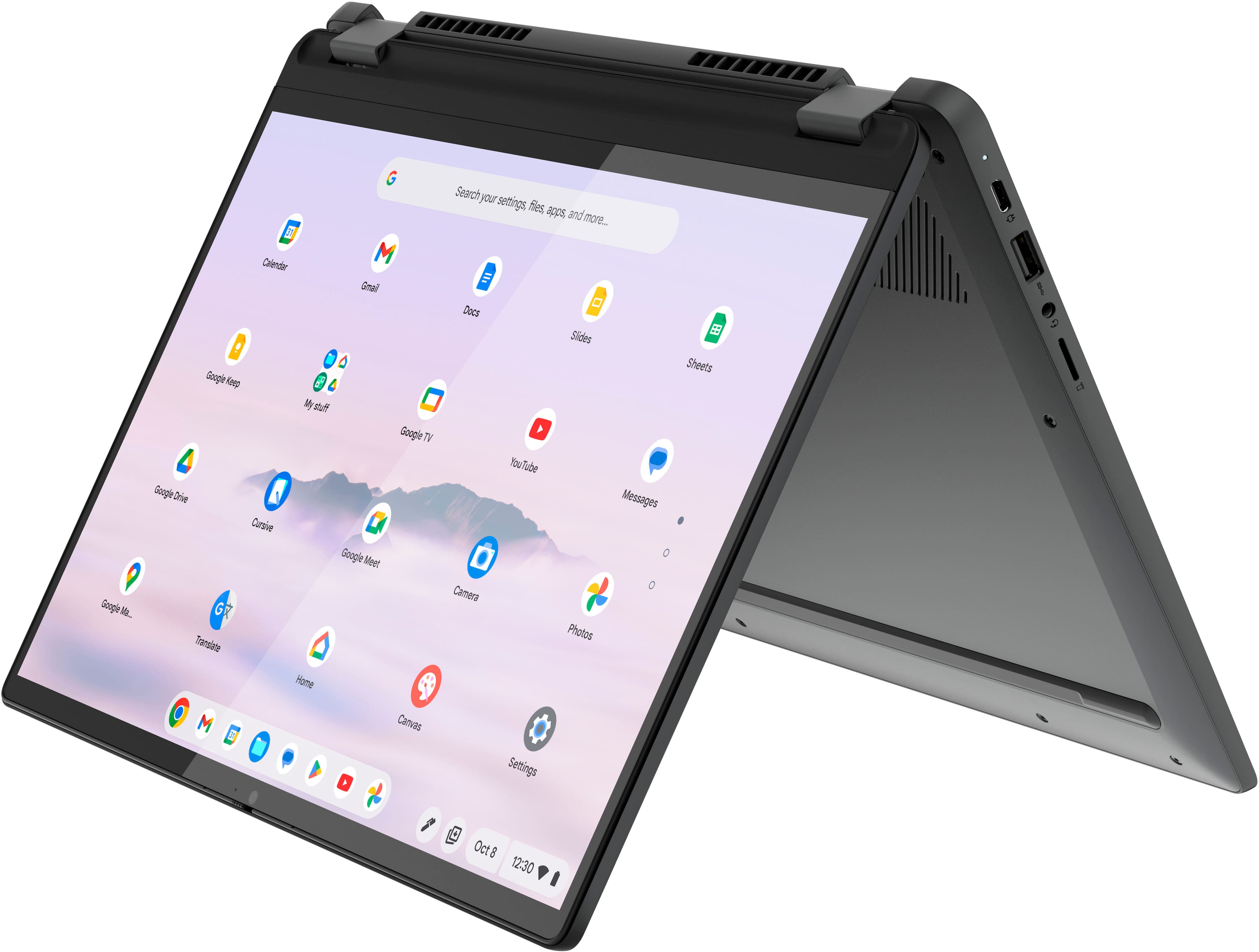
A:AnswerHey, theRoO. We are sorry to hear that you are having trouble finding a solution for your needs. The Flex 5i Chromebook Plus does feature two USB-C ports that support DP 1.4 and power delivery. We recommend referencing this Google Chromebook webpage (https://www.google.com/chromebook/workswithchromebook/) that shares resources for finding accessories that are "Works With Chromebook" certified which should help you find a dock or hub that can connect via USB-C to your Chromebook and support power delivery for charging and output to two external monitors through one port.
A:AnswerHey, restoman. Great question, and as a matter of fact, Google works with Best Buy to verify which products sold are "Works with Chromebook" certified. Here's a link to a Best Buy webpage (https://www.bestbuy.com/site/promo/chromebook-accessories?qp=category_facet%3DHard%20Drives%2C%20SSD%20%26%20Storage~abcat0504001) with search results on certified external storage.
A:AnswerHey, rose. What we can say is that the 2W stereo speakers were optimized to give a well-rounded, adequate audio experience, but we encourage other users of the Flex 5i that may be able to, to shed light on their opinion of the sound.
A:AnswerHey, based off the system requirements that are listed on this LibreOffice webpage (https://www.libreoffice.org/get-help/system-requirements/), upon brief review, whether or not this software is supported on Chromebooks or ChromeOS devices is inconclusive. To review the information yourself, we recommend reviewing the system requirements detailed on the previously linked webpage, then comparing it with the specifications this Flex 5i or any potential computer you’re interested in to help ensure you find the right fit for you.
A:AnswerGreetings from the Intel team. Thank you for your question.
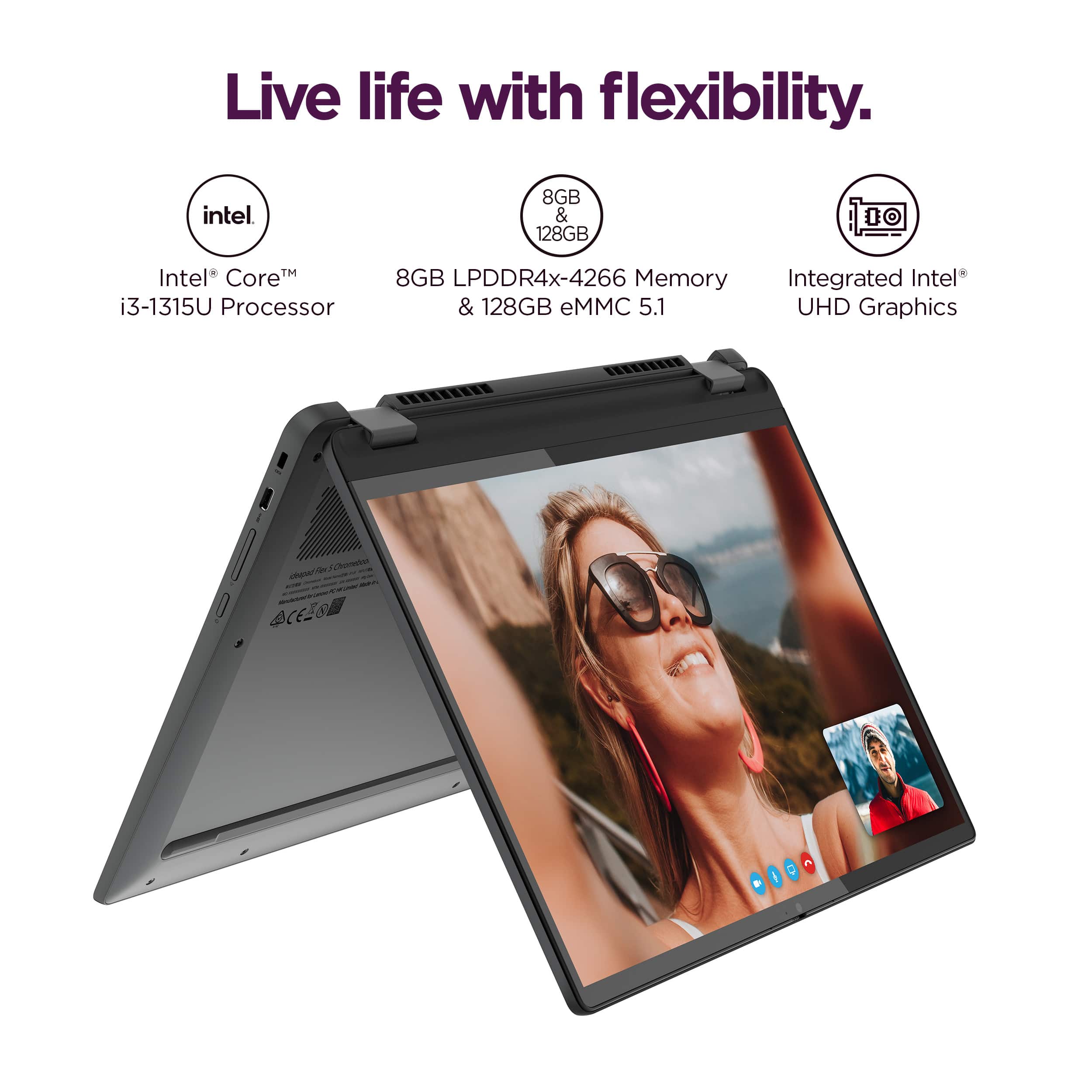
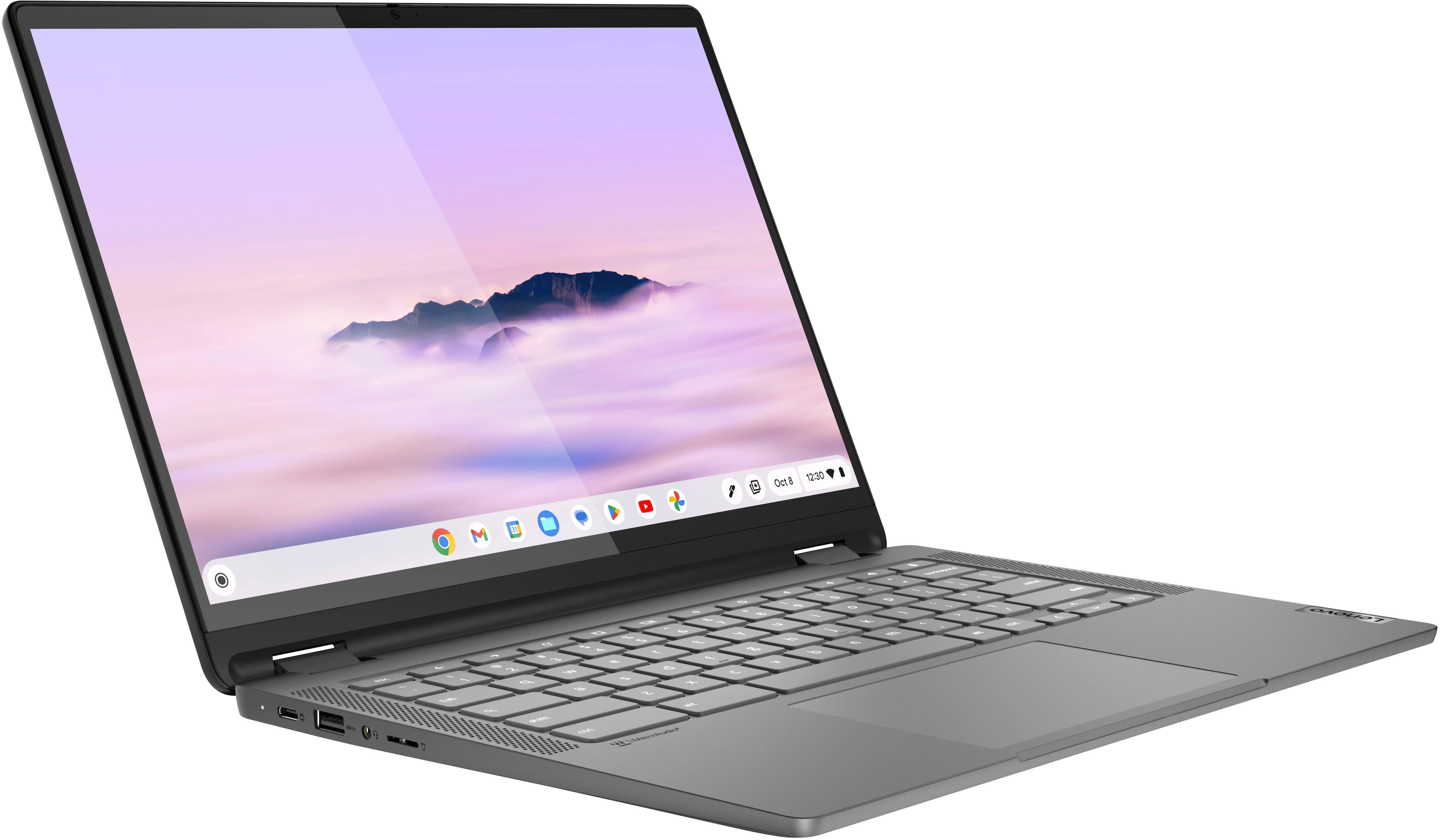
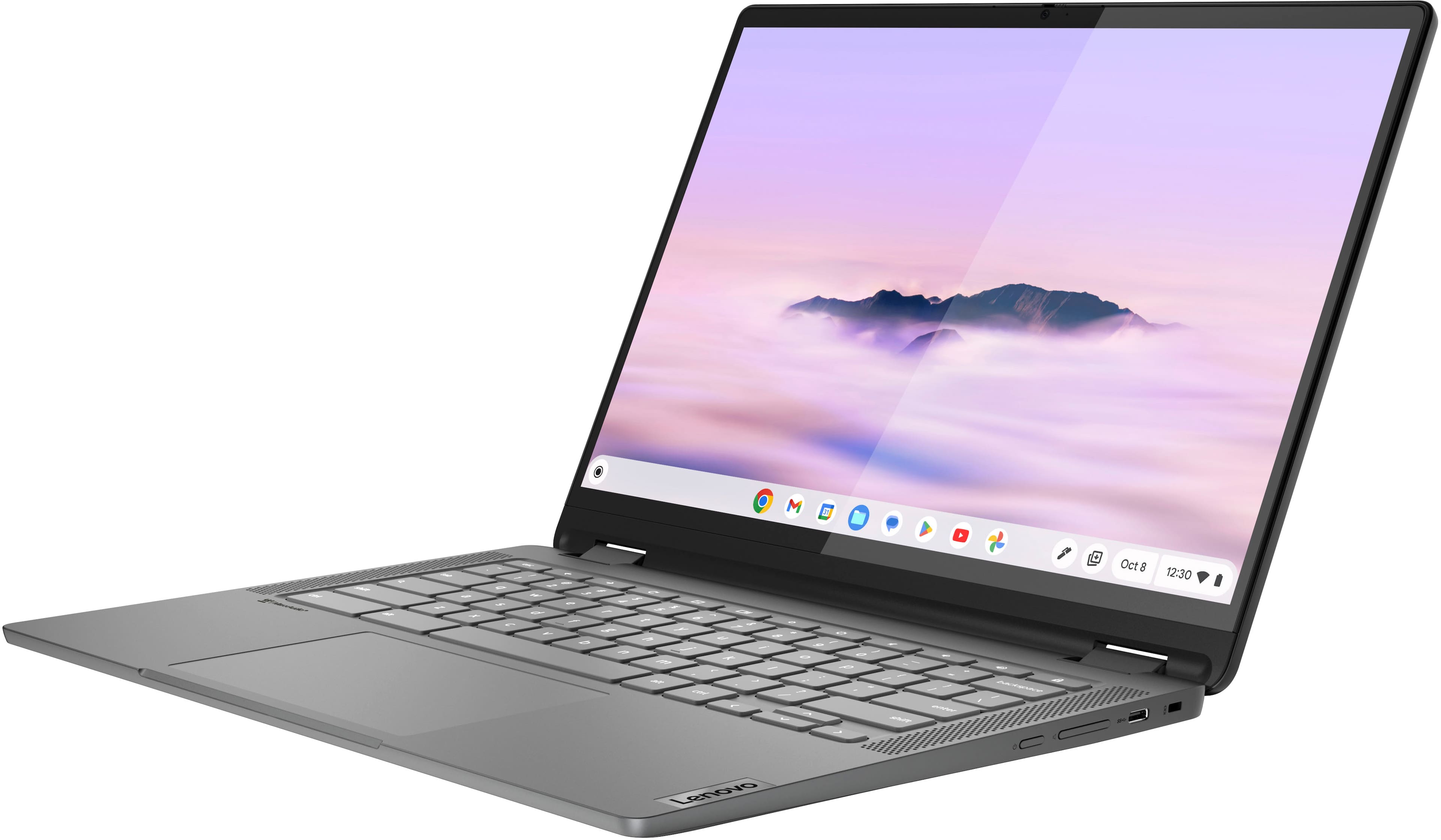
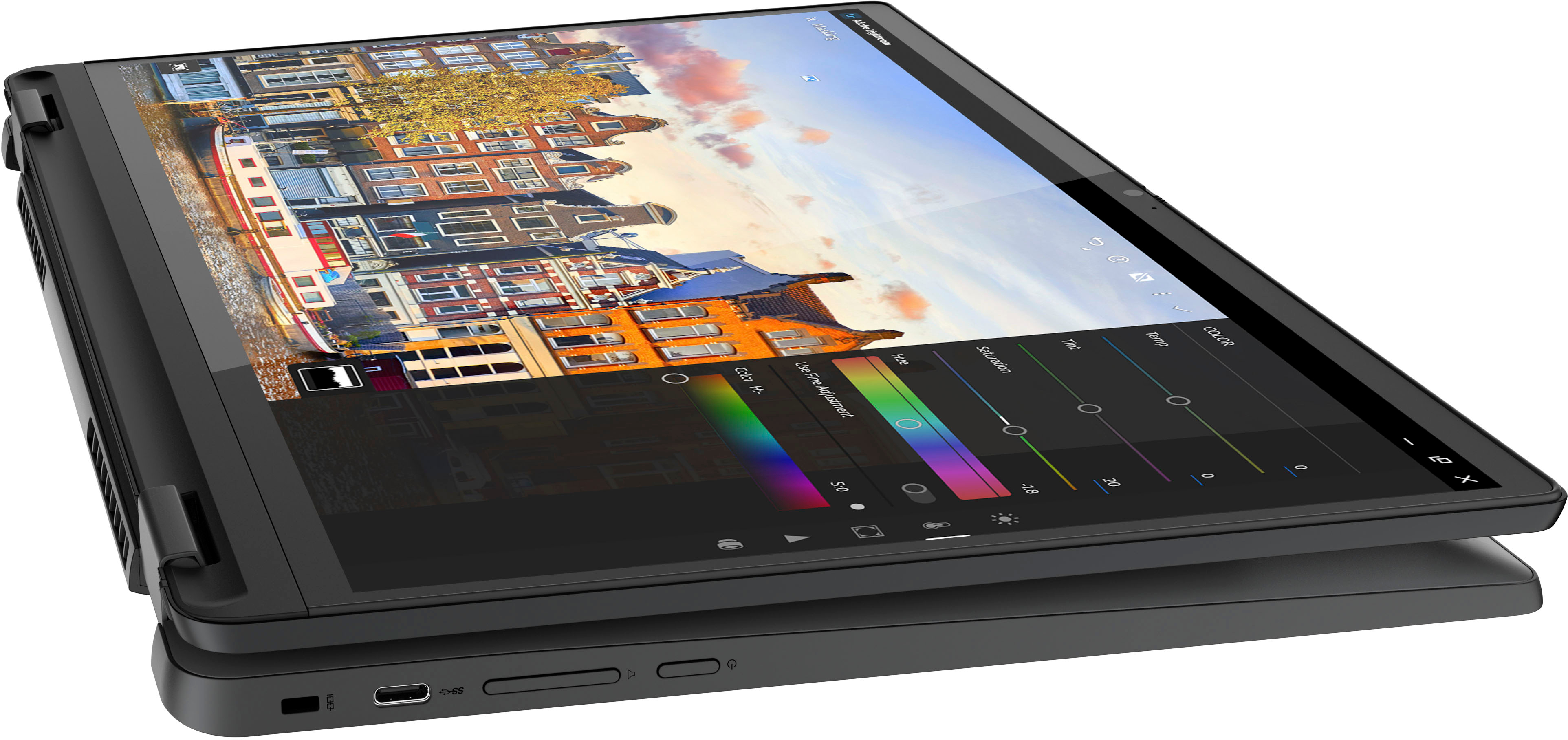
Yes, a mouse can be used via a USB port; based on the product specifications reference (PSREF), the Lenovo - Flex 5i Chromebook Plus model 83EK0000UX has three USB ports (1x USB-A and 2x USB-C®).
For further information, check the PSREF:
For detailed information about the Intel® Core™ i3-1315U Processor, visit:
https://ark.intel.com/content/www/us/en/ark/products/232136/intel-core-i3-1315u-processor-10m-cache-up-to-4-50-ghz.html
Thank you for choosing Intel! Emilio_Intel
A:AnswerHi, rcarder. No, it does not feature an HDMI port, but it does feature two USB-C ports that support display output. Those Type C ports can be adapter to HDMI to connect an HDMI cable to the adapter and to the monitor.