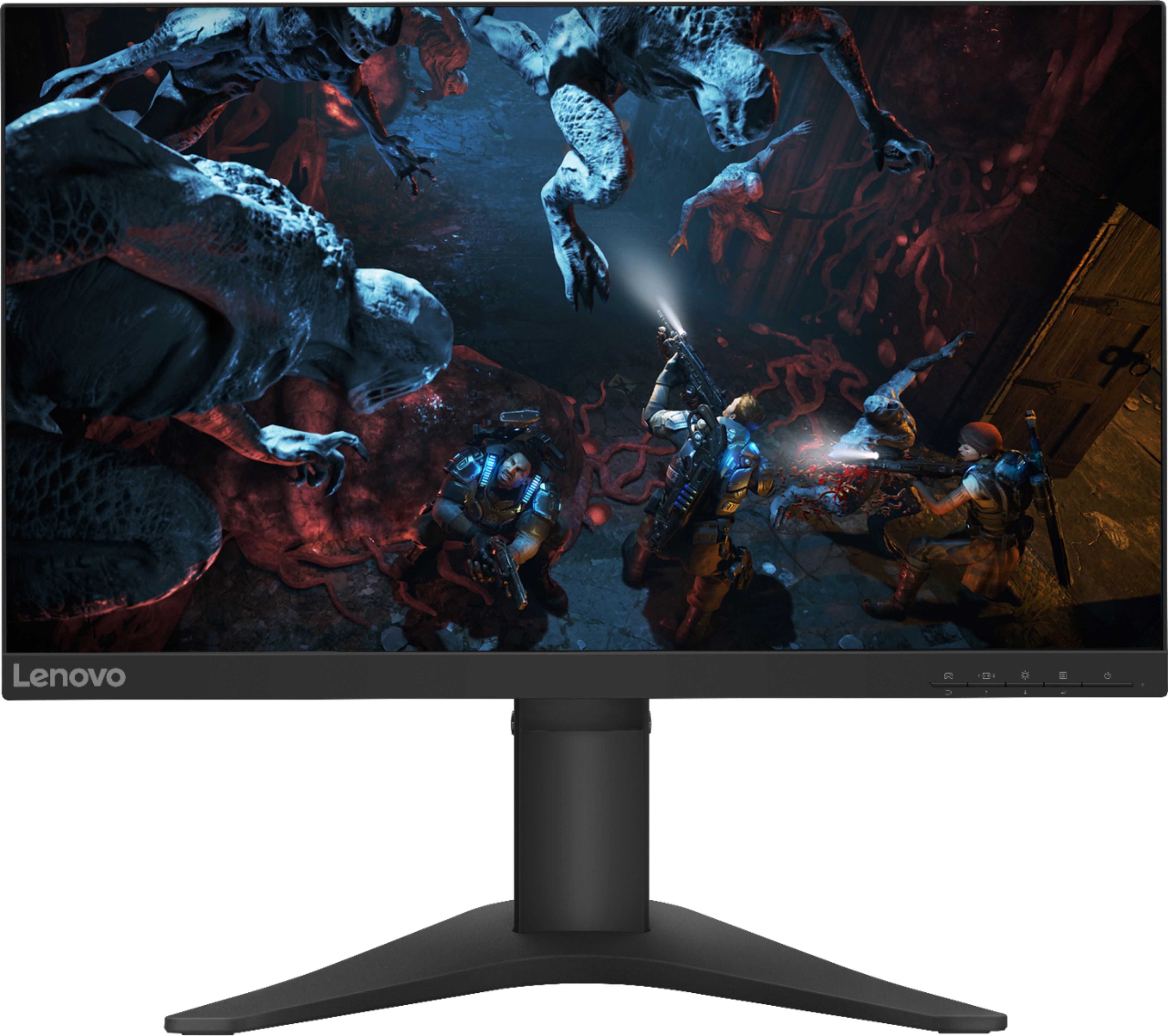
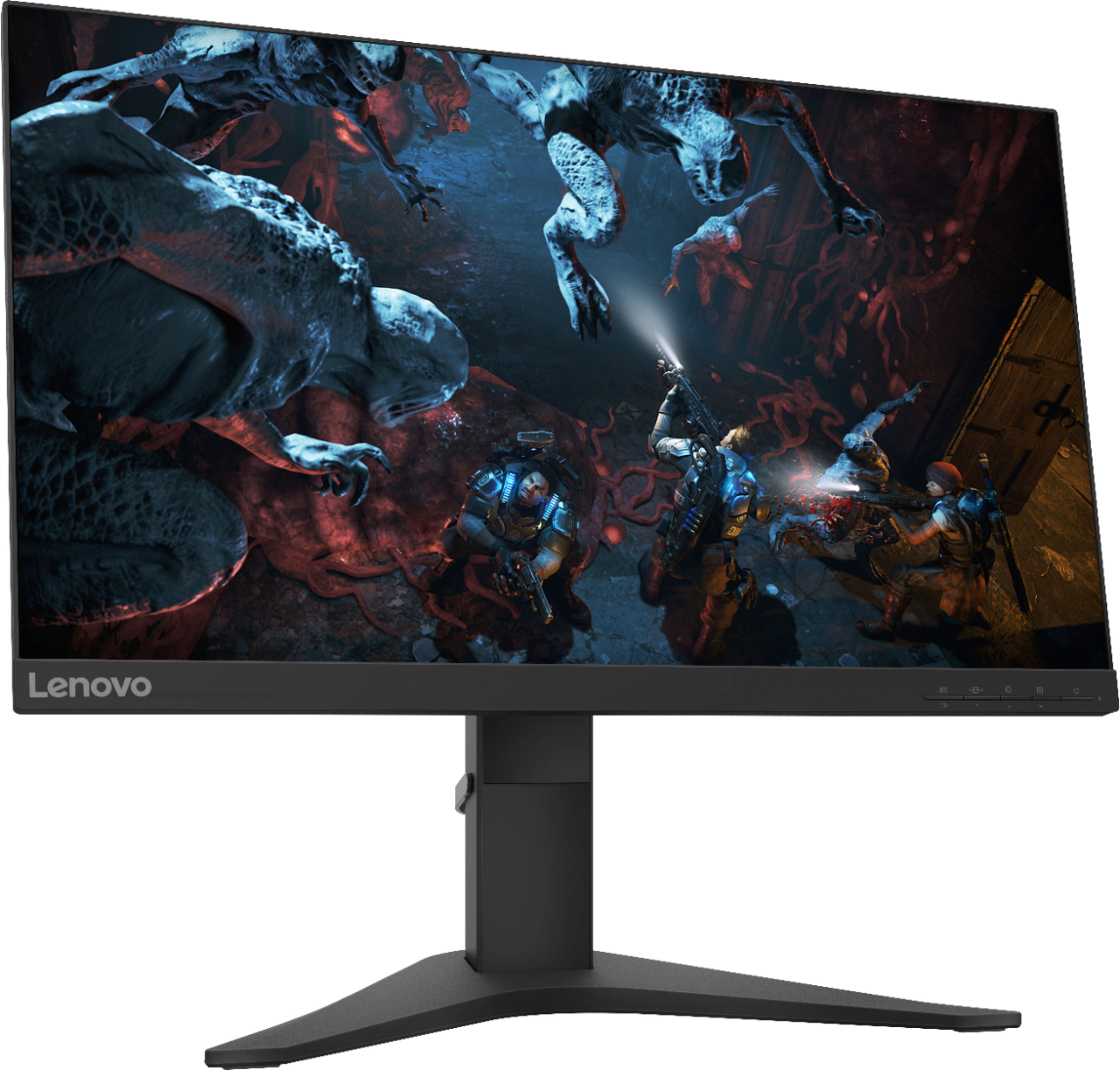
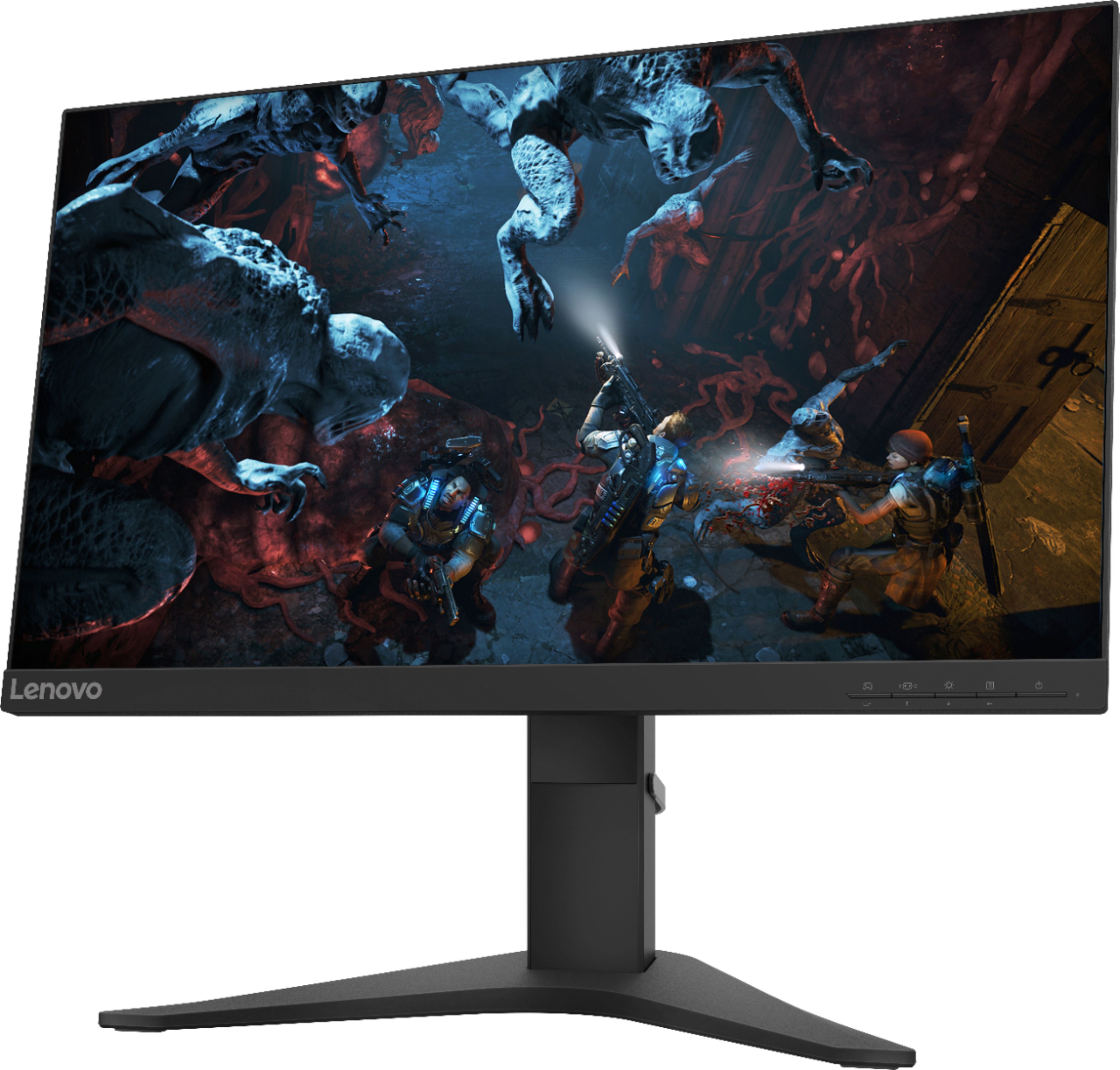
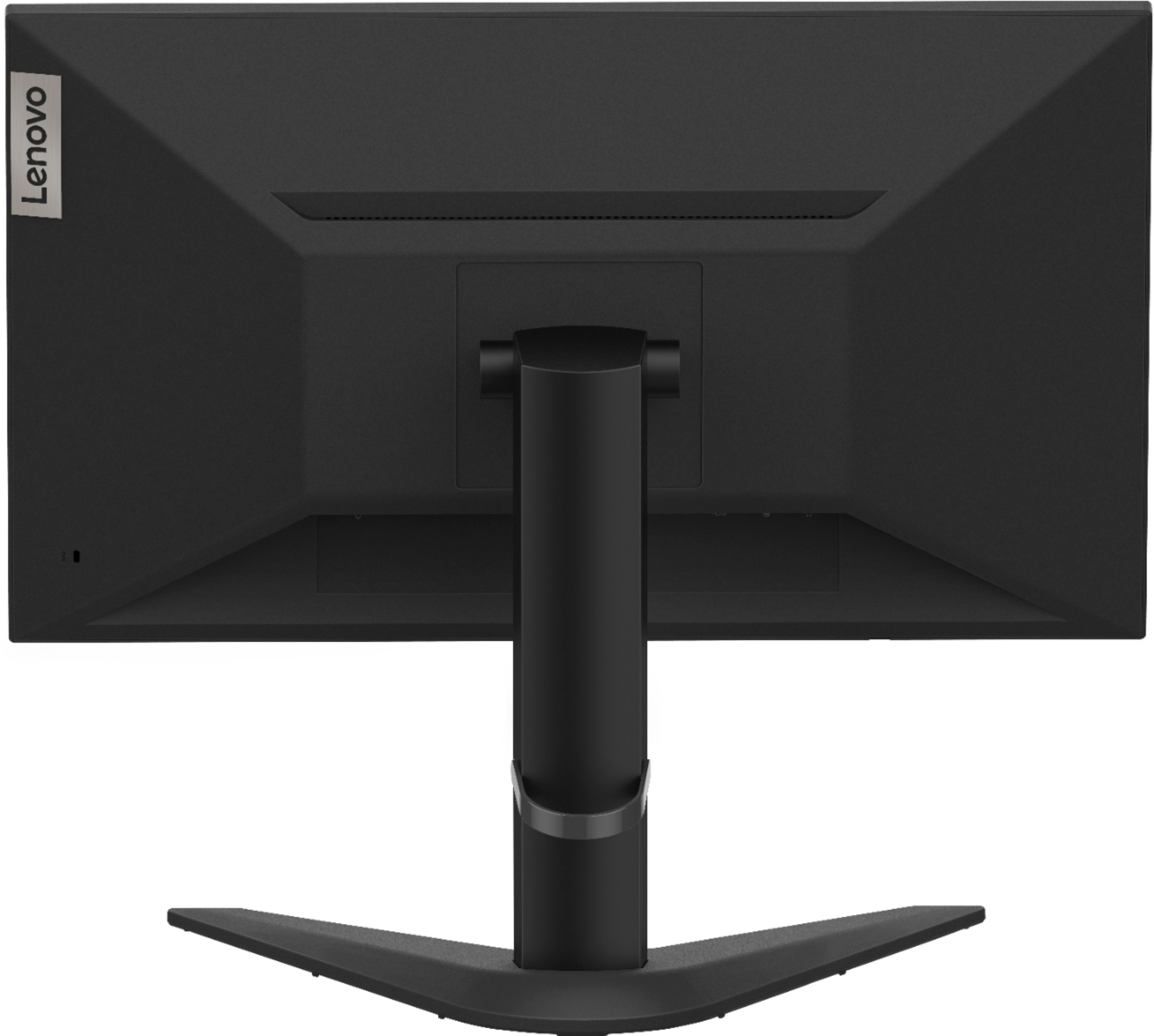
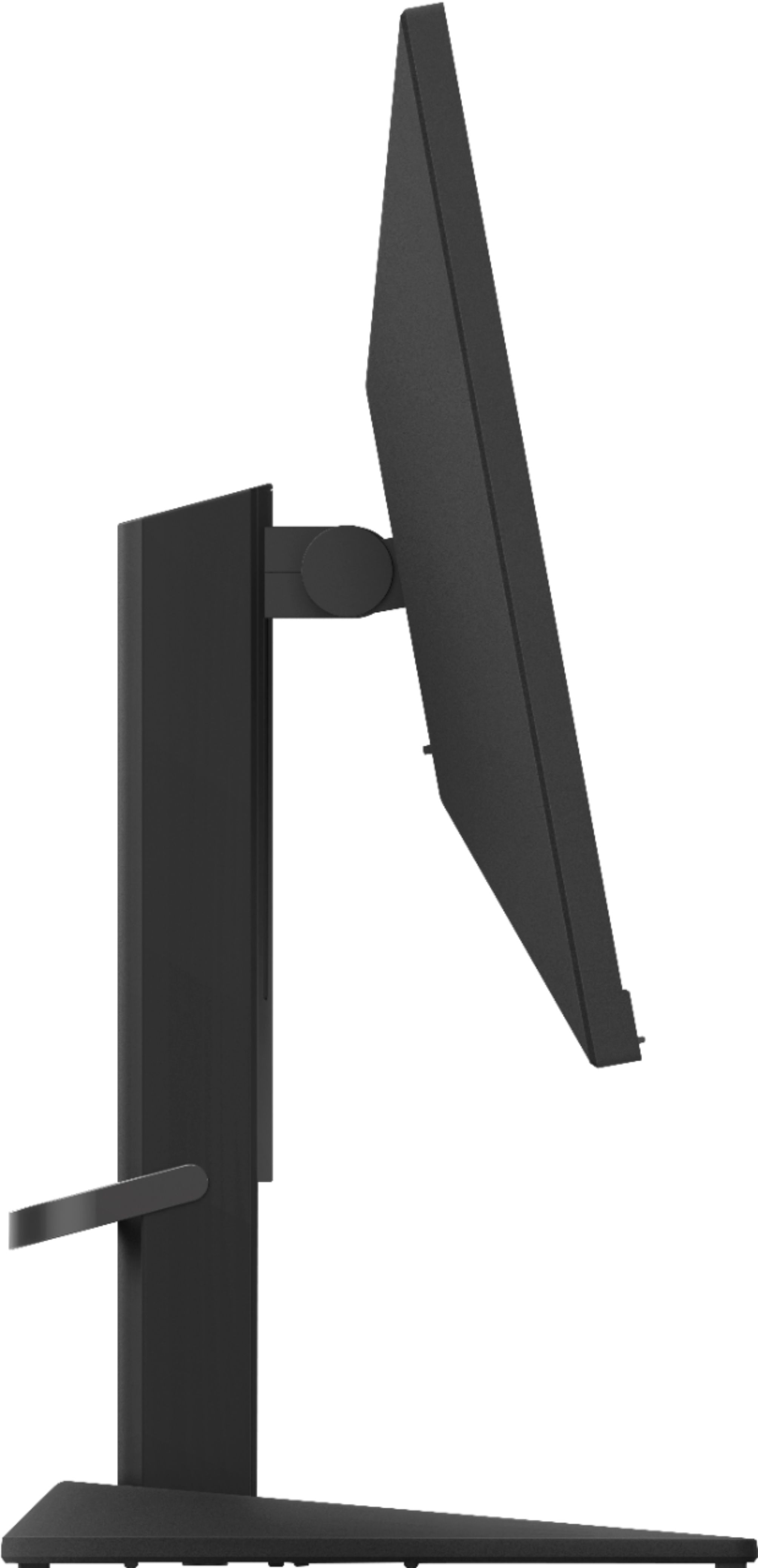
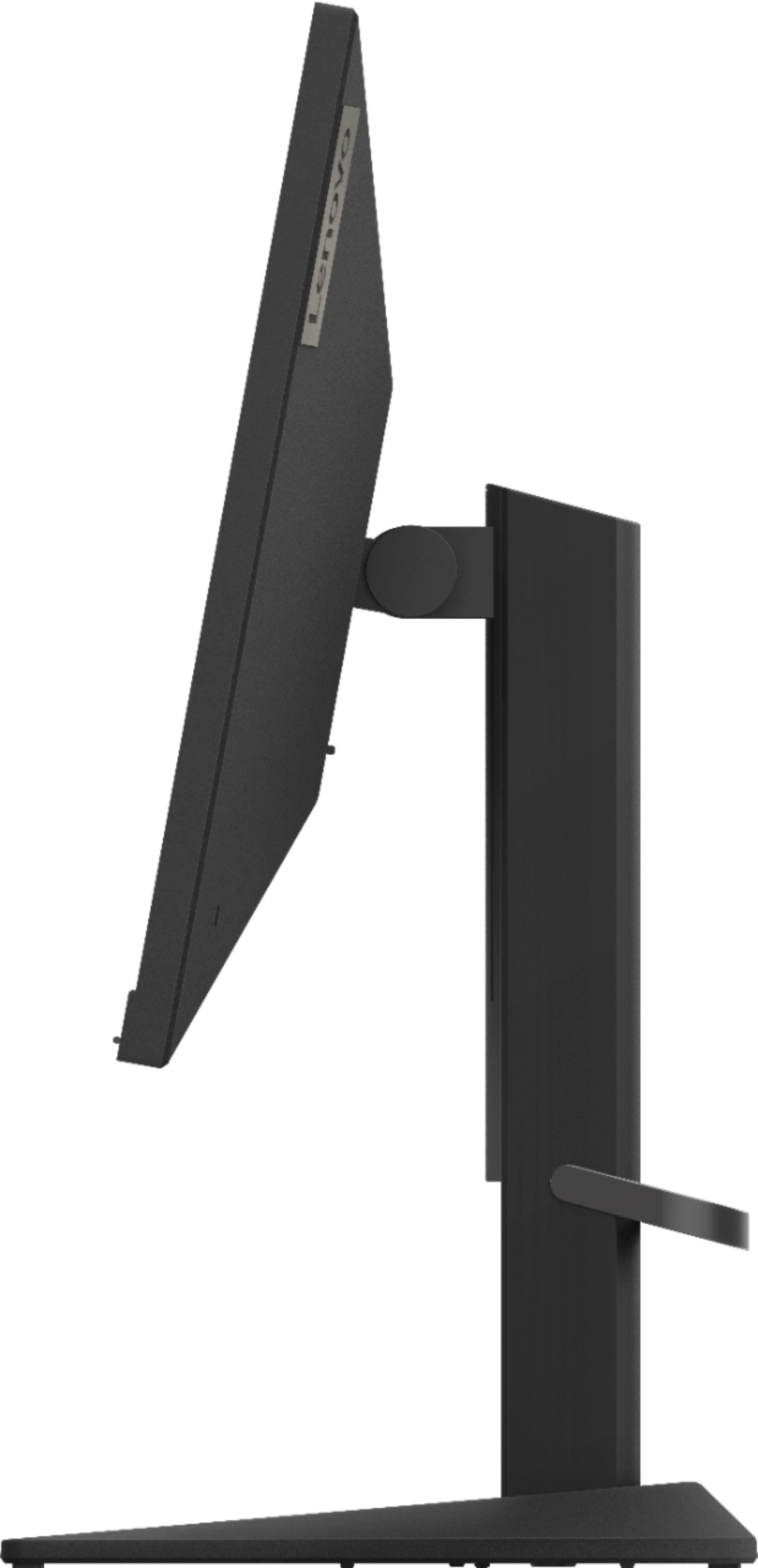
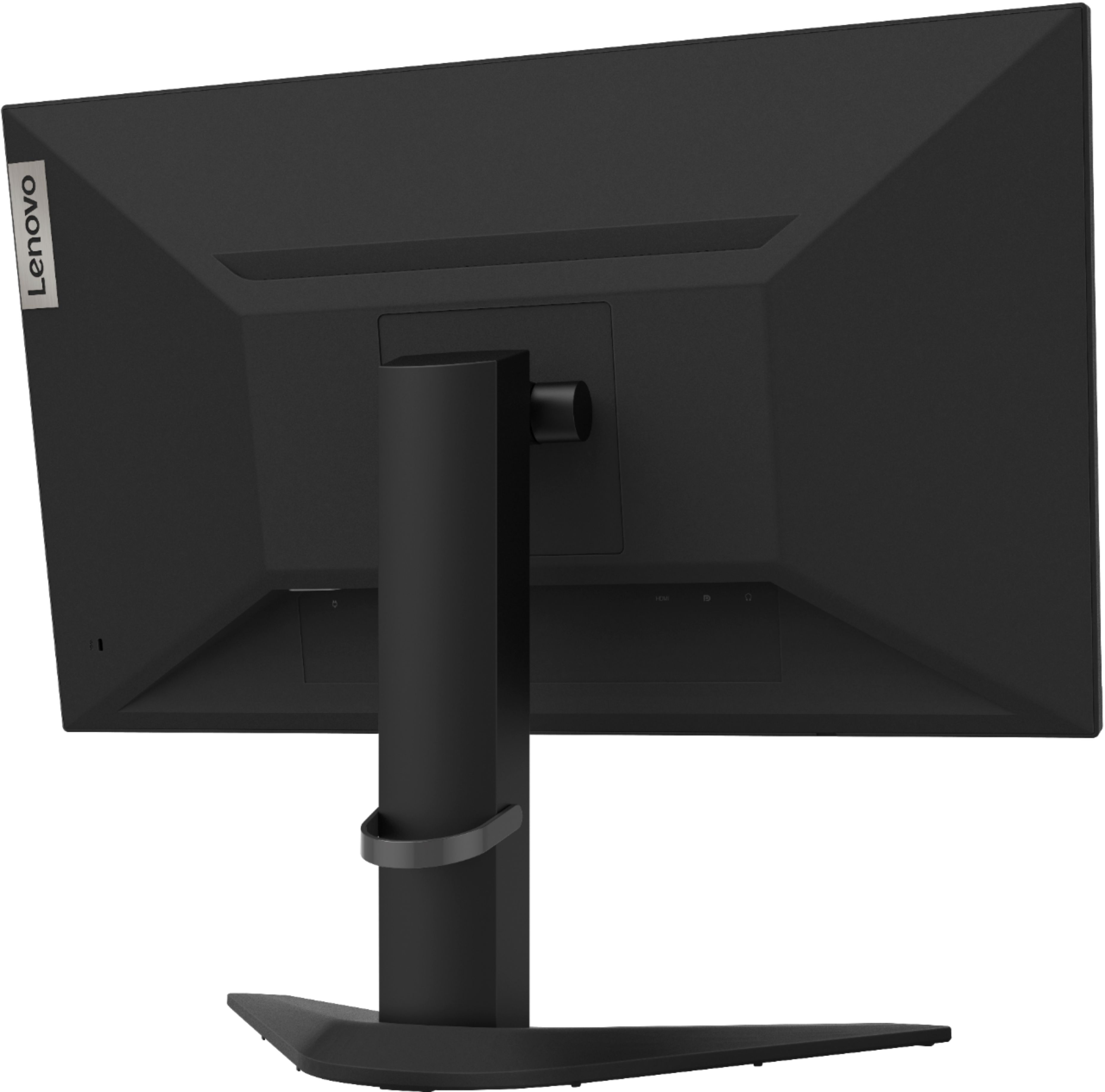
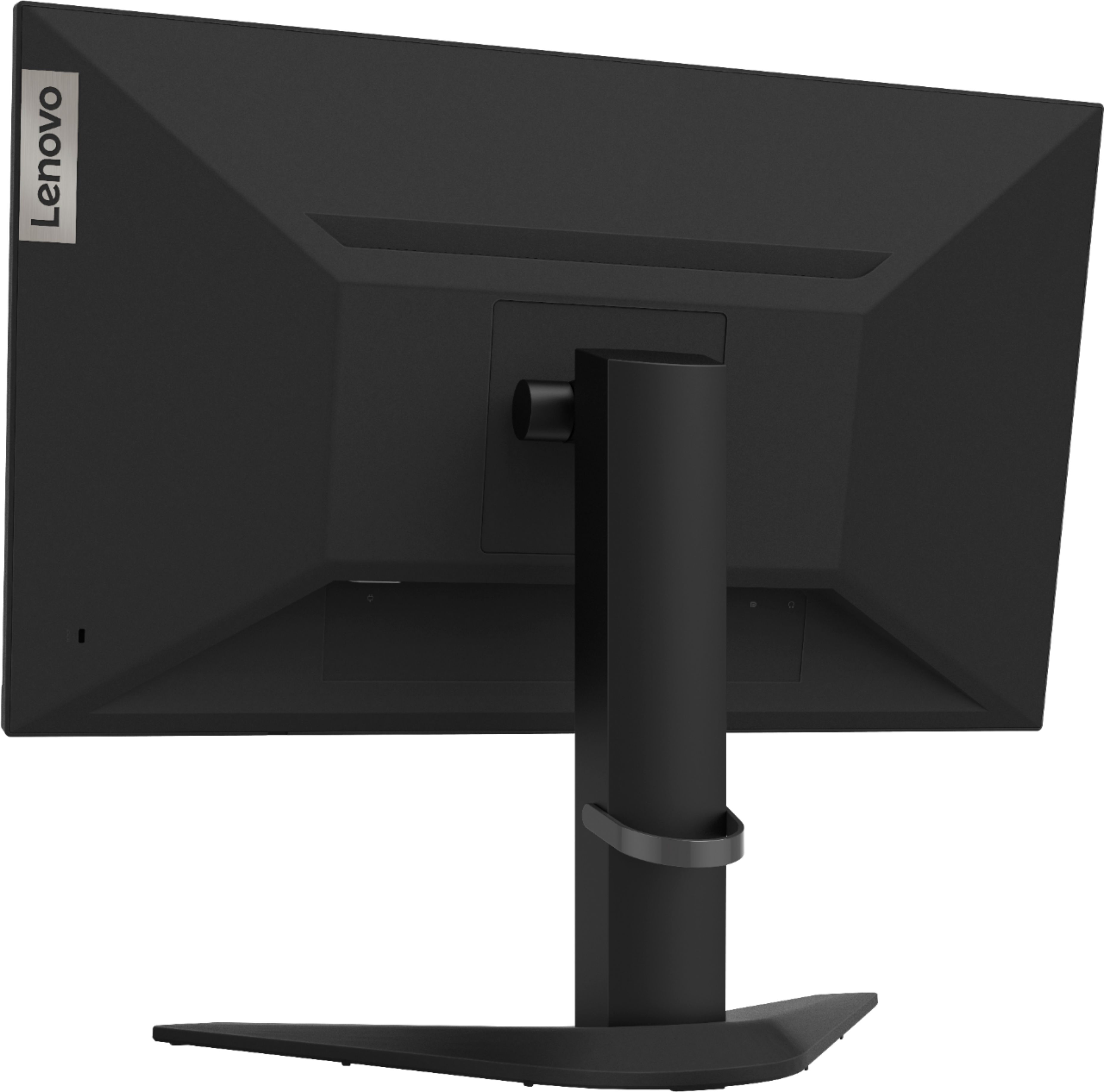
A:AnswerThat will depend on the requirements and compatibility of the gaming console you want to connect. The Lenovo G25-10 monitor has both HDMI and DisplayPort inputs for connecting an external video source and it has a refresh rate of 144Hz at 1920 x 1080 (FHD) resolution. We recommend you check with the game console manufacturer's web site for their compatibility with this monitor's connectivity and the minimum/recommended hardware requirements (Is a Graphics card required, the processor speed and the minimum required system RAM and the minimum available hard drive space) to run their program, then compare those requirements to this system's configuration.
A:AnswerThe Lenovo G25-10 Monitor has a maximum refresh rate of 144Hz. In the on-screen menu there is a section that has settings for Game Mode, Overdrive, HDR, Freesync, and displaying the Refresh Rate number. In that section you will want to enable the proper refresh rate you want to set the screen to. If you continue to have issues, we recommend you call Lenovo Tech Support at: 877-453-6686.