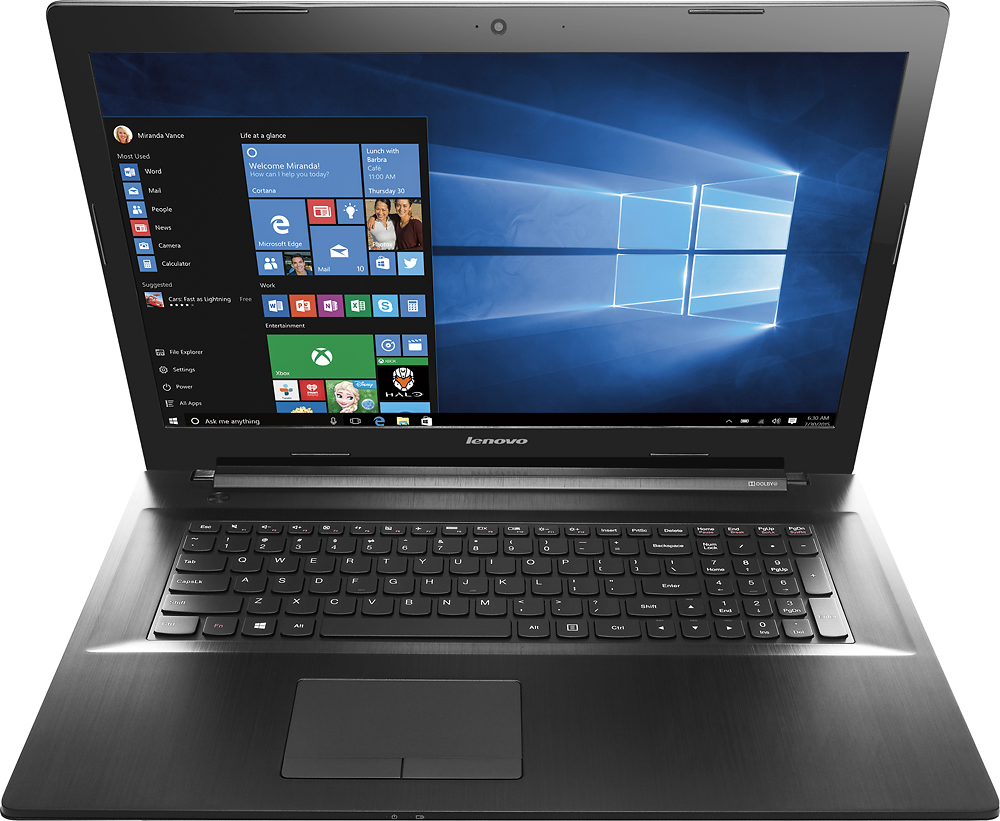
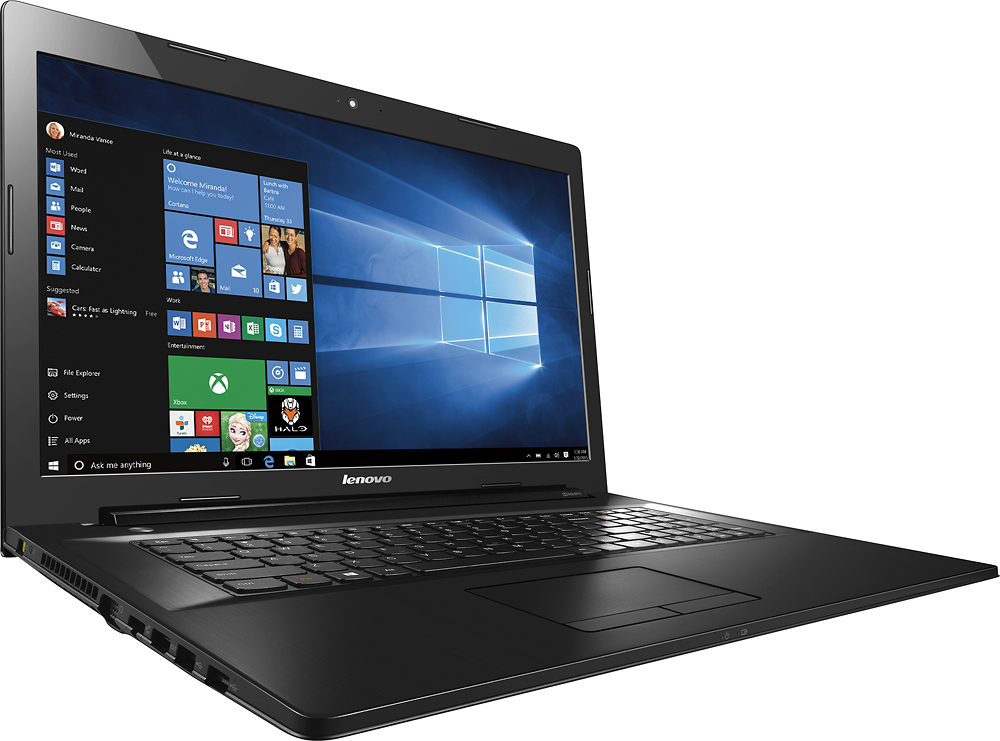
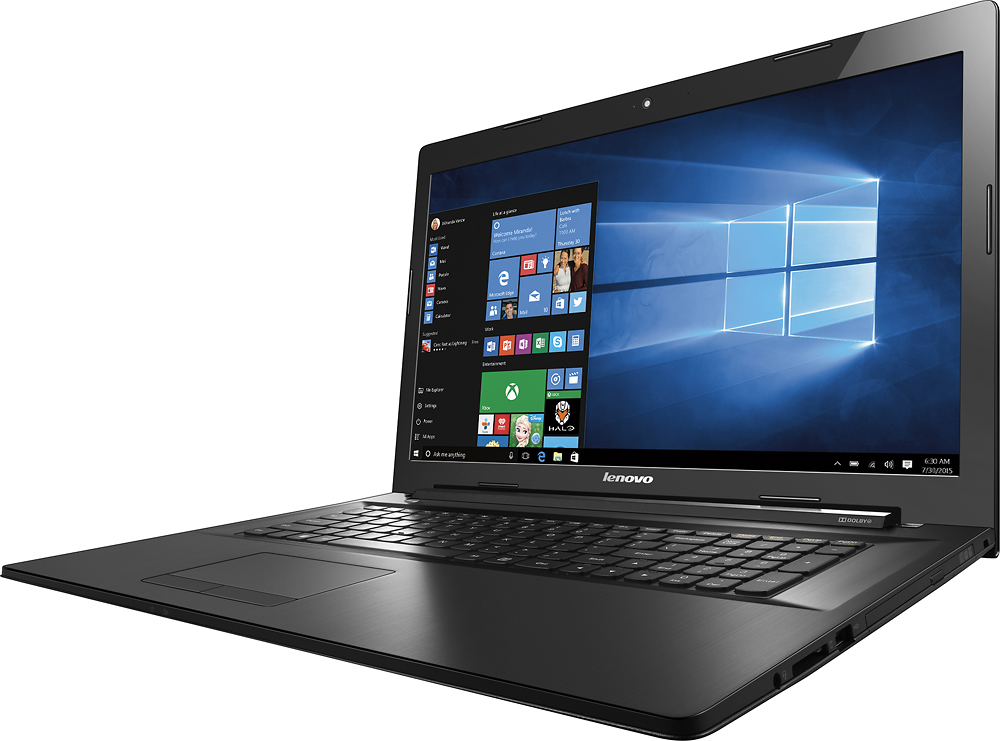
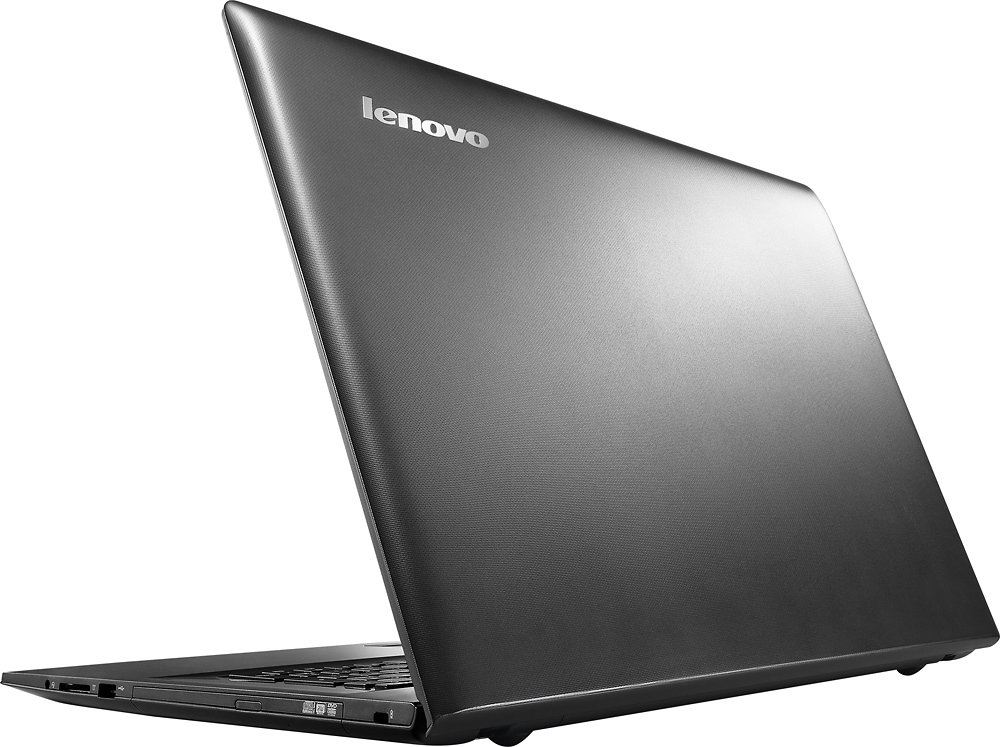
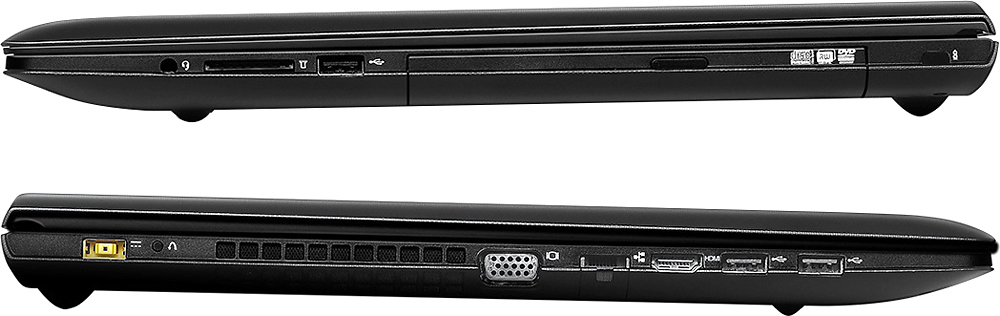
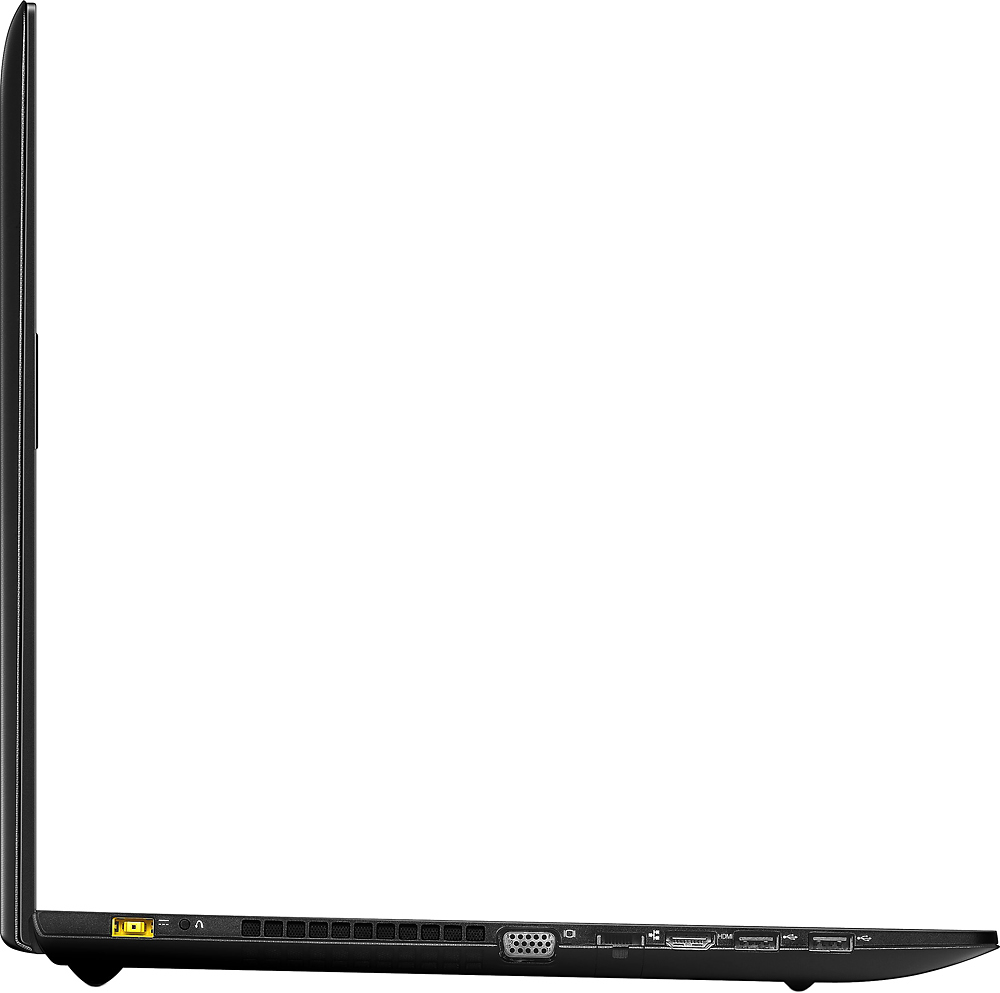
A:AnswerYes this laptop has both an HDMI port and a VGA port and can drive its own screen and external monitor simultaneously. I don't know if it can drive an external VGA monitor AND an external HDMI monitor simultaneously though.
A:AnswerThe laptop comes with a 4GB module in one slot and the other slot empty. You can buy and install a single 4GB module in the empty slot to upgrade to 8GB. You could also buy and install a single 8GB module in the empty slot to upgrade to 12GB. Just make sure it's DDR3 (ideally DDR3-1600 or higher) and a SO-DIMM (a laptop sized module).
A:AnswerThere are many varieties of the Intel Core Duo. It comes in various processor speeds. It is an older processor than the Intel Core I-3 processor in this system. The I-3 in this system has a processor speed of 2.2 GHz.
A:AnswerA certified technician can replace the hard drive in this system. The work must be done by a certified technician otherwise the warranty may become void.
A:AnswerWhat is the charge level of the battery in the device. The battery will not charge if there is more than 80% charge in the battery. This is to protect the battery. If there is less than 80% charge in the battery and it still won't charge, follow the link below to Lenovo.com support-drivers and look for new driver updates for power management for your specific system. Be sure to create a restore point on your system before you make any changes, then create a new restore point once the issue is fixed. Here is the link:
http://support.lenovo.com/us/en/products/Laptops-and-netbooks/Lenovo-G-Series-laptops/g70-80/80FF/00LCUS?linkTrack=Homepage%253ABody_Search%2BProducts&beta=false
A:AnswerCheck to be sure that the battery has less than 80% charge. The battery will not charge if it already has a current charge of 80%. If the battery charge is less than that and it still will not charge, try updating drivers for power management for your system. You can follow the link below to Lenovo.com support-drivers and look for power management updates for your specific system. Be sure to create a restore point on your system before you make any changes, then create a new restore point once the issue is fixed. Here is the link:
http://support.lenovo.com/us/en/products/Laptops-and-netbooks/Lenovo-G-Series-laptops/g70-80/80FF/00LCUS?linkTrack=Homepage%253ABody_Search%2BProducts&beta=false
A:AnswerThe battery is removable in this system. It is tubular and is about the length of the device, about 1 inch thick. Follow the link below to the user manual for this system, see page 34 and it illustrates the battery on this device:
https://download.lenovo.com/consumer/mobiles_pub/lenovo_g_z_70_series_hmm.pdf