Questions & Answers
- Model:
- ZAFR0924US
- |
- SKU:
- 6642807
Q: QuestionHow long is the update window for android on this tablet? I9
Asked by Ml58.
- A:Answer Hey Ml58, This Idea Tab can be upgraded to Android 16 (potentially Android 17), and it will receive security updates until 9/1/2029. Please feel free to reach out to us with any other questions!
Answered by Lenovo Product Expert
Q: QuestionCan you hook a wireless keyboard to this
Asked by George.
- A:Answer Hi, You can connect a wireless keyboard that uses a USB receiver if you use a USB-C to USB-A adapter, but a Bluetooth keyboard can connect wirelessly without any adapters or physical connectors. Please feel free to reach out to us with any other questions!
Answered by Lenovo Product Expert
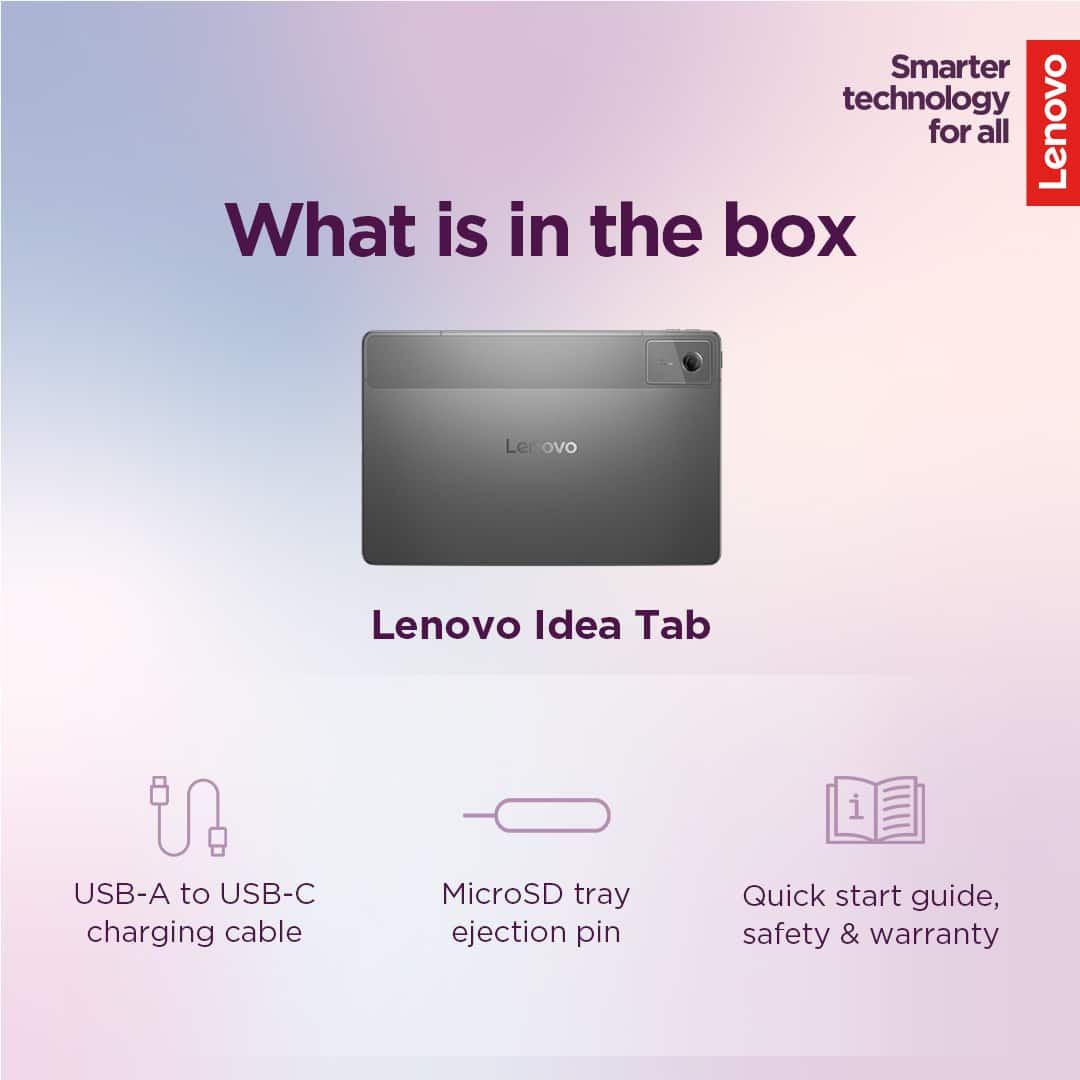
Q: QuestionWhat accessories come with this tablet?
Asked by Anonymous.
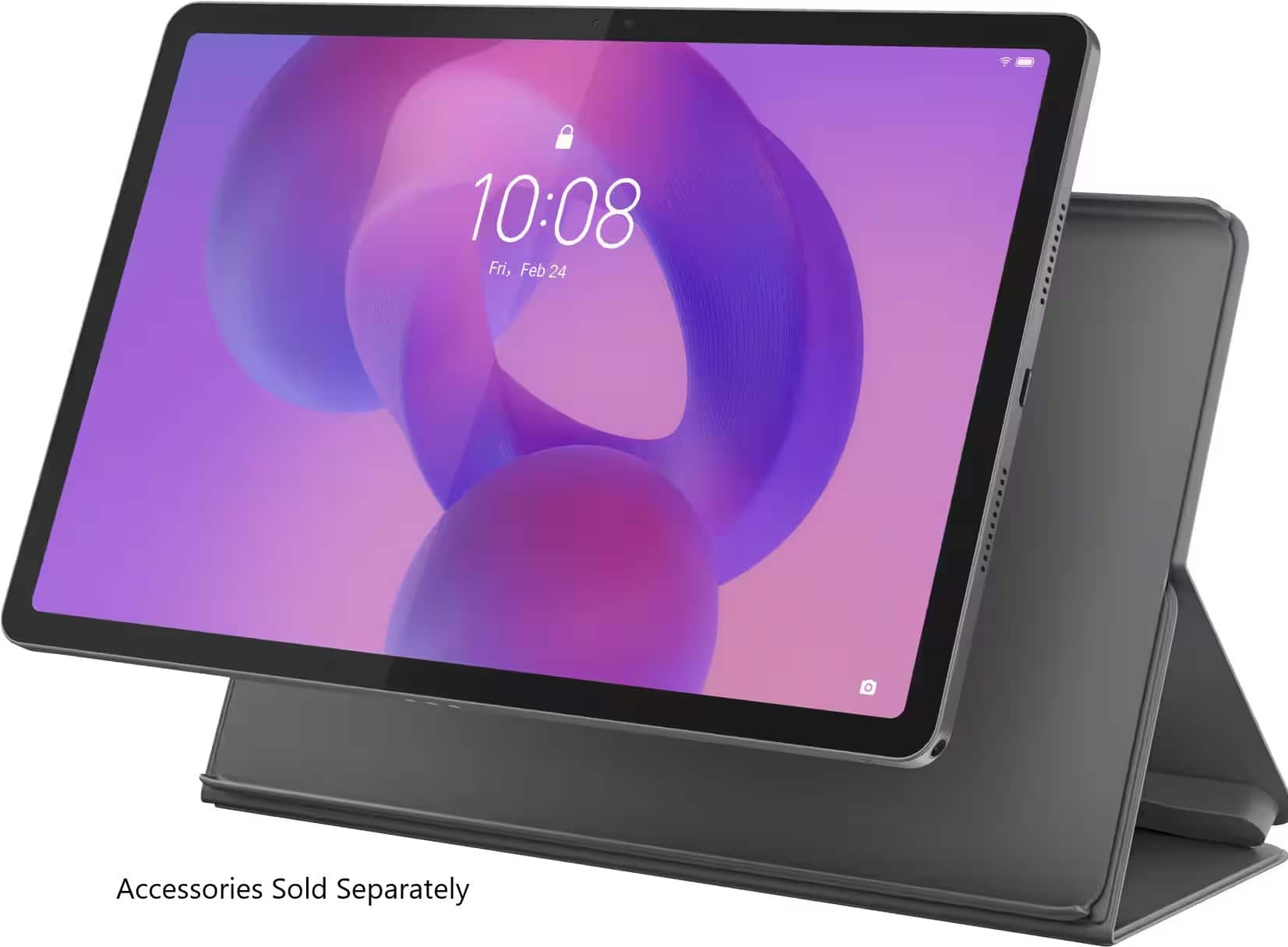
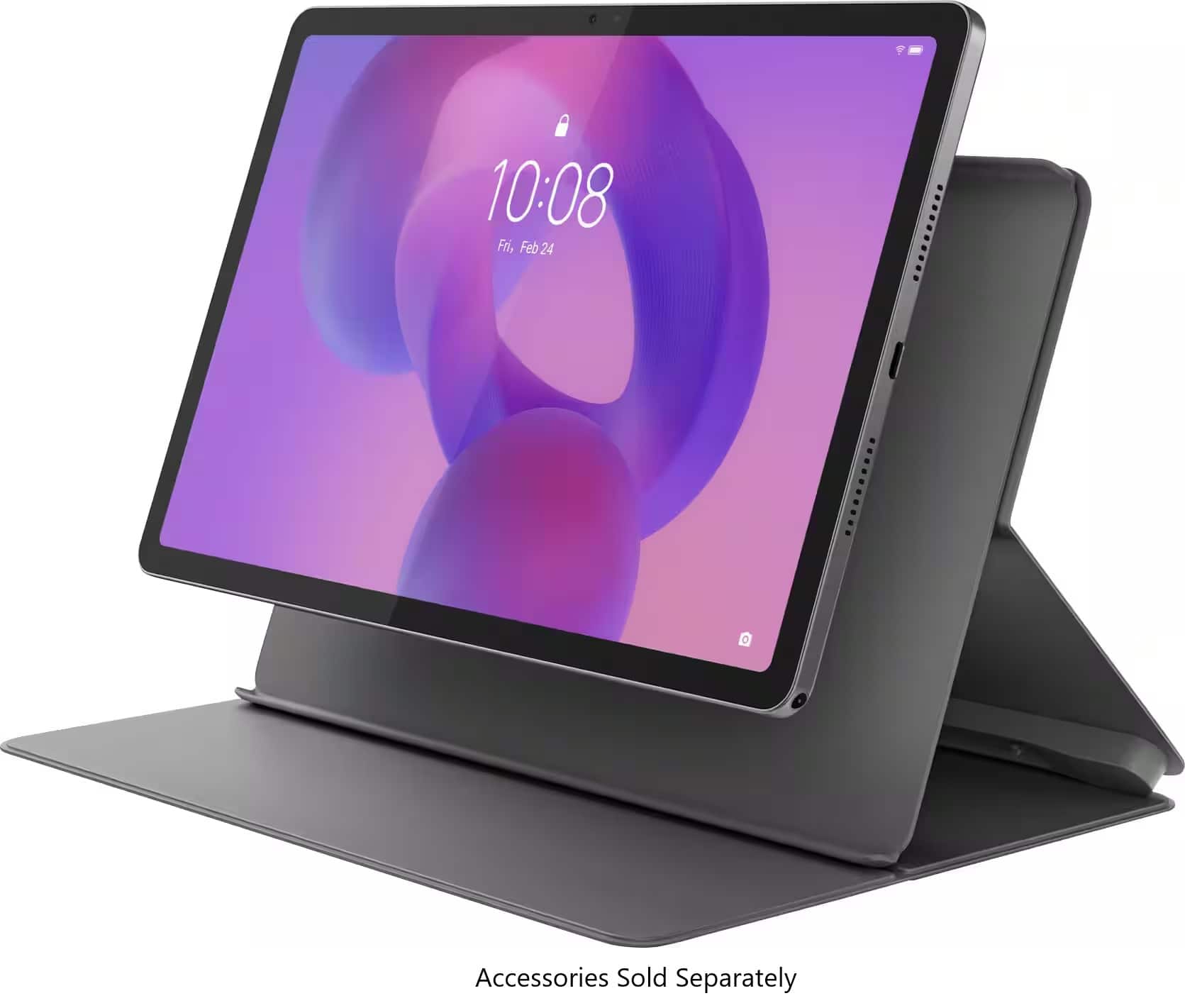
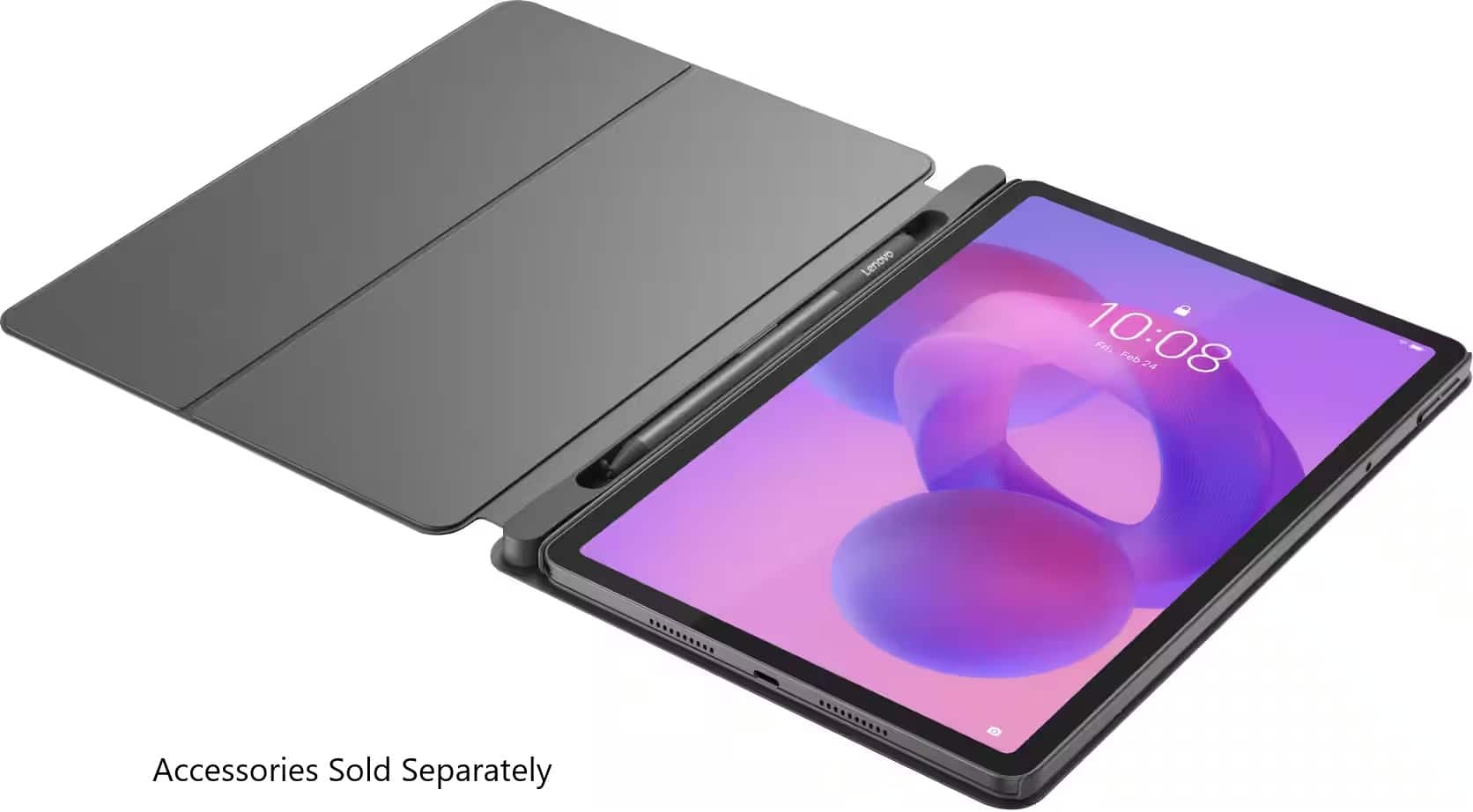
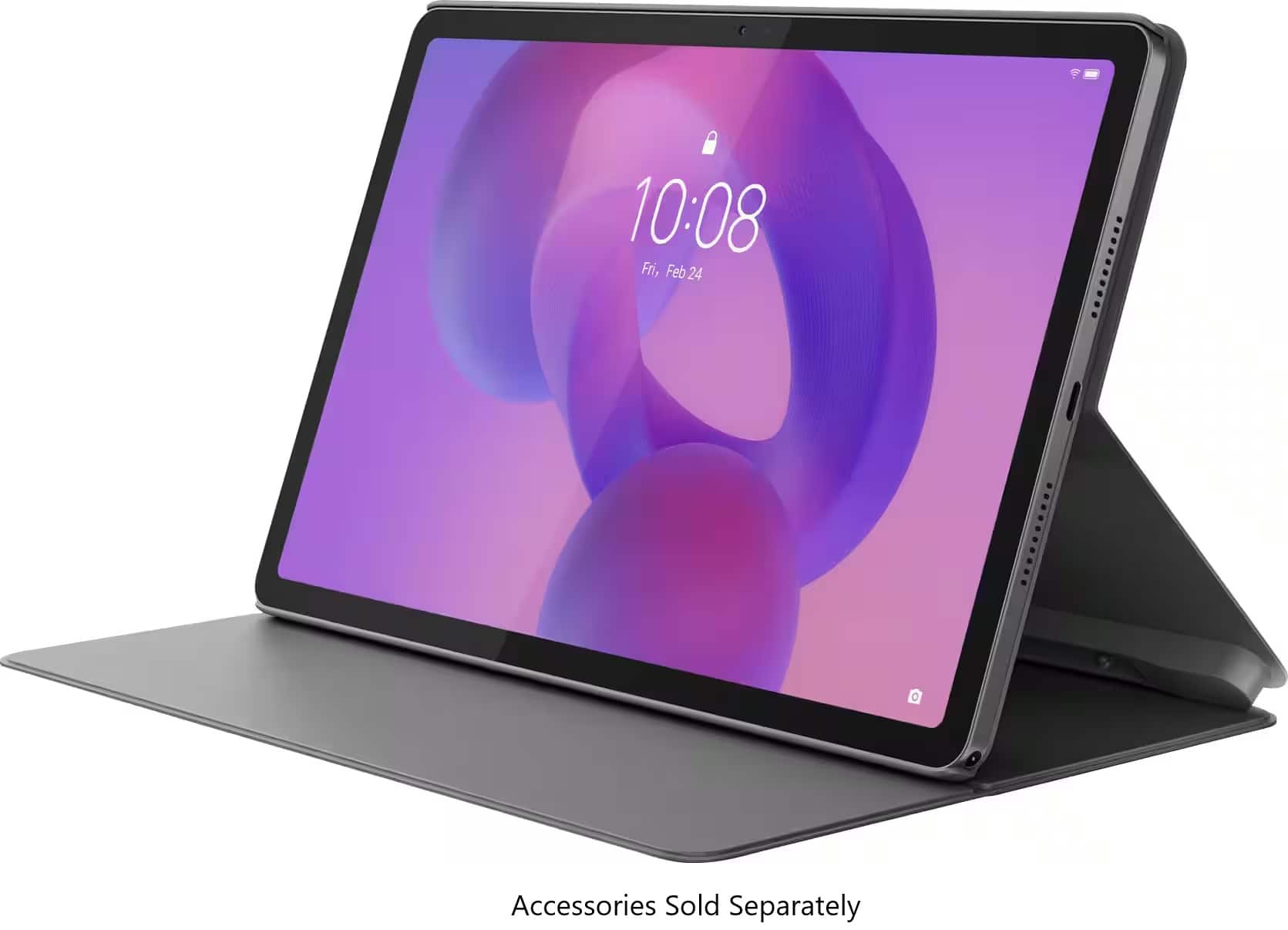
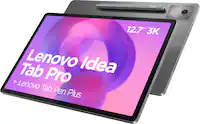
- A:Answer Hey, This Idea Tab does not ship with any accessories outside of a USB-C to USB-C cable for charging. Although, there are folio and pen options offered by Best Buy like the Idea Tab Folio Case and Tab Pen Plus for stylus / pen input. Please feel free to reach out to us with any other questions!
Answered by Lenovo Product Expert
Q: QuestionCan i download thee Kindle app (purchased separately)?
Asked by Joseph.
- A:Answer Hi Joseph, thanks for the question. The Kindle app is available on the Google Play Store that is included on the Lenovo Idea Tab. Please don't hesitate to contact us if you have any additional questions.
Answered by Lenovo Product Expert
Q: QuestionDoes this have Facebook Messenger? Also can it screen cast to a smart tv?
Asked by SJ.
- A:Answer Hi SJ, thanks for your question. Facebook Messenger is available for download on the Google Play Store, which the Lenovo Idea Tab includes as part of the operating system. Regarding the ability to cast to a smart TV, this Lenovo Idea Tab can connect through multiple methods, depending on your specific smart TV. We recommend checking with your TV manufacturer on the recommended way to cast devices onto the TV. Please reach out to us if you have any further questions.
Answered by Lenovo Product Expert
Q: QuestionDoes it feature a headphone input jack
Asked by Take.
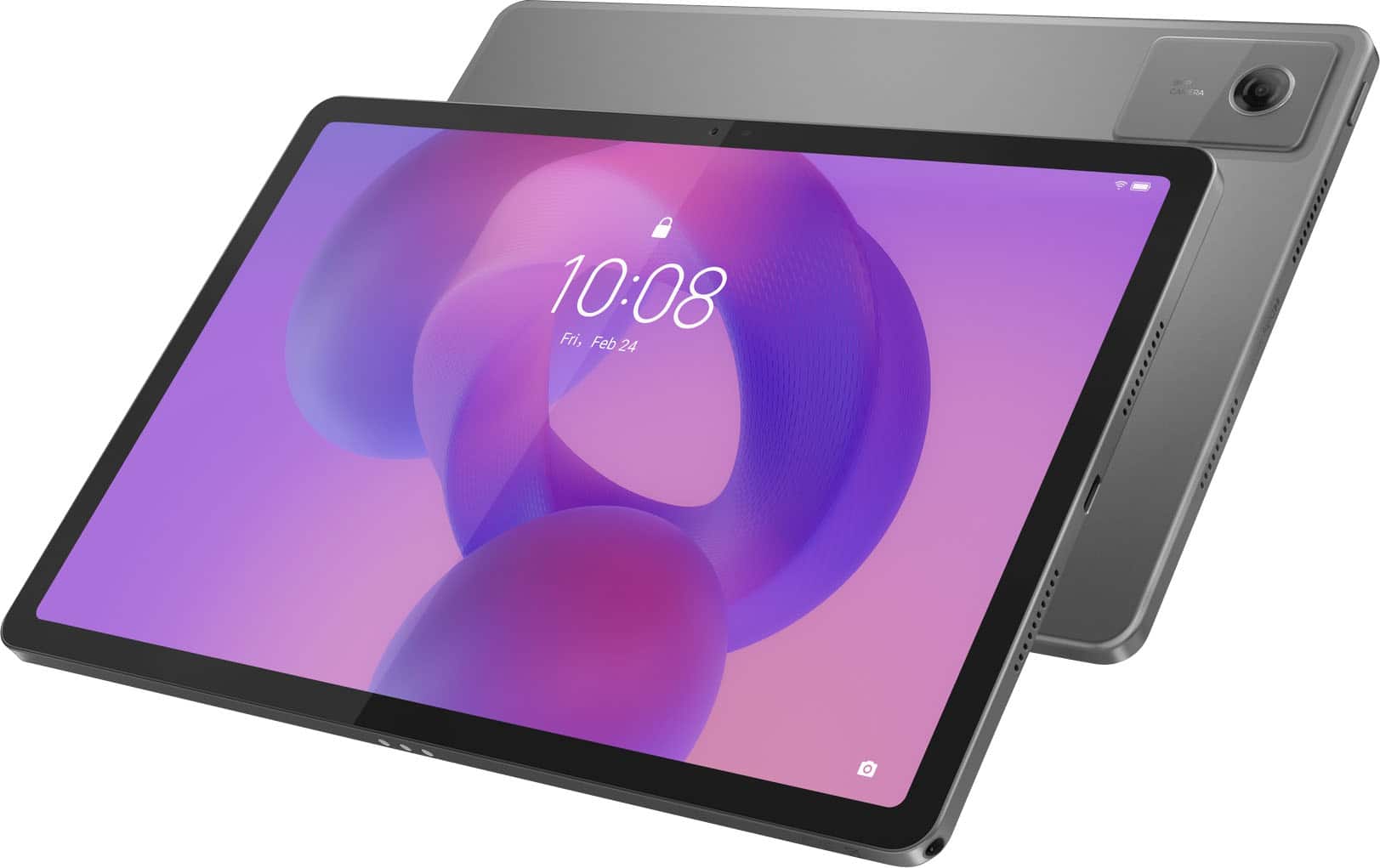
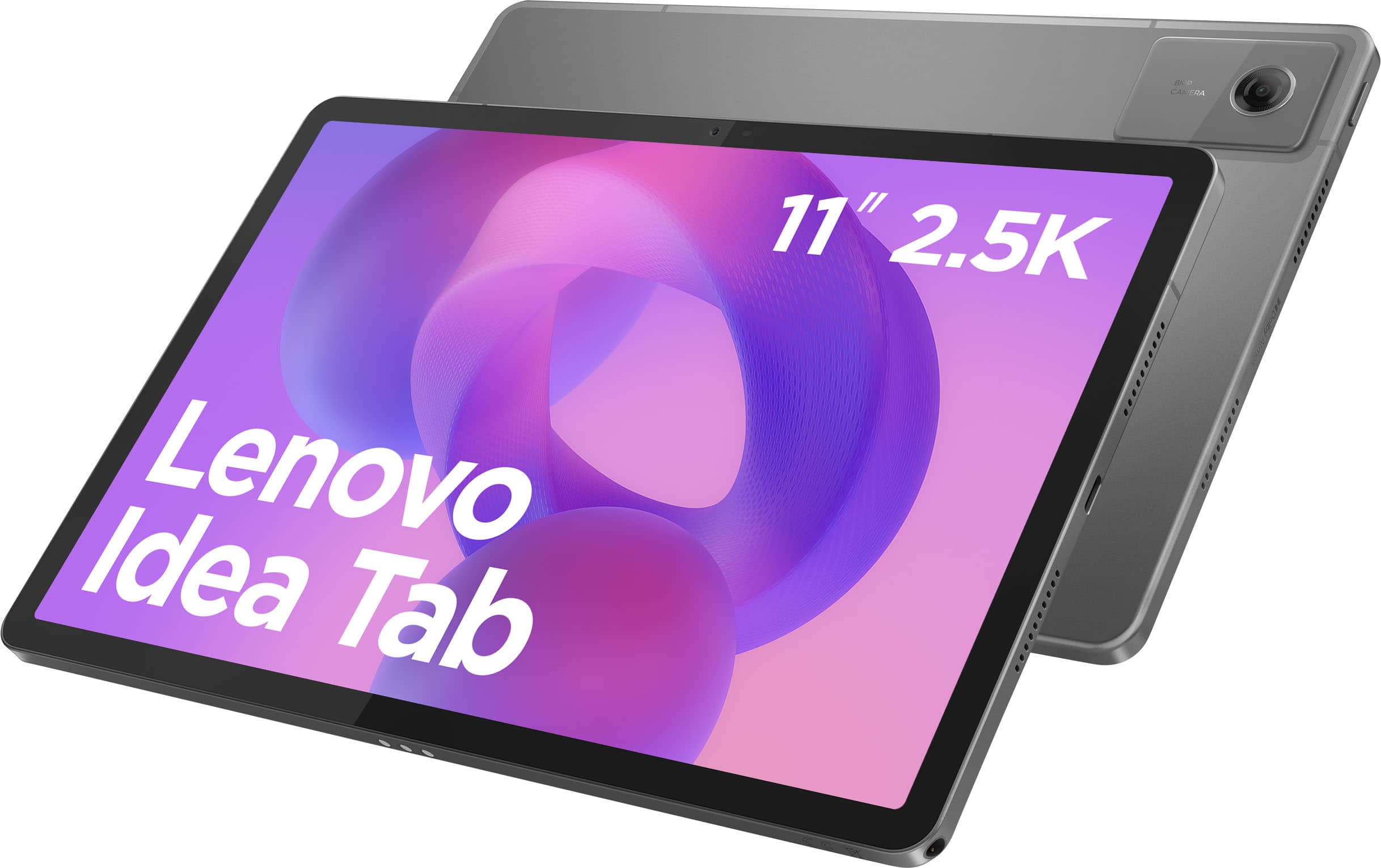
- A:Answer Hi Take, thanks for your question. This Lenovo Idea Tab features a Headphone/microphone combo jack (3.5mm) located on the bottom of the device next to the USB-C charging port. Please don't hesitate to contact us if you have any additional questions.
Answered by Lenovo Product Expert
Q: QuestionIs there parental control settings?
Asked by NH.
- A:Answer Hi NH, yes, Google offers a service called Family Link that enables parents to establish boundaries online, monitor app activity and permissions, along with managing and securing your child’s account. To learn more about the platform, please visit this Google webpage for details: https://safety.google/families/parental-supervision/. Also, the Kids Space software is preinstalled. You can visit the following Google site for details on this kid-safe platform as well: https://families.google/kidsspace/ | Please feel free to reach out to us with any other questions!
Answered by Lenovo Product Expert
Q: QuestionGood enough for downloading textbook pdf for reading and scrolling pages only without lag
Asked by MRN.
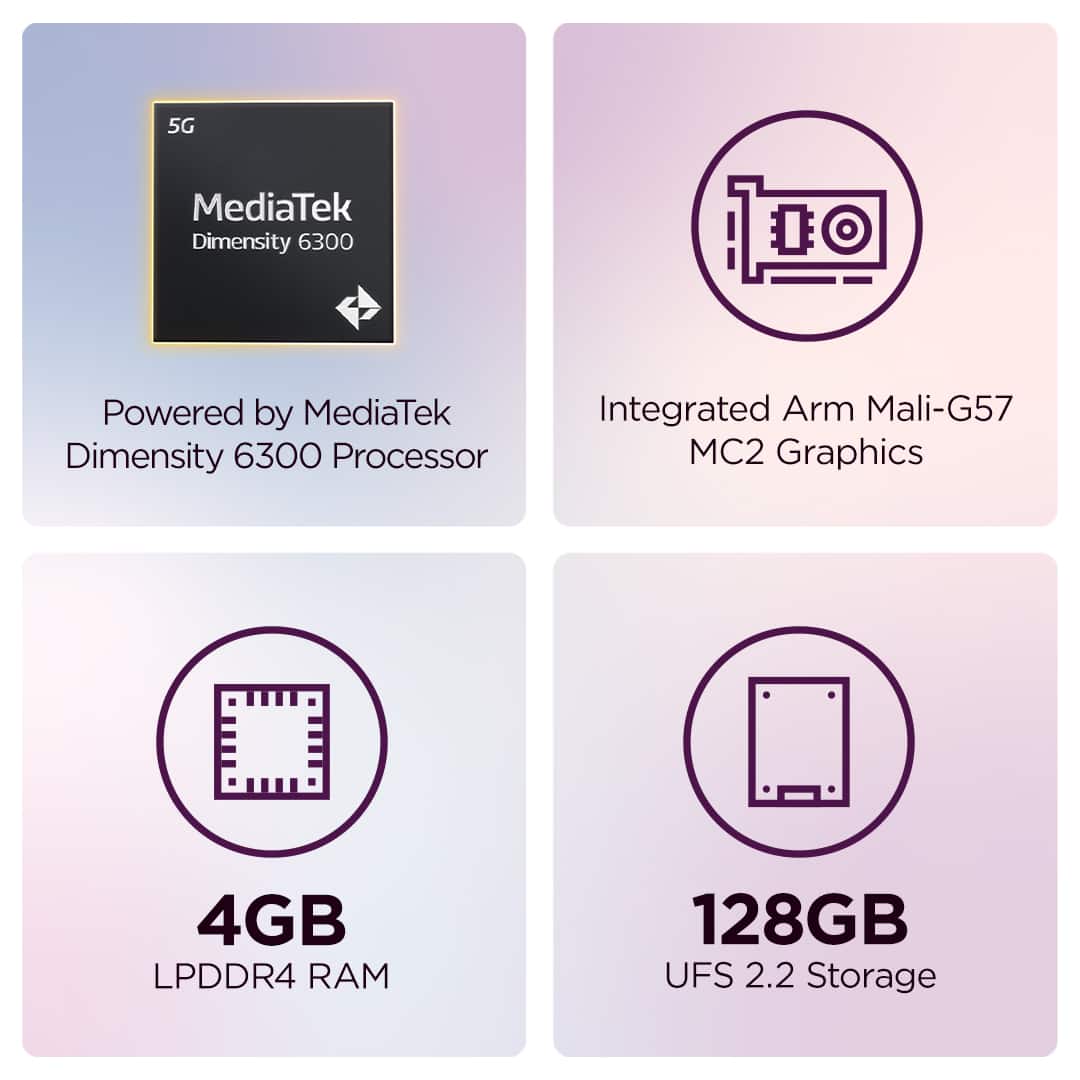
- A:Answer Hey MRN, The system can keep up with downloading and viewing PDFs, but if the documents are large and you plan on multitasking with the unit, we recommend considering a tablet with more memory to keep up with your high productivity. Please feel free to reach out to us with any other questions!
Answered by Lenovo Product Expert
Q: QuestionIs this a good tablet for drawing? What apps are supported?
Asked by FoxFox.
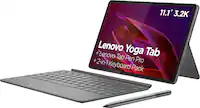
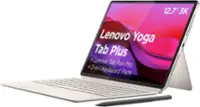
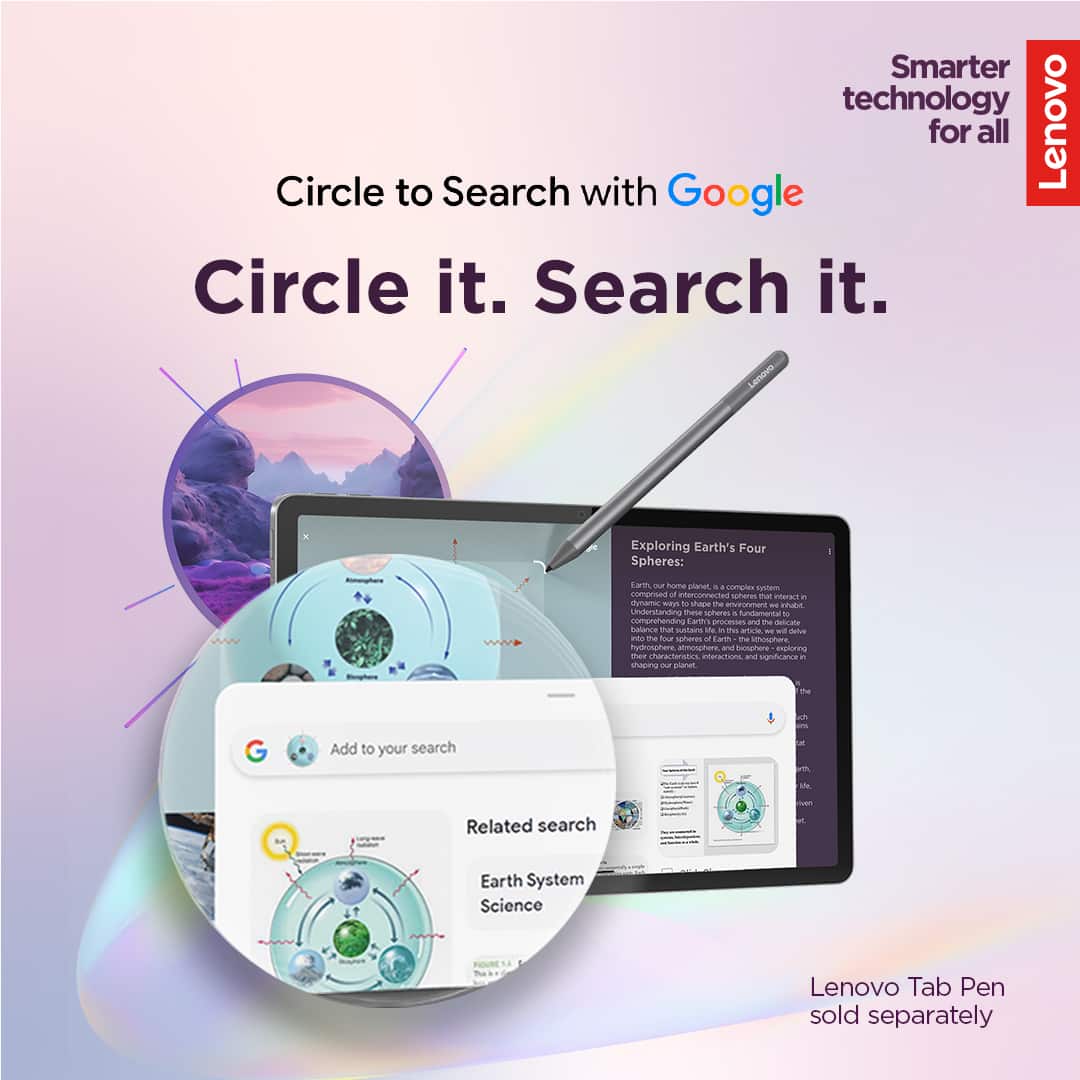
- A:Answer Hey FoxFox, This depends on the degree of drawing you're looking to do, whether it's casually or more professional. If it's more so the former, you can use this tablet with the Lenovo Tab Plus specifically for a smooth pen experience. If it's more so the latter, we recommend considering a tablet designed to deliver a better experience in this regard, like the Lenovo Yoga Tab with the Lenovo Tab Pen Pro. Please feel free to reach out to us with any other questions!

Answered by Lenovo Product Expert
Q: QuestionCan you get a case for this tablet? Can I take this tablet to AT&T to put on my plan?
Asked by Alisha.
- A:Answer Hey Alisha, Lenovo does offer case options for the Idea Tab, but this Idea Tab does not support cellular connectivity to connect to cell towers for internet access, only via Wi-Fi. Please feel free to reach out to us with any other questions!
Answered by Lenovo Product Expert
Q: QuestionDoes it need wifi for the gps to work maps
Asked by JAB365.
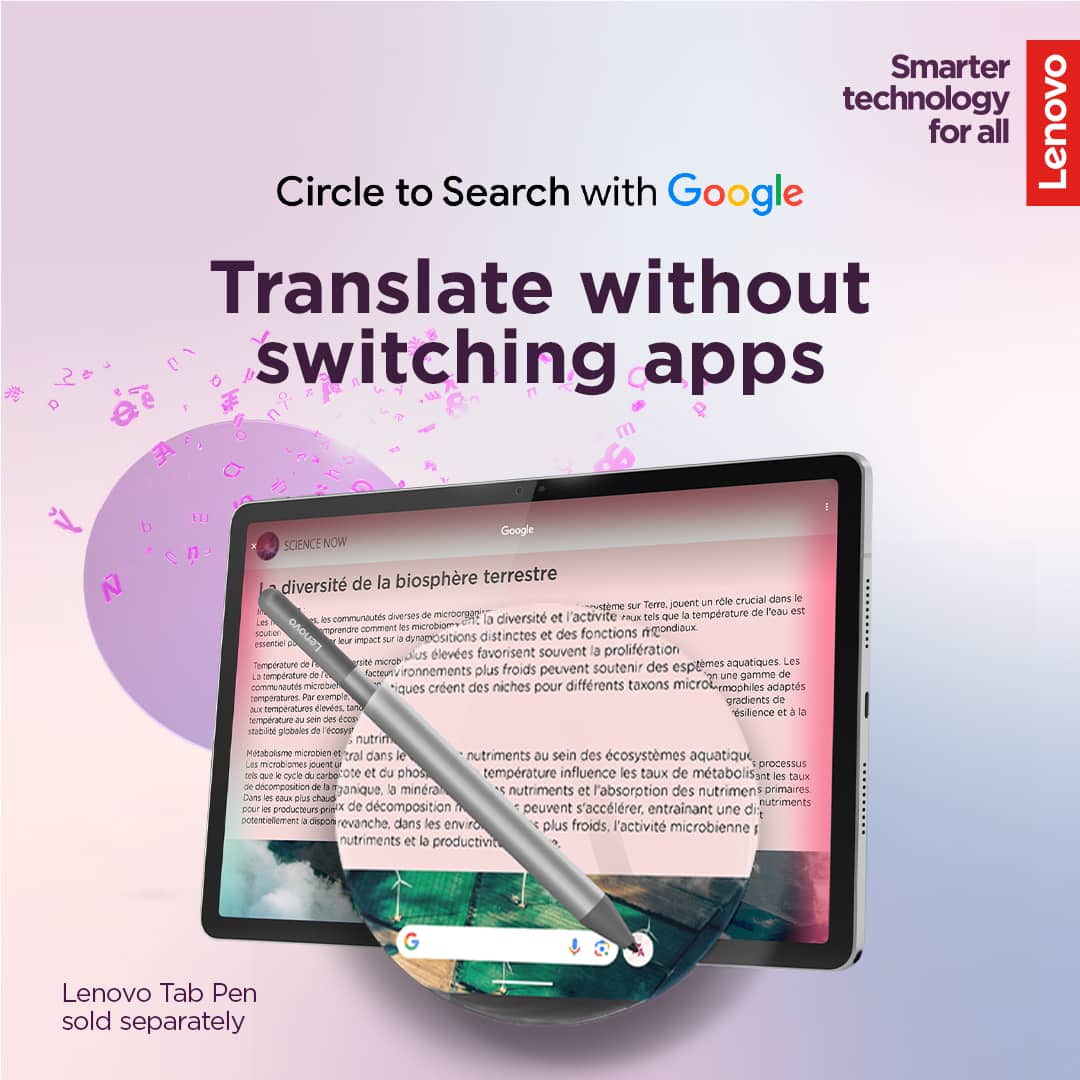
- A:Answer Hey JAB365, The Idea Tab features GPS location support without a wireless connection, but the maps must be downloaded and local to the device. Please feel free to reach out to us with any other questions!
Answered by Lenovo Product Expert
Q: QuestionCan apps be added to this tablet?
Asked by Yo.
- A:Answer Hey, You can add a number of apps from the Google Play Store onto the Idea Tab. Please feel free to reach out to us with any other questions!

Answered by Lenovo Product Expert
Q: Questiondoes this tablet have voice recognition?
Asked by jim.
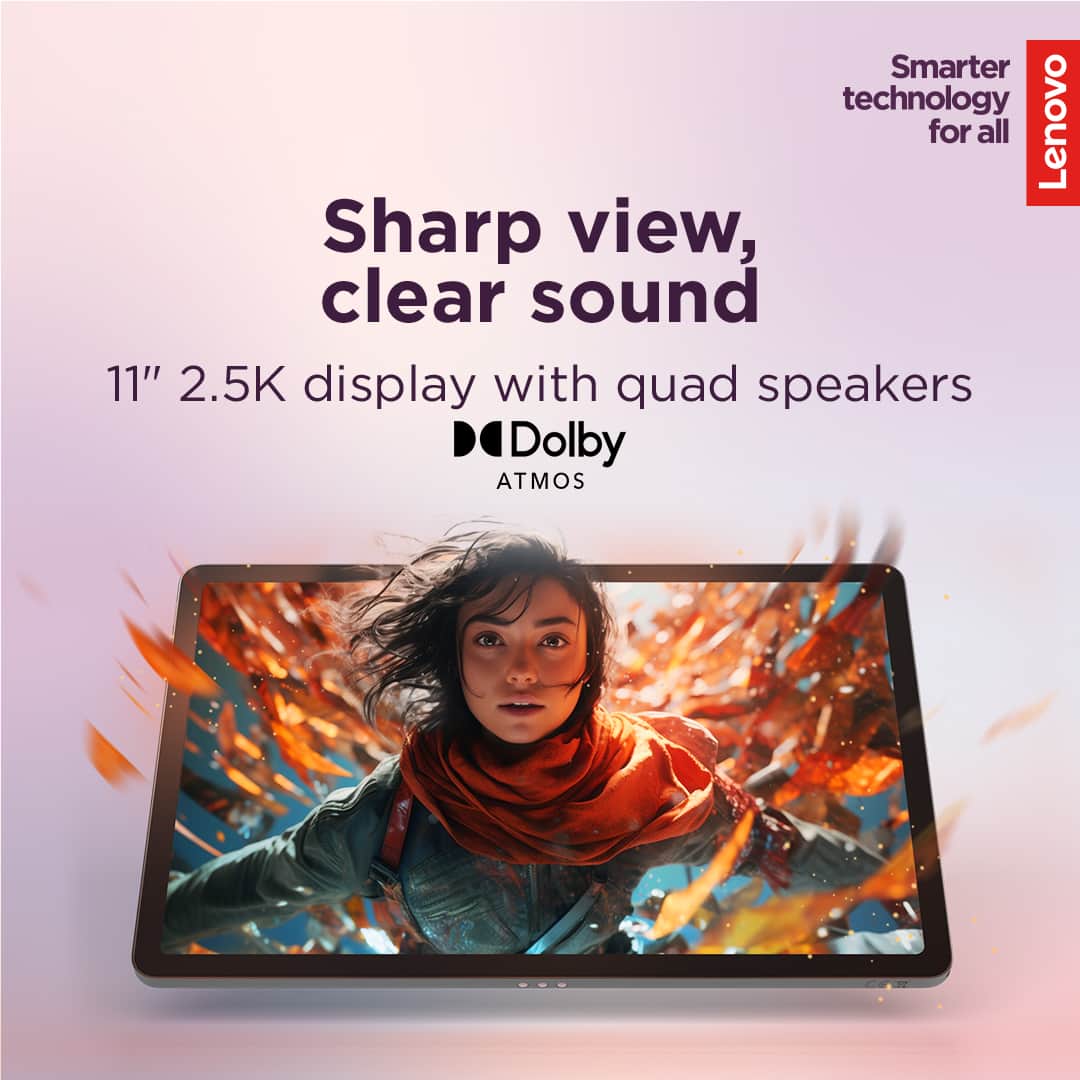
- A:Answer Hey jim, Yes, this can be enabled via platforms like Google Assistant and Gemini. Please feel free to reach out to us with any other questions!
Answered by Lenovo Product Expert
Q: QuestionCan you make videos with this tablet?
Asked by Anonymous.
- A:Answer Yes you can
Answered by Bato
Q: QuestionDOES THIS TABLET HAVE FLASH FOR THE CAMERA?
Asked by Anonymous.
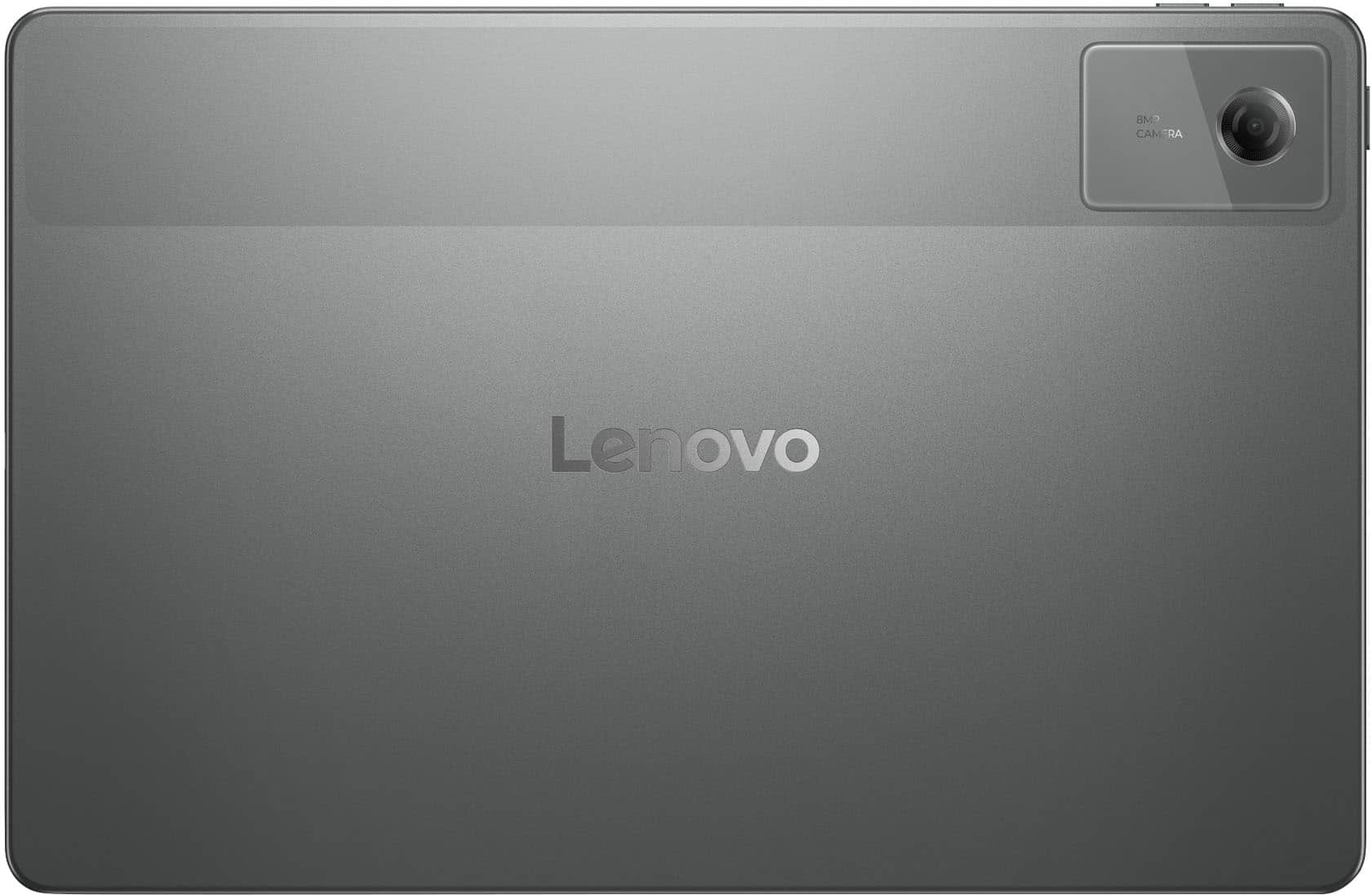
- A:Answer Hey, Yes, this Idea Tab features a 5.0MP front camera and an 8MP rear camera. Please feel free to reach out to us with any other questions!

Answered by Lenovo Product Expert
Q: QuestionHi my daughter cracked her tablet screen , is there any way to get it fixed or it doesn’t have fix .
Asked by Anonymous.
- A:Answer Hey there, We are sorry to hear that this happened to your Idea Tab. It's likely that the tablet can be serviced depending on the degree of damage. Should you want to discuss repair options, we recommend reaching out to Lenovo Support to speak with a representative to discuss your potential options at this number: 866-426-0911. Please feel free to reach out to us with any other questions!
Answered by Lenovo Product Expert