




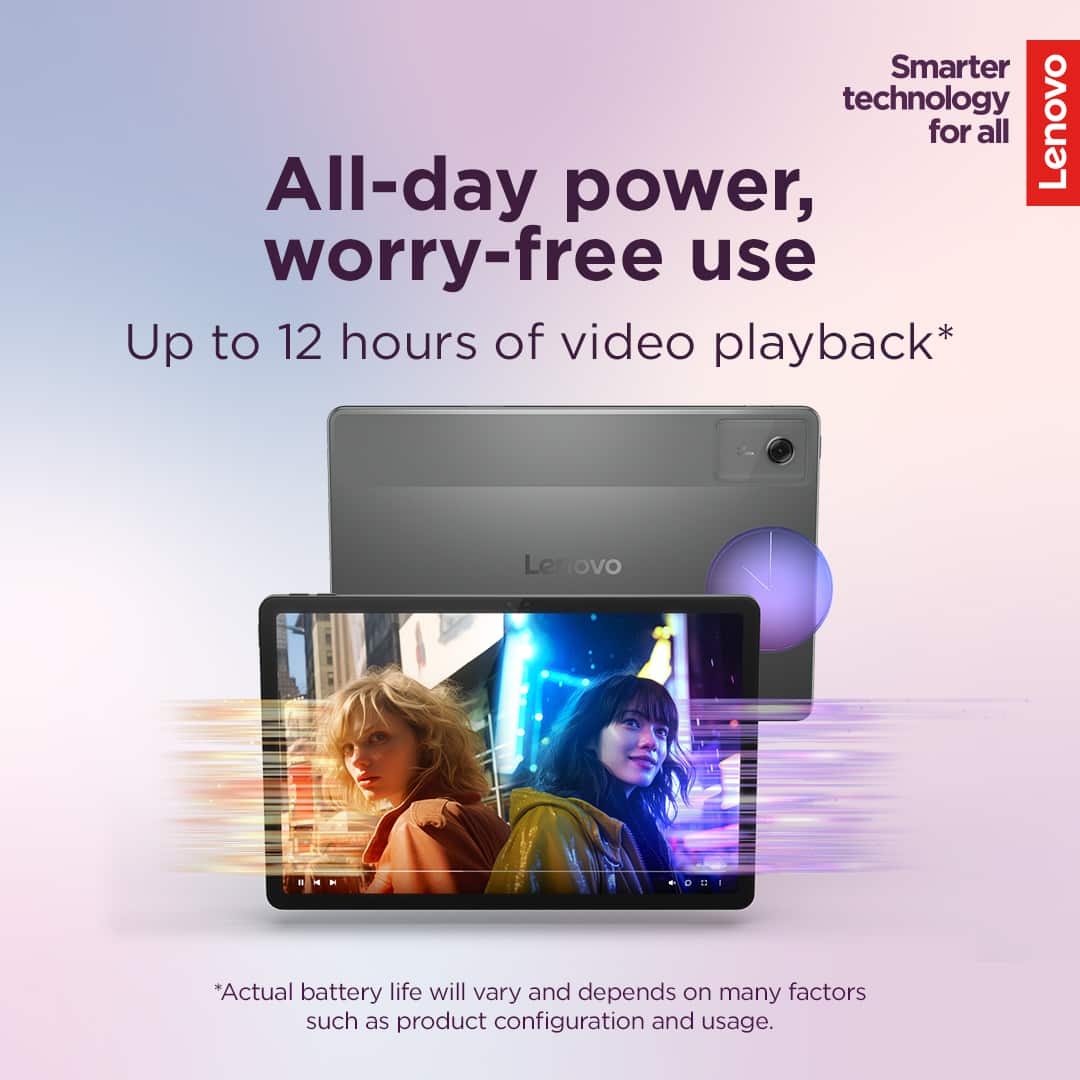
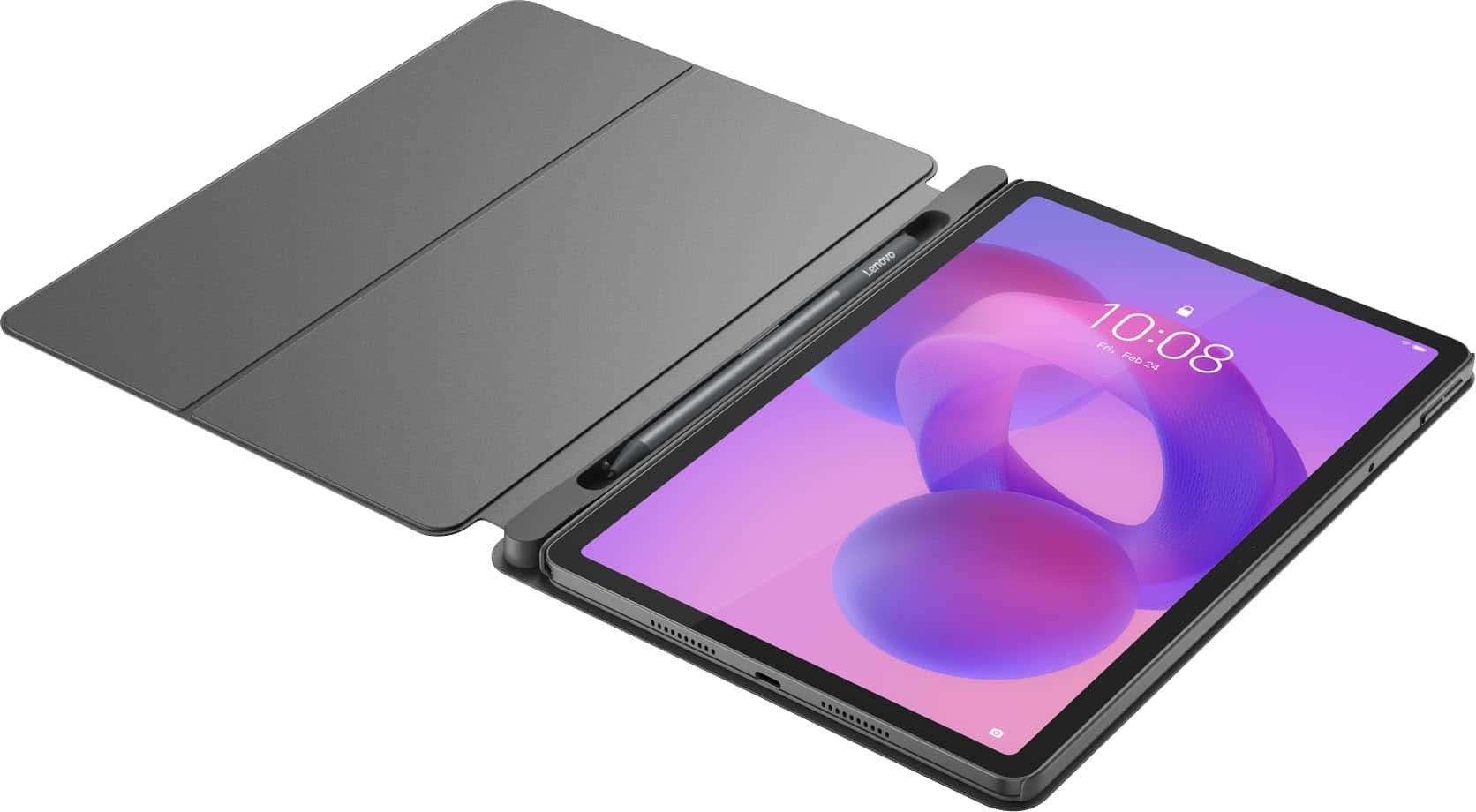



A:AnswerNo not at all I play on it 24/7 it’s like my little monitor for my games and I don’t really feel it overheat and the battery life does drain faster if you play hard graphic games buh aside from that is really is a good tablet
A:AnswerHey Dave,
We apologize for any confusion. To clarify, the Idea Tab selection at Best Buy, both online and in store, rely solely on Wi-Fi connectivity and are not cellular enabled.
Please feel free to reach out to us with any other questions!
A:AnswerHey,
You can write notes with the pen and have the native notes app covert the written text and figures to shapes and text. Also, you can type notes using an external keyboard or the Lenovo Keyboard Pack that's designed for the Idea Tab.
Please feel free to reach out to us with any other questions!
A:AnswerHey carmo,
With current configuration, apps cannot be installed on an SD card. We understand that this is a frequently requested feature, so we'll note this and may look for future implementation of this in our tablets.
Please feel free to reach out to us with any other questions!
A:AnswerHey,
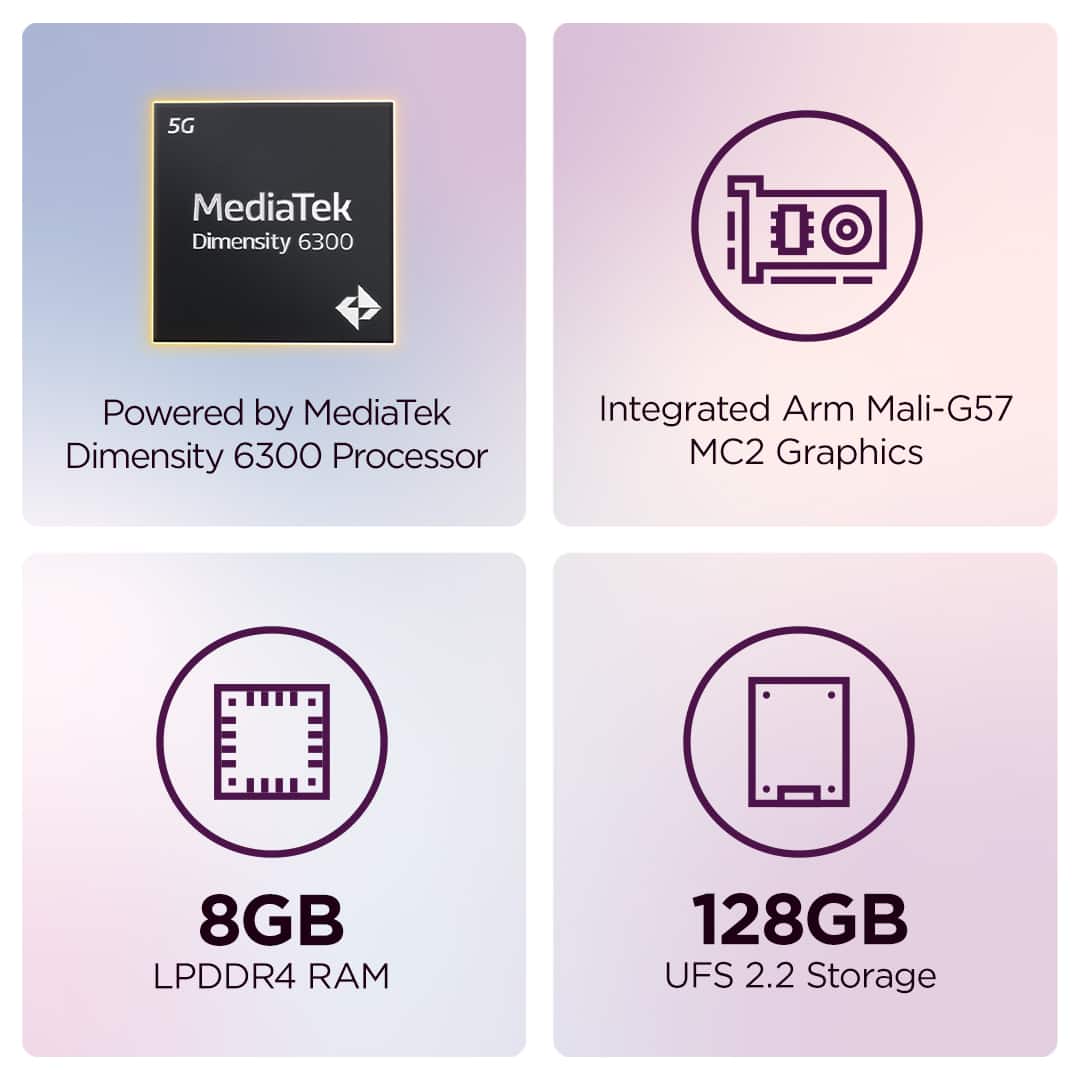
Store can be expanded by using the microSD card with it supporting up to 1TB (exFAT format).
Please feel free to reach out to us with any other questions!
A:AnswerHey Cfapp,
This configuration of the Idea Tab will have the same features as the 4GB memory option.
Please feel free to reach out to us with any other questions!
A:AnswerHey JulieB,
You can plug in a monitor by using a USB-C to HDMI cable or adapter, and you can cast to a Cast enabled device over Wi-Fi with the respective app like Google Chrome, YouTube or streaming platform app.
Please feel free to reach out to us with any other questions!
A:AnswerHey Granny15Deb15,
You can watch movies that are downloaded to the Idea Tab or streamed online / via the platform's app offered on the Google Play Store, i.e., Disney+, Netflix.
Please feel free to reach out to us with any other questions!
A:AnswerHey Gigi,
It can depend on the degree of artistry you're after, but this Idea Tab works well for most beginner to moderate level drawers.
Please feel free to reach out to us with any other questions!
A:AnswerHey racerjar8,
By default, there is a screen timeout set, but this can be adjusted in system settings: Open the Settings app > Screen timeout > Set timeout setting to your liking.
Please feel free to reach out to us with any other questions!