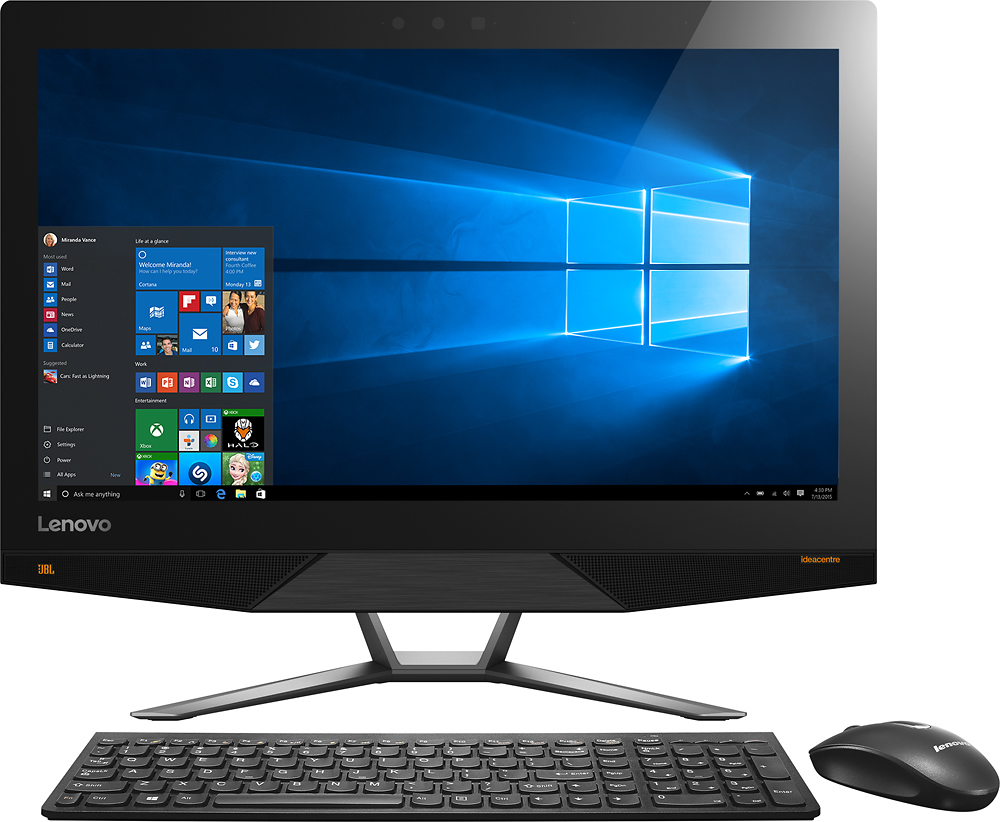
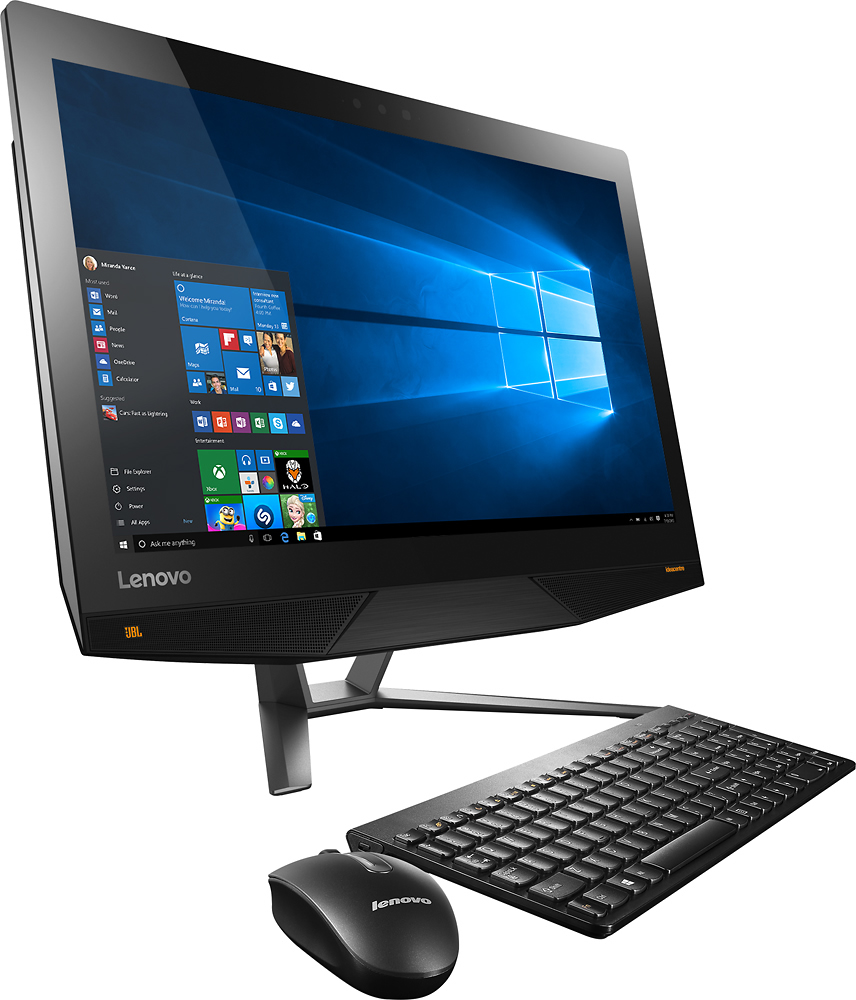
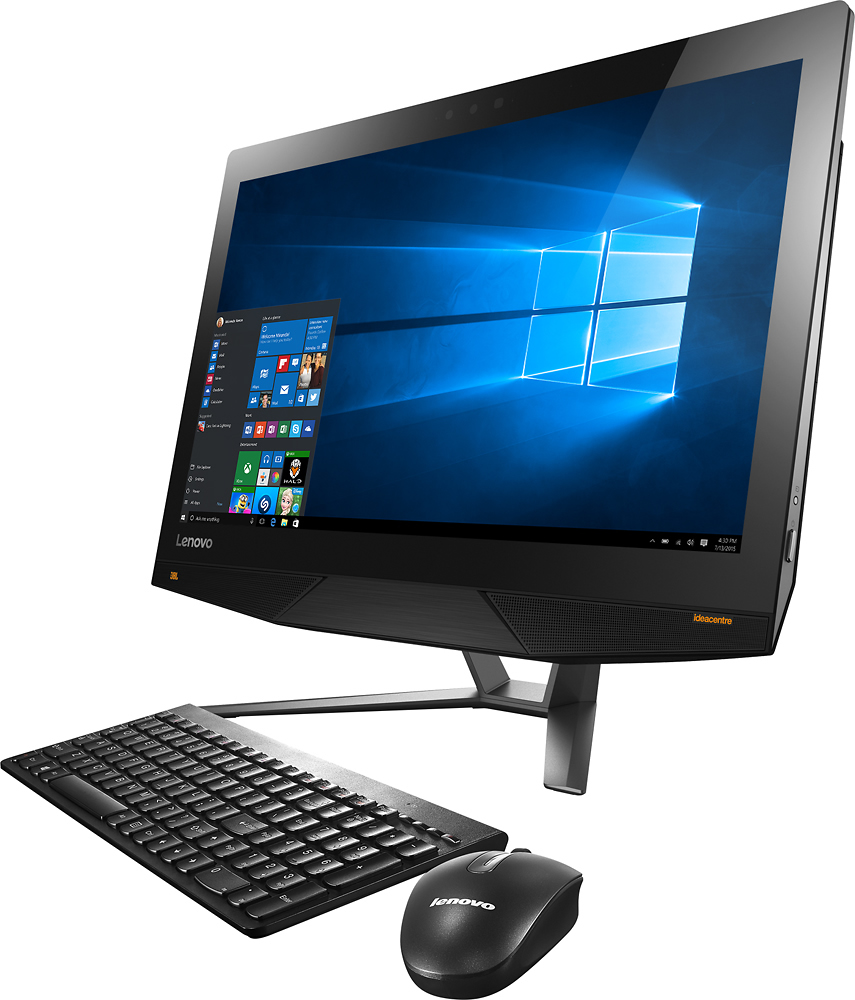
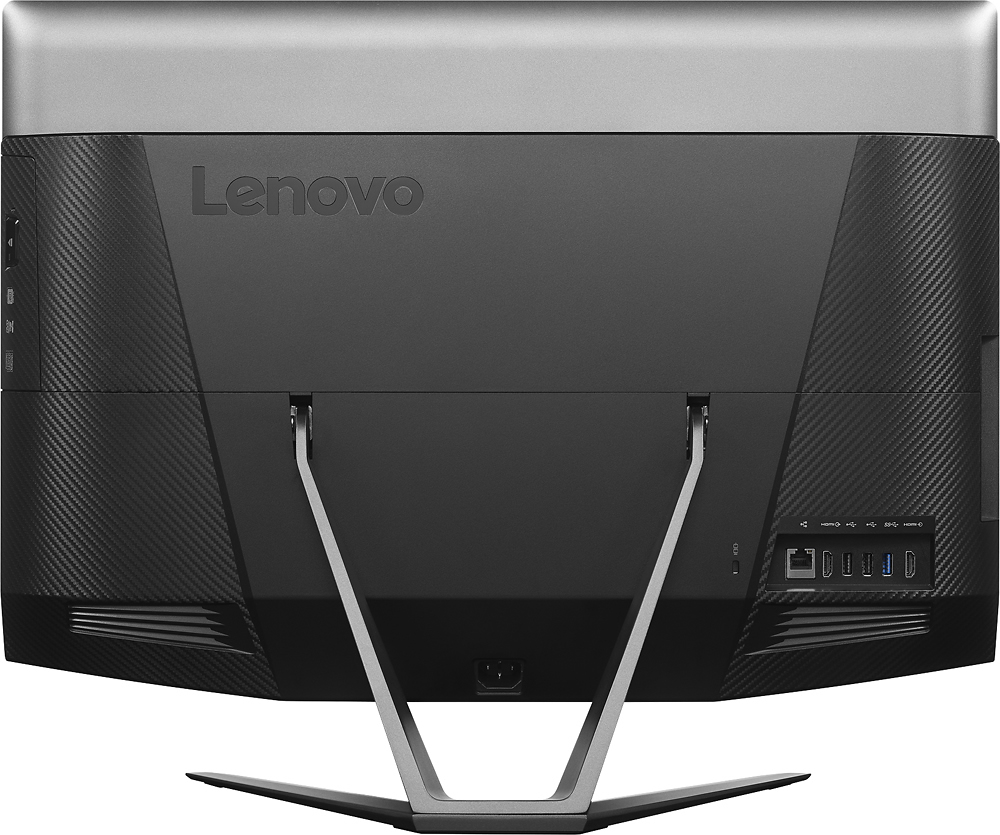
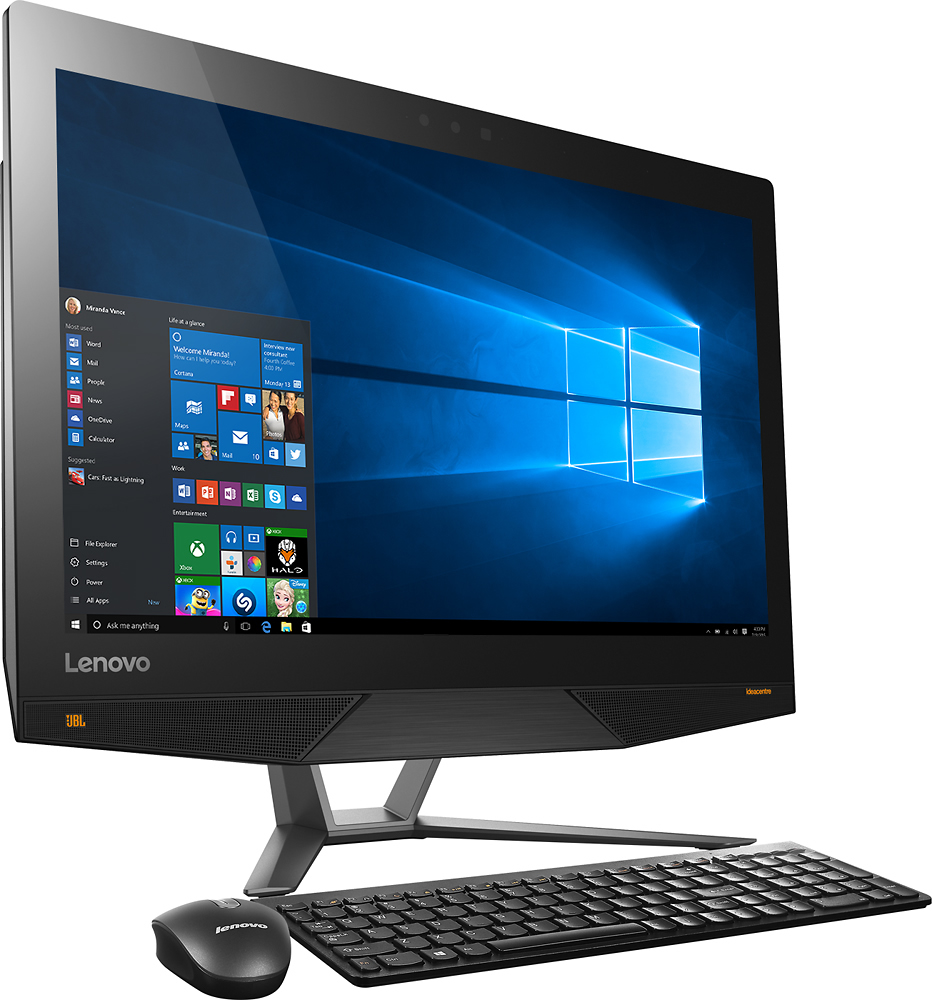
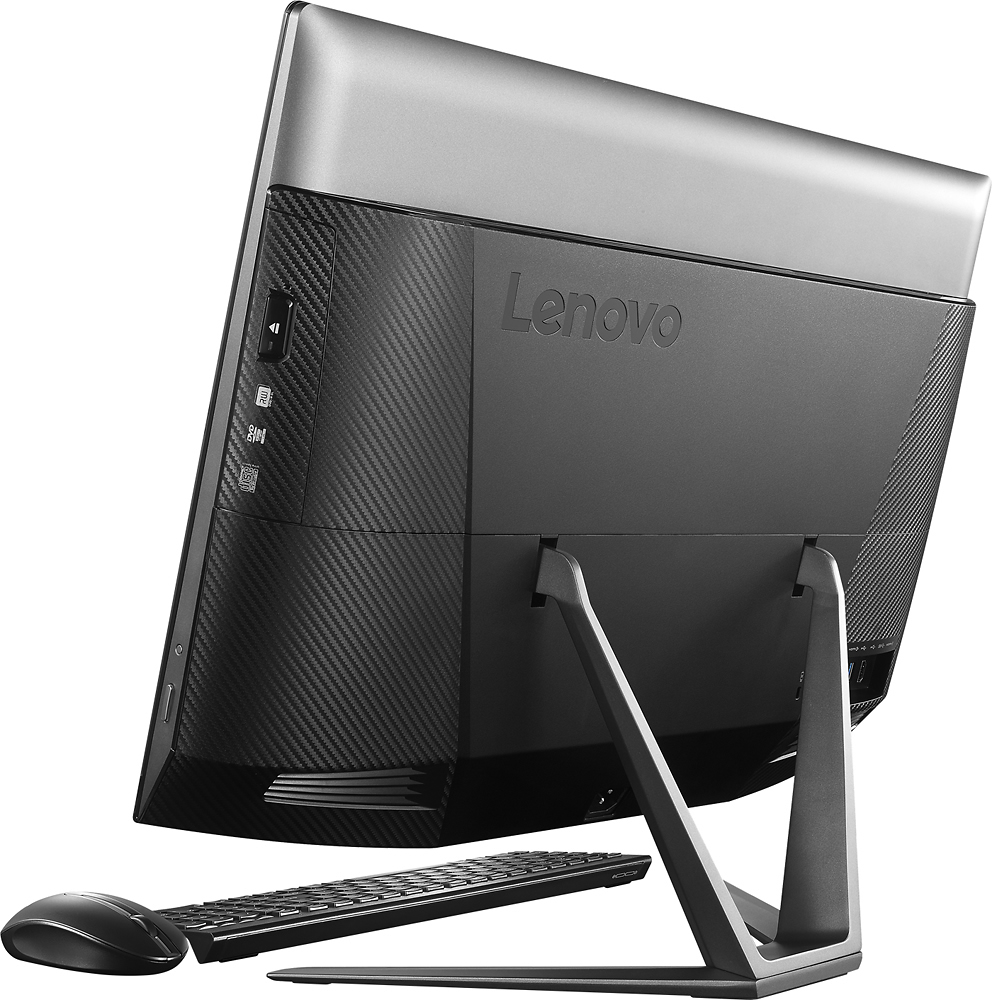
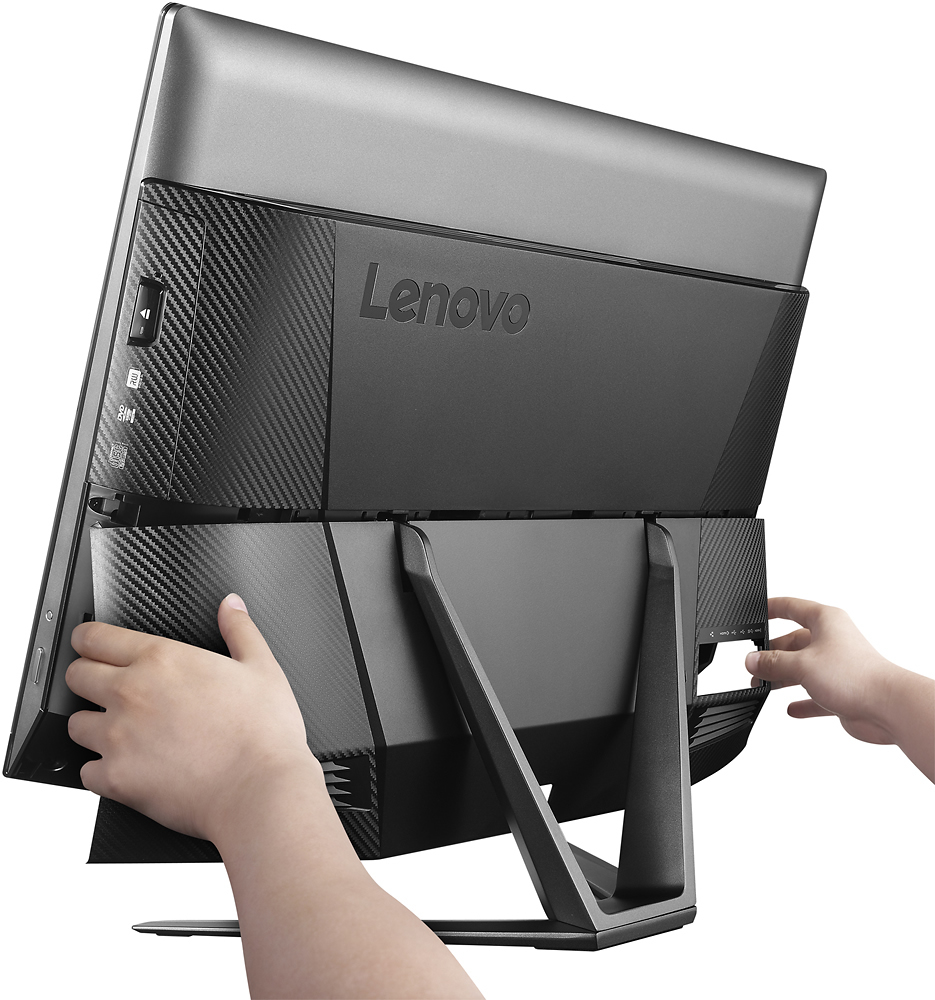
A:AnswerInside mouse battery compartment is usb dongle - it serves both mouse and keyboard. Don't use the USB 3.0 for it since that would waste the USB 3.0 port - just use a USB port on back of computer.
A:AnswerIn the NVIDIA Control panel it is identified as:
GeForce GTX 950A.
CUDA cores: 640
GRAPHICS CLOCK: 993MHZ memory rate 2002mhz 128-bit
memory bandwidth 32.03 gb/s
2048 DDR3
PCI EXPRESS x16 version 2.
It is very fast in 4k Lightroom and Photoshop, not a game player, so cant help you there. I expect it is not the best choice for gamers - but hey it has good specs with 4k built in! I also plug my PS4 into the HDMI IN (!) - works great.
Hope this helps.
A:AnswerIt is a hybrid drive, meaning a portion of the 1 TB is the SSD. The drive is smart enough to figure out what you use regularly and store that in the SSD part to maximize performance.
A:AnswerOnly if the content was 4k. You need to send a signal that is 4K, but yes it would send a 4K signal to the TV monitor if the content was recorded as 4K.
A:AnswerWe recommend you check with the video editing software publisher for their compatibility with Windows 10 Home 64-bit operating system and the minimum/recommended hardware requirements (Is a Graphics card required, the processor speed and the minimum required system RAM) to run their program, then compare those requirements to this system's configuration.
A:AnswerThere are 2 4GB RAM cards in this system now, so you will need to replace both with two 8GB cards to get to 16GB of RAM. This system requirement DDR4 RAM.
A:AnswerYou can turn off the Dolby effect and there should be a "manual" mode for the Dolby Equalizer where you can create your own Dolby settings by selecting "custom settings".
A:AnswerThis system is backward compatible to lower resolution content. You will be able to view lower resolution content on this system without any issue.
A:AnswerThat would depend on the game. We recommend you contact the game software publisher for their minimum/recommended requirements to play their game, then compare those requirements to this system's configuration.