A:Answer Hey DJ01,
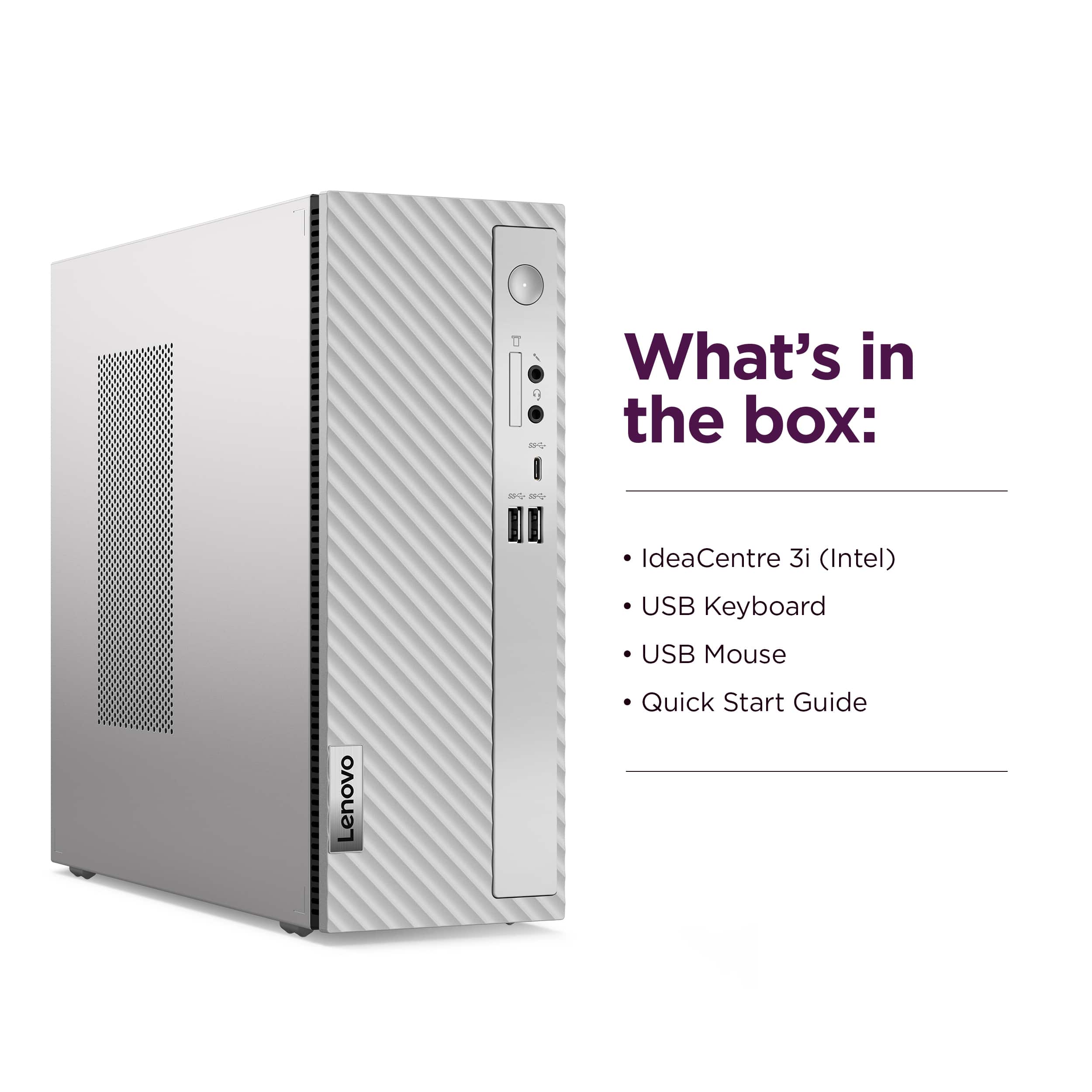
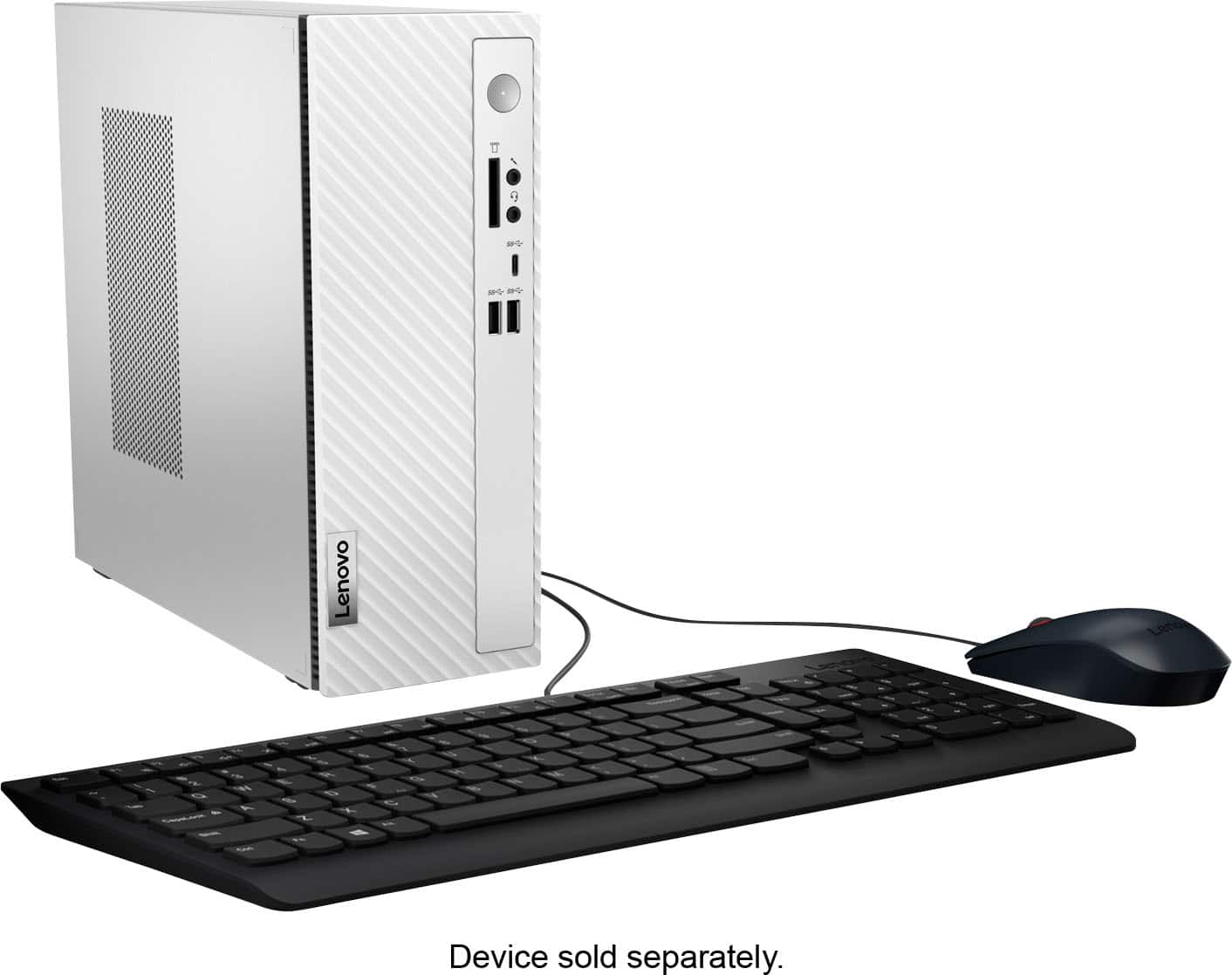
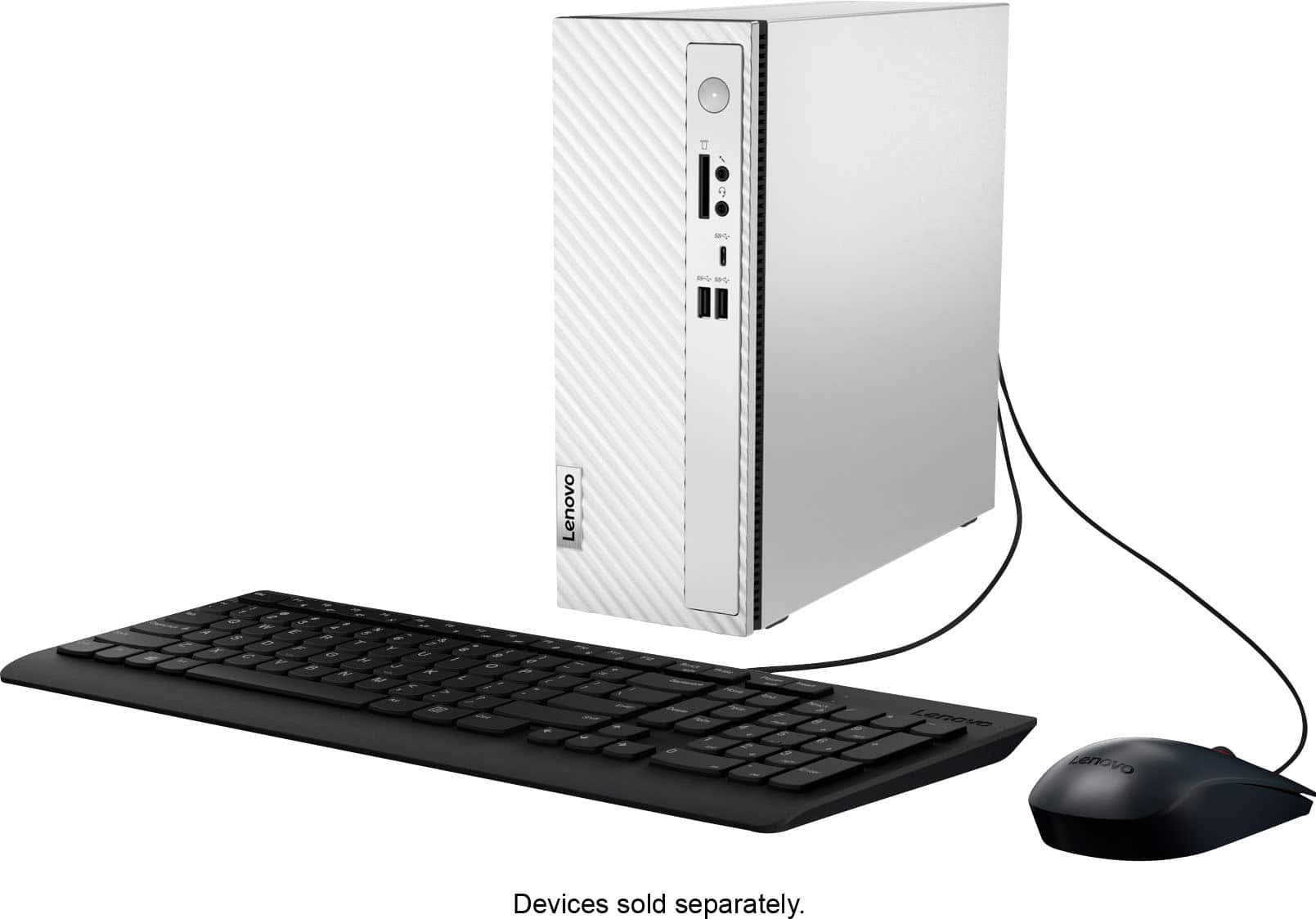
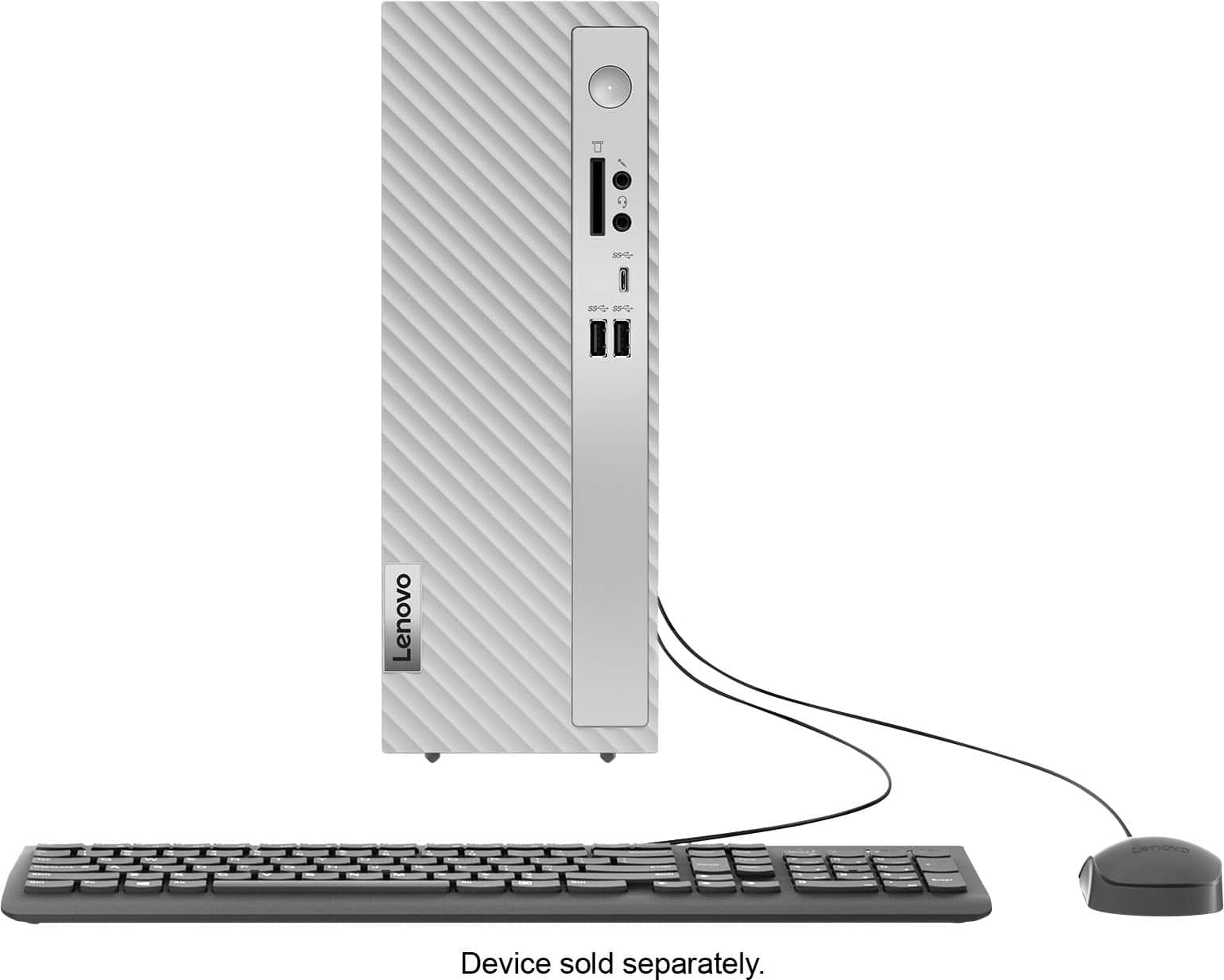
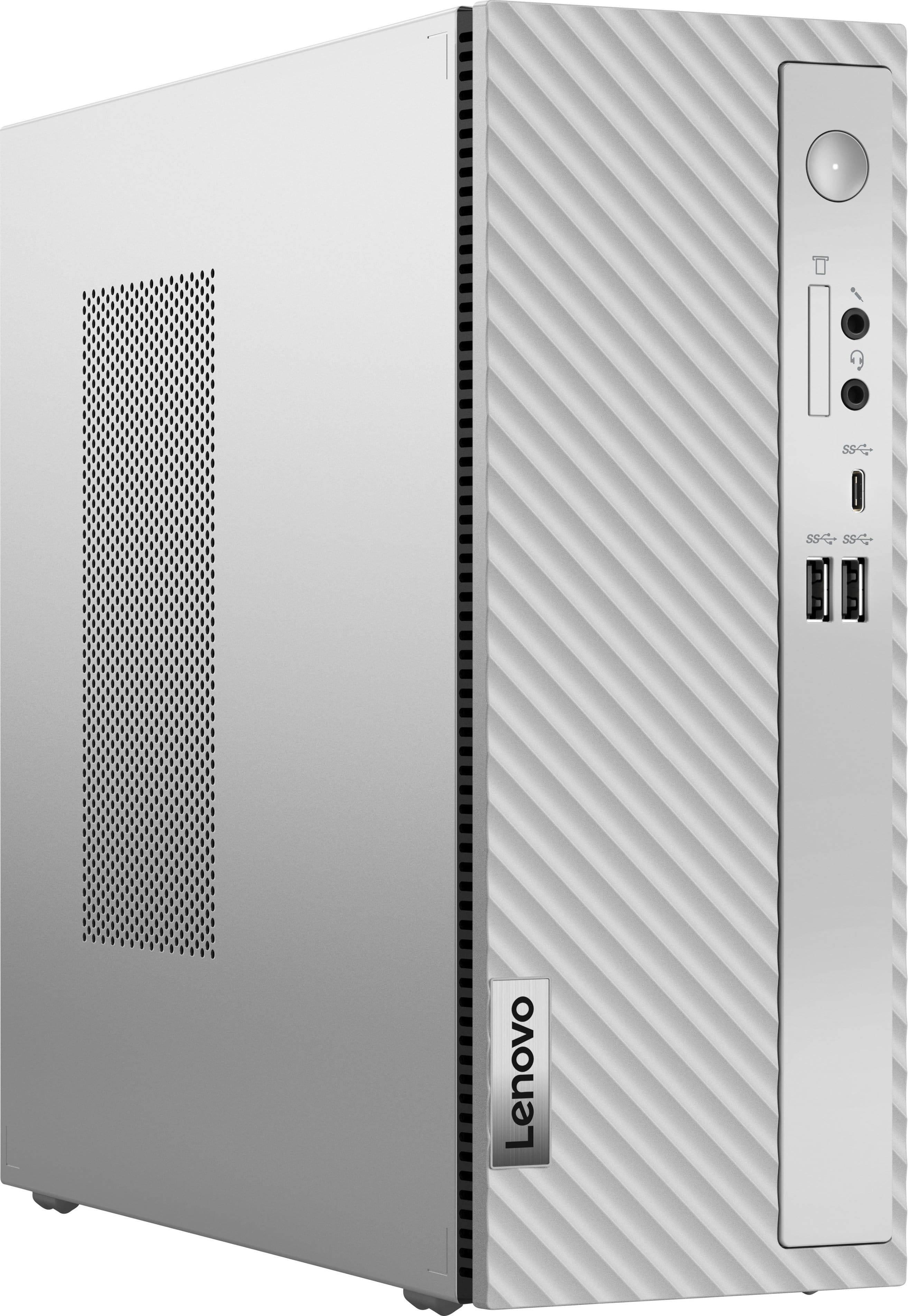
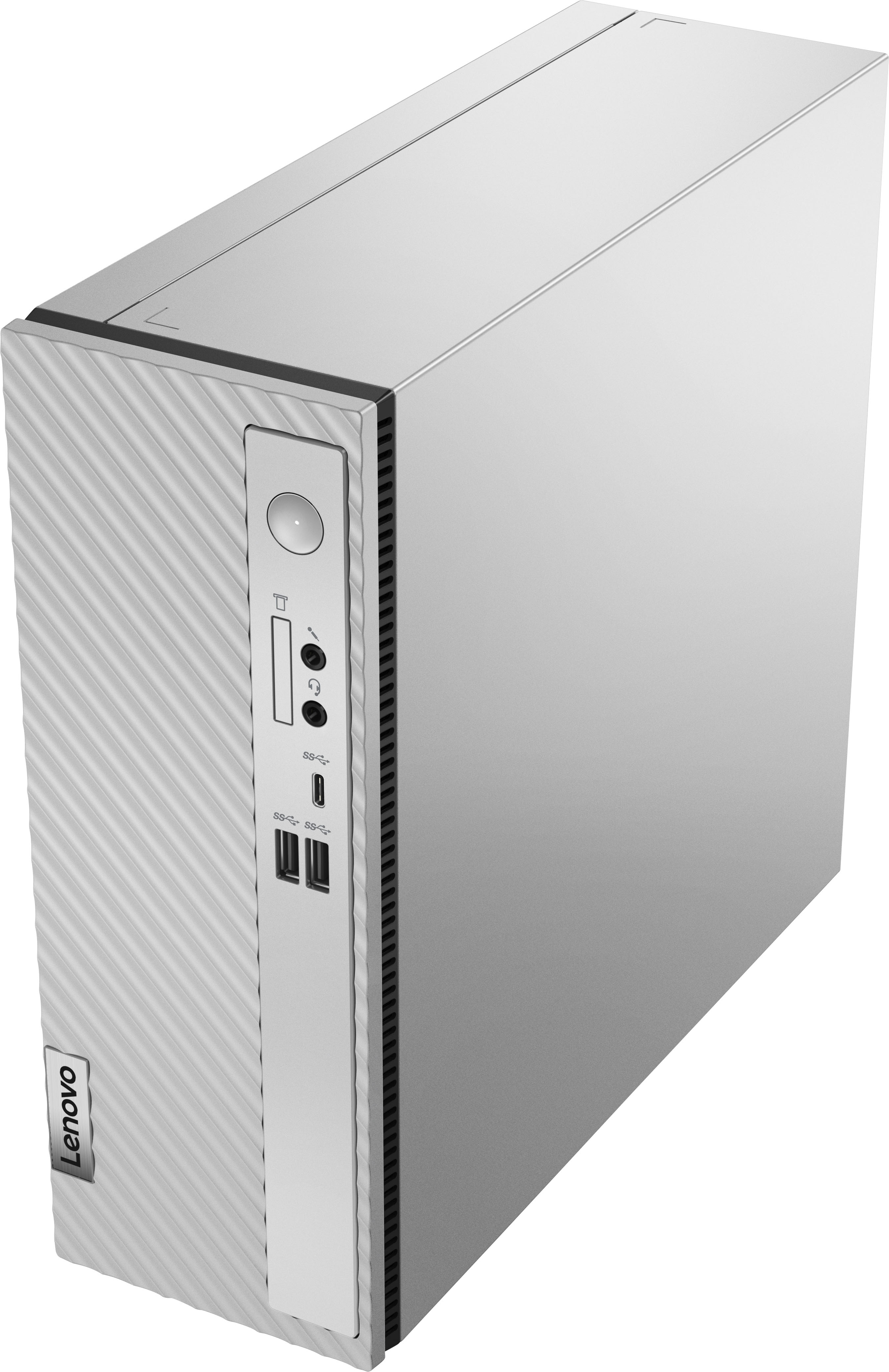
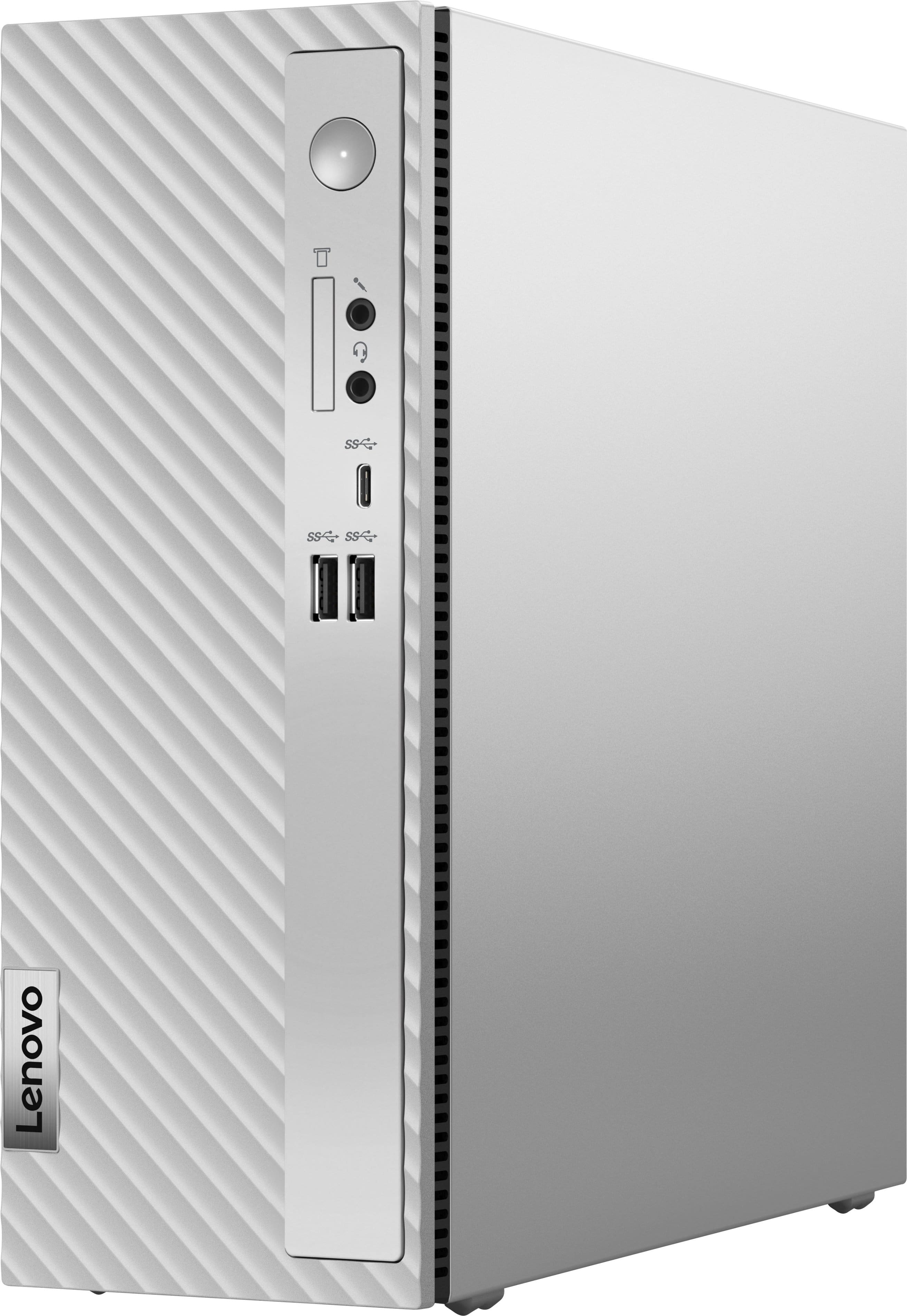
We're sorry to hear that you ran into this issue with your IdeaCentre 3. We apologize for any inconvenience that this may be causing you, and we're glad you reached out to us, as we'd like to work with you to try to resolve this.
To start, have you updated the system BIOS to the latest version? If you haven't already, please do so by:
- Opening the Lenovo Vantage app on your desktop by searching for it in the search bar within the taskbar (wherever it may be located on your screen), then selecting the app from the search results.
- Once the app is open, select the Check for Updates screen on the homepage, installing all available updates, keeping an eye out for BIOS updates.
Please update us should you have any further issues and feel free share any other questions that you may have.