Black Friday is hereAlso, shop the 24-Hour Flash Sale.Shop now

Main Content

Questions & Answers

Your price for this item is $416.49
Clearance
The comparable value price is $489.99
Page Showing 1-20 of 43 questions
  • QuestionHow do you get to the cd rom drive? Its hidden behind a plate. Thanks

    Asked by badbadbob43.

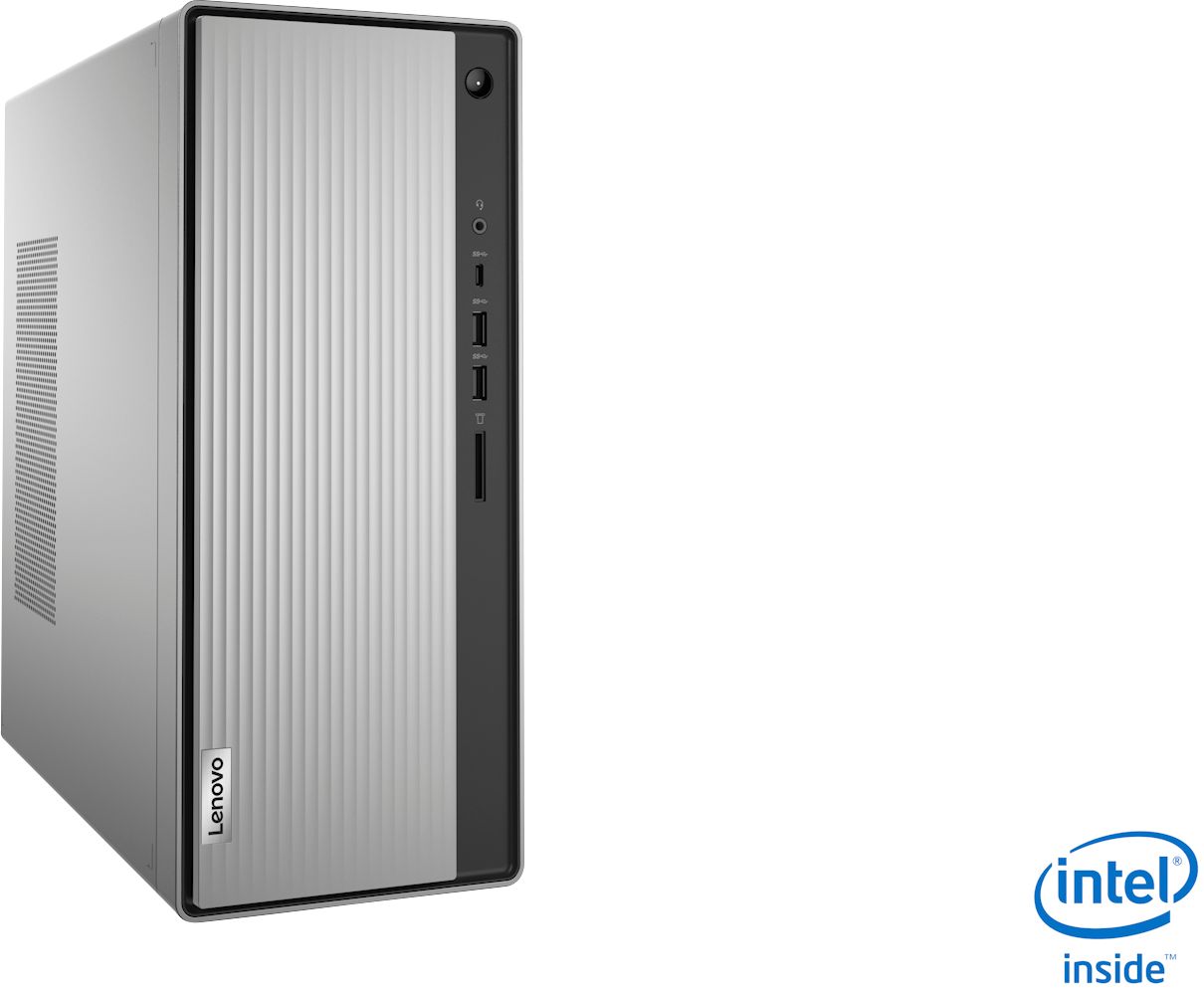
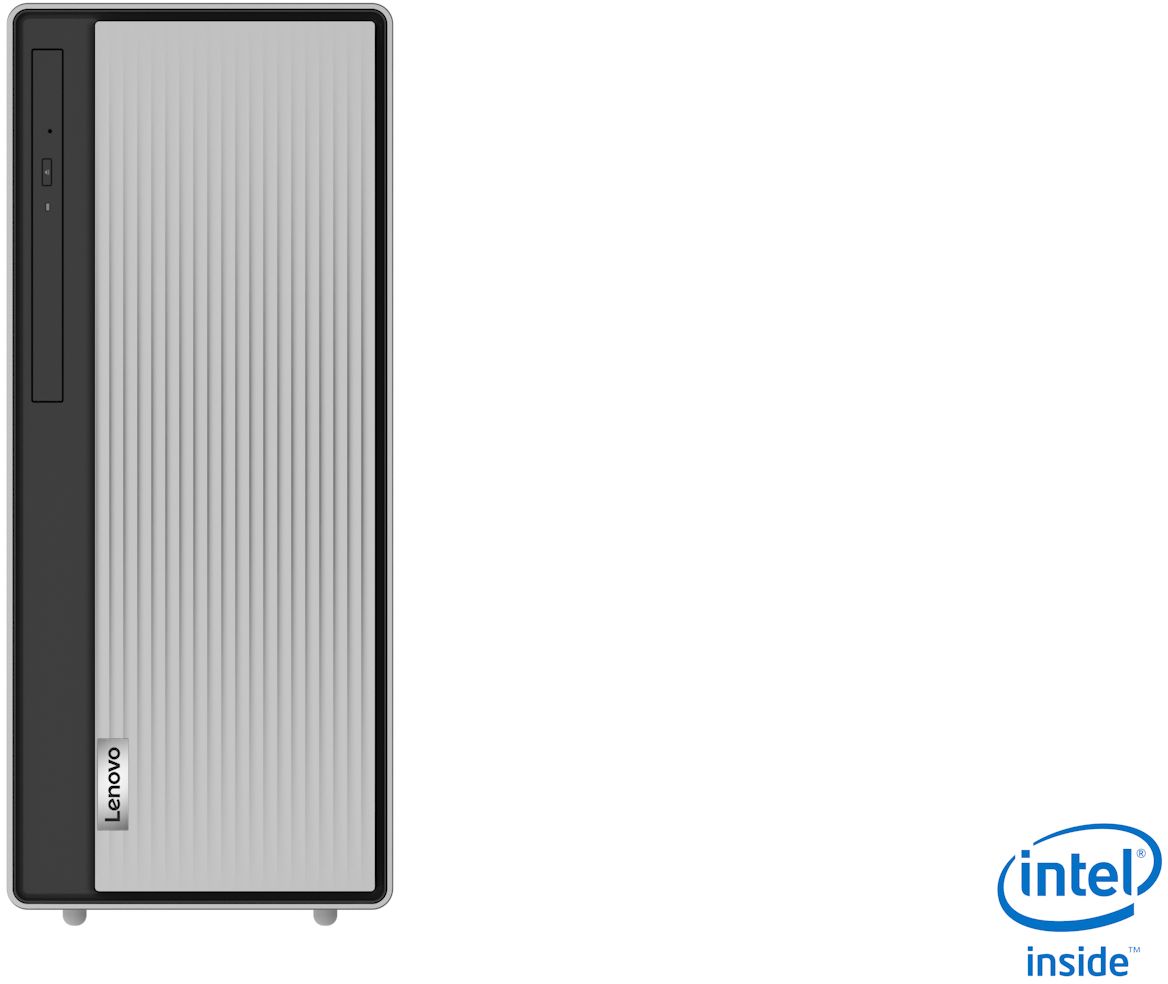
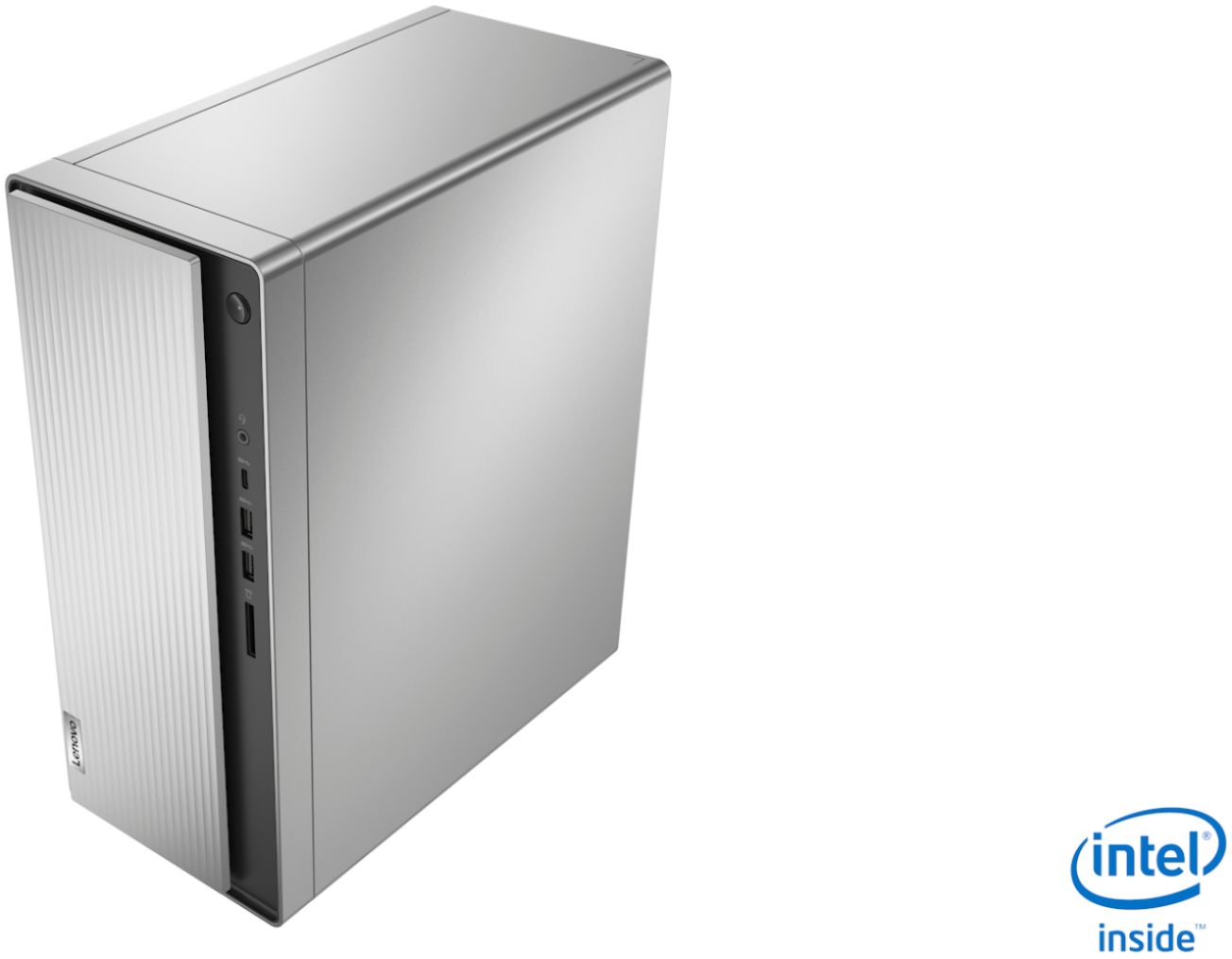
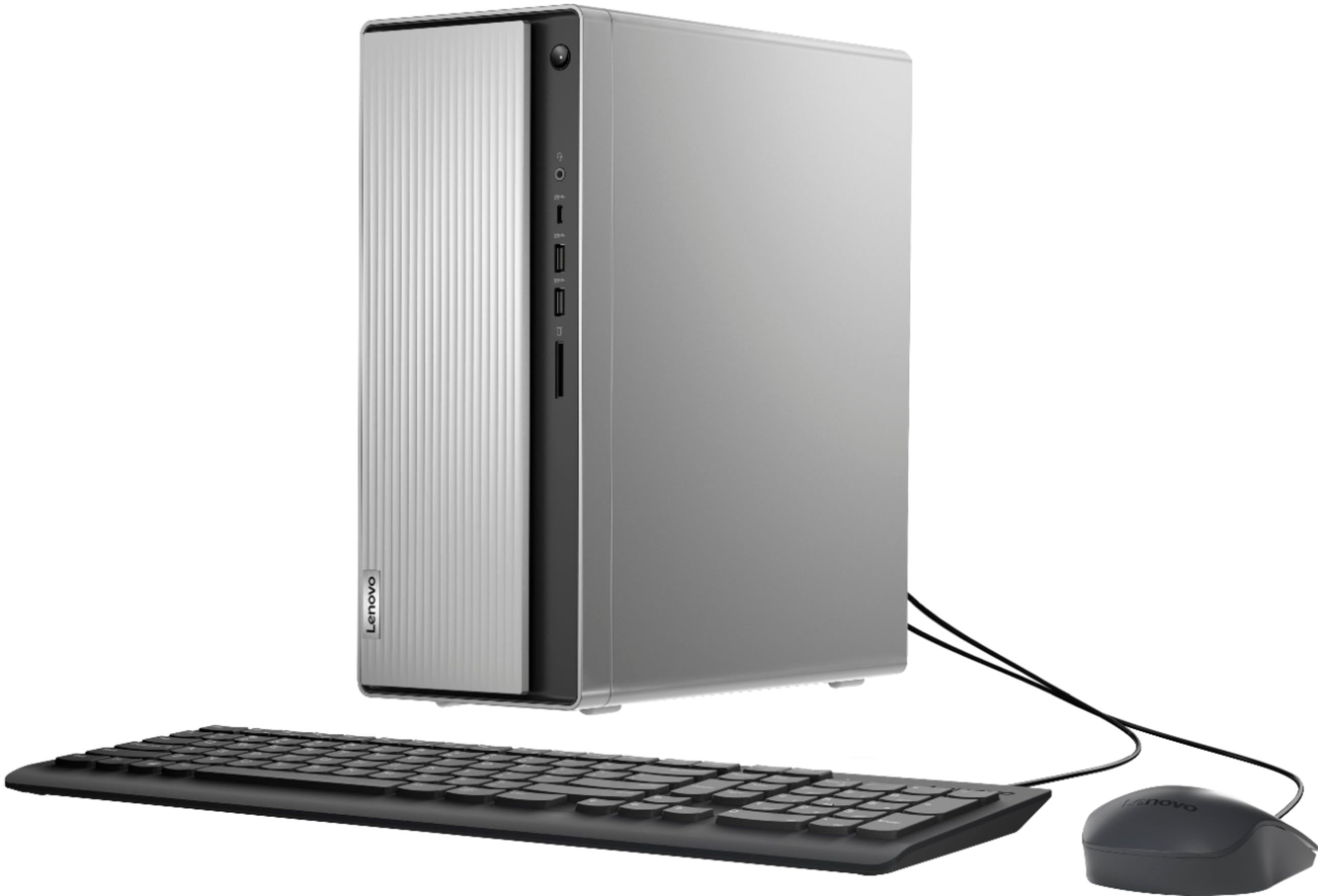
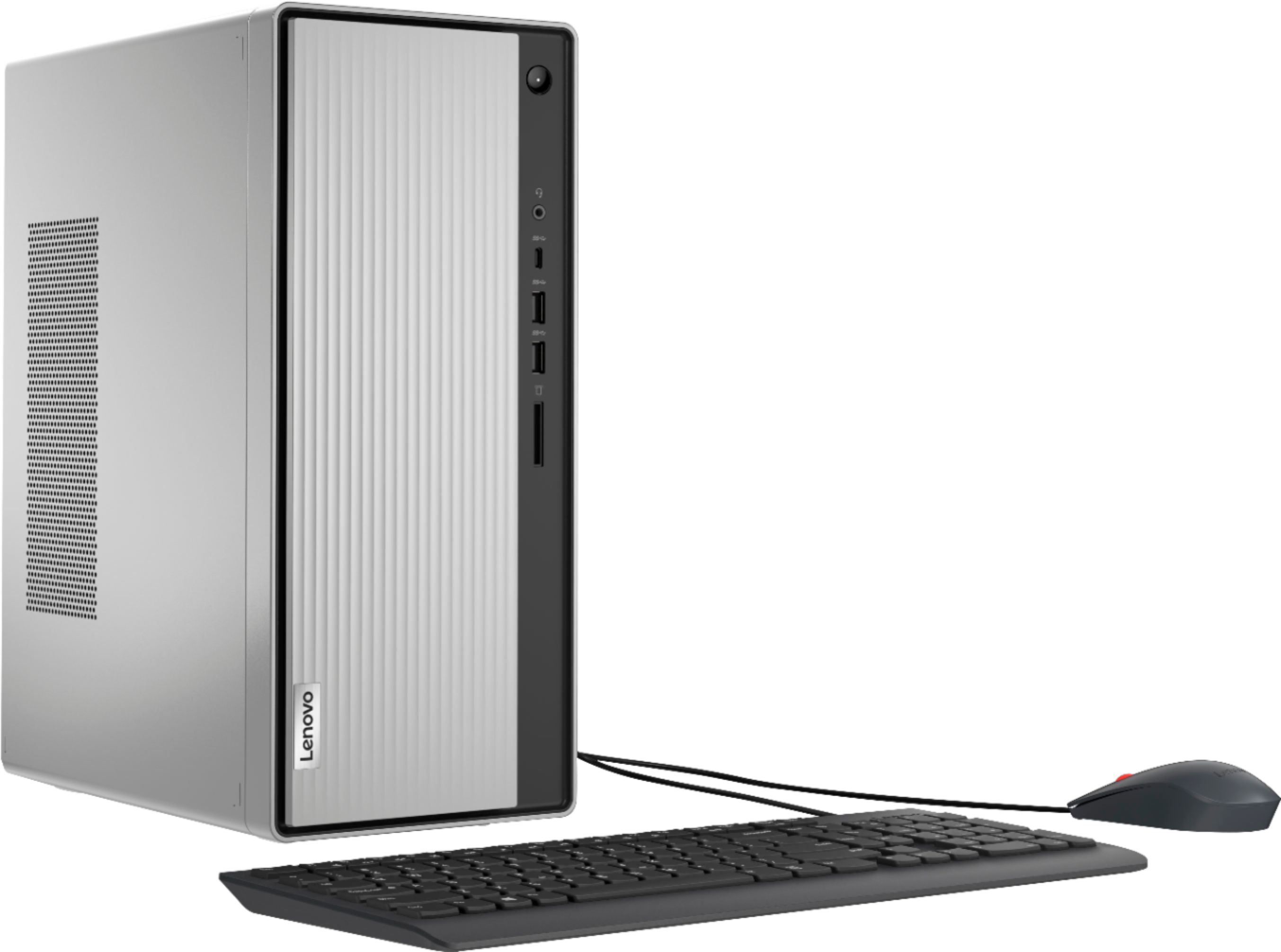
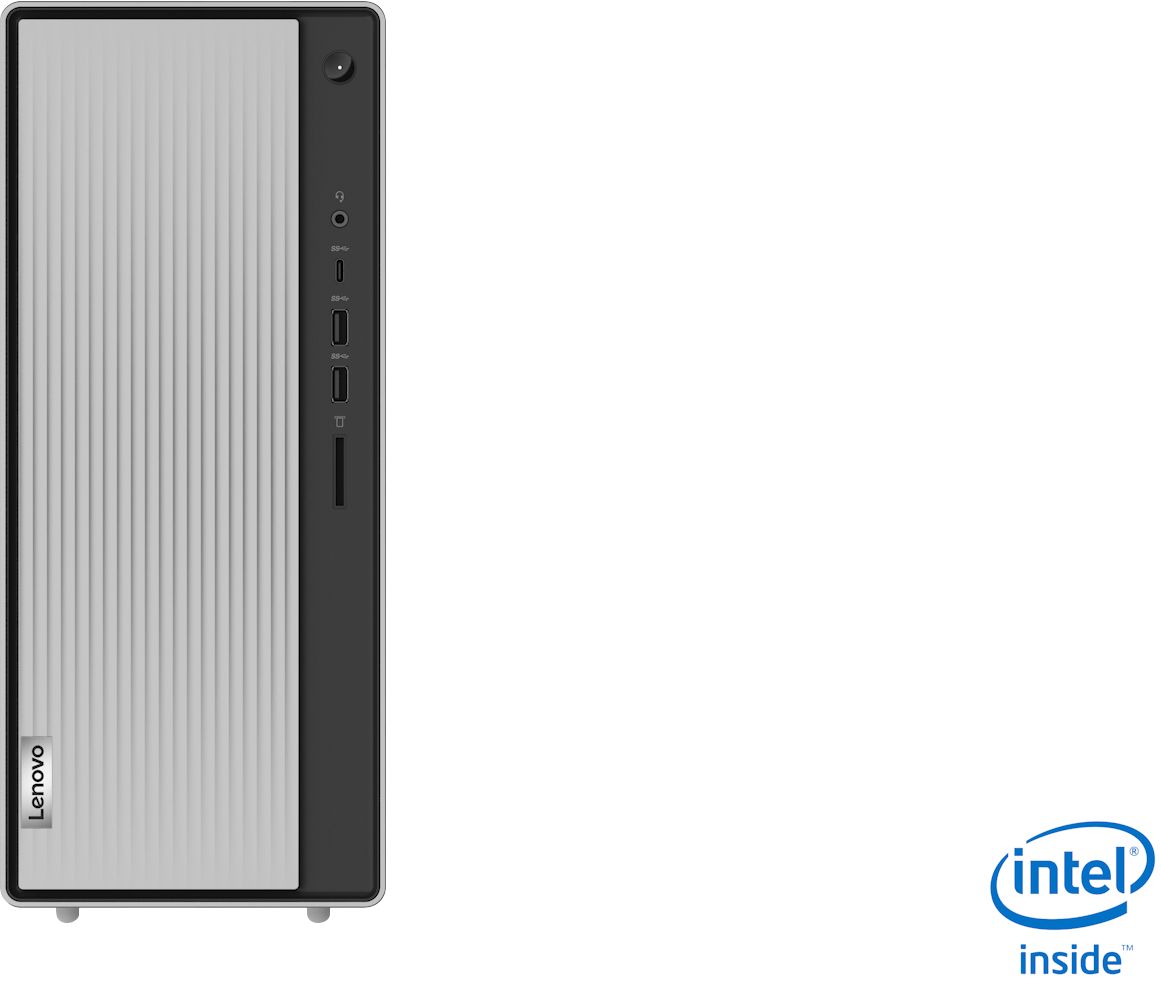
    • Answer Just side the front panel to the right to reveal the CD/DVD drive tray.

      Answered by Lenovo Product Expert

  • Questionwhat kind of windows is it and is it a gaming pc??????????????

    Asked by nate.

    • Answer Hi Nate! The Lenovo IdeaCentre 5i model # 90NA0000US ships with Windows 10 Home 64bit. This is not technically a gaming PC. TO determine if a PC will play the games you want we recommend you check with the game's software publisher's web site for their compatibility with Windows 10 Home (or S-Mode if applicable) 64-bit operating system and the minimum/recommended hardware requirements (Is a Graphics card required, the processor speed and the minimum required system RAM and the minimum available hard drive space) to run their program, then compare those requirements to this system's

      Answered by Lenovo Product Expert

  • QuestionIs it wired so I can add a secondary HD in the box?

    Asked by airpixphoto.

    • Answer I bought the computer before the question was answered and It's only wired for the HD and CD/DVR installed. There's room for a secondary Hard Drive, but no extra cable to add the secondary HD. I do appreciate the answers. I'm not a gamer, but needed the extra HD to keep photo files backed up constantly.

      Answered by airpixphoto

  • QuestionDo you have to pull out whatever you have plugged into the right side to use the disk drive?

    Asked by 357Magnum.

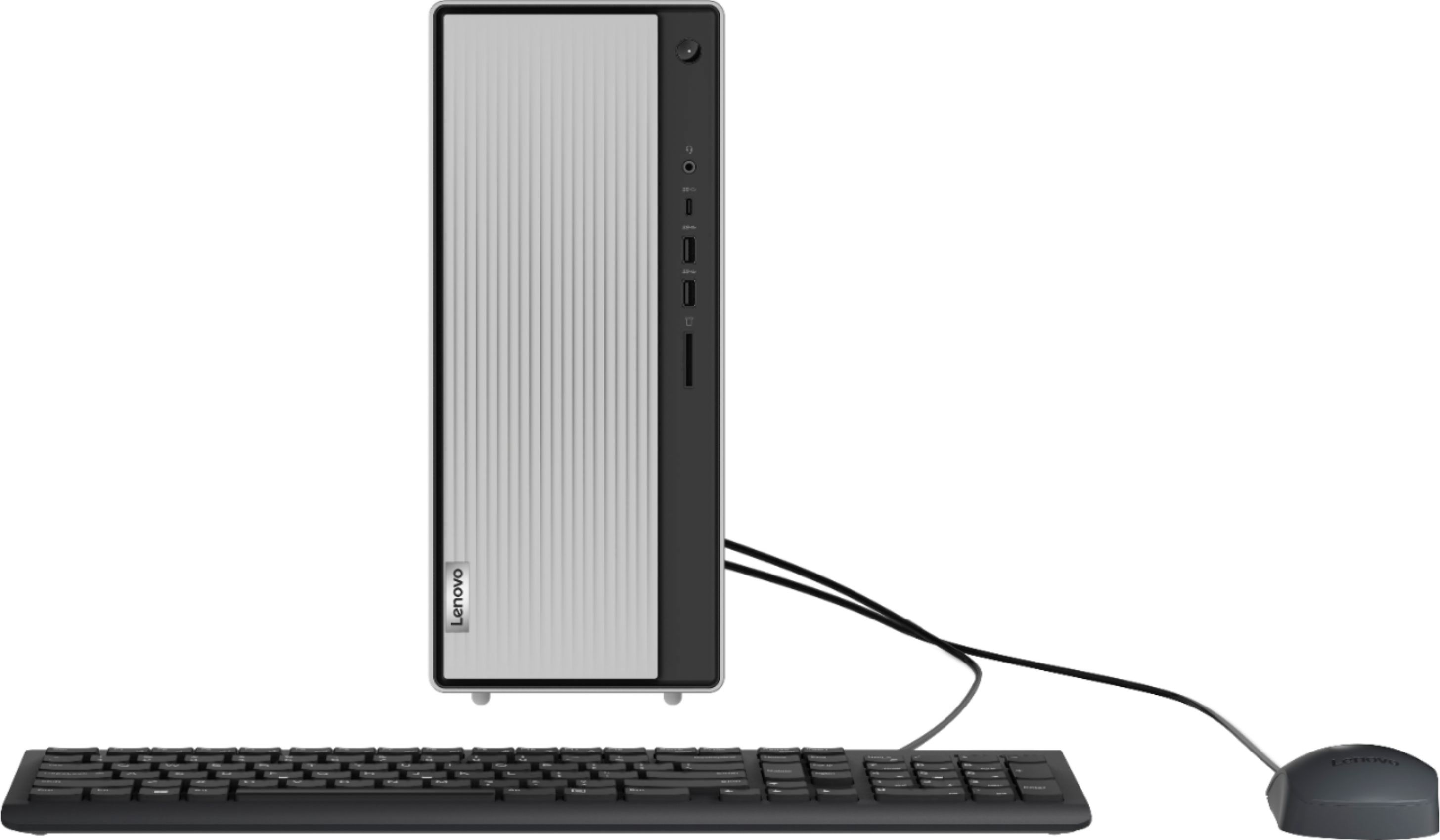
    • Answer Yes, that's correct. The door slides left or right. If you have plugs/devices connected to the ports on the right side the door covers the CD/DVD drive. You will need to remove whatever is in those ports to be able to slide the door to the right to expose the CD/DVD tray.

      Answered by Lenovo Product Expert

  • QuestionCan you run two monitors?

    Asked by truth.

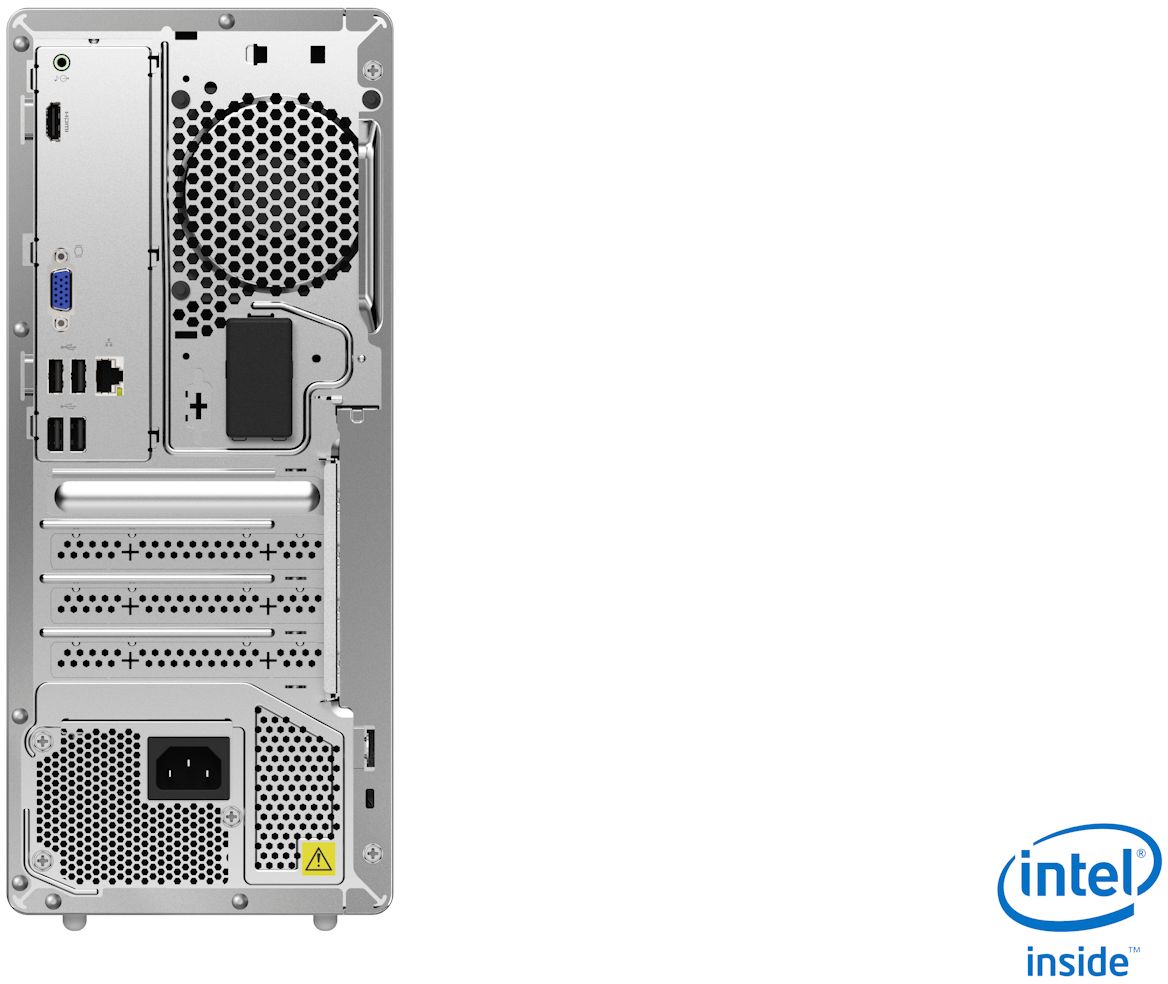
    • Answer Yes. The Lenovo IdeaCentre 5i Desktop, model number 90NA0000US, has one VGA port and one HDMI port for video out to a monitor.

      Answered by Lenovo Product Expert

  • QuestionCan you increase the memory

    Asked by Toyman.

    • Answer Yes. The RAM within the IdeaCentre 5i Desktop, model number 90NA0000US, 8GB (2x 4G) DDR4-2933Mhz, is user upgradeable to up to 32GB (2x16G) DDR4-2933MHz RAM.

      Answered by Lenovo Product Expert

  • QuestionDoes this pc have Bluetooth capabilities

    Asked by Dawn.

    • Answer Yes. The Lenovo IdeaCentre 5i Desktop Computer, model number 90NA0000US, ships with Bluetooth 5.0 capability built in.

      Answered by Lenovo Product Expert

  • QuestionCan external speakers be added to this Desktop

    Asked by LA.

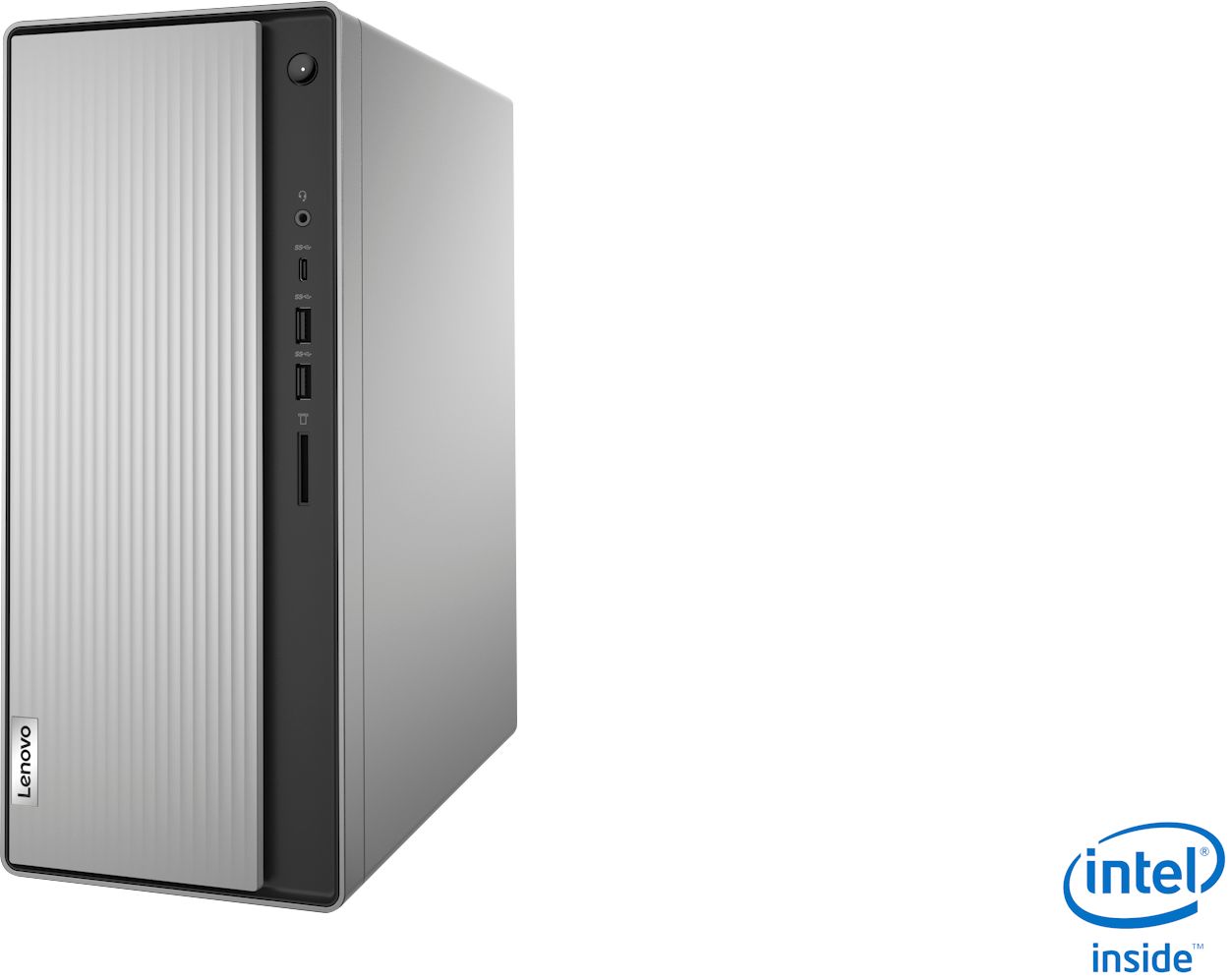
    • Answer Yes. You can use the 3.5mm earphone audio out jack on the front of the computer to connect compatible external computer speakers to this computer. The audio out plug on the back is an RCA version plug.

      Answered by Lenovo Product Expert

  • Questionhow many gigs does this system have?

    Asked by nita.

    • Answer Read the specs which are listed clearly in the ad.

      Answered by Digichip

  • QuestionDoes this PC comes with an optical drive CD/DVD player?

    Asked by PaPi.

    • Answer Yes.

      Answered by Lockheede

  • QuestionHow much FPS can it run on Fortnite?

    Asked by FortniteDaBabySusImposter.

    • Answer Hello FortniteDaBabySusImposter. This Lenovo IdeaCentre 5i Desktop computer comes built with an Intel® Core™ i3-10100 Processor and 8GB of RAM. Based on the game calculations and taking into consideration that this computer does not have installed a dedicated graphics card, it can run the game Fortnite at approximately 35FPS. Thank you for choosing Intel!

      Answered by Intel team

  • QuestionCan you upgrade any of the internals like the graphics card ?

    Asked by Bob.

    • Answer Hello Bob. As per Lenovo website, this model can upgrade RAM up to 32GB and storage up to 2 drives, 1x 3.5" HDD + 1x M.2 SSD. For graphics upgrade information, you can refer to the Product Specifications Reference at the link below: https://psref.lenovo.com/syspool/Sys/PDF/IdeaCentre/IdeaCentre_5_14IMB05/IdeaCentre_5_14IMB05_Spec.pdf Thank you for choosing Intel.
      Answered by Intel team

  • QuestionAm I able to hook up a 3rd monitor somehow?

    Asked by Anonymous.

    • Answer The motherboard within the IdeaCentre 5i Desktop, model number 90NA0000US, provides one VGA and one HDMI port for video out to monitors.

      Answered by Lenovo Product Expert

  • QuestionCan this be upgraded to windows 11?

    Asked by Lisa.

    • Answer This unit came with Windows 11 on it.

      Answered by MichaelW

  • QuestionWhat's the power wattage/PSU?

    Asked by Isaac.

    • Answer This Lenovo IdeaCentre 5i Desktop computer, model n umber 90NA0000US, ships with an internal 260W-100-240V, 50-60Hz, power supply that is 85 Percent efficient.

      Answered by Lenovo Product Expert

  • QuestionCan you add a cooling system to this build?

    Asked by Vim.

  • Questionare you able to upgrade the processor

    Asked by isaac.

    • Answer Hello Isaac. You may be able to change it since it is a desktop, however, you will need to verify that the power supply has enough sources for the new processor and that the motherboard has a compatibility socket. We highly recommend checking the specifications on the retailer's website to verify the information. You can view more information here: https://www.lenovo.com/us/en/p/desktops/ideacentre/500-series/ideacentre-5i-desktop-tower/len102d0010?orgRef=https%253A%252F%252Fwww.google.com%252F. Thank you for choosing Intel

      Answered by Intel team

  • QuestionDoes this computer have a cd burner?

    Asked by Nanette.

    • Answer Yes. This Lenovo IdeaCentre 5i Desktop Computer, model number 90NA0000US, has a 9.0mm CD/DVD±RW drive installed. It is on the front of the computer, behind the sliding front panel. Just slide the front panel to the right to reveal the CD/DVD drive.

      Answered by Lenovo Product Expert

  • QuestionI bought 2 - 16GB RAMs and it shows that the RAM installed is at 16GB. Do I need to do something different to make the other 16GB engage?

    Asked by ComputerQs.

    • Answer Unsure questions better by experts like geeks squad

      Answered by Princess2

  • QuestionIs there a pci slot so I can add a graphic card?

    Asked by Zacattack.