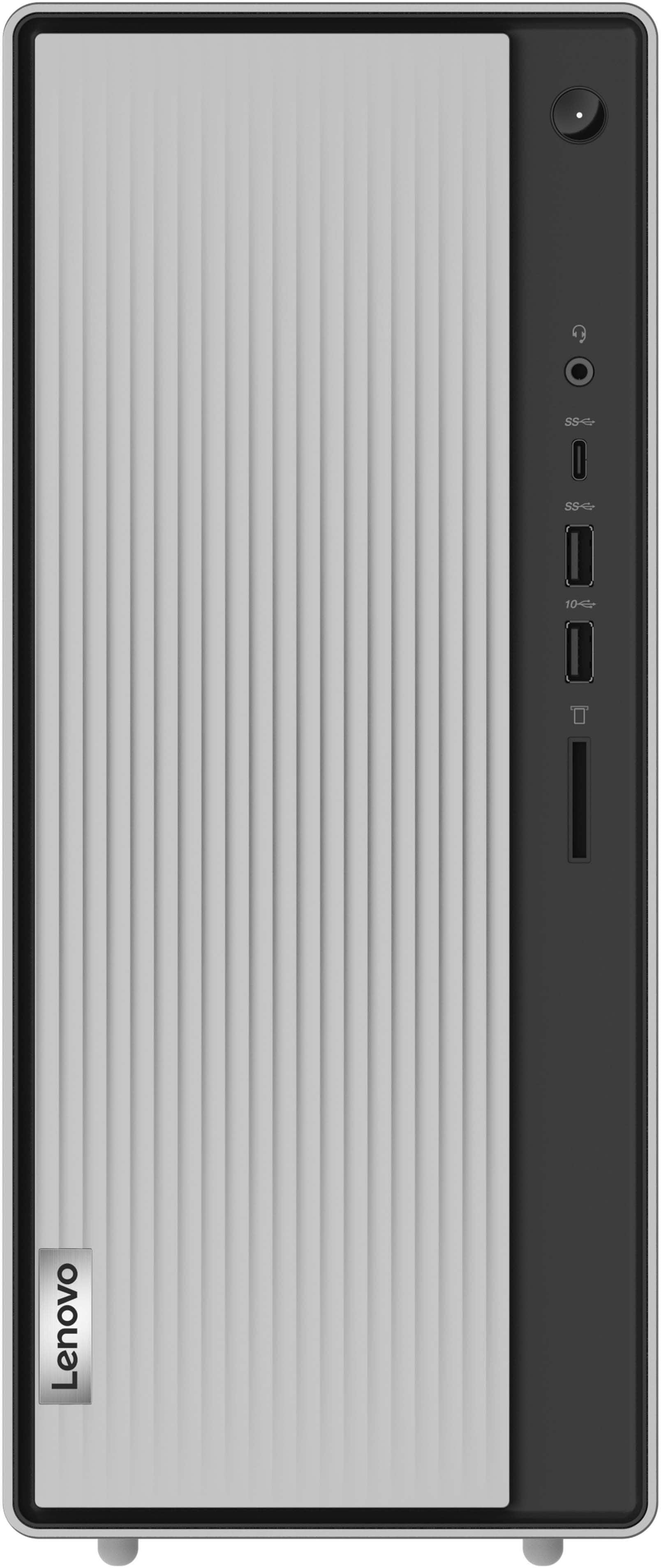
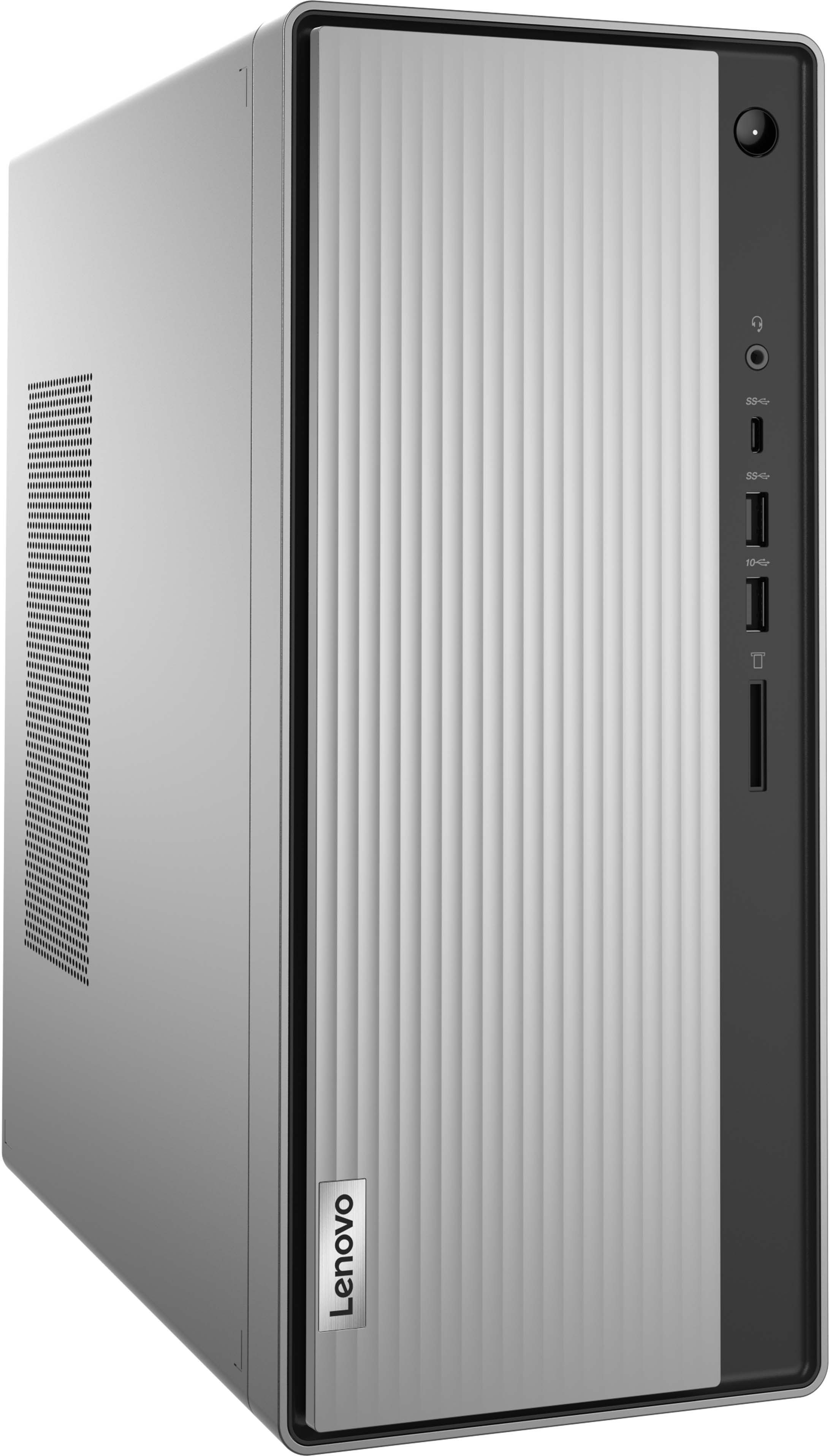
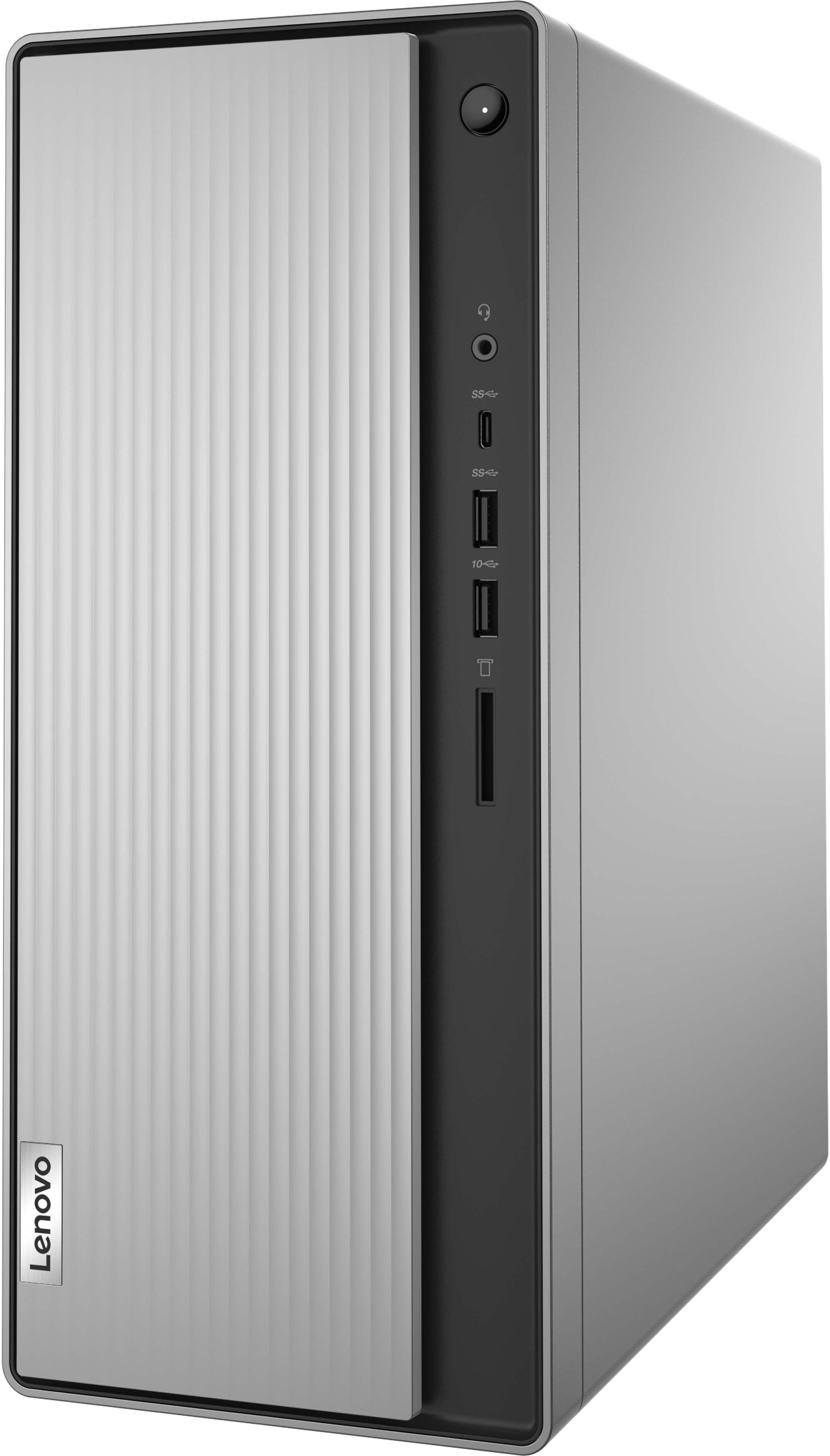
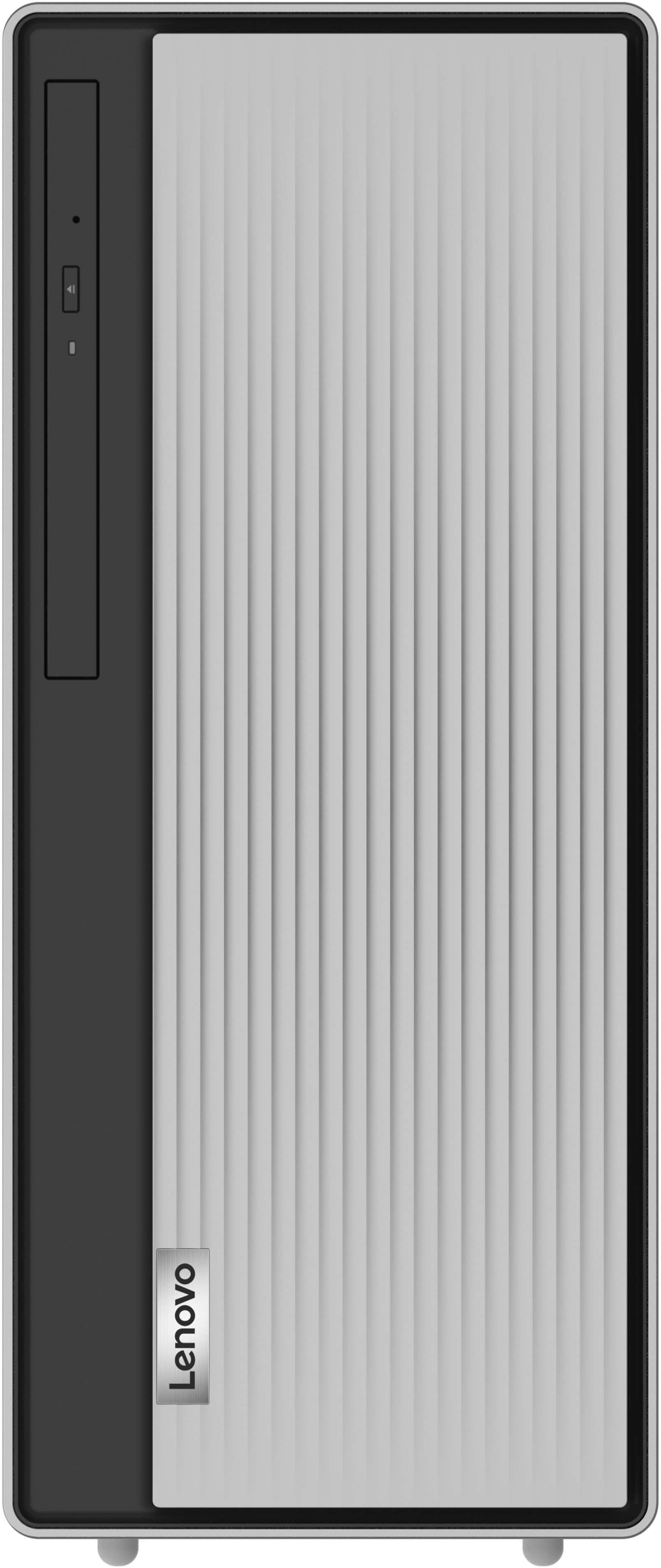
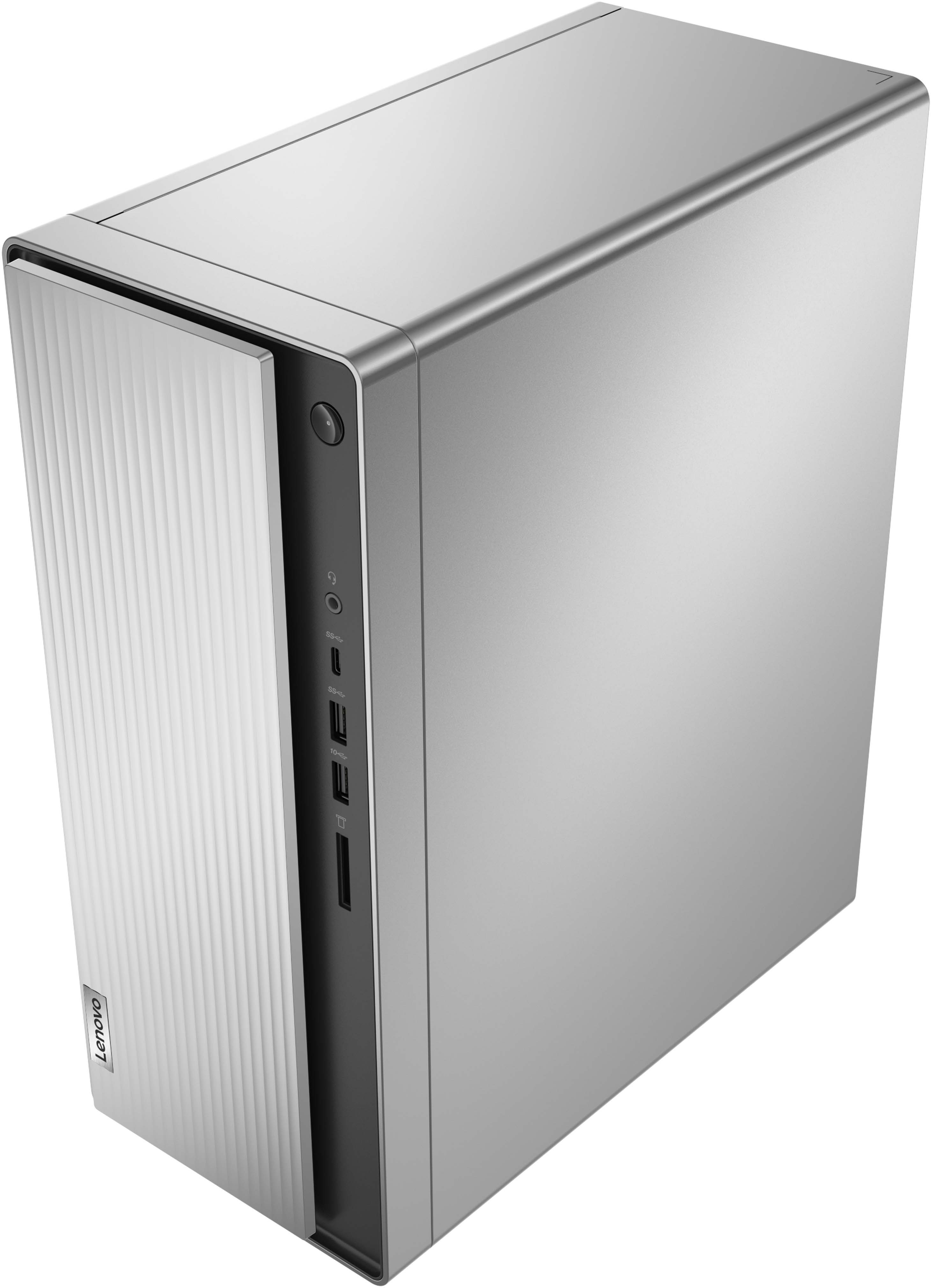
A:AnswerYes. This Lenovo IdeaCentre 5i Desktop computer, model number 90RJ009GUS, has a built in 9.0mm CD/DVD±RW drive. It is located behind the front sliding panel, which will slide to the right to reveal the CD/DVD drive.
A:AnswerThis Lenovo IdeaCentre 5i Desktop, computer model number 90RJ009GUS, ships with a 512GB M.2 2280 PCIe NVMe solid state hard drive, installed. The maximum storage capacity that this model configuration can support is: Up to two drives, 1x 3.5 inch HDD + 1x M.2 SSD: 3.5 inch HDD up to 2TB and M.2 SSD up to 1TB. We recommend you consult with your certified technician about your storage upgrade options.
A:AnswerYes. This Lenovo IdeaCentre 5i Desktop Computer, model number 90RJ009GUS, ships with 1x VGA and 1x HDMI 2.0 port for video out to external monitors. This IdeaCentre 5i Supports up to 2 independent displays via onboard ports (VGA and HDMI).
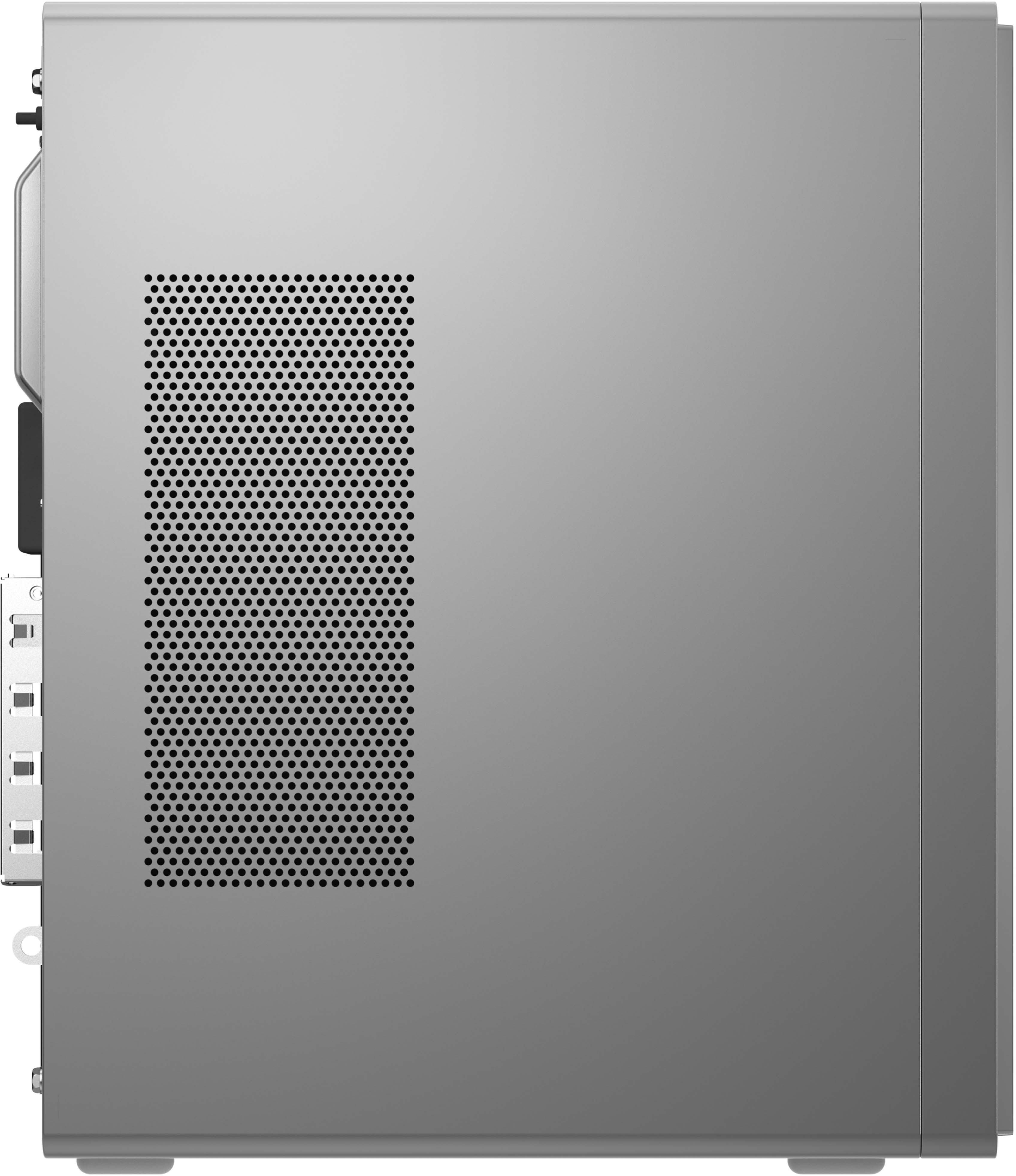
A:AnswerYou can use any 3.5mm compatible-Windows OS compatible, external computer speakers with this Lenovo IdeaCentre 5i Desktop Computer. There is a 3.5mm audio out jack on the back of the computer for connecting compatible external computer speakers. Here is a link to the online copy of the User Guide for this model that can be printed out: https://download.lenovo.com/consumer/desktop_pub/5-14iob6_5-14acn6_ug_en_202104.pdf. If you have questions about your Lenovo IdeaCentre 5i Desktop Computer, we recommend you contact lenovo Tech Support for more information at: 877-453-6686.
A:AnswerThis Lenovo IdeaCentre 5i Desktop Computer, model number 90RJ009GUS, ships with Front Ports - 1x USB-C 3.2 Gen 1 (support data transfer and 5V@3A charging only). This port has no video out capability, nor is this USB-c port Thunderbolt compatible. This model configuration supports direct connection of up to 2 independent displays via onboard ports (VGA and HDMI). You can use a universal USB 3.0 docking station with this desktop computer. Using a docking station with a desktop computer is pretty much the same process as with a laptop, however, you might have other things to consider. For example, considering using it with a desktop may be slightly more permanent, you might want to think about where you're going to place the docking station on your desk.
A:AnswerWe are sorry to hear that you are having issues with your internal CD/DVD drive within your Lenovo IdeaCentre 5i Desktop Computer. First, check to be sure you have the latest version of Windows 11 on the computer. Then update all BIOS files and drivers up to that latest version of Windows 11. You can easily accomplish this by scanning the computer with the Lenovo Utility software available on this computer. This system has Lenovo utilities installed to help maintain the health of the device and keep the operating system software up to date. Type "Lenovo Vantage" in the Cortana Search window (if Lenovo Vantage is not installed on your device, you can download the APP and install it now). Select Lenovo Vantage from the list. In the window that opens, click on "Health and Support". In the expanded menu, select "Hardware Scan" In the window that opens, select "Run Quick Tests". This will scan your entire system for errors. Follow any directions that may pop up. If the problem continues after this scan, now click on "System Update". First select Windows update from the menu. Scan your system to be sure you have the latest version of Windows 11. Once that scan is complete, select "Additional Updates". This will scan your device to be sure there are no new BIOS/Driver updates needed. Follow any instructions that may pop up. If you get a message stating that there are no available driver updates or the issue with your CD/DVD drive continues, you can manually uninstall/reinstall the drivers for the CD/DVD drive, which will also allow the drivers to be updated to the latest versions. Here is a link to information about a direct uninstall/reinstall of the CD/DVD drivers within Windows 11: https://docs.microsoft.com/en-us/windows-hardware/drivers/install/using-device-manager-to-uninstall-devices-and-driver-packages. If the issue continues, we recommend you contact Lenovo Tech Support for additional help. Let the Lenovo Customer Service Specialist know about the software troubleshooting steps you have already taken. Call at: 866-426-0911.
A:AnswerNo, it's only a tower. If you need a camera, I would suggest purchasing a Logitech C920x for under $100.00. That camera will be a terrific fit with your Lenovo IdeaCentre.
Best of luck,
Consultant Brian
A:AnswerNormally, this is a NEW box. If you pick an "open box" tower, that isn't a bad choice either. You do have a 10-day return policy if you are not satisfied with your purchase. I suggest you could either way.
Best of luck,
Consultant Brian
A:AnswerI don't know what the dial drive is. If you mean the CD drive , slisde the panel to the right and it reveals the drive. Just touch it and it opens.