Questions & Answers
- Model:
- 90NA0001US
- |
- SKU:
- 6424471
Highly rated by customers for: Performance, Speed, Ease of use
Page Showing 41-50 of 50 questions
Q: QuestionI just purchased the Lenovo - IdeaCentre 5i Desktop - Intel Core i5. There's no sound. Do I need to connect speakers to this?
Asked by Wendy.
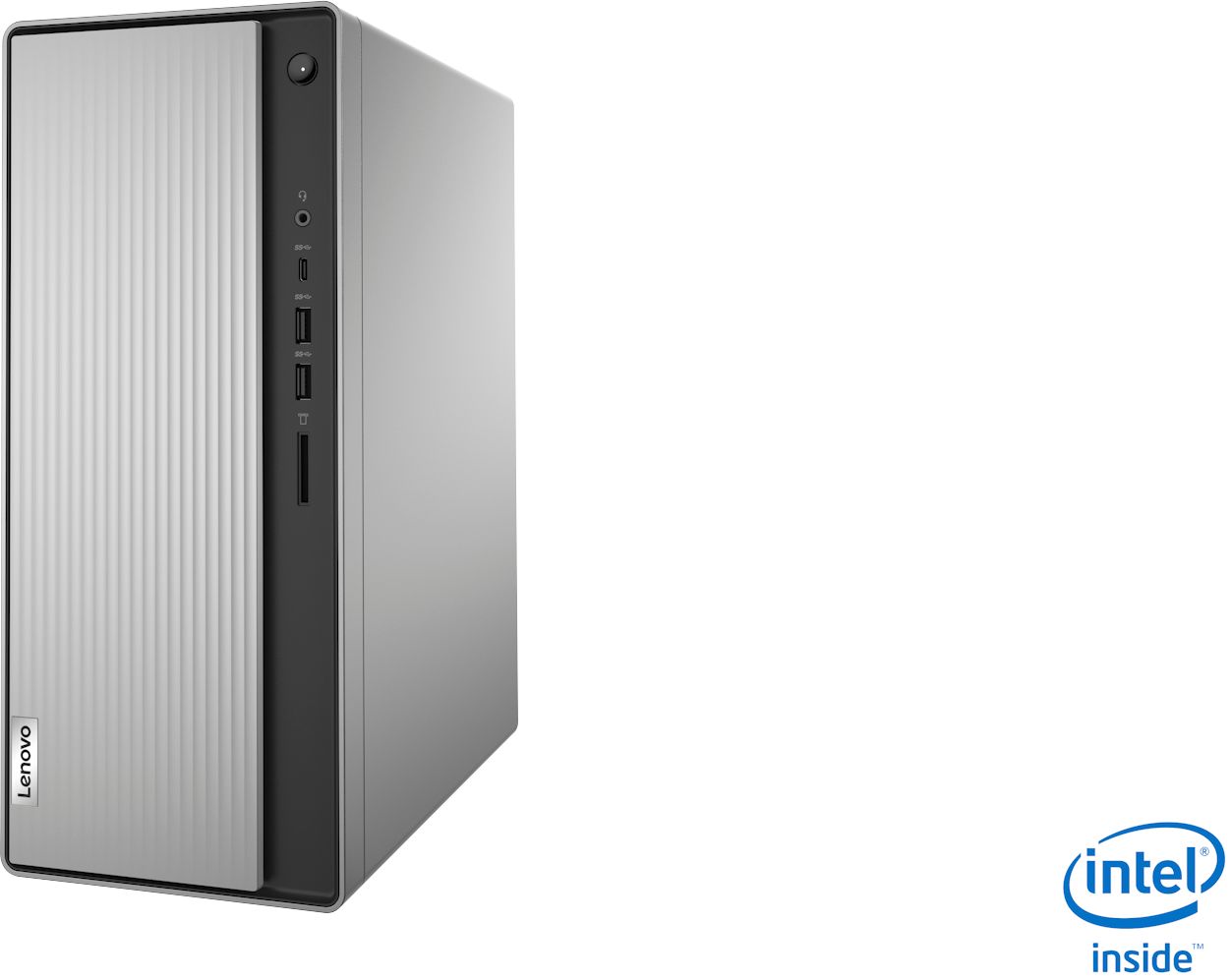
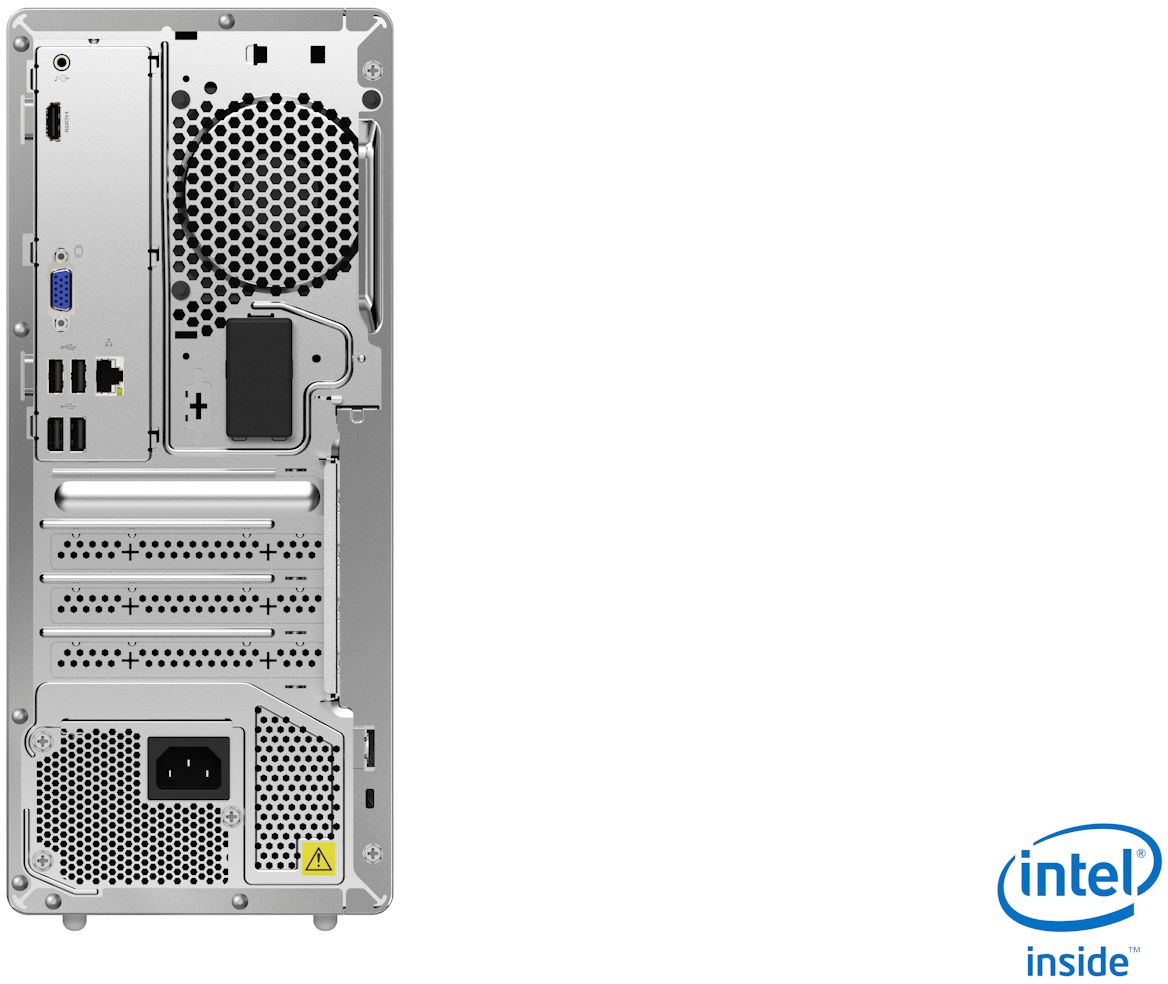
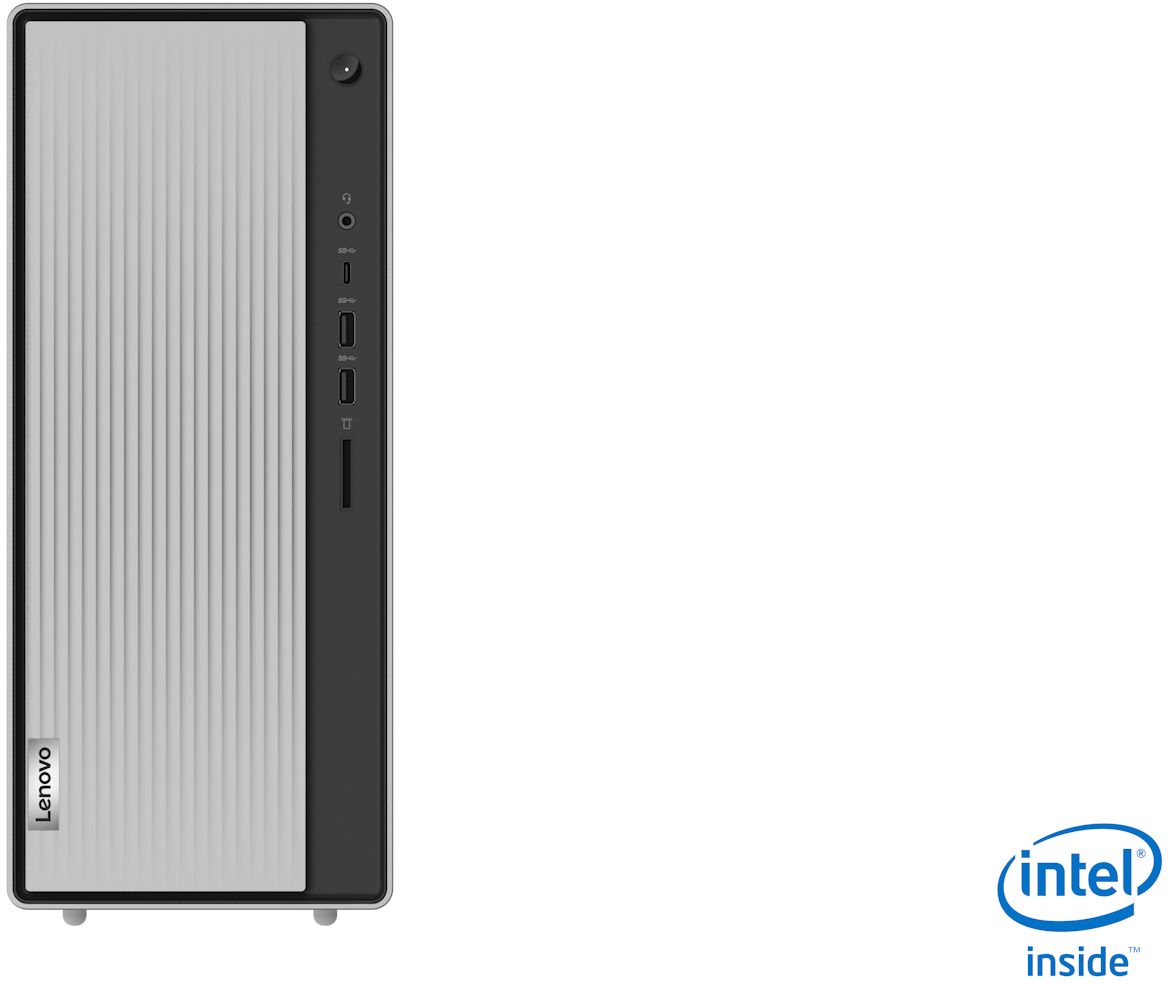
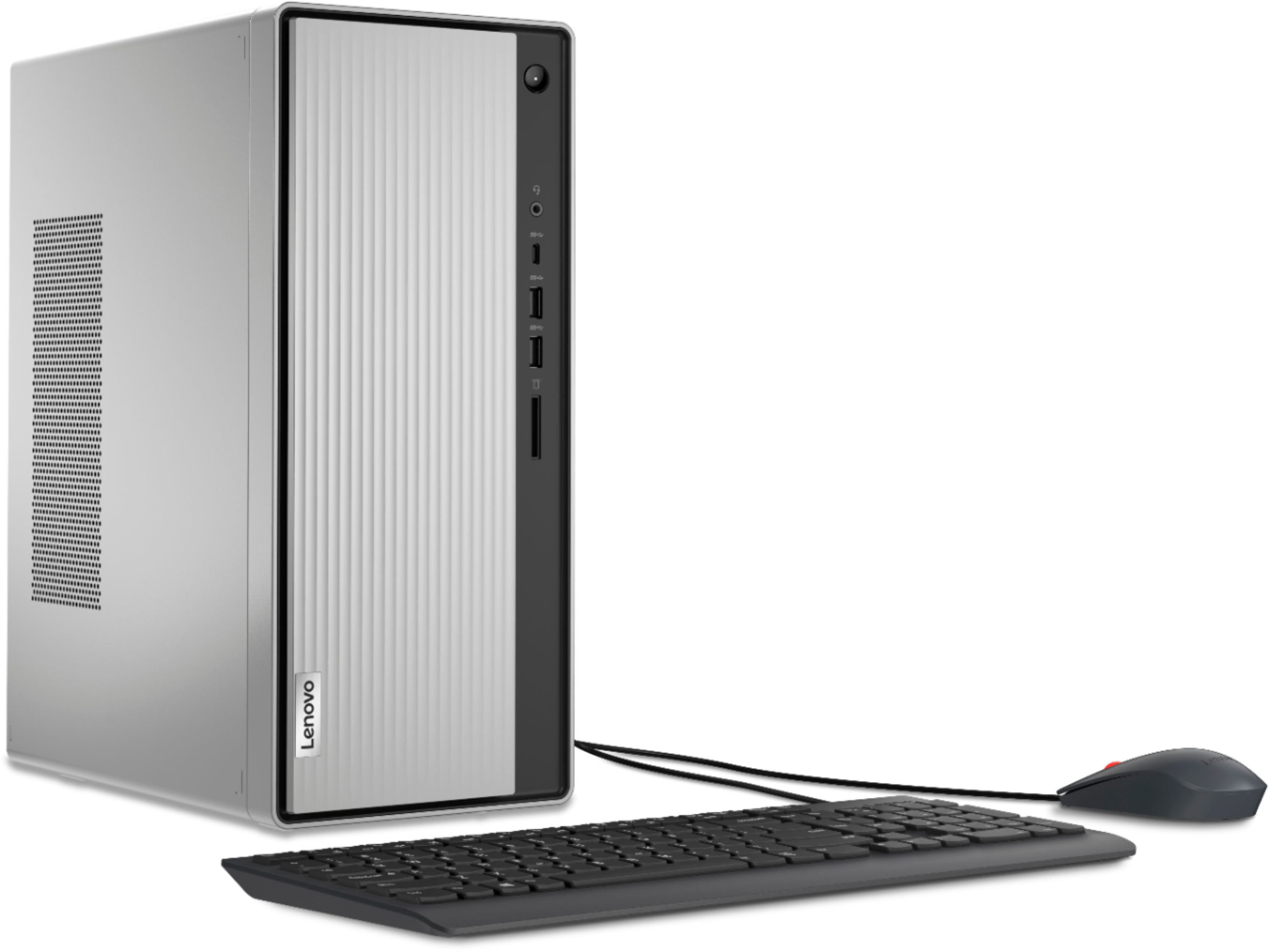
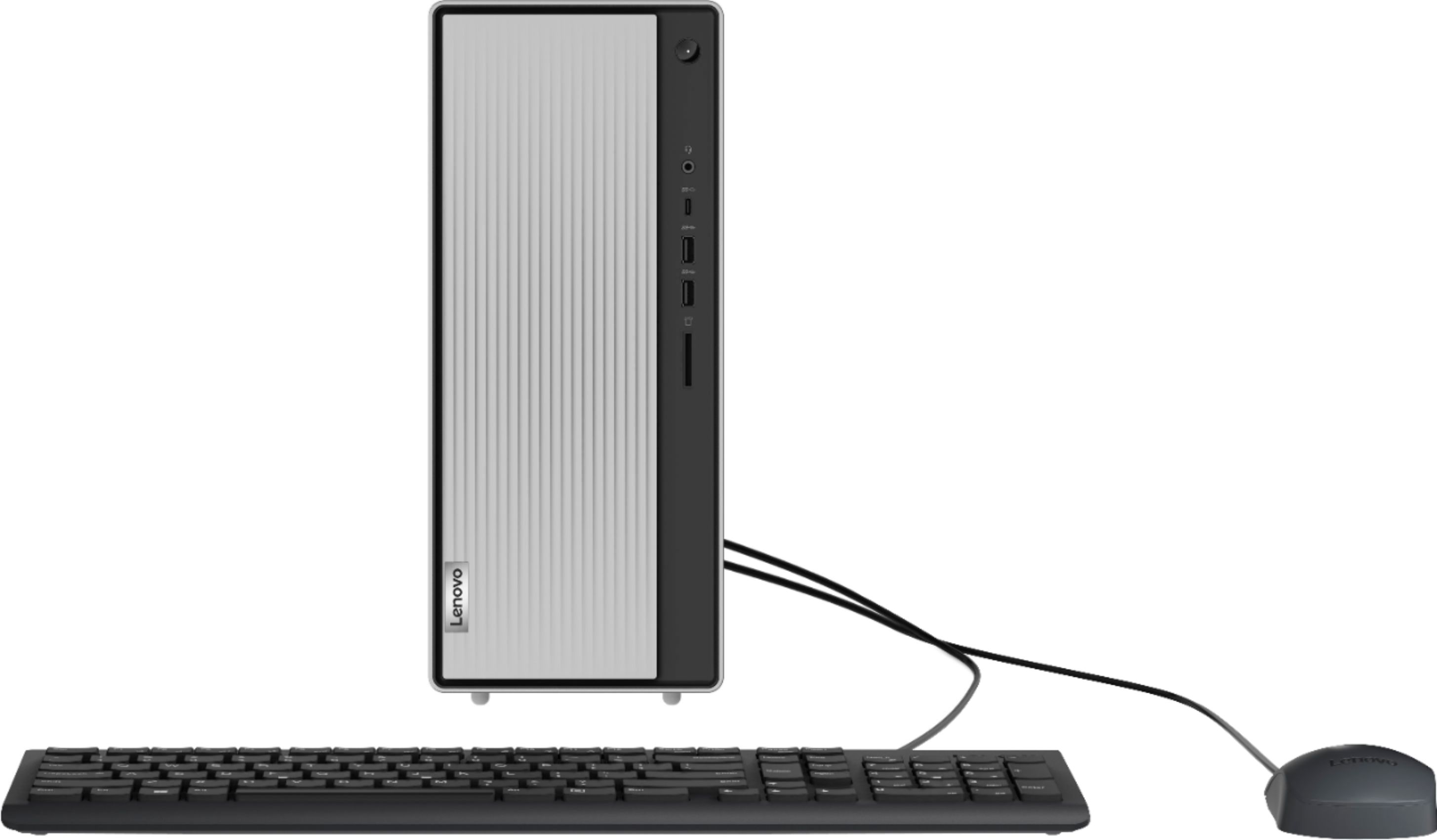
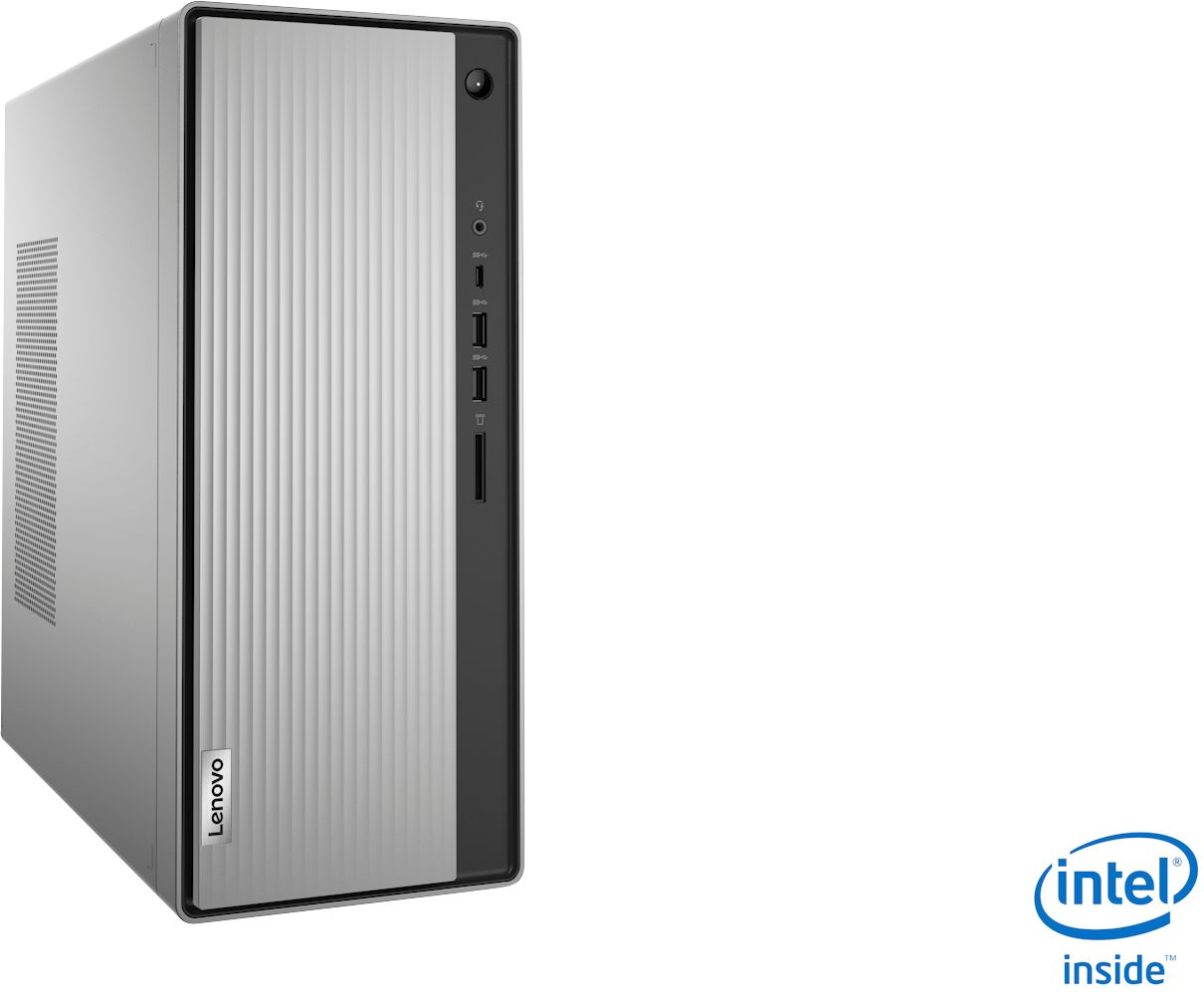
- A:Answer Yes, there is a single 3.5mm stereo audio out port on the back. This PC does not come with built in speakers - you must supply your own. Or you can connect via bluetooth. There is also a single 3.5mm audio out on the front panel for headset/mic combo or for just a headset or speakers.
Answered by Whatever
Q: QuestionHow come my sound stopped working from the rear plug, but still works on the front headphone plug?
Asked by Anonymous.
- A:Answer The audio jack on the back of the Lenovo IdeaCentre 5i Desktop, model number 90NA0001US is an RCA format plug and supports audio out only. To connect a headset or external speakers that are only compatible with a 3.5mm Audio Jack, you will need to use the 3.5mm compatible audio jack on the from of the computer. The 3.5mm audio jack has audio in/out capability and is compatible with either external speakers or a headset with microphone, that is compatible with a 3.5mm jack.
Answered by Lenovo Product Expert

Q: QuestionHi so I bought this pc and some games aren’t supported. Can this pc be used for gaming and if yes, can it be customizable
Asked by Felipe.
- A:Answer This is not a gaming pc. You need to look at the requirements of each game to determine if it will play on your pc. One of the determining factors for gaming is the video card as gaming requires a good video card. Your pc only has a built in video card.
Answered by compuray45
Q: QuestionThank you for your help. As a follow-up, does the unit have the cable to connect to the motherboard? Unfortunately, when I bought this, my second Lenovo, Best Buy told me all the cables were included but.... I really want to install a SanDisk for C:
Asked by Poppy.
- A:Answer If this is a laptop and you just want to replace your hard drive with an ssd hard drive they use the same connection. If you know how, you can just ghost the old hard drive to the new one and then swap them out. that way you won't have to install everything all over again.
Answered by compuray45
Q: QuestionWith this computer, I have one monitor connected via HDMI port, and I would like to purchase a 2nd monitor for a dual monitor set-up. I see there is a DVI port - will that support new monitor and allow dual screen setup? Or do I need a dock/adapter?
Asked by 2Monitors.
- A:Answer The Lenovo IdeaCentre 5i features one HDMI out and one VGA out. You can hook up dual monitors by utilizing these two ports with two separate monitors.
Answered by Lenovo Product Expert

Q: QuestionDoes this model come with pcie ssd ?
Asked by Miheat.
- A:Answer No the IdeaCentre 5i model # 90NA0001US ships with a 1TB HDD, there is not a PCIE expansion slot on this motherboard.
Answered by Lenovo Product Expert

Q: QuestionCan This PC run games like fortnite or minecraft?
Asked by Adan.
- A:Answer That really will depend on the requirements and compatibility of the specific games you want to play. We recommend you check with the game's software publisher's web site for their compatibility with Windows 10 Home 64-bit operating system and the minimum/recommended hardware requirements (Is a Graphics card required, the processor speed and the minimum required system RAM and the minimum available hard drive space) to run their program, then compare those requirements to this system's configuration.
Answered by Lenovo Product Expert

Q: QuestionIm looking at a desktop for gaming and found this one. If in the future I want to add or swap parts would that be possible? Its not a clear case so I cant see how much room it has.
Asked by Josh.
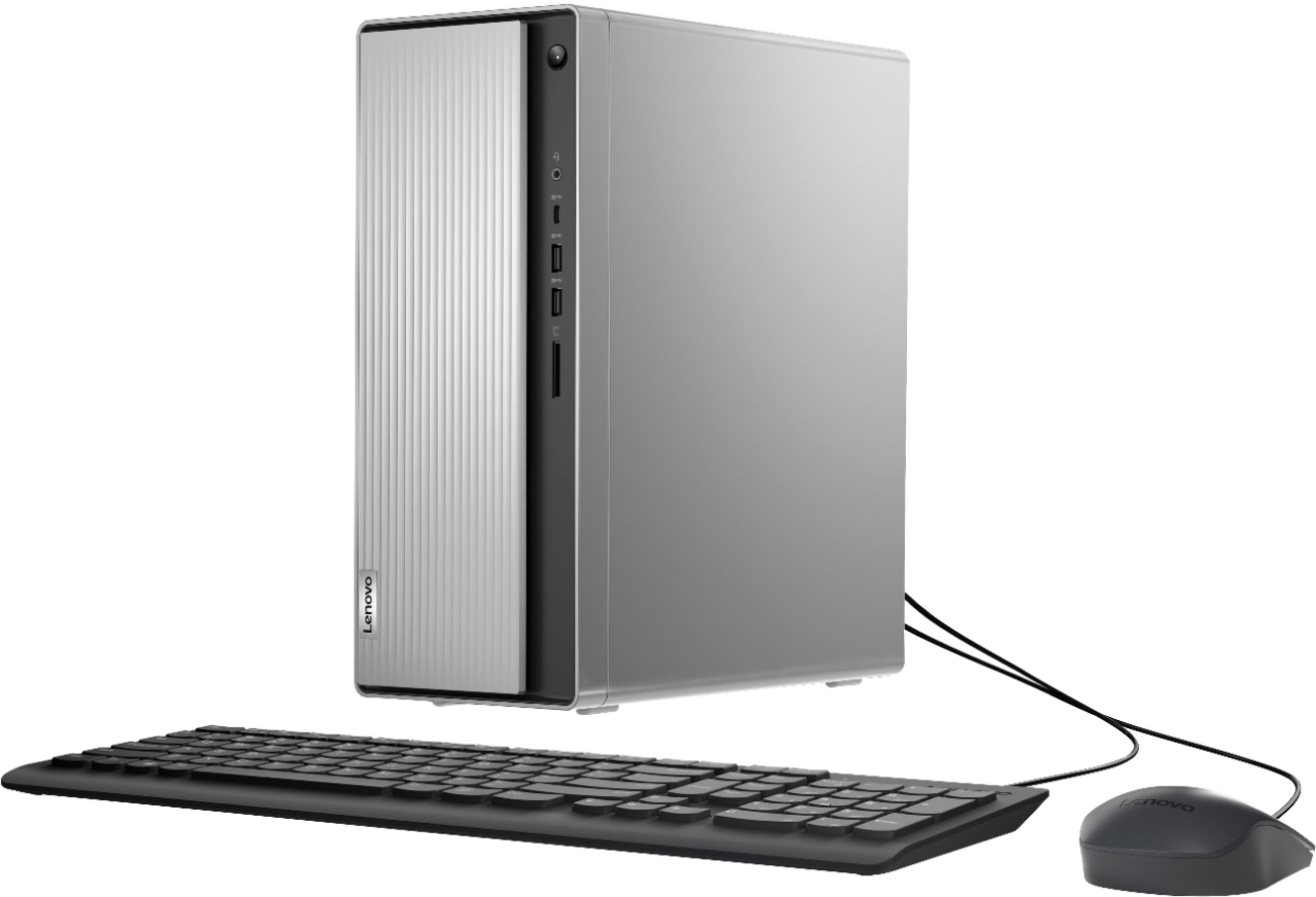
- A:Answer The Lenovo IdeaCentre 5i Desktop, model number 90NA0001US ships with 8GB DDR4-2933MHz RAM ( 2 x 4GB). The maximum supported system RAM is 32GB DDR4-2933MHz within the two RAM memory slots. There is one 3.5-Inch mechanical 1TB 7200 RPM hard drive installed. There are no open PCIe slots within this configuration. There is a internal 260W power supply.
Answered by Lenovo Product Expert

Q: QuestionHow do I remove the front cover on the ideacentre 5i
Asked by Ritchkp.
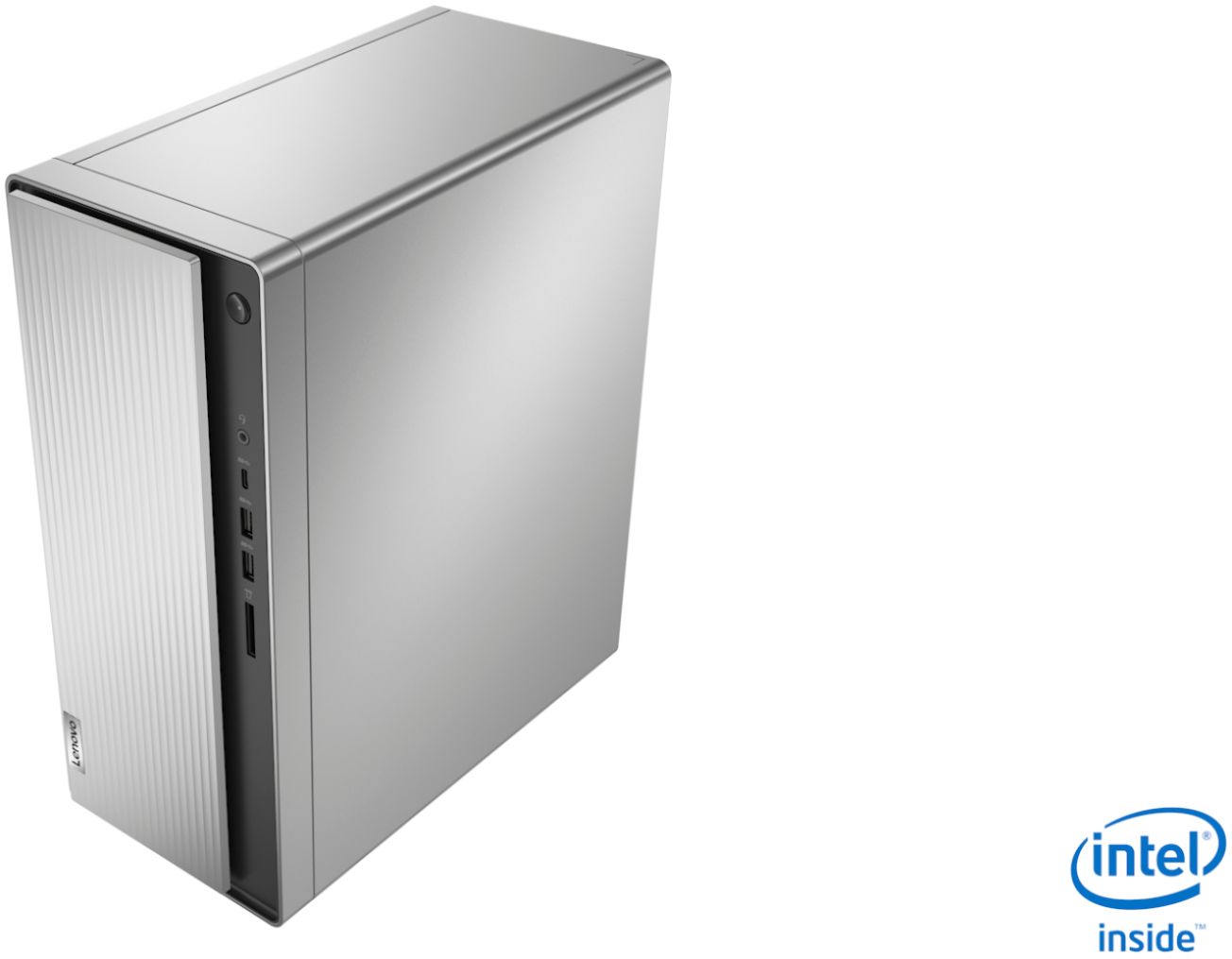
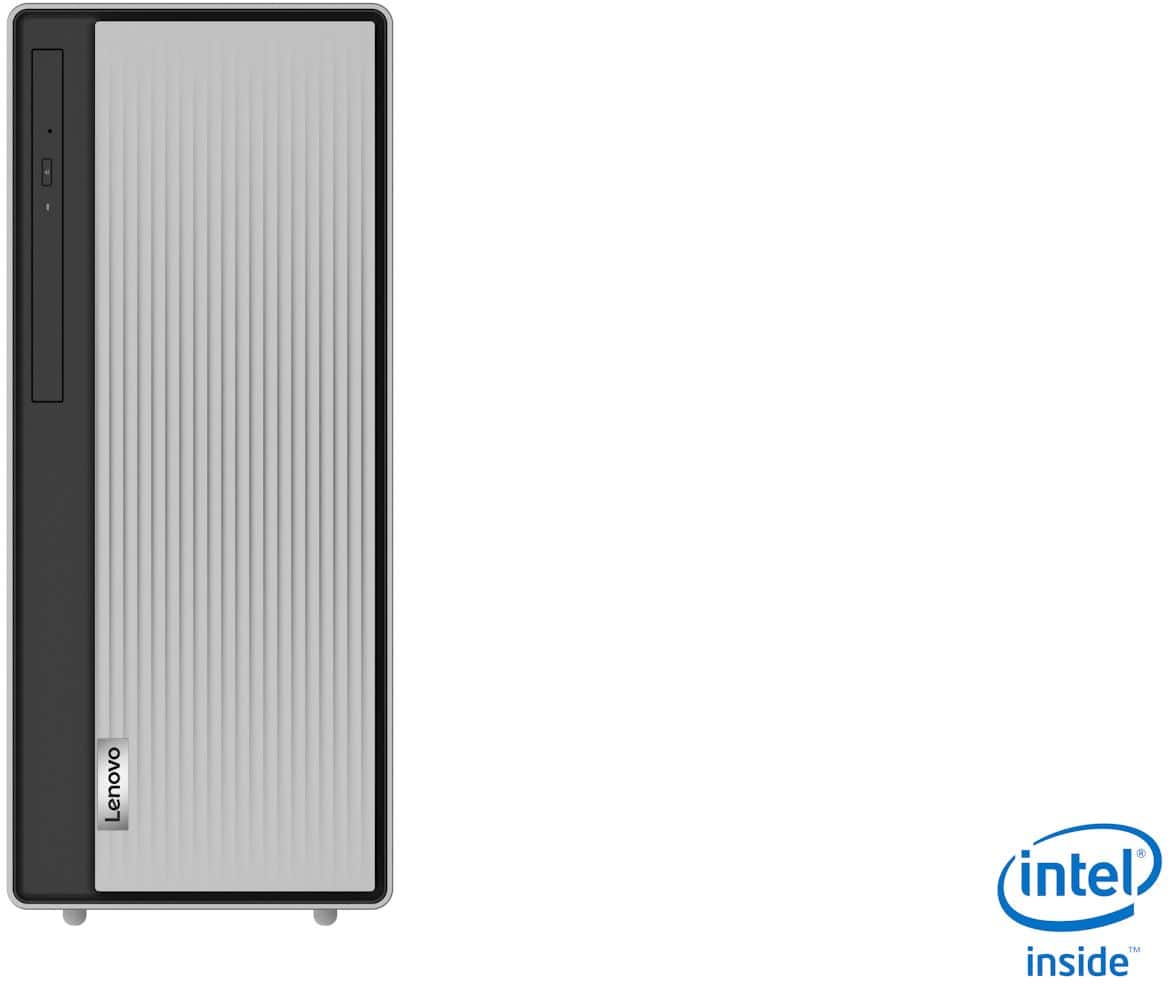
- A:Answer Dear Ritchkp; There are two screws on the back of the tower. Remove them. Slide the side of the panel off. At this point, you will see three latches that hold the front cover to the Lenovo IdeaCentre 5i. Unlatch them slowly; you don't want to catch the CD player. The front cover should come off in ONE piece. That's how you do it. Good luck, Consultant Brian
Answered by ConsultantBrian
Page 3, Showing 41-50 of 50 questions
Best-selling Best Buy
- $299.99$299.99The price was $349.99
- $59.99$59.99The price was $99.00
- $14.99$14.99The price was $19.00
- $99.00$99.00The price was $129.00
- $24.99$24.99The price was $29.99
- $149.00$149.00The price was $399.00
- $14.99$14.99The price was $19.00
- $139.99$139.99The price was $149.99