Main Content

Questions & Answers

Page Showing 41-60 of 65 questions
  • QuestionCan a printer be hooked up to this computer? Does it have to be a specific printer?

    Asked by Ron.

    • Answer I just plugged in and installed my printer and it works fine.

      Answered by Nora

  • QuestionCan games such as pokemon, minecraft and fortnite be played on this computer?

    Asked by Maggie.

    • Answer Yes you can play games on this computer.

      Answered by Laura

  • QuestionIs this system i5

    Asked by Baby.

    • Answer No. This Lenovo IdeaCentre A340 22 All-In-One System, model number F0EA0088US ships with the entry-level, 4-Core Intel Pentium Silver J5040 Processor.

      Answered by Lenovo Product Expert

  • QuestionDoes the computer have wifi ability?

    Asked by Tony.

    • Answer Yes

      Answered by Sassypants

  • QuestionDoes it have to be plugged to a light current or it can be portable?

    Asked by Ale25.

    • Answer The Lenovo IdeaCentre A340 22 All-In-One system must be plugged in to an electric wall socket to operate. There is no internal battery.

      Answered by Lenovo Product Expert

  • QuestionCan this computer be upgraded to Windows 11 for free or a price.

    Asked by Chuck.

    • Answer The Lenovo IdeaCentre A340 22 All-In-One system model number F0EA0088US, ships with Windows 11 Home 64-bit Operating System installed.

      Answered by Lenovo Product Expert

  • QuestionCan you upgrade the RAM on this computer, and if so, to how much?

    Asked by FG34.

    • Answer No. The Lenovo IdeaCentre A340 22 All-In-One system, model number F0EA0088US, ships with the maximum supported RAM for this model configuration: 8GB DDR4-2666MHz RAM (1x 8GB SO-DIMM DDR4-2666MHz RAM), within the one DDR4 SO-DIMM slot.

      Answered by Lenovo Product Expert

  • QuestionWhat is the base processor speed (in gigahertz)? Thanks, Dan

    Asked by Dan.

    • Answer The Lenovo IdeaCentre A340 22 All-In-One system, model number F0EA0088US, ships with the 4-Core Intel Pentium Silver J5040 Processor, with a base speed of 2.0GHz and a boost speed of up to 3.2GHz.

      Answered by Lenovo Product Expert

  • QuestionCan you play roblox, minecraft and among us?

    Asked by Anonymous.

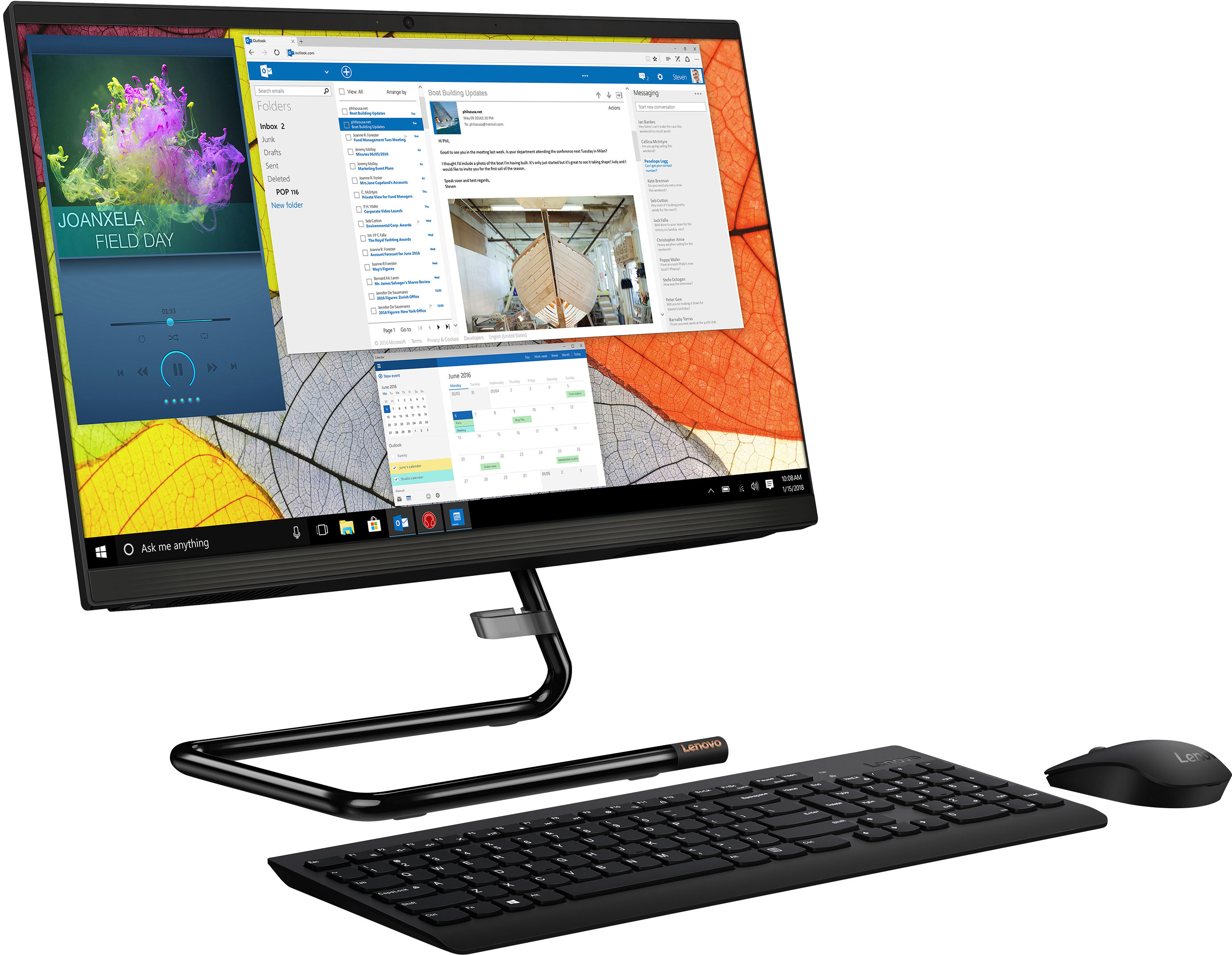
    • Answer That really will depend on the requirements and compatibility of the specific games you want to play. We recommend you check with the specific game's software publisher's web site for their compatibility with Windows 11 Home 64-bit operating system and the minimum/recommended hardware requirements (Is a Graphics card required, the processor speed and the minimum required system RAM and the minimum available hard drive space) to run their program, then compare those requirements to this system's configuration.
      Answered by Lenovo Product Expert

  • QuestionCan that monitor stand be mounted in the opposite direction?

    Asked by John.

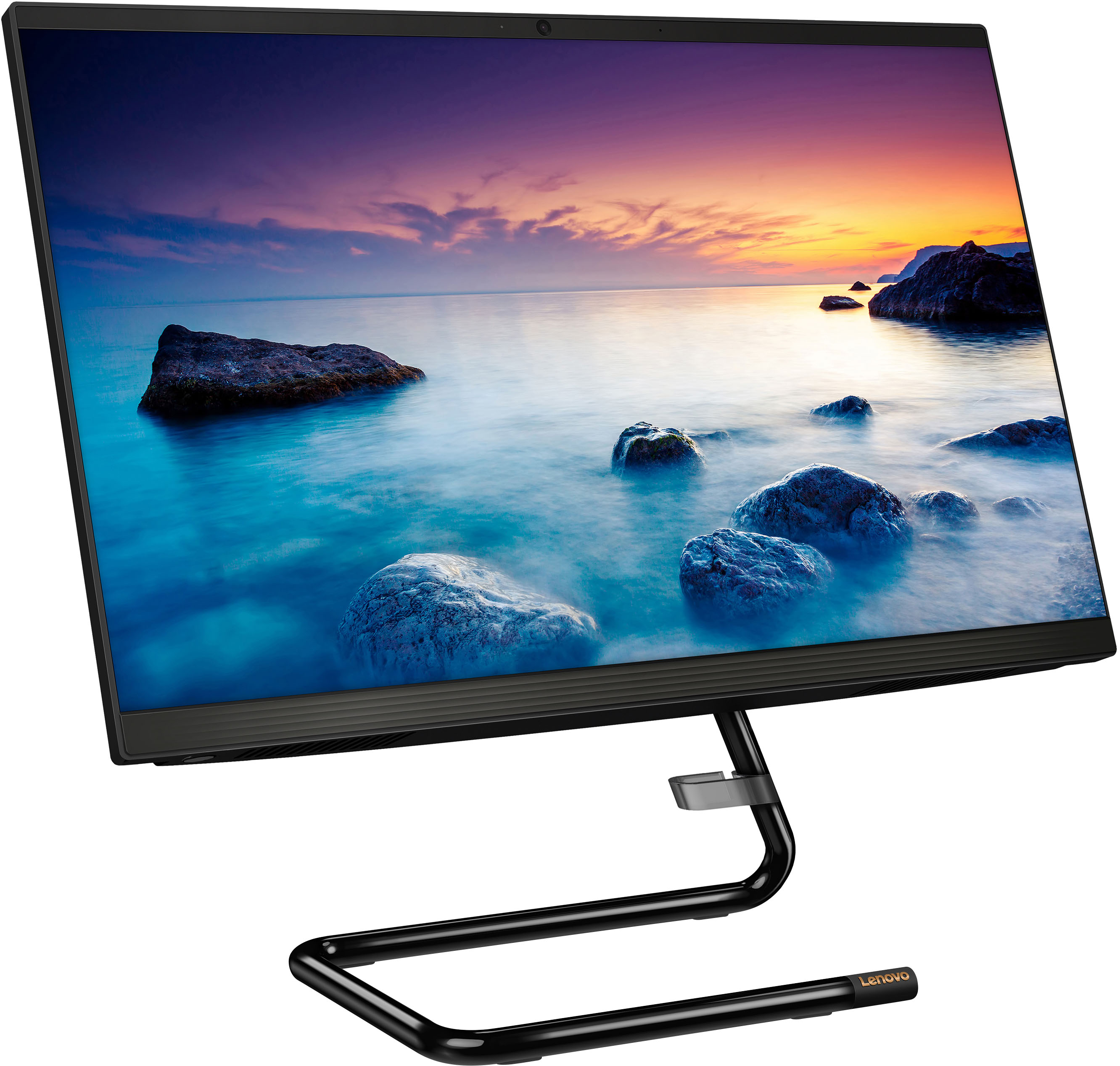
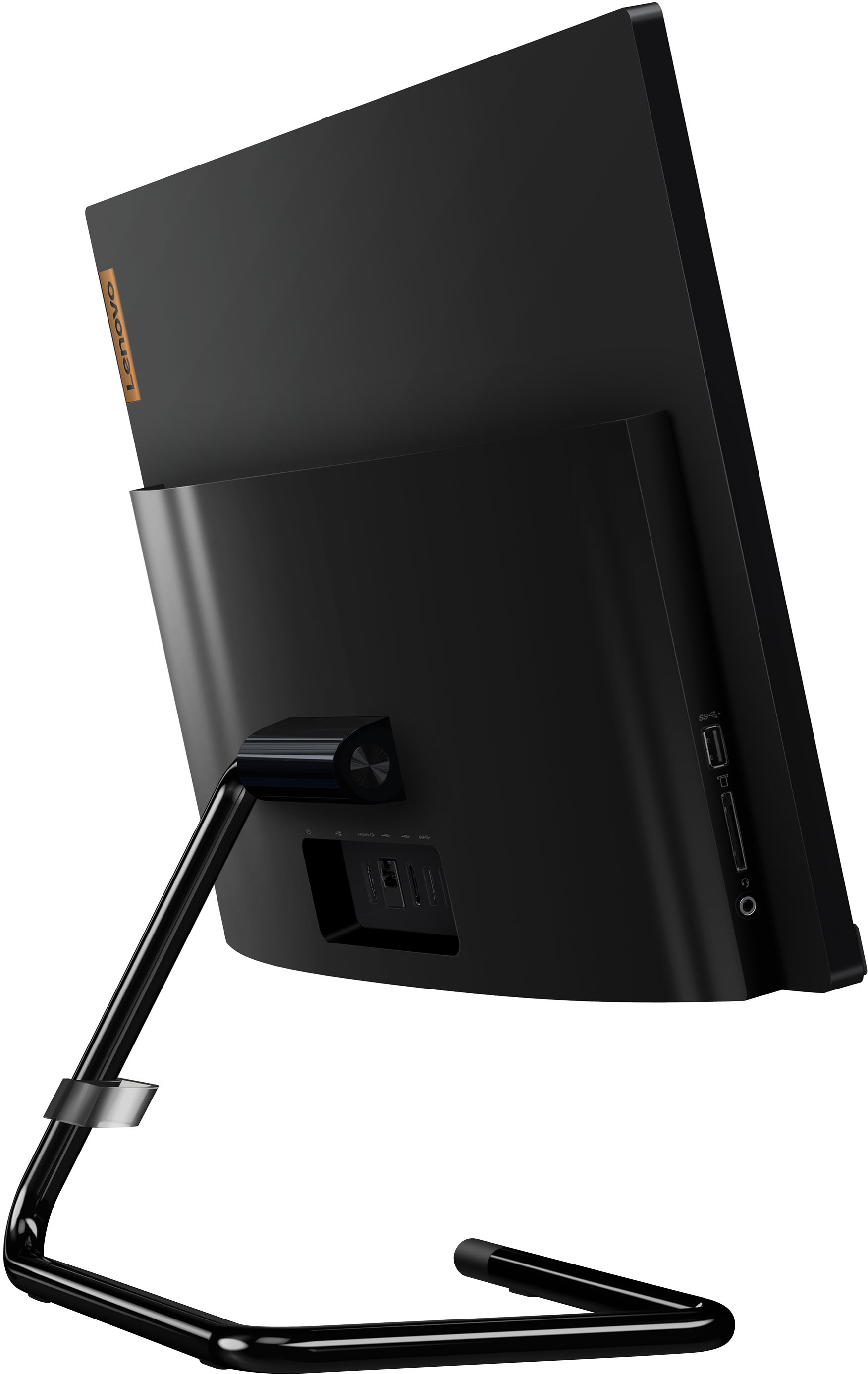
    • Answer No. The stand can only be attached in one direction.

      Answered by Lenovo Product Expert

  • QuestionIs this good for conducting business?

    Asked by Anonymous.

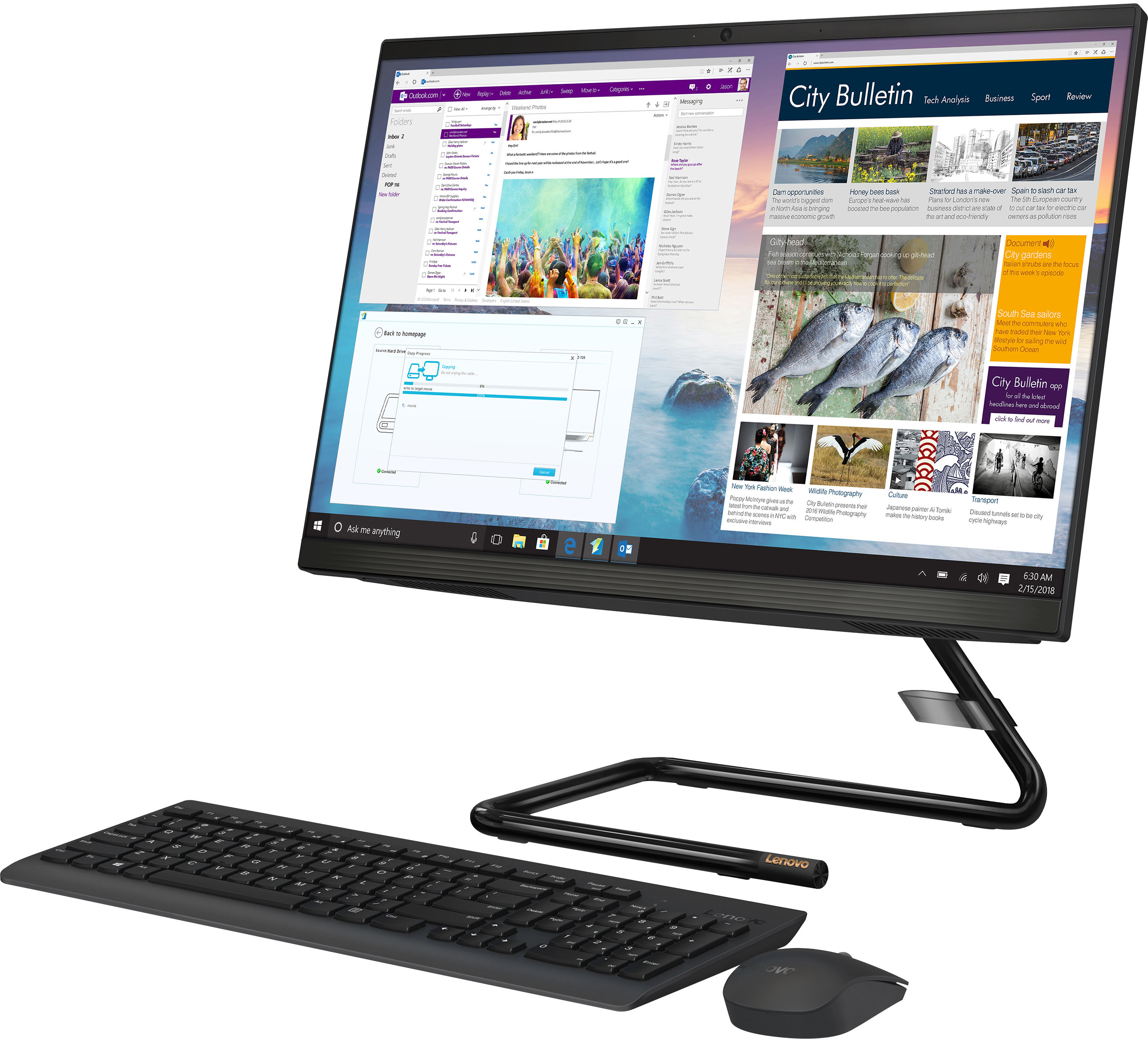
    • Answer Than will really depend on the software you will be using to do your work. We recommend you check with the specific software publisher's web sites, of the required software you will need to use, for their compatibility with Windows 10 Home 64-bit operating system and the minimum/recommended hardware requirements (Is a Graphics card required, the processor speed and the minimum required system RAM and the minimum available hard drive space) to run their program, then compare those requirements to this system's configuration.
      Answered by Lenovo Product Expert

  • QuestionCan an additional monitor be added using the HDMI port for dual monitor use?

    Asked by Anonymous.

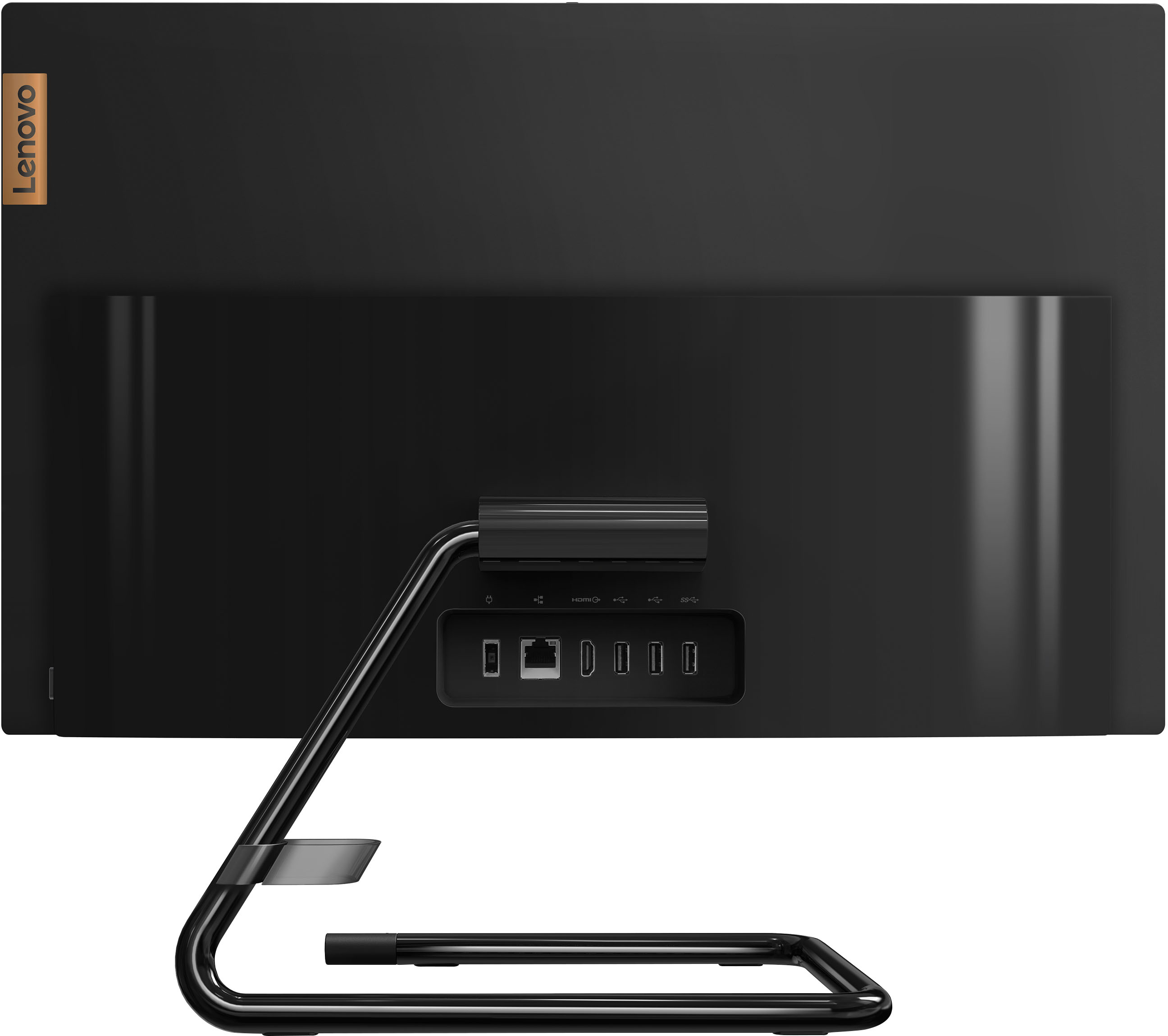
    • Answer Yes. The Lenovo IdeaCentre A340 22 All-In-One system, model number F0EA0088US, ships with 1x HDMI-out 1.4 port for connecting an external monitor. The IdeaCentre A340 22 AIO supports up to 2 independent displays via native display and 1 external monitor; supports external monitor via HDMI.

      Answered by Lenovo Product Expert

  • QuestionCan you edit videos on this computer?

    Asked by Monae18.

    • Answer That will depend on the requirements and compatibility of the editing software you will be using. We recommend you check with the specific editing software publisher's web site, of the specific editing software APP you will be using, for their compatibility with Windows 10 Home 64-bit operating system and the minimum/recommended hardware requirements (Is a Graphics card required, the processor speed and the minimum required system RAM and the minimum available hard drive space) to run their program, then compare those requirements to this system's configuration.
      Answered by Lenovo Product Expert

  • QuestionIs this good for gaming?

    Asked by MsChecker.

    • Answer That will depend on the requirements and compatibility of the games you want to play. We recommend you check with the specific game's software publisher's web sites, of the games you will be playing, for their compatibility with Windows 10 Home 64-bit operating system and the minimum/recommended hardware requirements (Is a Graphics card required, the processor speed and the minimum required system RAM and the minimum available hard drive space) to run their program, then compare those requirements to this system's configuration.

      Answered by Lenovo Product Expert

  • QuestionWhich Windows does it have? 10? 11?

    Asked by Marcie.

    • Answer Windows 11

      Answered by Anonymous

  • Questionwhat processor is in this computer

    Asked by Anonymous.

    • Answer This Lenovo IdeaCentre A340 22 All-In-One System, model number F0EA0088US, ships with the entry-level, 4-Core Intel Pentium Silver J5040 Processor installed.

      Answered by Lenovo Product Expert

  • QuestionIs it vr compatible?

    Asked by Isabel.

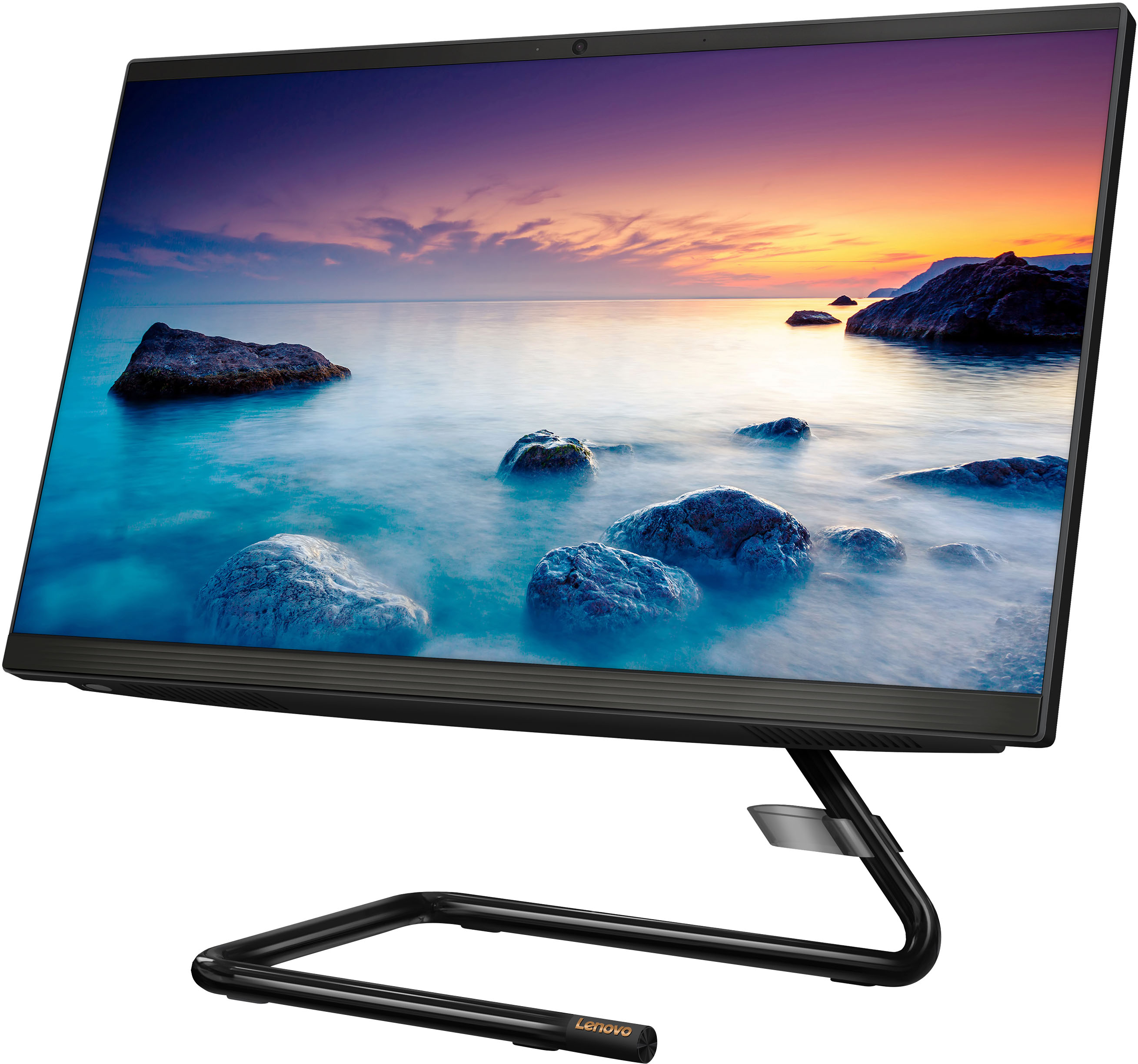
    • Answer That will depend on the requirements and compatibility of the VR hardware and software you want to use. This entry-level configuration of the Lenovo IdeaCentre A340 22 All-In-One System, ships with Windows 11 Home, 64-bit Operating System installed. We recommend you check with the VR hardware manufacturer's web site as well as the VR software publisher's web sites, ,of the VR hardware and software you will be using, for their compatibility with Windows 11 Home 64-bit operating system and the minimum/recommended hardware requirements (Is a Graphics card required, the processor speed and the minimum required system RAM and the minimum available hard drive space) to run their program, then compare those requirements to this system's configuration.
      Answered by Lenovo Product Expert

  • QuestionCan I use my own wireless mouse and keyboard?

    Asked by Becca.

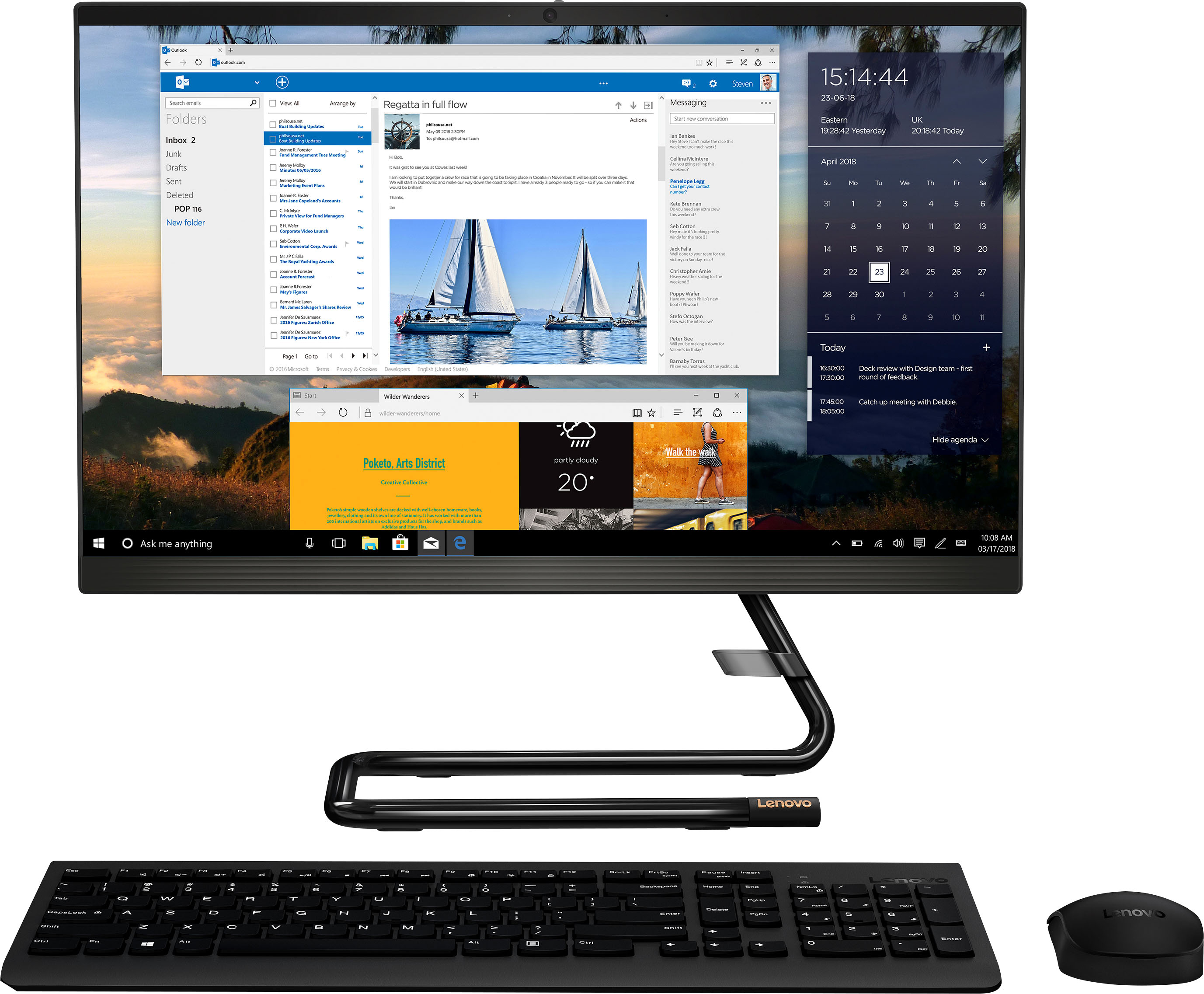
    • Answer Yes, so long as the 3rd party wireless mouse and keyboard are compatible with the Windows 11 Home, 64-bit Operating System installed on this Lenovo IdeaCentre A340 22 All-In-One System.

      Answered by Lenovo Product Expert

  • QuestionAre the speakers put in or do you have to attach speakers...

    Asked by NoName.

    • Answer This Lenovo IdeaCentre A340 22 All-In-One System, model number F0EA0088US, ships with stereo system speakers (3Wx2) installed.

      Answered by Lenovo Product Expert

  • QuestionWhere is the on/off switch of the keyboard?

    Asked by Anonymous.

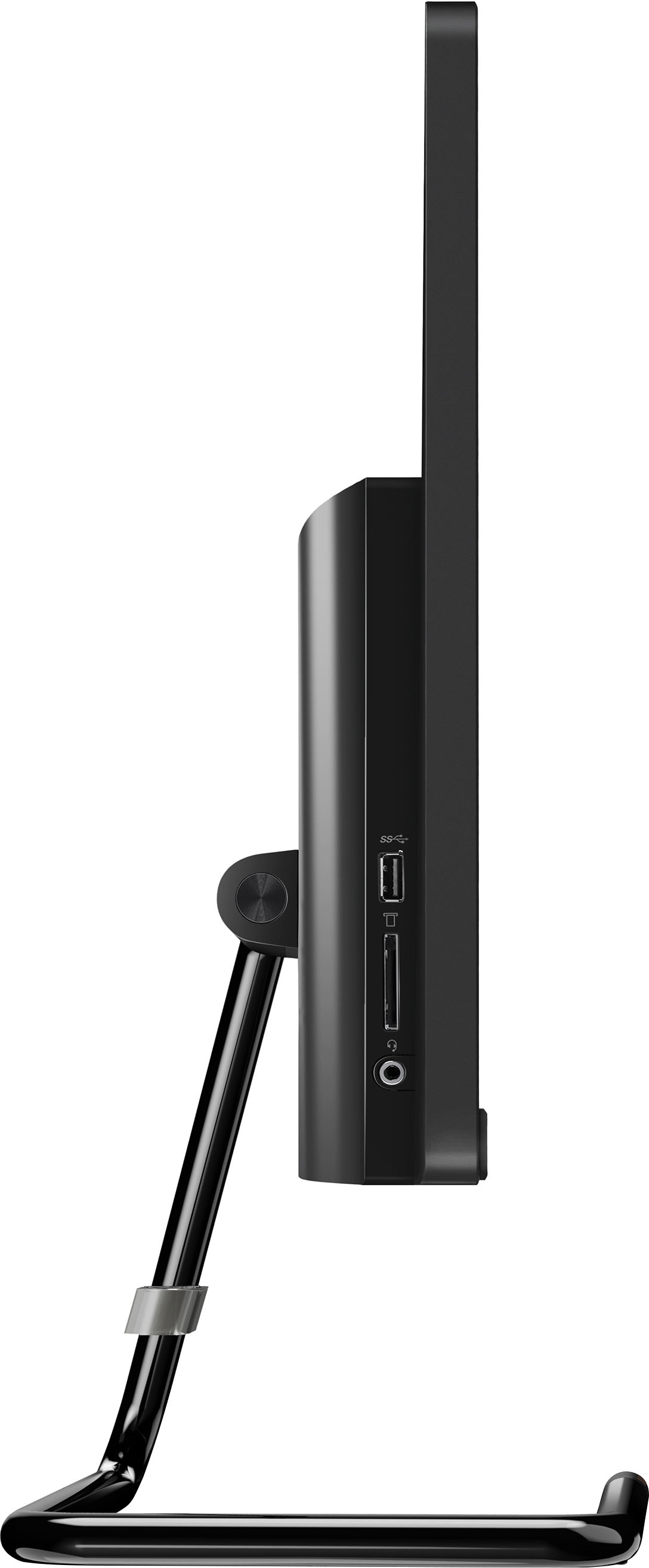
    • Answer The power button for this Lenovo IdeaCentre A340 22 All-In-One Computer, model number F0EA0088US, is on the right side of the computer.

      Answered by Lenovo Product Expert