A:AnswerMatt surface. Get a small mouse. Don't expect the touch pad to be as good (feel and precision) as the more expensive models. You get what you pay for.
A:AnswerIt took me about 6 hours to charge it full. After that, the system told me "not charging". I suppose it means the laptop will automaticly stop the battery from being overcharged?
A:AnswerI bought mine for $149.00 at BestBuy about a month ago. I asked why it was so inexpensive. They said it was full function but had the processor similar to a tablet so it wasn't as robust. For what I needed, it was perfect and for the price, I wish I had purchased at least 2 of them. It works great!
A:AnswerYou might buy and 64gb SDHC and you do not need an adaptor since it has an sd slot, you could also consider a 128gb ultra fit usb drive 3.0?
It has a high storage capacity with a 3.0 transfer rate and it is very compact.
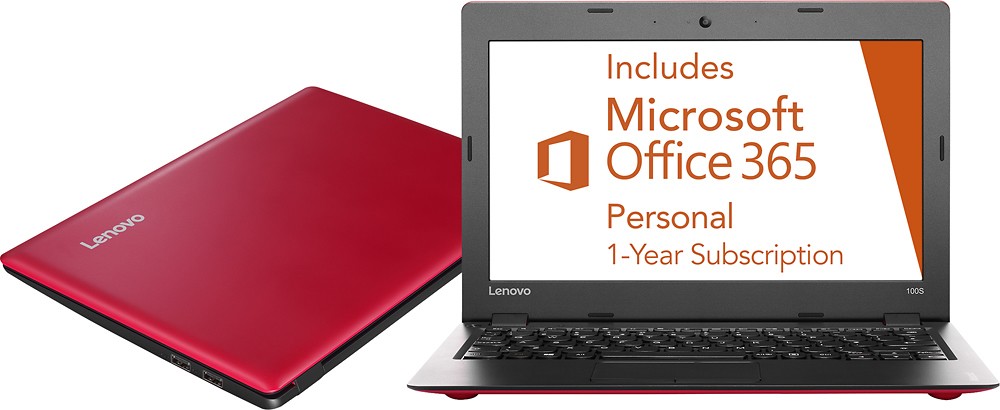
A:AnswerUnder start button launch the menu item for office 365. The installation and activation is automated. The product key is not needed (not provided).
A:AnswerThis system is equipped with OneKey Recovery System. There is a very small pin hole on the top left side of the keyboard, right near the left hinge on the device. You will need a pin to push this reset button. Plug the device in. Let the battery charge for about 15 minutes. Push the reset button. The system should boot to a choice screen where you can choose "Restore To Factory Default". Select this. It will allow you to either restore without removing files and programs or remove all programs an file and restore only the operating system to the device. You will need to reinstall all programs and files after the reset if you choose to remove files and programs. If you don't have copies of the files, try to make one before you restore by selecting "Boot to desktop" and trying to back up your files.
A:AnswerThe specifications for this system on the Best Buy web site are incorrect, this system does have Bluetooth 4.0 connectivity. This is in addition to WiFi. You can check the specifications of this system by following the link below to Lenovo.com products:
http://shop.lenovo.com/us/en/laptops/ideapad/100-series/100s-11-inch/
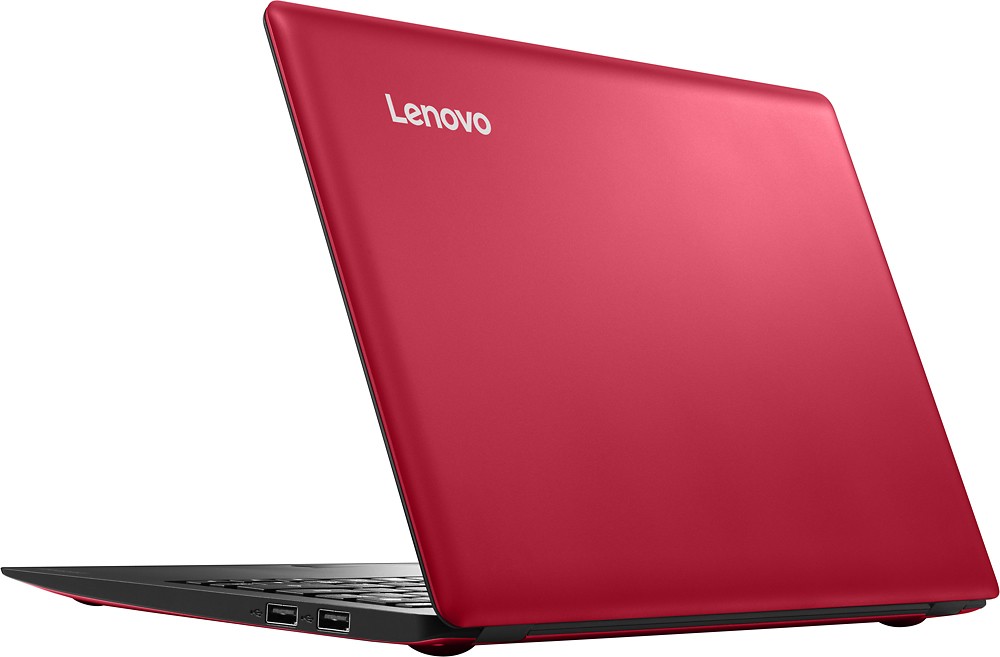
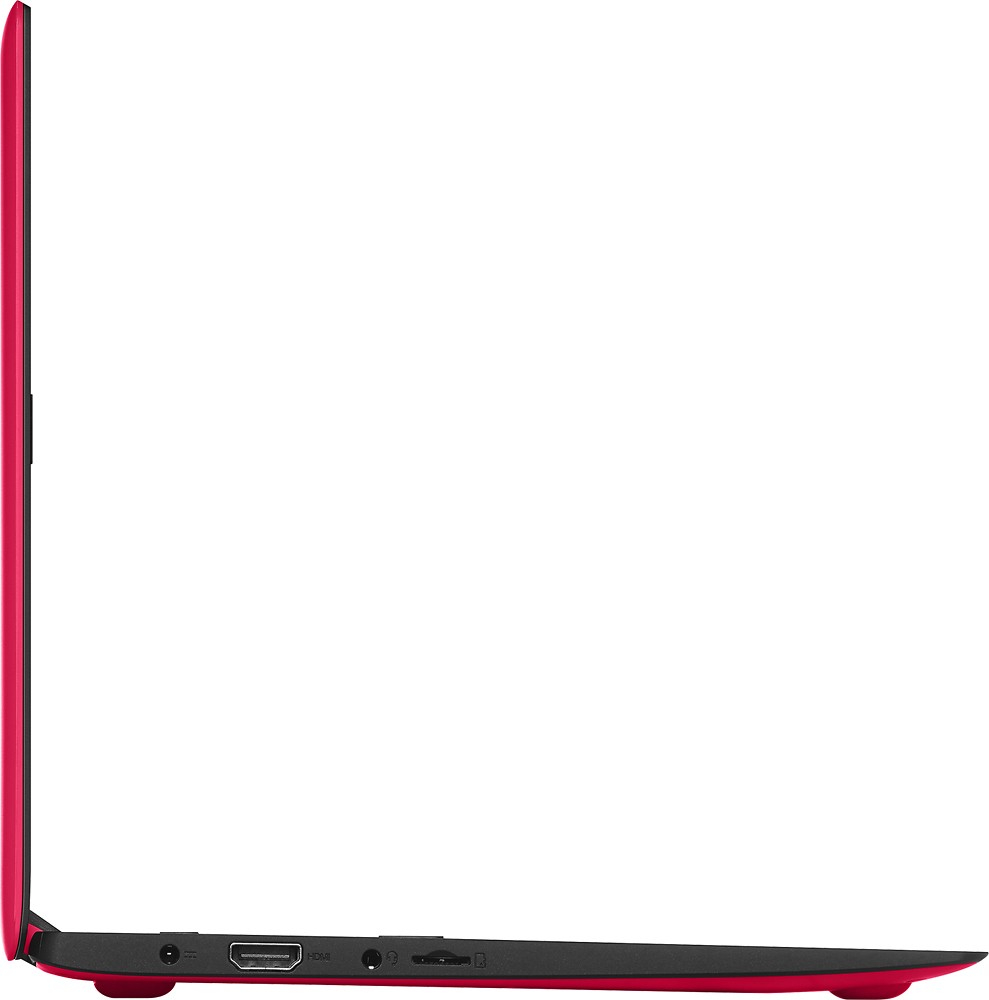
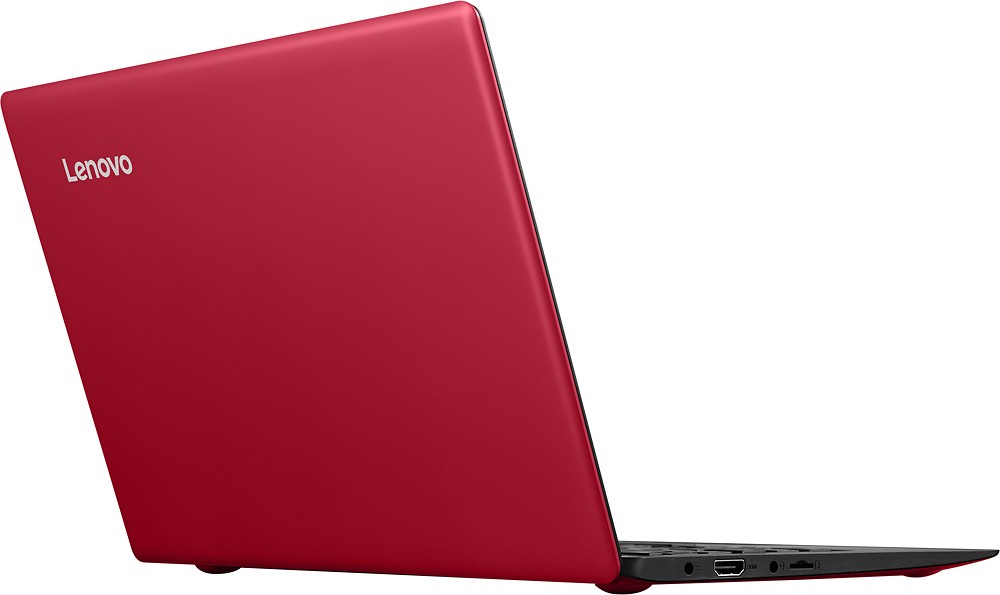
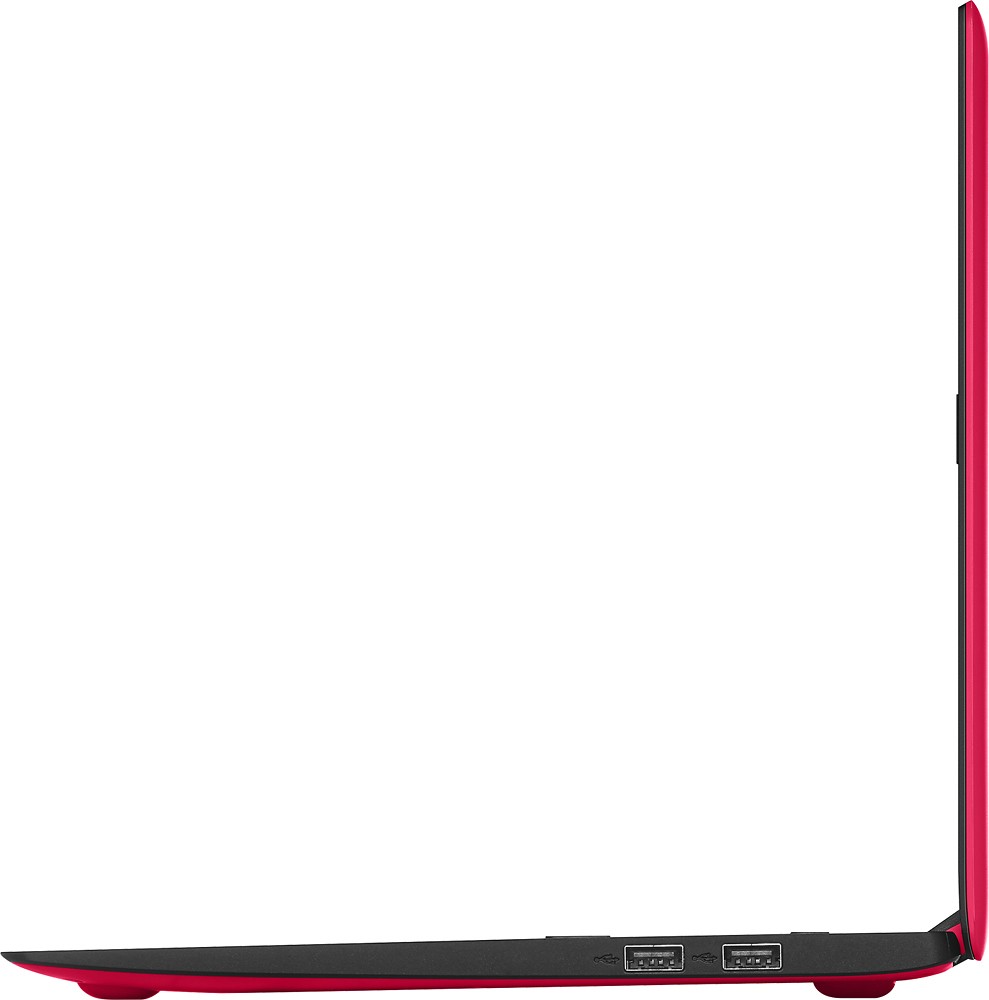
A:AnswerNo DVD player. Also, no built-in ethernet and a very small SSD drive. It has a couple of good USB (2.0) ports, however, that will support peripherals and an SD slot to expand storage capacity. Of course you can also use an external "hard drive" of some sort as well. The only other ports on the machine are for the power brick, a standard 3.5mm headphone jack and an HDMI slot. I haven't tried using a CD/DVD drive with it but I suspect it would handle one quite nicely.