A:AnswerYou should be able to associate multiple e-mail addresses with the device as different accounts. Let me strongly recommend that you give administrator privileges to a personal e-mail address.
A:AnswerNo. It's not designed with the gamer in mind. This machine is for users who regularly use MS Office applications and don't want to carry around a bulky full sized laptop or don't need all the bells and whistles.
A:AnswerPossibly but may be slow. Video editing software may not run on 2gb of memory and may be slow on this processor. There may not be enough space to store raw video. You could plugin an external hard drive or use the micro sd slot but could get cumbersome and pricey.
A:AnswerThis will depend on the requirements of the program. We recommend you check with the software publisher for their compatibility with Windows 10 Home 64-bit operating system and the minimum/recommended hardware requirements (Is a Graphics card required, the processor speed and the minimum required system RAM) to run their program, then compare those requirements to this system's configuration.
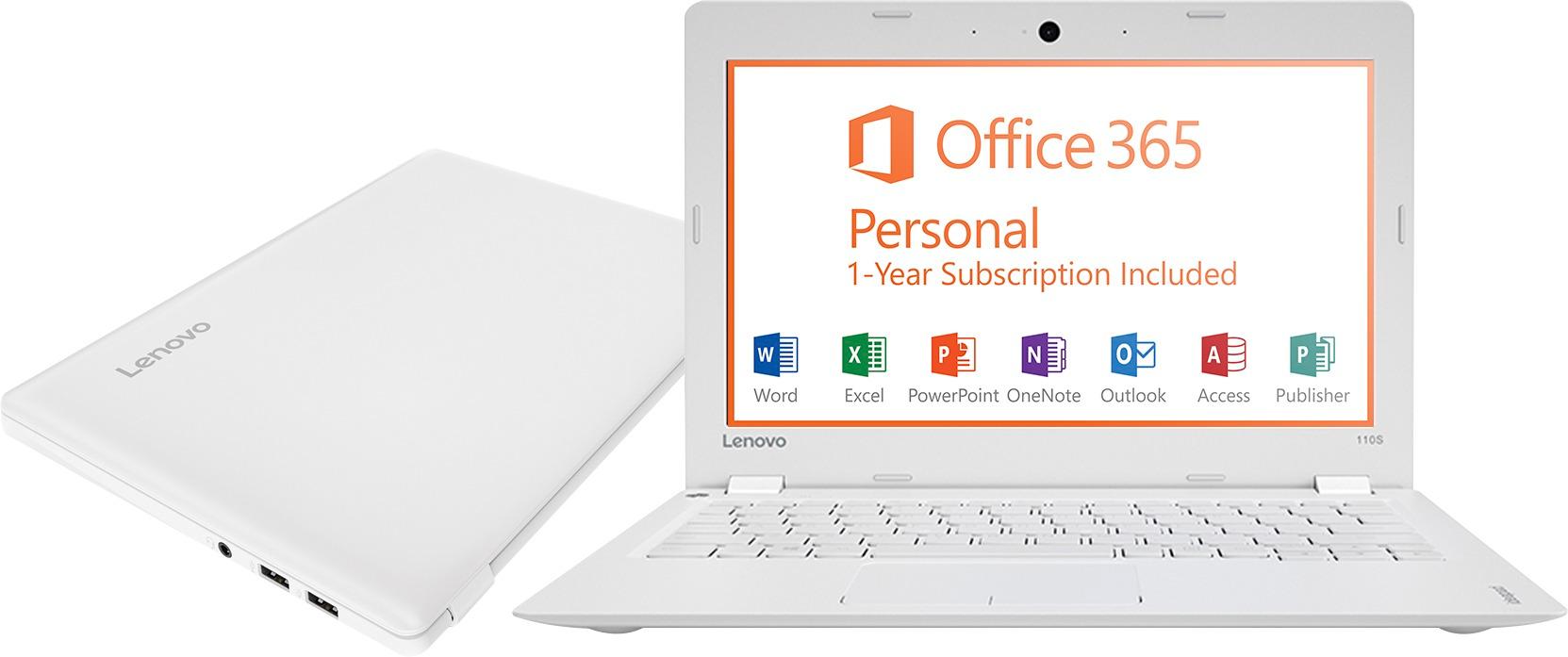
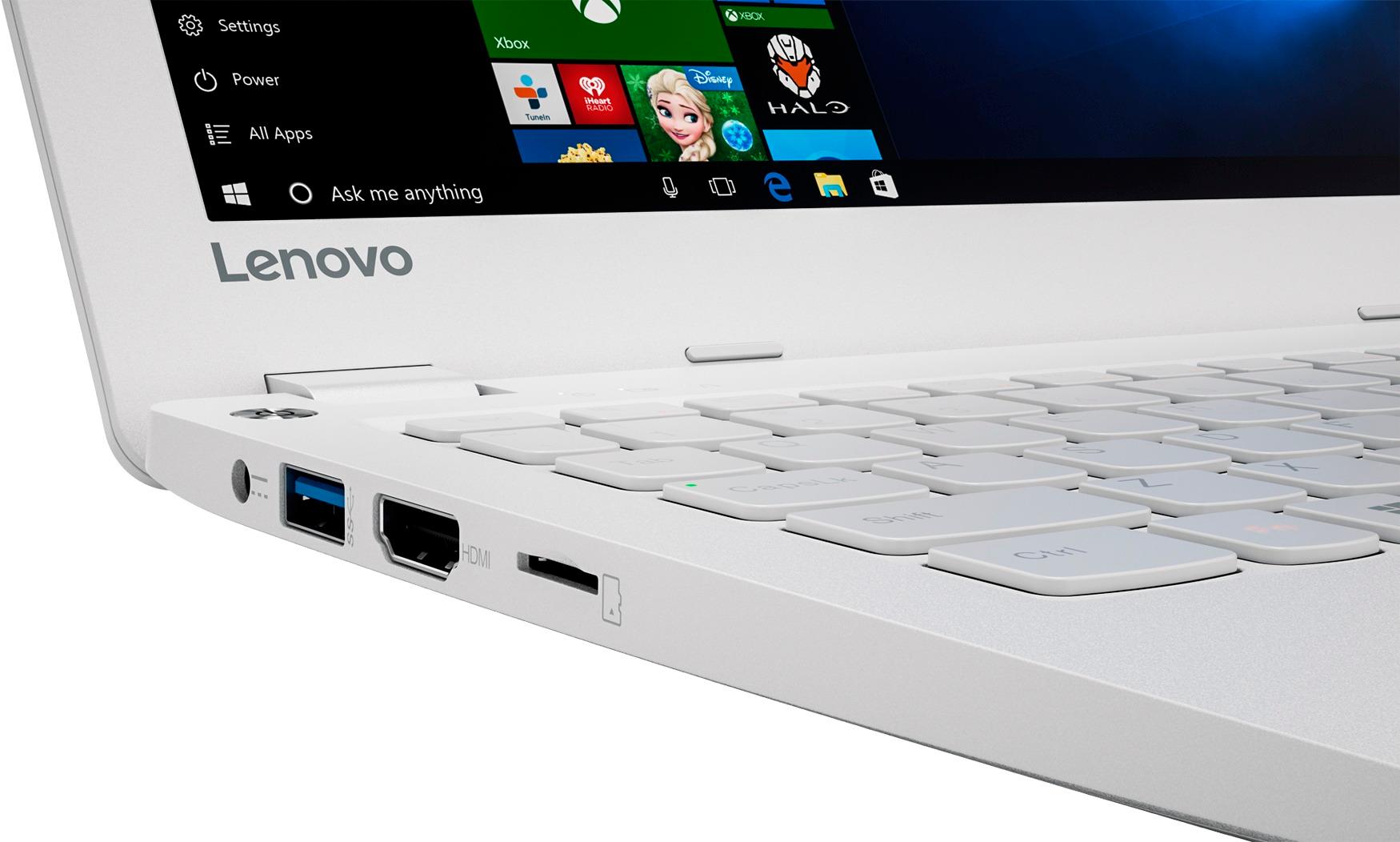
A:AnswerYes. The only limitation would be available space. If nothing too large is installed with office, you should not have a problem. You can also increase the available space with a sd card..
A:AnswerYou may not want to get this computer, the battery gets shot after you switch on the CONSERVE MODE...when you switch it back off the battery does not take effect leaving it shot.
A:AnswerThat will depend on the software you will be using to take notes. This is an entry level system. It is capable of note taking, depending on the program you are using. We recommend you check with the software publisher for their compatibility with Windows 10 Home 32-bit operating system and the minimum/recommended hardware requirements (Is a Graphics card required, the processor speed and the minimum required system RAM) to run their program, then compare those requirements to this system's configuration.
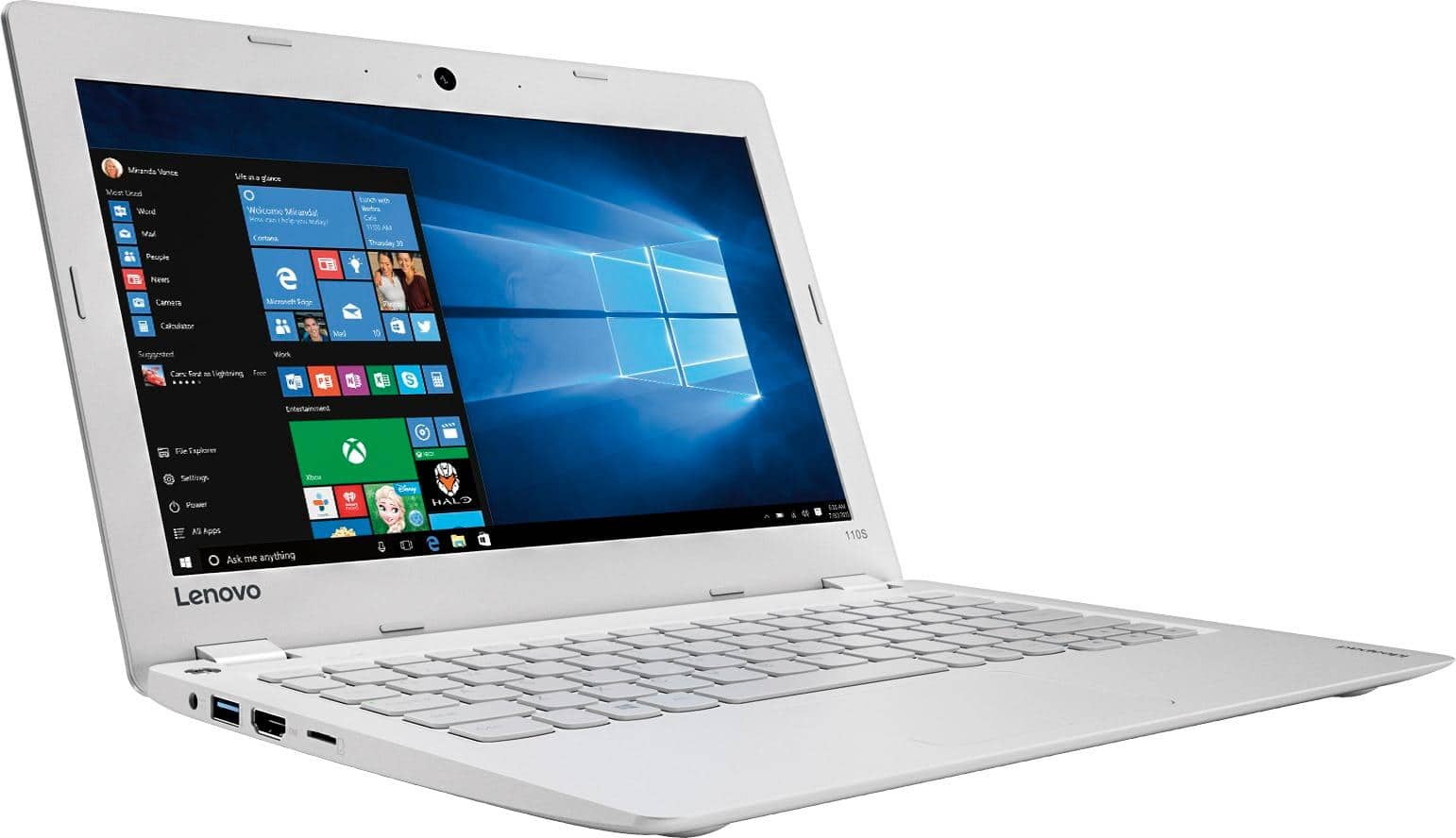
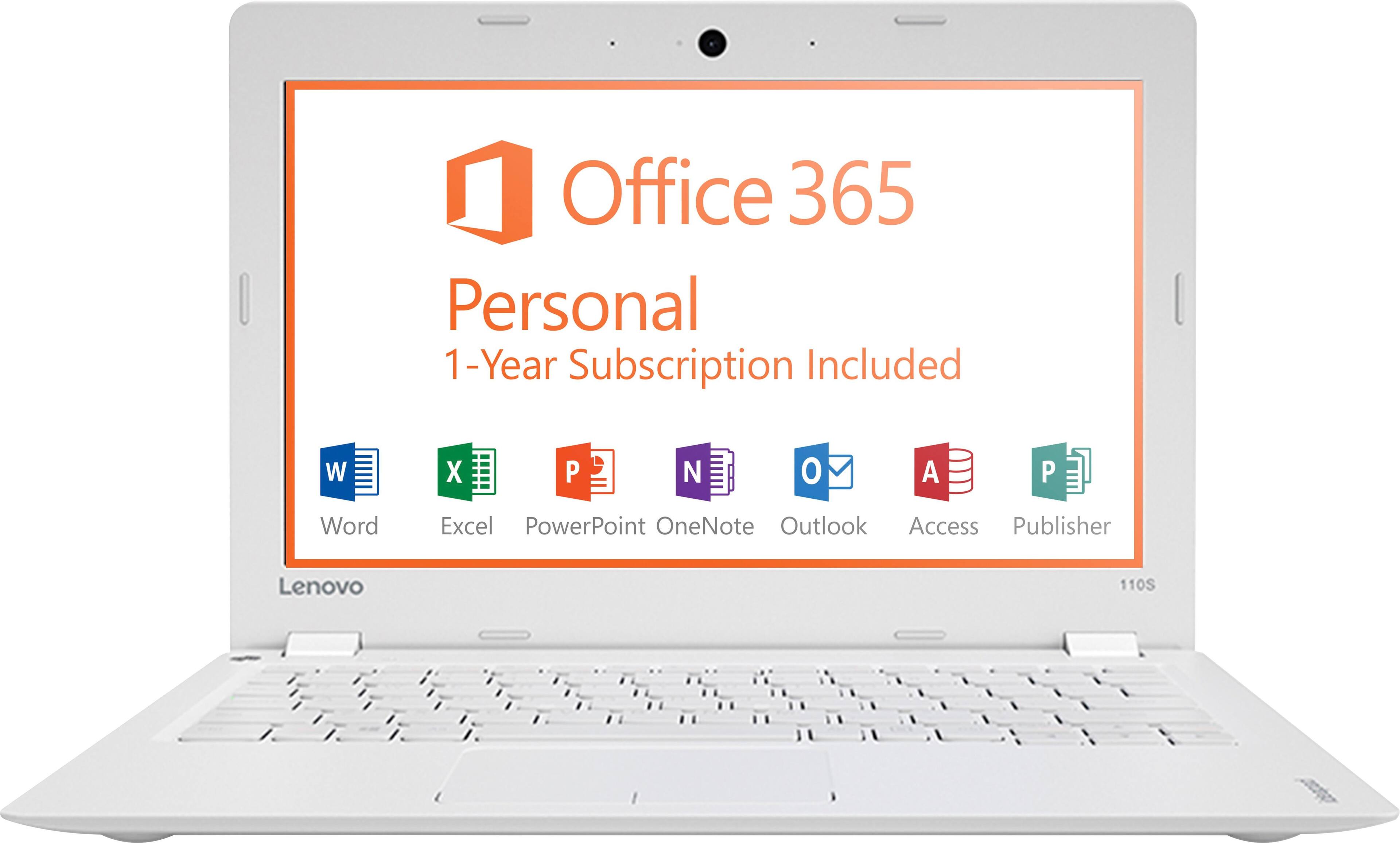
A:AnswerSame reasons that I bought one for my daughter. It has had no issues up to this point. She has done all of the above, and made a PowerPoint presentation with the preinstalled Office 365. She installed Google Chrome the day she got it out of the box, and had no issues.