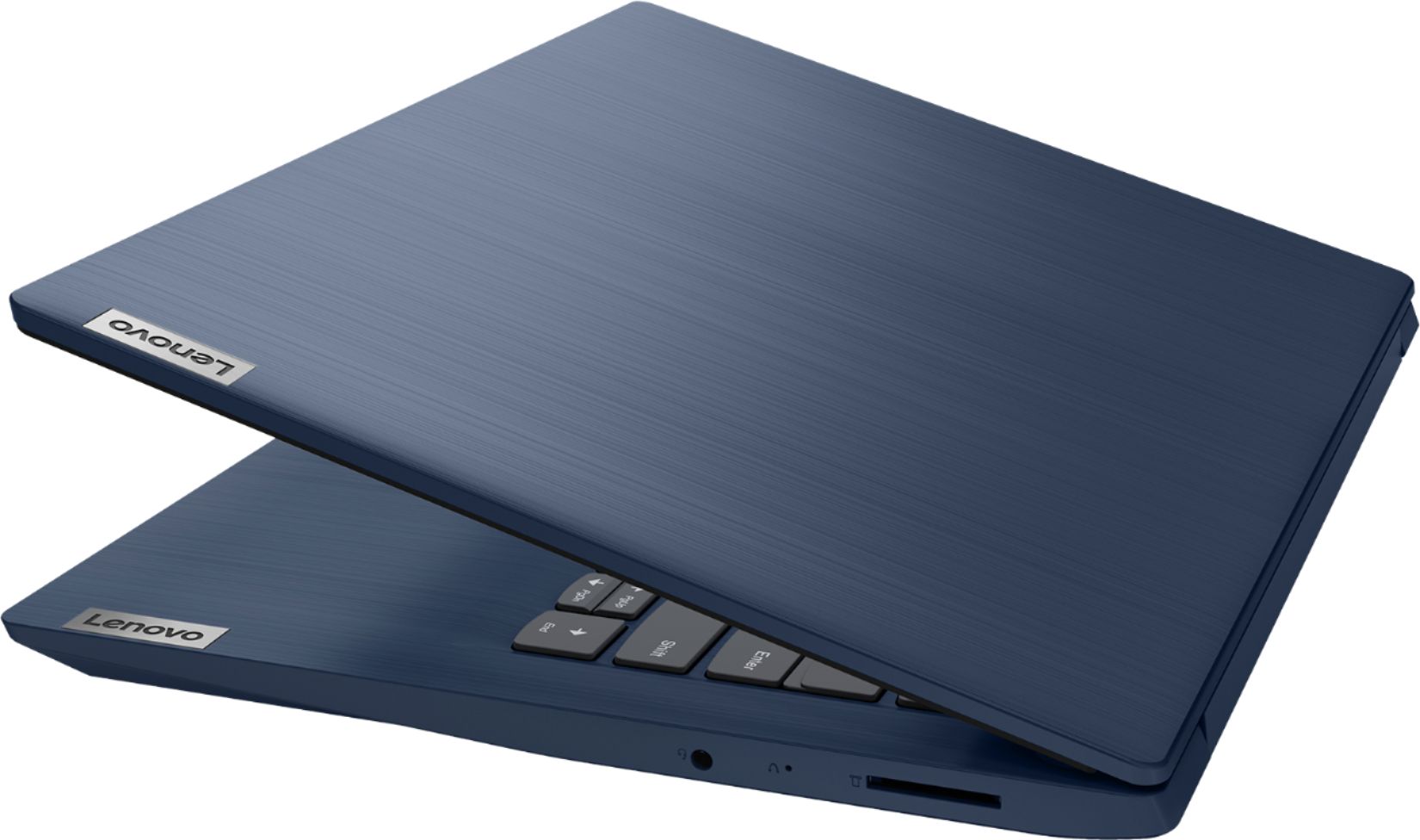
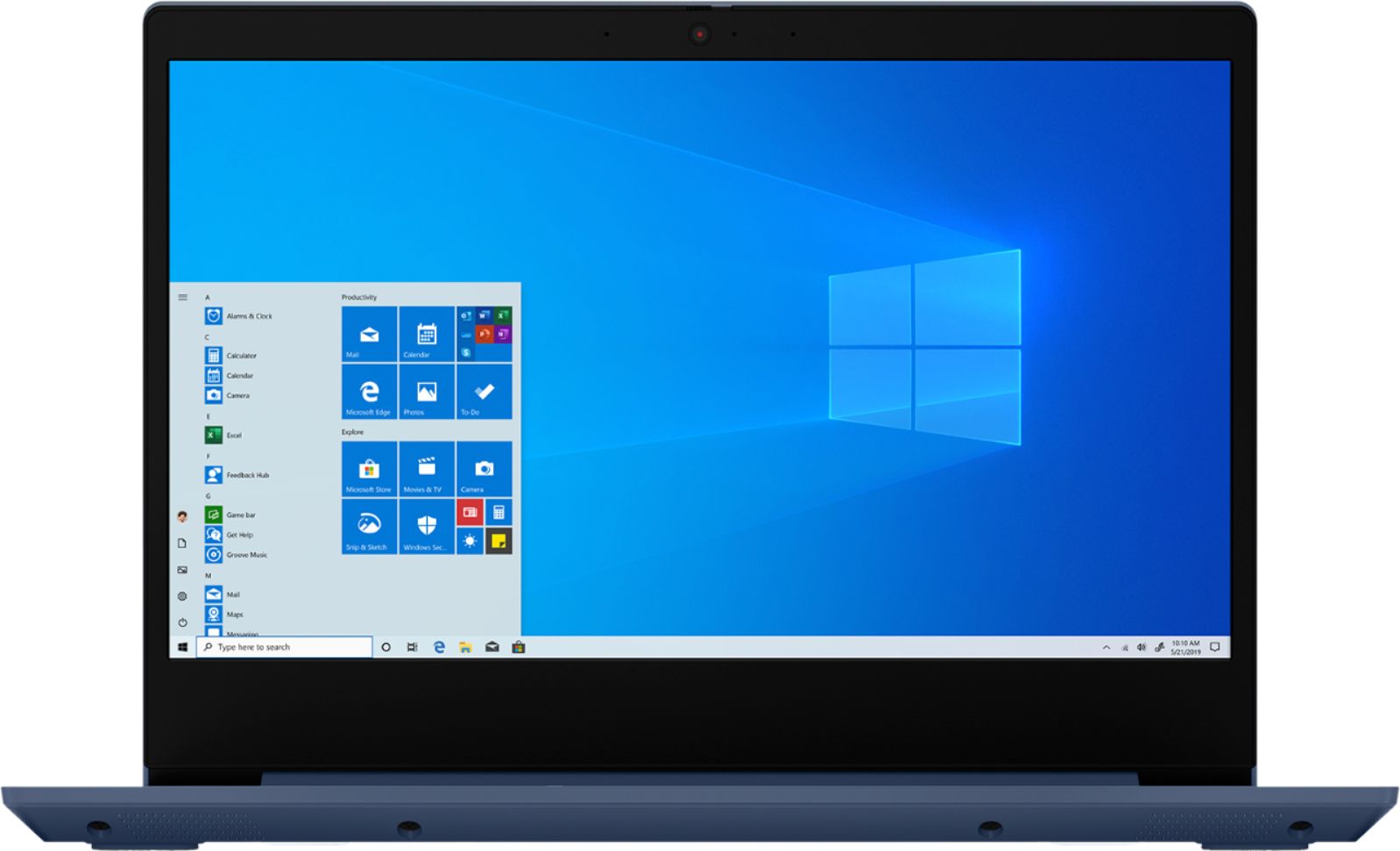
A:AnswerHi Abby, according to blackboard's website, "Users on Windows 10 S mode are not able to install the Blackboard Collaborate launcher". So to install Blackboard Collaborate on the Lenovo Idea Pad 3 14" you would need to switch the laptop out of "S-Mode". Further instructions on doing so can be found on the blackboard website here https://blackboard.secure.force.com/btbb_exportarticlepdf?id=kA31O000000gtH3SAI&pdf=true#:~:text=Users%20on%20Windows%2010%20S,install%20the%20Blackboard%20Collaborate%20launcher.&text=Windows%2010%20in%20S%20mode,the%20Blackboard%20Causa%3A%20Collaborate%20Launcher.
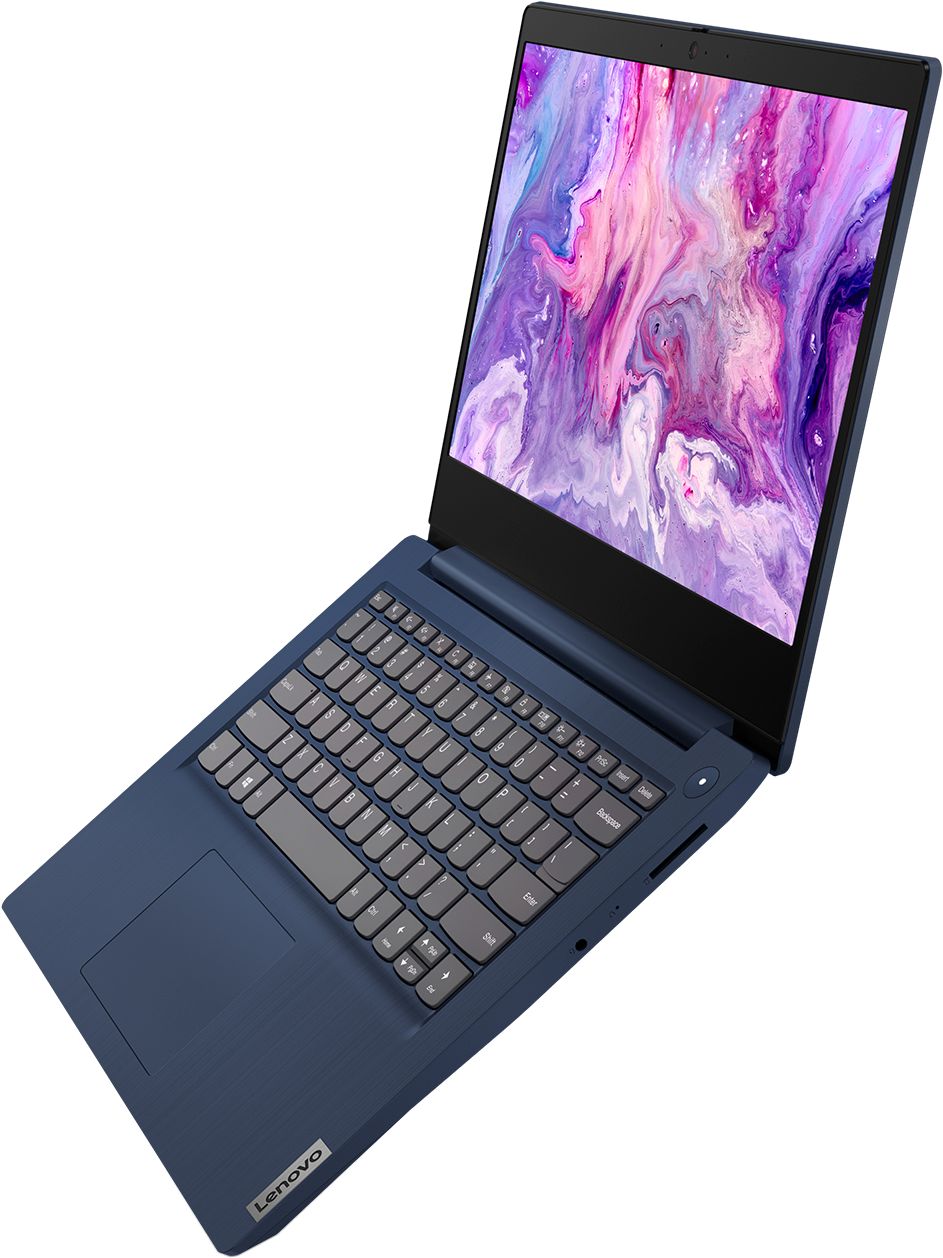
A:AnswerYes on both. Both the webcam and mic are integrated into the laptop. The camera also has a privacy slider. I bought this model laptop for my son since he's doing online schooling at the moment.
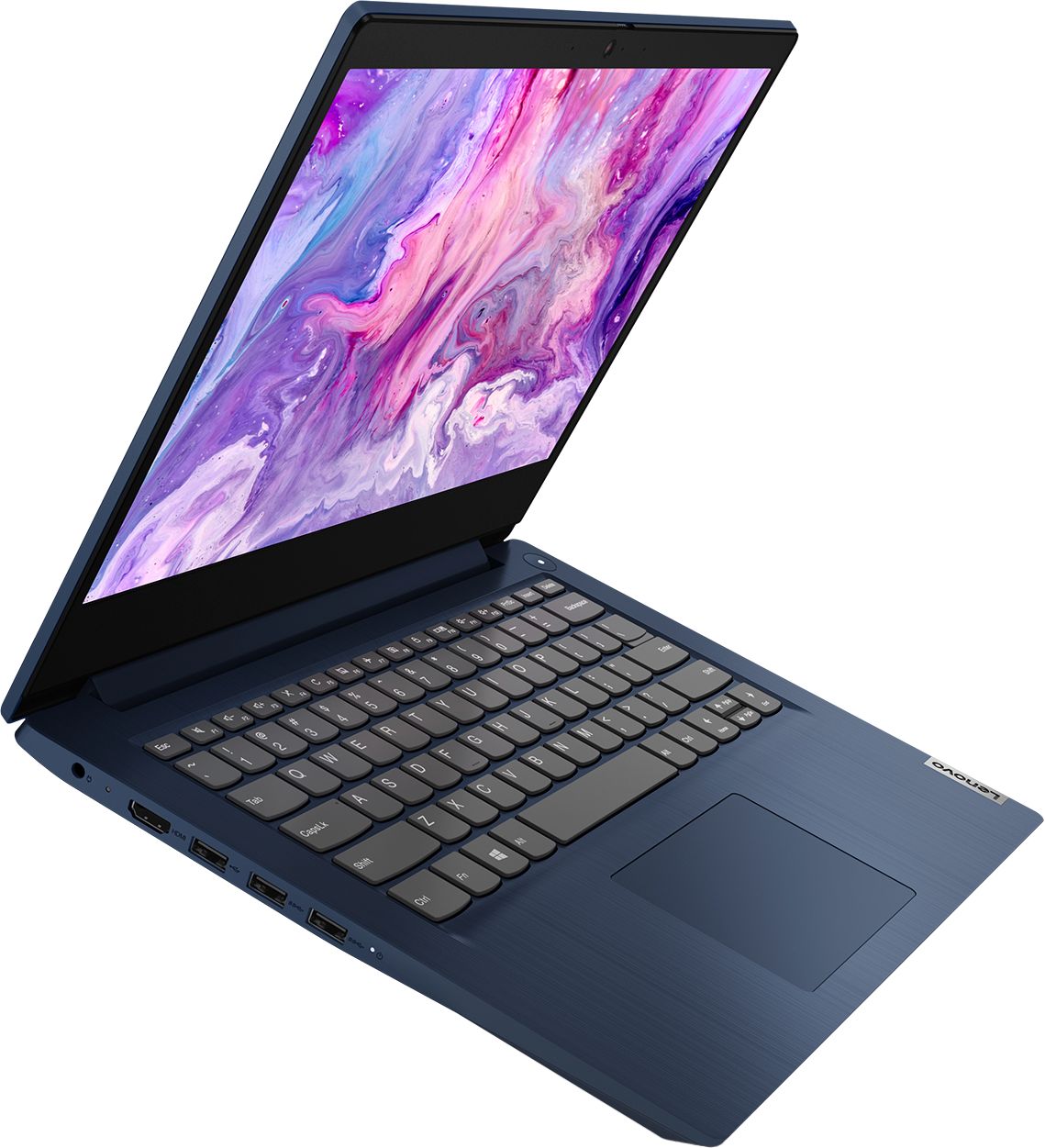
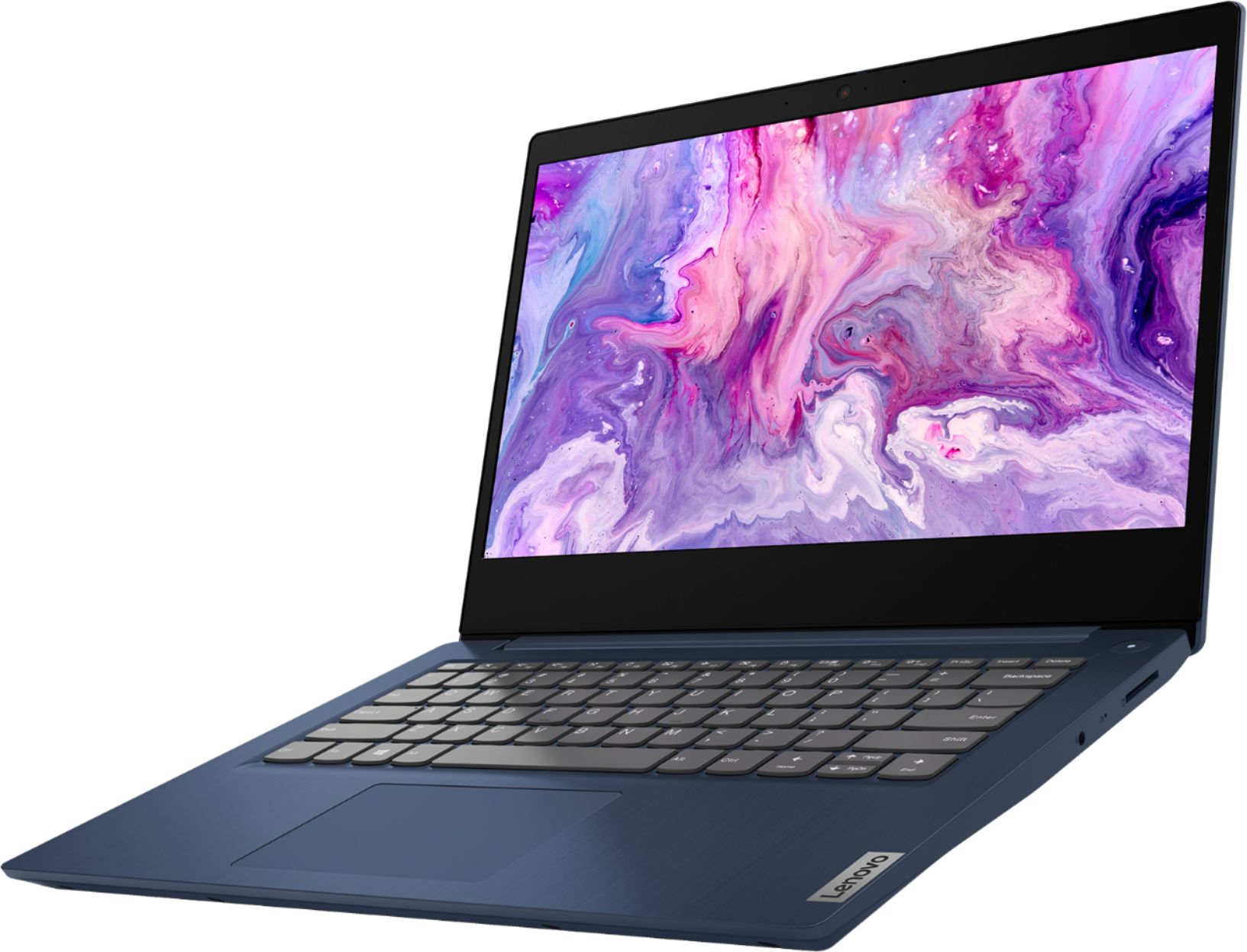
A:AnswerThe Lenovo IdeaPad 3 14 Laptop, model number 81W0009DUS, ships with a 14-inch (screen size measured diagonally) TN, LCD w/LED Backlight (Anti-glare) screen, with a resolution of 1920 x 1080 (FHD) and a brightness level of 250 nits.
A:AnswerThere is a 30-day trial of Microsoft Office 365 included as part of the Windows 10 operating system. In order to keep the program active after the trial period, you will need to purchase a product key. You will not need to download any additional software.
A:AnswerThat will depend on the requirements and compatibility of the specific software you will be using. The Lenovo IdeaPad 3 14 Laptop, model number 81W0009DUS, ships with Windows 10 S-Mode Operating System. Windows 10 S-Mode provides added security by only allowing APPs available ( and therefore certified by Microsoft) at the Microsoft Store. If you don't need the added security or you need to install APPs not available at the Microsoft Store, you can switch to standard Windows 10 Home 64-bit Operating System, at no additional cost. Regarding workload with compatible software, the IdeaPad 3 14 is a mid-level, moderate use configuration, with its AMD Ryzen 3 3250U processor. This Dual-Core/Four-Thread processor has a base speed of 2.6GHz and a boost speed of up to 3.4GHz. This configuration has 8GB of DDR4-2400MHz RAM. It is good with Microsoft Office type programs, internet browsing and other moderate workloads. If this describes your computing needs, the IdeaPad 3 14 Laptop would be a good choice for you.
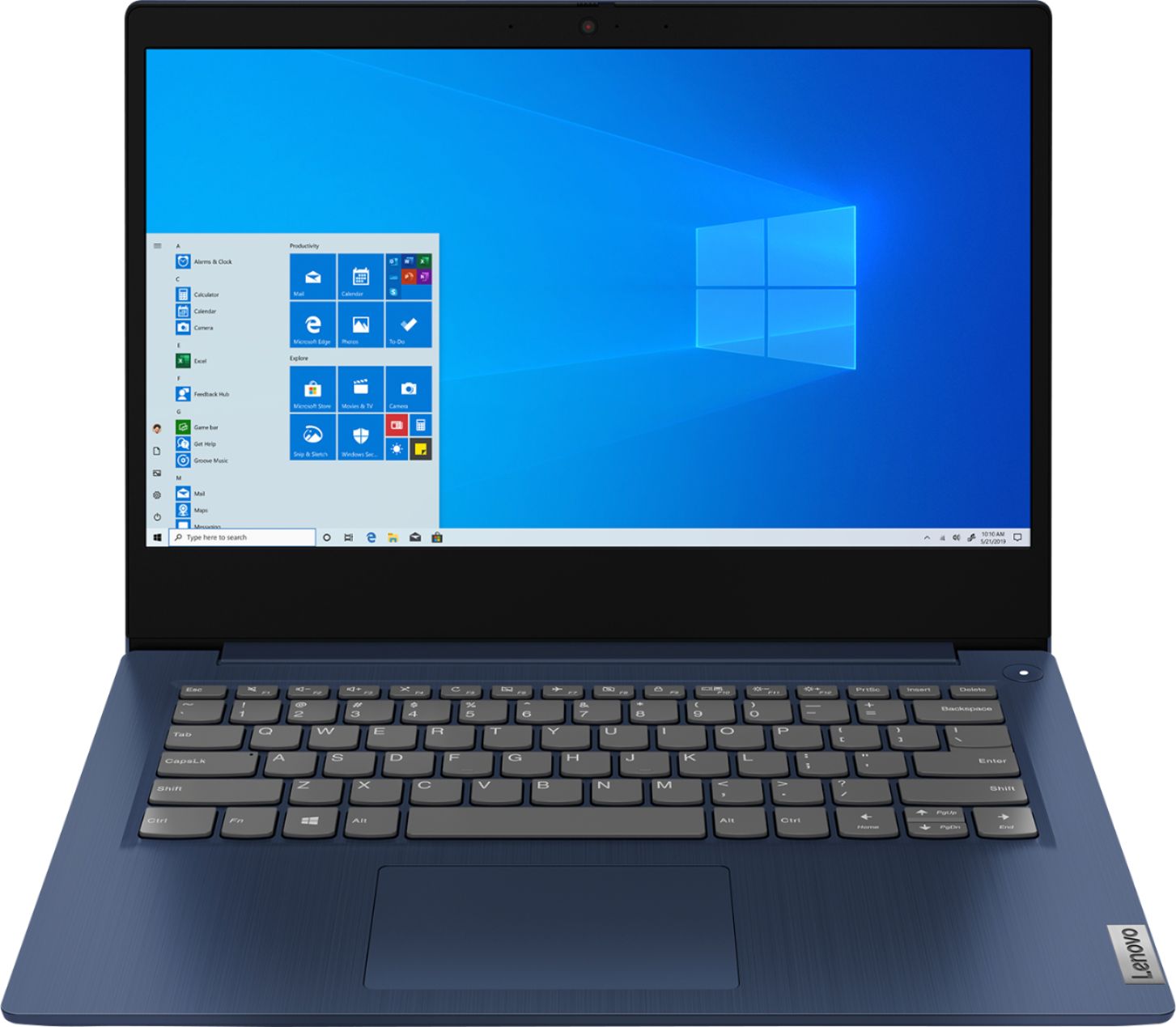
A:AnswerThere is a 30-day trial of Microsoft Office 365 included as part of the Windows 10 operating system. In order to keep the program active after the trial period, you will need to purchase a product key. You will not need to download any additional software.
A:AnswerThe Lenovo IdeaPad 3 14 Laptop model number 81W0009DUS, comes from the factory with Windows 10 S-Mode. You can easily switch from S-Mode to Windows 10 Home Operating System. Here is a link to instructions for switching from Windows 10 S-Mode to Windows 10 Home: https://support.microsoft.com/en-us/help/4456067/windows-10-switch-out-of-s-mode
A:AnswerThat will depend on the requirements and compatibility of the specific game. The Lenovo IdeaPad 3 14 Laptop, model number 81W0009DUS, ships with Windows 10 S-Mode Operating System. Windows 10 S-Mode provides added security by only allowing APPs available ( and therefore certified by Microsoft) at the Microsoft Store. If you don't need the added security or you need to install APPs not available at the Microsoft Store, you can switch to standard Windows 10 Home 64-bit Operating System, at no additional cost. Here is a link to instructions for switching from Windows 10 S-Mode to Windows 10 Home: https://support.microsoft.com/en-us/help/4456067/windows-10-switch-out-of-s-mode. We recommend you check with the game's software publisher's web site for their compatibility with Windows 10 S-Mode 64-bit operating system and the minimum/recommended hardware requirements (Is a Graphics card required, the processor speed and the minimum required system RAM and the minimum available hard drive space) to run their program, then compare those requirements to this system's configuration.
A:AnswerThat will depend on the requirements and compatibility of the device you want to use with this computer. The Lenovo IdeaPad 3 14 Laptop, model number 81W0009DUS, ships with Windows 10 S-Mode Operating System. Windows 10 S-Mode provides added security by only allowing APPs available ( and therefore certified by Microsoft) at the Microsoft Store. If you don't need the added security or you need to install APPs not available at the Microsoft Store, you can switch to standard Windows 10 Home 64-bit Operating System, at no additional cost. We recommend you check with the hardware manufacturer's web site for their compatibility with Windows 10 S-Mode 64-bit operating system and the minimum/recommended hardware requirements (Is a Graphics card required, the processor speed and the minimum required system RAM and the minimum available hard drive space) to run their program, then compare those requirements to this system's configuration.