Questions & Answers
- Model:
- 81WR000FUS
- |
- SKU:
- 6449496
Q: QuestionDoes this Lap Top come with a carrying Case?
Asked by Anonymous.
- A:Answer No. The case is sold separately.
Answered by Lenovo Product Expert

Q: QuestionMy screen froze then went black how do I fix this
Asked by Vbev.
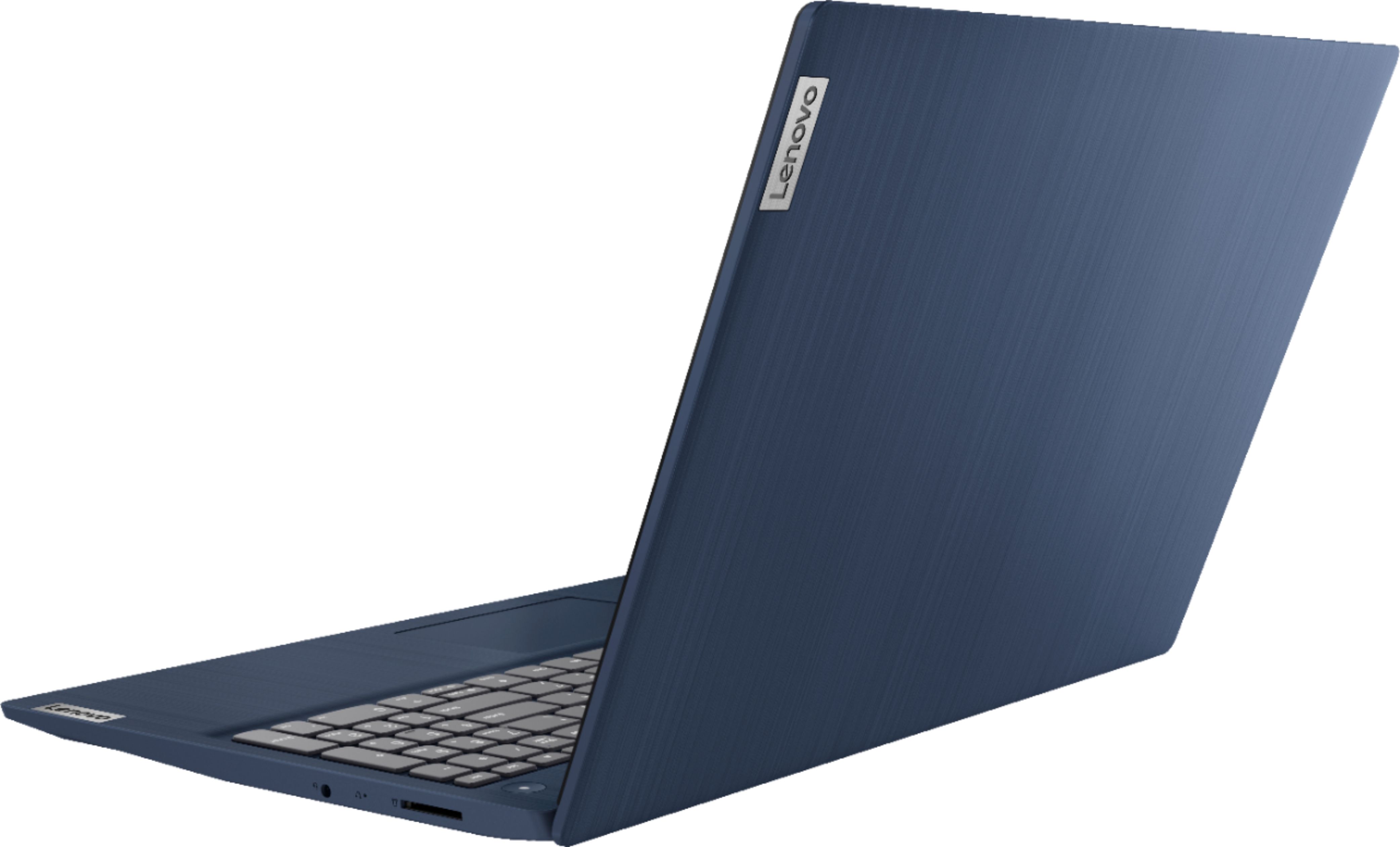
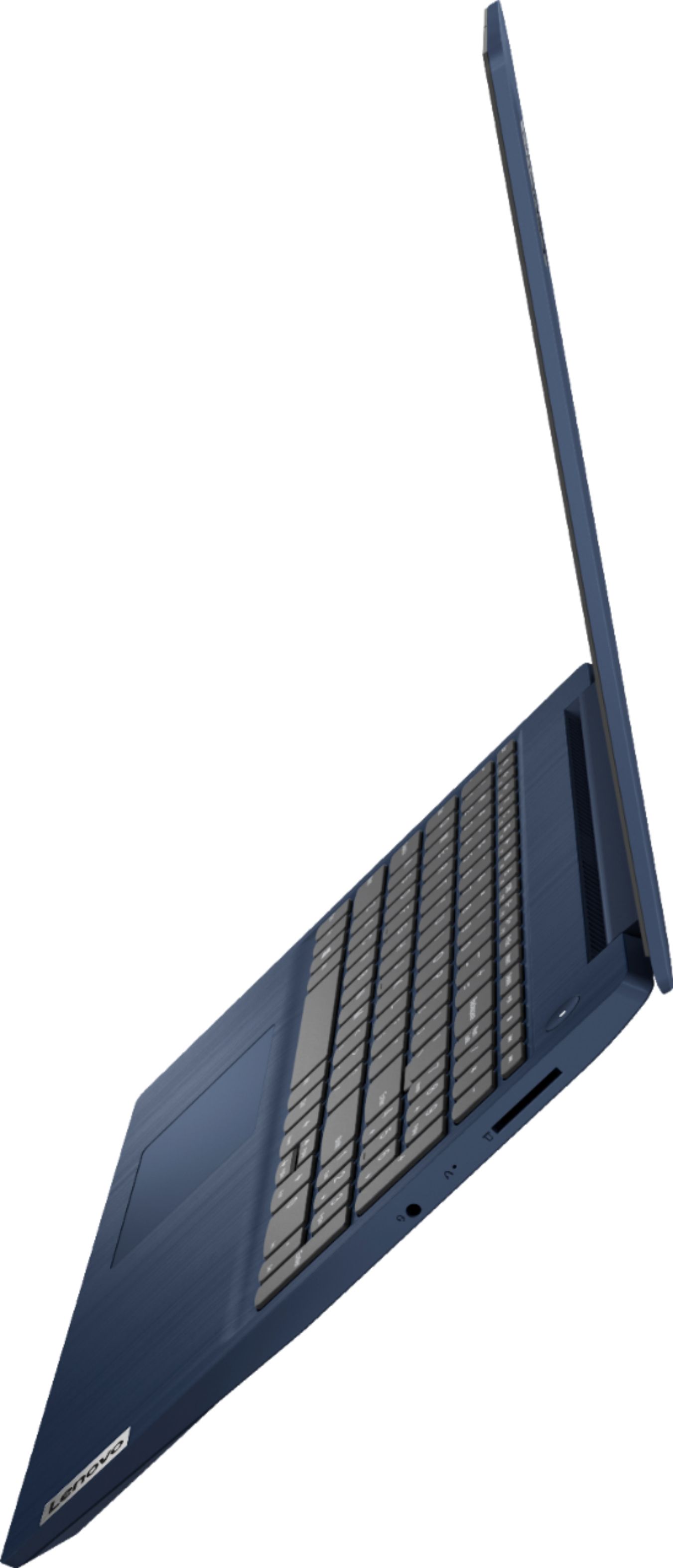
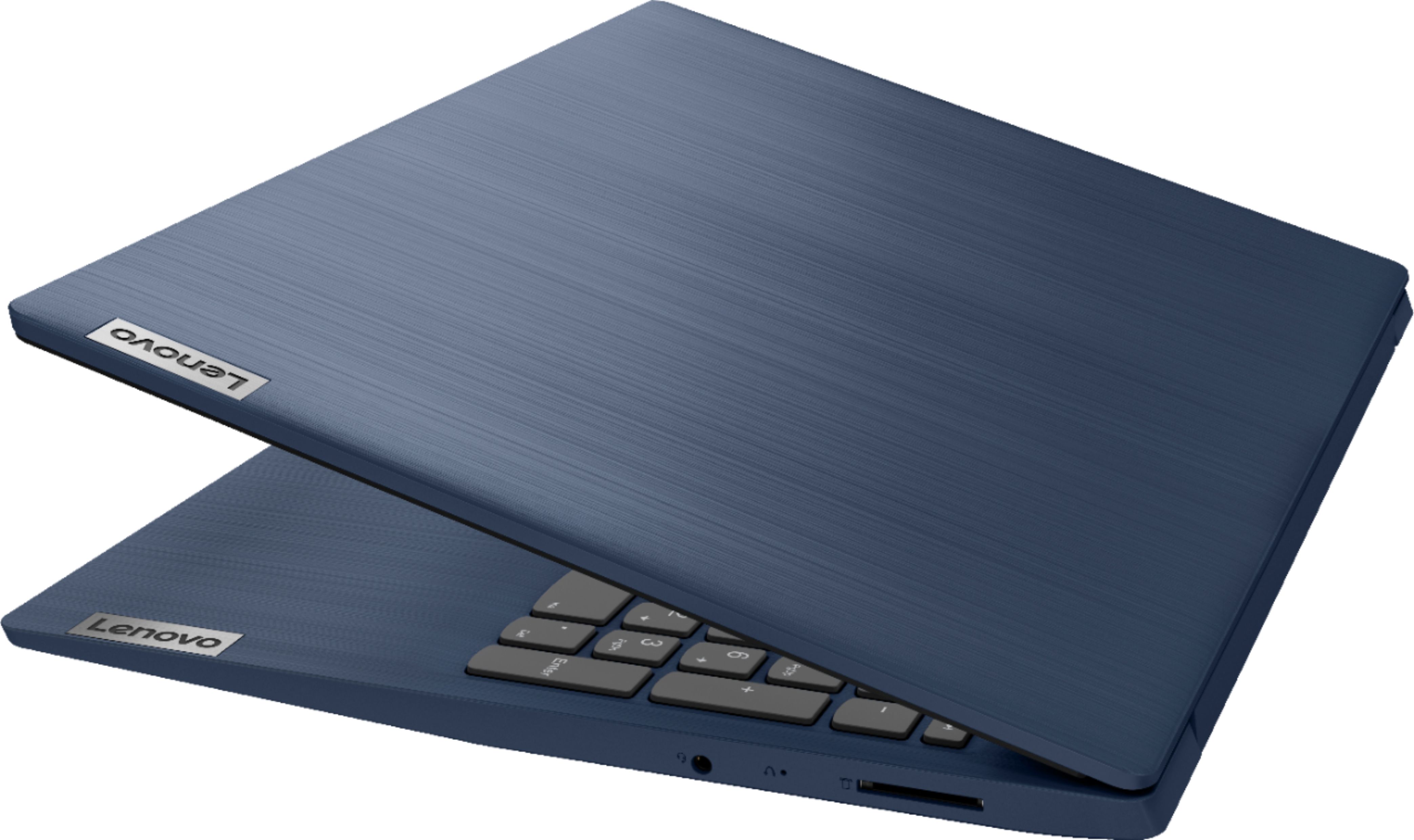
- A:Answer Try resetting the computer back to original factory settings. This system is equipped with OneKey Recovery System. There is a very small pin hole on the right side of the device, right in between the headphone jack and the SD card slot on the device. You will need a pin to push this reset button. Plug the device in. Let the battery charge for about 15 minutes. Push the reset button. The system should boot to a choice screen where you can choose "Restore To Factory Default". Select this. It will delete everything from the hard drive except the original factory install of the operating system. You will need to reinstall all programs and files after the reset. If you don't have copies of the files, try to make one before you restore by selecting Boot to desktop and trying to back up your files. Once you have the computer reset, be sure any software you installed is compatible with Windows 10. There is no need to install Microsoft Office software. The software is already part of the operating system, you just need to activate the software with a purchased product key. If you have installed a copy of Microsoft Office, this is conflicting with the existing copy on the system and this will slow your system down. If you have installed a 3rd party anti-virus program, be sure that Windows Defender is turned off and that the trial version of McAfee Anti-Virus software is uninstalled. There can only be one anti-virus program on the system. You may need to restore your system to original factory default settings if any of the programming errors have occurred. You can do that by typing "restore" in the Cortana search window. Just click on the magnifying glass icon at the bottom left of your Windows 10 Desktop. Click on "Reset This PC" Then click on "Get Started" and follow the on screen directions to restore to factory defaults. If the problem persists, we recommend you contact Lenovo Tech Support at: 877-453-6686.
Answered by Lenovo Product Expert

Q: QuestionDoes the unit come with a User manual for self instruction?
Asked by Anonymous.
- A:Answer There is a Quick Start guide included in the box. You can access the online User Guide through the Lenovo Vantage APP installed on this computer. Just type USER GUIDE within the search window within the Vantage APP.
Answered by Lenovo Product Expert

Q: QuestionDoes this computer work with a HP printer
Asked by blue.
- A:Answer well this computer is a x-mas gift , have not opened it . the poor computer will have to wait till x-mas to be used . sorry i can not help .
Answered by mikie
Q: QuestionWhat's the mbps speed for.this laptop
Asked by Harold.
- A:Answer The Lenovo IdeaPad 3 15 Laptop, model number 81WR000FUS, ships with 2x2 802.11ac WiFi-5 frequency WiFi with a maximum data rate of 867 Mbps.
Answered by Lenovo Product Expert

Q: QuestionHow much ram does it have?
Asked by RAM.
- A:Answer The Lenovo IdeaPad 3 15 Laptop, model number 81WR000FUS, ships with 8GB DDR4-2666MHz RAM (4GB Soldered DDR4-2666 + 4GB SO-DIMM DDR4-2666MHz RAM), One memory soldered to systemboard, one DDR4 SO-DIMM slot, dual-channel capable. The maximum supported RAM for this configuration is: Up to 12GB (4GB soldered + 8GB SO-DIMM) DDR4-2666MHz RAM. We recommend you consult with your certified technician about your RAM upgrade options.
Answered by Lenovo Product Expert

Q: QuestionIs the voltage of this Lenovo Laptop compatible in the Philippines(220volts)?
Asked by GeekFam01.
- A:Answer The Lenovo IdeaPad 3 15 laptop, model number 81WR000FUS, is a 110V device. It does ships with a Dual Voltage AC adapter/charger with a USA compatible wall side plug. To use outside the USA, you will need to add a compatible wall side plug adapter, compatible with the country that the computer will be used in. This adapter is sold separately.
Answered by Lenovo Product Expert

Q: QuestionDoes this laptop have a mxm slot for gpu upgrade?
Asked by Harry.
- A:Answer Yes
Answered by Stove65
Q: QuestionThe laptop is touchscreen so does it come with a touch pen?
Asked by Tahir.
- A:Answer It does not come with a pen. Only a changer and some reading materials. Though any pen with the stylist on it works just fine!
Answered by Cohen
Q: QuestionDoes this have USB ports? If so, how many and what kind?
Asked by Bronson.
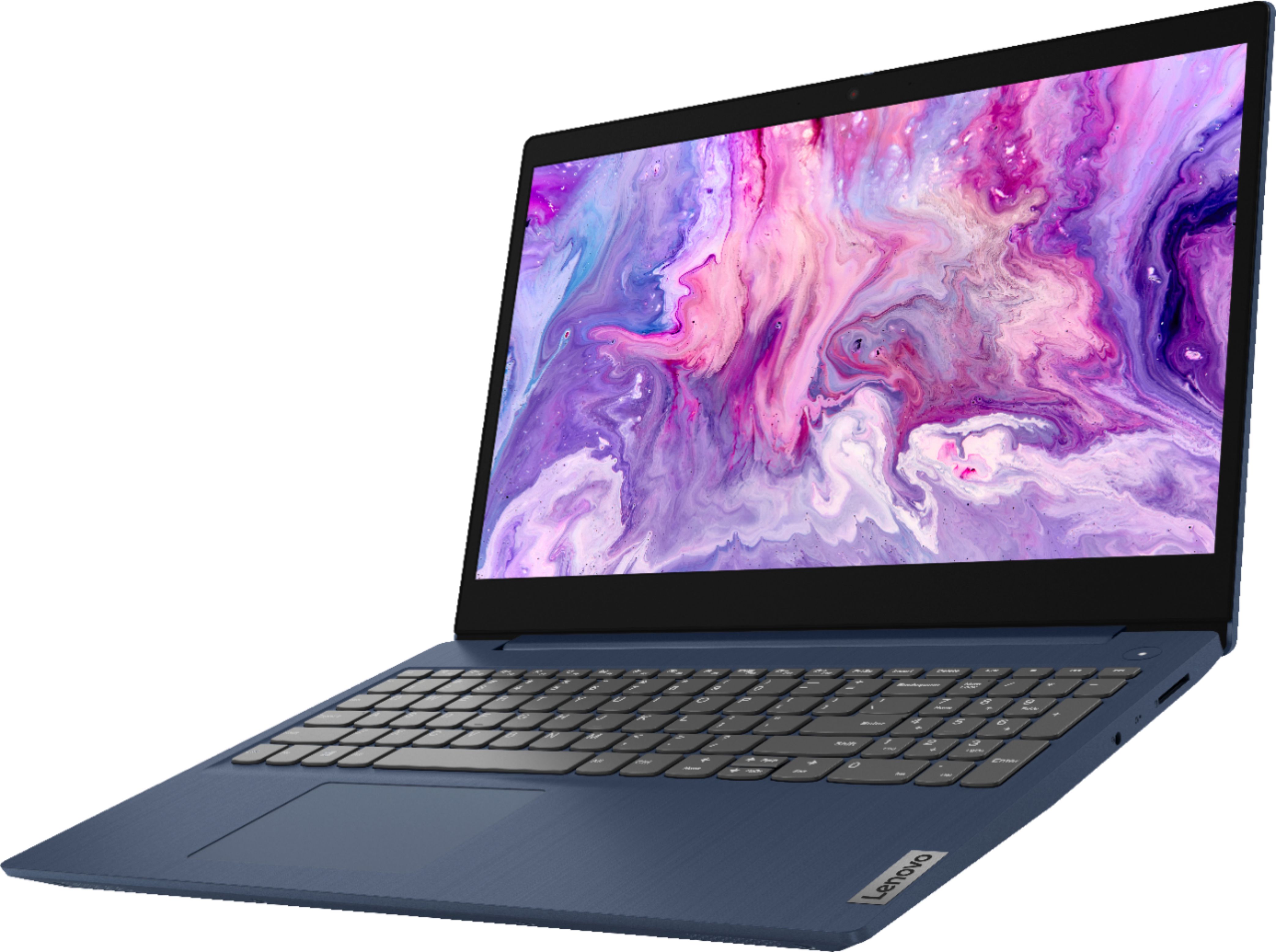
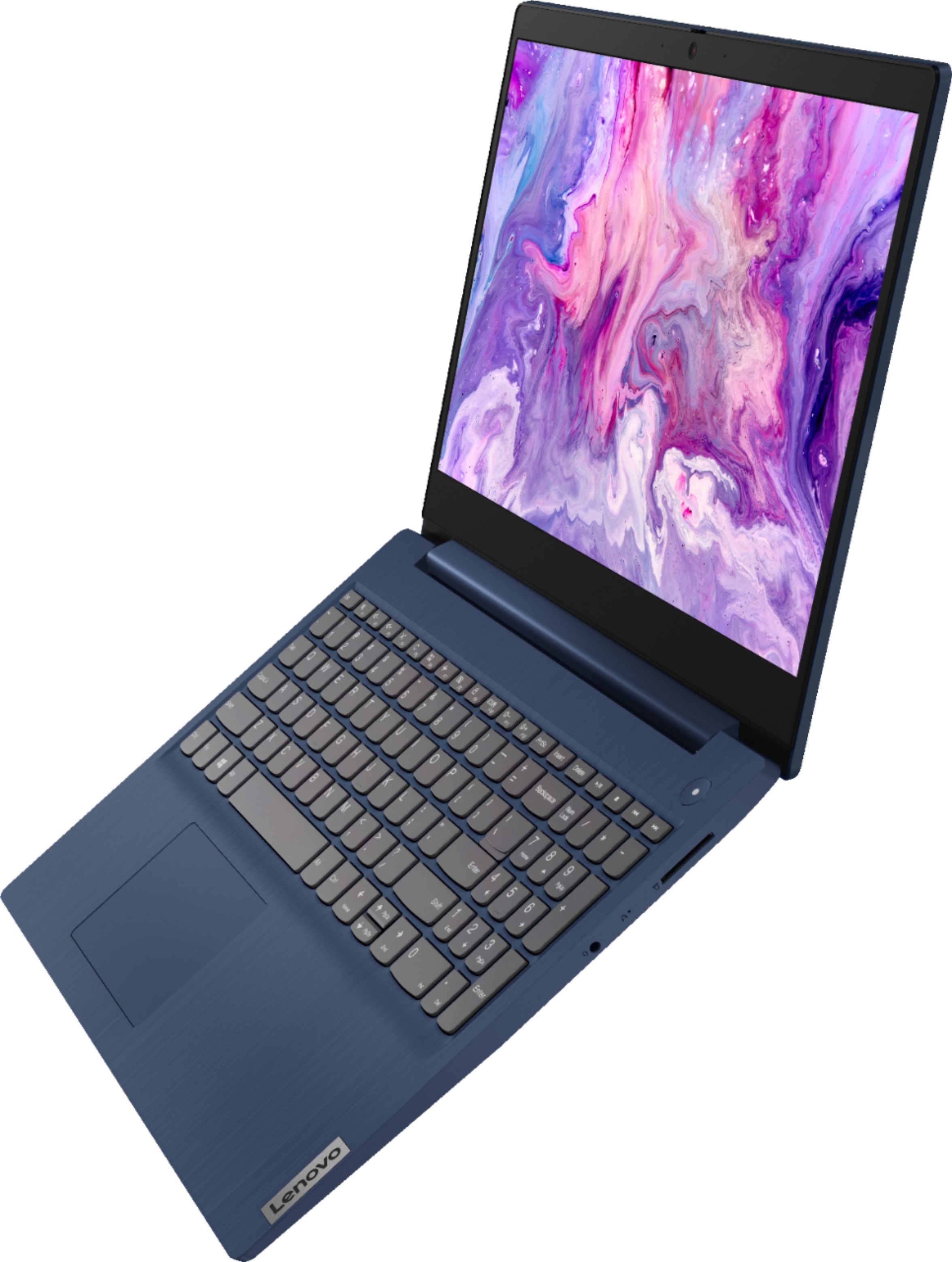
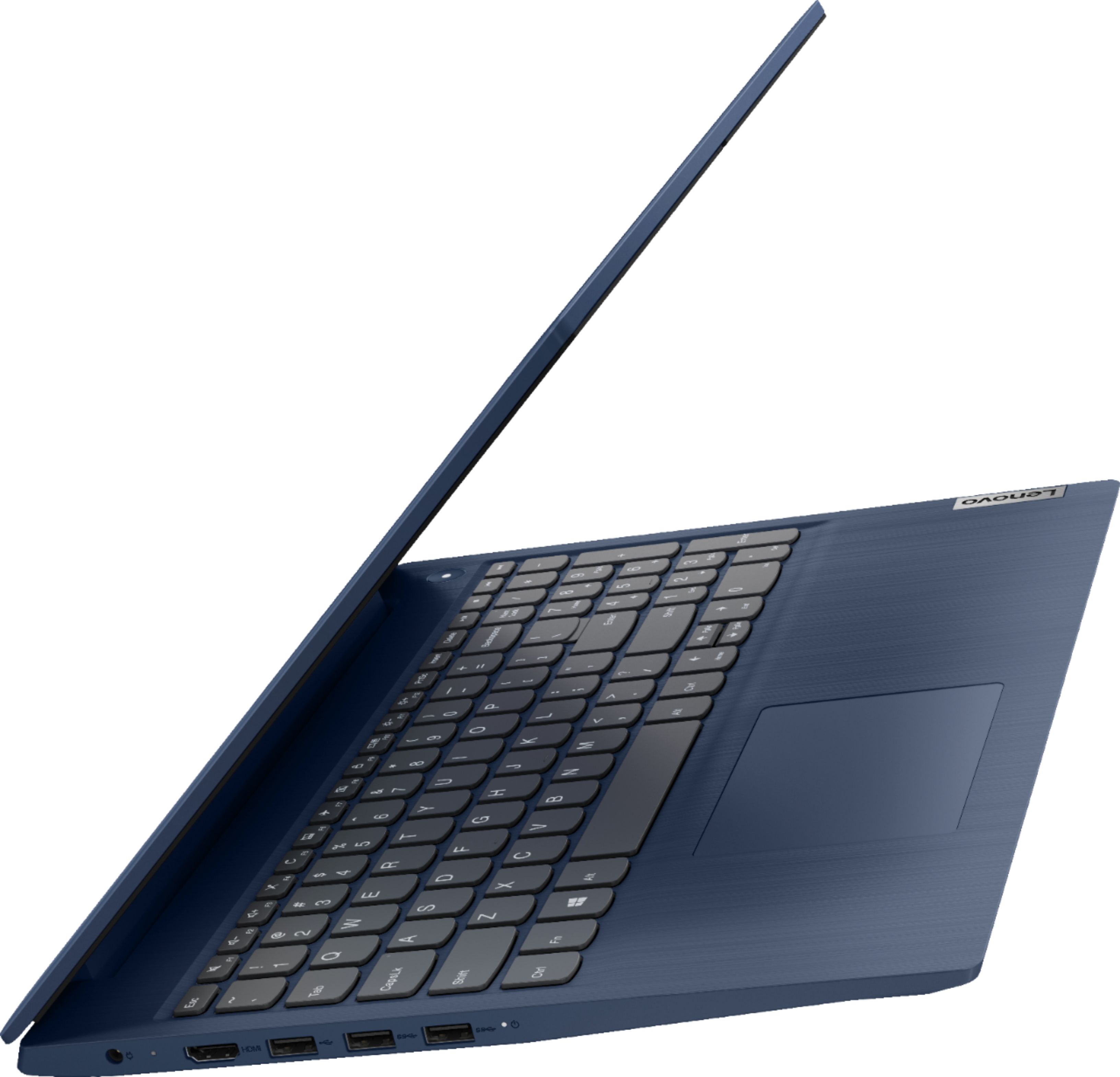
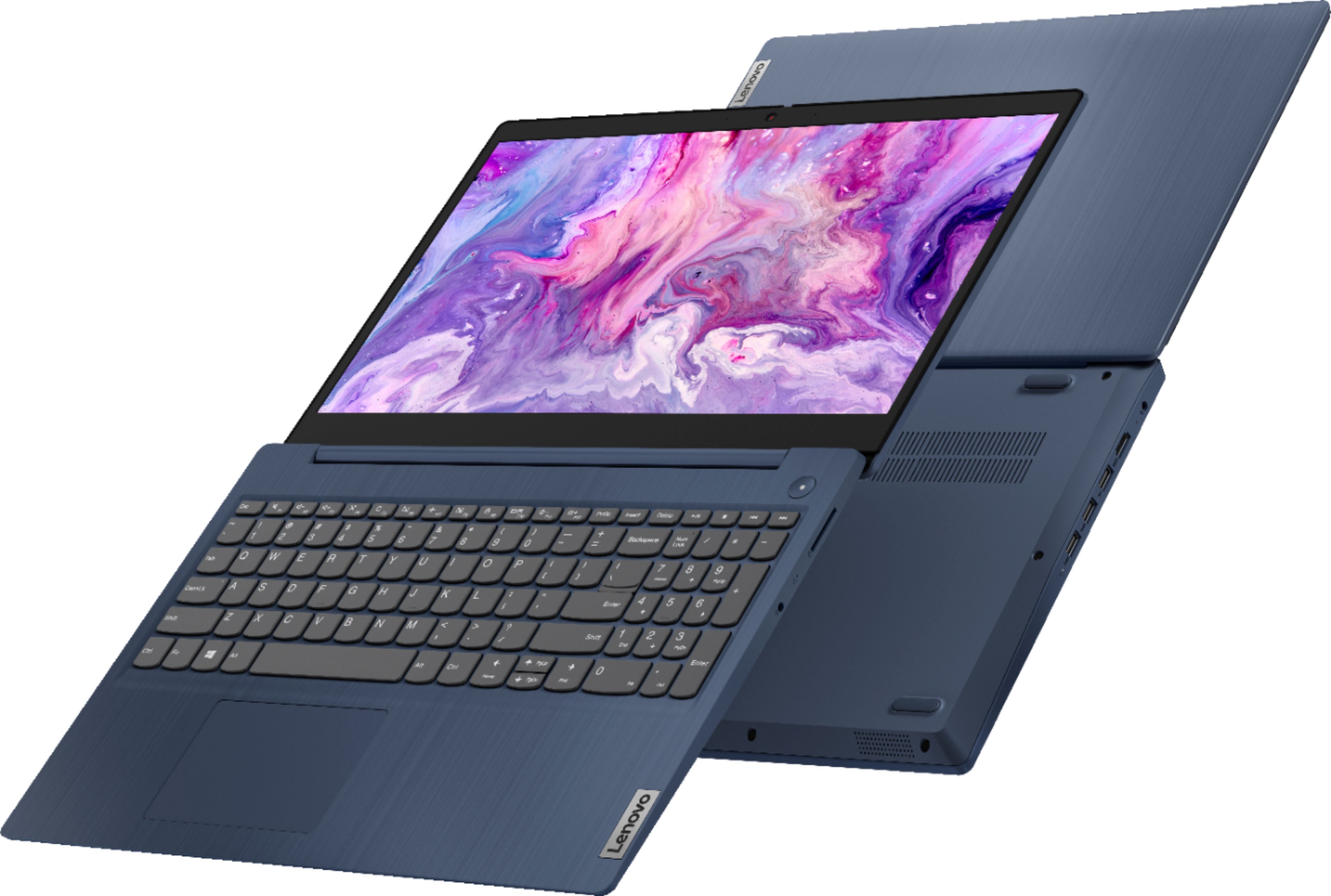
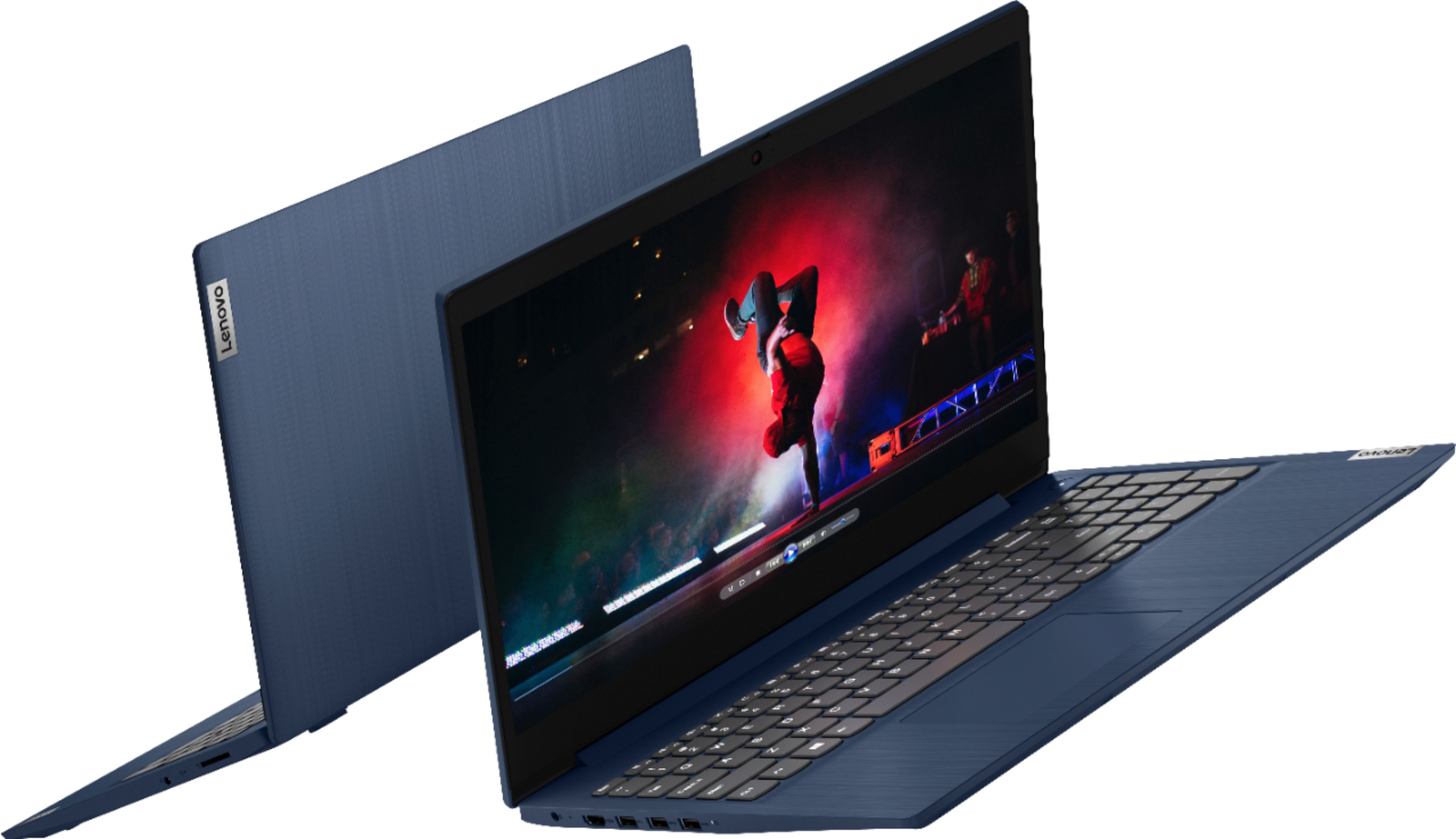
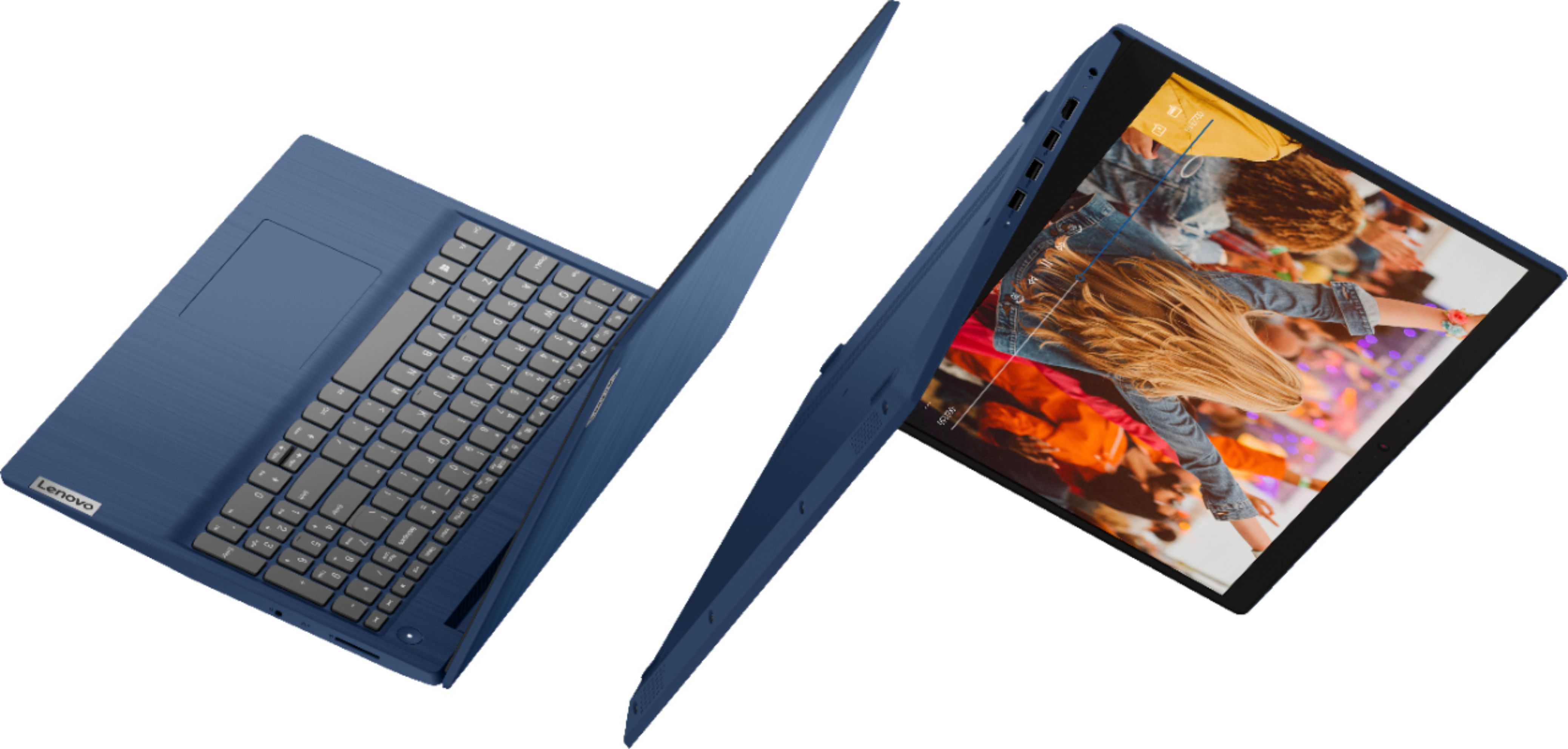
- A:Answer The Lenovo IdeaPad 3 15 Laptop, model number 81WR000FUS, ships with these ports: 1x Card reader, 2x USB 3.2 Gen 1, 1x Headphone / microphone combo jack (3.5mm), 1x Power connector 1x USB 2.0, 1x HDMI 1.4b.
Answered by Lenovo Product Expert

Q: QuestionCan we expand the ssd memory in this laptop through a m.2 ssd?
Asked by Tahir.
- A:Answer The Lenovo IdeaPad 3 15 Laptop, model number 81WR000FUS, is not user upgradable. A certified technician must do all of the work, so as to not void the warranty. This model ships with a 256GB M.2 2242 PCIe 3.0x2 NVMe solid state hard drive. The maximum supported storage capacitiy for this configuration is: Up to two drives, 1x 2.5 inch HDD + 1x M.2 SSD - 2.5 inch HDD up to 1TB plus M.2 2242 SSD up to 512GB or M.2 2280 SSD up to 1TB. We recommend you consult with your certified technician about your storage upgrade options.
Answered by Lenovo Product Expert

Q: QuestionDoes this laptop come with the charging adapter?
Asked by Tahir.
- A:Answer Yes. The Lenovo IdeaPad 3 15 Laptop, model number 81WR000FUS, ships with a Dual Voltage, 45W Round Tip (2-pin, Wall-mount) USA wall plug compatible, AC adapter/charger.
Answered by Lenovo Product Expert

Q: QuestionWhat type of security features does this computer have ?
Asked by Irish0001.
- A:Answer The Lenovo IdeaPad 3 15 Laptop, model number 81WR000FUS, ships with Windows 10 S-Mode 64-bit Operating System. Windows 10 S-Mode provides added security by only allowing APPs available ( and therefore certified by Microsoft) at the Microsoft Store. If you don't need the added security or you need to install APPs not available at the Microsoft Store, you can switch to standard Windows 10 Home 64-bit Operating System, at no additional cost. S-Mode also comes with Windows Defender Virus Protection Software built. If you want to use a 3rd party Virus Protection Software, The Lenovo IdeaPad 3 15 Laptop ships with a 30-day trial of McAfee Virus Protection Software installed. It will activate automatically with the initial activation of Windows 10 and protect your computer for the 30-day trial period. You do not need to use McAfee VPS. You can uninstall McAfee and use the free Windows Defender VPS that comes with Windows 10 or you can uninstall McAfee and then install your choice of any compatible 3rd party VPS. The key is to uninstall McAfee if you will not be using it, as there can only be one active VPS on the computer at a time. Here is a link to information on uninstalling McAfee from Windows 10: https://service.mcafee.com/webcenter/portal/oracle/webcenter/page/scopedMD/s55728c97_466d_4ddb_952d_05484ea932c6/Page29.jspx?wc.contextURL=%2Fspaces%2Fcp&articleId=TS101331&_afrLoop=1355161020222084&leftWidth=0%25&showFooter=false&showHeader=false&rightWidth=0%25¢erWidth=100%25#!%40%40%3FshowFooter%3Dfalse%26_afrLoop%3D1355161020222084%26articleId%3DTS101331%26leftWidth%3D0%2525%26showHeader%3Dfalse%26wc.contextURL%3D%252Fspaces%252Fcp%26rightWidth%3D0%2525%26centerWidth%3D100%2525%26_adf.ctrl-state%3Dx25crirbo_9. The IdeaPad 3 15 also ships with the Firmware TPM 2.0 integrated in chipset for added security.
Answered by Lenovo Product Expert

Q: Questioncan this laptop run programs such as adobe animate?
Asked by alex.
- A:Answer That will really depend on the requirements and compatibility of the specific software you want to run. The Lenovo IdeaPad 3 15 Laptop, model number 81WR000FUS, ships with Windows 10 S-Mode 64-bit Operating System. Windows 10 S-Mode provides added security by only allowing APPs available ( and therefore certified by Microsoft) at the Microsoft Store. If you don't need the added security or you need to install APPs not available at the Microsoft Store, you can switch to standard Windows 10 Home 64-bit Operating System, at no additional cost. We recommend you check with the specific software publisher's web site, of the software you want to use, for their compatibility with Windows 10 S-Mode 64-bit operating system and the minimum/recommended hardware requirements (Is a Graphics card required, the processor speed and the minimum required system RAM and the minimum available hard drive space) to run their program, then compare those requirements to this system's configuration. If you choose to switch out of Windows 10 S-Mode for Windows 10 Home, here is a link to instructions for switching from Windows 10 S-Mode to Windows 10 Home: https://support.microsoft.com/en-us/help/4456067/windows-10-switch-out-of-s-mode
Answered by Lenovo Product Expert

Q: QuestionCan you turn off the touchpad if you are using a mouse?
Asked by RB.
- A:Answer Yes. Tap the Hotkey in the F6 position on your keyboard to toggle the touchpad on/off.
Answered by Lenovo Product Expert

Q: QuestionIs this a good laptop for college students?
Asked by cocoabandit.
- A:Answer That really will depend on the specific software the student will need to use and the requirements and compatibility of that software. The Lenovo IdeaPad 3 15 Laptop, model number 81WR000FUS, ships with Windows 10 S-Mode 64-bit Operating System. Windows 10 S-Mode provides added security by only allowing APPs available ( and therefore certified by Microsoft) at the Microsoft Store. If you don't need the added security or you need to install APPs not available at the Microsoft Store, you can switch to standard Windows 10 Home 64-bit Operating System, at no additional cost. We recommend you check with the specific software publisher's web sites, of the APPs the student will need to use, for their compatibility with Windows 10 S-Mode 64-bit operating system and the minimum/recommended hardware requirements (Is a Graphics card required, the processor speed and the minimum required system RAM and the minimum available hard drive space) to run their program, then compare those requirements to this system's configuration. If you choose to switch out of S-Mode for Windows 10 Home, here is a link to instructions for switching from Windows 10 S-Mode to Windows 10 Home: https://support.microsoft.com/en-us/help/4456067/windows-10-switch-out-of-s-mode
Answered by Lenovo Product Expert

Q: QuestionWould this work with digital art? Has anyone used this for digital art/editing if so what programs and how does it run?
Asked by Ry.
- A:Answer Very poor screen resolution.
Answered by PaulM
Q: QuestionDoes the keyboard have fluorescent light?
Asked by Anonymous.
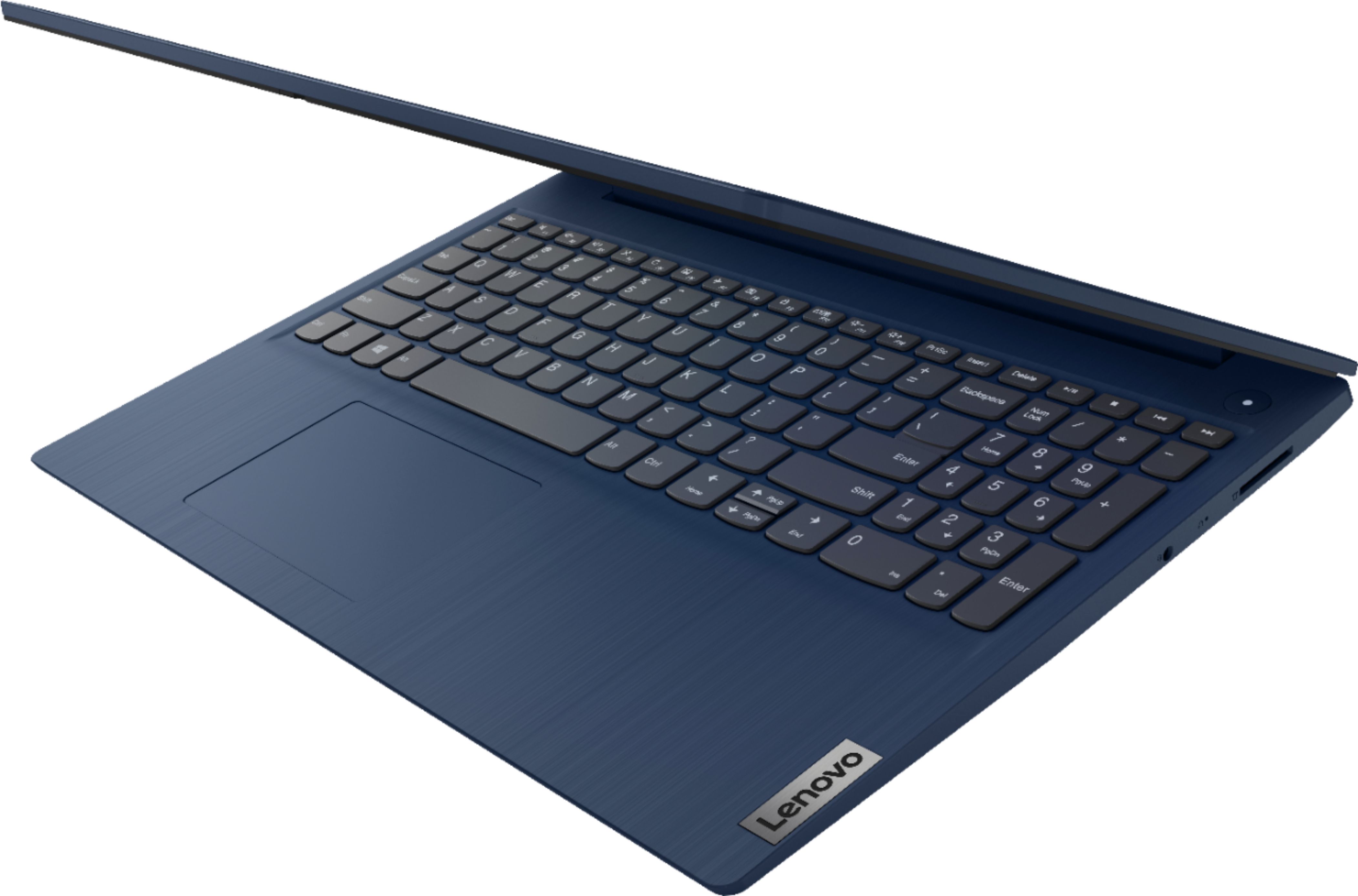
- A:Answer No. The Lenovo IdeaPad 3 15 Laptop, model number 81WR000FUS, does not have a backlit keyboard.
Answered by Lenovo Product Expert

Q: Question1 does it support 2 color monitors 2 will support a cannon laser printer mf236n 3. Will support phone video phone calls and zoom
Asked by Nick.
- A:Answer The Lenovo IdeaPad 3 15 Laptop, model number 81WR000FUS, has 1x HDMI 1.4b port for a direct connection to an external monitor. To connect two external monitors, you will need to add an external USB 3.0 universal docking station like this one: https://www.bestbuy.com/site/j5create-usb-3-0-mini-docking-station-silver/5901250.p?skuId=5901250. The IdeaPad 3 15 model number 81WR000FUS, ships with Windows 10 S-Mode 64-bit Operating System and is compatible with any printer that is compatible with Windows 10 S-Mode. If you need to switch out of S-Mode to Windows 10 Home, here is a link to instructions for switching from Windows 10 S-Mode to Windows 10 Home: https://support.microsoft.com/en-us/help/4456067/windows-10-switch-out-of-s-mode. The Lenovo IdeaPad 3 15 model number 81WR000FUS, ships with a 720p (HD) webcam with built in Privacy Shutter and Dual Array Microphones for video conferencing. Whether this computer is compatible with a specific video conferencing APP will depend on the requirements and compatibility of the specific APP you want to use. We recommend you check with the specific video conferencing software publisher's web sites for their compatibility with Windows 10 S-Mode 64-bit operating system and the minimum/recommended hardware requirements (Is a Graphics card required, the processor speed and the minimum required system RAM and the minimum available hard drive space) to run their program, then compare those requirements to this system's configuration.
Answered by Lenovo Product Expert

Q: Questionis screen led or lcd?
Asked by bella.
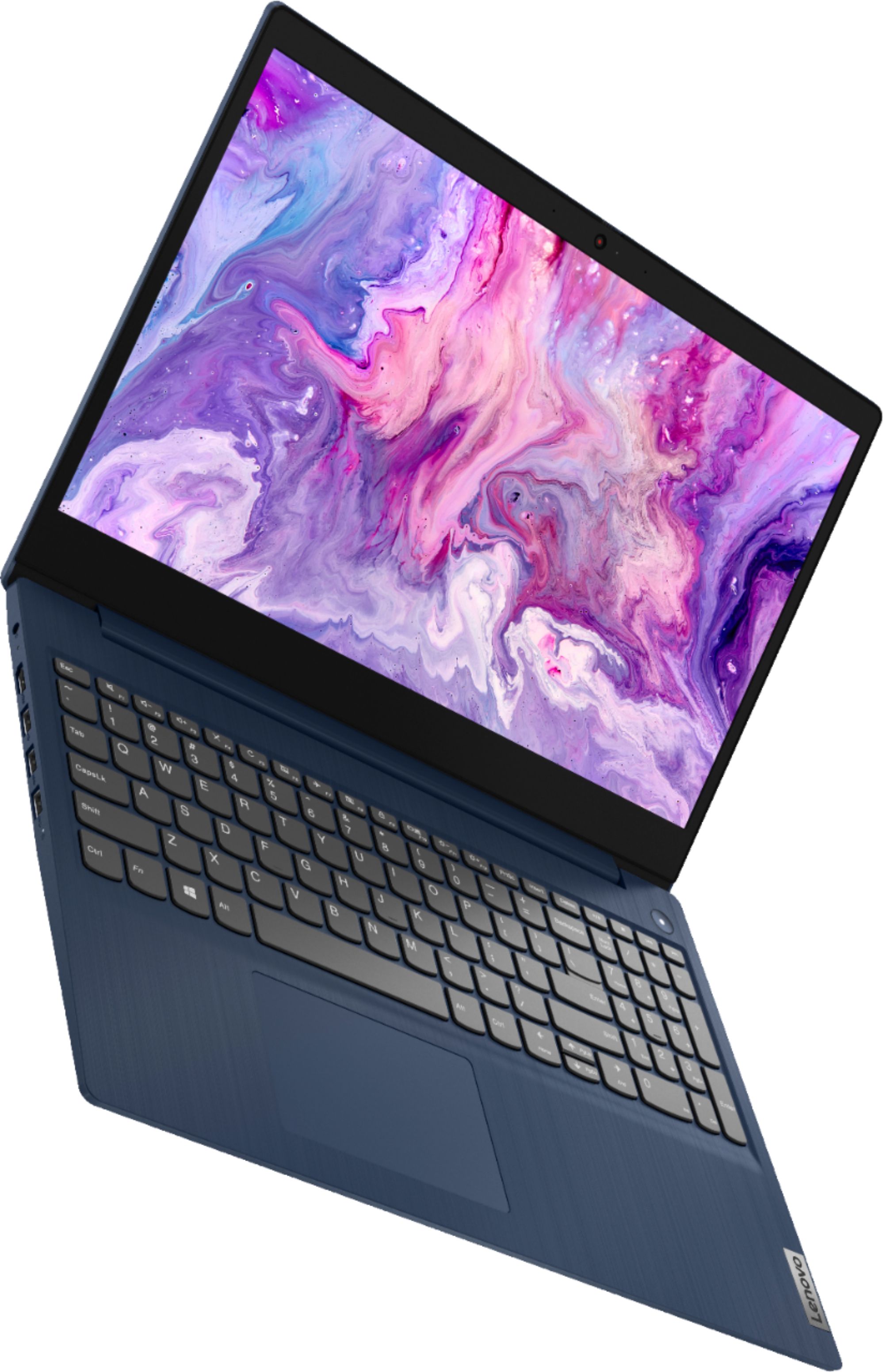
- A:Answer The Lenovo IdeaPad 3 15 Laptop, model number 81WR000FUS, ships with a 15.6 inch (screen size measured diagonally) LCD w/LED Backlight (Anti-glare)TN - HD (1366x768) 10-point Multi-touch screen, with a brightness level of 220 nits.
Answered by Lenovo Product Expert